Viral Hooks
Trending short videosCreate custom captions in seconds
J

@johnbucog

Instagram · 10 Shot

@johnbucog How I Create Custom Fonts Comment “Font” I’ll send it to you! Step 1: Find Inspo on Pinterest Step 2: Go to AIVideo.com Step 3: Create a new project Step 4: Select Flux Context Pro & Drop your Reference Step 5: Input it into any editing software to add Animations (you can remove background by changing the composite mode) #editing #content #creator

View original on Instagram

The edit1 shot · 23 text
Shots Text0:27

Performance

Views
238.9K
Likes
9K
Comments
4.6K
Engagement
5.7%
Outlier
1.8×
Length · 1 Nov 2025
0:27

Video #12554 · 10 Shot

Create custom captions in secondsfrom @johnbucog

[01]

Overview

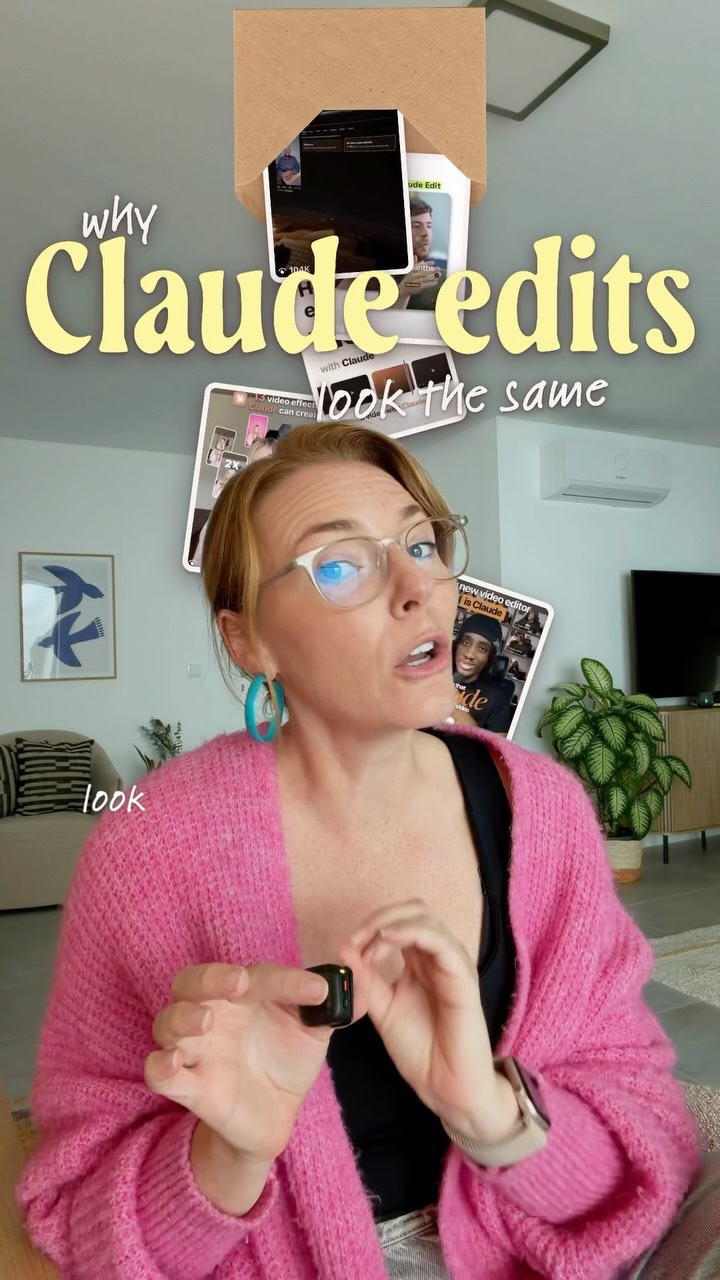
The creator demonstrates how to make custom captions in seconds using AI video editing software. He shows how to find inspiration, upload it to the software, select a style, and generate the captions. He also encourages viewers to experiment with colors, textures, and size.

[02]

Simple outline

  1. 1State problem
  2. 2Show inspiration
  3. 3Demonstrate solution
  4. 4Experiment variations

[03]

Related videos

[04]

Classification

Format
Concepts
Tutorial / How To
Elements
Text OverlayScreen Recording

[05]

Hook analysis

What stops the scroll in the first 3 seconds

Title hook · 45%

CUSTOM CAPTIONS

Verbal hook · 50%

Here's how I make my custom captions in seconds.

Visual hook · 5%

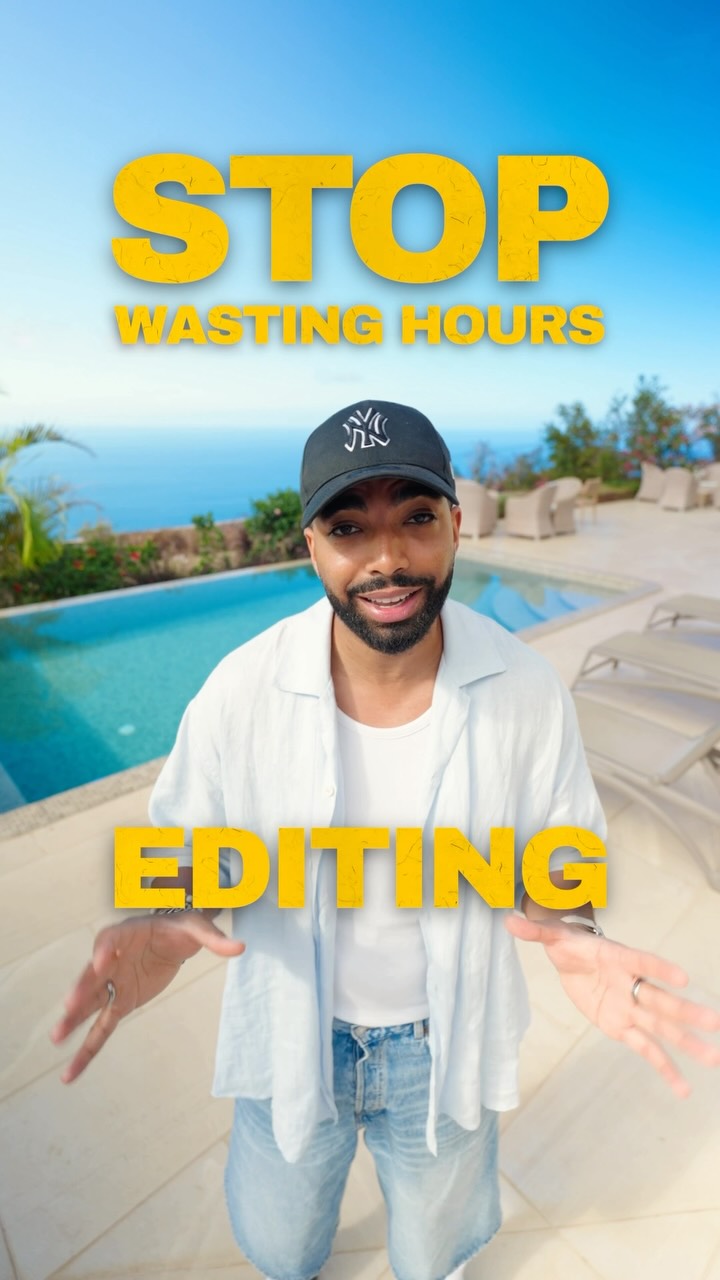
The video opens with the creator in a well-lit room, gesturing towards the camera with a confident expression.

[07]

Hook and payoff

The promise the opener makes, and how the video pays it back

Hook

Introduce the problem of creating custom captions.

Payoff

Offer to send the font to viewers who comment.

[08]

Narrative framework

The structural pattern this video runs on

Framework

Custom Caption Tutorial

A step-by-step guide to creating custom captions using AI tools.

  1. 1

    Inspiration Sourcing

    Instruct the viewer to find visual inspiration.

  2. 2

    Tool Introduction

    Introduce the AI tool (AIVideo.com) as the solution.

  3. 3

    Project Setup

    Guide the viewer through setting up a new project in the AI tool.

  4. 4

    Model Selection

    Specify the AI model (Flux Contact Pro) to use.

  5. 5

    Prompt Input

    Provide the exact prompt to use for generating captions.

  6. 6

    Customization

    Instruct the viewer to change the word in the prompt for customization.

  7. 7

    Generation Process

    Show the process of generating the captions.

  8. 8

    Exporting Variations

    Show the ability to export multiple variations of the captions.

  9. 9

    Experimentation Encouragement

    Encourage the viewer to experiment with colors, textures, and size.

Themes

  • video editing
  • AI
  • design

Techniques

  • text overlay
  • montage editing
  • screen recording

Trends

  • AI video editing
  • custom captions

Post caption

How I Create Custom Fonts Comment “Font” I’ll send it to you! Step 1: Find Inspo on Pinterest Step 2: Go to AIVideo.com Step 3: Create a new project Step 4: Select Flux Context Pro & Drop your Reference Step 5: Input it into any editing software to add Animations (you can remove background by changing the composite mode) #editing #content #creator

Text overlays

  • title · beginning

    here's how I make my

  • title · beginning

    CUSTOM

  • title · beginning

    CAPTIONS

  • title · beginning

    seconds

  • title · beginning

    First, find

  • title · beginning

    Anything that

  • title · middle

    Then, head

  • title · middle

    and drop

  • title · middle

    Now put it into

  • title · middle

    select

  • title · middle

    And

  • informational · middle

    Keep everything the same, but change the word to

  • title · middle

    press

  • title · middle

    AND LET

  • title · middle

    IT COOK.

  • title · end

    You can

  • title · end

    VARIATIONS

  • title · end

    AVA

  • title · end

    EXPERIMENT

  • title · end

    TEXTURES

  • title · end

    SIZE

  • title · end

    Drop

  • title · end

    FONT

Transcript

Here's how I make my custom captions in seconds. Worst, find your inspo, anything that catches your bad. Then head over to aivideo.com and drop it into a new project. Okay, now put it into your library, and select FlexContact Pro, and use this exact prompt. Keep everything the same, but change the word to, then press generate and let it cook. You can export as many variations as you want with Ava. Experiment with colors, textures, and size. Drop font, and I'll send this to you.

Create custom captions in seconds | Viral Hooks