Post caption
please do this today! 💛
comment 'doc' for writeup~
the world will get scarier before it is safer.
we must be diligent, no more password123.
filmed spontaneously in @catlabs
#cybersecurity #security #passwords
Transcript
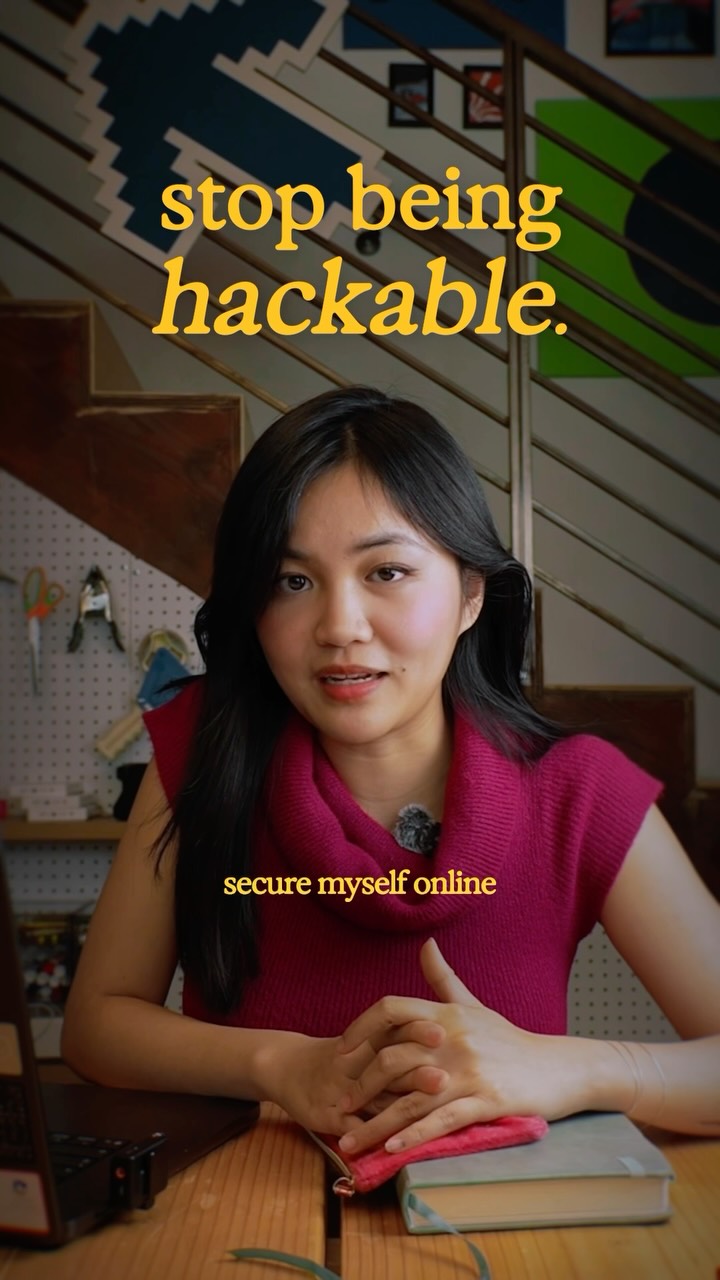
Today, I took the time to secure myself online, and you should too. This month is being called Black October. We've discovered many critical security vulnerabilities in our old code best. For example, affecting PHP, which runs 70% of the world's websites. Why is this happening? The Internet is still relatively new, only thirty five years. And for example, PHP is thirty one years. All this tier, we've been using buggy code that we only know about. Now, we're entering an era where we cannot be willy nilly about our passwords and our identity online. We need to be very diligent. So tier are three things I did today to secure myself. First, I got a password manager. I used 1Password, which let me see all of my saved passwords and be able to change them into unique passwords. Second, I got a physical key for my password manager. That means every time I'm logging in to see my passwords, I need to use this physical key to unlock it. I got a YubiKey, you tap to unlock. Tap in. Third and finally, I checked which apps bad access to my email, my calendar, and other sensitive info. The way I did this was I went into my connected app settings in Google, because I use Google, and I removed all the accounts I don't need. Some I forgot were already in there. I put the exact steps into a doc because I spent some time researching them and want you to not need to spend that time. An additional reading I would recommend is Endrick Parthi's digital hygiene guide. I hope you secure yourself too. You never know when you might need it.