@node.io
TikTok · Split screen
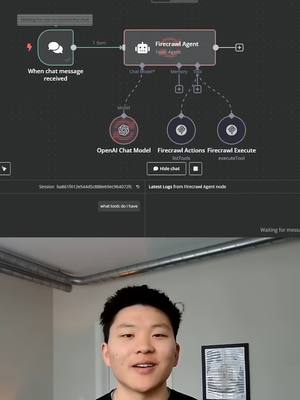
@node.io MCPs Explained For Non-Techies #n8n #artificialintelligence #mcp #modelcontextprotocol #coding #mcp #aiagents #n8n #automation #developer #buildinpublic #localai #techstack #modelcontextprotocol #llmworkflow

@node.io
TikTok · Split screen
@node.io MCPs Explained For Non-Techies #n8n #artificialintelligence #mcp #modelcontextprotocol #coding #mcp #aiagents #n8n #automation #developer #buildinpublic #localai #techstack #modelcontextprotocol #llmworkflow
Performance
Video #5400 · Split screen
[01]
The speaker explains the Model Context Protocol (MCP) for a non-technical audience. He starts with the basics of LLMs like ChatGPT, then introduces AI agents with tools, highlighting their limitations due to hard-coded configurations. He then presents MCP as a solution—a 'universal translator' layer that provides agents with rich context like resources, schemas, and prompts, making them more intelligent and flexible, and uses diagrams of an Airtable agent to contrast the complexity of building without MCP versus the simplicity of building with it.
[02]
[03]
 644.1K100.3×AI problem and council solution@jasoncooperson · Breakdown
 186.2K1.4×Figma design to code demo@figma · Product Demo
 20M71.4×Talking head AI software explainer@rpn · Breakdown
 2.9M210×Explaining AI stages with visuals@itsemilyhiggins · Opportunity Explainer
 146.5K2.9×Explaining AI-first software development@angus.sewell · Opportunity Explainer
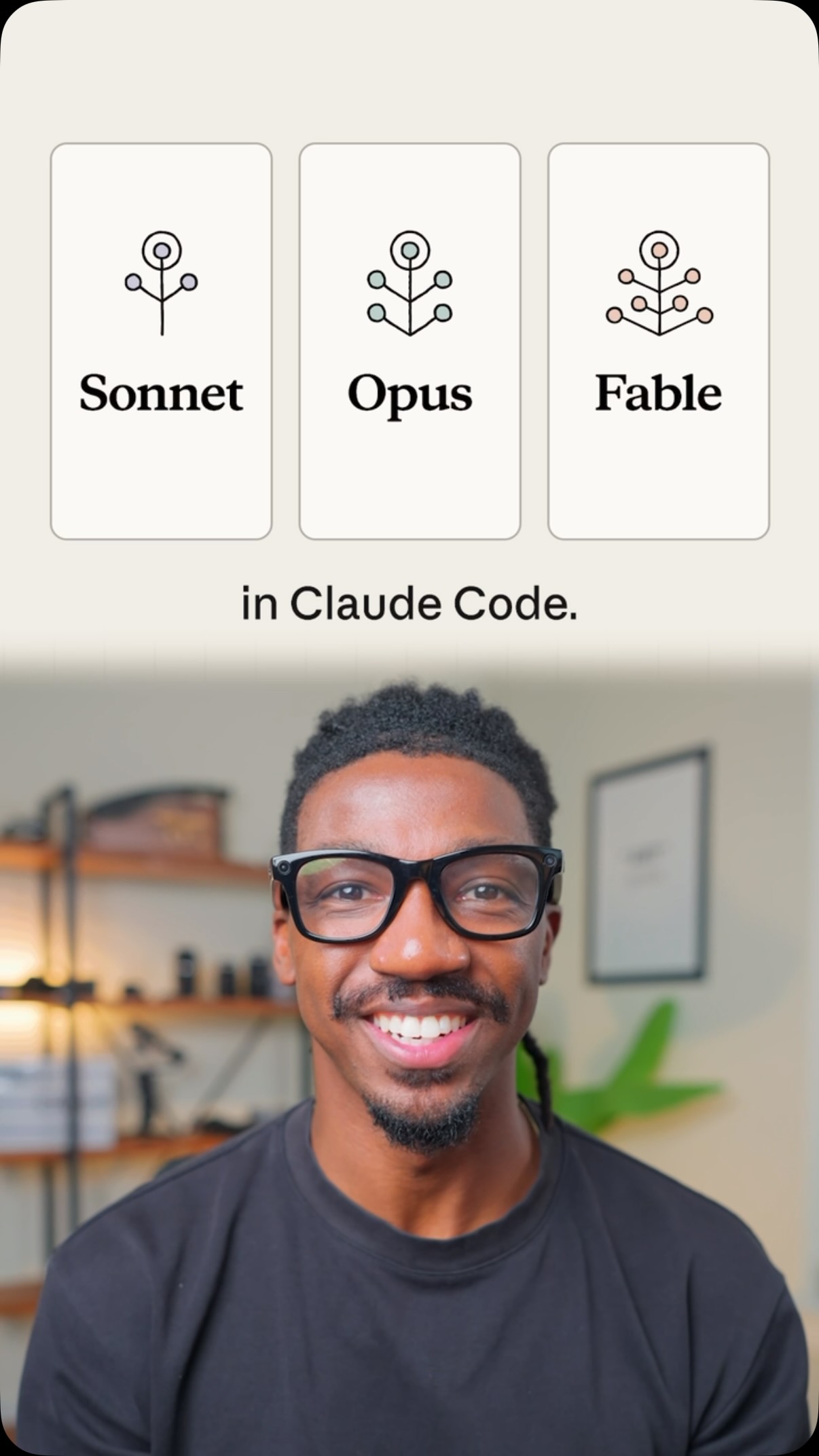 11.4M116.9×How to pick AI models@claudeai · Tutorial / How To
 1.9M3711.6×Claude vs ChatGPT simplified breakdown@bigpictureclub · Breakdown
 206.2K11×Tutorial for creating a personal AI@angus.sewell · Tutorial / How To
 53.5KCreator lists ten AI marketing tools.@thejamescamp · Rapid Fire Listicle
 649.3K6.3×Creator explains AI mom's system@rony · Case Study Breakdown
 4.5M332.8×Explaining new proactive AI agents@kanekallaway · Opportunity Explainer
 144.2K3.8×Tutorial for AI app self-improvement@angus.sewell · Tutorial / How To
[04]
[05]
What stops the scroll in the first 3 seconds
Title hook · 35%
Model Context Protocol (MCP) Making AI Agents More Intelligent.
Verbal hook · 45%
Okay. This is MCP explained for regular people.
Visual hook · 20%
Split screen view with a speaker on the bottom and a complex technical flowchart diagram on the top, creating immediate visual interest and setting the educational context.
[06]
Steal this for your own video
This is explained for .
[07]
The promise the opener makes, and how the video pays it back
Hook
Promise to simplify a complex, niche topic for a general audience, establishing immediate value.
Payoff
A clear, visual demonstration of the new concept's superiority, providing an 'Aha!' moment and a call to action for deeper engagement.
[08]
The structural pattern this video runs on
Framework
The Concept Ladder Explainer
To explain a complex concept by starting with a universally understood baseline, introducing a limitation with that baseline, and then presenting the new concept as the elegant solution, culminating in a clear 'before and after' demonstration.
The Common Ground
Establish a simple, relatable concept that the audience already understands as a baseline for comparison (e.g., ChatGPT).
The Evolutionary Leap
Introduce the next logical step or evolution from the baseline, representing the current, more advanced state (e.g., AI Agents with tools).
The Hidden Flaw
Explicitly define the problem or limitation inherent in the current advanced state, creating narrative tension and a reason for a new solution (e.g., tools are inflexible and hard-coded).
The Solution Reveal
Introduce the video's core topic as the direct solution to the previously stated flaw (e.g., the MCP Server).
The Mechanism Explained
Explain *how* the solution works using a simple analogy or metaphor to make the mechanics digestible (e.g., a 'universal translator').
The Problem Visualized ('Before')
Show a visual representation of the 'Hidden Flaw' in action, emphasizing its complexity or inefficiency (e.g., a workflow with many individual tool nodes).
The Solution Visualized ('After')
Show a visual representation of the 'Solution Reveal' in action, directly contrasting it with the previous visual to demonstrate its simplicity and elegance (e.g., a streamlined workflow with a single MCP node).
MCPs Explained For Non-Techies #n8n #artificialintelligence #mcp #modelcontextprotocol #coding #mcp #aiagents #n8n #automation #developer #buildinpublic #localai #techstack #modelcontextprotocol #llmworkflow
title · beginning
okay this is MCP explained for regular people okay
title · beginning
Model Context Protocol (MCP) Making AI Agents More Intelligent.
informational · beginning
ChatGPT LLM
informational · middle
AI Agents
informational · middle
MCP Server
informational · end
Airtable Agent
informational · end
Airtable Agent MCP
Okay. This is MCP explained for regular people. Okay. So model context protocol, we're gonna break it down as simple as possible, how it makes AI agents more intelligent. Okay. So we're gonna start with the basics here. Let's just pretend we're going back to to Chat g b t. What we have is an input on the left where we're able to ask it a question. You no, help me write this email, tell me a joke, whatever it is. We feed in an input. The LMM thinks about it and provides some sort of answer to us as an output. The next evolution was when we started to give LLMs tools, and that's when we good AI agents. And so before we start talking about MCP servers and how that enhances our agents abilities, we need to talk about how these tools work and sort of the limitations of them. What it's gonna do is each tool has a very specific function. And so the reason that these tools aren't super flexible is because within each of these configurations, we basically have to hard code in what is the operation I'm doing here and what's the resource. And then we can feed in some dynamic things like different message IDs or label IDs. Over here, you know, the operation is better, the resource is message, so that won't change. And then over here, the operation is that we're sending a message. So now we start to interact with something called an MCP better. And it's basically just gonna be a layer between your agent and between the tools that you wanna hit, which would be right here. And so when the agent sends a request to the specific MCP server, in this case let's pretend it's Notion, it's going to get more information back than, hey, what tools do I have and what's the functionality tier. It's also gonna get information about, like, what are the resources there, what are the schemas there, what are the prompts tier. And it uses all of that to understand how to actually take the action that we asked back here in the whole input that triggered the worse information from the LLM, and it enriches that with all of the information that we need in order to hit the right tool with the right schema, fill in the right parameters, access the right right resources, all that kind of stuff. So coming down here, let's pretend that we have this beautiful Airtable agent that we built out in n a no. But this could be a lot more lean of a system if we were able to access Airtable's MCP better, as you see what we're doing right tier, because this is able to list all the tools that we have available in Airtable. But what the actual agent would look at in order to use the tool is a list of the tools where it would be, here's the name, here's the description of when you use this tool, and then here's the schema of what you need to send over to this tool. And best it's gonna do is choose which tool it needs best on the information it was fed previously. If you want to watch the full breakdown, the link for the video is in the description. See you guys over tier.