@figma
Instagram · Faceless
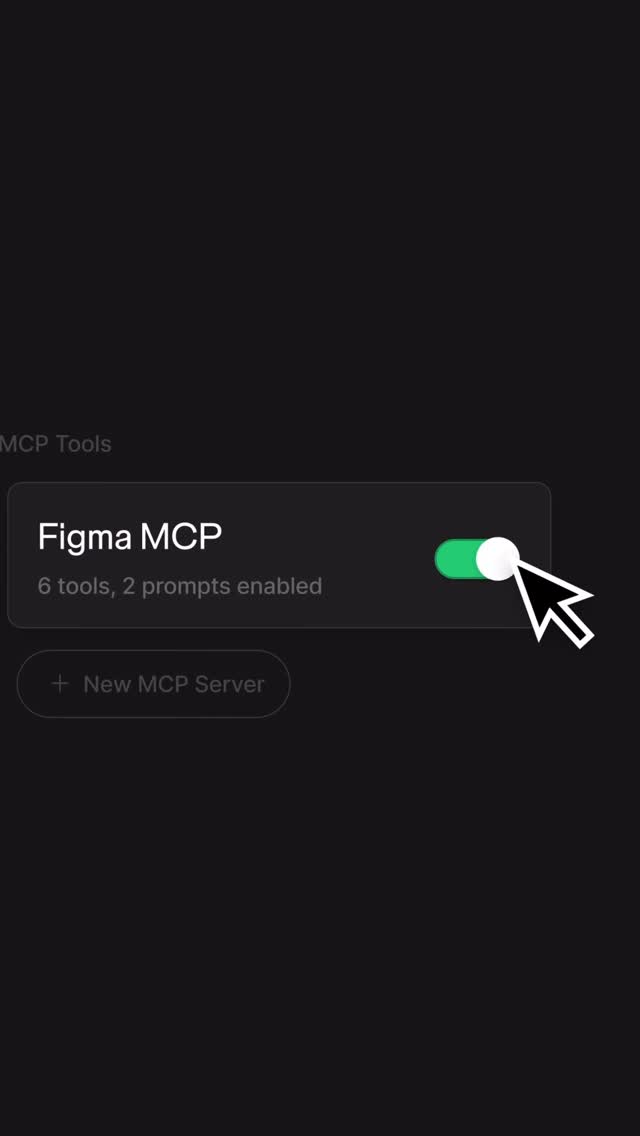
@figma Figma MCP server, now with design context anywhere you work → Remote access → Connection with Figma Make → New Code Connect UI components

@figma
Instagram · Faceless
@figma Figma MCP server, now with design context anywhere you work → Remote access → Connection with Figma Make → New Code Connect UI components
Performance
Video #3817 · Faceless
[01]
The video demonstrates a Figma feature called 'MCP Server' by showing a user enabling the tool, selecting a dashboard design, and using a text prompt with a Figma link to have an AI agent generate code. The video visualizes the automated process of function calls and code generation, culminating in a final shot of the fully functional dashboard running as a web application in a browser.
[02]
[03]
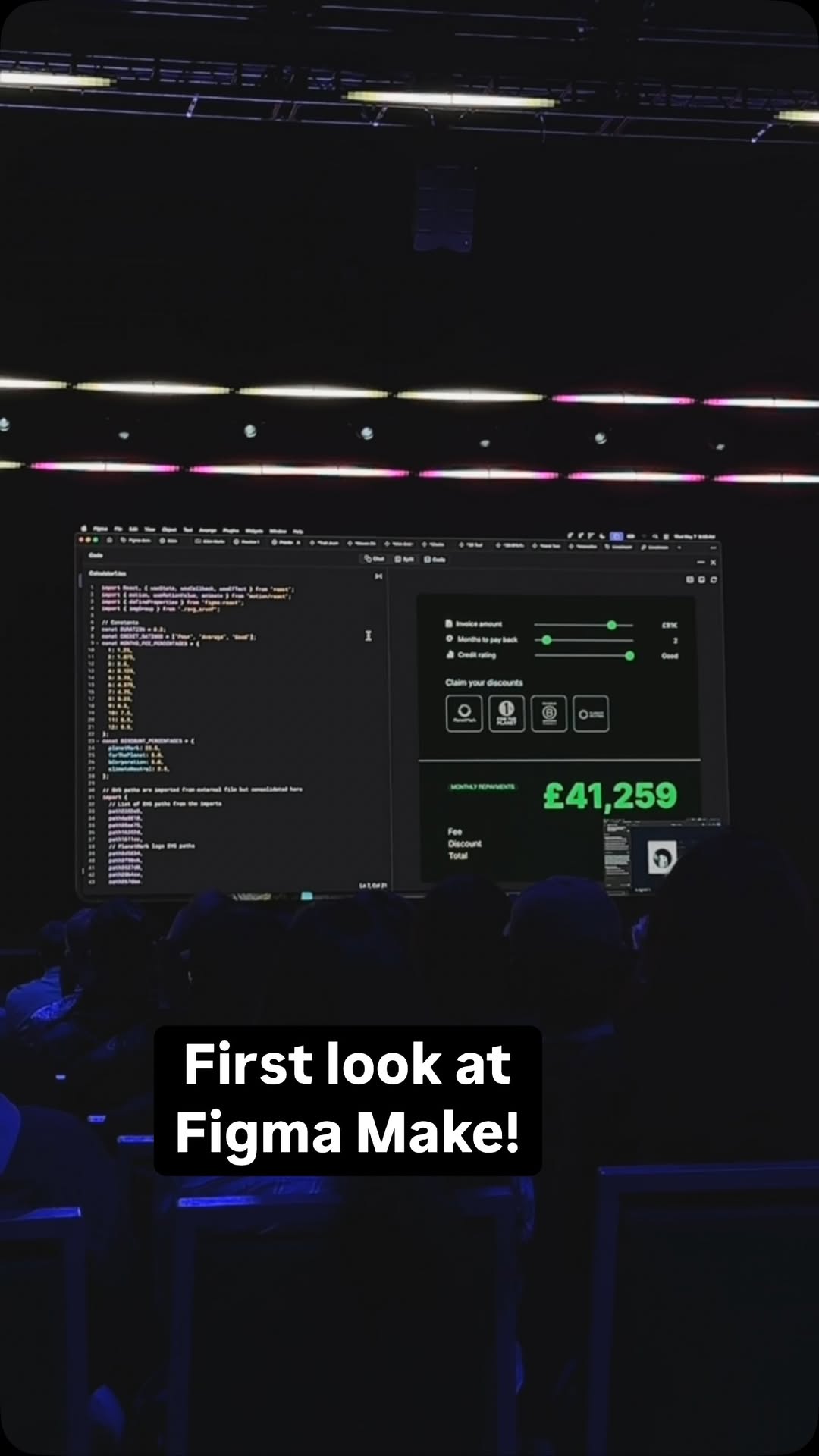 1.1M7.7×Live reveal of Figma's AI features@_radnolan · Live Event Announcement
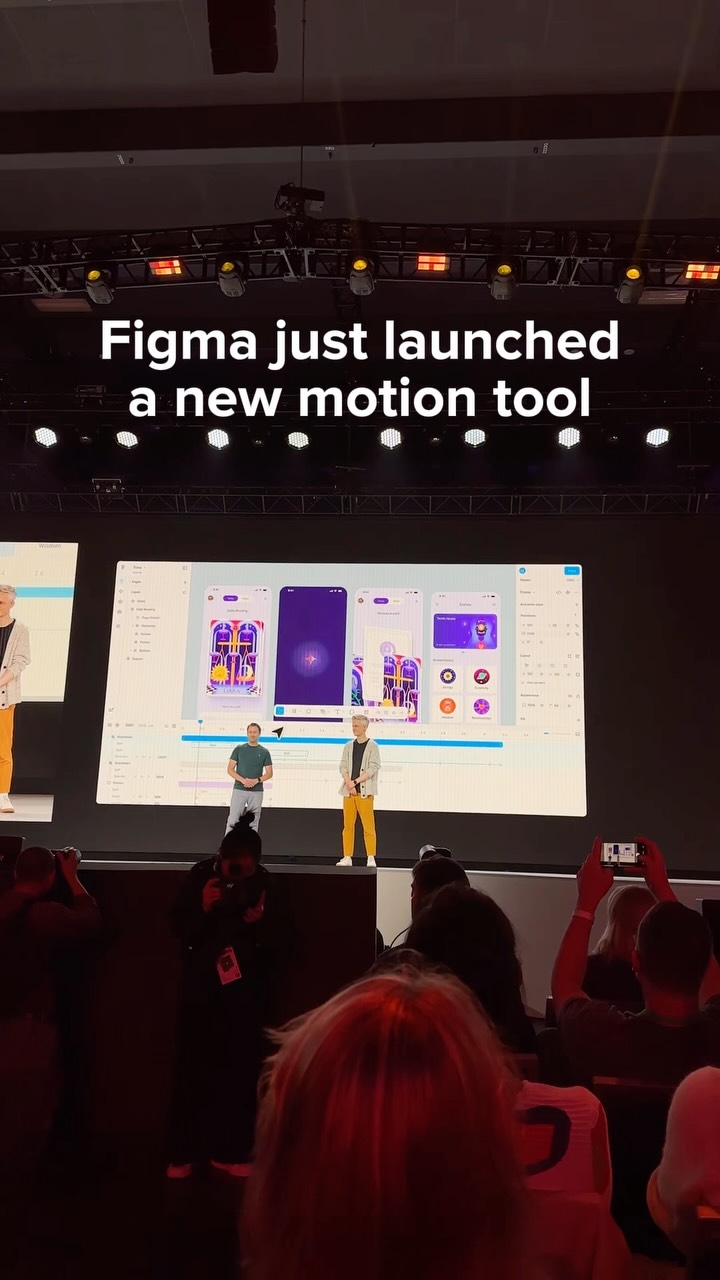 1.9M3.5×New design tool feature montage@toolandtea · Product Demo
 105.5KCreator's journey building an app@ayaneshu · Origin Story
 59.5KDesigner demos AI website builder@_alexpillow · Tutorial / How To
 130.5K3.5×Step-by-step product development workflow using ChatGPT and Claude@hoffdigital · Tutorial / How To
 53.6M173.1×Talking head AI tool demo@rpn · Resource
 9.4M1270×Greenscreen AI tool showcase@rourke.heath · Resource
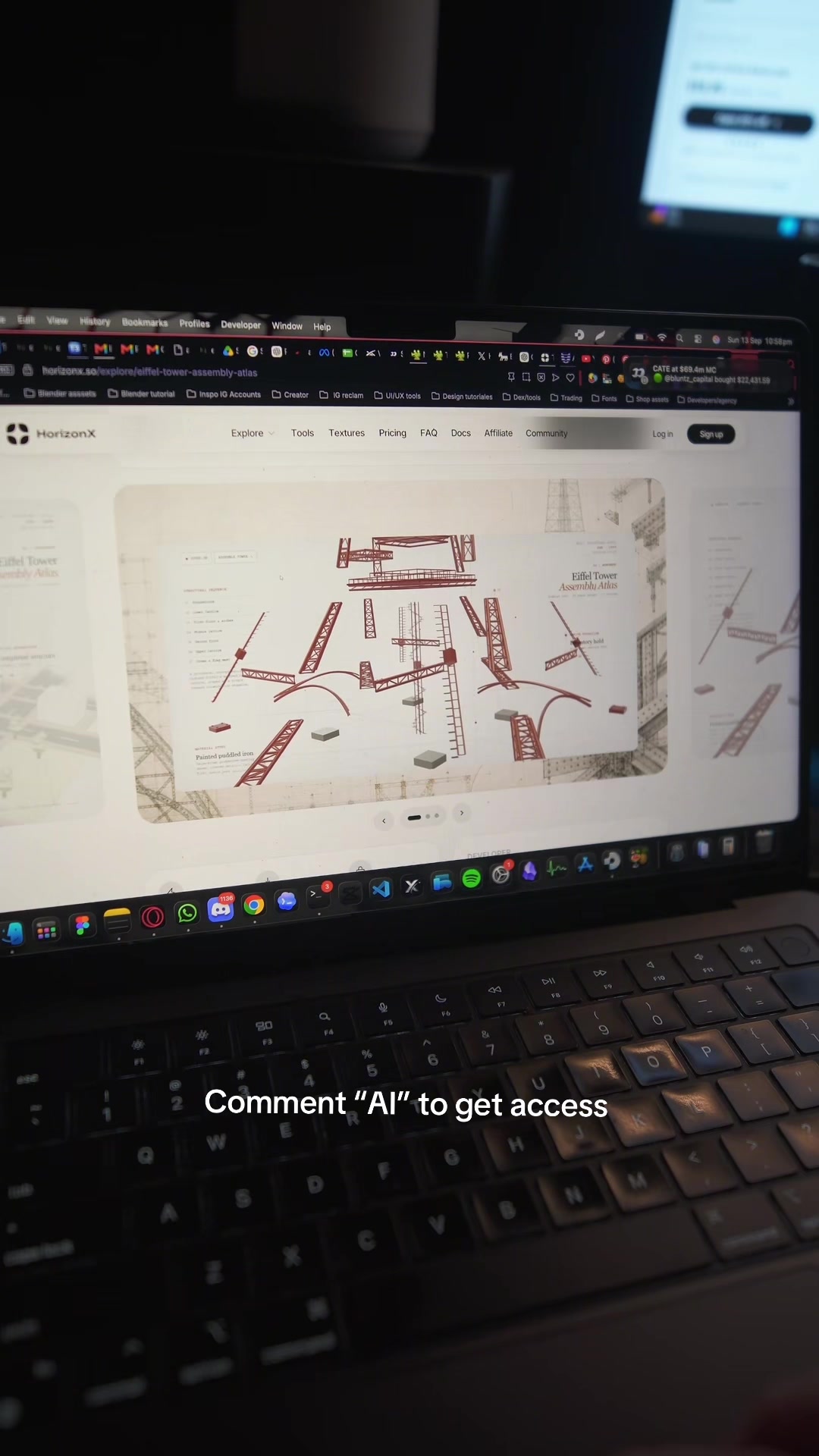 1.6M69.7×AI design tool promo video@marcelodesignx · Product Promo
 1.1M17.5×AI video creation tutorial demo@rourke · Product Demo
 430.6K9.7×AI tool tutorial for realtors@coffeecontracts · Tutorial / How To
 235.8KCreator demos new AI tool@rileybrown.ai · Breakdown
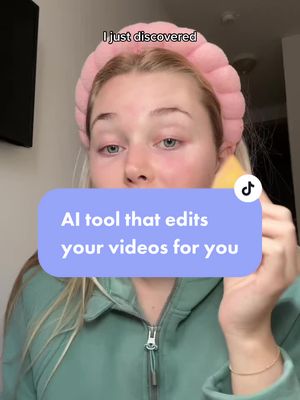 268.2K1.2×AI tool demo for creators@claireliz_ · Tutorial / How To
[04]
[05]
What stops the scroll in the first 3 seconds
Visual hook · 65%
An animated cursor appears on a clean, dark user interface and clicks a highlighted button, which changes color and immediately transitions to a new screen. The motion and direct interaction create immediate visual interest.
[06]
Steal this for your own video
Open on a clean with a highlighted ; show a cursor clicking it, then instantly cut to the .
[07]
The promise the opener makes, and how the video pays it back
Hook
The Catalyst Action. The video opens with a single, focused user action (clicking a button or toggling a switch) that initiates the entire sequence, creating immediate intrigue about the process to follow.
Payoff
The Functional Proof. The final, polished, and interactive result is demonstrated in its intended environment. This provides a satisfying 'wow' moment by confirming that the initial command was successfully executed, transforming the source input into a fully functional product.
[08]
The structural pattern this video runs on
Framework
The 'Magic Wand' Workflow
Demonstrating a complex, multi-step process being automated by a single tool, transforming a source input into a functional output through a simple command.
The Context & Command
The user defines the source material (the design) and issues a simple, high-level command (the text prompt). This beat establishes both the input and the user's intent in a clear and concise way.
The Automation Visualization
The system provides a glimpse into the complex work being automated. This is shown through a rapid sequence of process confirmations and the live generation of the raw output (e.g., code), building credibility and anticipation for the final result.
Figma MCP server, now with design context anywhere you work → Remote access → Connection with Figma Make → New Code Connect UI components
title · end
Code with context.
branding · end
Figma MCP.