Viral Hooks
Trending short videosSharing useful browser-based mockup tool
J

@jason_swet

Instagram · Talking Head Edit
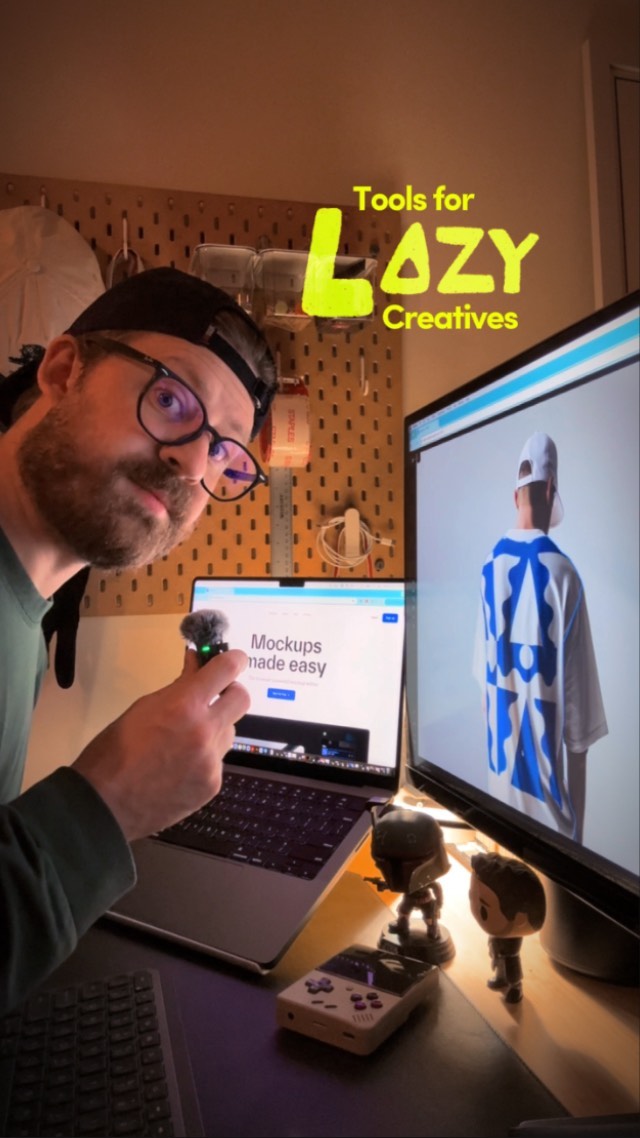
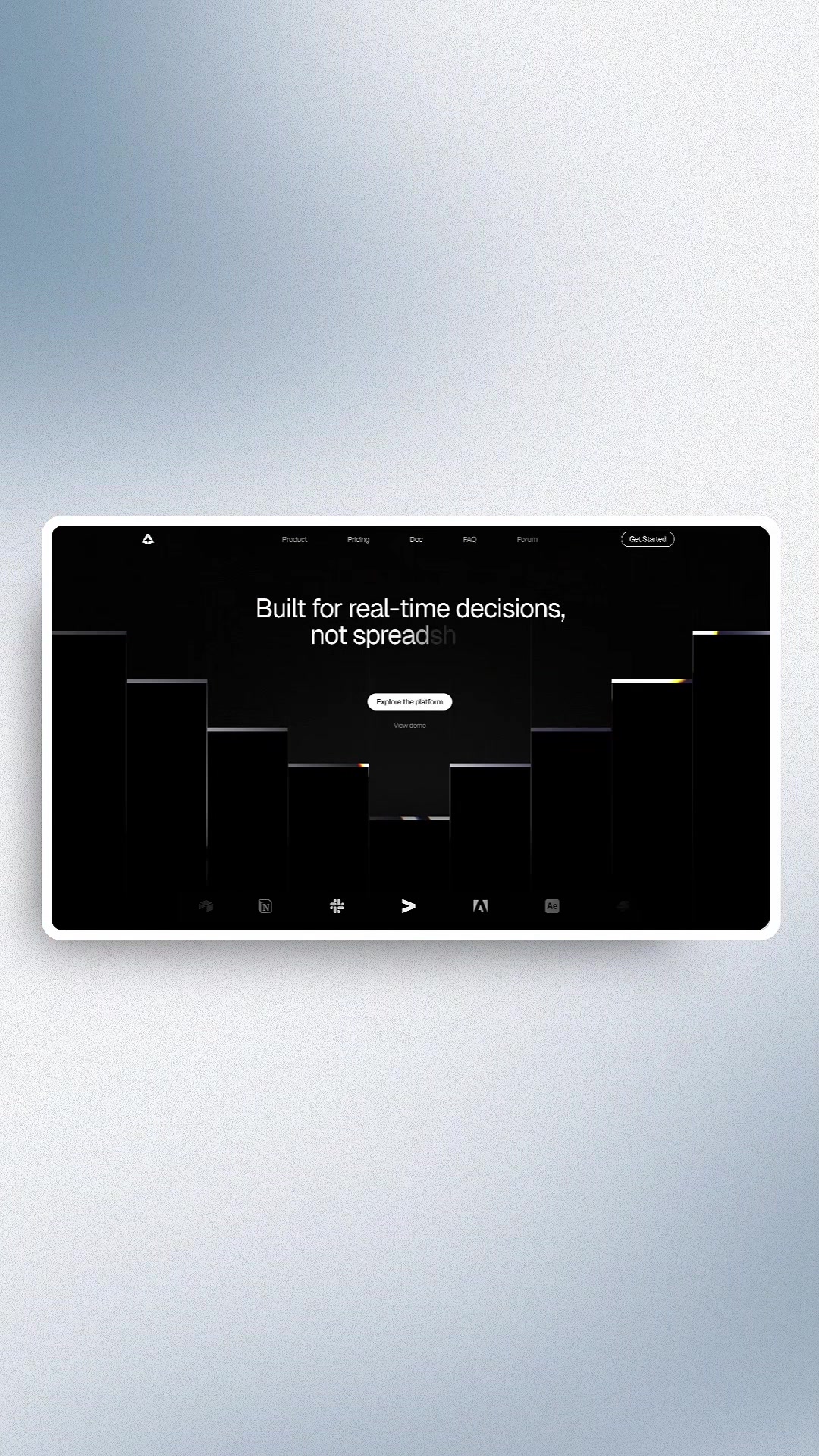
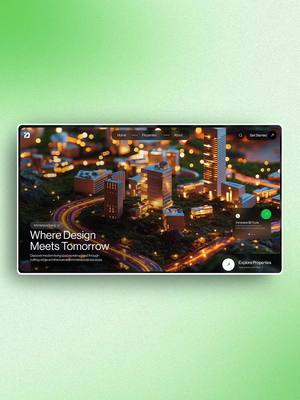
@jason_swet Add this website to your bookmarks! Super premium drag and drop mockups entirely in the browser. I love the photography. Clean. Polished. The editor couldn’t be easier to use. Check it out: ➜ @maneken.app (https://maneken.app) Update: How much does it cost? It’s free for a lot of features and mockups. There’s also a Pro plan that includes everything. Worth it in my opinion for the highly premium and curated selection. No ads. 🏷️ Use code JASON25 at checkout for 25% off 🙏 appreciate @spencergab for sharing this one. What other creative tools am I missing out on? Let me know in the comments 👇
View original on Instagram

The edit1 shot · 5 text
Shots Text

Performance

Views
5.8M
Likes
165K
Comments
539
Engagement
2.9%
Outlier
37×

Video #10960 · Talking Head Edit

Sharing useful browser-based mockup toolfrom @jason_swet

[01]

Overview

The creator introduces a browser-based mockup tool called Maneken, praising its ease of use and premium photography. He demonstrates the drag-and-drop functionality via screen recordings, highlights key features like automatic color matching, and showcases various output examples like billboards and apparel, concluding with a request for other tool recommendations.

[02]

Simple outline

  1. 1Declare dream solution
  2. 2Contrast against standard friction
  3. 3Showcase premium outputs
  4. 4Demonstrate magic features
  5. 5Validate authentic recommendation

[03]

Related videos

[04]

Classification

Concepts
Buying ListReview
Elements
Screen RecordingText OverlayB-Roll CutawayEngagement CTA

[05]

Hook analysis

What stops the scroll in the first 3 seconds

Title hook · 55%

Tools for LAZY Creatives

Verbal hook · 35%

This is the mockup website of my dreams.

Visual hook · 10%

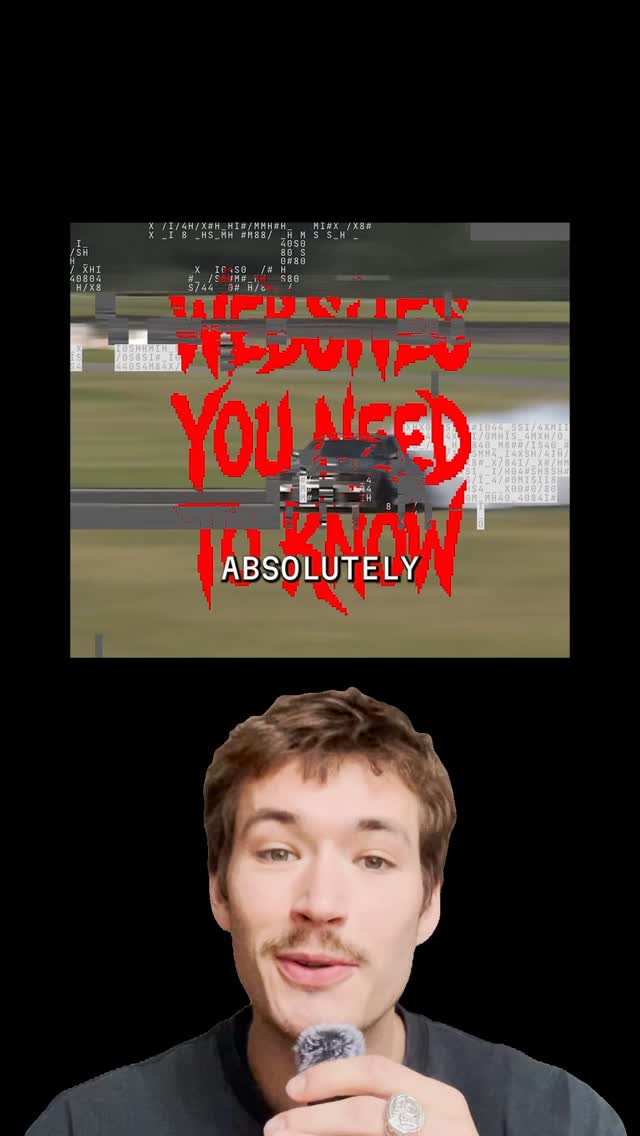
A creator holding a mini microphone in a dimly lit workspace, looking directly at the camera with a bright computer monitor in the background displaying the tool.

[06]

Hook template

Steal this for your own video

Tools for LAZY [creator type]

  • — Tools for LAZY Photographers
  • — Tools for LAZY Social Media Managers
  • — Tools for LAZY Home Cooks

[07]

Hook and payoff

The promise the opener makes, and how the video pays it back

Hook

The Hyperbolic Endorsement. Opens with a definitive statement of perfection ('website of my dreams') to arrest attention.

Payoff

The Toolbox Addition. Frames the item as a permanent asset the viewer needs to acquire immediately.

[08]

Narrative framework

The structural pattern this video runs on

Framework

The 'Dream Tool' Spotlight

Rapidly validating a specific tool by contrasting its ease of use against industry-standard friction, supported by visual proof of quality and a trust-building disclaimer.

  1. 1

    The Friction Contrast

    Defines the tool by what it *isn't* (no heavy software, no complex files), instantly appealing to lazy/efficient creators.

  2. 2

    The Quality Barrage

    A rapid visual montage of diverse, high-end results to prove the tool isn't just easy, but professional.

  3. 3

    The Feature Speedrun

    A quick, linear demonstration of the workflow (drag, drop, auto-adjust) to validate the 'easy' claim.

  4. 4

    The Trust Seal

    A specific disclaimer ('not sponsored') that reframes the video from an ad to a peer-to-peer tip.

Themes

  • Productivity
  • Design resources
  • Ease of use

Techniques

  • Screen capture
  • Direct address
  • Text overlays

Trends

  • AI tools
  • No-code design

Post caption

Add this website to your bookmarks! Super premium drag and drop mockups entirely in the browser. I love the photography. Clean. Polished. The editor couldn’t be easier to use. Check it out: ➜ @maneken.app (https://maneken.app) Update: How much does it cost? It’s free for a lot of features and mockups. There’s also a Pro plan that includes everything. Worth it in my opinion for the highly premium and curated selection. No ads. 🏷️ Use code JASON25 at checkout for 25% off 🙏 appreciate @spencergab for sharing this one. What other creative tools am I missing out on? Let me know in the comments 👇
Text overlays

  • title · beginning

    Tools for LAZY Creatives

  • call-to-action · throughout

    -> maneken.app

  • informational · middle

    Real-time

  • informational · middle

    Edit with fine-grain controls

  • informational · middle

    Push further with Multi Slots

Transcript

This is the mock up website of my dreams. It's a drag and drop mock up editor completely in the browser. No Photoshop files or smart objects and the photography is super premium. Billboards, signage, shirts, hats, devices it's so easy. Drag in any image or video file format, slide it around, it even automatically picks out the right colors to fill in any gaps rank exports exact specs for whatever platform you need. This is not sponsored, just another tool to add to the toolbox.