@ginyboi
Instagram · Quick Hit
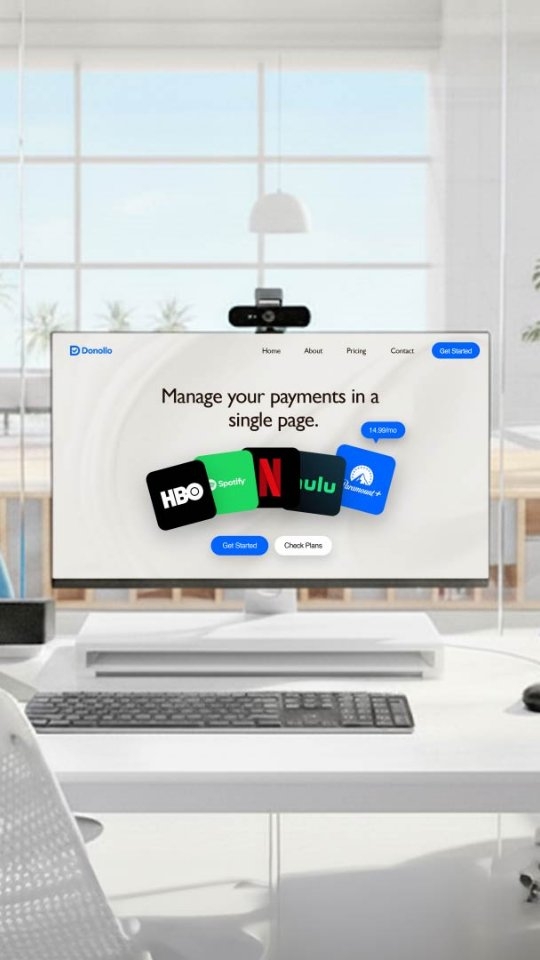
@ginyboi What if... @framer asked me a commercial? Created using - After Effects - Meshy AI - Google Veo 3 + nano banana Mockup 3D motions by @gip.hy

@ginyboi
Instagram · Quick Hit
@ginyboi What if... @framer asked me a commercial? Created using - After Effects - Meshy AI - Google Veo 3 + nano banana Mockup 3D motions by @gip.hy
Performance
Video #12218 · Quick Hit
[01]
The video promotes Framer as a tool that allows designers to turn their prototypes into actual products. It highlights features like visual style customization, Figma integration, responsive design, and quick publishing.
[02]
[03]
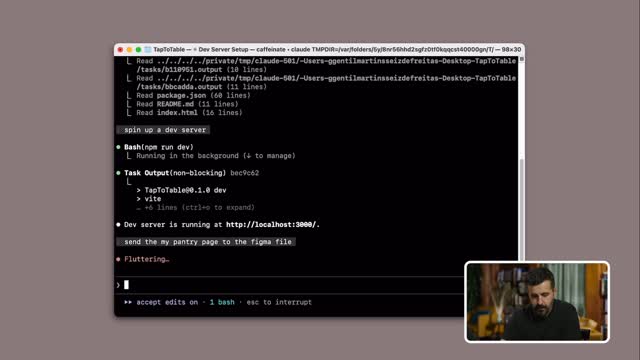 167.6K2.7×Two speakers demo new feature@figma · Product Demo
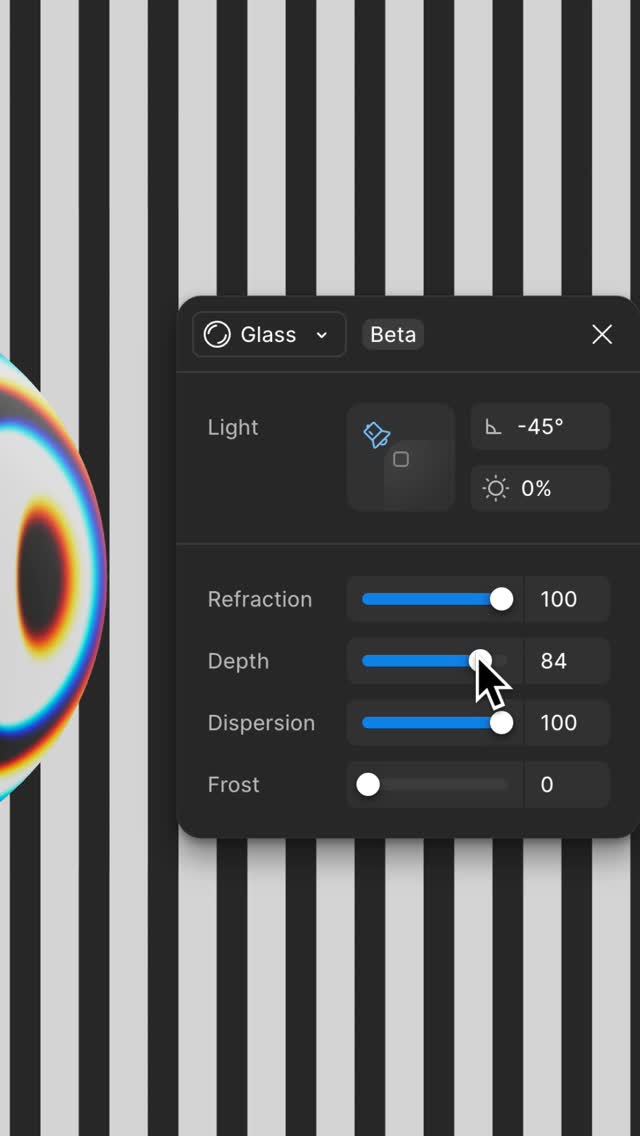 549.4K4×Glass effect design tool demo@figma · Product Demo
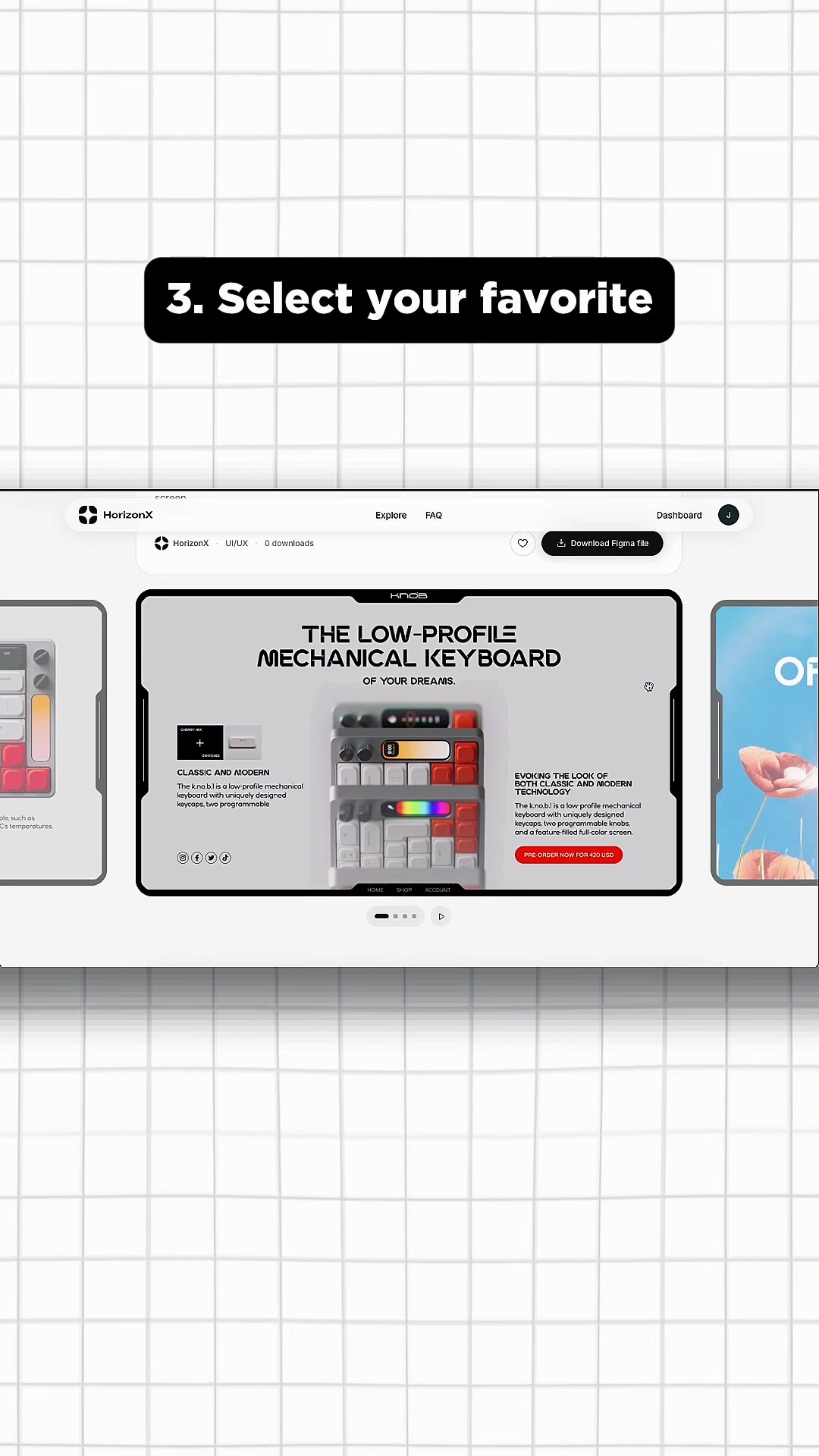 1.2M167.3×Showcasing a premium UI asset library@marcelodesignx · Showcase
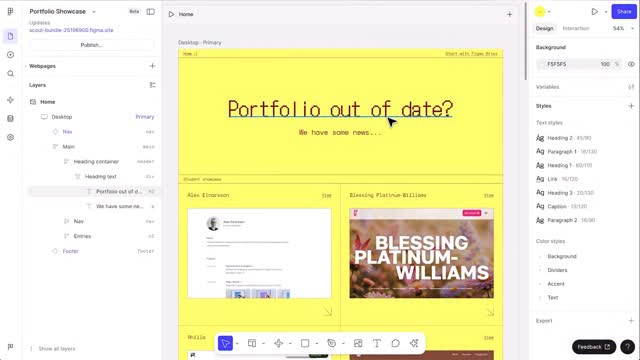 132.2KScreen recording product feature announcement@figma · Product Promo
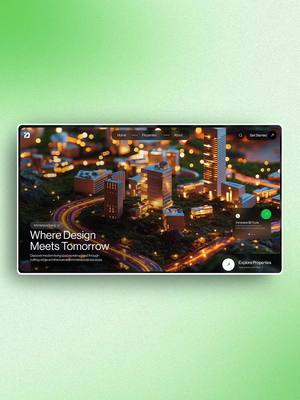 702K12.7×Designer creates 3D website concept@marcelodesignx · Process
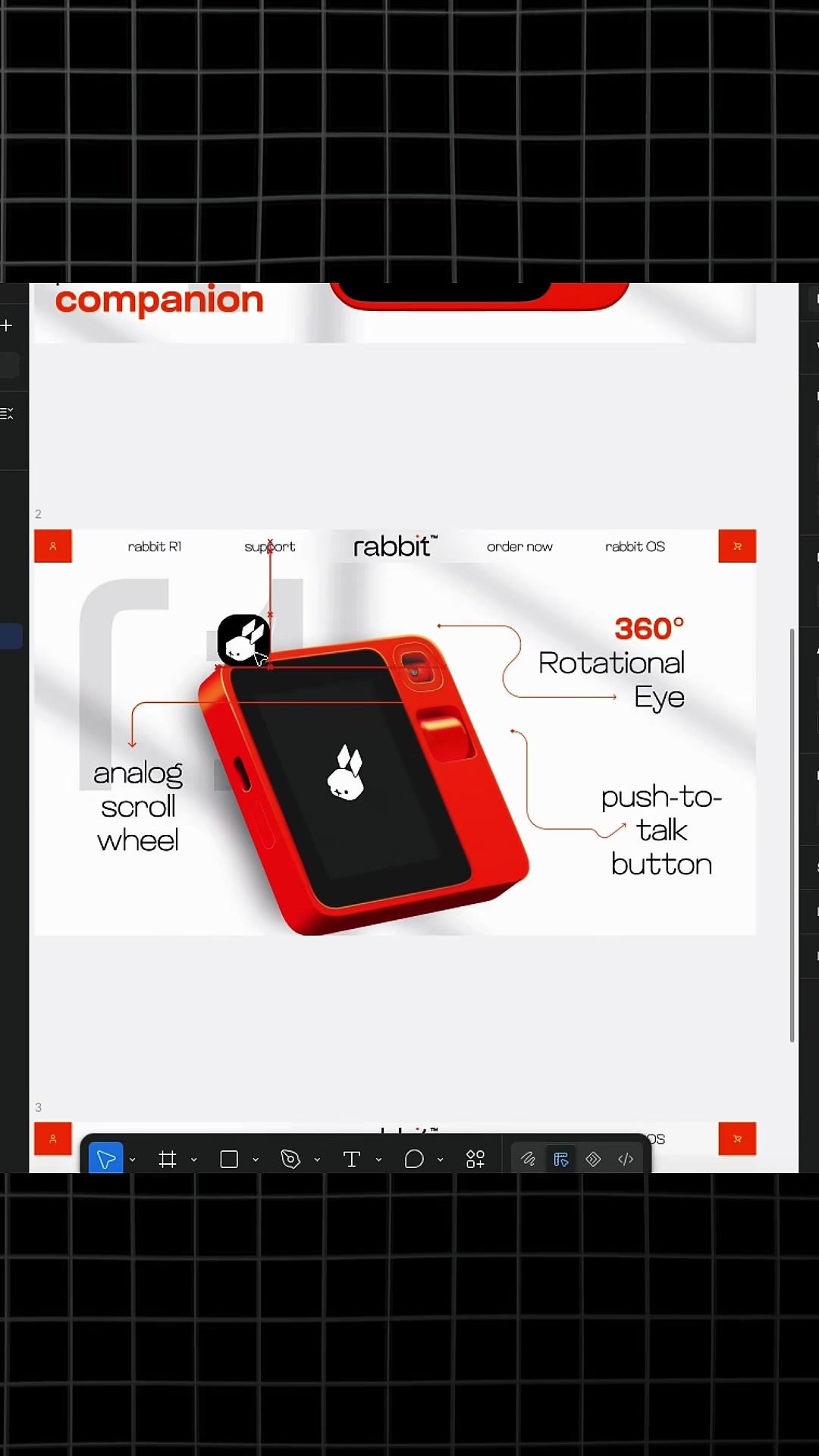 3.6M611.9×How to use design library@marcelodesignx · Tutorial / How To
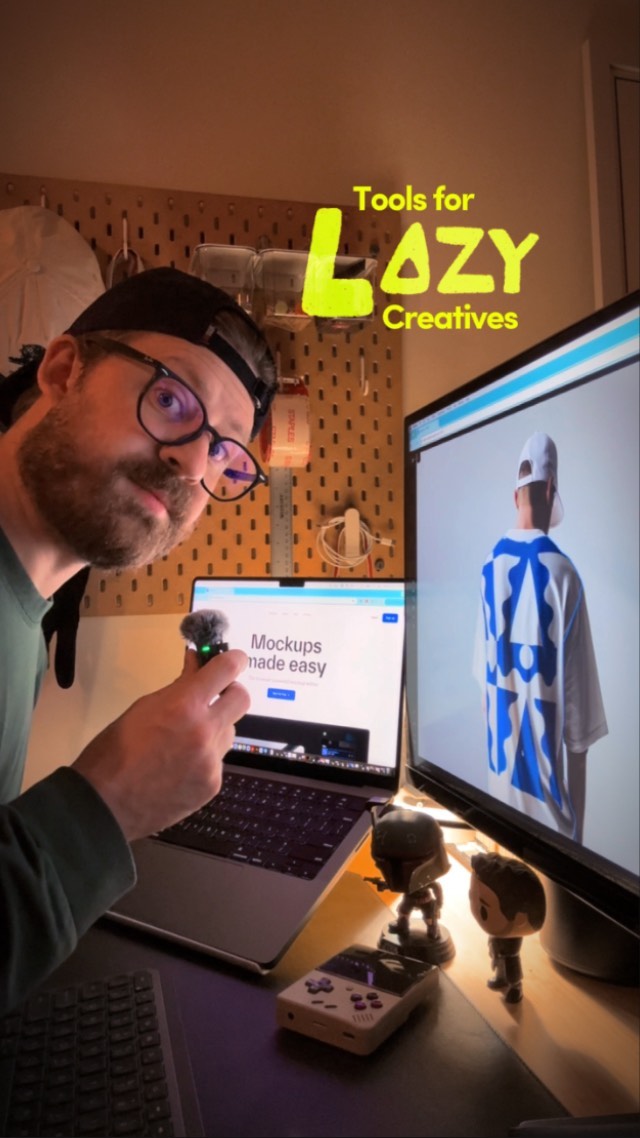 5.8M37×Sharing useful browser-based mockup tool@jason_swet · Buying List
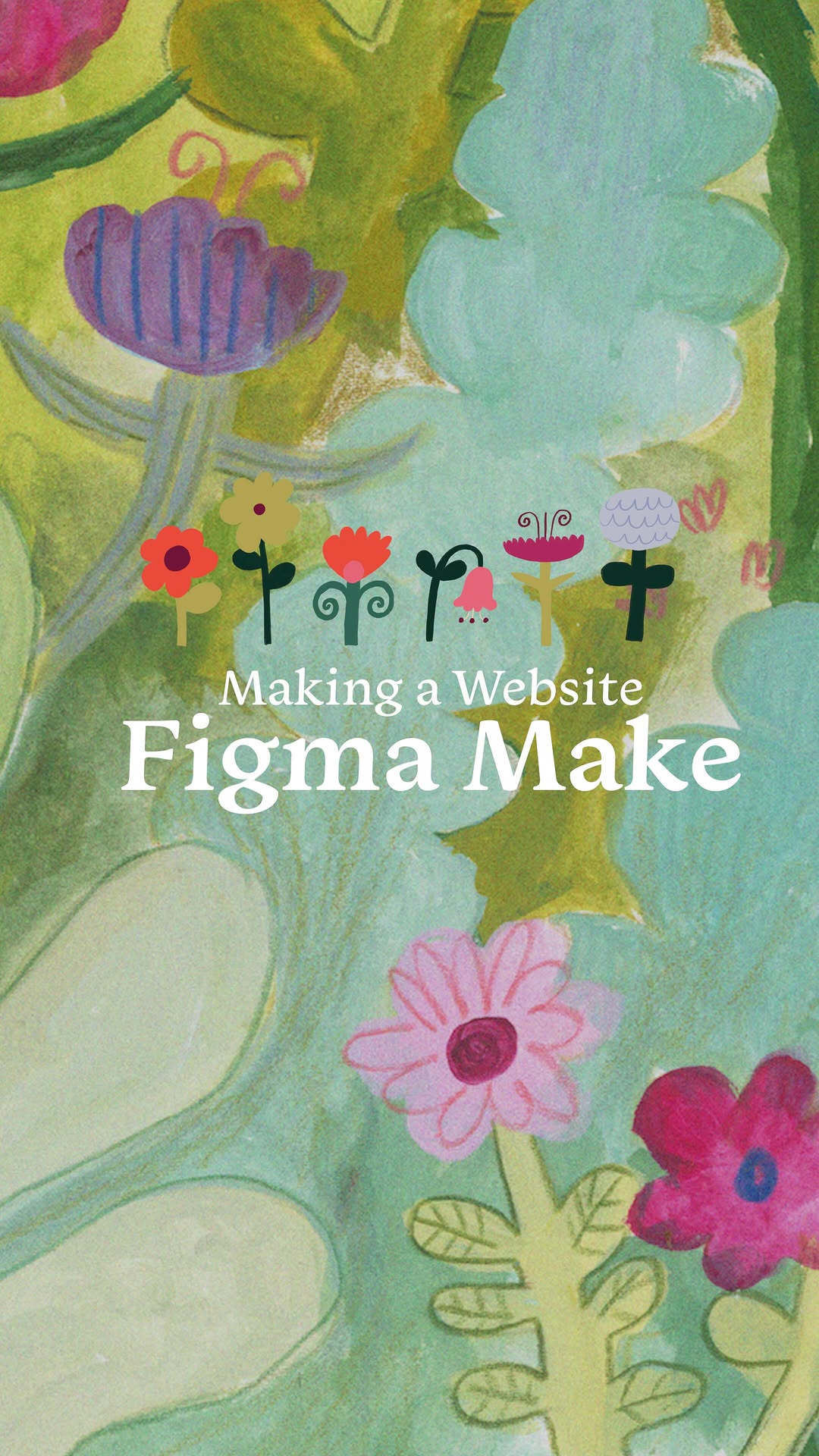 718.7K1.3×Showing process of making website@bykatiemai · Value Vlog
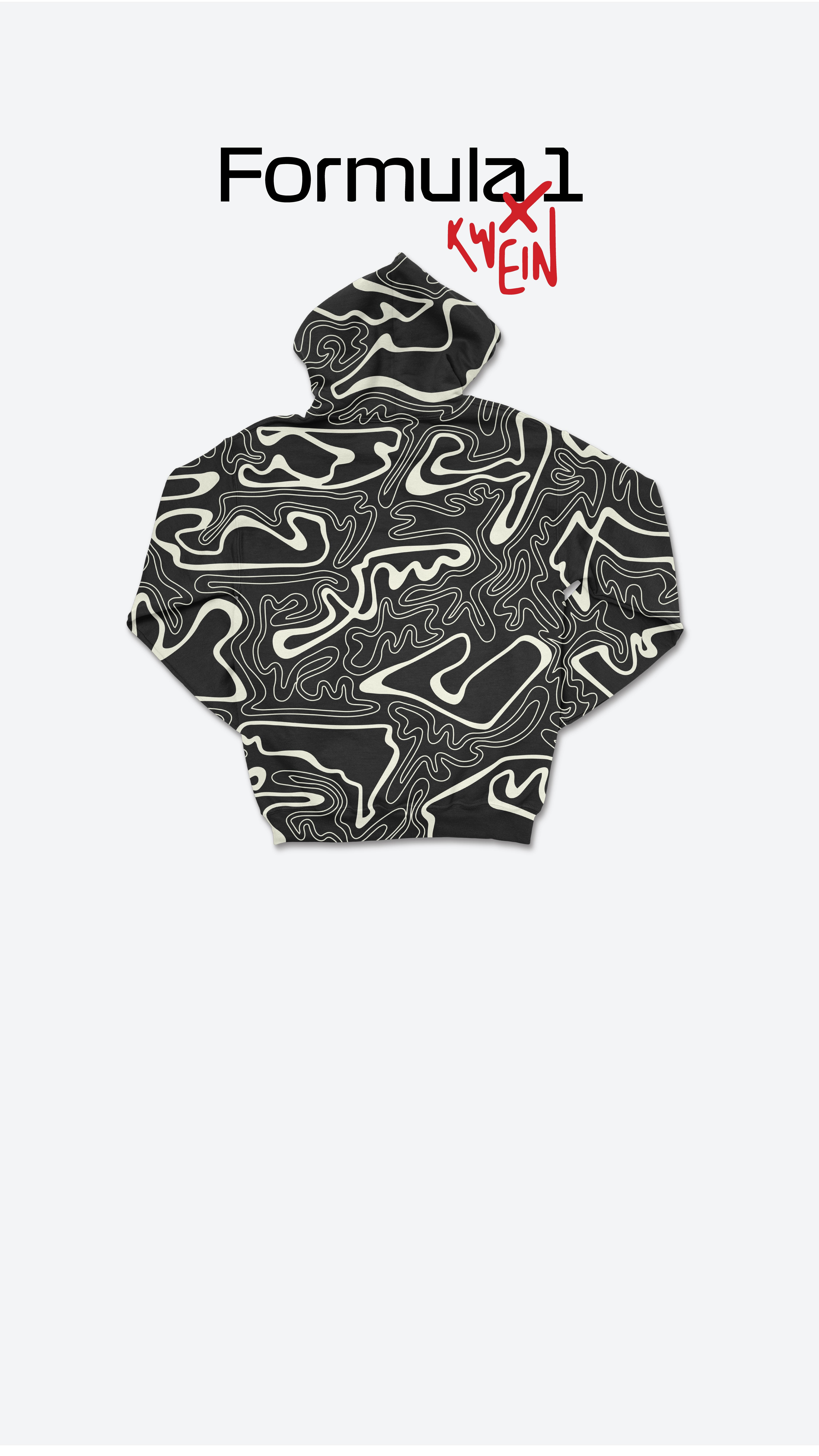 2.4M3×Creative process for F1 apparel@kweinbydesign · Hypothetical Case Study
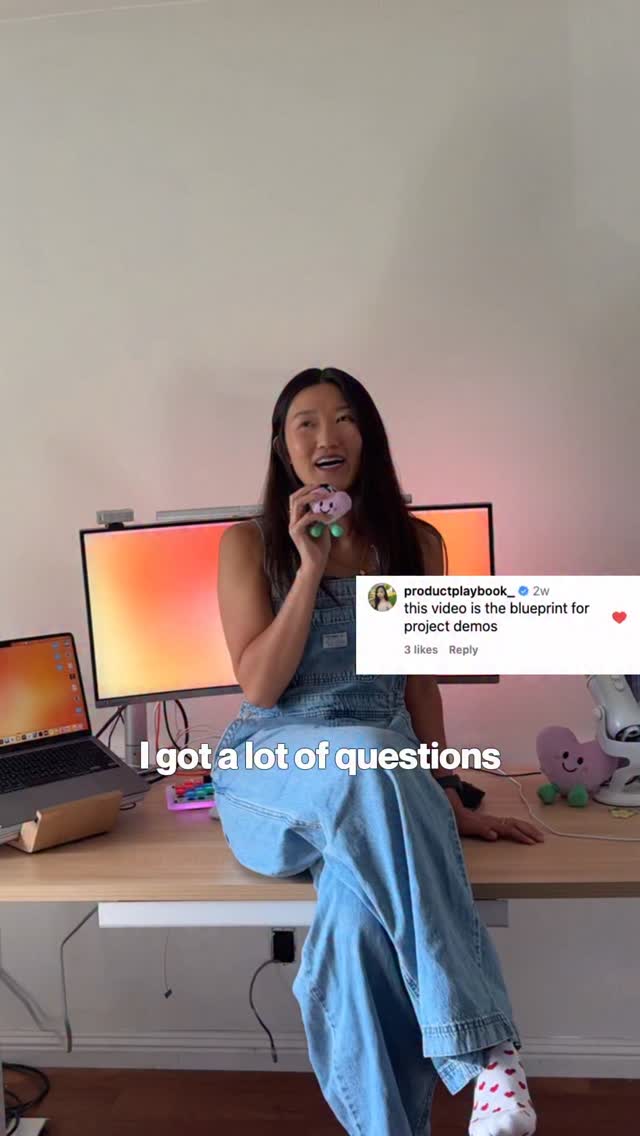 54.3KCreator shows app building process@designmoresteph · Tutorial / How To
 276.8K1×Video essay on a design trend@covacut · Breakdown
 690.5K17.6×Creator shares useful design websites@fakeplasticbrands · Tutorial / How To
[04]
[05]
What stops the scroll in the first 3 seconds
Title hook · 45%
If you have an idea...
Verbal hook · 50%
If you have an idea, why stop at a prototype?
Visual hook · 5%
A lightbulb icon appears in the center of the screen, suggesting an idea or innovation.
[07]
The promise the opener makes, and how the video pays it back
Hook
The 'Idea' Prompt: Starts with a relatable scenario for designers, posing a question about the limitations of prototyping.
Payoff
The Realization Benefit: Concludes by reiterating the core benefit: Framer makes ideas real immediately after design.
[08]
The structural pattern this video runs on
Framework
Problem-Solution-Benefit with Feature Demos
Presents a common design problem, introduces the software as a solution, and highlights its key features through demonstrations.
The Problem Statement
Identifies the common issue of stopping at the prototype stage, implying a need for a more complete solution.
The Solution Introduction
Introduces Framer as the tool that bridges the gap between design and actual product.
Visual Style Freedom
Highlights the software's flexibility in accommodating various visual styles, emphasizing creative freedom.
Figma Integration
Addresses users of other design software (Figma) by showcasing the seamless import feature, reducing the barrier to entry.
Responsive Design Demo
Demonstrates the software's ability to create responsive designs for different devices with a simple click.
Instant Publishing
Showcases the speed and ease of publishing designs, emphasizing the quick turnaround from design to live product.
What if... @framer asked me a commercial? Created using - After Effects - Meshy AI - Google Veo 3 + nano banana Mockup 3D motions by @gip.hy
title · beginning
If you have an idea...
title · beginning
Why stop at a prototype?
call-to-action · beginning
Open Framer
If you have an idea, why stop at a prototype? In Framer, your design becomes the actual product. Create any visual style you want because Framer doesn't limit your imagination. And if you already worked in Figma, don't start over because you can import your design straight into Framer with our Figma plugin. Make your product responsive on every device, all with a simple click for size customization. When you're ready to publish, your design will go live in seconds. So don't just prototype. With Framer, your idea is real the moment you're done designing.