@johnbucog
Instagram · Talking Head Edit
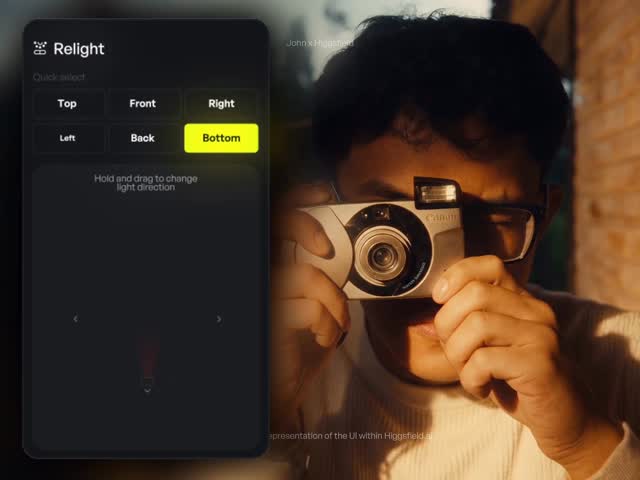
@johnbucog How I Repurpose My Content 🤯 @higgsfield.ai #ai #creator

@johnbucog
Instagram · Talking Head Edit
@johnbucog How I Repurpose My Content 🤯 @higgsfield.ai #ai #creator
Performance
Video #16898 · Talking Head Edit
[01]
The creator reveals he gets millions of views by reusing old video clips, not out of laziness, but through a smart repurposing strategy. He introduces and demonstrates an AI tool called Higgsfield Relight, showing how its features allow him to completely change the lighting (direction, color, intensity) of a video after it's been filmed. He concludes by stating this method keeps his content fresh without causing burnout and provides a direct call-to-action for viewers to comment a specific word to get a link to the tool.
[02]
[03]
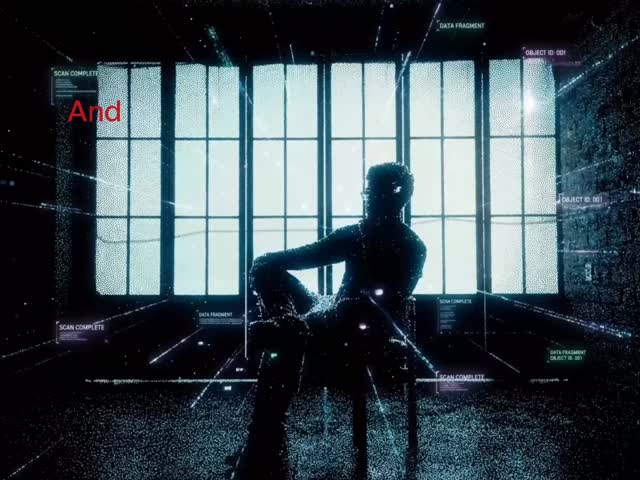 857.1K6.7×App demo for video effects@johnbucog · Product Demo
 1M137.7×AI video relighting tool tutorial@rourke.heath · Resource
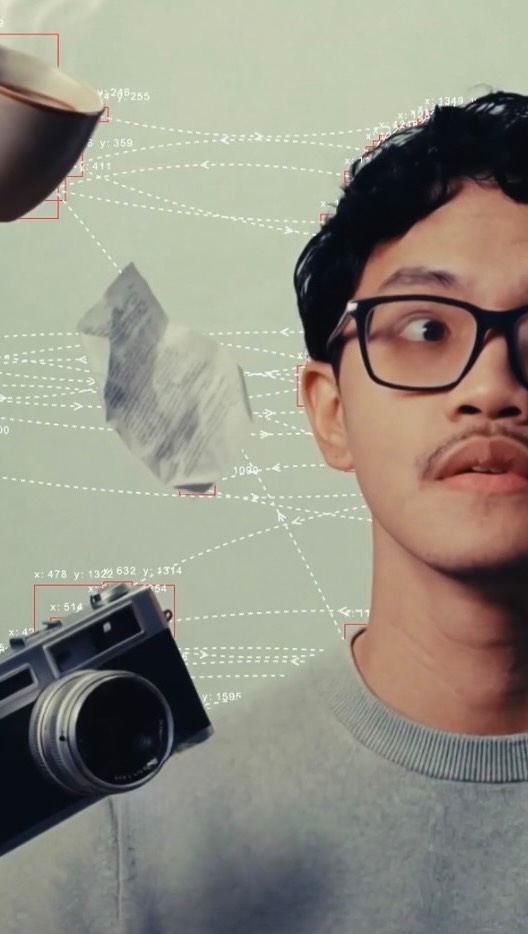 332.4K3.5×Creator demos AI video tool.@johnbucog · Product Demo
 159KAI tool creates trending effect@ezz.the.blade · Tutorial / How To
 296.5K2.4×AI tool creates realistic visuals@johnbucog · Product Demo
 2.2MCreator shows AI editing videos@justyn.ai · Tutorial / How To
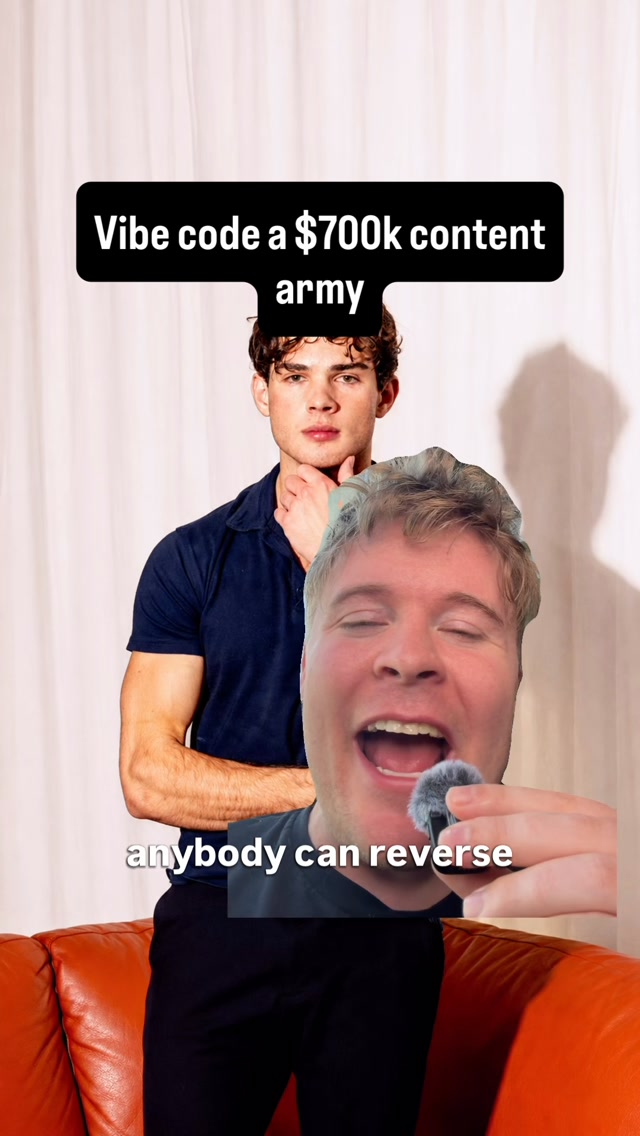 518.2K30.3×AI content creation strategy breakdown@angus.sewell · Tutorial / How To
 599.9K7.6×AI video tool before/after tutorial@rourke · Tutorial / How To
 306.4K17.9×Creator shows AI editing workflow@minolee.mp4
 210.4KAI tool predicts video virality@getripping · Opportunity Explainer
 643.8K109.7×AI tool demo then tutorial@rourke.heath · Product Demo
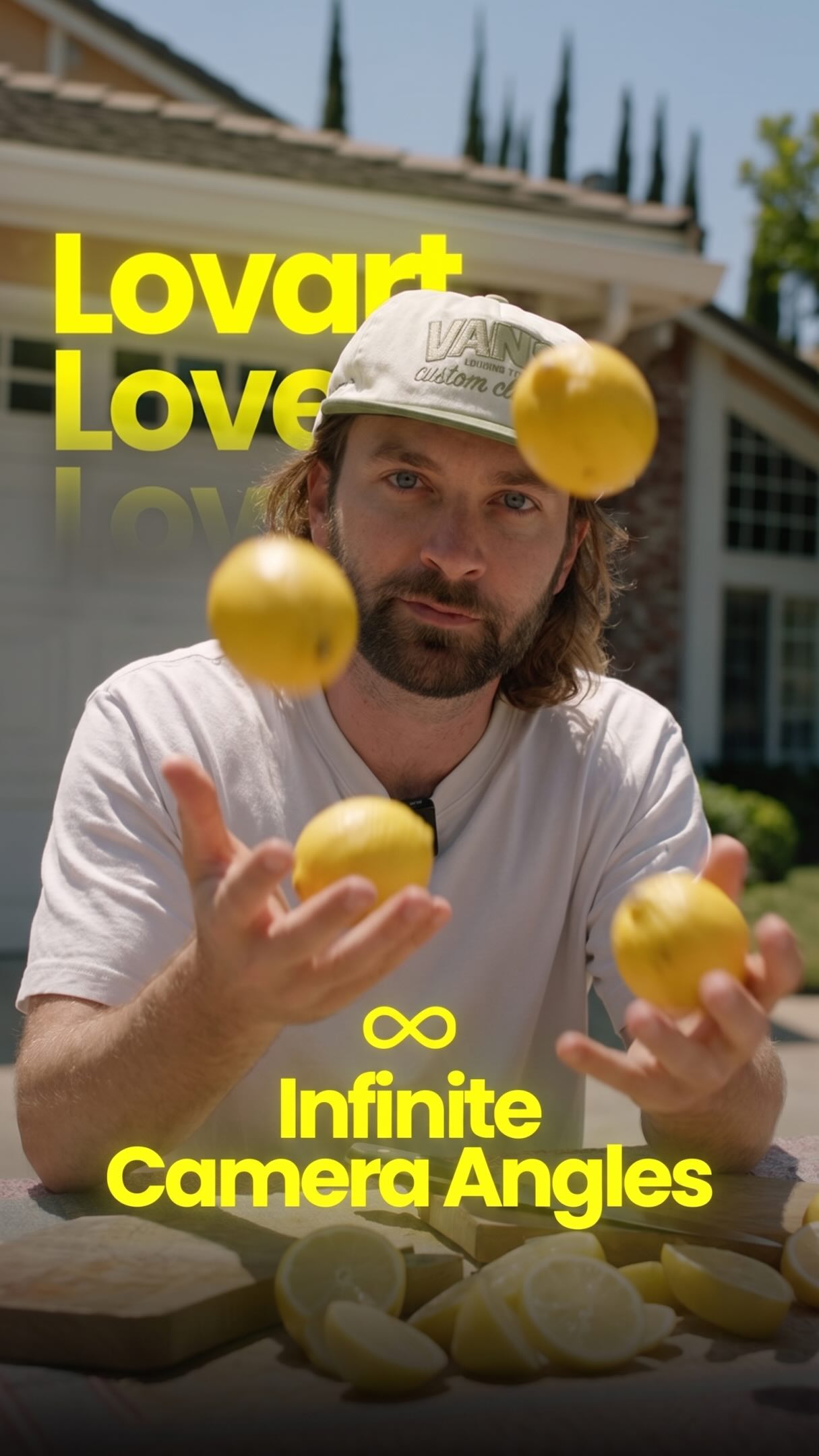 2.1M33.6×AI tool creates infinite camera angles@rourke · Tutorial / How To
[04]
[05]
What stops the scroll in the first 3 seconds
Title hook · 45%
I've gotten millions of views
Verbal hook · 40%
I've gotten millions of views using the same videos over and over again.
Visual hook · 15%
A dynamic opening montage featuring multiple floating video screens showcasing the creator's past successful content with high view counts, combined with fast-paced, animated text overlays.
[07]
The promise the opener makes, and how the video pays it back
Hook
A bold, paradoxical claim that defies common wisdom ('millions of views using the same videos'), creating an immediate knowledge gap and compelling the viewer to learn the 'secret.'
Payoff
An interactive call to action that gates the solution behind a specific user engagement ('Comment Relight'). This maximizes algorithmic signals (comments) and creates a direct, reciprocal relationship with the viewer.
[08]
The structural pattern this video runs on
Framework
The Gated Solution
Presenting a counterintuitive success story, revealing a specific tool or method as the 'secret,' demonstrating its power, and then gating access to the solution behind an engagement-driving call to action.
The Thesis Declaration
The creator refutes a common negative assumption ('not because I'm lazy') and reveals the high-level principle behind their success ('I know how to repurpose'), establishing expertise and setting the video's premise.
The 'Magic Wand' Reveal
The specific tool or method is introduced by name and framed as a powerful, almost magical solution ('it's actually insane'), positioning it as the key to the claimed success.
The Capability Showcase
The tool's features are demonstrated visually and sequentially, showing both the core function (changing light direction) and the depth of control (brightness, color, softness), providing tangible proof of its value.
The Problem-Solution Bridge
The demonstrated capabilities are explicitly linked back to solving a core pain point for the target audience ('That's how I keep my content fresh without burning out'), reinforcing the tool's utility and relevance.
How I Repurpose My Content 🤯 @higgsfield.ai #ai #creator
title · beginning
I've gotten millions of views
contextual · beginning
Not
contextual · beginning
but
informational · middle
I use a tool called Higgsfield
informational · middle
and it's ACTUALLY insane.
informational · middle
it lets me change the light after I've FILMED
informational · middle
I control where the light hits.
informational · middle
I can tweak the brightness, color, and even make it SOFT
title · middle
That's how I keep my content FRESH without burning out.
title · middle
one CLIP
informational · middle
Endless possibilities.
call-to-action · end
comment "RELIGHT" and I'll send you the EXACT tool I use
I've gotten millions of views using the same videos over and over again. Not because I'm lazy, but because I know how to repurpose my content. Let me show you the exact way to do it. I use a tool called Higgs Field Relight, and it's actually insane. It lets me change the light after I've filmed. Top, bottom, side, I control where the light hits. I can tweak the brightness, color, and even make it soft or harsh. That's how I keep my content fresh without burning out. One clip, endless possibilities. Comment Relight, and I'll send you the exact tool I use.