Viral Hooks
Trending short videosCreator shows AI editing videos
J

@justyn.ai

Instagram · Graphic Yap

@justyn.ai Drop “EDIT” below and I’ll send you my full walk through video on how I edit my videos with AI. UPDATE: if the DM automation does not work, link is in my bio! Editing with AI is getting truly incredible. And honestly, shockingly good 🤯 This is going to save you SO much time (just like it is for me!) Follow @justyn.ai and send this to someone who’s creating and editing videos themself! #ai #claude #videoeditor

View original on Instagram

The edit1 shot · 8 text
Shots Text0:54

Performance

Views
2.2M
Likes
65.6K
Comments
151.7K
Engagement
10.1%
Length · 10 Oct 2026
0:54

Video #47546 · Graphic Yap

Creator shows AI editing videosfrom @justyn.ai

[01]

Overview

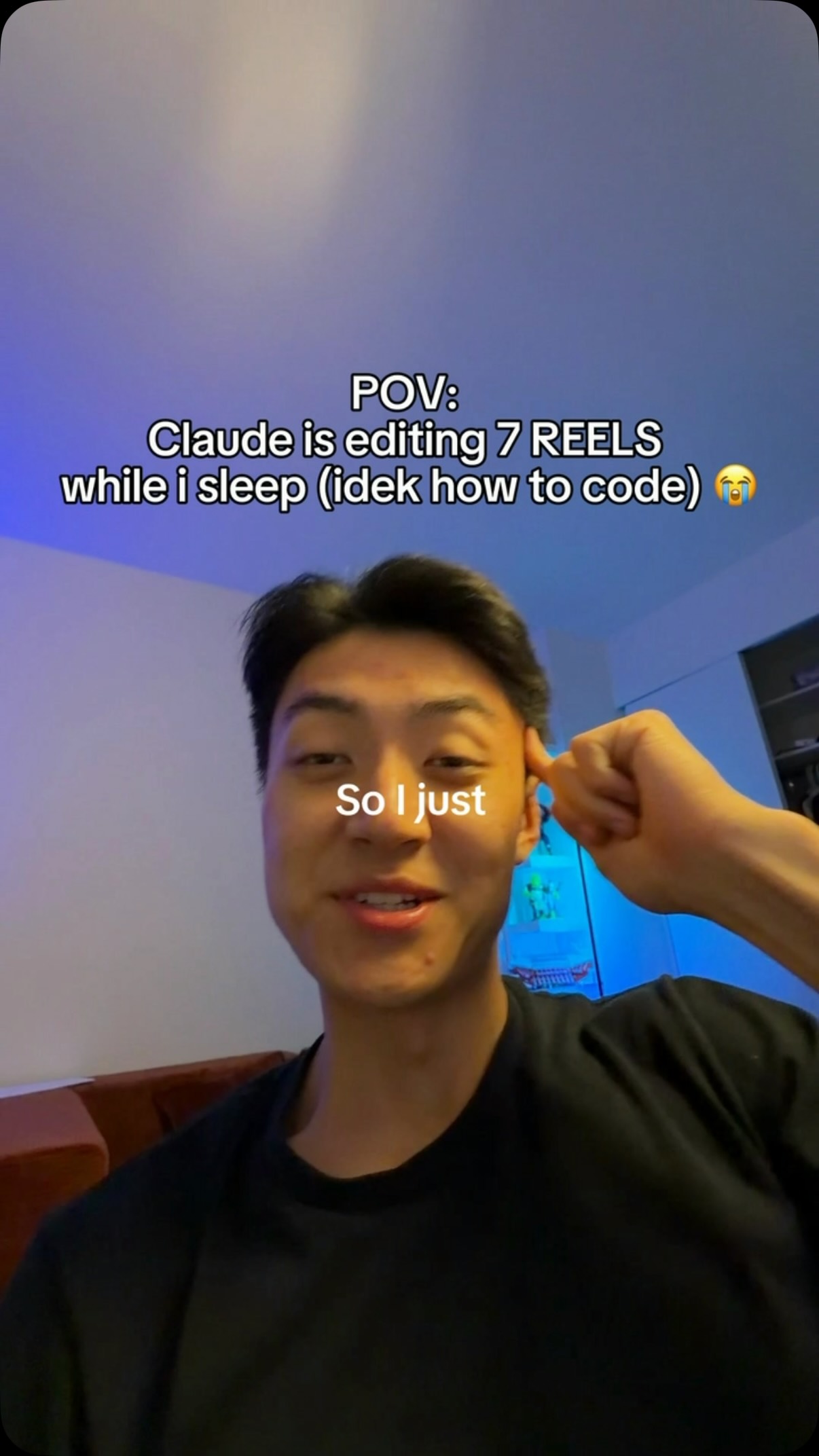
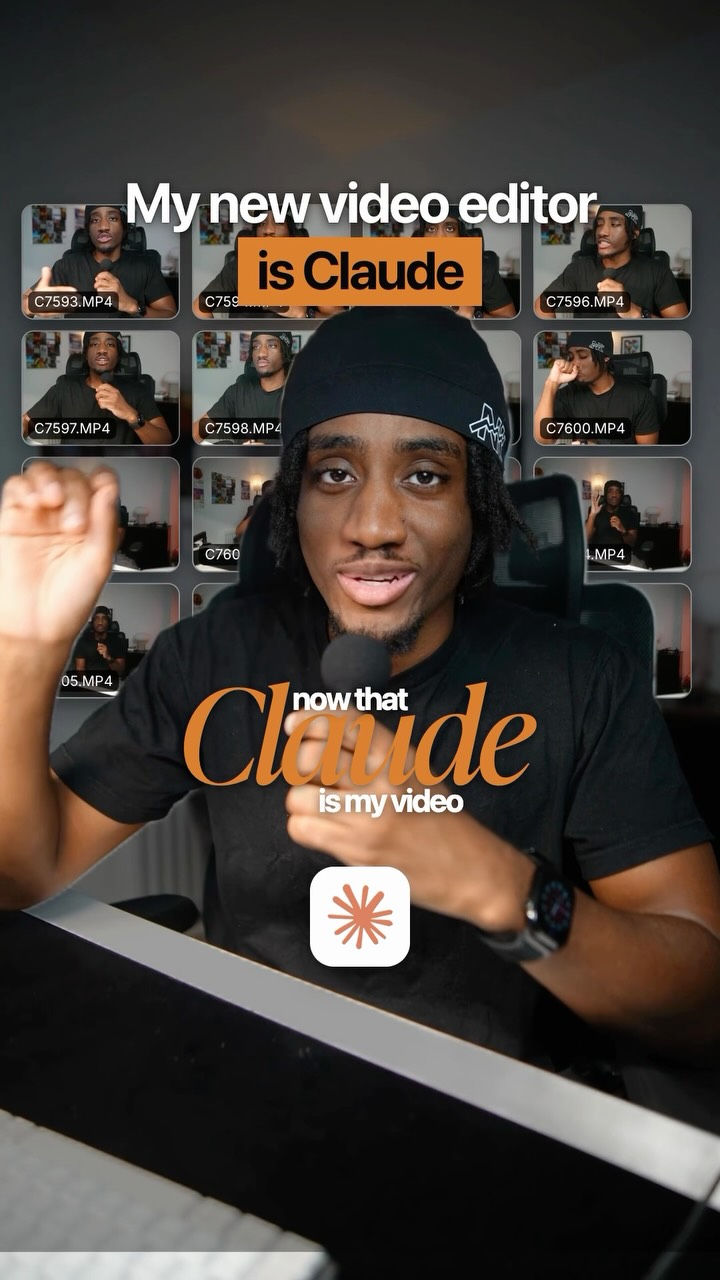
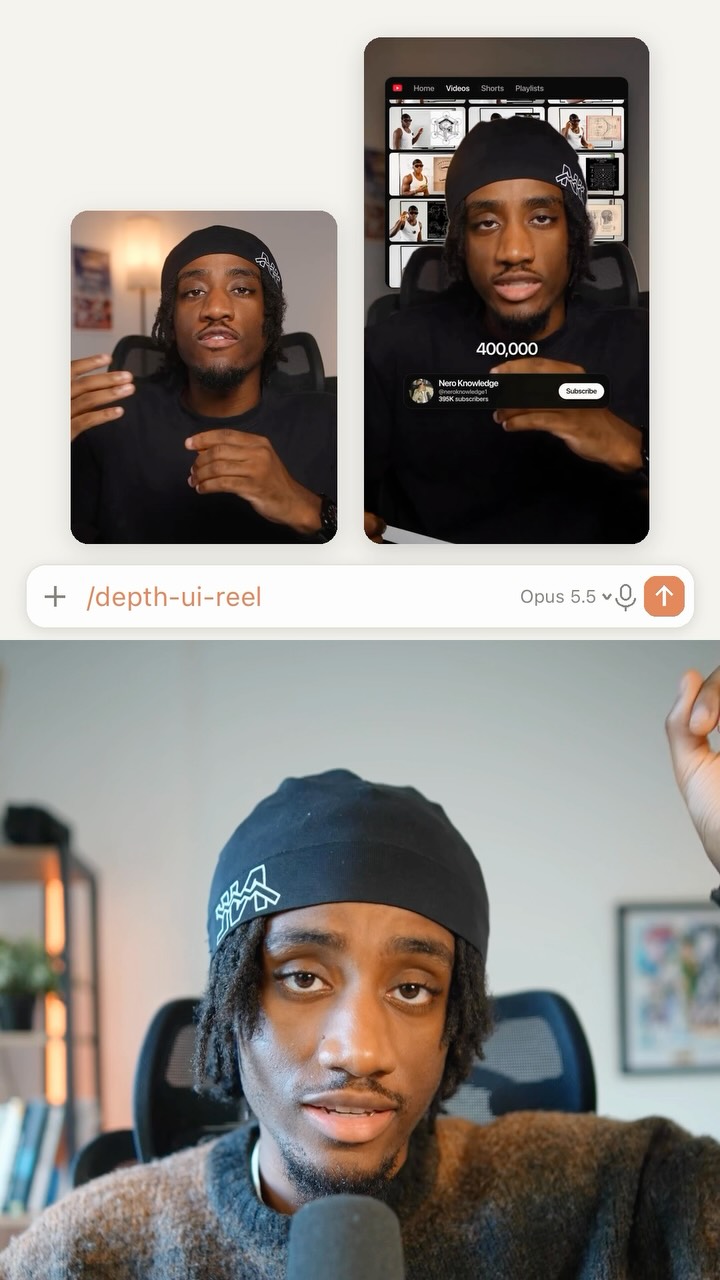
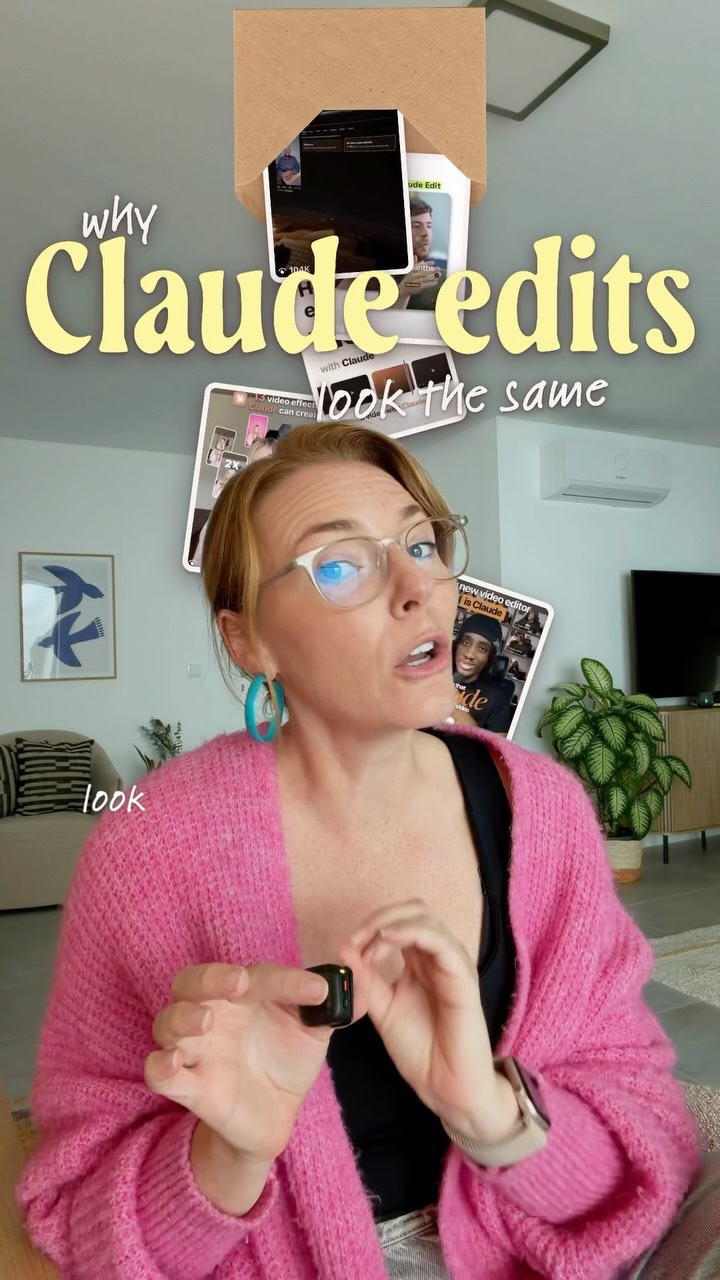
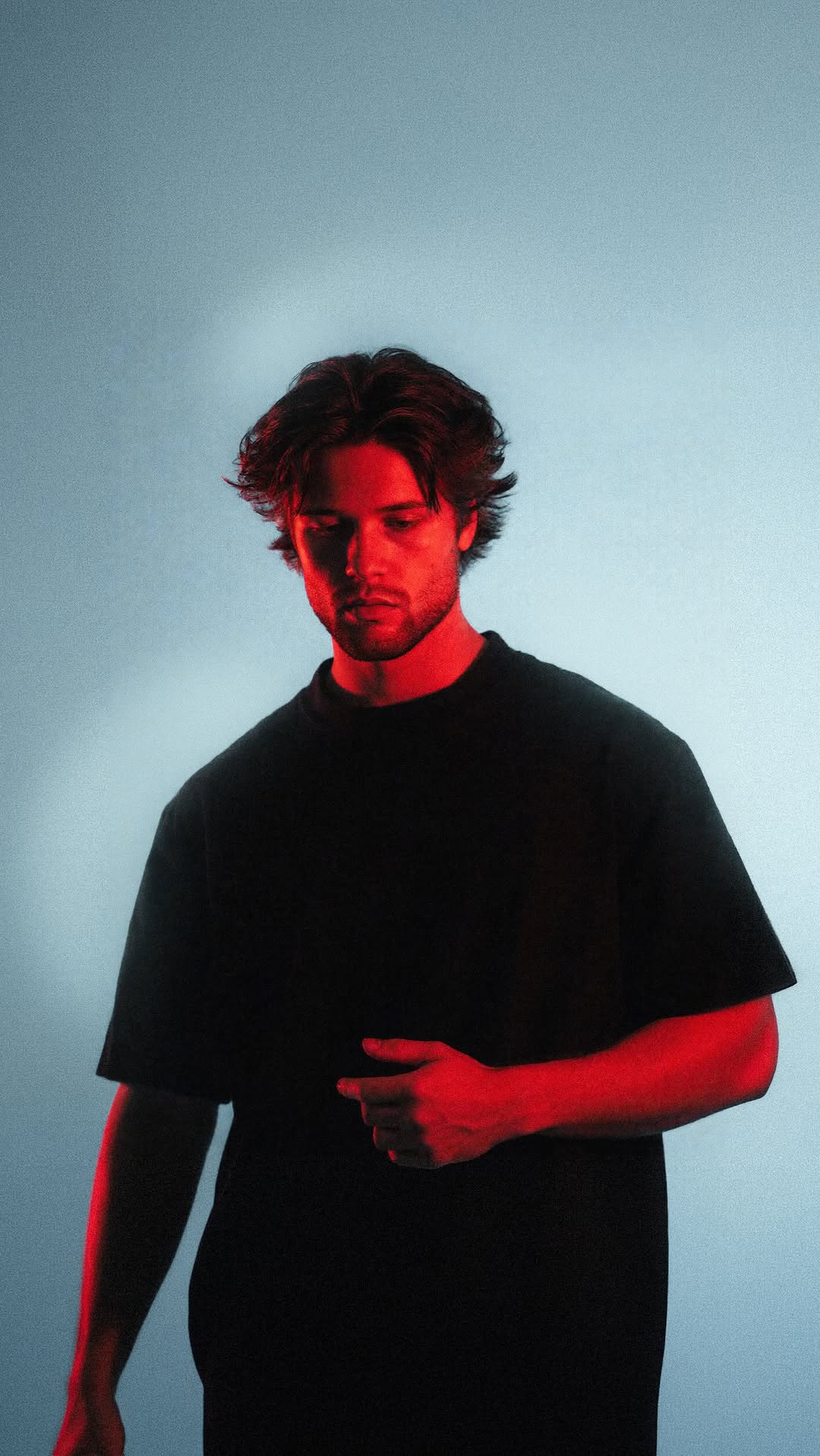
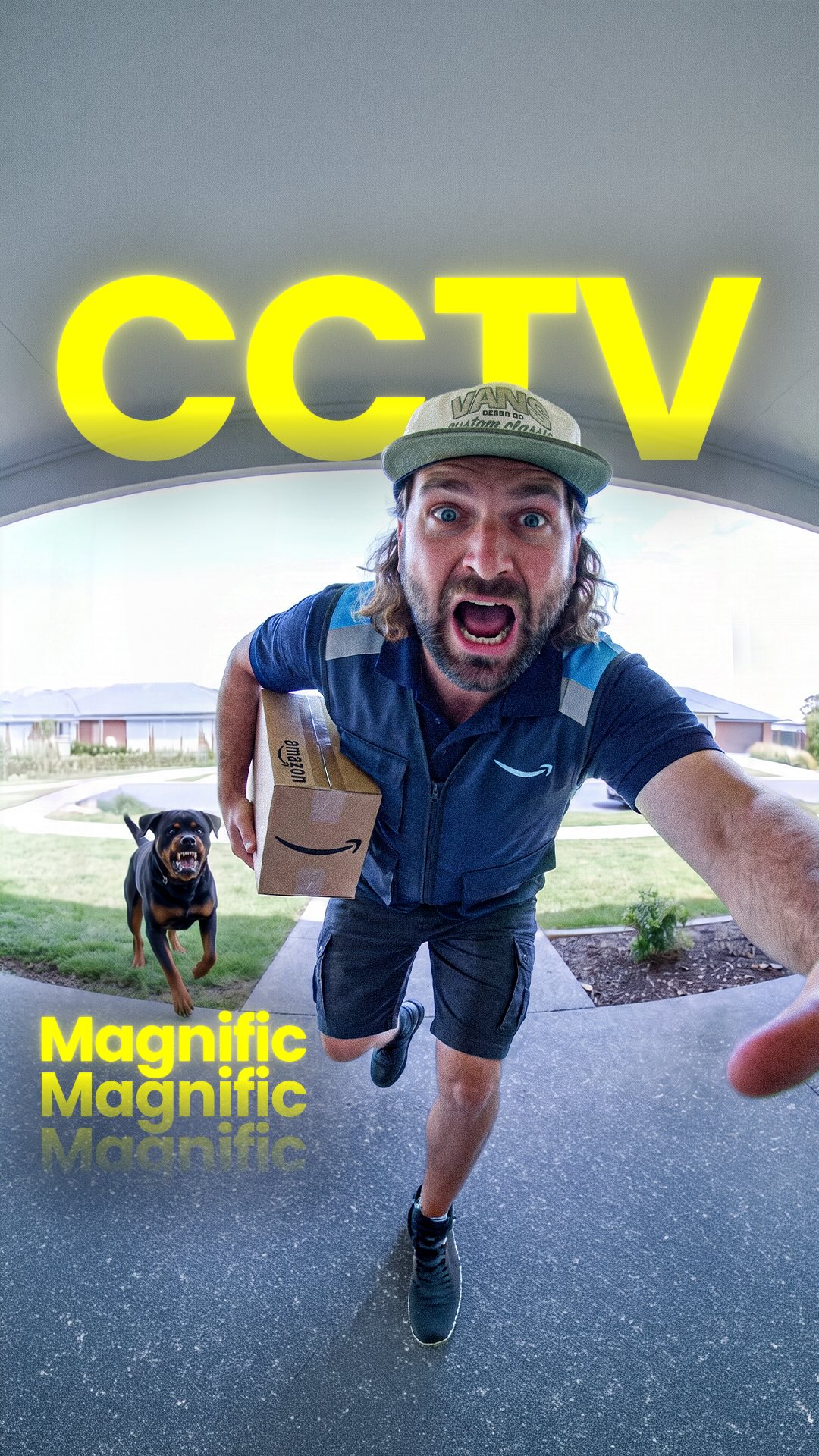
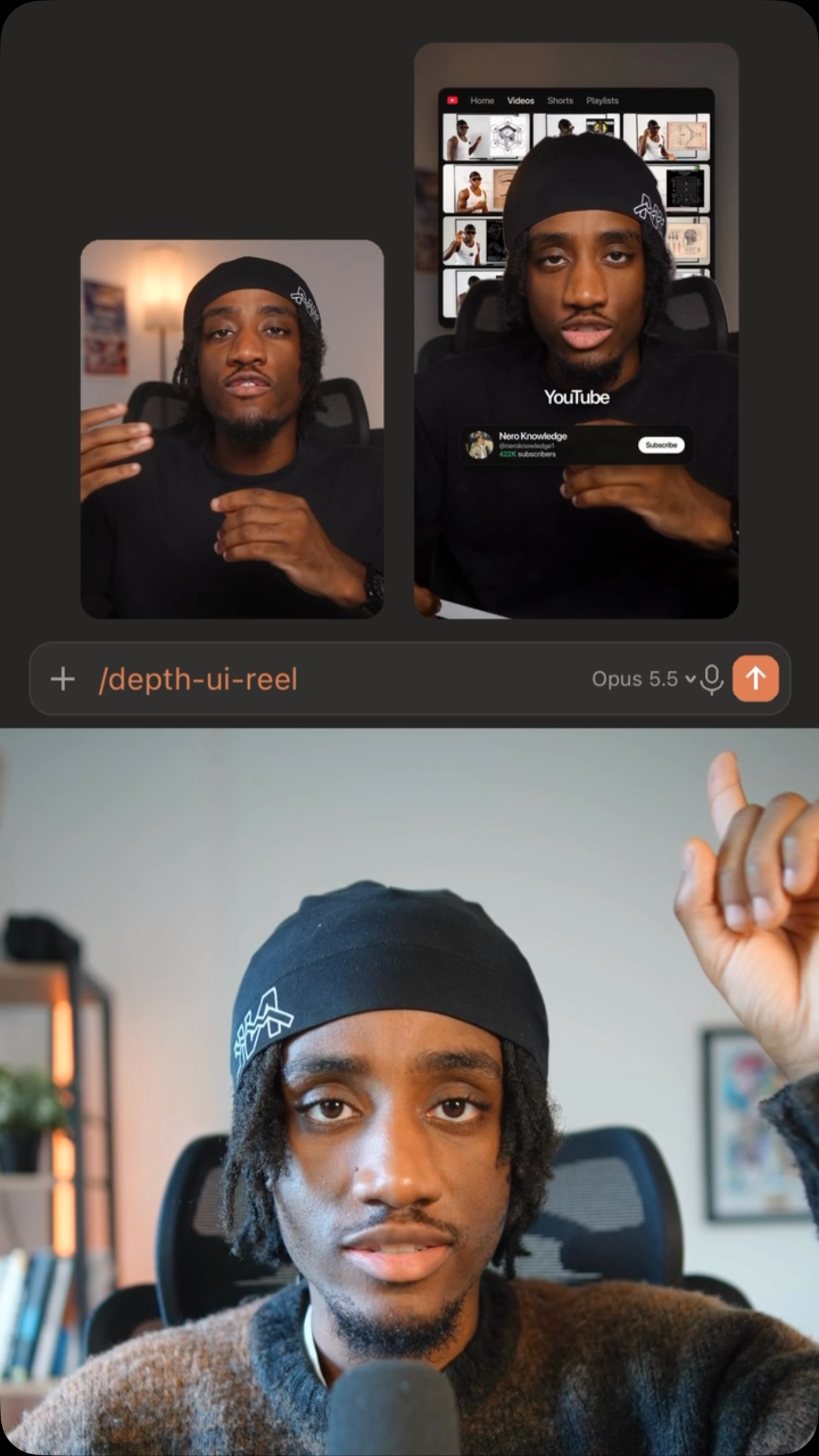
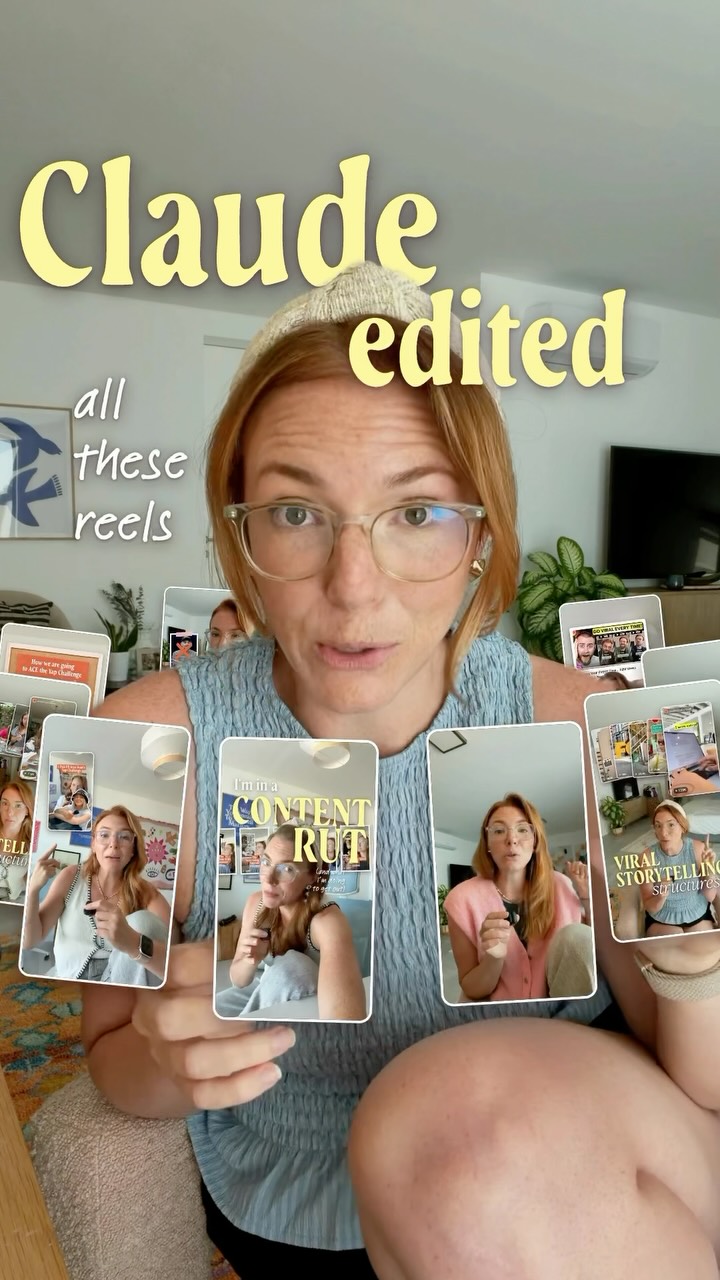
The creator claims an AI named Claude edited the entire video, not him. He demonstrates the process by showing how he provides simple text prompts like "make it more aesthetic" and the AI executes complex edits, including color grading, adding magazine-style titles, and incorporating B-roll. He contrasts his method with others by highlighting that his AI provides a storyboard for review before rendering, and concludes with a call-to-action for viewers to comment "EDIT" to receive a full walkthrough.

[02]

Simple outline

  1. 1State a surprising claim
  2. 2Demonstrate the 'magic' tool
  3. 3Reveal a secret workflow
  4. 4State the ultimate benefit
  5. 5Offer a detailed guide

[03]

Related videos

[04]

Classification

Concepts
Tutorial / How ToProduct DemoCase Study Breakdown
Elements
Title Text HookGraphic OverlayDM / Comment-for-Info CTAJump CutGreen Screen CompositeImage OverlayText Overlay

[05]

Hook analysis

What stops the scroll in the first 3 seconds

Title hook · 50%

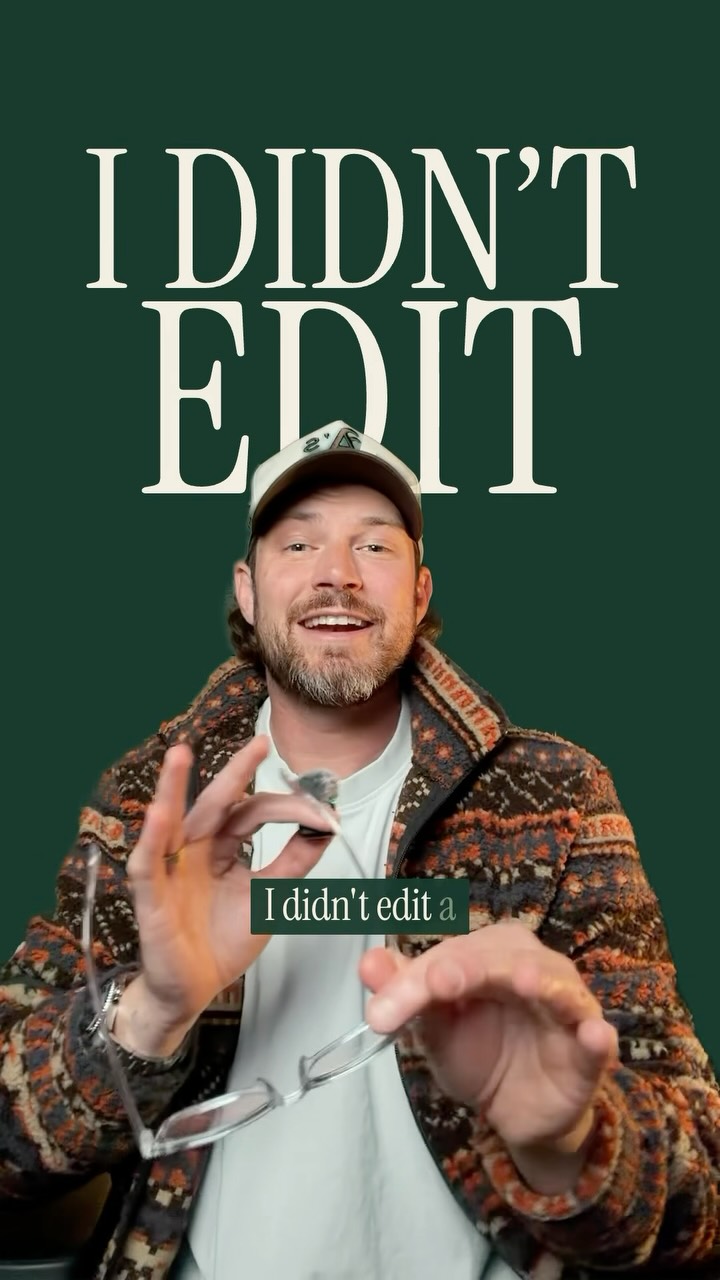
I DIDN'T EDIT

Verbal hook · 45%

I didn't edit a single second of this.

Visual hook · 5%

A tight shot on the creator making a distinct hand gesture, combined with a rapid zoom cut and large, bold text overlay, creates immediate visual motion and pattern interruption.

[06]

Hook template

Steal this for your own video

I DIDN'T [labor-intensive task]

  • — I DIDN'T EDIT
  • — I DIDN'T WRITE THIS CAPTION
  • — I DIDN'T COOK THIS

[07]

Hook and payoff

The promise the opener makes, and how the video pays it back

Hook

A bold, counter-intuitive statement that is immediately subverted to introduce the video's true subject (the tool/method), creating a strong curiosity gap.

Payoff

A value-exchange call to action that promises a full, detailed walkthrough of the 'secret' process in exchange for a specific user engagement (e.g., a comment), satisfying the curiosity built throughout the video.

[08]

Narrative framework

The structural pattern this video runs on

Framework

The Automated Expert

Demonstrating a powerful tool or method that automates a complex, desirable skill, positioning the creator as a guide who has a 'secret' optimization to the process, and gating the full 'how-to' behind an engagement action.

  1. 1

    The Contradictory Hook

    The creator makes a bold claim about their lack of involvement in a high-quality outcome, only to immediately attribute the work to an external tool or entity.

  2. 2

    The 'Magic Wand' Demonstration

    Showcasing the extreme simplicity of the input required (e.g., a single sentence) to achieve a complex and impressive output using the tool.

  3. 3

    The Gallery of Wonders

    A rapid-fire montage of various high-quality results produced by the tool, proving its versatility and power through visual examples.

  4. 4

    The Relatability Bridge

    The creator explicitly states their lack of expertise in the relevant skill, framing the tool as the hero and making the results feel attainable for the average viewer.

  5. 5

    The 'Before & After' Evidence

    Providing concrete, visual proof of the transformation by contrasting the raw, unpolished source material with the final, high-quality result.

  6. 6

    The 'Secret Sauce' Reveal

    Introducing a unique, non-obvious step in the creator's workflow that adds a layer of control or insight (e.g., a storyboard), positioning the creator as an advanced user with valuable knowledge to share.

  7. 7

    The 'Human in the Loop' Proof

    Demonstrating how the user can interact with and refine the automated process before finalization, addressing potential concerns about a lack of creative control.

  8. 8

    The Core Value Proposition

    A clear, concise summary of the ultimate problem the tool solves or the primary benefit it provides, framed as a major lifestyle improvement.

Themes

  • Artificial Intelligence
  • Automation
  • Productivity
  • Creator Economy
  • Future of Work

Techniques

  • Graphic Overlays
  • Jump Cuts
  • Multi-location shooting
  • Direct-to-camera address

Trends

  • AI-powered content creation
  • Lead magnet via comments

Post caption

Drop “EDIT” below and I’ll send you my full walk through video on how I edit my videos with AI. UPDATE: if the DM automation does not work, link is in my bio! Editing with AI is getting truly incredible. And honestly, shockingly good 🤯 This is going to save you SO much time (just like it is for me!) Follow @justyn.ai and send this to someone who’s creating and editing videos themself! #ai #claude #videoeditor

Text overlays

  • title · beginning

    I DIDN'T EDIT

  • title · beginning

    A SINGLE SECOND

  • title · beginning

    Claude did.

  • title · middle

    CLAUDE

  • call-to-action · end

    Comment "EDIT" and I'll send you the walkthrough

  • title · end

    BIGGER captions.

  • title · middle

    NEVER

  • branding · end

    justyn.ai Daily AI tips

Creator shows AI editing videos | Viral Hooks