@angelagiakas
Instagram · One Shot
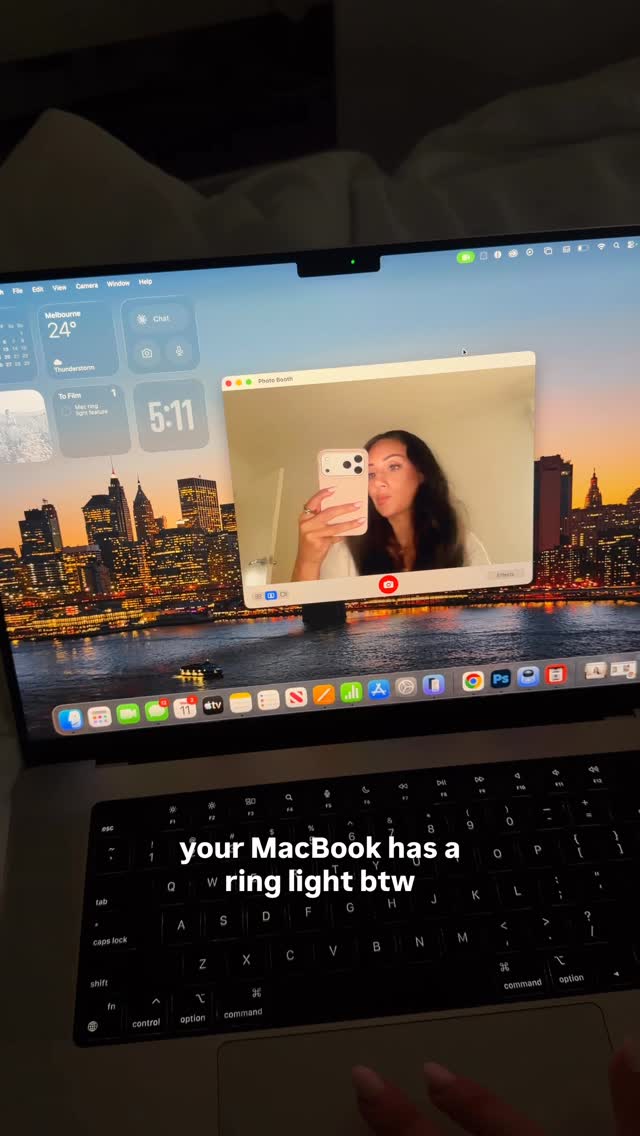
@angelagiakas Did you know?! 💻 @apple

@angelagiakas
Instagram · One Shot
@angelagiakas Did you know?! 💻 @apple
Performance
Video #20261 · One Shot
[01]
The creator films their MacBook screen to reveal a hidden lighting feature. They navigate to the camera settings in the top menu bar, activate the 'Studio Light' option, and adjust the slider to demonstrate how it illuminates their face, effectively acting as a built-in ring light.
[02]
[03]
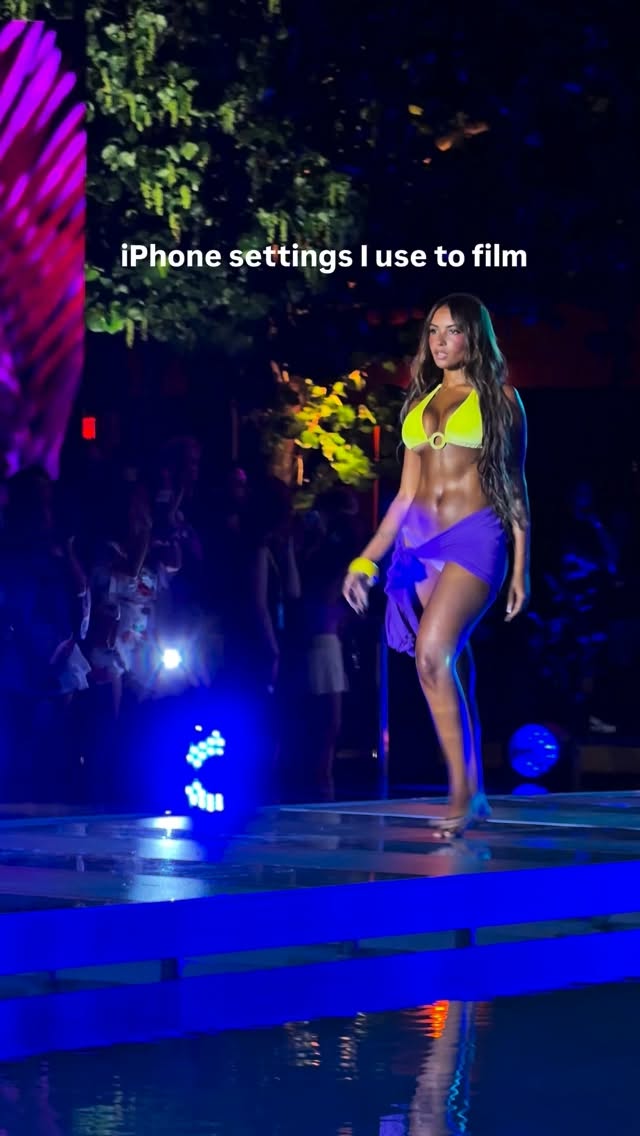 525.6K73.2×Show results then reveal settings@bensantos508 · Tutorial / How To
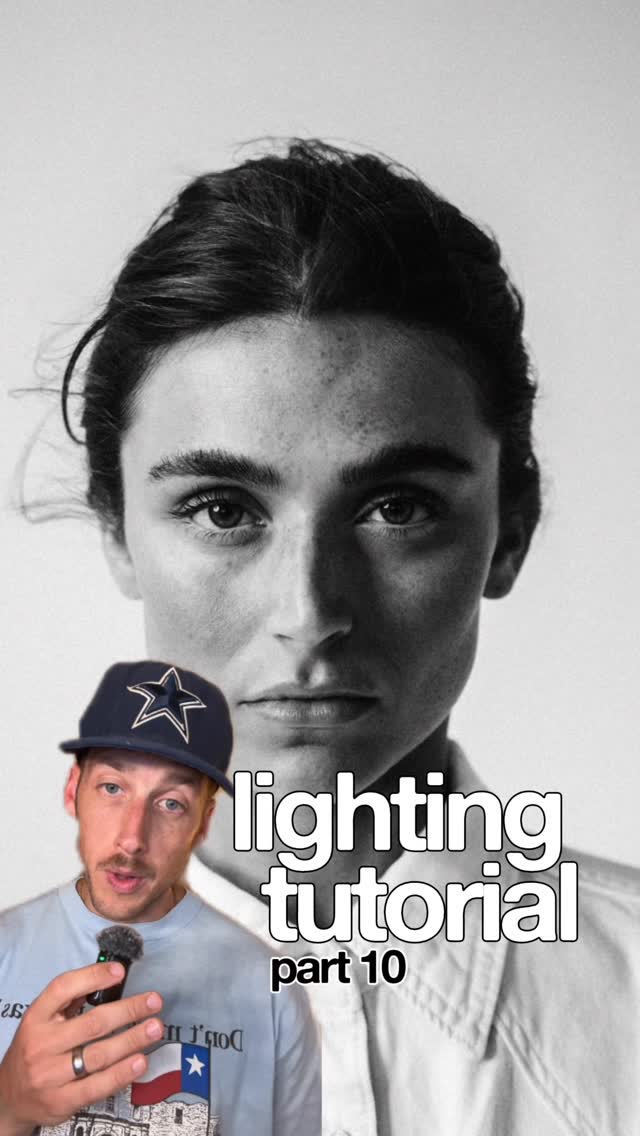 197.6K9.6×Explains photo lighting setup@garrettking.co · Tutorial / How To
 145.9K6.2×Creator explains her video gear@cariwilliamson · Show and Tell
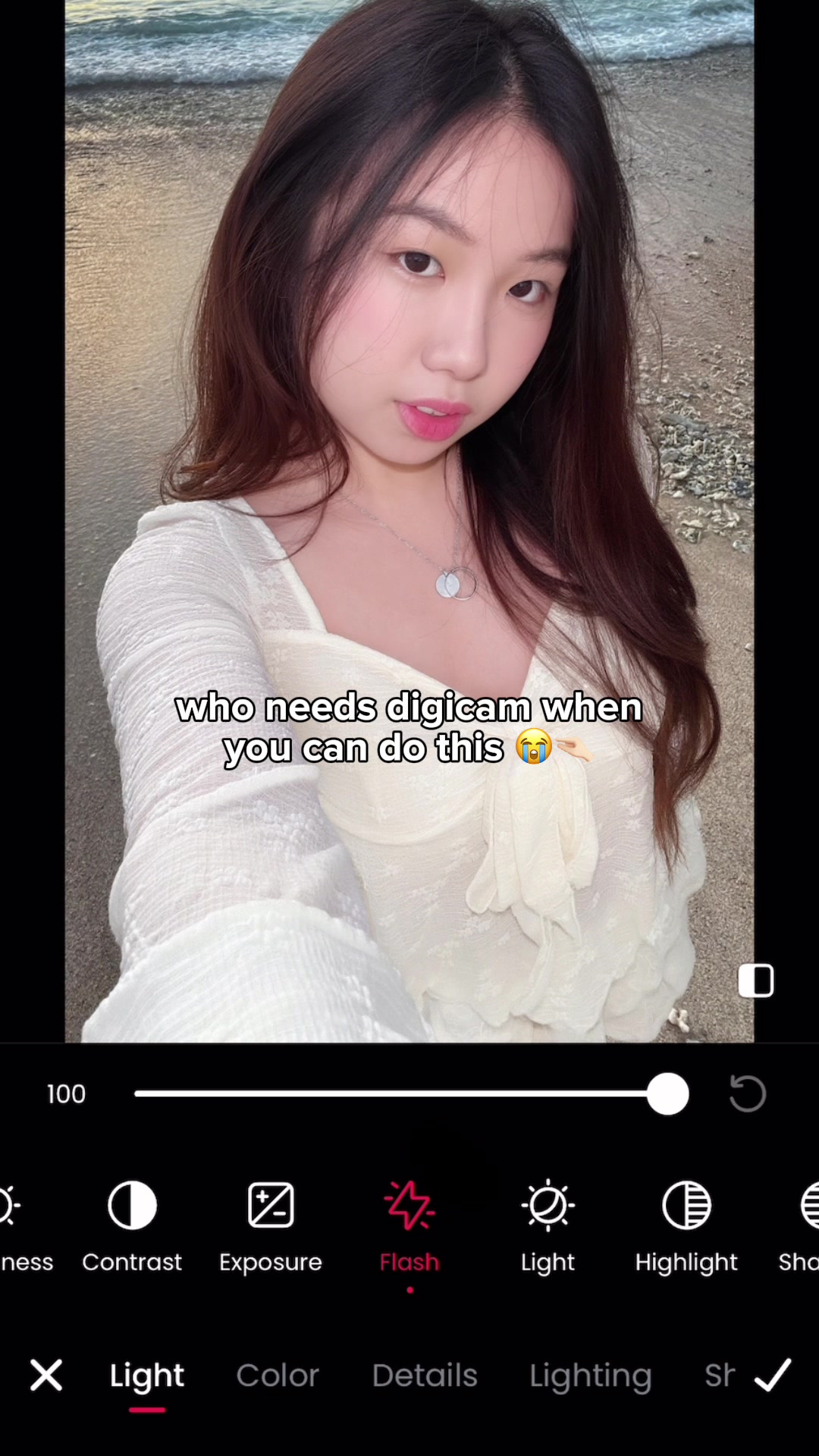 11.1M205.8×Photo editing app digicam hack@mmivia · Tutorial / How To
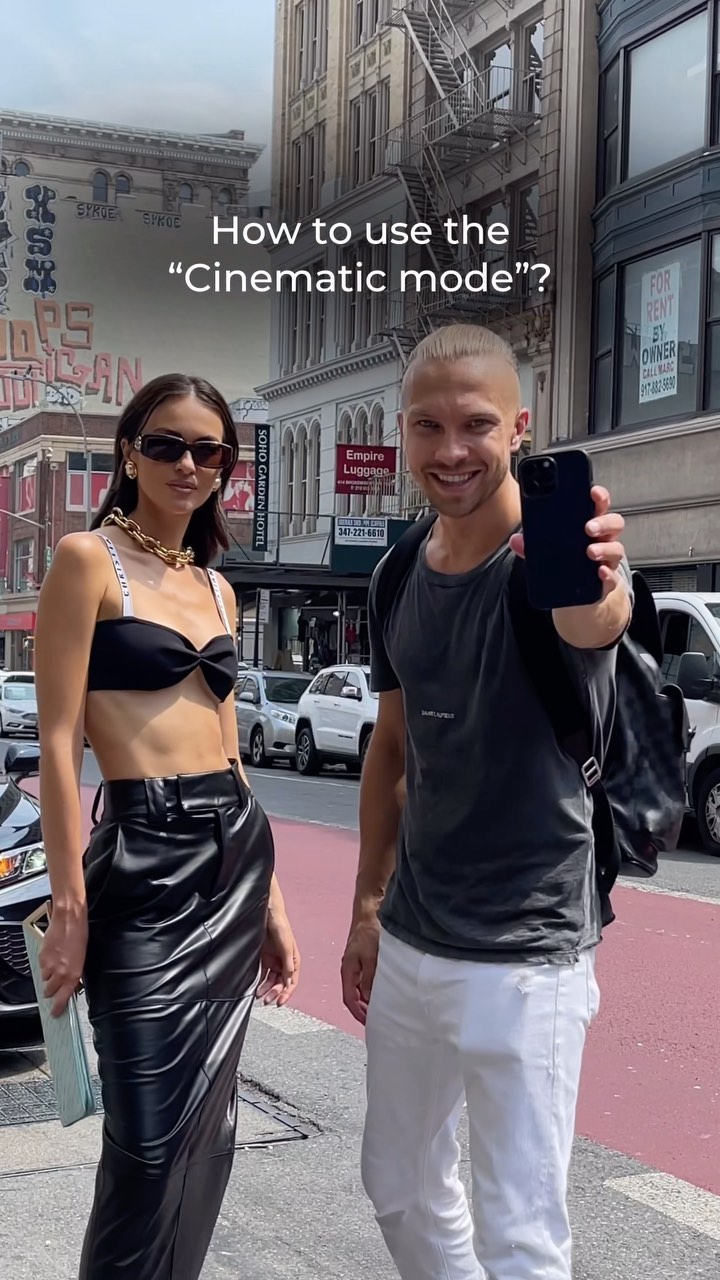 965.6KTutorial for phone cinematic mode@gosha_kamaev · Tutorial / How To
 199.1KBehind the scenes photography reveal@kanbokeh · Before/After Transformation
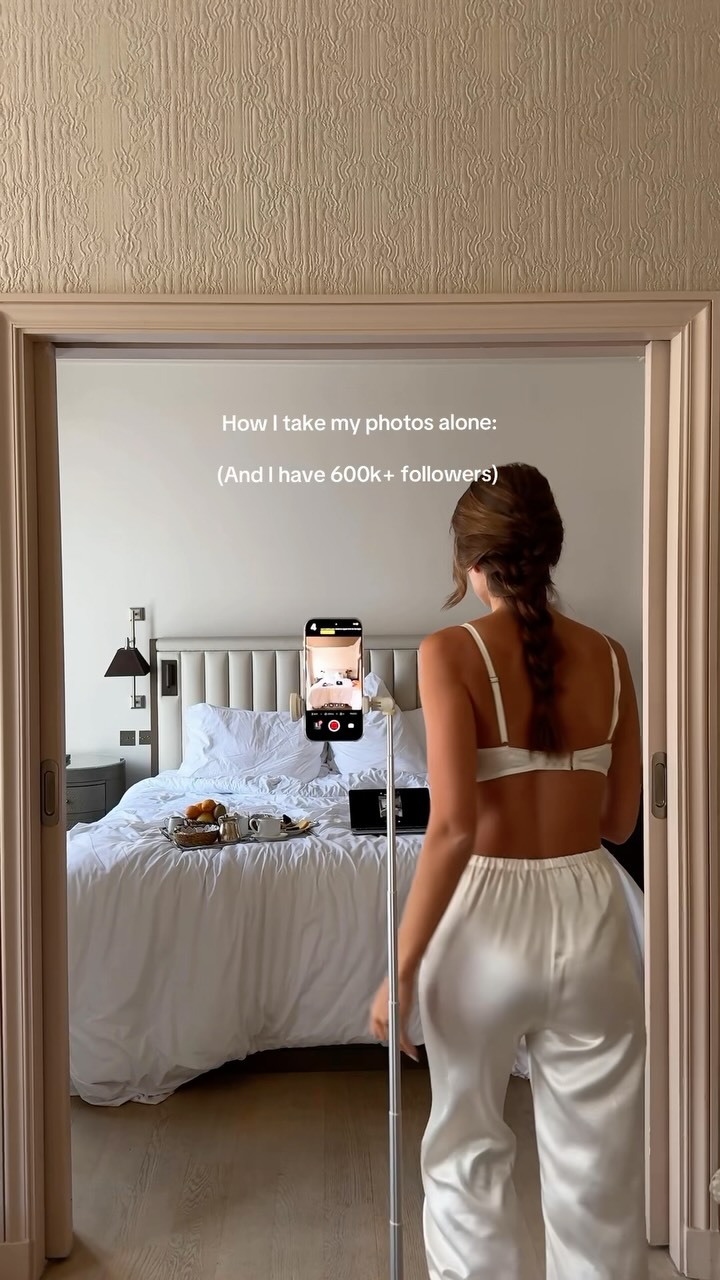 414.9K50.1×Creator shows her photo setup@by.jasminkaila · Tutorial / How To
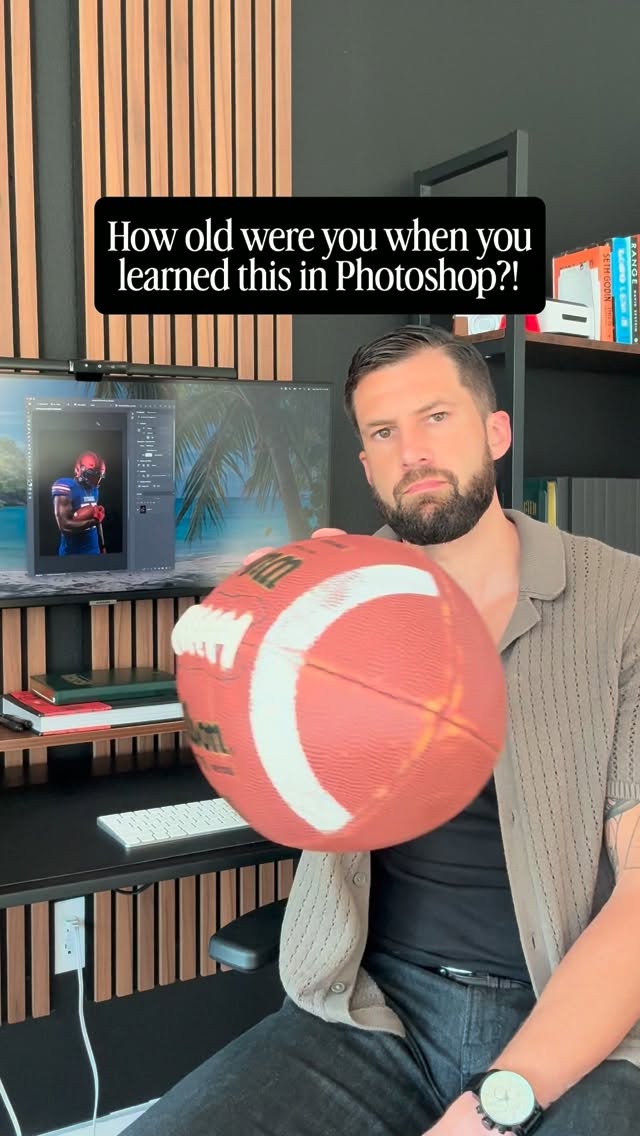 170.6K132.6×Screen recording Photoshop lighting tutorial@design_by_brady · Tutorial / How To
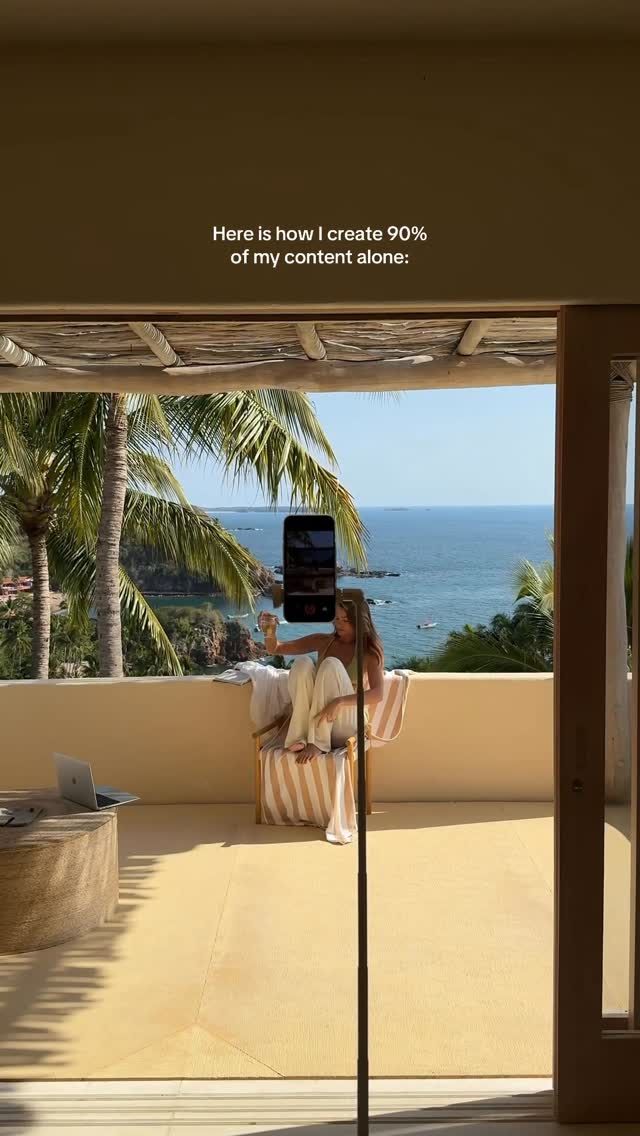 861.9K44.1×Solo content creation behind scenes@by.jasminkaila · Behind The Scenes
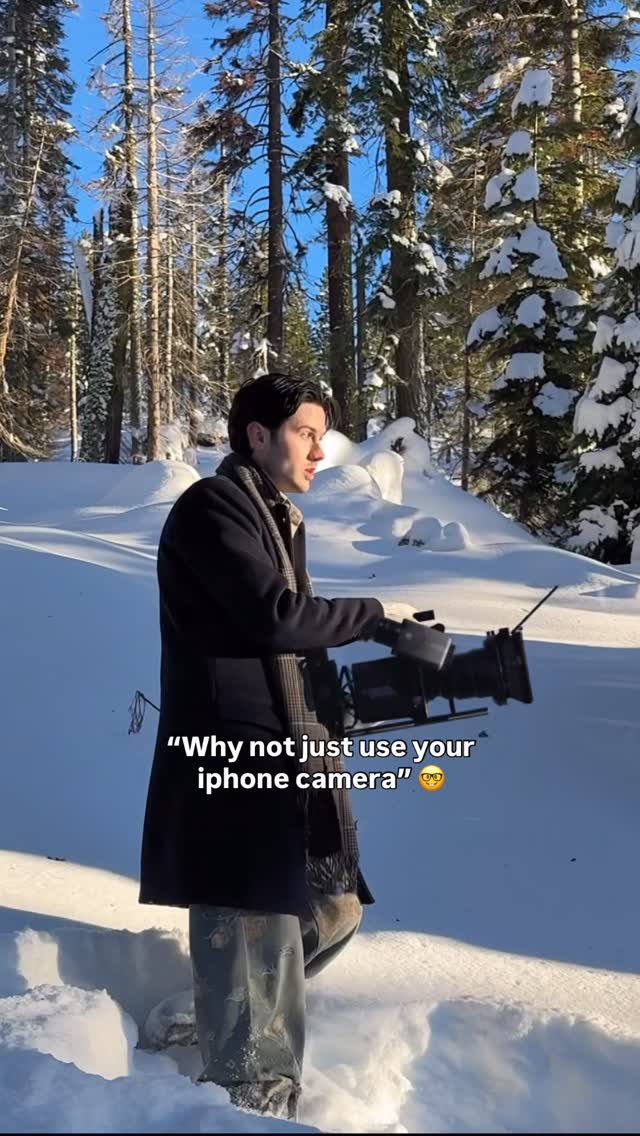 3.8M2.7×Visual proof of camera quality@citizen_theartist · Showcase
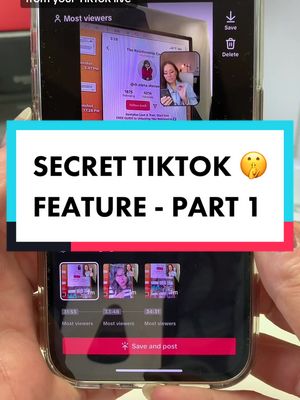 524K5.6×TikTok feature tutorial with screen recording@misscarolineflett · Tutorial / How To
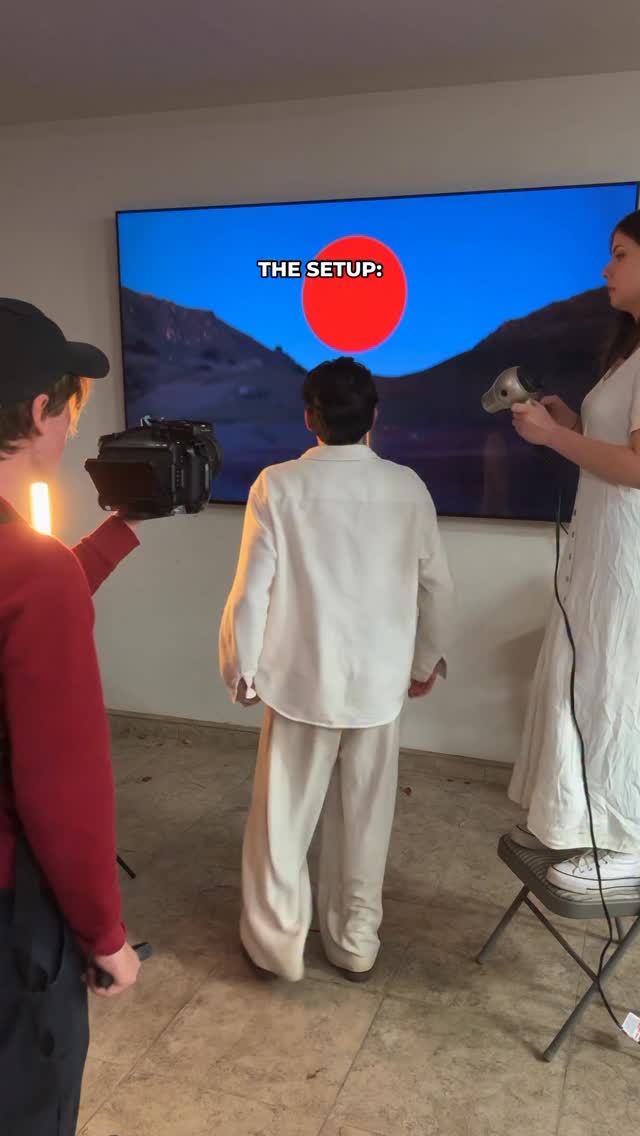 2M1.2×Behind the scenes to final shot@citizen_theartist · Behind The Scenes
[04]
[05]
What stops the scroll in the first 3 seconds
Title hook · 70%
your MacBook has a ring light btw
Visual hook · 30%
Handheld close-up of a MacBook screen displaying the creator's face in the Photo Booth app, immediately establishing a tech-focused, practical demonstration.
[06]
Steal this for your own video
your has a btw
[07]
The promise the opener makes, and how the video pays it back
Hook
A bold text overlay that immediately states the existence of a highly desirable, previously unknown feature on a common product.
Payoff
The immediate, undeniable visual transformation that proves the feature works, delivering instant gratification and actionable utility to the viewer.
[08]
The structural pattern this video runs on
Framework
The Hidden Feature Reveal
Declaring a surprising, built-in capability of a ubiquitous tool and providing a rapid, step-by-step visual guide to activating it.
The Bold Claim
Establish the premise immediately using on-screen text to hook the viewer's curiosity about a tool they likely already own.
The UI Walkthrough
Provide a rapid, real-time visual recording of the exact navigation steps required to locate the hidden setting.
The Trigger Action
Show the specific interaction (click, toggle, or slide) that activates the feature, building micro-tension right before the final reveal.
Did you know?! 💻 @apple
informational · throughout
your MacBook has a ring light btw