Viral Hooks
Trending short videosScreen recording Photoshop lighting tutorial
D

@design_by_brady

Instagram · Screen Recording

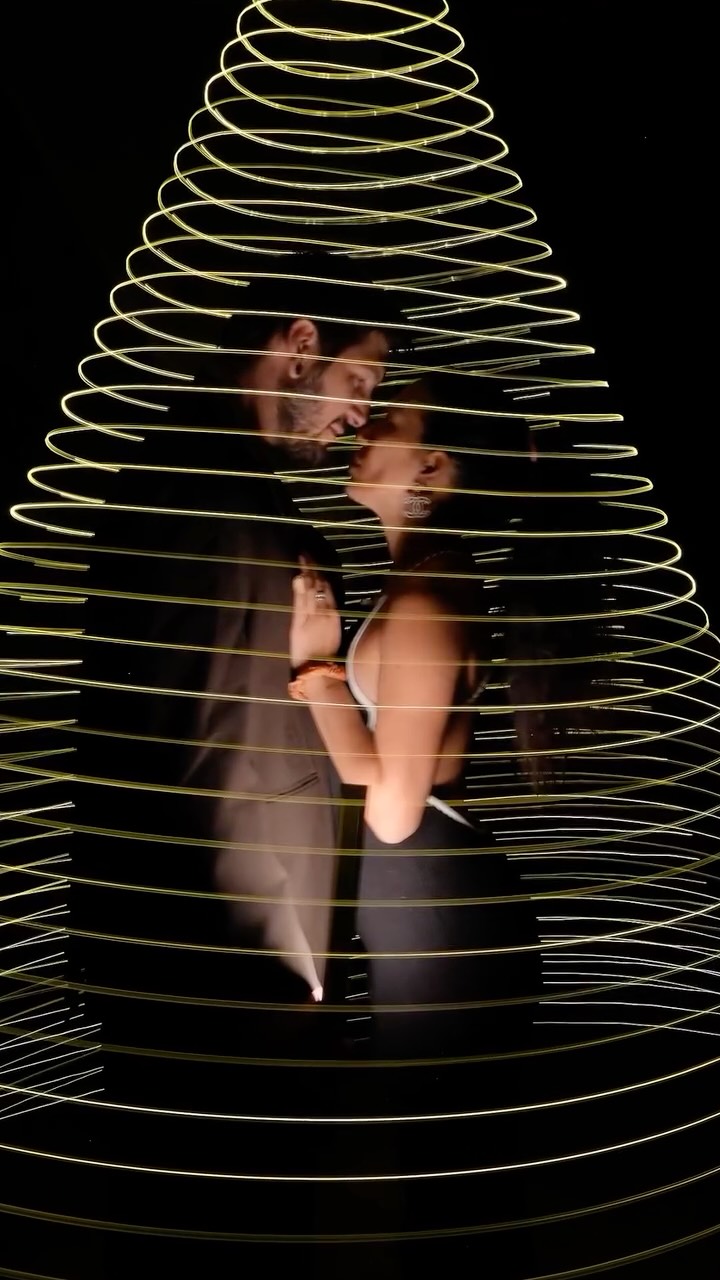
@design_by_brady Photoshop is in their BAG with this one! 🏆 The new Relight Layer in Photoshop Beta is amazing. Been waiting for this since Sneaks last year ✌🏽 Try it out today!! #graphicdesign #photoshop #graphicdesigner #adobephotoshop

View original on Instagram

The edit1 shot · 9 text
Shots Text0:32

Performance

Views
170.6K
Likes
4.7K
Comments
93
Engagement
2.8%
Outlier
132.6×
Length · 29 Sept 2026
0:32

Video #43458 · Screen Recording

Screen recording Photoshop lighting tutorialfrom @design_by_brady

[01]

Overview

The creator demonstrates the 'Relight Layer' feature in Photoshop Beta by showing a screen recording of the process. They add a new relight layer to a photo of a football player, move the light source to change the lighting dynamically, adjust settings like intensity and diffusion, add a second colored light source, and fine-tune its properties. The video concludes by emphasizing that the edits are non-destructive on a new layer and provides a call-to-action to follow for more tips.

[02]

Simple outline

  1. 1Pose knowledge-gap question
  2. 2Reveal hidden feature
  3. 3Demonstrate escalating power
  4. 4Showcase final transformation

[03]

Related videos

[04]

Classification

Concepts
Tutorial / How ToProduct Demo
Elements
Screen RecordingText OverlayMood MusicMontage Editing

[05]

Hook analysis

What stops the scroll in the first 3 seconds

Title hook · 100%

How old were you when you learned this in Photoshop?!

Visual hook

A man holds a football and looks directly at the camera, establishing a personal connection and providing a physical prop that relates to the digital subject of the tutorial.

[06]

Hook template

Steal this for your own video

How old were you when you learned you can [surprising shortcut] in [tool or activity]?!

  • — How old were you when you learned you can relight a photo on a separate layer in Photoshop?!
  • — How old were you when you learned you can freeze fresh herbs in oil for cooking?!
  • — How old were you when you learned you can automate recurring expenses in a spreadsheet?!

[07]

Hook and payoff

The promise the opener makes, and how the video pays it back

Hook

A direct-to-camera question that challenges the viewer's expertise and creates a knowledge gap, making them feel they are about to learn a valuable secret.

Payoff

A full-screen showcase of the final, transformed result, accompanied by text that provides context on availability and a direct call to action to follow for more similar content.

[08]

Narrative framework

The structural pattern this video runs on

Framework

The 'Secret Tool' Reveal

To generate curiosity about a little-known feature or technique, then systematically reveal its power and application through a fast-paced demonstration, culminating in a polished final product and a call to action.

  1. 1

    The 'Before' State

    Establish the starting point or problem by showing the unedited subject within the software interface.

  2. 2

    The 'Secret Path' Reveal

    Guide the viewer through the specific steps or menu navigation required to access the hidden tool or feature.

  3. 3

    The Core Function Demo

    Demonstrate the tool's primary function in a simple, easy-to-understand way, showing its immediate impact.

  4. 4

    The Power-Up Reveal

    Introduce an advanced capability or customization option of the tool, such as adding a second element or changing its properties, escalating its perceived value.

  5. 5

    The Granular Control Proof

    Zoom in on the tool's interface to showcase the depth of control available, proving its professional utility through sliders and settings.

  6. 6

    The Pro-Benefit Highlight

    Point out a key technical benefit that appeals to experienced users, such as a non-destructive workflow, which adds a layer of professional validation.


Themes

  • Skill development
  • Creative tools
  • Software updates

Techniques

  • Screen recording
  • Text overlay
  • Montage editing

Post caption

Photoshop is in their BAG with this one! 🏆 The new Relight Layer in Photoshop Beta is amazing. Been waiting for this since Sneaks last year ✌🏽 Try it out today!! #graphicdesign #photoshop #graphicdesigner #adobephotoshop

Text overlays

  • title · beginning

    How old were you when you learned this in Photoshop?!

  • informational · beginning

    Go to Layer > New Relight Layer

  • informational · middle

    Grab your light and try it in any place on the photo

  • informational · middle

    Control every detail of your light source

  • informational · middle

    Add a second light source in the contextual task bar

  • informational · middle

    Select your light hue or add a custom color

  • informational · middle

    Full control over Intensity, Diffusion, and Original Lighting

  • informational · end

    All created on a new layer that retains editing ability!

  • call-to-action · end

    Available in Photoshop Beta Follow for more Design Tips

Screen recording Photoshop lighting tutorial | Viral Hooks