@mmivia
TikTok · 10 Shot
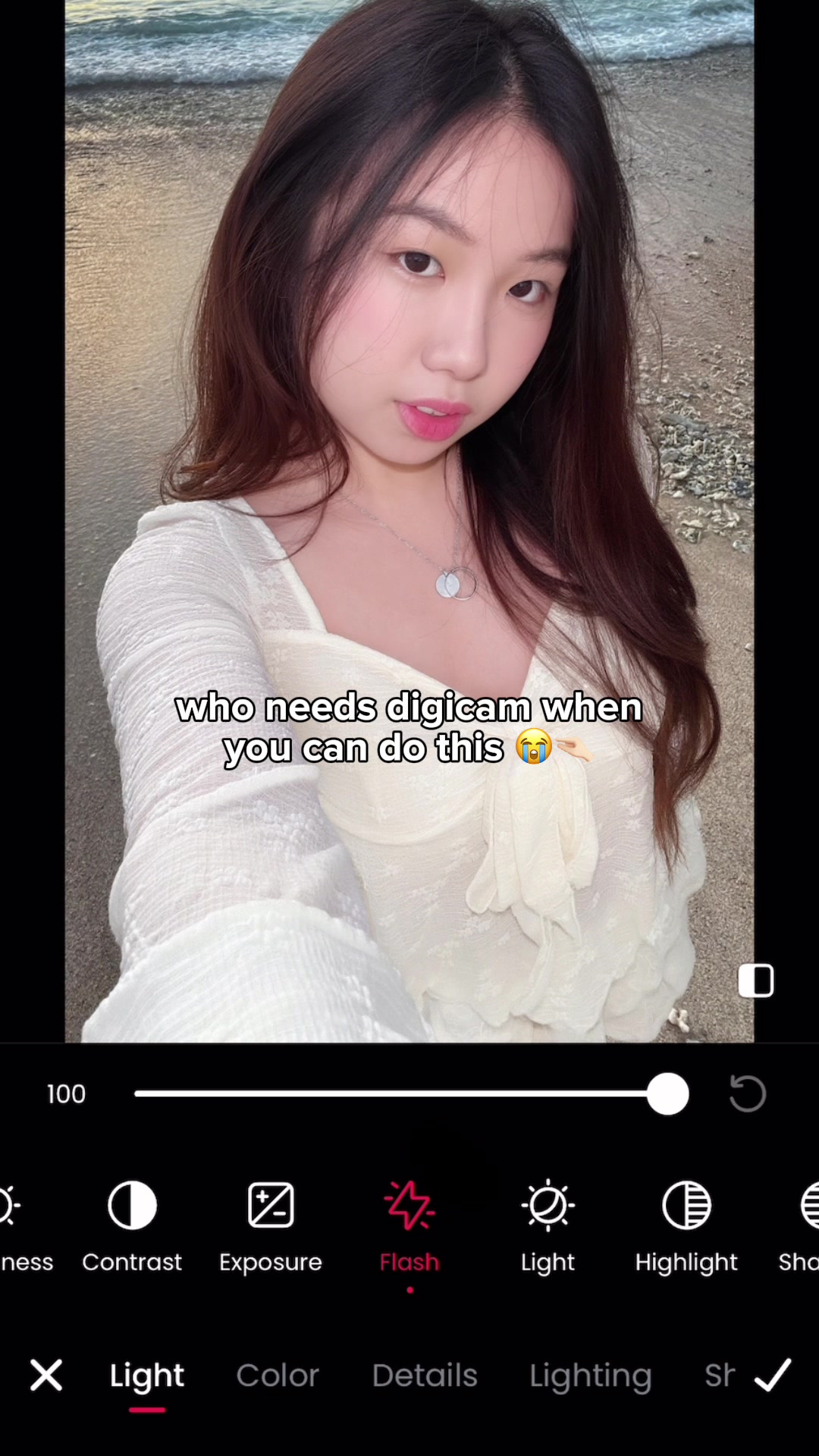
@mmivia what kind of magic is this?? you need to try 😭🫶🏻 #meitu #foryou #howto #howtoedit #tutorial #editing #editingtutorial #photoediting #photoideas #selfie #selfietips #selfieideas #digicam #aesthetic

@mmivia
TikTok · 10 Shot
@mmivia what kind of magic is this?? you need to try 😭🫶🏻 #meitu #foryou #howto #howtoedit #tutorial #editing #editingtutorial #photoediting #photoideas #selfie #selfietips #selfieideas #digicam #aesthetic
Performance
Video #33171 · 10 Shot
[01]
The creator demonstrates how to use the 'Flash' feature in the Meitu photo editing app to transform a dark selfie into a bright, digicam-style photo. They show the step-by-step process via screen recording, from opening the app to applying the effect, and then showcase the dramatic before-and-after result.
[02]
[03]
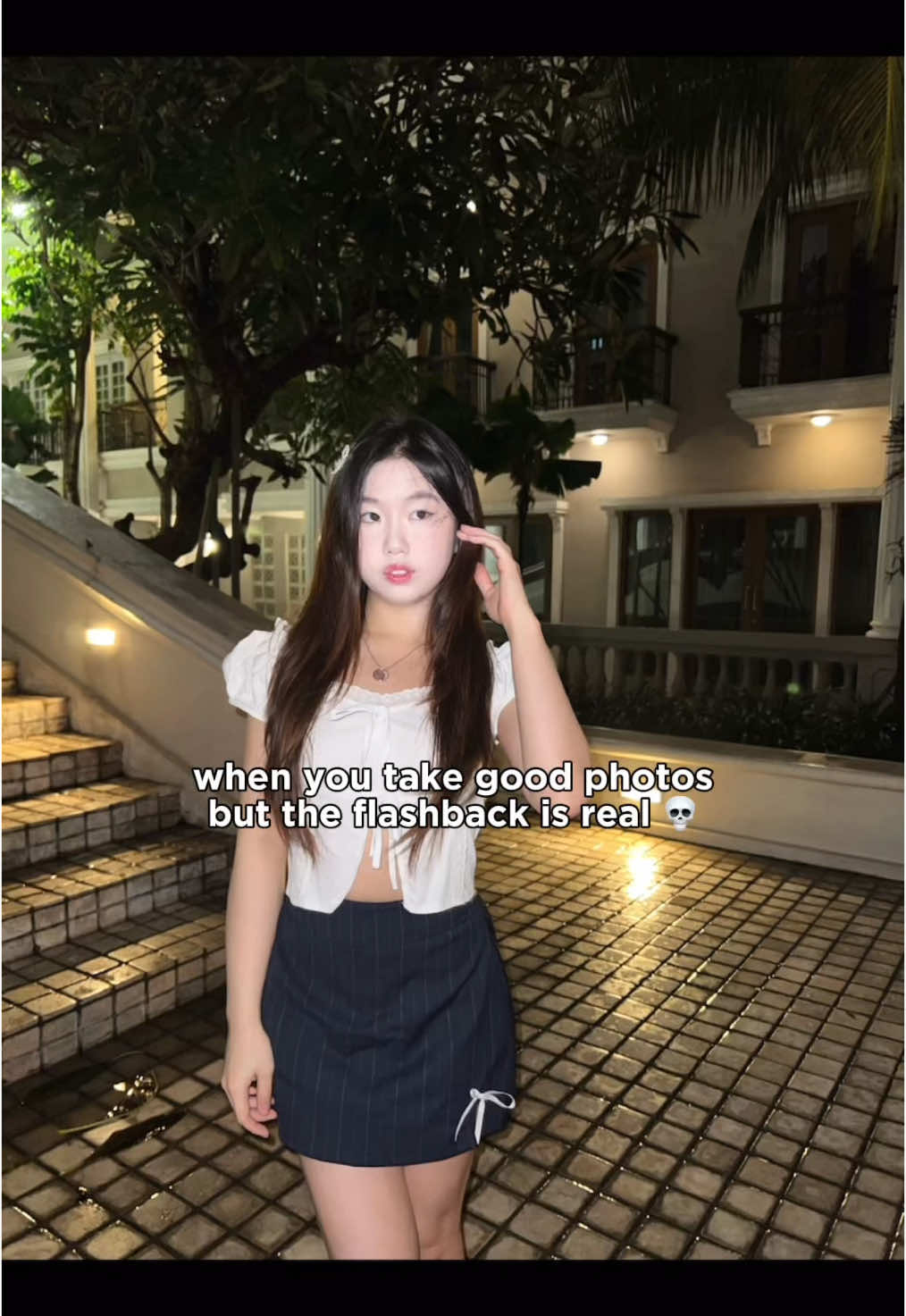 2.9M3.3×Tutorial to fix harsh flashback in photos using Meitu app@mmivia · Tutorial / How To
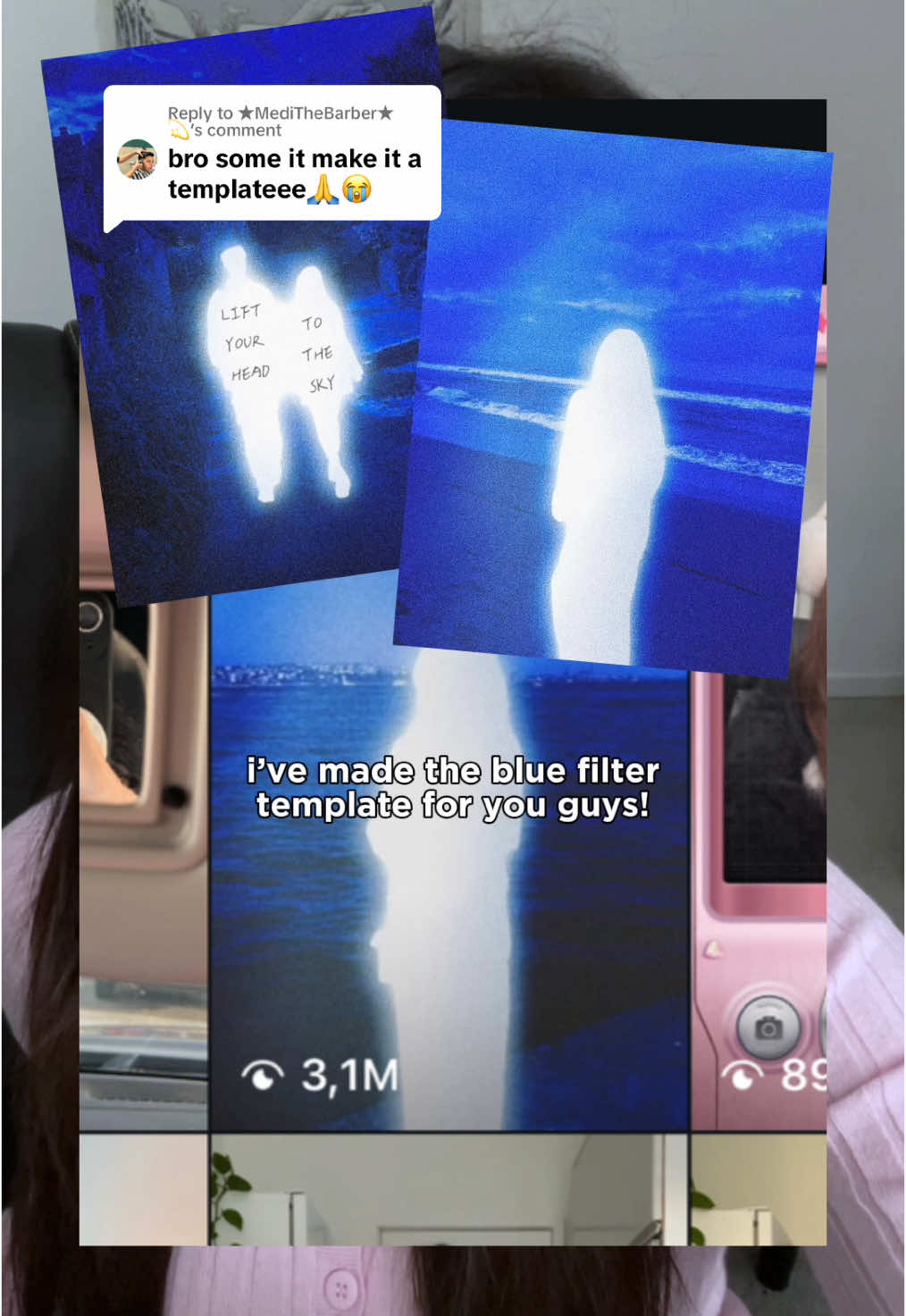 540.4KHow to get the glowing blue filter effect in Meitu@mmivia · Tutorial / How To
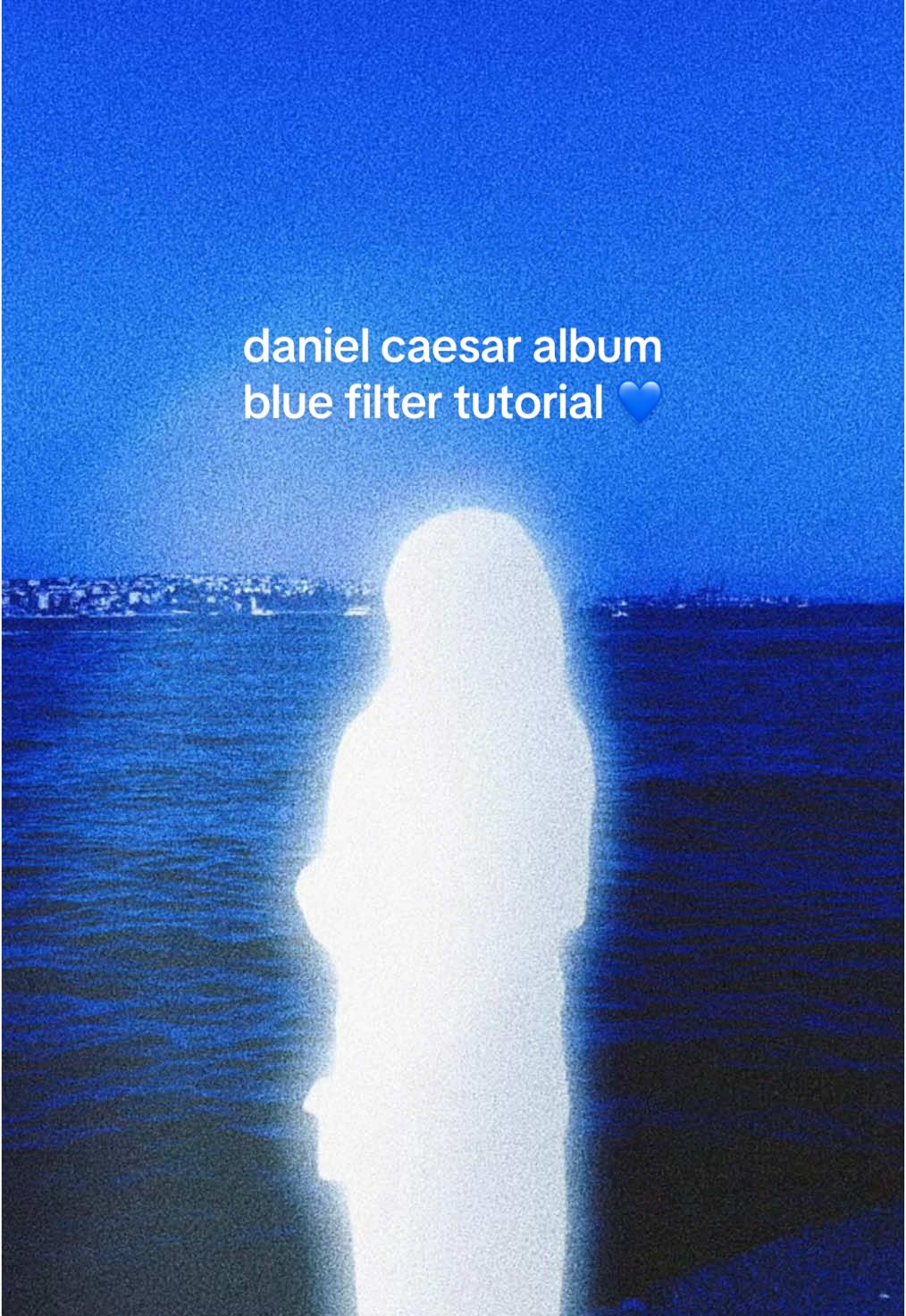 6.4M7.1×Recreating Daniel Caesar album cover aesthetic in Meitu@mmivia · Tutorial / How To
 2.9M7×Tutorial for TikTok voice filter@misscarolineflett · Tutorial / How To
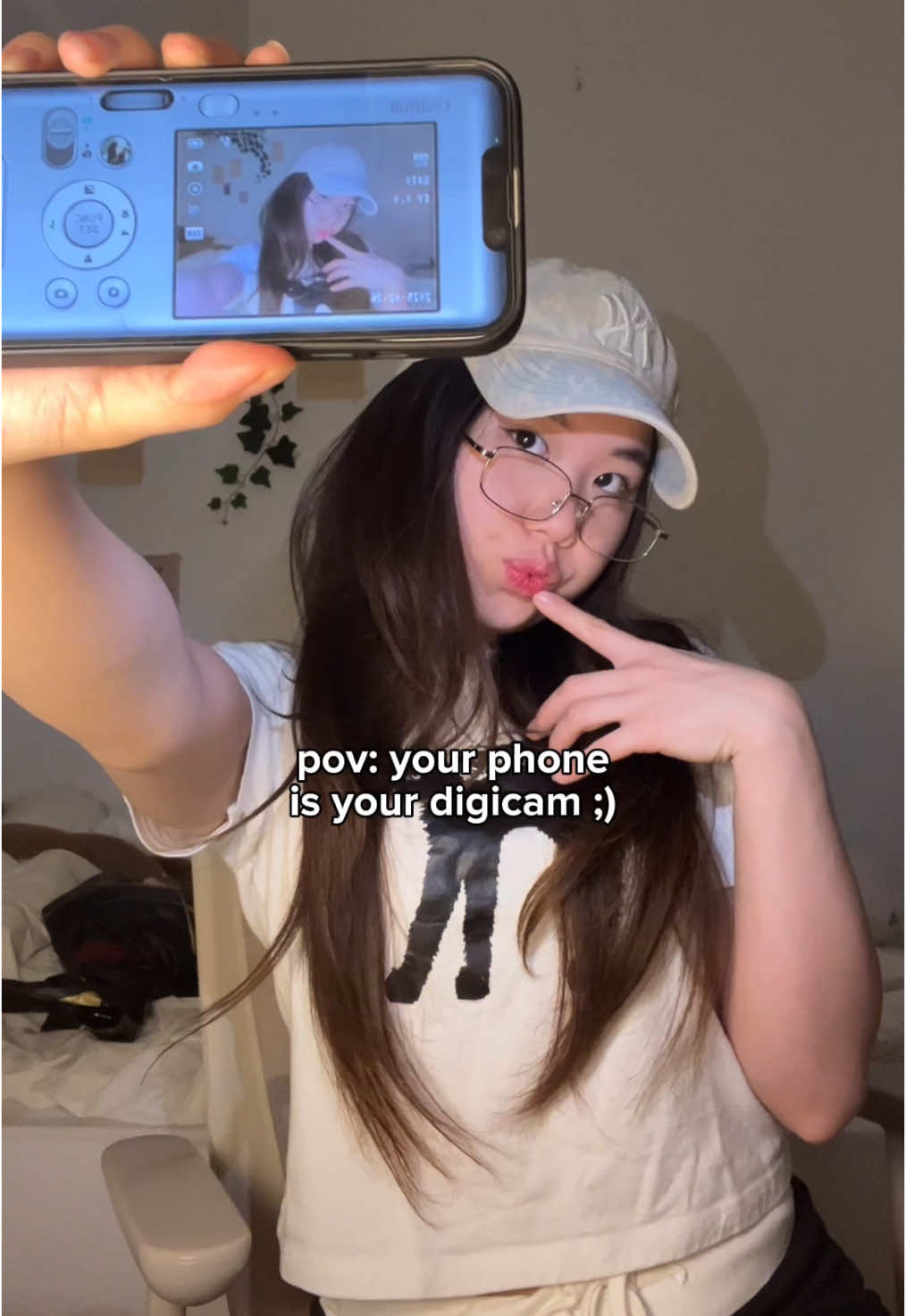 234.7KApp tutorial for digicam photos@mmivia · Tutorial / How To
 607.6K3.1×Tutorial for using two effects@misscarolineflett · Tutorial / How To
 2MShow filming technique then result@dressingleeloo · Lifestyle Showcase
 825K125.5×Demonstrates before and after lighting@claireliz_ · Before/After Transformation
 1.2MFilm photography process and reveal@blakesdailybread · Process
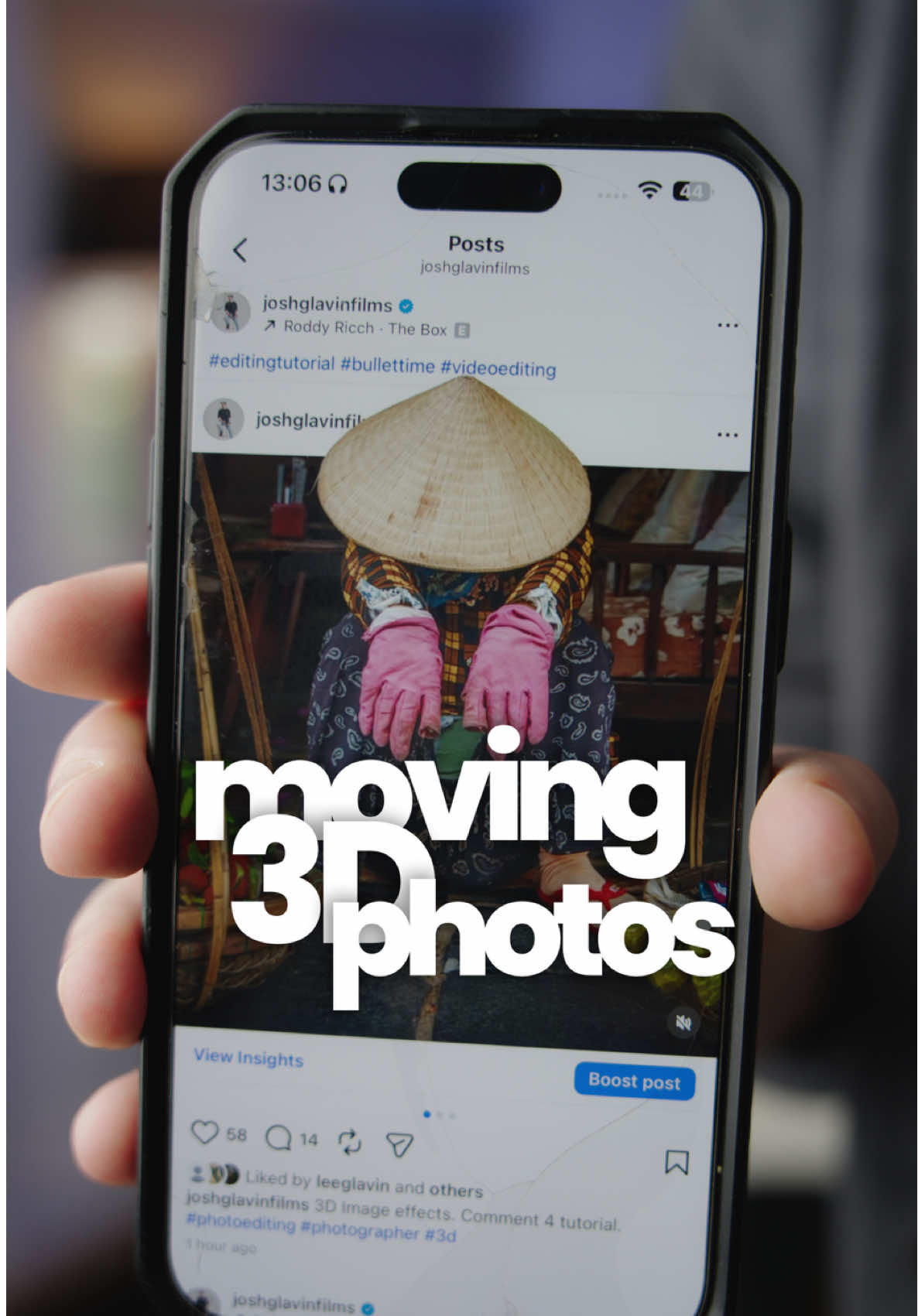 116.9KHow to make 3D photos@joshglavinfilms · Tutorial / How To
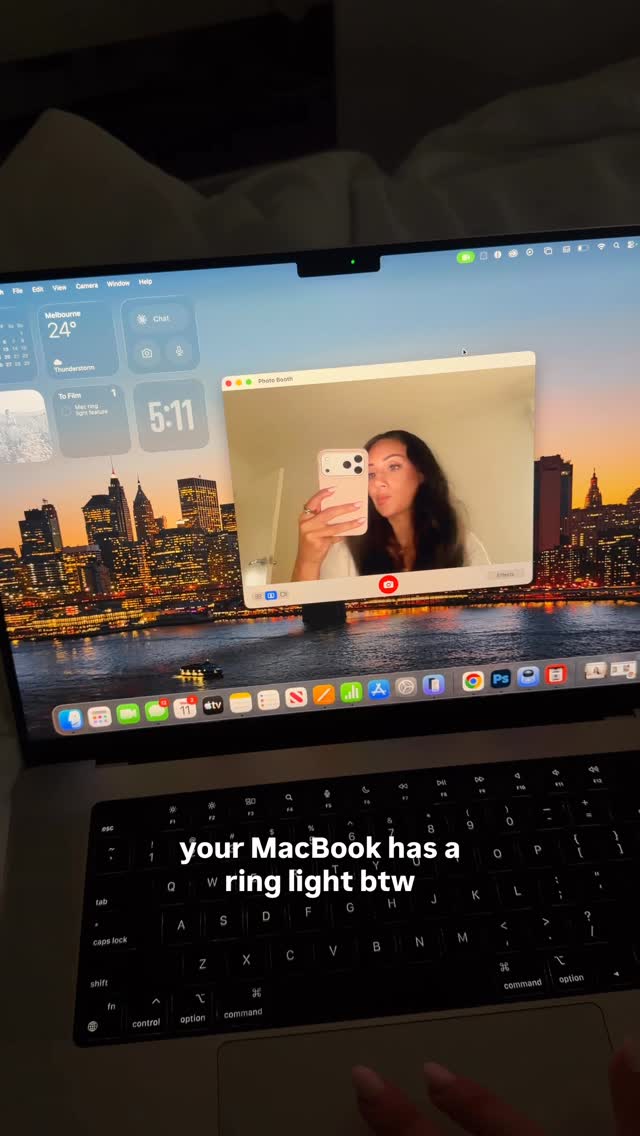 5.6M90.1×Show hidden MacBook lighting feature@angelagiakas · Tutorial / How To
 3.5M2.5×Phone camera trick tutorial result@citizen_theartist · Behind The Scenes
[04]
[05]
What stops the scroll in the first 3 seconds
Title hook · 75%
who needs digicam when you can do this 😭
Visual hook · 25%
A close-up selfie of the creator on a beach with direct eye contact. The initial lighting is somewhat dark, presenting a visual problem to be solved.
[06]
Steal this for your own video
Who needs when you can 😭
[07]
The promise the opener makes, and how the video pays it back
Hook
Juxtapose a 'before' state with a flash of the 'after' state, accompanied by a text overlay that challenges a common assumption or presents a bold claim (e.g., 'Who needs X when you can do this').
Payoff
Display the final, perfected 'after' state in a full-screen, aspirational format, often paired with a call to action that reinforces the creator's expertise.
[08]
The structural pattern this video runs on
Framework
The One-Click Miracle
Demonstrating a surprisingly simple, often single-step, solution to a common and relatable problem, resulting in a dramatic and desirable transformation.
The Tool Reveal
Clearly identify the specific tool, app, or product required to achieve the promised result, showing the user where to start.
The Secret Path
Provide a concise, screen-recorded walkthrough showing the exact steps or settings needed within the tool, demystifying the process and making it feel achievable.
The Transformation Moment
Show the core action being applied, often using a visual cue like a 'processing' bar or animation to build anticipation for the outcome.
The Proof of Concept
Present a direct, side-by-side comparison of the 'before' and 'after' states to provide undeniable evidence of the transformation's effectiveness.
what kind of magic is this?? you need to try 😭🫶🏻 #meitu #foryou #howto #howtoedit #tutorial #editing #editingtutorial #photoediting #photoideas #selfie #selfietips #selfieideas #digicam #aesthetic
title · beginning
who needs digicam when you can do this 😭
informational · middle
open Meitu & select Photo
informational · middle
Adjust -> Flash
contextual · middle
unreal 😭
call-to-action · end
follow for more tips 🖤