@rourke Google Gemini Omni is widely underrated 🔥
Comment “AI” to try Omni on Google flow today @googlegemini @google @googledeepmind
Gemini Omni lets you edit video and images through plain conversation, reshaping scenes, swapping objects, changing angles and actions while keeping characters and physics consistent across every turn. This is just the Flash model, so it’s only going to get better, and it’s already fast and seriously effective for creators, filmmakers, and marketers.
#GeminiOmni #GoogleAI #AIVideoEditing #CreativeAI #GenerativeAI
Split-screen AI video editing examplesfrom @rourke
[01]
Overview
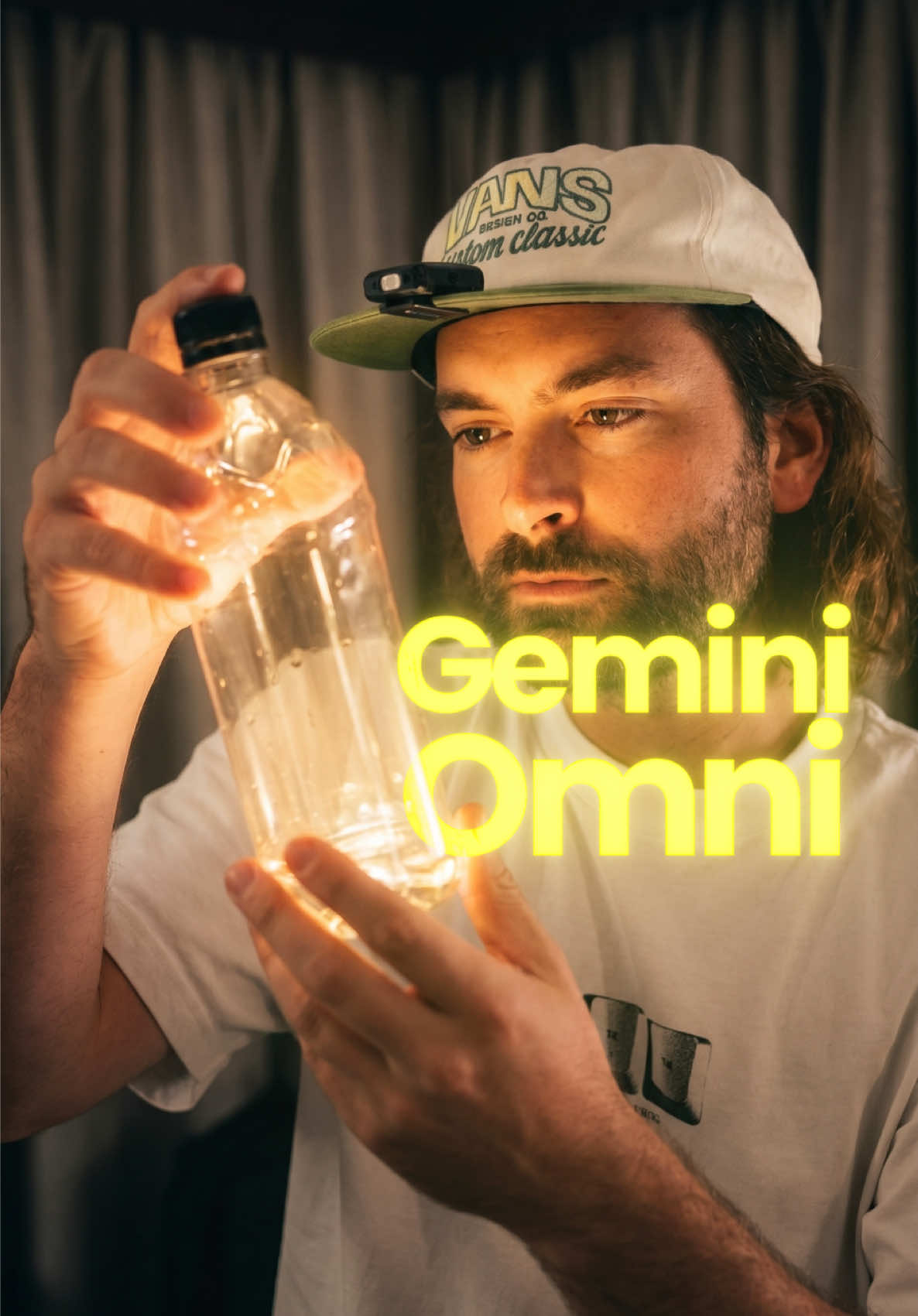
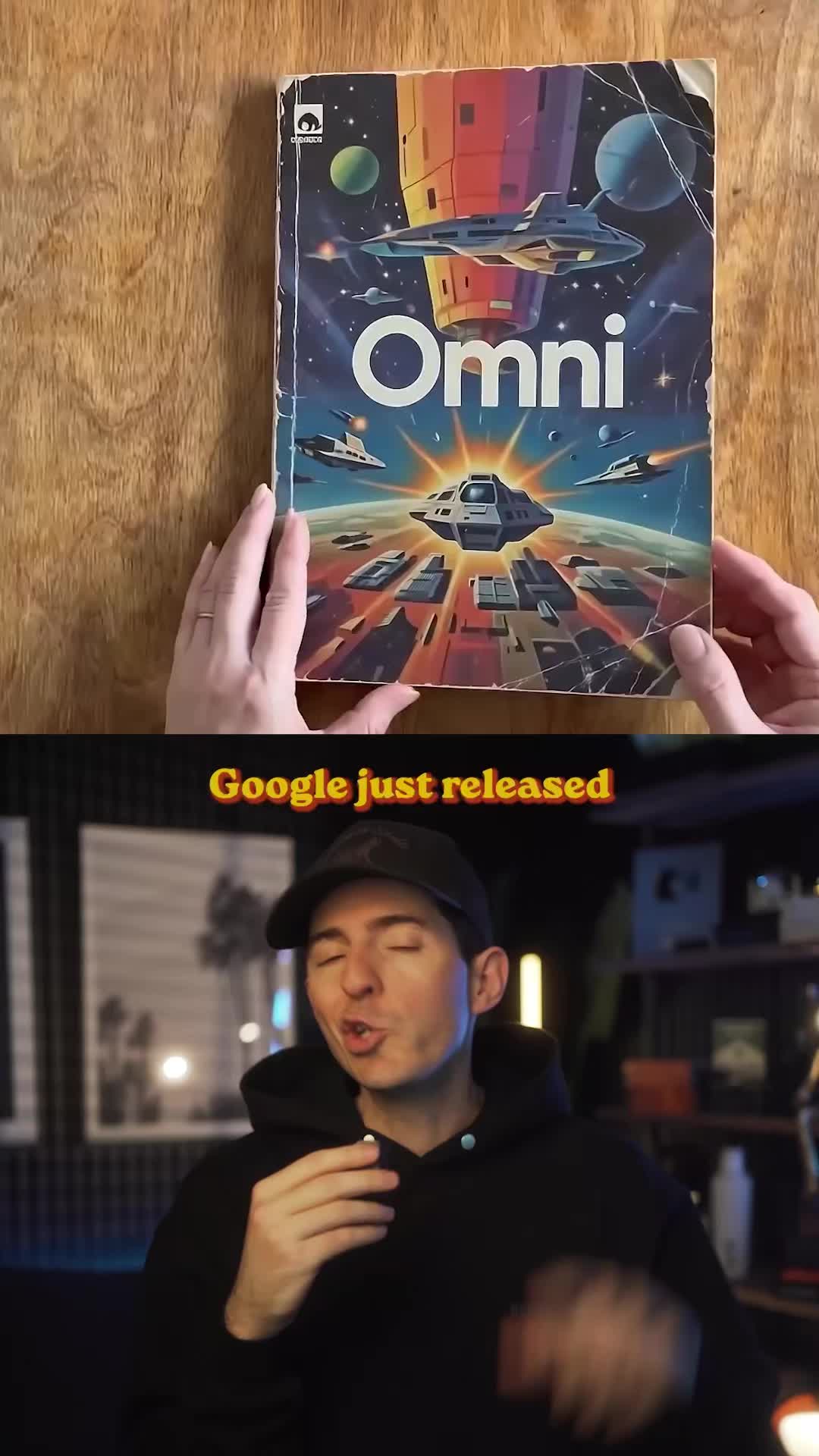
A creator demonstrates the power of Google's Omni AI video editing tool through a series of examples. He uses a split-screen to show the original footage versus the AI-edited version, performing actions like making lights flicker, conjuring a lion and a dinosaur bone, opening curtains, and magically filling and changing a water bottle, all triggered by snapping his fingers.
Most people don't realize how insane Google's new AI video model called Omni really is.
Visual hook · 25%
A split-screen comparison showing two versions of the same scene, with a man gesturing towards the camera, immediately establishing the video's comparative premise.
[06]
Hook template
Steal this for your own video
[creative task] with [new tool]: [surprising result]
— Video editing with Google Omni: scenes transformed
— Budgeting with a new app: spending patterns revealed
— Meal planning with a new tool: dinner sorted in minutes
[07]
Hook and payoff
The promise the opener makes, and how the video pays it back
Hook
A bold, superlative claim about a new tool or concept, creating a curiosity gap by suggesting the audience is unaware of its true power.
Payoff
The final, most complex demonstration acts as the ultimate proof, leaving the viewer with a sense of awe and confirming the hook's initial bold claim.
[08]
Narrative framework
The structural pattern this video runs on
Framework
The Escalating Proof Showcase
A rapid-fire demonstration of a tool or concept's capabilities, where each example is progressively more complex and impressive than the last, framed as a series of 'magic tricks' initiated by a simple user action.
1
The Opening Proof: Environmental Control
Presents the first, most straightforward demonstration of the core capability, establishing a baseline of what's possible in a simple, easily digestible way (e.g., changing the lighting).
2
The First Escalation: Impossible Insertion
Introduces a significantly more complex element that defies normal reality (e.g., adding a live animal), proving the tool's power beyond simple tweaks. This beat is bridged by a transition phrase like 'but it gets crazier'.
3
The Second Escalation: Direct Interaction
Shows the capability interacting directly with the presenter by manifesting an object in their hands, demonstrating a higher level of control and integration.
4
The Third Escalation: Dynamic Scene Alteration
Revisits environmental manipulation but on a larger, more dynamic scale, showcasing control over complex elements like physics and natural light.
5
The Climactic Proof: Multi-Stage Metamorphosis
Serves as the finale by demonstrating multiple, consecutive transformations on a single object, proving the highest level of granular control and solidifying the initial 'insane' claim.
Themes
Artificial Intelligence
Future of Technology
Content Creation Tools
Techniques
Split Screen Comparison
VFX
Direct-to-camera narration
Trends
AI Tool Demonstration
Post caption
Google Gemini Omni is widely underrated 🔥
Comment “AI” to try Omni on Google flow today @googlegemini @google @googledeepmind
Gemini Omni lets you edit video and images through plain conversation, reshaping scenes, swapping objects, changing angles and actions while keeping characters and physics consistent across every turn. This is just the Flash model, so it’s only going to get better, and it’s already fast and seriously effective for creators, filmmakers, and marketers.
#GeminiOmni #GoogleAI #AIVideoEditing #CreativeAI #GenerativeAI
Text overlays
title · beginning
AI Video Editing
Google Omni
contextual · throughout
Omni
contextual · throughout
Original
call-to-action · end
Comment AI
To try it today
Transcript
Most people don't realize how insane Google's new AI video model called Omni really is. I mean, look at this. I could sit on this bed here and snap my fingers, and now the lights start flickering around me. But it gets crazier because let's say you zoom into my feet tier, you can see that we've got this live animal inside my hotel room and now I'm holding this object and I can hold anything that I want or I bad click my fingers and these blinds behind me will start opening and light will start flooding into this room, but it gets crazier on this last thing. You see, you can see my eyes through this water bottle. If I snap my fingers, we've now filled this water bottle with water and now I can snap my fingers and we can change the material of any object.
Split-screen AI video editing examples | Viral Hooks