@softgirlnocode
Instagram · Carousel

@softgirlnocode If you want all the prompts sent to you just comment “cute”! Will ya please? #whimsy #creativeedit

@softgirlnocode
Instagram · Carousel
@softgirlnocode If you want all the prompts sent to you just comment “cute”! Will ya please? #whimsy #creativeedit
Performance
Video #37599 · Carousel
[01]
The photo demonstrates a creative video effect by showing the final result, the original footage in an inset, and the text prompt used to generate the effect. A woman holds a phone displaying fluffy, pink 3D text that appears to be physically present, while the 'original' box shows a plain screen, illustrating a before-and-after transformation driven by the provided prompt.
[02]
[03]
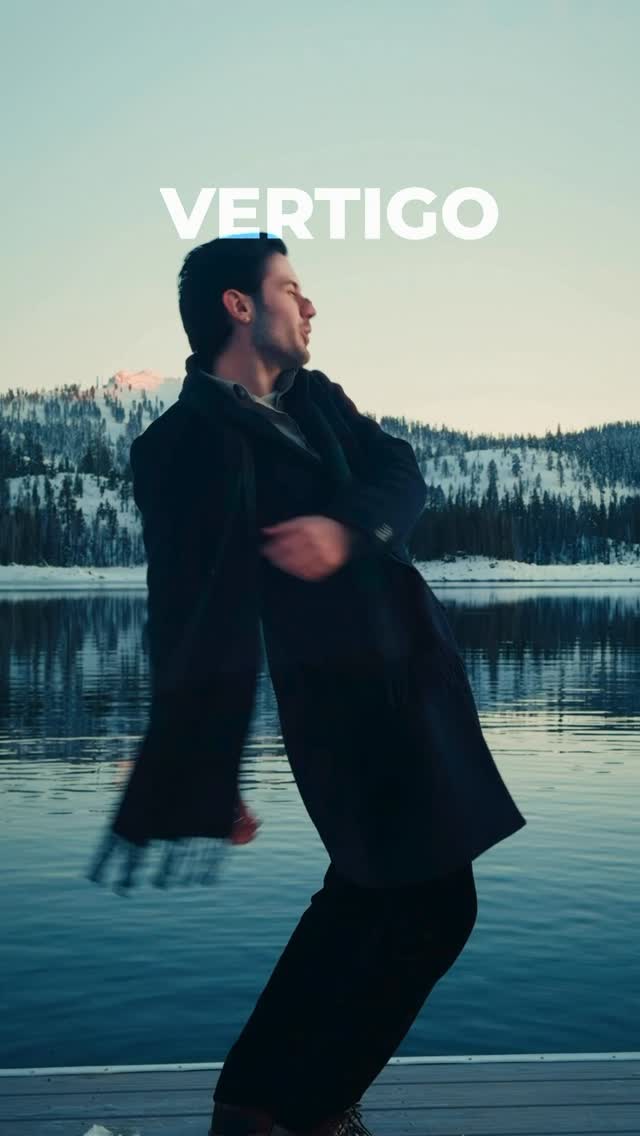 3.5M2.5×Phone camera trick tutorial result@citizen_theartist · Behind The Scenes
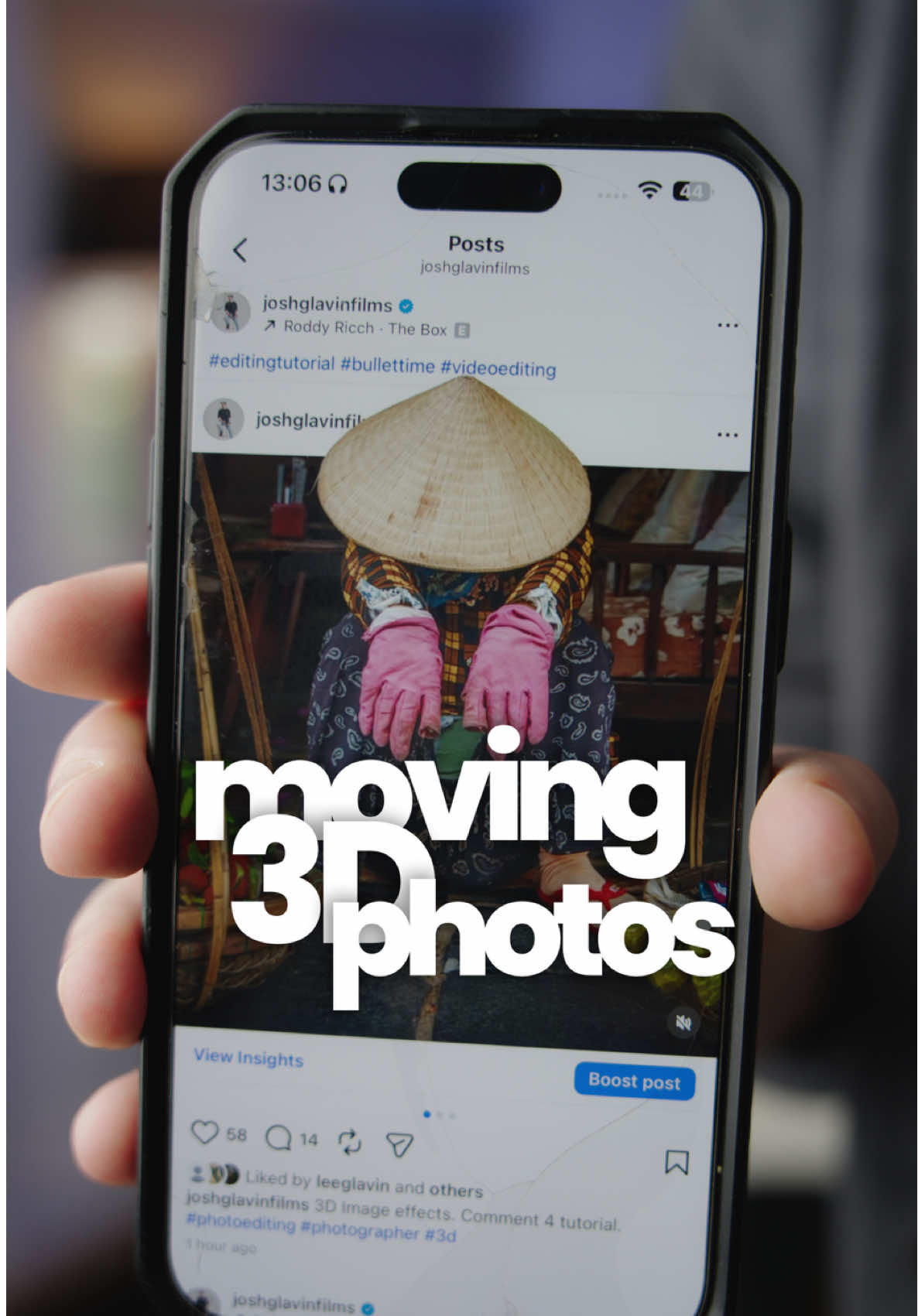 116.9KHow to make 3D photos@joshglavinfilms · Tutorial / How To
 478K9.8×How to make frame jump effect@artzenmedia · Tutorial / How To
 1MHow to animate text tutorial@happywithmeg · Tutorial / How To
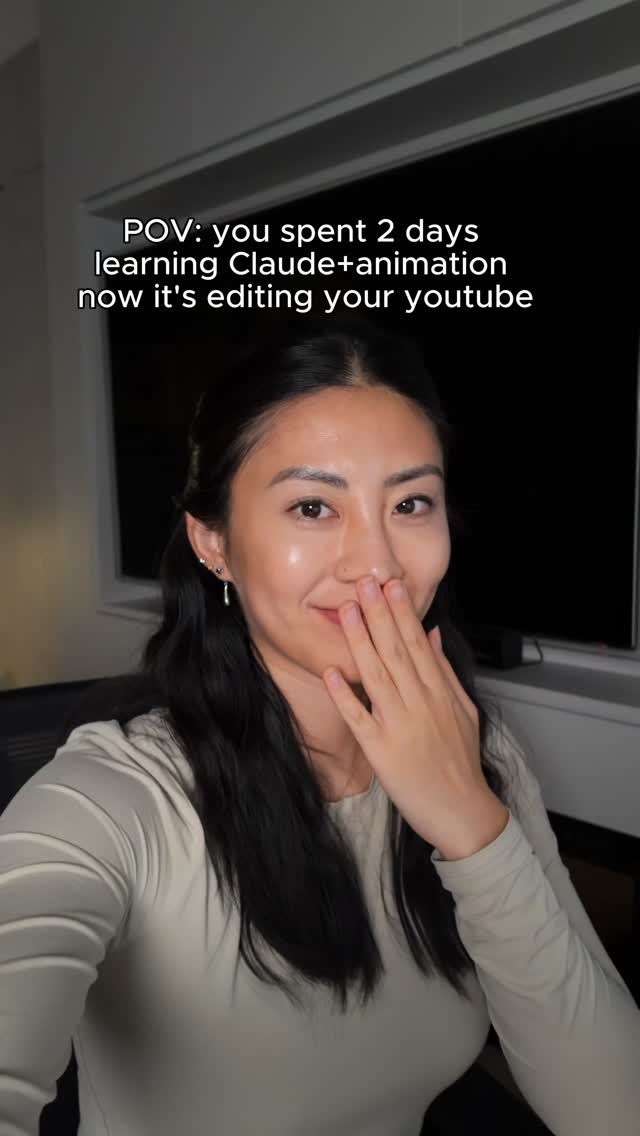 2.4MCreator shows off new AI editing skills@softgirlnocode · Performance Proof
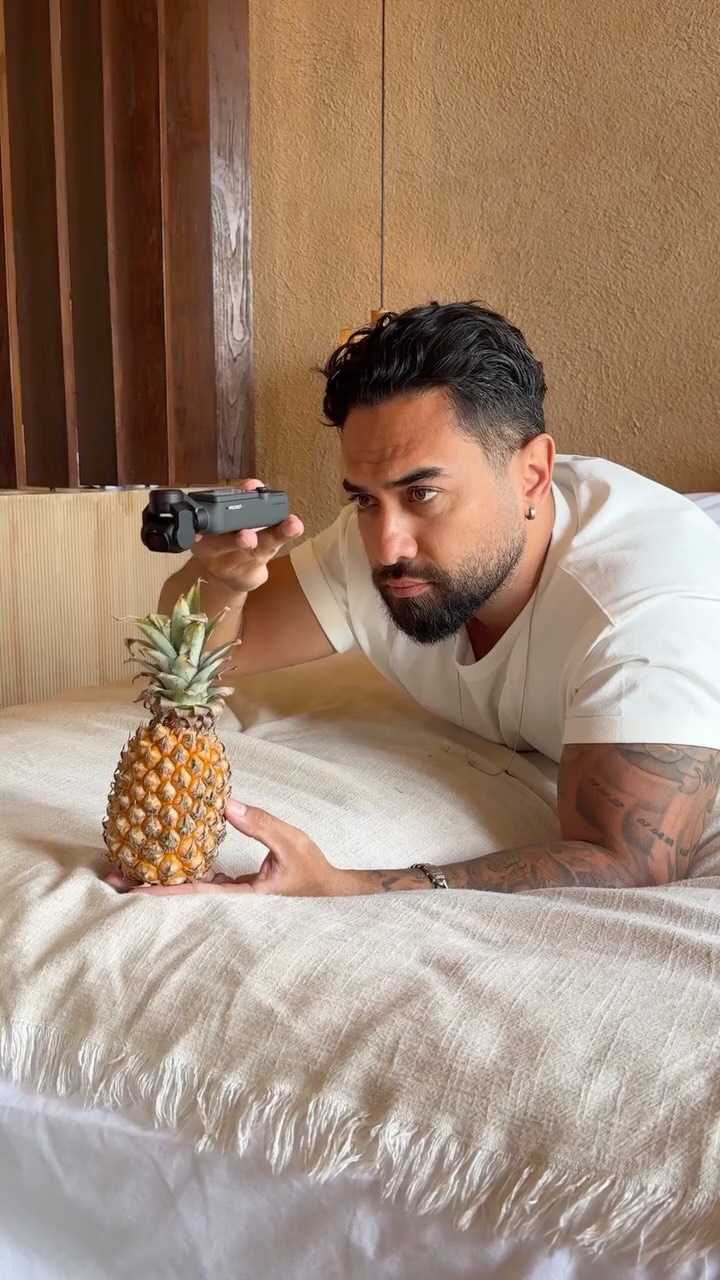 121.8M4711.6×Behind the scenes pineapple transition@osmo_global · Behind The Scenes
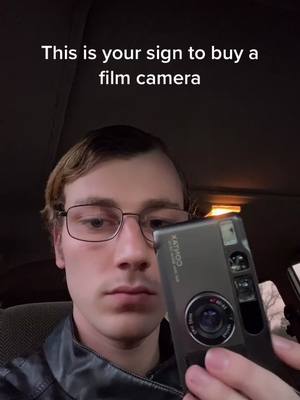 4.4MFilm camera photo result showcase@blakesdailybread · Lifestyle Showcase
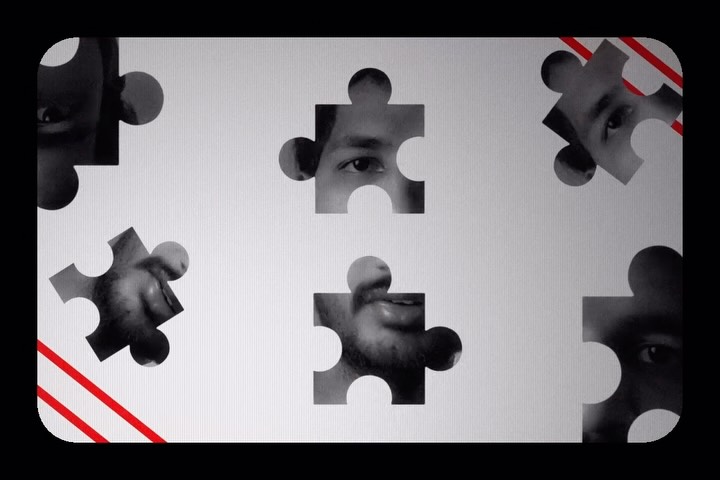 113.2K13.8×Rapid fire list of video effects@adarshxdesign · Rapid Fire Listicle
 67.8KRecreating a cool video effect@byrvm_contentcreation · Tutorial / How To
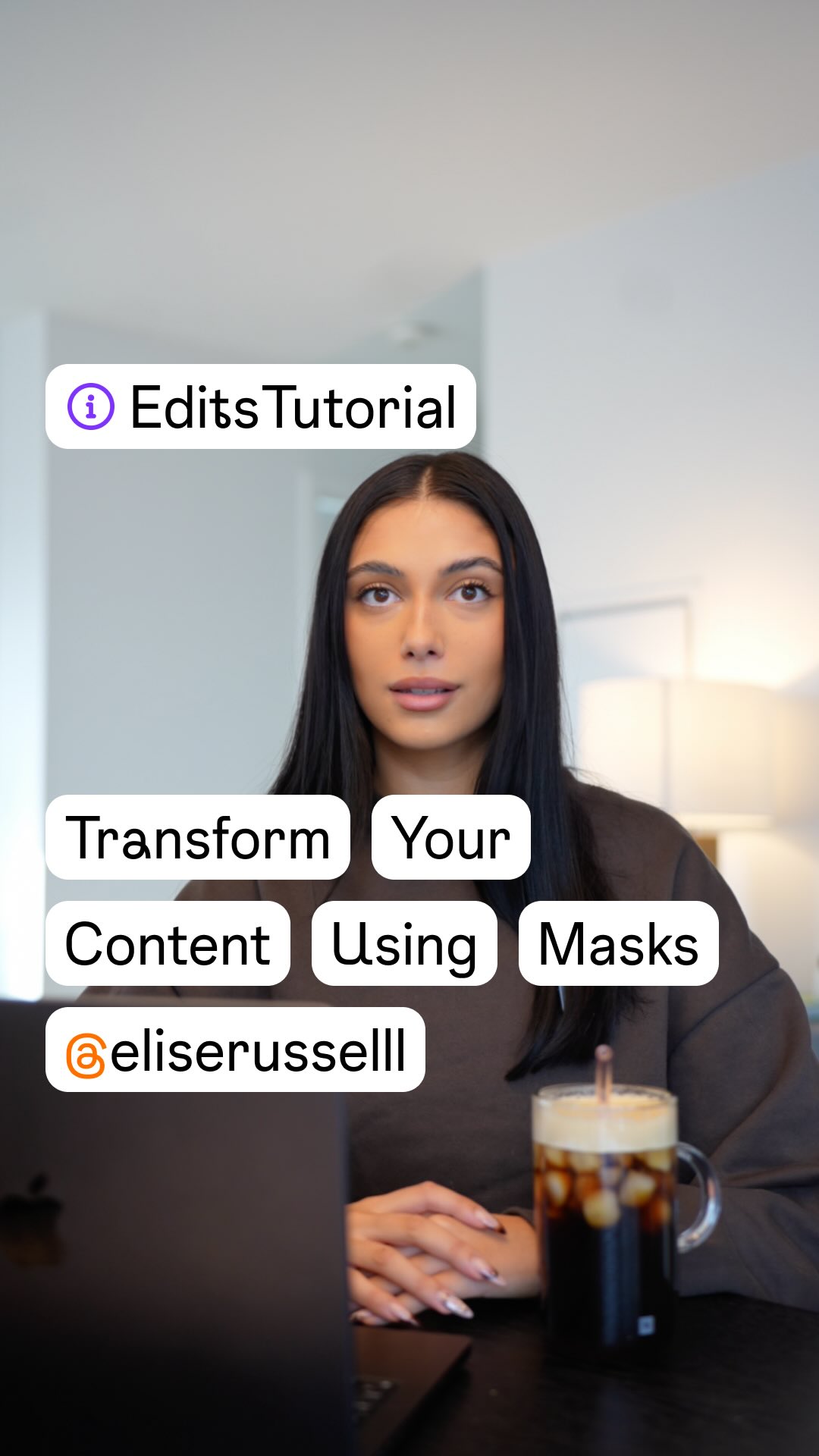 788.8K89.6×Tutorial for elevated text reveal@creators · Tutorial / How To
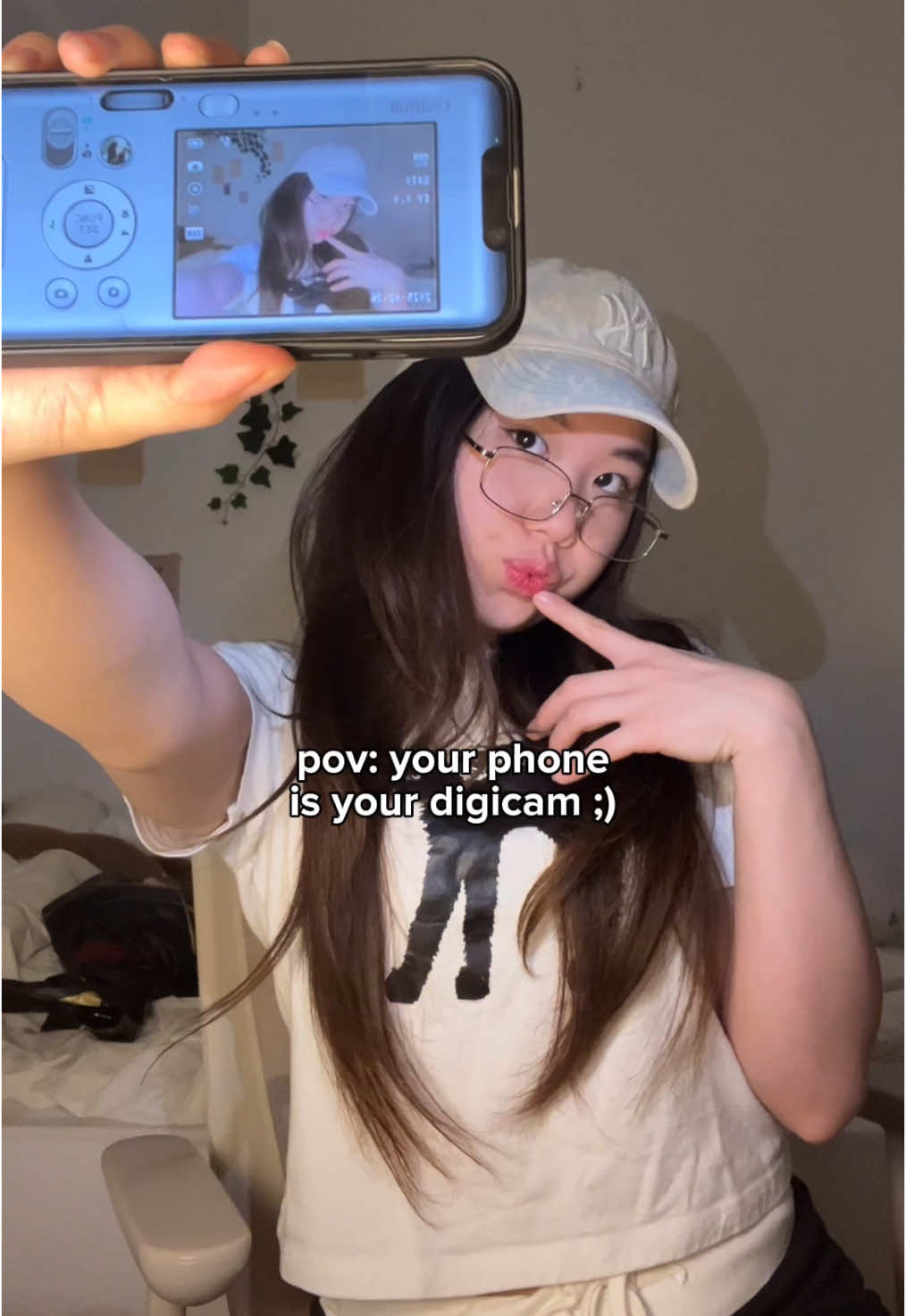 234.7KApp tutorial for digicam photos@mmivia · Tutorial / How To
 5.7M38.8×How to film dynamic selfies@dressingleeloo · Tutorial / How To
[04]
[05]
What stops the scroll in the first 3 seconds
Title hook · 55%
prompt: As the person pinches the top edge of the sideways phone and pulls, the 3D lettering reading "softgirlnocode" is seamlessly, gradually drawn out of the phone screen...
Verbal hook · 15%
If you want all the prompts sent to you just comment “cute”!
Visual hook · 30%
A strong visual contrast between the 'original' simple phone screen and the 'after' shot featuring a photorealistic, fluffy 3D text effect emerging from the phone, creating immediate curiosity about the transformation process.
[07]
The promise the opener makes, and how the video pays it back
Hook
The primary visual is the impressive final result, acting as an immediate attention-grabber and proof of value.
Payoff
The payoff is the immediate delivery of a complete, self-contained 'how-to' guide on a single screen, encouraging saves and shares for future reference.
[08]
The structural pattern this video runs on
Framework
The Instant Reveal Blueprint
A single-slide framework that presents a desirable outcome, the exact method to achieve it, and the 'before' state simultaneously to deliver immediate, high-density value and stop the scroll.
The 'Wow' Result
The main background image showcases the aspirational final outcome, serving as the primary visual hook.
The 'Secret' Reveal
A prominent text overlay details the exact, complete instructions, prompt, or recipe needed to replicate the result, delivering the core value upfront.
The 'Before' Context
An inset image or visual element displays the original, unedited state, providing context for the transformation and making the result seem more attainable.
If you want all the prompts sent to you just comment “cute”! Will ya please? #whimsy #creativeedit
informational · photo_0
prompt: As the person pinches the top edge of the sideways phone and pulls, the 3D lettering reading "softgirlnocode" is seamlessly, gradually drawn out of the phone screen, following the speed and direction of their hand as they pull it free. It emerges into the real world as photorealistic, soft pink fluffy faux-fur 3D script lettering, matching the color and style of the original 2D image, with visible individual fur strands catching the light. The letters follow the motion of the hand as they come out, then settle gently to hover and float just above the person's open palm. As the person gives a soft blow, the fluffy fur ripples and sways in response to the breath, individual strands fluttering, and the whole word drifts softly in the direction of the air before settling again. don't add anything to the video, keep the same length, just add the effect.
contextual · photo_0
original