@joshglavinfilms
TikTok · Talking Head Edit
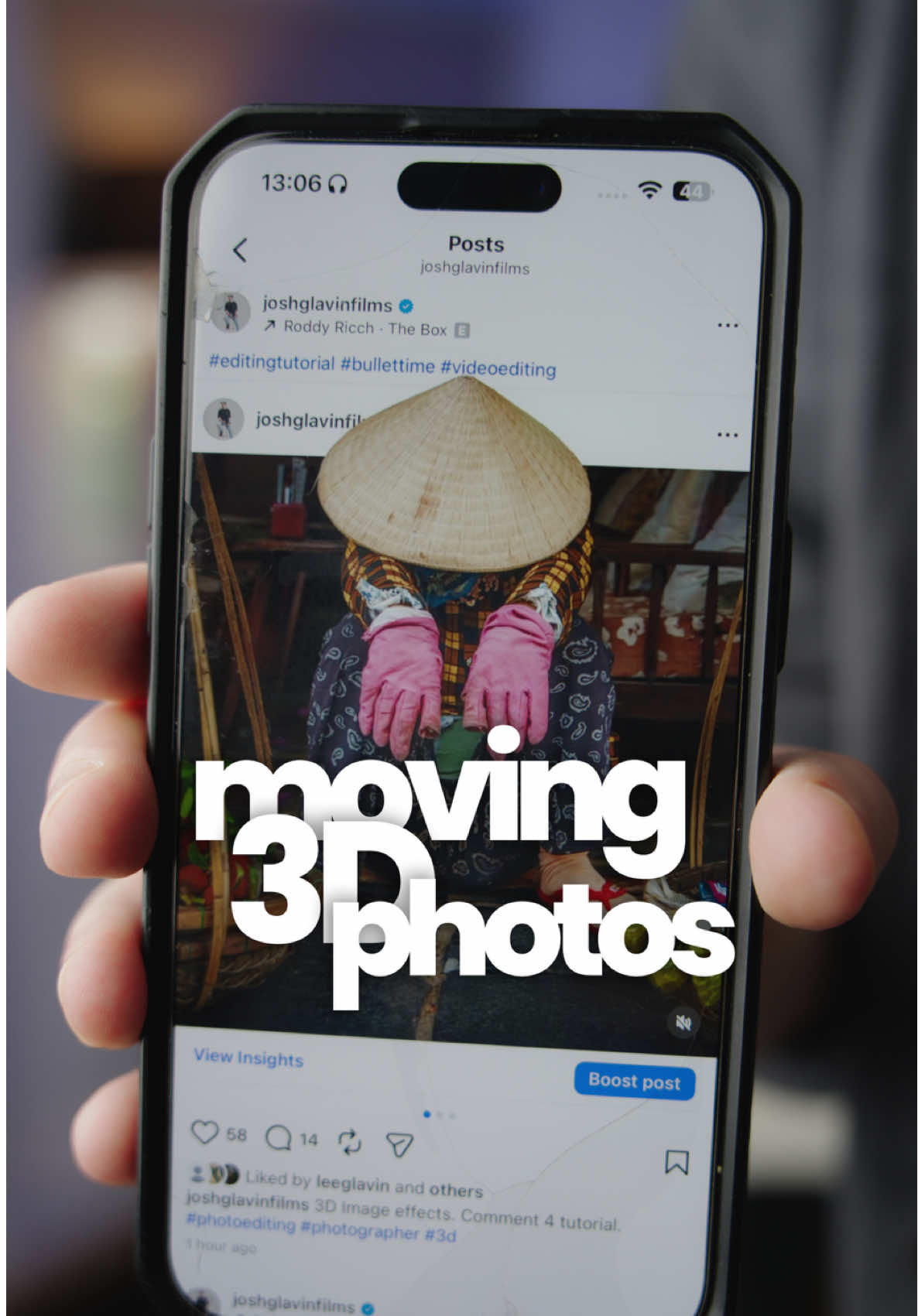
@joshglavinfilms Making these 3D moving images is super easy thanks to spatial photo on iPhone. Try it out. #videoediting #editingtutorial #photography

@joshglavinfilms
TikTok · Talking Head Edit
@joshglavinfilms Making these 3D moving images is super easy thanks to spatial photo on iPhone. Try it out. #videoediting #editingtutorial #photography
Performance
Video #49904 · Talking Head Edit
[01]
The creator provides a step-by-step tutorial on how to create a 3D moving image effect. He begins by showing the final result, then instructs viewers to use an iPhone's spatial photo feature, screen record the movement, transfer it to a laptop, and use video editing software to layer the footage with an Instagram template and a rotoscoped version of the subject to achieve the final 3D pop-out effect.
[02]
[03]
 3.5M2.5×Phone camera trick tutorial result@citizen_theartist · Behind The Scenes
 965.6KTutorial for phone cinematic mode@gosha_kamaev · Tutorial / How To
 67.8KRecreating a cool video effect@byrvm_contentcreation · Tutorial / How To
 129.5KTutorial for animating paintings with AI@byrvm_contentcreation · Tutorial / How To
 478K9.8×How to make frame jump effect@artzenmedia · Tutorial / How To
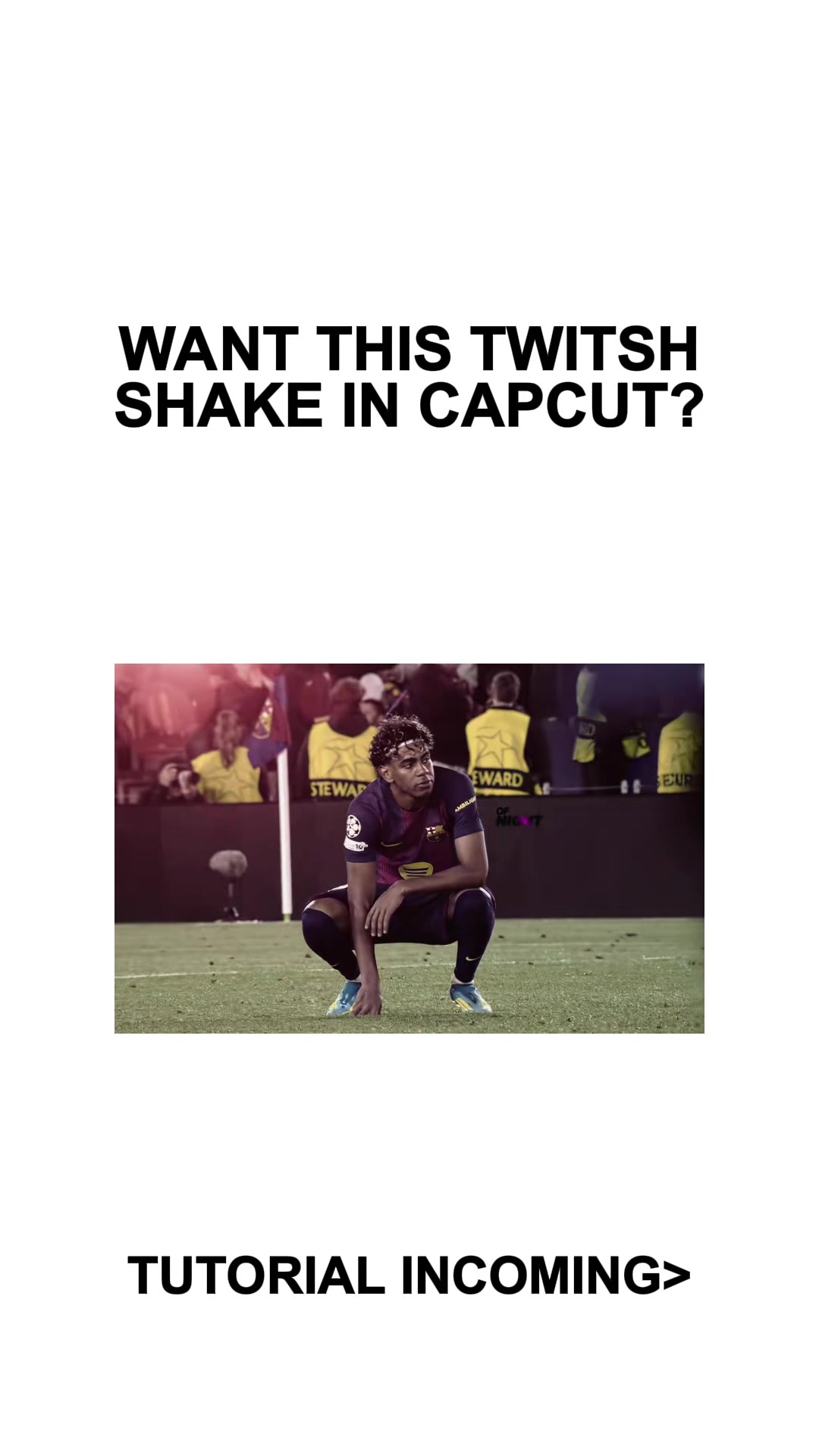 253.2KCapCut twitch shake editing tutorial@mxtstutorials · Tutorial / How To
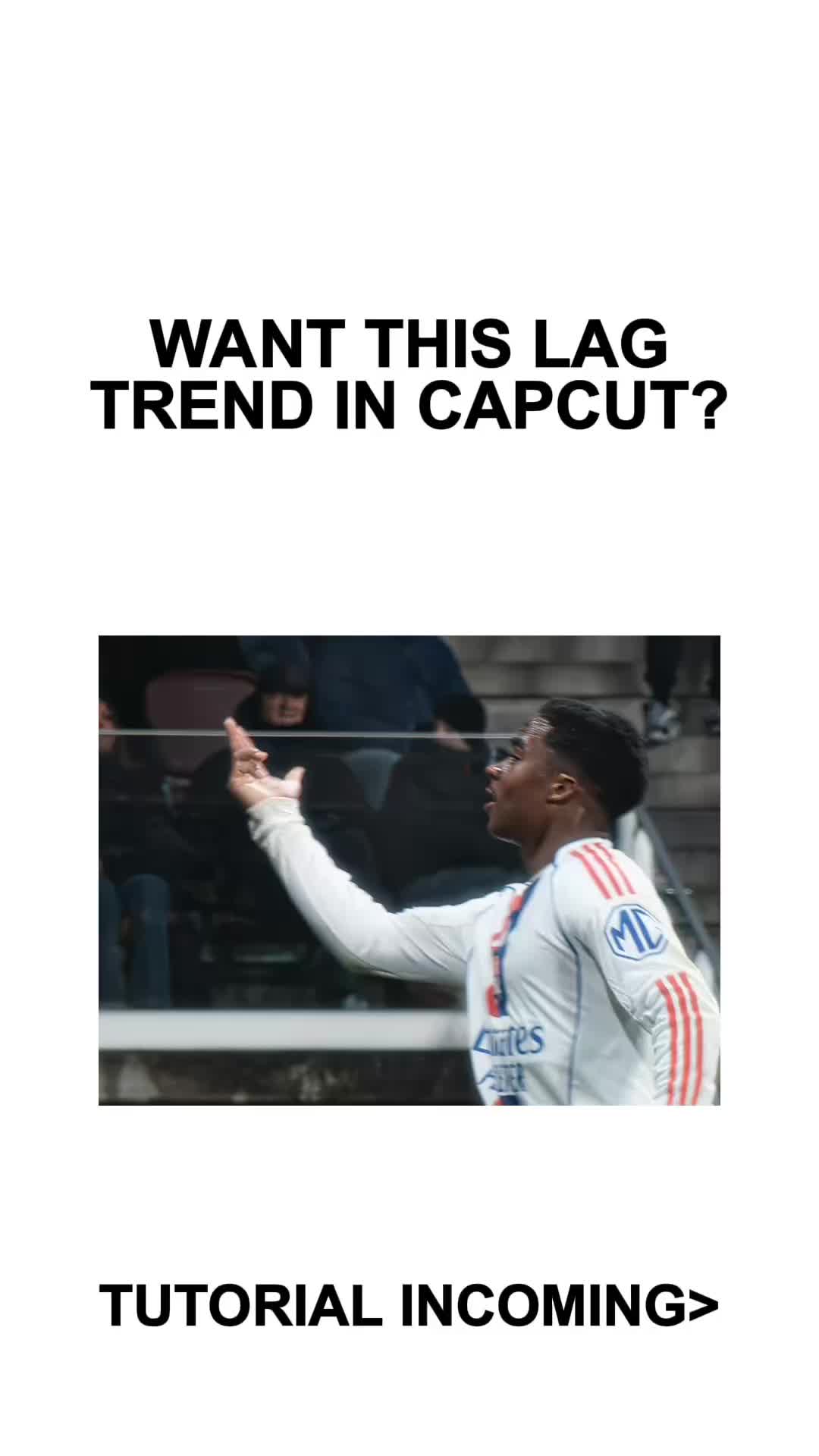 410.3KCapCut lag trend editing tutorial@mxtstutorials · Tutorial / How To
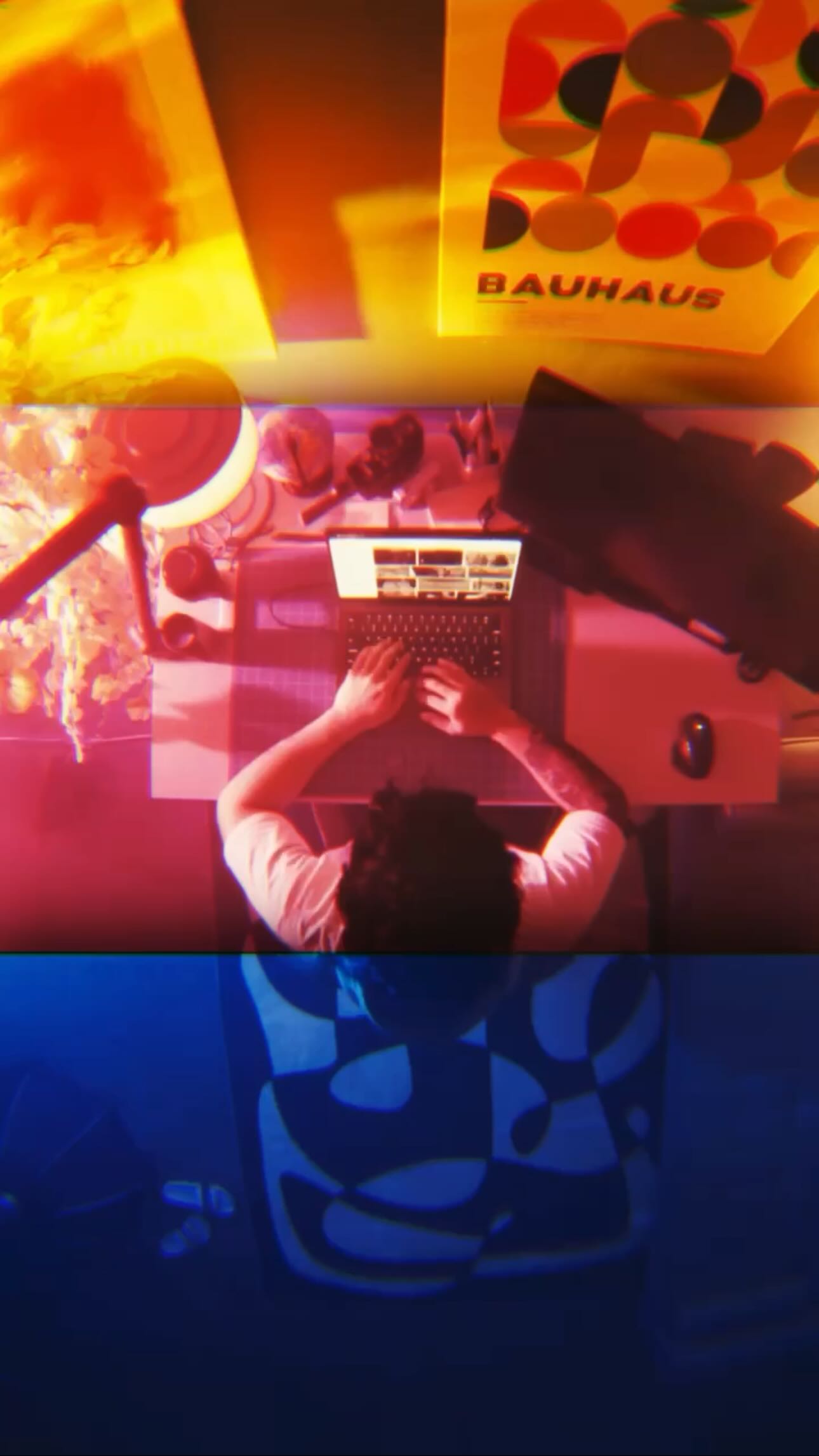 330.3K1.3×Viral transition tutorial, three shots@johnbucog · Tutorial / How To
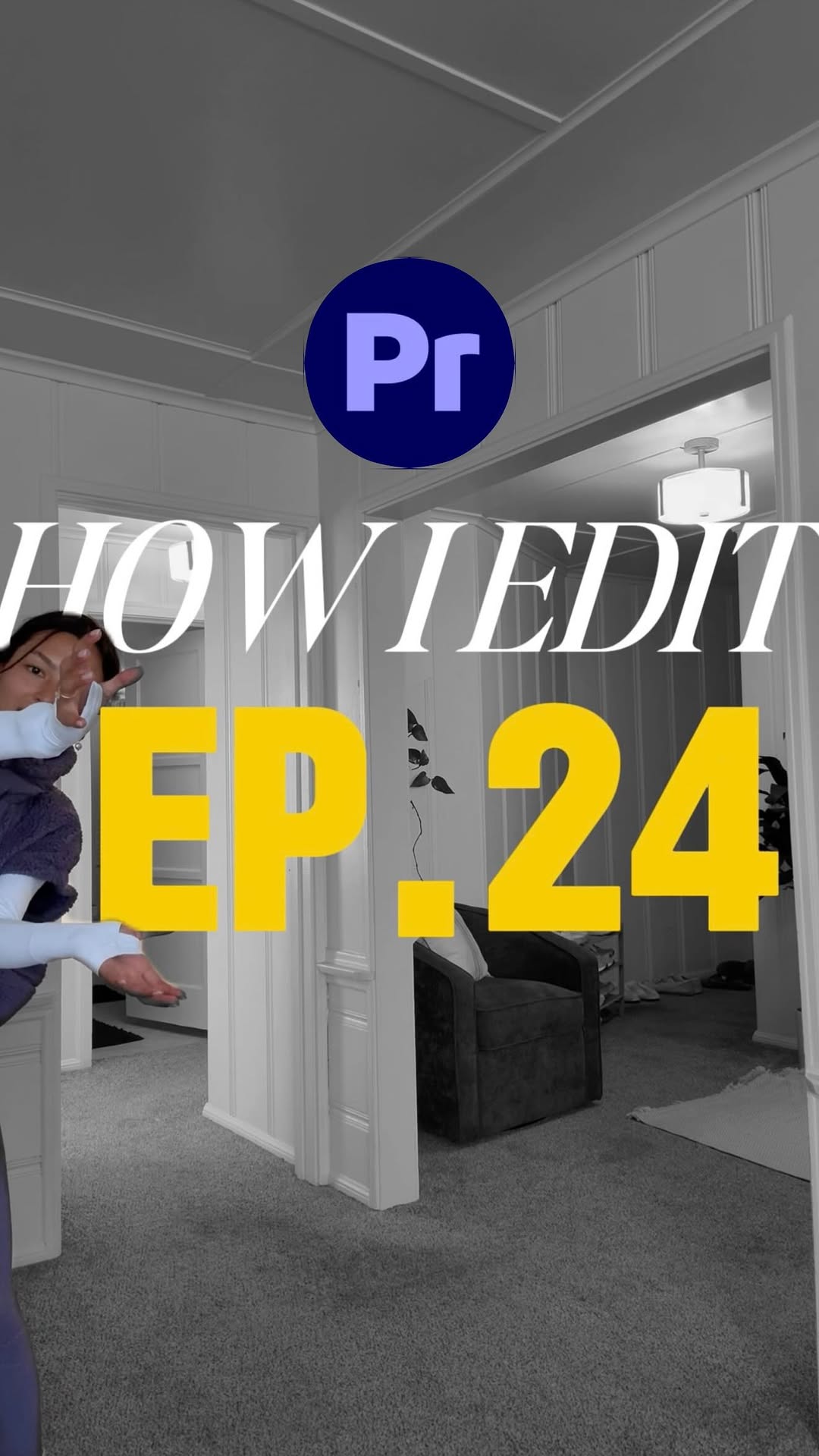 1MHow to animate text tutorial@happywithmeg · Tutorial / How To
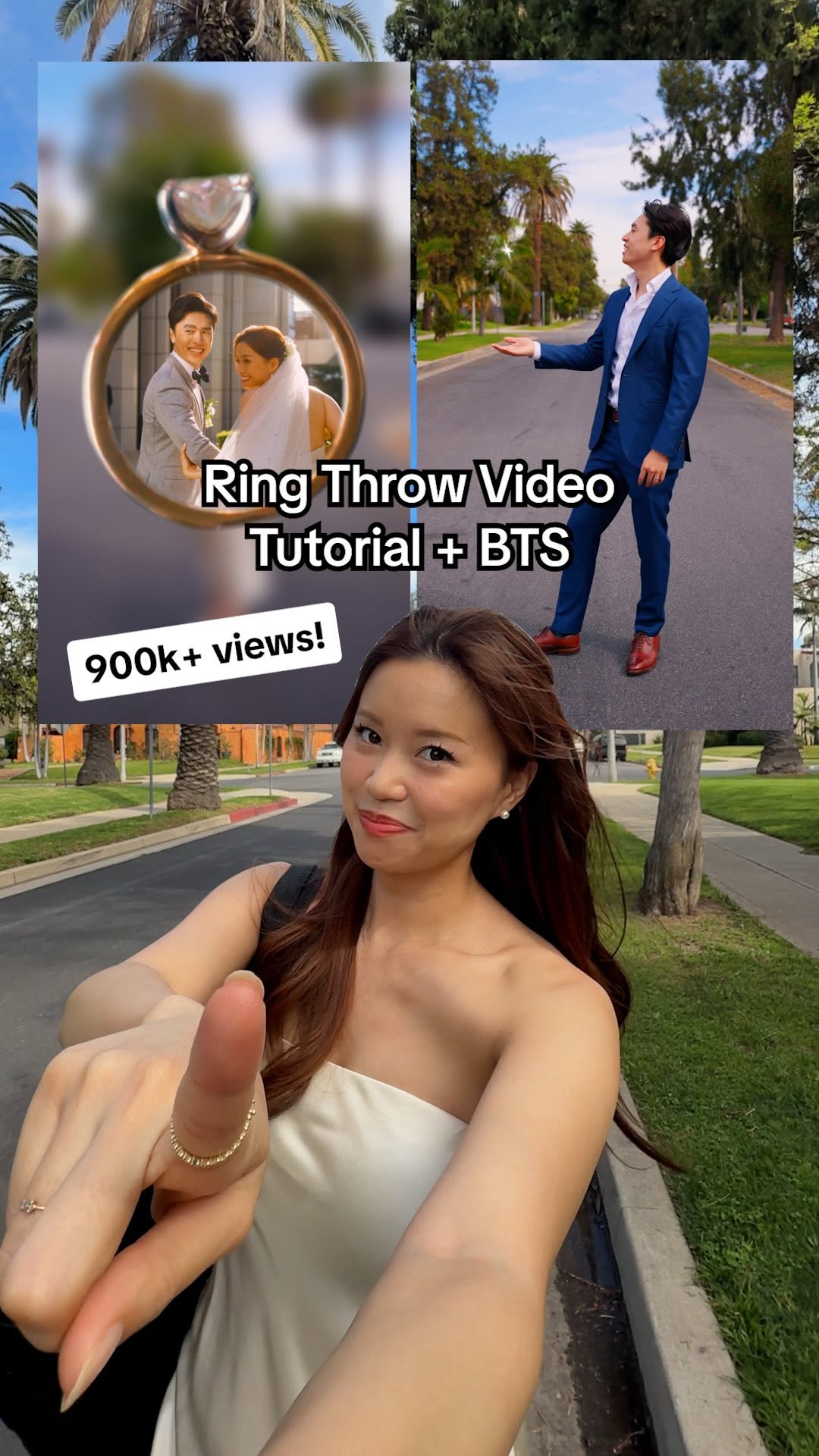 889.1K4.2×Creator explains video editing trick@chloe.shih · Tutorial / How To
 58.1KCinematic video production step-by-step@johnbucog · Breakdown
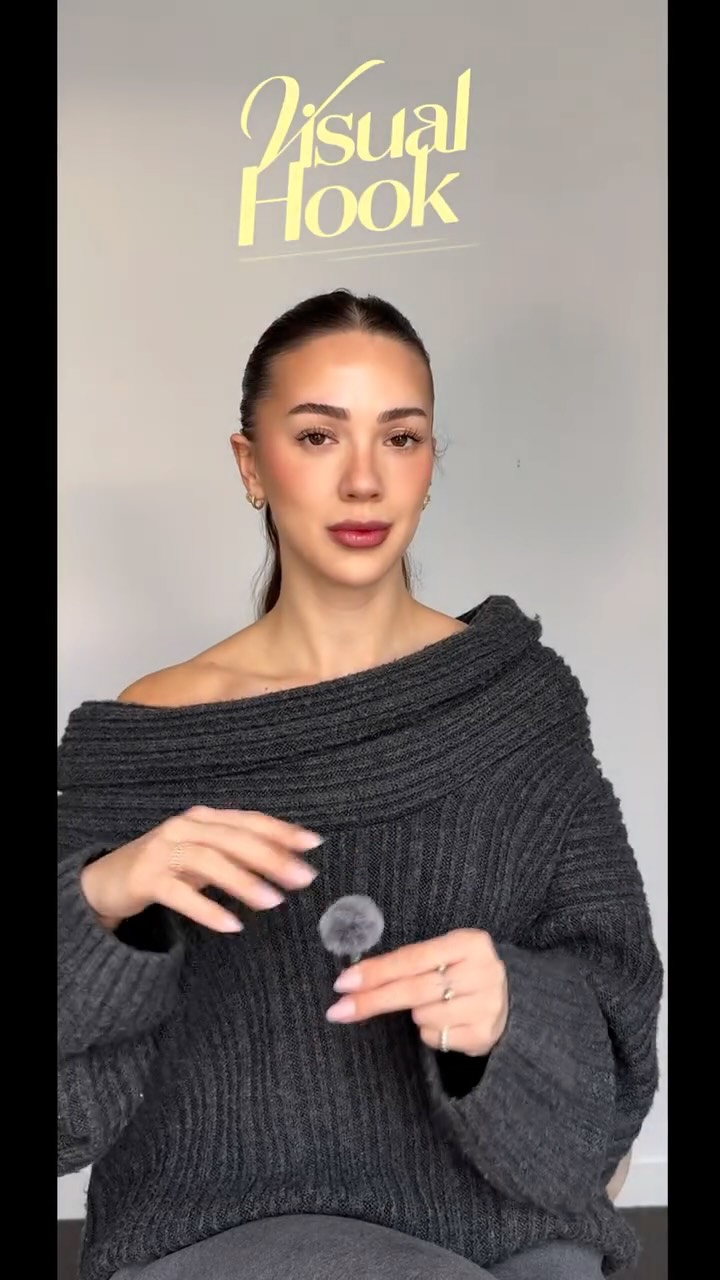 214.3K251.9×CapCut visual hook editing tutorial@itsashleyboston · Tutorial / How To
[04]
[05]
What stops the scroll in the first 3 seconds
Title hook
these
Verbal hook
How to make these three d moving Instagram images.
Visual hook
A close-up shot of a smartphone displaying a visually engaging 3D moving image, demonstrating the final effect immediately.
[07]
The promise the opener makes, and how the video pays it back
Hook
Visually showcases a high-value, desirable outcome and immediately frames the video as a 'how-to' guide to achieve it.
Payoff
Presents the final, polished result, mirroring the hook to provide a satisfying confirmation that the process works and the promised skill has been successfully transferred.
[08]
The structural pattern this video runs on
Framework
The Rapid Skill Transfer
A fast-paced tutorial that breaks down a complex creative effect into a series of simple, actionable steps, moving from a common tool to a specialized one to empower the viewer with a new skill.
The Accessible Starting Point
Instructs the viewer on the initial data or asset capture using a common, everyday tool (e.g., a smartphone), making the process feel immediately achievable.
The Environment Transition
Guides the viewer through the process of moving the captured asset from the initial, simple environment to a more powerful, specialized one (e.g., phone to computer).
The Workspace Assembly
Details the precise setup and layering of assets within the specialized environment, preparing the project for the key technical step.
The 'Secret Sauce' Execution
Reveals and demonstrates the single most critical and complex technique that is the key to creating the final effect.
Making these 3D moving images is super easy thanks to spatial photo on iPhone. Try it out. #videoediting #editingtutorial #photography
title · beginning
these
title · beginning
title · beginning
images
contextual · beginning
button
contextual · beginning
around.
contextual · beginning
laptop.
contextual · middle
background.
contextual · middle
track
How to make these three d moving Instagram images. On your iPhone, go to the photo you wanna use. Now tap this button and screen record as you move your phone around. Crop the video and AirDrop to your laptop. Now you can use your phone, but I just prefer to use my Mac Book. Drop the screen recording onto your timeline and above it, you're gonna wanna find an Instagram template like this with a transparent background. Now duplicate your screen recording and put this on top of everything. With this layer selected, Rotoscope out your subject and track forward. And once done, you should have something that looks a little bit like this.