@artzenmedia Comment ‘PROJECT’ for the file! 👇🏼
⠀
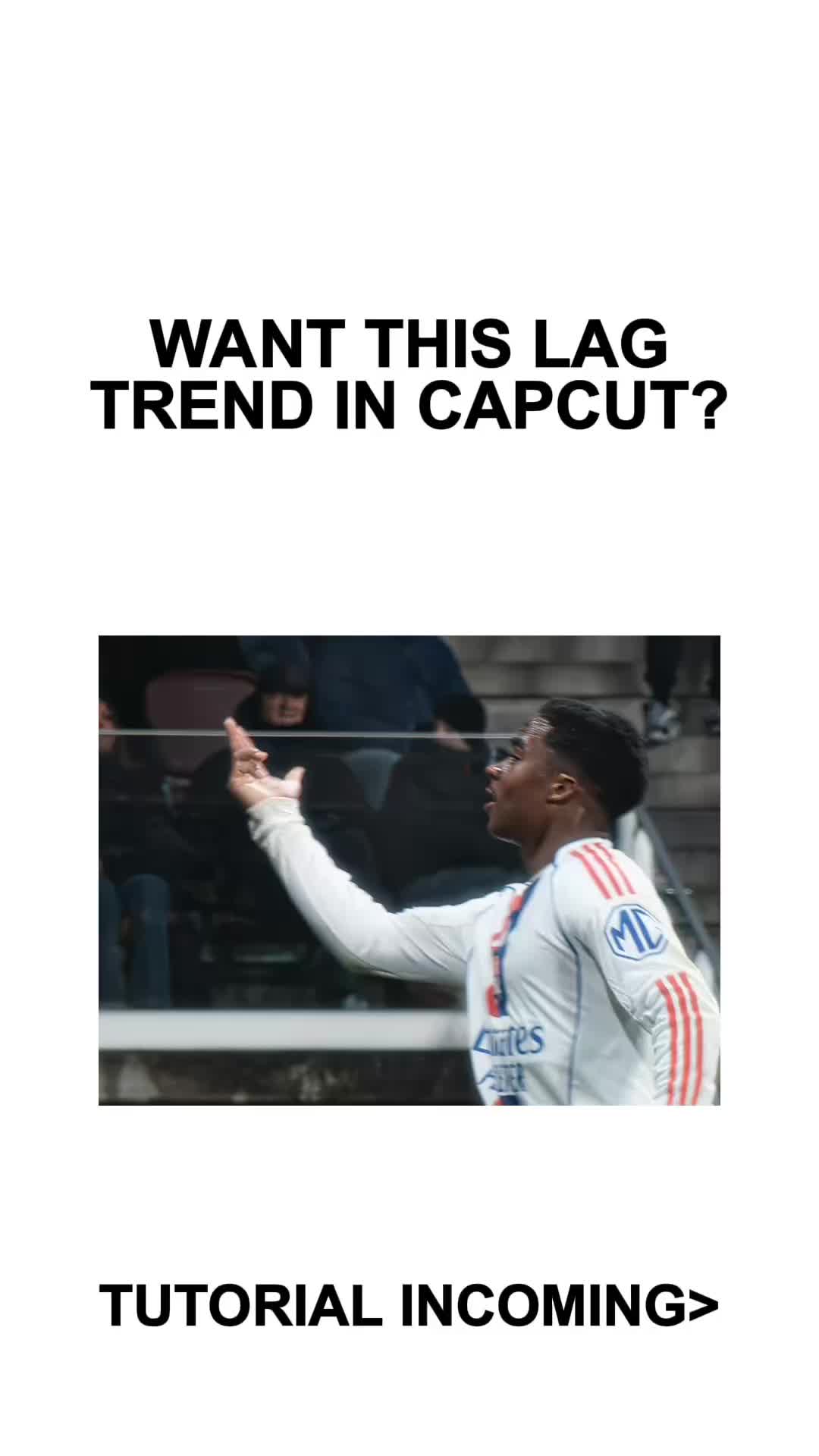
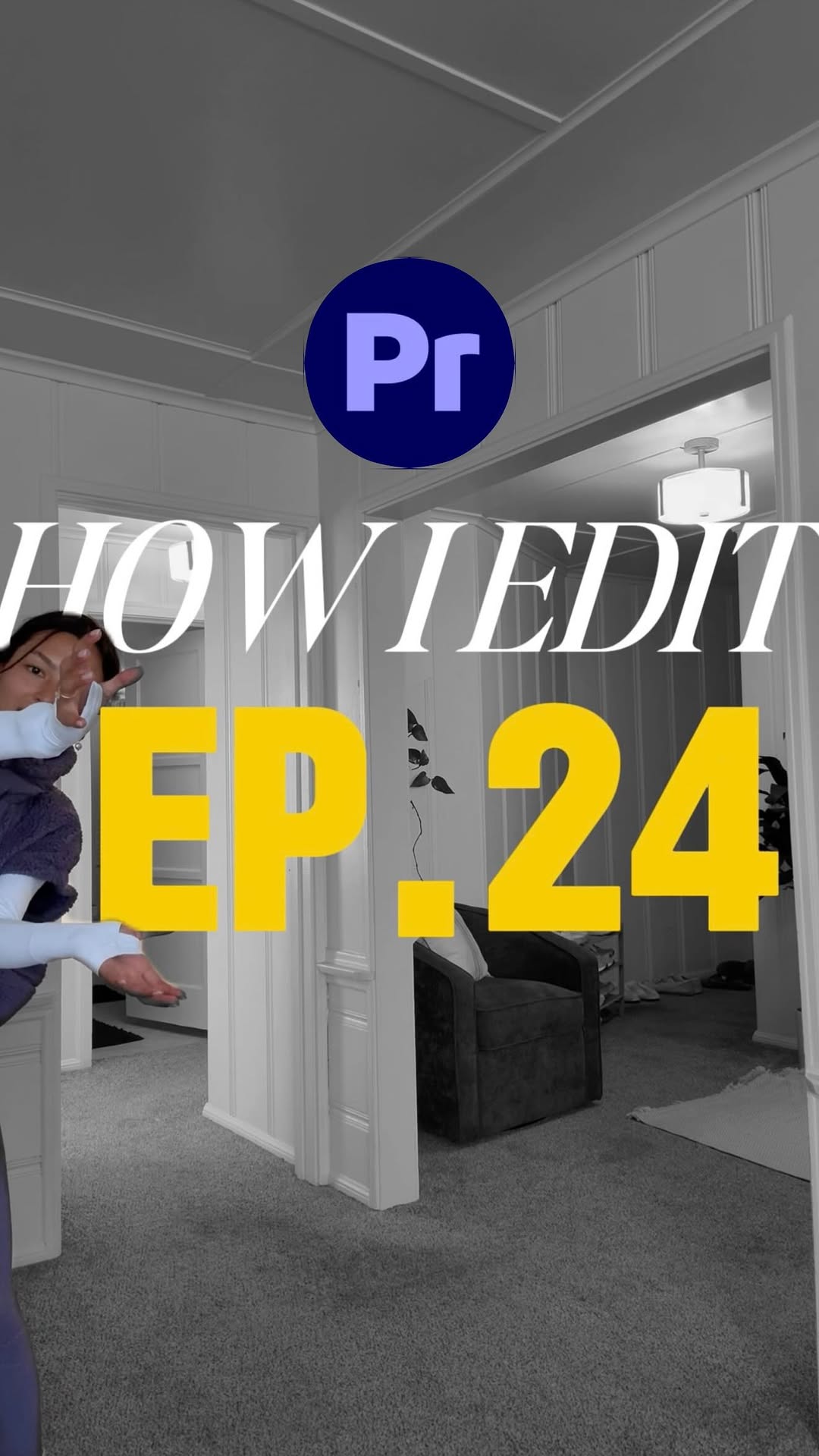
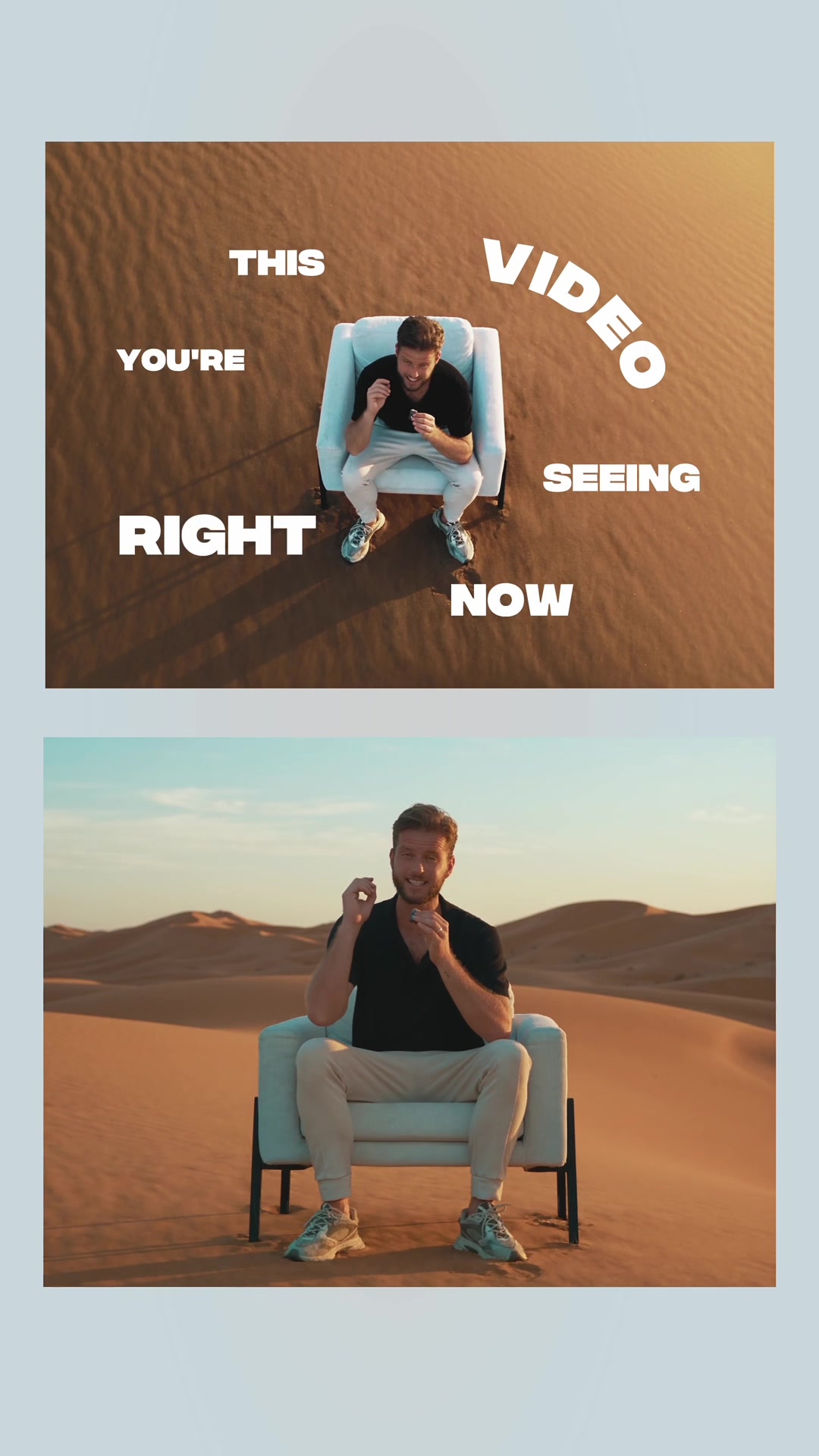
The whole effect is just two keyframed effects in Premiere Pro 🎬
⠀
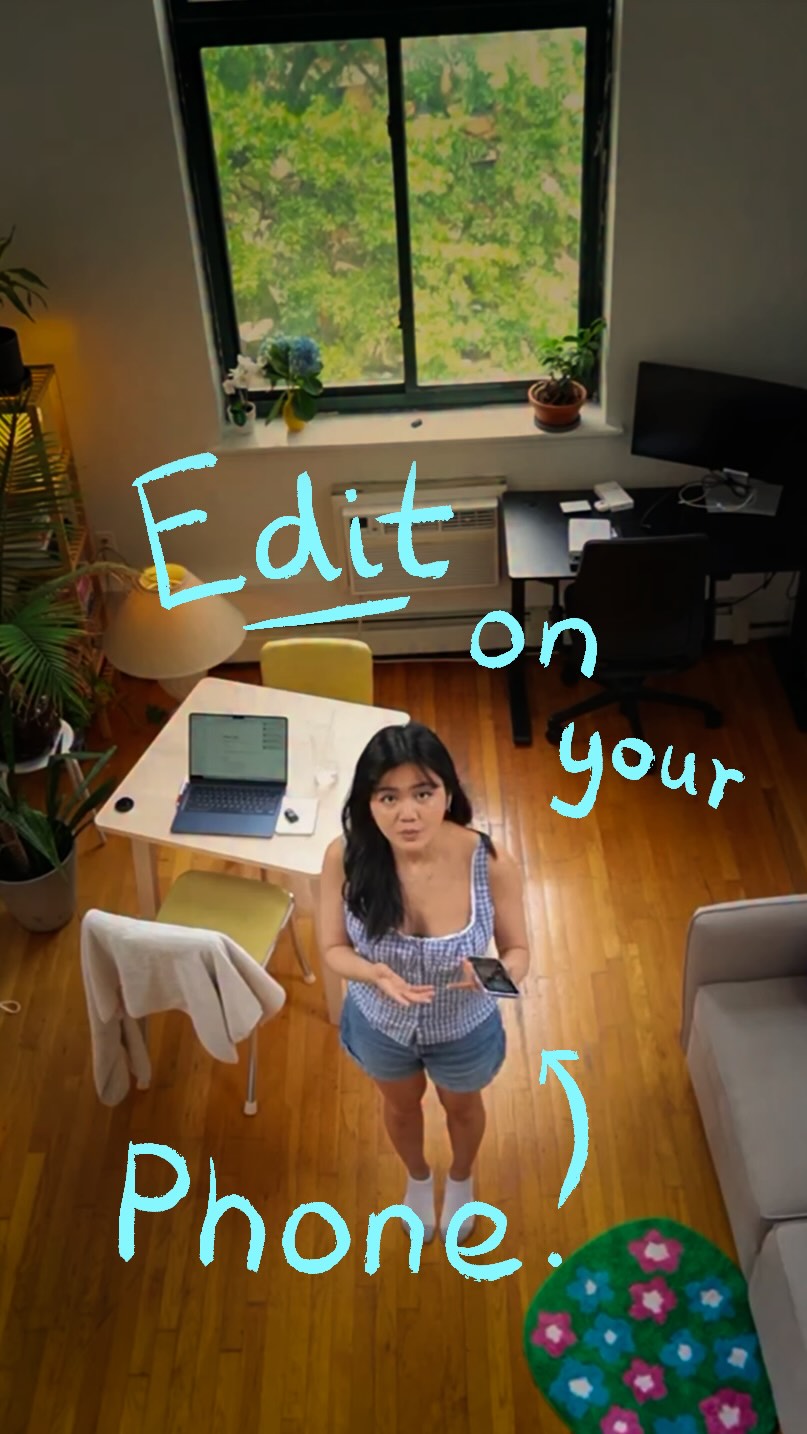
Crop closes the frame, then opens as I pull it apart with my hands. For the jumps, keyframe the Transform position down on every landing. Add your text below the clip and it’s done.
⠀
Breaking Reels recreates viral edits so you can learn how they’re made. Original effect by @kyung6film 🎬
⠀
Want better titles or sound design? Comment ‘Text’ or ‘SFX’ for my packs 👇🏼
⠀
Follow @artzenmedia for daily value & share it with your editor friend! ✊🏻
⠀
#premierepro #breakingreels #videoediting #editingtutorial #reelsediting crop effect, premiere tutorial, viral edit, transform keyframes, opening frame
The creator reacts to a viral video effect, introduces his tutorial series, and then provides a step-by-step guide in Adobe Premiere Pro on how to recreate it. He uses screen recordings and text overlays to demonstrate keyframing the crop and transform effects, and concludes by showing a final example and offering the project file in exchange for engagement.
A picture-in-picture effect showing a smaller, cinematic video of a man in a city at night, layered over the main shot of the creator.
[07]
Hook and payoff
The promise the opener makes, and how the video pays it back
Hook
A 'cold open' that immediately displays the impressive final result, followed by a verbal promise that the technique is surprisingly easy to achieve. This creates a knowledge gap and lowers the perceived barrier to learning.
Payoff
A two-part conclusion. First, a final reveal of the recreated outcome to prove the method works. Second, a high-value Call-to-Action that offers a free, tangible asset (e.g., project file, template) in exchange for a specific engagement action (e.g., comment, follow), leveraging the principle of reciprocity.
[08]
Narrative framework
The structural pattern this video runs on
Framework
The Deconstruct & Deliver Blueprint
Hook viewers by showcasing a desirable, complex-looking outcome, then demystify the process with a simple, step-by-step tutorial, and finally, offer a high-value asset to drive engagement and establish authority.
1
The Authority Frame
Briefly introduce the context or series format to establish credibility and frame the content as part of a larger value system.
2
The Prerequisite Instruction
Detail the first essential, non-negotiable action the viewer must take before starting the main process (e.g., filming, gathering materials).
3
The Foundational Setup
Guide the viewer through the initial setup within the required environment or software, preparing the workspace for the core task.
4
The Core Mechanic Breakdown
Deconstruct the primary technique or 'secret' into simple, sequential actions. This provides the main 'aha!' moment of the tutorial.
5
The Secondary Mechanic Breakdown
Explain any additional techniques or steps required to fully replicate the effect, building upon the core mechanic.
6
The Final Polish
Cover the last minor details or finishing touches that complete the outcome.
Themes
education
skill sharing
content creation
Techniques
screen recording
keyframing
text overlays
Trends
viral effect breakdown
Post caption
Comment ‘PROJECT’ for the file! 👇🏼
⠀
The whole effect is just two keyframed effects in Premiere Pro 🎬
⠀
Crop closes the frame, then opens as I pull it apart with my hands. For the jumps, keyframe the Transform position down on every landing. Add your text below the clip and it’s done.
⠀
Breaking Reels recreates viral edits so you can learn how they’re made. Original effect by @kyung6film 🎬
⠀
Want better titles or sound design? Comment ‘Text’ or ‘SFX’ for my packs 👇🏼
⠀
Follow @artzenmedia for daily value & share it with your editor friend! ✊🏻
⠀
#premierepro #breakingreels #videoediting #editingtutorial #reelsediting crop effect, premiere tutorial, viral edit, transform keyframes, opening frame
Text overlays
title · beginning
HOW TO MAKE THIS...
branding · beginning
Breaking reels
informational · middle
RECORD 1 clip horizontal pretending your hands go jump
informational · middle
apply the crop effect
informational · middle
apply the transform effect
call-to-action · end
COMPLETELY for free
call-to-action · end
comment "PROJECT"
Transcript
Wow. Honestly, it's super nice. This effect is so easy as well. Here is how to make it in Premiere Pro. This is Breaking Reels, the series where I break down viral cinematic edits I found online no you can make them too. Okay. First, you need to record a horizontal clip of you pretending to open your frame with your hands and then go back and jump three times. In Premiere worst, create your vertical sequence and import your horizontal clip. Apply the crop effect, click the stopwatches rank keyframe it to close at the start rank then keyframe it again to open back up when you open it with your hands. For the jumps, apply the transform effect rank keyframe the position to go down every time you jump. Add a text layer below your clip and you should end up with something like this. I'm giving this project file completely for free. So if you want it and you like this series, follow me and comment project, and I'll send it tier. Peace.