Video #44456 · Talking Head Edit
Creator demos custom visual effect toolfrom @johnbucog
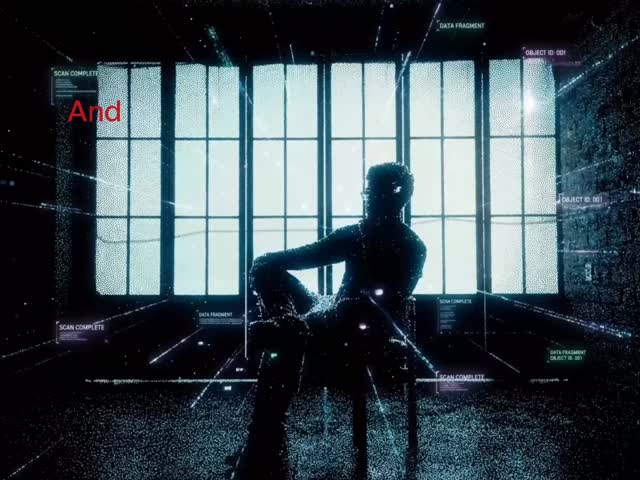
The creator showcases a complex 'gaussian splat' visual effect, explains that he couldn't create it with existing tools, and reveals he built a custom tool in Google Flow to solve the problem. He then demonstrates the tool's simple user interface, showing how to upload an image and generate the effect in one click, and concludes with a call-to-action for viewers to download or use the tool themselves.
- 1Present impossible outcome
- 2Reveal creative problem
- 3Demonstrate simple solution
- 4Offer the exact tool
ConceptsTutorial / How ToProduct DemoOrigin Story
ElementsText OverlayVFXScreen RecordingB-Roll CutawayGraphic OverlayVoiceoverTitle Text Hook
[05]
Hook analysis
What stops the scroll in the first 3 seconds
Title hook · 50%
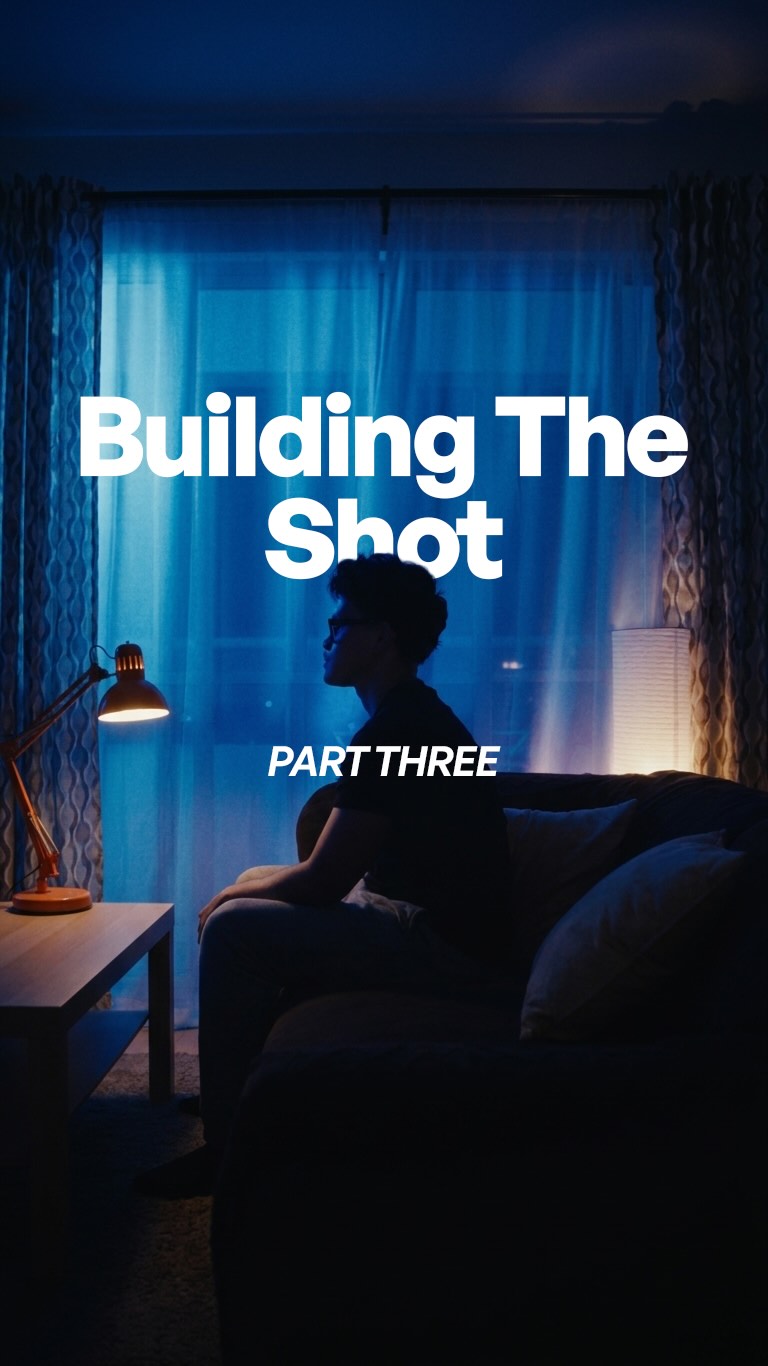
Here's how I created this gaussian splat in one click.
Verbal hook · 40%
Here's our creative disclosure splat in one click.
Visual hook · 10%
A mysterious, dark silhouette of a person with glasses against a hazy, warm orange, foggy background, creating a cinematic and intriguing mood.
[06]
Hook template
Steal this for your own video
Here's how I [impressive result] in [shockingly small effort].
- — Here's how I built a full month of content in one click.
- — Here's how I paid off my credit card in 3 simple steps.
- — Here's how I got a restaurant-quality sear at home in 2 minutes.
[07]
Hook and payoff
The promise the opener makes, and how the video pays it back
Hook
Showcase a visually stunning and complex result while making a bold claim about its simple creation, immediately generating a 'how-to' curiosity gap.
Payoff
The video concludes with a direct call to action that empowers the viewer, inviting them to use the provided solution to unlock their own creative potential.
[08]
Narrative framework
The structural pattern this video runs on
Framework
The Creator's Solution Framework
Demonstrating a unique, high-value outcome, revealing the personal struggle or limitation that led to its creation, and then offering the bespoke solution/tool to the audience, empowering them to replicate the results.
- 1
The Impossible Feat
The video opens by presenting the final, impressive outcome (the visual effect) and claims it was achieved with impossible simplicity ('in one click').
- 2
The Creative Block
The creator establishes a relatable problem by stating a personal limitation ('I couldn't edit this'), framing the subsequent solution as a necessary invention rather than just a demonstration.
- 3
The Hero's Solution
The creator reveals their unique solution ('I built a tool'), positioning it as the 'magic weapon' that overcame the previously stated creative block.
- 4
The One-Click Demo
A rapid, hyper-simplified walkthrough of the solution's process ('drop your image, choose your movement, hit generate'), proving the initial claim of ease and demystifying the complex result.
- 5
The Generous Offer
The narrative shifts from showcasing to sharing, explicitly offering the audience the exact tool or method to achieve the same results, which provides immense value.
Themes
- problem-solving
- innovation
- creator tools
- AI in creativity
Techniques
- VFX
- screen recording
- direct-to-camera address
Trends
- AI-powered creation tools
- one-click solutions
Post caption
My last two posts show how it came together.
@googleflow
Start creating today at Flow.Google.com
#GooglePartner
Features may vary by Google AI subscription tier, platform (web vs. mobile), and region. 18+
Text overlays
title · beginning
Here's how
title · beginning
Here's how I created this gaussian splat in one click.
contextual · middle
I couldn't edit this.
contextual · middle
but I knew exactly
contextual · middle
so, I built a tool
informational · middle
just drop your reference image
informational · middle
choose your camera
informational · middle
and hit Generate
call-to-action · end
and if you want to build the EXACT tool
call-to-action · end
I've linked it below
call-to-action · end
Start creating today at
branding · end
Flow
Transcript
Here's our creative disclosure splat in one click. I couldn't edit this, but I knew exactly what this looked like. So I built a tool in Google Flow. Just drop your reference image, choose your camera movement, and hit generate. And if you want to build the exact tool, I'll link it below to download. Start creating today at flow.google.