Viral Hooks
Trending short videosShowcasing custom iPhone home screen
I

@itheme_design

Instagram · Single Take
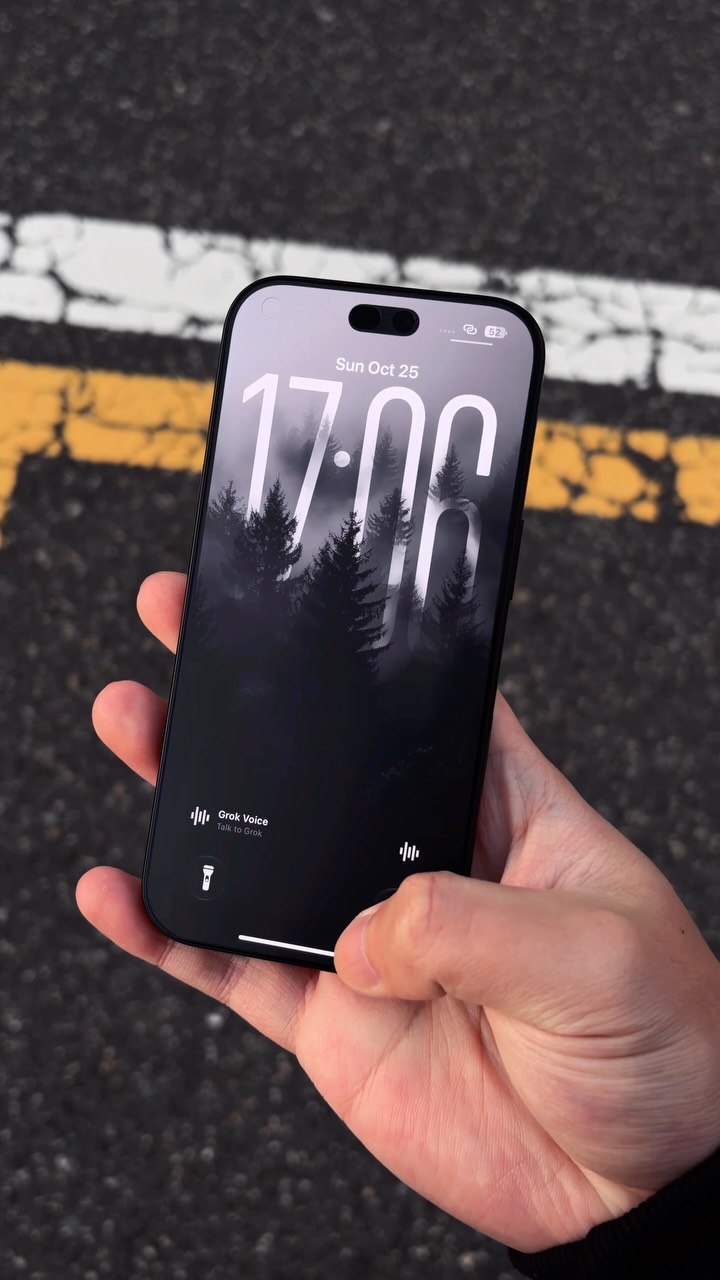
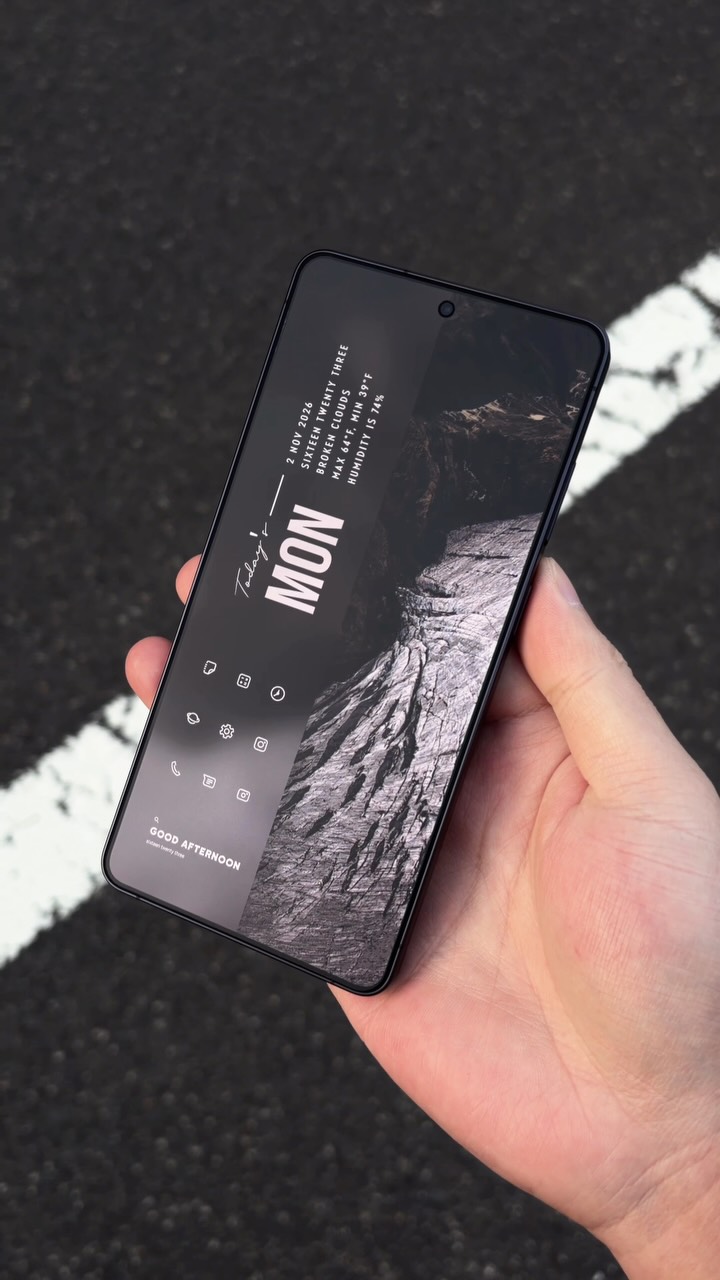
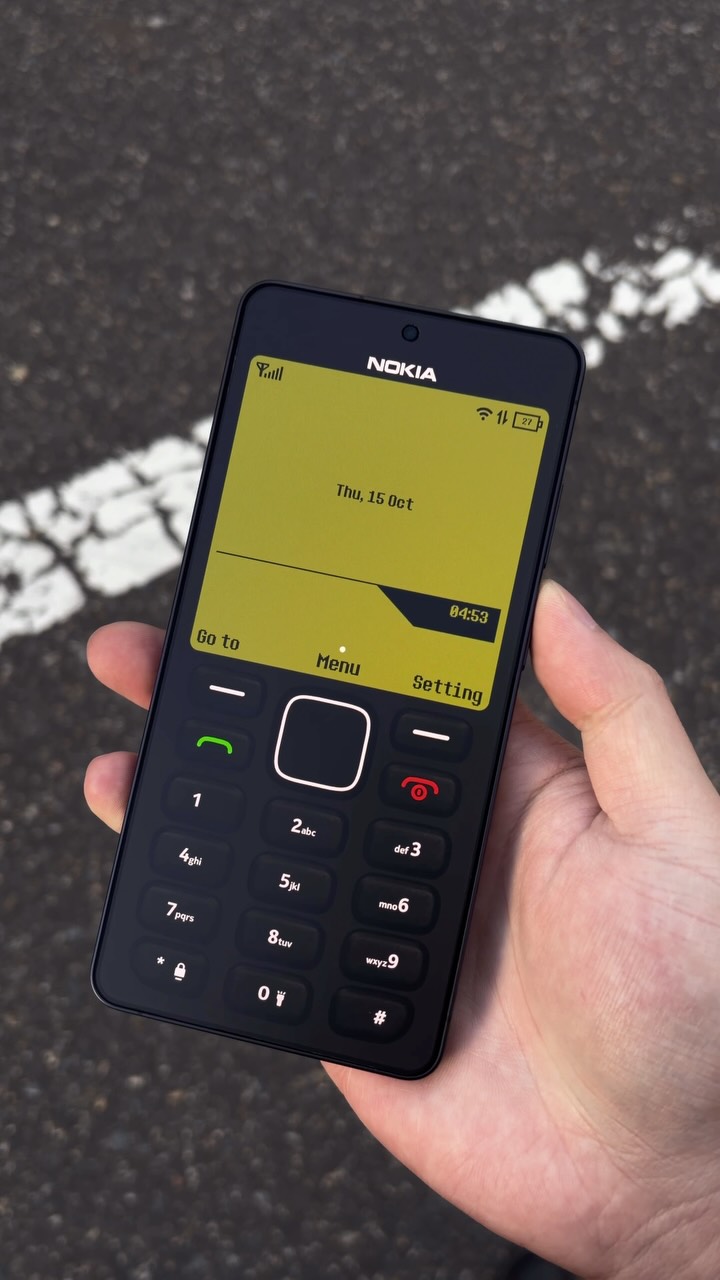
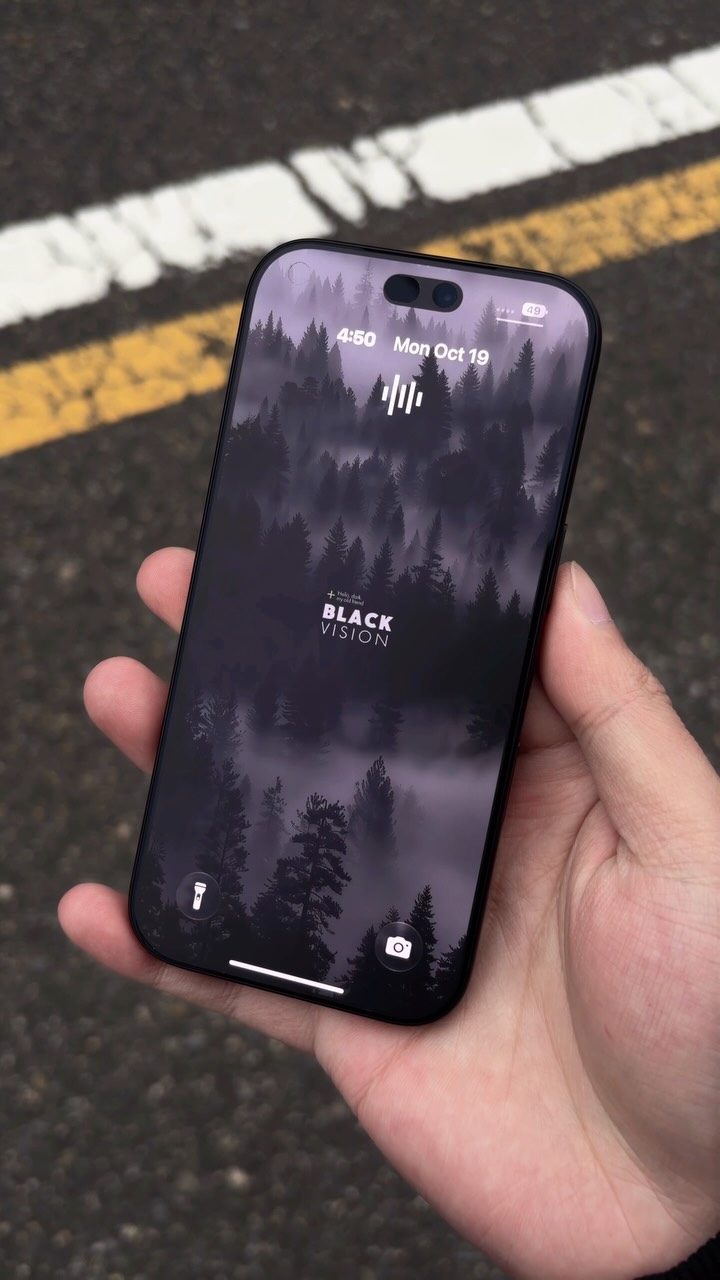
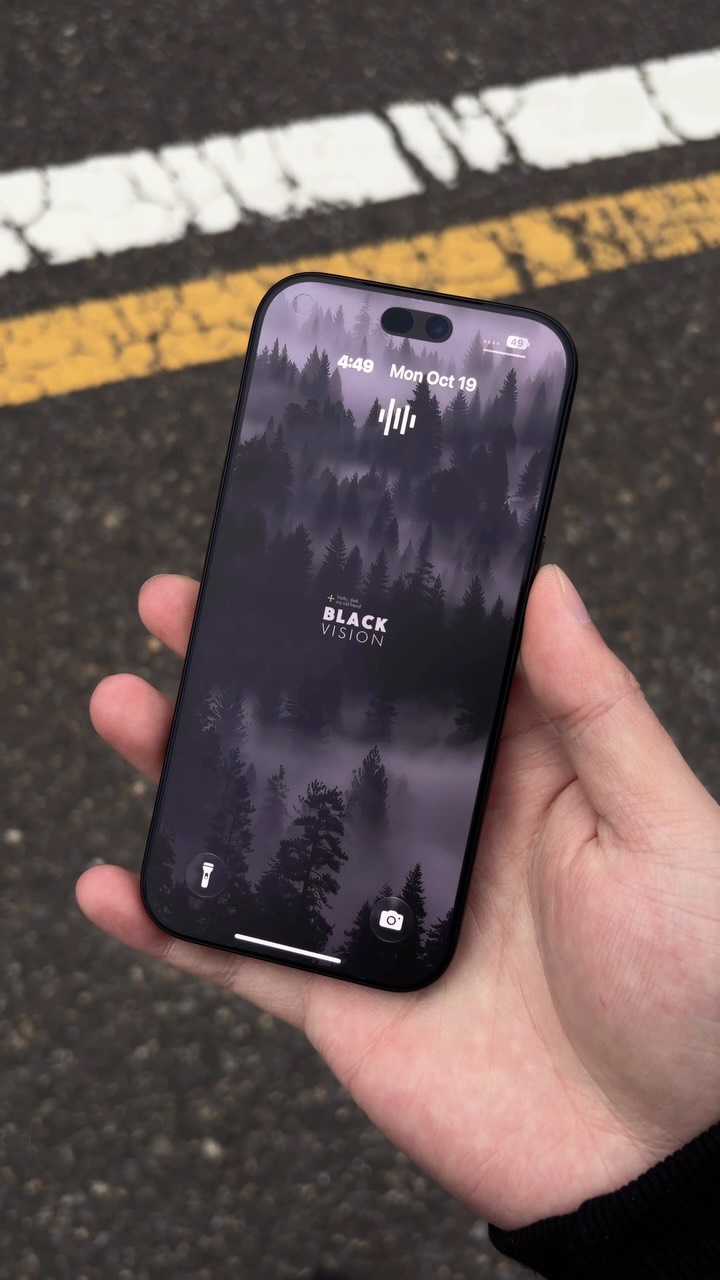
@itheme_design Your phone doesn’t have to look like everyone else’s. A large lock screen clock, a forest wallpaper, custom icons, and a creative layout. Save for later and drop “🔥” for the app! #wallpapers #iphone18pro #homescreen #widgets #iphonesetup

View original on Instagram

The edit1 shot · 0 text
Shots0:11

Performance

Views
679K
Likes
22.2K
Comments
1.9K
Engagement
3.5%
Outlier
1.2×
Length · 28 Oct 2026
0:11

Video #49169 · Single Take

Showcasing custom iPhone home screenfrom @itheme_design

[01]

Overview

The creator showcases a highly customized, minimalist black-and-white iPhone theme. They begin by showing the phone's back with a unique camera accessory, then flip it to reveal a stylized lock screen, and proceed to swipe through multiple home screen pages demonstrating custom widgets, icons, and layouts.

[02]

Simple outline

  1. 1Show unique exterior
  2. 2Reveal aesthetic layer
  3. 3Unveil functional transformation
  4. 4Demonstrate customization depth

[03]

Related videos

[04]

Classification

Concepts
Product ShowcaseVibe Showcase
Elements
Montage EditingMood Music

[05]

Hook analysis

What stops the scroll in the first 3 seconds

Visual hook

A close-up shot of a customized iPhone with a unique camera lens protector, followed by a quick, dynamic flip of the phone to reveal a stylized, large-font lock screen.

[07]

Hook and payoff

The promise the opener makes, and how the video pays it back

Hook

A static, detailed shot of a familiar object with a single, visually striking, and unfamiliar modification, creating an immediate curiosity gap.

Payoff

The object is returned to a resting or initial state that reinforces the core aesthetic, providing a sense of closure and creating a satisfying visual loop.

[08]

Narrative framework

The structural pattern this video runs on

Framework

The Layered Reveal

To generate intrigue with an unusual exterior of a familiar object, then satisfy that curiosity by revealing progressively deeper layers of internal customization or transformation in a smooth, aesthetically pleasing sequence.

  1. 1

    The Kinetic Transition

    The object is physically manipulated with a smooth, continuous motion, shifting the viewer's focus from the modified exterior to its primary interface or functional area.

  2. 2

    The Ambient Reveal

    The object's interface activates, revealing a first layer of aesthetic customization (e.g., a background or theme) that establishes a specific mood before any functional elements are shown.

  3. 3

    The System Override

    A primary user action (e.g., unlocking, opening) is performed, revealing a core functional area that has been radically transformed from its standard appearance, delivering the first major payoff.

  4. 4

    The Depth Demonstration

    A secondary user action (e.g., swiping, navigating) reveals another layer or screen, proving the transformation is not superficial and extends throughout the system.

Themes

  • personalization
  • aesthetics
  • minimalism
  • tech customization

Techniques

  • montage editing
  • close-up shots

Trends

  • #homescreeninspo
  • aesthetic phone setup

Post caption

Your phone doesn’t have to look like everyone else’s. A large lock screen clock, a forest wallpaper, custom icons, and a creative layout. Save for later and drop “🔥” for the app! #wallpapers #iphone18pro #homescreen #widgets #iphonesetup
Showcasing custom iPhone home screen | Viral Hooks