Viral Hooks
Trending short videosCreator's journey building an app
A

@ayaneshu

Instagram · Vlog

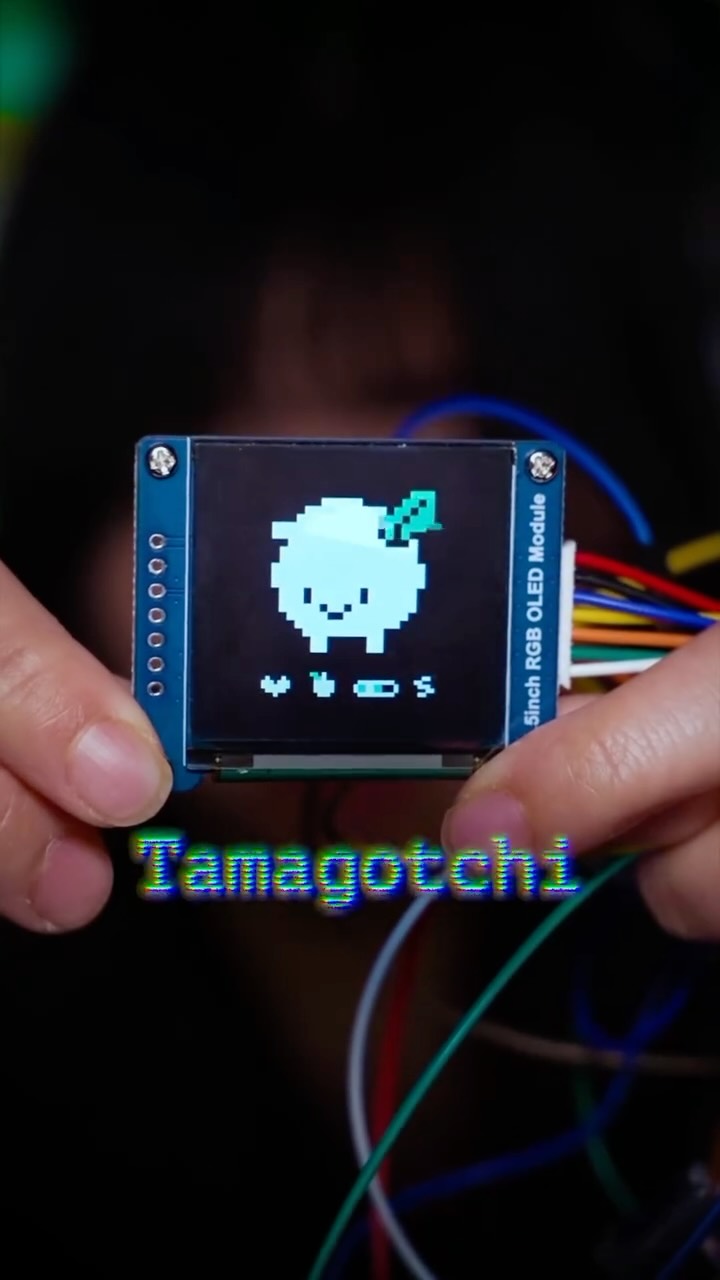
@ayaneshu I built a tool to create, animate and export pixel art using @figma and now it’s on a fancy billboard in Singapore 🫨 It all started out as a joke and this was my first time trying to build a functional prototype. I started dabbling around with Figma Make and viola…after 384 prompts it…I DID IT….it all felt very ureal but it was there. Thanks @figma for all the love and for featuring it. It’s been my highlight of this year. Keep Building…🤘🏻 #figma #figmamake #ai #pixel #pixelart

View original on Instagram

The edit1 shot · 10 text
Shots Text

Performance

Views
105.5K
Likes
4.4K
Comments
82
Engagement
4.3%

Video #5328 · Vlog

Creator's journey building an appfrom @ayaneshu

[01]

Overview

The creator narrates the journey of building his first web app, a pixel art editor, using Figma's AI tool, Figma Make. He details the process from a simple idea and a basic prompt to iterating through 384 versions to fix bugs and add features, ultimately creating a fully functional product that gained recognition from Figma and was featured on a billboard in Singapore.

[02]

Simple outline

  1. 1Reveal shocking success
  2. 2Show humble beginning
  3. 3Demonstrate iterative process
  4. 4Showcase final result
  5. 5State empowering conclusion

[03]

Related videos

[04]

Classification

Format
Concepts
Origin StoryJourney Documentation
Elements
VoiceoverMontage EditingText OverlayScreen Recording

[05]

Hook analysis

What stops the scroll in the first 3 seconds

Title hook · 45%

I built my first web app on Figma

Verbal hook · 50%

I built my first web app on Figma, which made its way to a giant screen in Singapore.

Visual hook · 5%

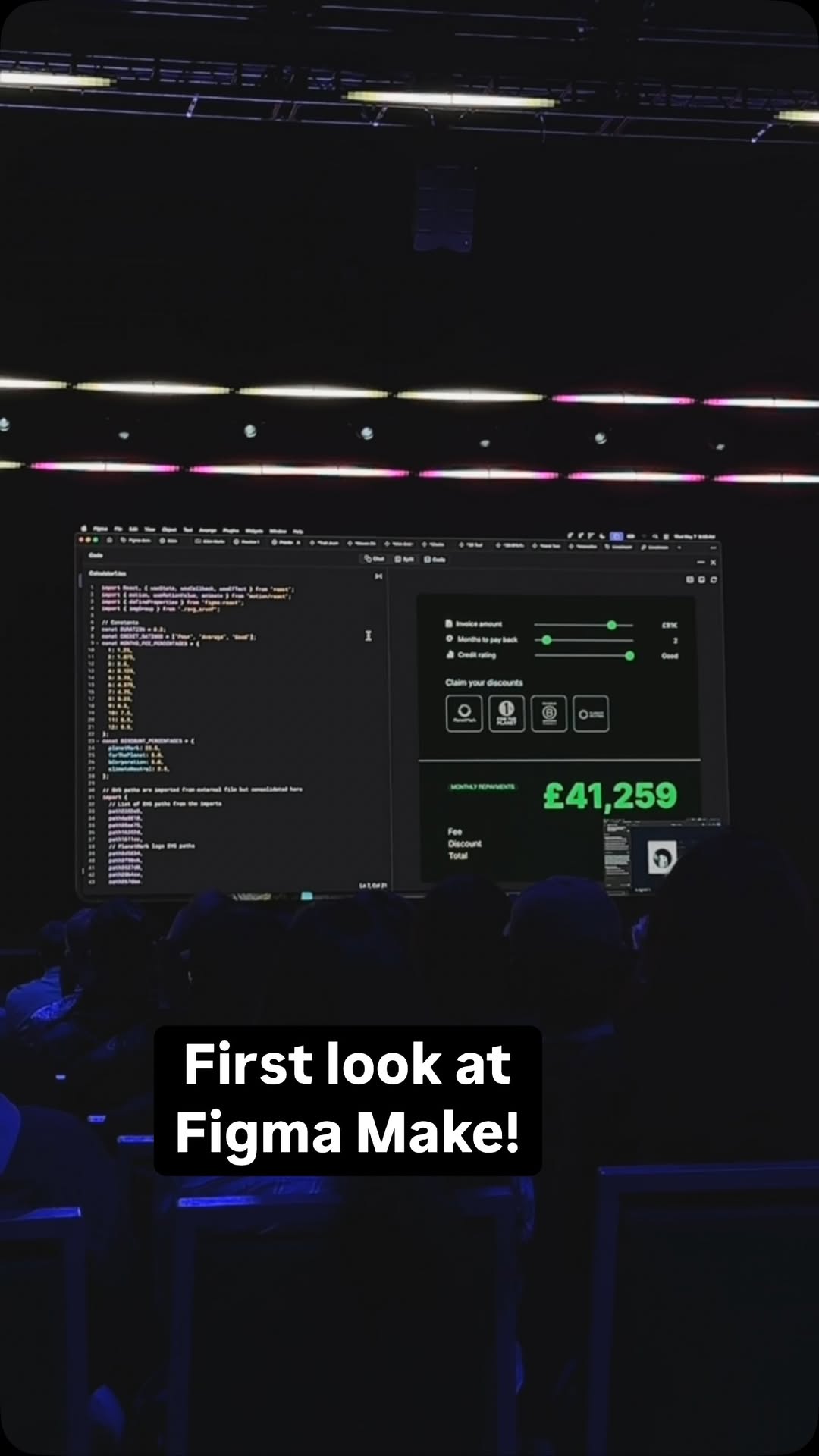
A moody, dimly lit shot of a laptop with a glowing screen displaying a pixel art application, creating a focused and intriguing 'creator at work' atmosphere.

[07]

Hook and payoff

The promise the opener makes, and how the video pays it back

Hook

The Unbelievable Result Hook: Immediately presents the final, most impressive outcome of the project (e.g., being featured on a billboard) to create instant curiosity about the process that led there.

Payoff

The Empowered Creator's Thesis: The story concludes by connecting the specific project success to a broader, empowering takeaway about the creator's newfound capabilities, inspiring the audience by reframing the story as a universal possibility.

[08]

Narrative framework

The structural pattern this video runs on

Framework

The Creator's Triumph Arc

A narrative structure that begins by revealing a massive, unexpected success, then rewinds to show the humble origins, the iterative process of creation (often aided by a new tool), and the external validation that led to the triumphant outcome.

  1. 1

    The Catalyst & Concept

    Establishes the simple, relatable starting point—an initial idea sparked by a new opportunity or tool, grounding the story in a moment of simple curiosity.

  2. 2

    The Low-Effort Gambit

    Details the creator's initial, often naive or comically simple, first attempt. This makes the subsequent success feel more magical and the tool's power more profound.

  3. 3

    The Unexpected Breakthrough

    The pivotal moment where the tool or process works far better than anticipated, turning a simple experiment into a viable project and creating the core 'wow' moment.

  4. 4

    The Iterative Grind

    A montage or sequence showing the hard work, refinement, and problem-solving required to elevate the initial breakthrough into a polished final product. This adds credibility and demonstrates human effort.

  5. 5

    The Polished Creation Reveal

    A clear showcase of the final, completed product, serving as the tangible proof of the entire journey and the culmination of the effort.

  6. 6

    The External Validation

    Shows the project receiving recognition from a relevant community, authority, or platform, confirming its quality and impact beyond the creator's own perspective.

Themes

  • Creativity
  • Technology
  • Innovation
  • Personal achievement
  • Design

Techniques

  • Voiceover storytelling
  • Montage editing
  • Screen recording
  • Text overlay

Trends

  • AI in creative tools
  • No-code/low-code development
  • Creator journey

Post caption

I built a tool to create, animate and export pixel art using @figma and now it’s on a fancy billboard in Singapore 🫨 It all started out as a joke and this was my first time trying to build a functional prototype. I started dabbling around with Figma Make and viola…after 384 prompts it…I DID IT….it all felt very ureal but it was there. Thanks @figma for all the love and for featuring it. It’s been my highlight of this year. Keep Building…🤘🏻 #figma #figmamake #ai #pixel #pixelart

Text overlays

  • contextual · beginning

    I built my first web app on Figma which made its way to a giant screen in Singapore

  • contextual · beginning

    Figma make was launched a couple of days ago and I wanted to test it out

  • contextual · beginning

    I jumped into Figma, made a wireframe, imported it into Figma make and wrote a gigantic prompt

  • contextual · beginning

    Develop this please

  • contextual · middle

    To my surprise it read the design, somehow knew what I wanted to create and built a functional version

  • contextual · middle

    I went down the rabbit hole of fixing all the bugs and adding more features

  • contextual · middle

    And after 384 prompts, I did it

  • contextual · middle

    I made a functional product on which you can draw, animate and export pixel art

  • contextual · end

    Figma also thought it was pretty cool and decided to put it up on a billboard

  • contextual · end

    As a product designer, now I can build and ship my own products because now I have such tools at my disposal which allows me to bring my ideas to life

Transcript

I built my first web app on Figma, which made its way to a giant screen in Singapore. Figma make was launched a couple of days ago, and I wanted to test it out. So I thought about some ideas and decided to build something around pixel art. I jumped into Figma, made a bioframe, imported it into Figma make, and wrote a gigantic prompt, develop this, please. Good my surprise, it read the design, somehow knew what I wanted to create, and built a functional version. I went down the rabbit hole of fixing all the bugs and adding more features like toy mode, keyboard shortcuts, exporting and saving your art, opening and saving a project, and much more. And, better three eighty four prompts, I did it. I made a functional product on which you can draw, animate, and export pixel art. I posted about this on the Internet and got a lot of love from Figma. Figma also thought it was pretty cool and decided to put it up on a billboard. As a product designer, now I can build and ship my own products because now I have such tools at my disposal, which allows me to bring my ideas to life. And that's how

Creator's journey building an app | Viral Hooks