@_radnolan
Instagram · Clip
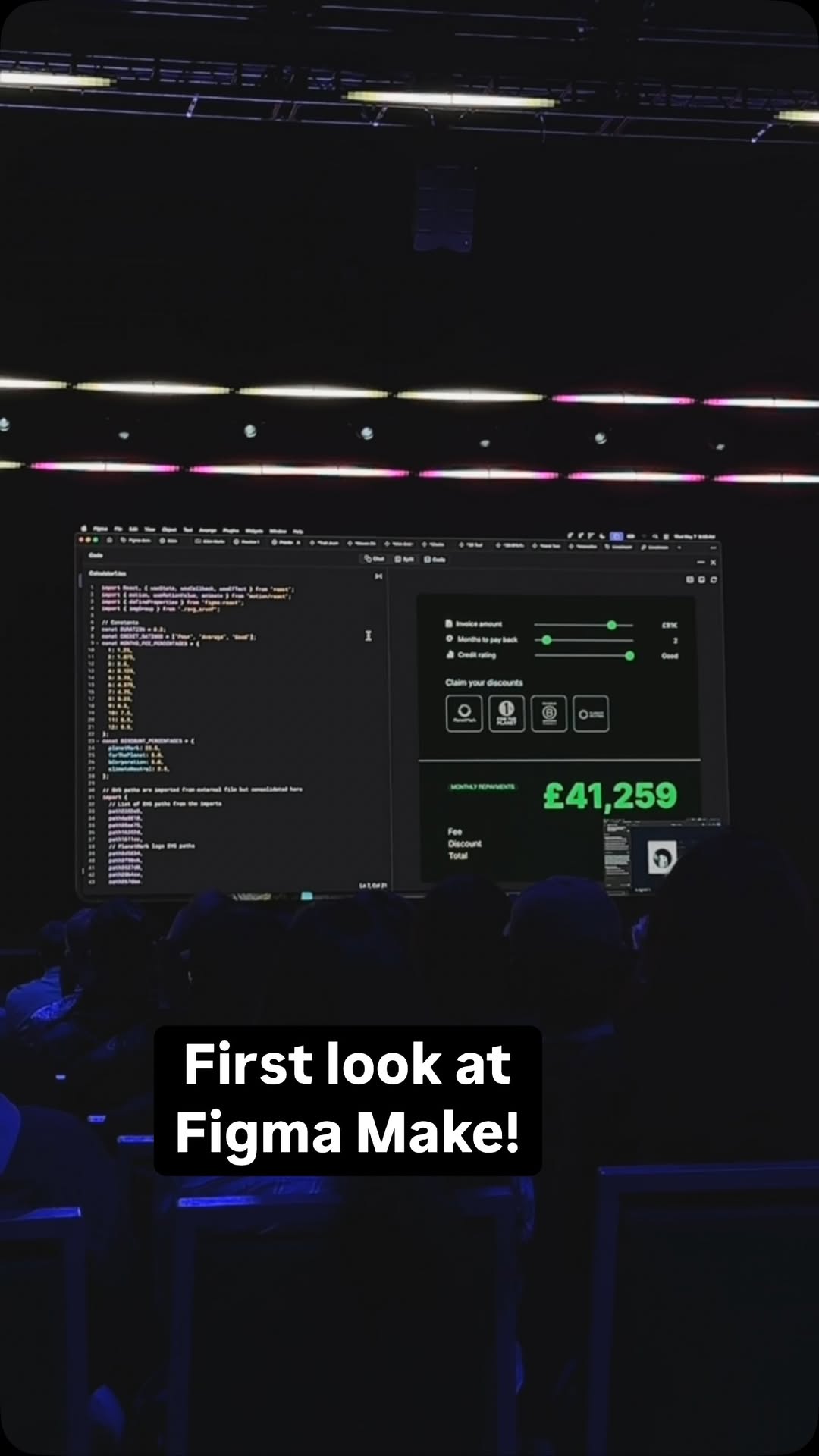
@_radnolan @figma Make introduces AI into the UX workflow, generating designs and expanding user flows instantly.

@_radnolan
Instagram · Clip
@_radnolan @figma Make introduces AI into the UX workflow, generating designs and expanding user flows instantly.
Performance
Video #11449 · Clip
[01]
The speaker introduces Figma Make on stage, demonstrating how it uses AI to turn static designs into interactive prototypes through simple prompts. She showcases various examples like a CD player, shader clock, and 3D RPG to highlight the tool's versatility.
[02]
[03]
 105.5KCreator's journey building an app@ayaneshu · Origin Story
 186.2K1.4×Figma design to code demo@figma · Product Demo
 1.9M3.5×New design tool feature montage@toolandtea · Product Demo
 59.5KDesigner demos AI website builder@_alexpillow · Tutorial / How To
 139.6K1.6×AI tool creates photorealistic visuals@johnbucog
 9.4M1270×Greenscreen AI tool showcase@rourke.heath · Resource
 353.2K47.5×Creator demos new AI tool@wellcopymax · Product Demo
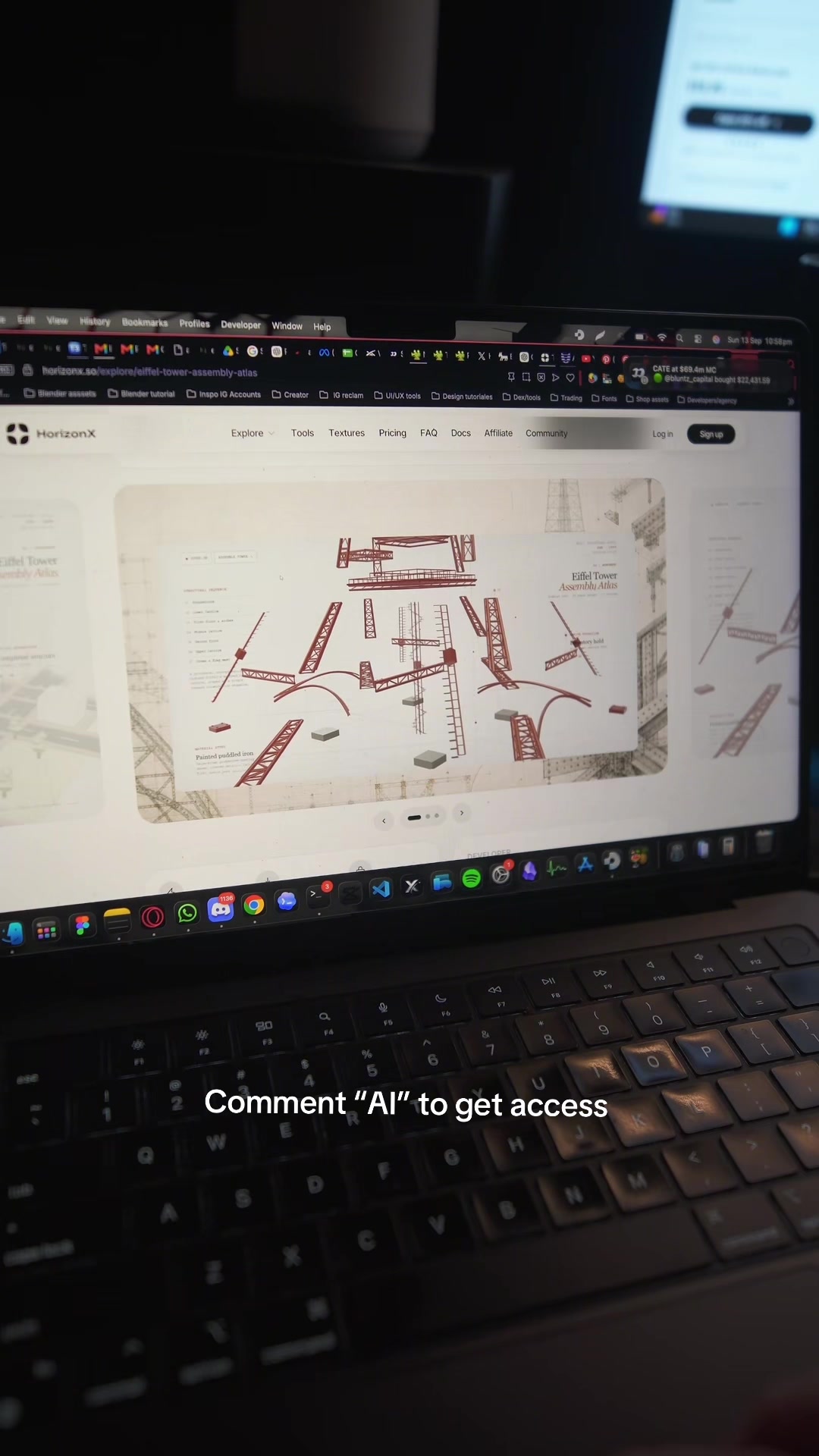 1.6M69.7×AI design tool promo video@marcelodesignx · Product Promo
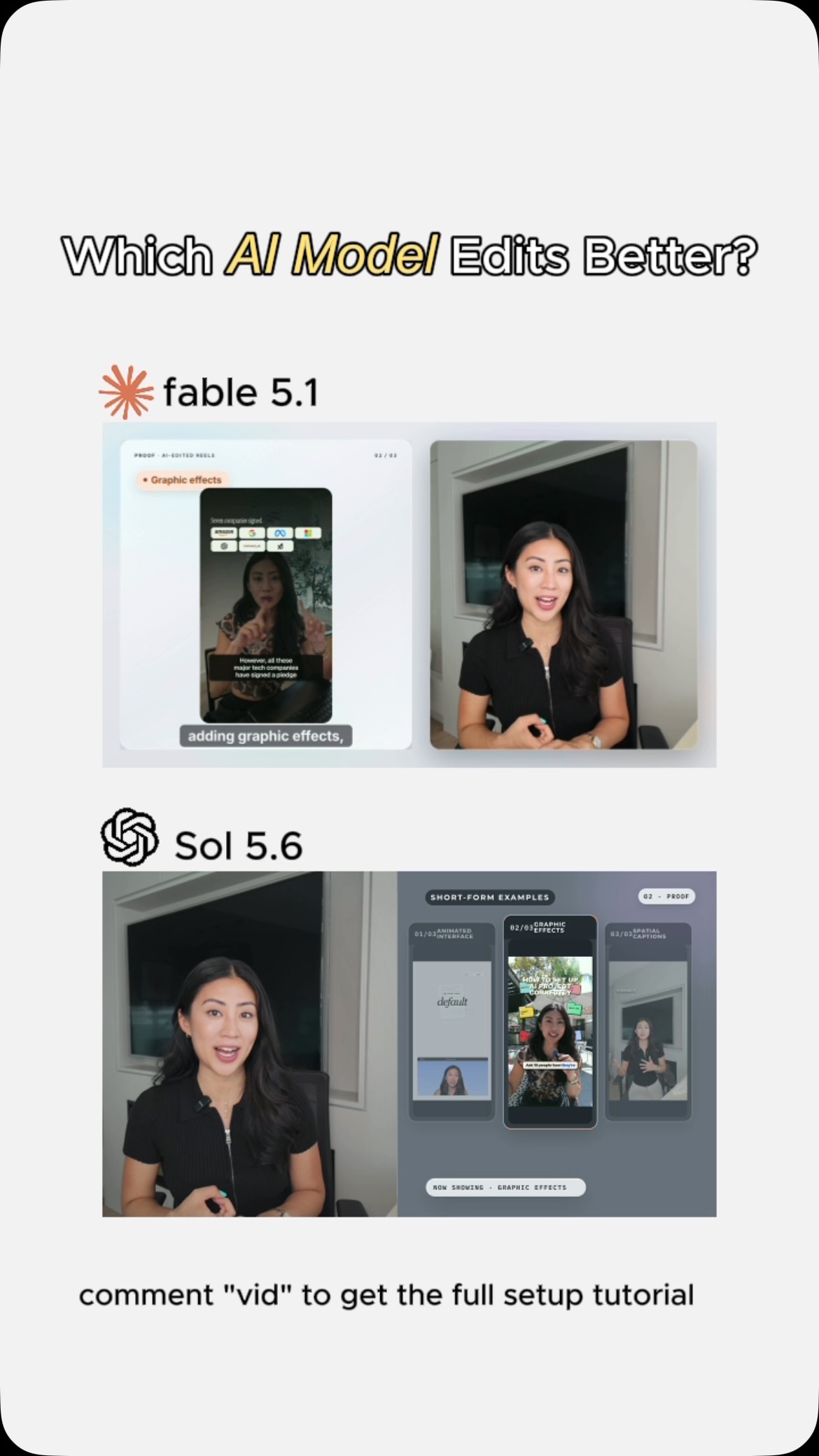 383K15.1×AI video editor side-by-side comparison@softgirlnocode
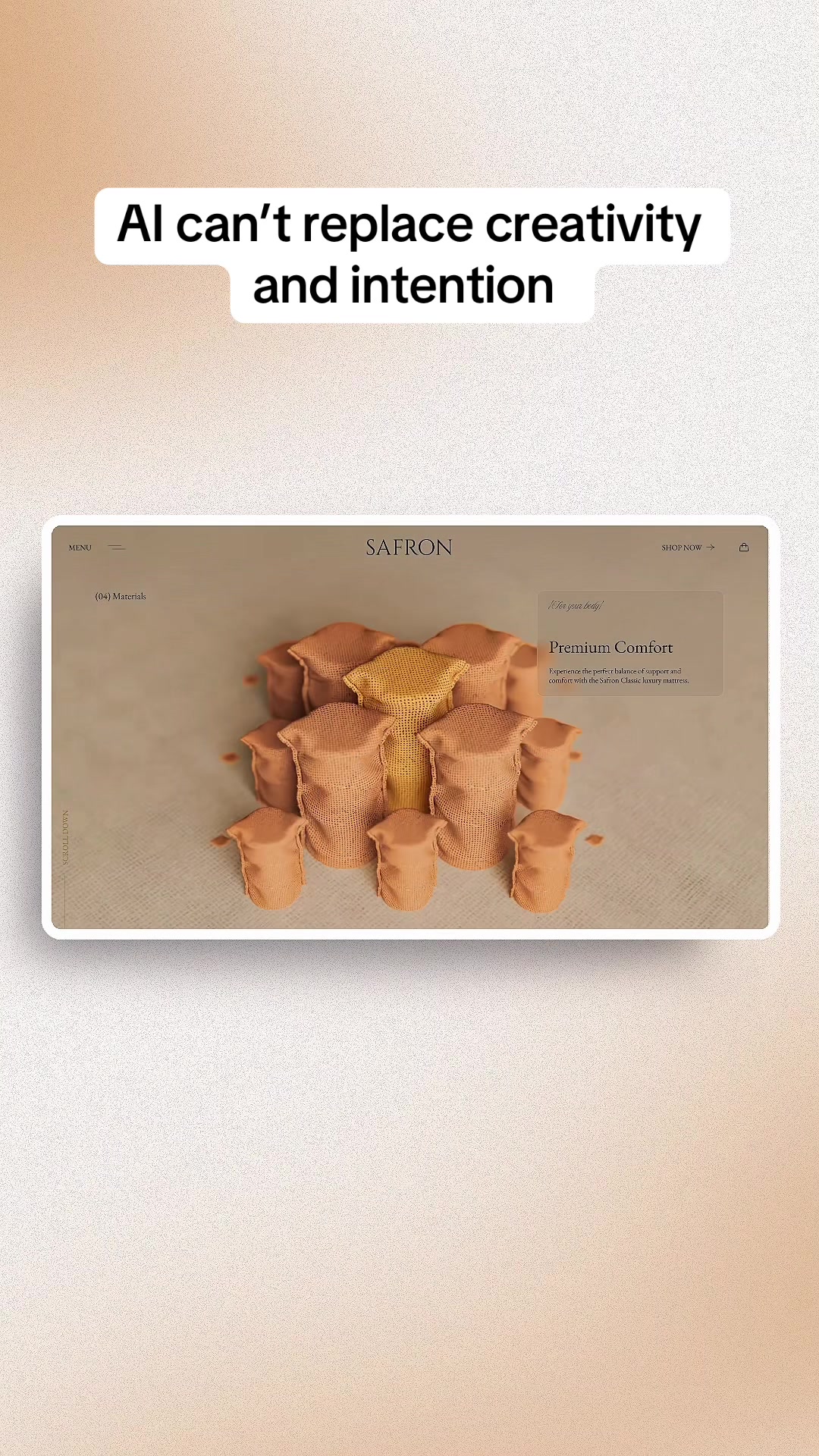 1.8M695.8×AI website hype vs reality@marcelodesignx
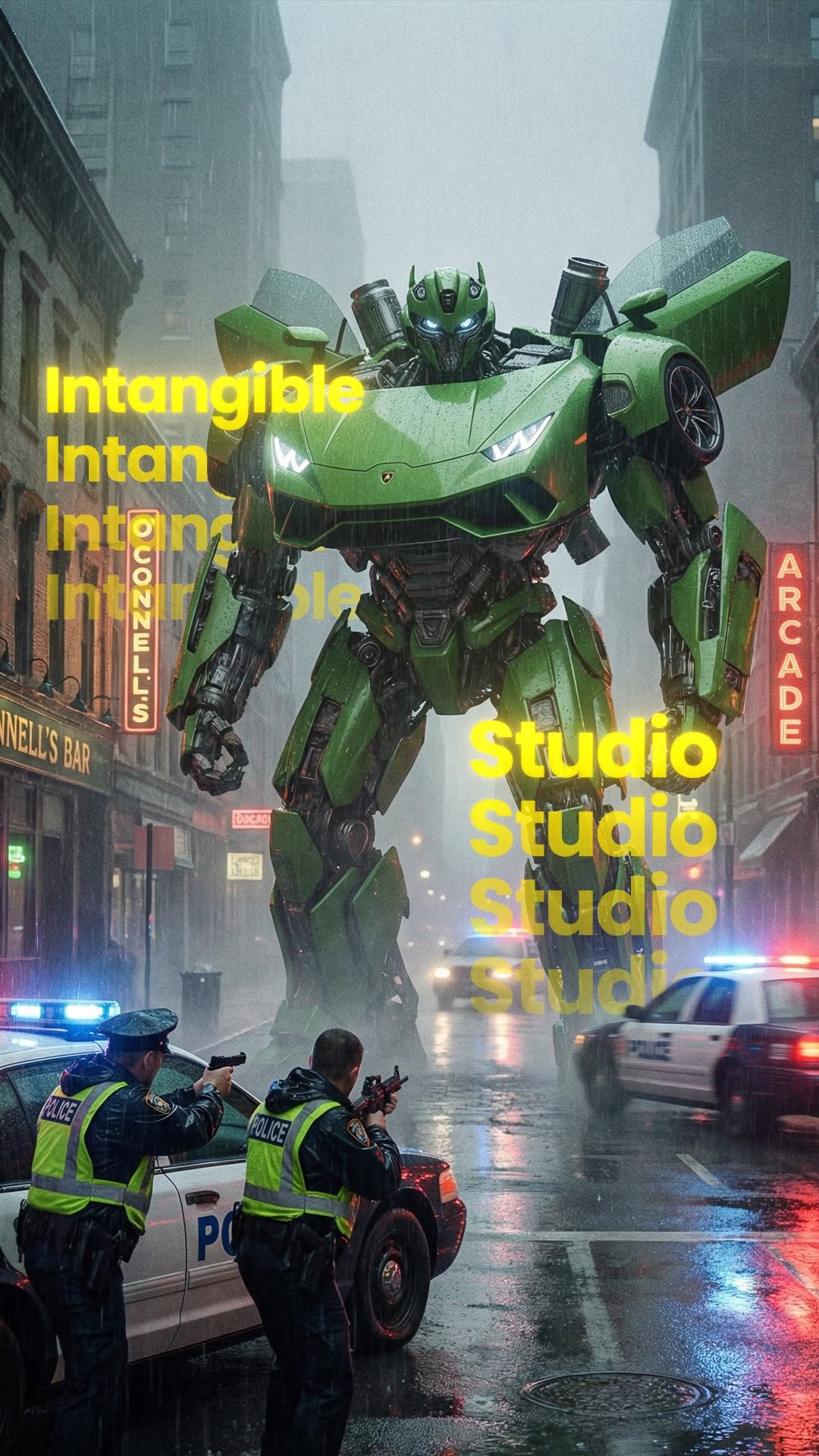 596.3K3.1×AI tool tutorial in steps@rourke · Tutorial / How To
 1M56.5×AI woman reveals her creation@rourke.heath · Tutorial / How To
[04]
[05]
What stops the scroll in the first 3 seconds
Title hook · 55%
First look at Figma Make!
Verbal hook · 25%
We all face a lot of the same challenges.
Visual hook · 20%
Wide shot of a dark conference hall with a speaker on a lit stage and a large presentation screen displaying the Figma Make logo.
[07]
The promise the opener makes, and how the video pays it back
Hook
The Relatable Struggle: Articulating a specific, universal pain point in the viewer's workflow to establish immediate relevance.
Payoff
The Interactive Twist: A final, playful demonstration that connects the digital tool to the physical world, cementing the technology's limitless potential.
[08]
The structural pattern this video runs on
Framework
The Escalating Magic Demo
Establish a common pain point, solve it instantly with a 'magic' tool, then systematically escalate the complexity of the demos to prove robustness and inspire awe.
The Instant Fix
Demonstrating the primary solution with a simple, clear example where a basic input yields an immediate, functional result.
The Credibility Bridge
Briefly explaining the 'secret sauce' or technical advantage (e.g., metadata, structure) to prove the solution is reliable, not just a gimmick.
The Complexity Test
Escalating the demo to a visually intricate example to prove the tool can handle high-fidelity, professional-grade work.
The Dimensional Leap
Revealing a capability that fundamentally breaks the medium's expected limitations (e.g., 2D to 3D, or hardware integration) to create a 'wow' factor.
@figma Make introduces AI into the UX workflow, generating designs and expanding user flows instantly.
title · beginning
First look at Figma Make!
contextual · middle
Prompt with design
contextual · middle
Interactive
contextual · middle
Shader clock by Daniel
contextual · middle
3D RPG by Tammy
contextual · middle
Hand tracking by Bruno
We all face a lot of the same challenges, turning a design into something real enough to All we're gonna do is take that four player frame, copy, interactive. The CD should spin when I play a track. Thank you. Remember to be polite. And because we're Figma, we're not just giving the model all of that structure and metadata. The model can reference the layers in your design. Our Our designer, Daniel, he even threw in some really fun animations. And in Make, you can explore in new dimensions. Check out this for a second. Let's see how good my cursive is. I can write config. Alright. Colors. Because you can publish makes, this means you can also do things like this. Yeah. Things we're working on in Make is bringing it into more parts of Figma.