Video #18625 · Talking Head Edit
AI video creation process tutorialfrom @rourke.heath
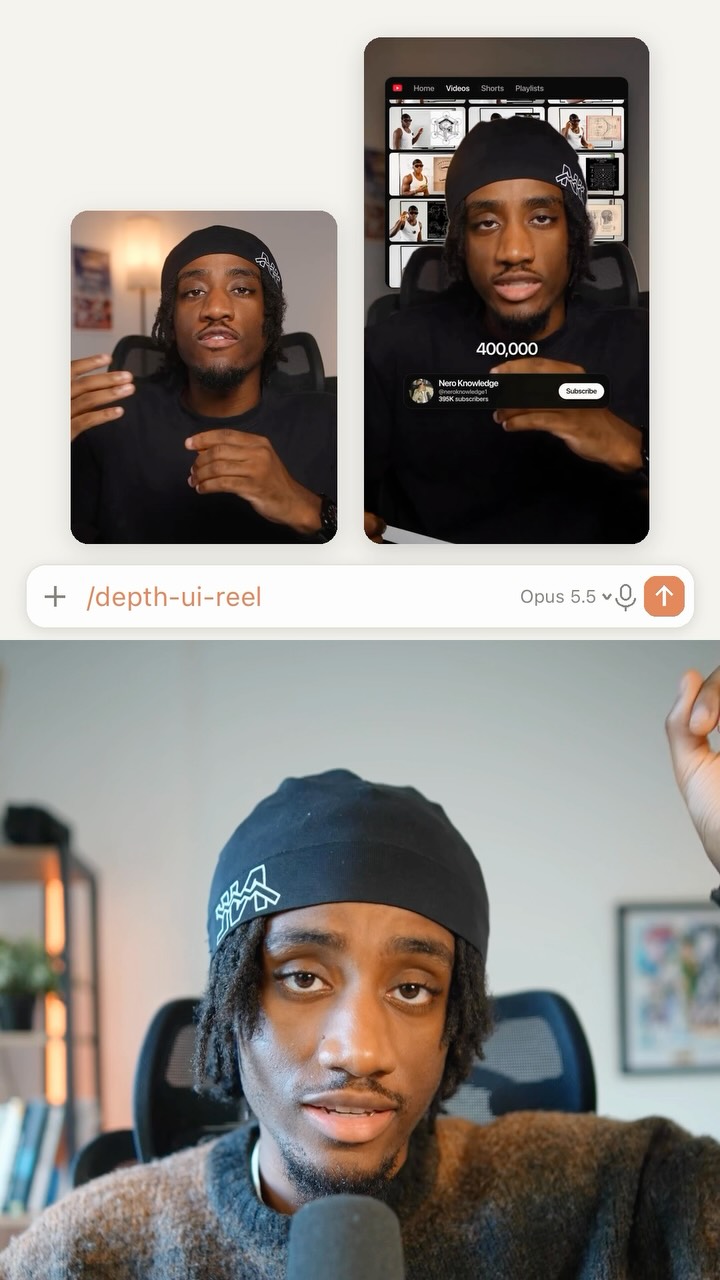
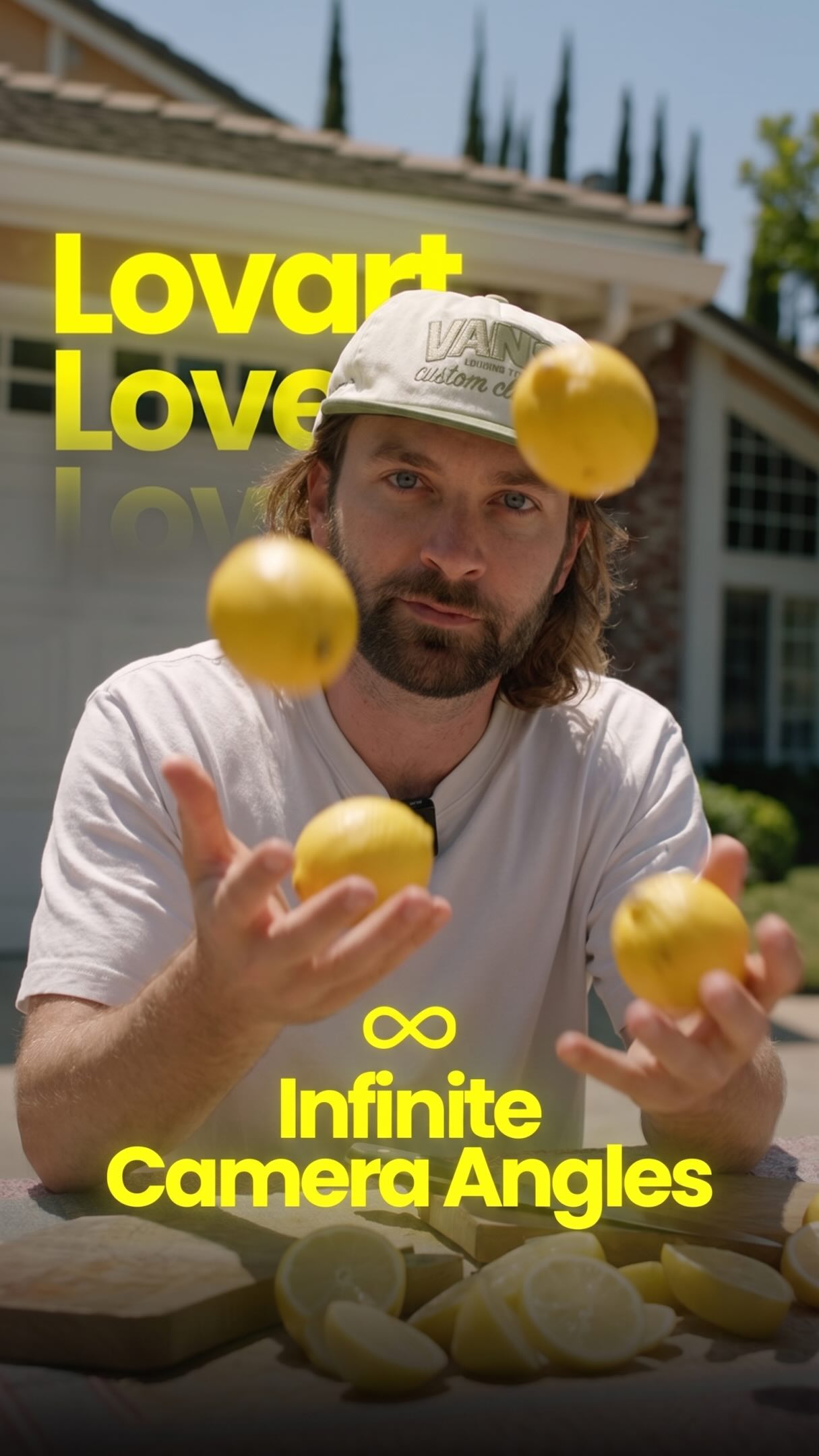
The creator presents a tutorial on how to create a narrative AI video. He first showcases the final product—a fast-paced story of a man getting a work request and using coffee and energy drinks to finish it—while simultaneously displaying the complex AI workflow used to generate it. He then breaks down the process step-by-step, explaining how to use Freepik Spaces to write detailed prompts, incorporate reference images of himself and products, and use Kling 3.0's 'first and last frame' feature to generate the final video clips, concluding with a call-to-action to comment for the full workflow.
- 1Show impressive final result
- 2Break down creation process
- 3Offer resources for engagement
ConceptsTutorial / How ToBehind The ScenesValue Vlog
ElementsMontage EditingScreen RecordingDM / Comment-for-Info CTAPicture-in-Picture
[05]
Hook analysis
What stops the scroll in the first 3 seconds
Title hook · 15%
How to do this:
Visual hook · 85%
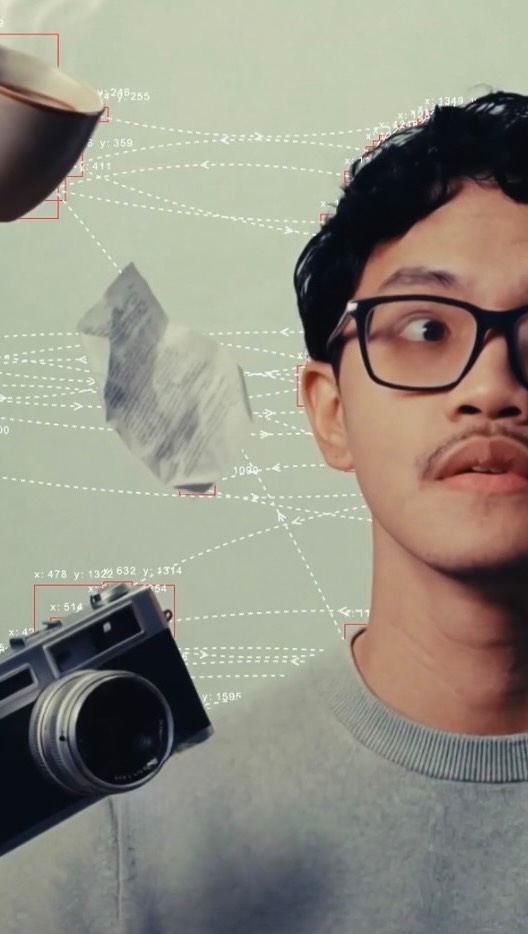
A fast-paced montage with rapid cuts, showing a man laughing on a couch, which quickly transitions to an extreme close-up of his phone displaying an urgent text message from his 'Boss'. The immediate introduction of a story and conflict through dynamic visuals and movement grabs attention.
[06]
Hook template
Steal this for your own video
Open with a rapid-cut scene of [person in a relaxed moment], then smash-cut to an extreme close-up of [urgent message or problem] on [screen or object].
- — Open with a rapid-cut scene of a homeowner relaxing on the couch, then smash-cut to an extreme close-up of a water-leak alert on their phone.
- — Open with a rapid-cut scene of a student celebrating after class, then smash-cut to an extreme close-up of a deadline reminder on their laptop.
- — Open with a rapid-cut scene of a baker admiring a finished cake, then smash-cut to an extreme close-up of a last-minute custom order on their tablet.
[07]
Hook and payoff
The promise the opener makes, and how the video pays it back
Hook
A rapid, high-energy montage showcasing the impressive final product, immediately followed by a text overlay explicitly stating the video's purpose: to teach the viewer 'How to do this'. This creates instant intrigue and frames the content as a valuable tutorial.
Payoff
A direct call-to-action that gates the promised resources (the full workflow and prompts) behind a specific engagement action (commenting a keyword). This converts viewer interest into measurable interaction and delivers on the initial promise.
[08]
Narrative framework
The structural pattern this video runs on
Framework
The Show & Solve Blueprint
Demonstrate a highly desirable and complex outcome, then systematically break down the creation process into achievable steps, and finally, offer a valuable resource in exchange for engagement.
- 1
The Workflow Promise
Explicitly state that the entire process and all necessary resources will be shared, establishing a clear value proposition and incentivizing the viewer to watch until the end.
- 2
The Entry Point
Introduce the primary tool, platform, or environment where the process begins, giving the viewer the first actionable step.
- 3
The Core Technique
Explain the foundational step of the process, combining a user-provided asset with a descriptive command to generate the initial result.
- 4
The Scaling Method
Introduce an advanced feature or technique that allows for the expansion and variation of the core result, demonstrating how to build complexity efficiently.
- 5
The Asset Integration
Show how to incorporate specific, external elements or products into the scene, adding a layer of customization and control.
- 6
The Final Transformation
Reveal the key technique that transforms the static creation into its final, dynamic form, representing the most critical step in achieving the showcased result.
Themes
- Artificial Intelligence
- Content Creation
- Education
- Productivity
Techniques
- Split Screen
- Voiceover
- Screen Recording
- Montage
Trends
- AI Video Generation
- Workflow Reveal
Post caption
How to create these videos 🔥👏 Workflow available on Instagram 🔥 Video Inspired by the one and only, first and last frame final boss @enigmatic_e 😎🪭 In this tutorial, I walk through the full workflow of generating AI videos inside Freepik Spaces using Kling 3.0. You’ll learn how to structure prompts, control motion, and build cinematic sequences — all inside one scalable AI production pipeline. #FreepikSpaces #Kling #AIVideoCreation #aicommunity GenerativeAI
Text overlays
title · beginning
How to do this:
branding · middle
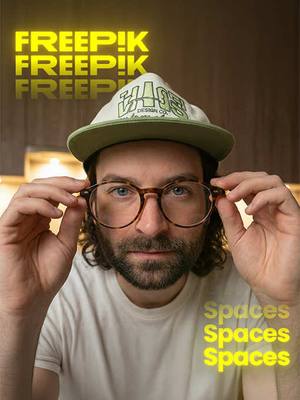
FREEP!K
informational · middle
Spaces
informational · middle
Kling 3.0
contextual · middle
First Frame
contextual · middle
Last Frame
call-to-action · end
Comment "AI"
Transcript
Oh, At the end of this video, we're gonna give you this entire workflow no you can do this for yourself. To get started, you want to go to Freepix spaces where you can write in a prompt detailing out the scene. With a reference image of yourself, you can insert yourself into that scene. And using an assistant node, you can write out a list of all of the potential shots that you want for your location. Then you can actually upload reference images of products to insert them into the scene. And then once you've got your images, you can use first and last frame with Cling three point o to get the best results. If you want access to all of our prompts and workflow, type AI in the comments, and I'll send you the links.