@johnbucog
Instagram · Talking Head Edit

@johnbucog Creating UI Animations with AI 🤯 @higgsfield.ai This feature is still in Beta and requires a lot of experimenting. Comment “Motion” to get access and see my workflow! #ai #creator

@johnbucog
Instagram · Talking Head Edit
@johnbucog Creating UI Animations with AI 🤯 @higgsfield.ai This feature is still in Beta and requires a lot of experimenting. Comment “Motion” to get access and see my workflow! #ai #creator
Performance
Video #23730 · Talking Head Edit
[01]
The creator addresses audience questions about his UI animations, introducing an AI tool called Vibe Motion by Higgsfield. He then breaks down his exact workflow, demonstrating how to find a reference image, use Claude to generate an animation prompt, and input it into Higgsfield to create the final result, concluding with a comment-based call to action for a full tutorial.
[02]
[03]
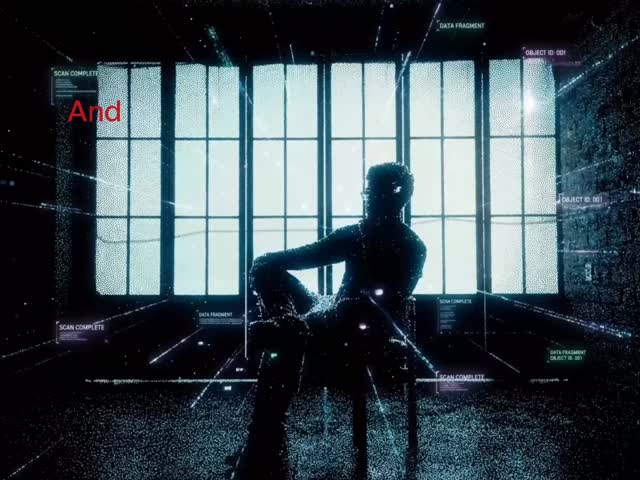 857.1K6.7×App demo for video effects@johnbucog · Product Demo
 817.9K6.9×AI video editing tool demo@rourke · Product Demo
 376.7K33.7×AI video editing tool explainer@brodyautomates · Breakdown
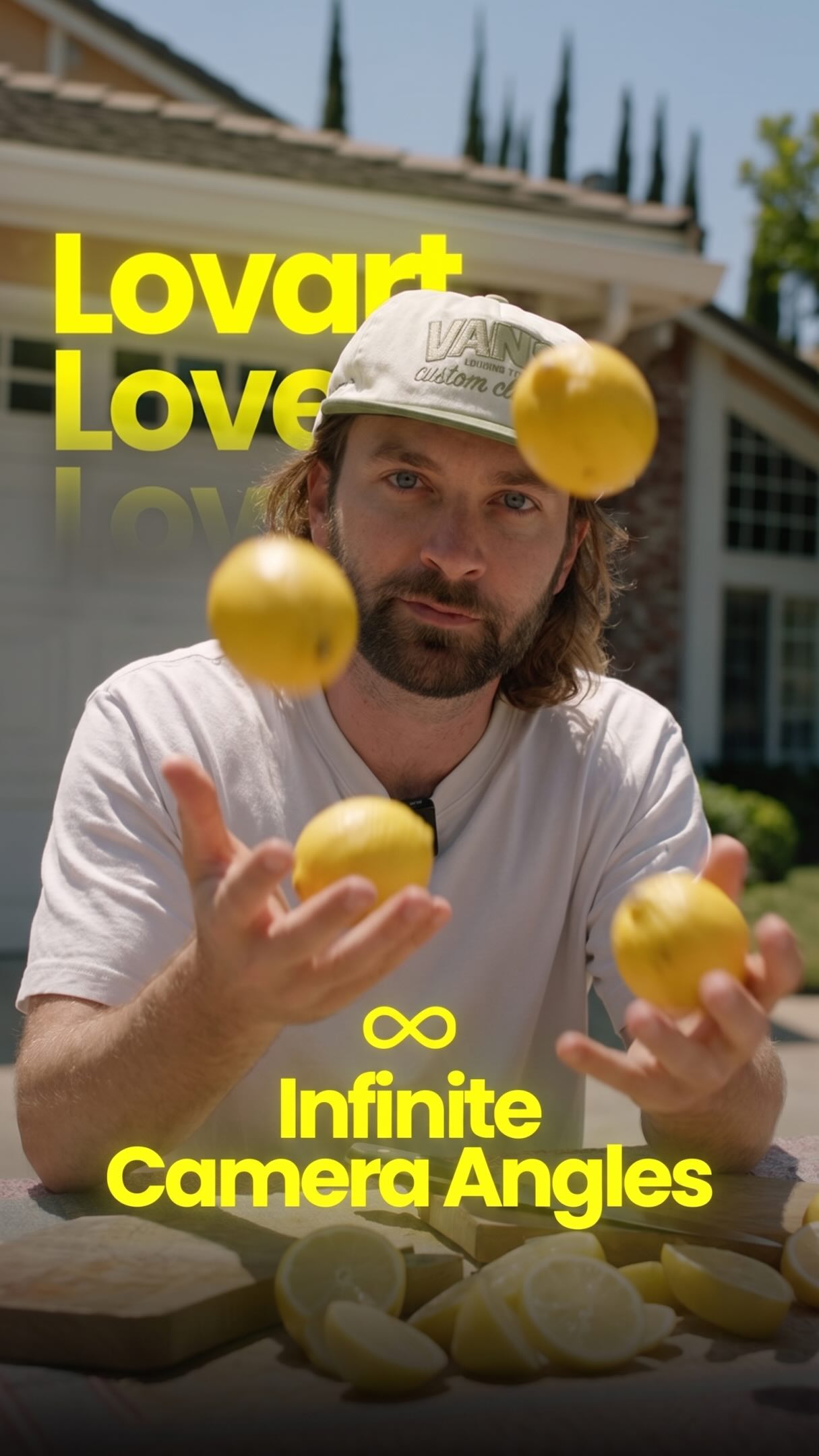 2.1M33.6×AI tool creates infinite camera angles@rourke · Tutorial / How To
 9.4M1270×Greenscreen AI tool showcase@rourke.heath · Resource
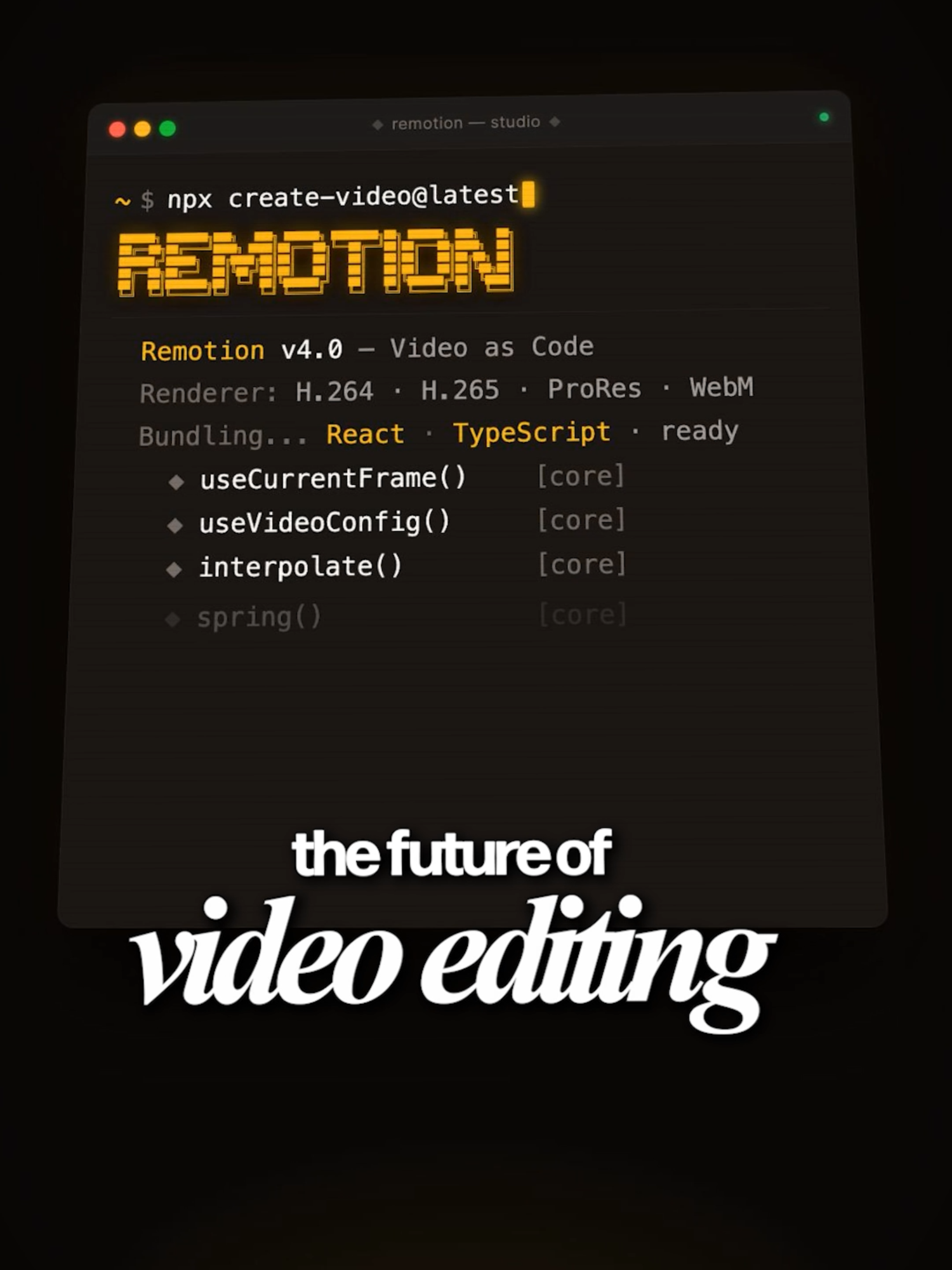 91.3KShowcasing AI video creation tool@mehto · Opportunity Explainer
 65.6KVFX heavy software product promo@johnbucog · Breakdown
 1.1M17.5×AI video creation tutorial demo@rourke · Product Demo
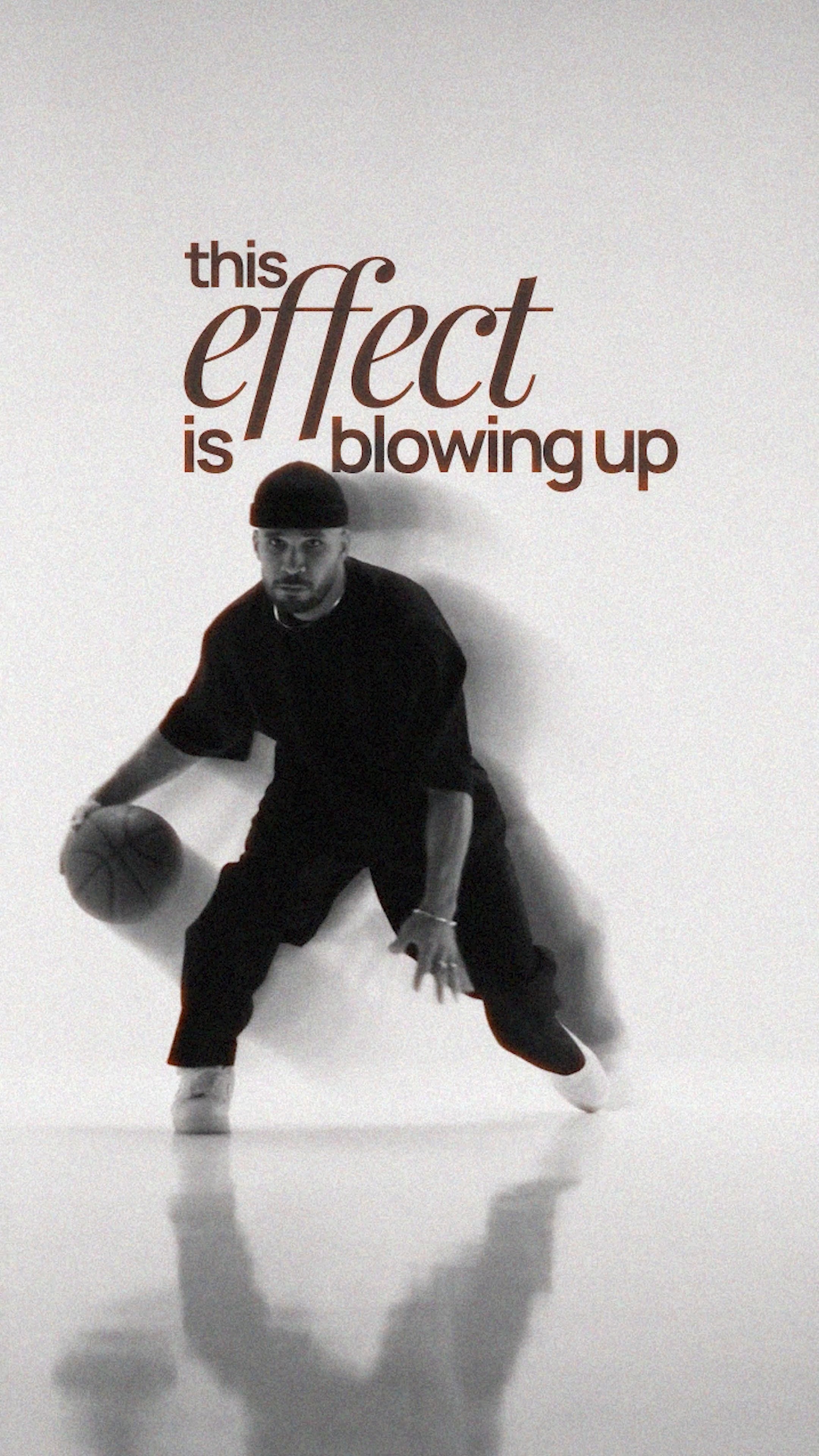 159KAI tool creates trending effect@ezz.the.blade · Tutorial / How To
 303.2KHow to use AI video tool@hustle.faceless · Tutorial / How To
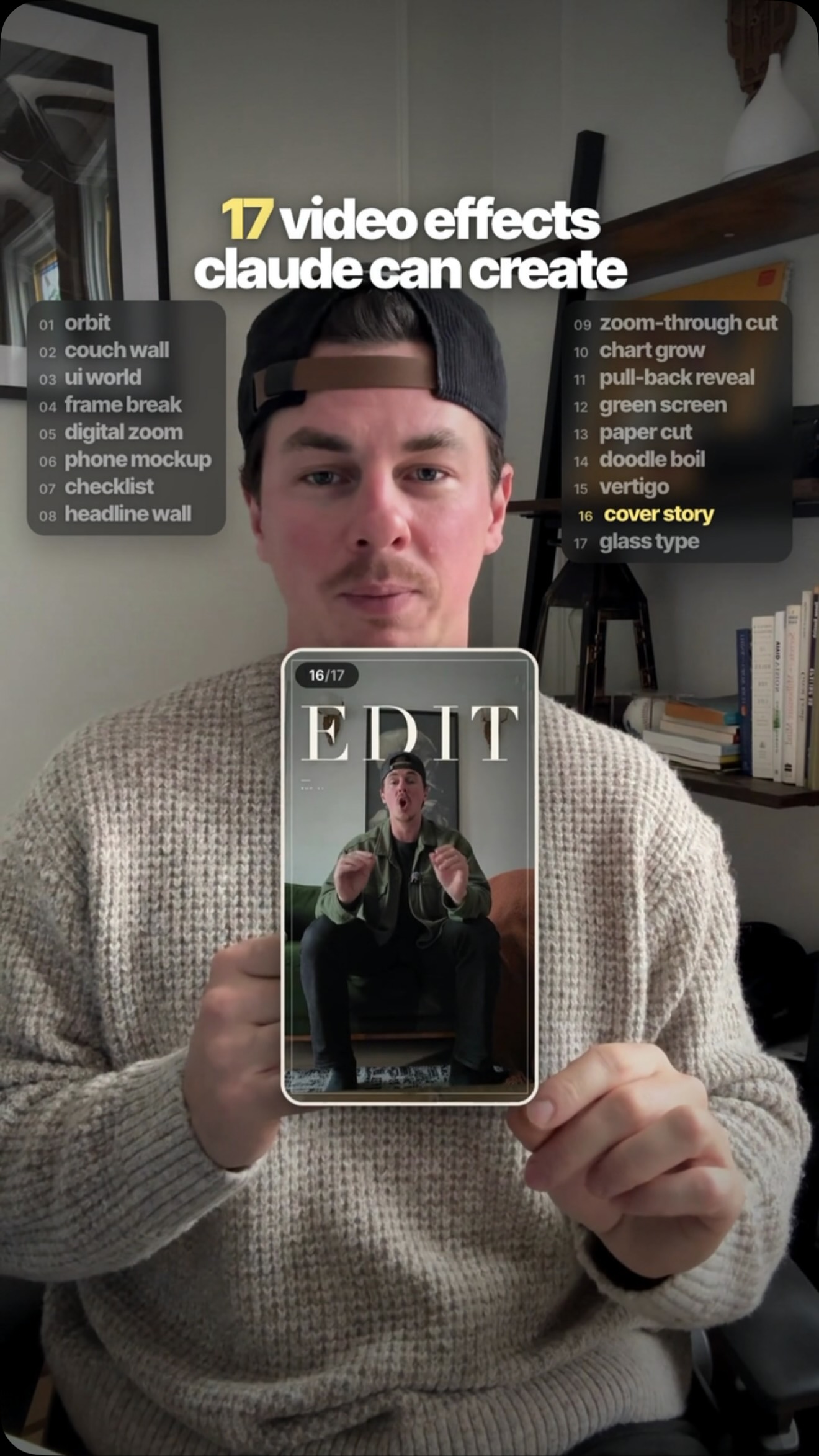 489.5KRapid fire list of AI effects@tenfoldmarc · Rapid Fire Listicle
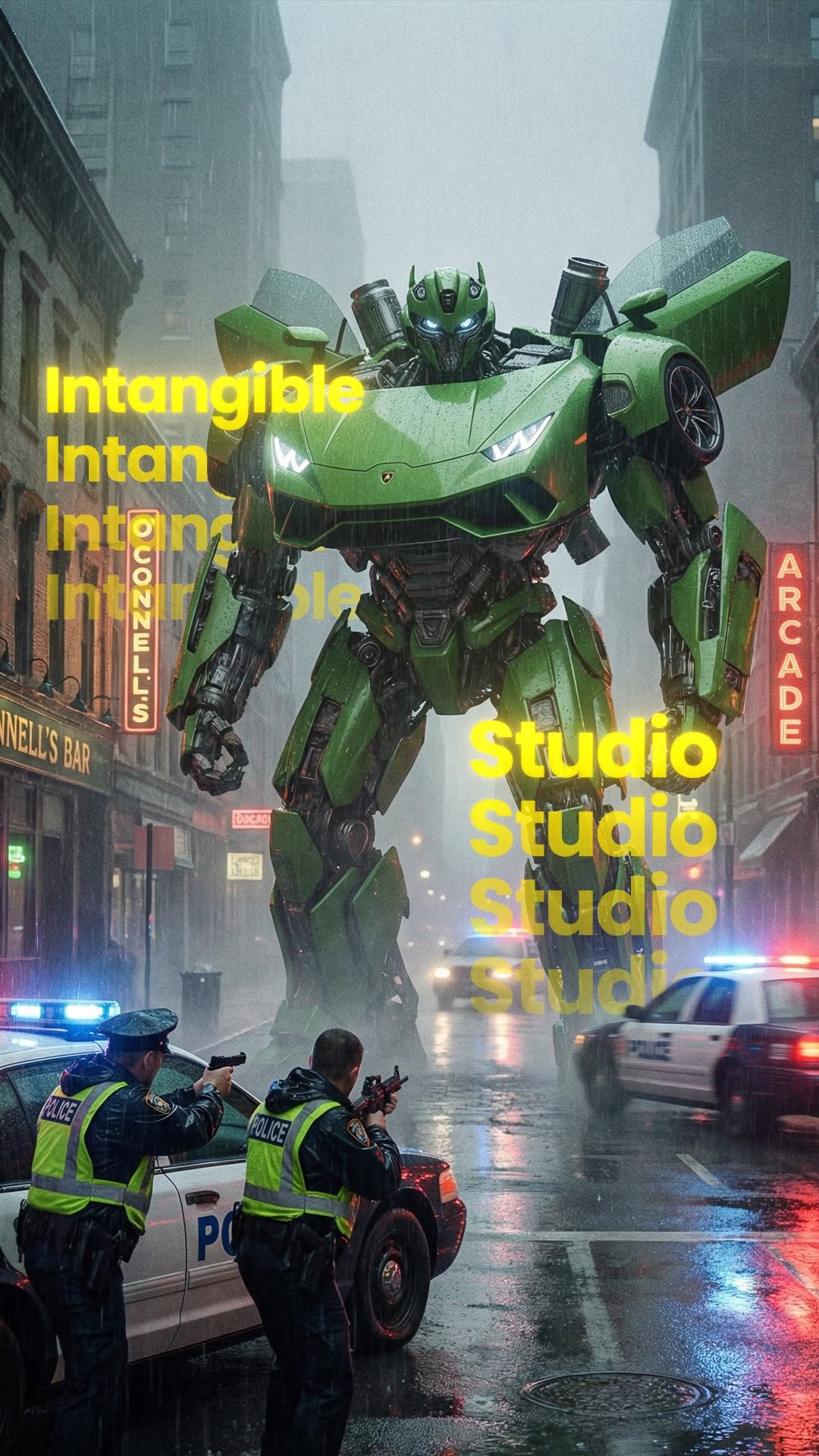 596.3K3.1×AI tool tutorial in steps@rourke · Tutorial / How To
[04]
[05]
What stops the scroll in the first 3 seconds
Title hook · 45%
You've been asking how to create these UI animations in my video
Verbal hook · 35%
You've been asking if I would create these UI animations in my video, and now you can do it too.
Visual hook · 20%
Dynamic 3D text floating around the creator in a moody, low-lit room with warm accent lights, immediately followed by rapid cuts of UI animation examples and user comments.
[07]
The promise the opener makes, and how the video pays it back
Hook
Validates a common audience question or desire and immediately promises to reveal the exact solution.
Payoff
Concludes the process swiftly and leverages the demonstrated value to drive a specific comment-based call to action for full access.
[08]
The structural pattern this video runs on
Framework
The Secret Workflow Reveal
Address a highly requested audience desire, reveal the specific tool used to achieve it, break down the exact step-by-step workflow, and end with a lead-magnet CTA.
The Mechanism Reveal
Introduces the specific tool, software, or framework that makes the promised solution possible.
The Foundation Step
Establishes the starting point or raw material needed to begin the process.
The Bridge Action
Details the intermediate step that transforms the raw material into a usable format or prompt.
The Final Execution
Shows how to combine the prepared elements into the primary tool to generate the final desired result.
The Bonus Alternative
Offers a secondary method or workaround to achieve the foundation step, adding extra value and flexibility.
Creating UI Animations with AI 🤯 @higgsfield.ai This feature is still in Beta and requires a lot of experimenting. Comment “Motion” to get access and see my workflow! #ai #creator
title · beginning
You've been asking how to create these UI animations in my video
informational · beginning
It's called Vibe Motion by Higgsfield
informational · beginning
and this is my exact workflow
informational · middle
First, start by finding your reference
informational · middle
Take that image, drop it into Claude
informational · middle
paste it into Higgsfield and upload the reference image
call-to-action · end
Comment "Motion" to get access
You've been asking if I would create these UI animations in my video, and now you can do it too. It's called bad motion that hits you, and this is my exact workflow. First, start by finding your reference. For me, I love that clean apple style animation. Take that image, drop it into cloud, and ask it to generate a detailed animation prompt based on the motion you want. Once you good the prompt, paste it into the Higgs field and upload the reference image. You can also create a reference image using nanomanana. Then repeat the same process in the first example. And that's it. Comment Motion to get access and a full breakdown.