Video #31666 · Talking Head Edit
Showcasing AI video editing featuresfrom @rourke
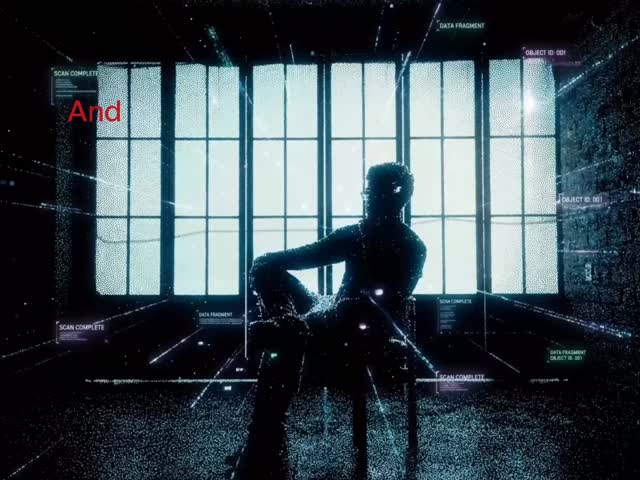
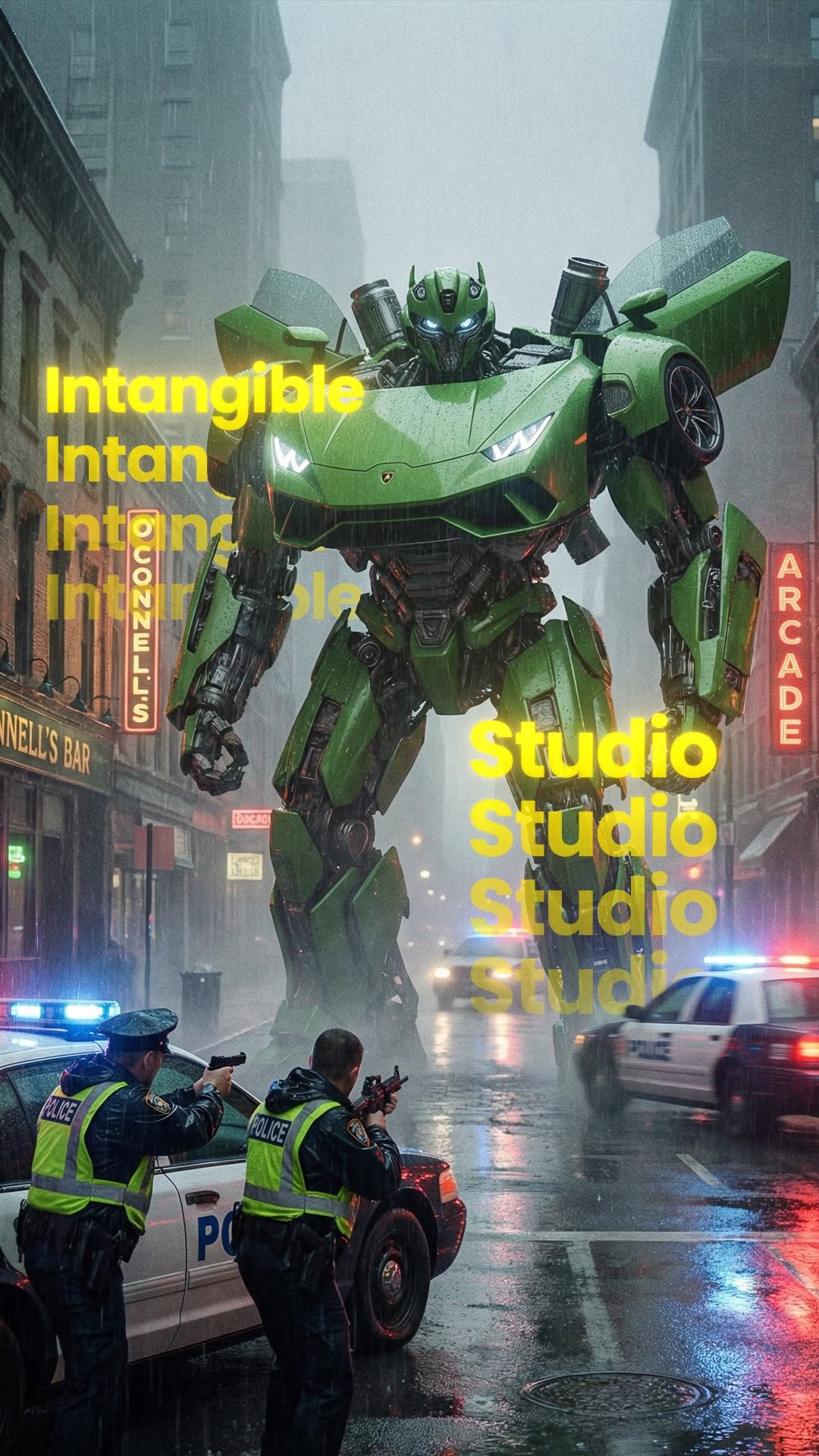
The creator demonstrates the capabilities of the Higgsfield AI plugin for Adobe software by showcasing various effects in different scenes at the Santa Monica Pier, such as replacing and removing objects, adding complex VFX, creating impossible camera shots, and altering text. He concludes by showing viewers how to download the free plugin and includes a call-to-action to comment for a link.
- 1State powerful capability
- 2Demonstrate escalating examples
- 3Provide clear access path
- 4Trigger direct engagement
ConceptsProduct DemoShowcaseTutorial / How To
ElementsVFXB-Roll CutawayDM / Comment-for-Info CTA
[05]
Hook analysis
What stops the scroll in the first 3 seconds
Title hook · 15%
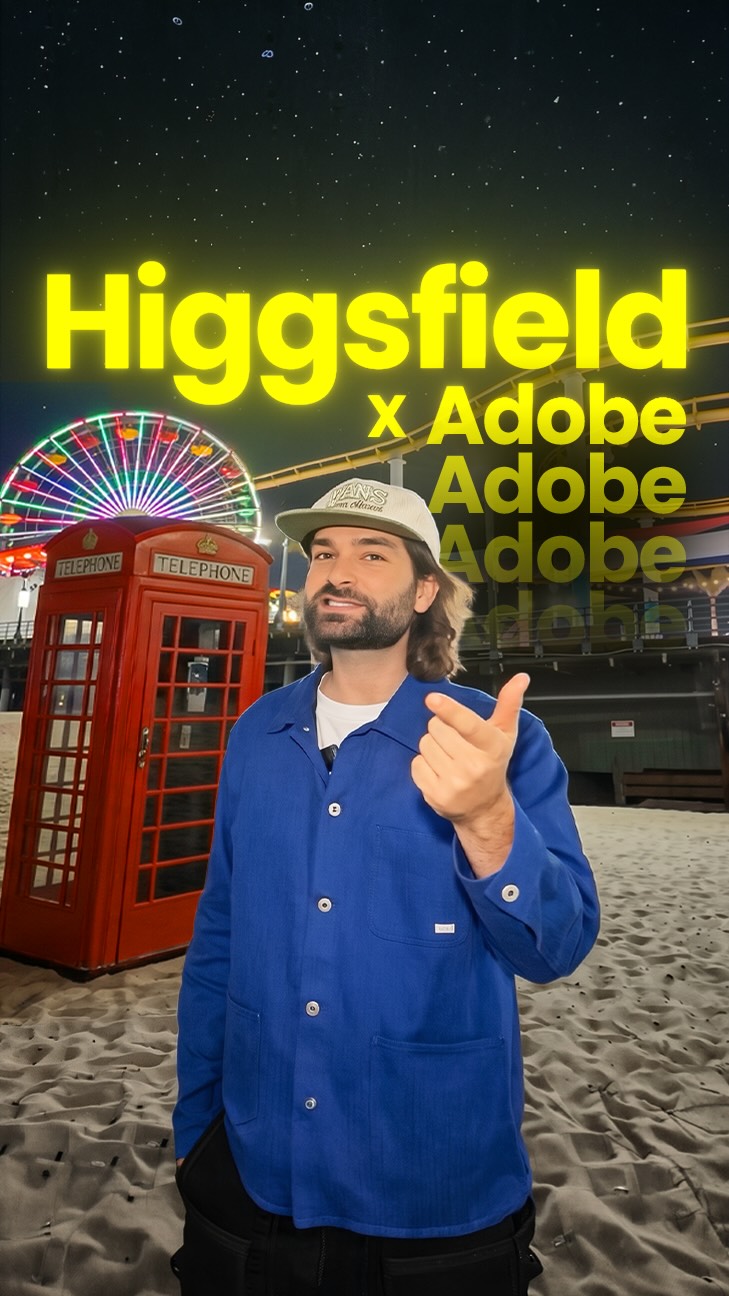
Higgsfield X Pr Ae
Verbal hook · 60%
Today we're in Santa Monica Pier in Los Angeles and you can now use this AI tool to replace anything you want about your reality.
Visual hook · 25%
The speaker stands on a beach with a large, animated, semi-transparent green shape moving on the left side of the screen, immediately demonstrating the video editing effect being discussed.
[06]
Hook template
Steal this for your own video
This free [tool type] lets you [impressive capability] in [content medium].
- — This free AI plugin lets you replace anything in your videos in seconds.
- — This free browser extension lets you remove any object from your photos instantly.
- — This free app lets you generate professional voiceovers for your podcasts automatically.
[07]
Hook and payoff
The promise the opener makes, and how the video pays it back
Hook
Make a bold, almost unbelievable claim about a new capability or power the viewer can now possess, framing it as the ability to alter their reality.
Payoff
A direct, low-effort call to action that prompts an immediate engagement action from the viewer in exchange for the promised access or link.
[08]
Narrative framework
The structural pattern this video runs on
Framework
The Capability Showcase
To demonstrate the transformative power of a tool or concept by presenting a series of escalating, visually-compelling use cases, culminating in a clear path to access and a direct call to action.
- 1
The Core Mechanic Demo
Explain and visually demonstrate the simplest, most fundamental application of the tool to establish a baseline understanding and prove the initial claim.
- 2
The 'What If' Escalation
Showcase a high-concept, fantastical application to demonstrate the outer limits of creative possibility and generate a 'wow' moment.
- 3
The Practical Solution
Ground the tool by presenting it as a direct solution to a common, relatable problem within the target niche, proving its practical utility.
- 4
The Feature Blitz
Rapidly demonstrate a series of distinct, valuable features (e.g., text manipulation, object replacement) to showcase the breadth and versatility of the tool.
- 5
The Access Point
After building maximum desire, clearly and simply explain how the viewer can acquire or access the tool, removing all friction.
Themes
- artificial intelligence
- creative tools
- video production
- content creation
Techniques
- VFX
- object replacement
- generative AI
Trends
Post caption
Replace anything in your footage with AI 🔥😳
Comment “AI” for a link @higgsfield.ai
The Higgsfield plugin for Adobe Premiere Pro and After Effects lets you draw around objects in your footage and swap them out entirely using AI. From adding floating text to changing physical objects and creating impossible shots, it gives creators full creative control over their real-world video. It installs for free directly through the Higgsfield plugin section.
#HigsfieldAI #AdobePremierePro #AIVideoEditing #CreativeAI #GenerativeAI
Text overlays
Transcript
Today we're in Santa Monica Pier in Los Angeles and you can now use this AI tool to replace anything you want about your reality. So you can now draw around specific areas that you want to remove and AI will do all of the heavy lifting inside of Adobe tools. So let's say you wanted to add some crazy visual effects where a kraken wraps itself around and destroys everything. Let's say you're recording yourself and you want to try and get an impossible shot. Well, you can now use AI to get that exact shot that you want. No now with the power of AI with Adobe and Higgs Field, you can add things like floating text into scenes. You can even change the text on anything you worst, and you can even change the objects in which we were sat on. To install yes, you can go to Higgs Field and go to the Higgs Field plug in section where you can download this plug in for free and then you can install that into Premiere Pro or After Effects. If you want the link, type AI in the comments and I'll send you the link.