Video #41669 · Talking Head Edit
AI tool creates motion graphicsfrom @rourke.heath
The creator demonstrates how a new AI tool, Higgsfield, integrates GPT-6 with Adobe After Effects to generate complex, editable motion graphics from simple prompts. He showcases various examples like orbiting glass cards and animated sports stats, then provides a step-by-step tutorial on how to use the plugin, and concludes with a call-to-action to get the exact prompts.
- 1State a revolutionary capability
- 2Demonstrate the capability's range
- 3Reveal the step-by-step process
- 4Offer a valuable asset for engagement
ConceptsTutorial / How ToProduct DemoShowcase
ElementsMotion GraphicsScreen RecordingLower ThirdDM / Comment-for-Info CTA
[05]
Hook analysis
What stops the scroll in the first 3 seconds
Title hook · 35%
HIGGSFIELD GPT-6 ASTRA x Ae
Verbal hook · 45%
ChatGPT now controls After Effects, so anyone can create motion graphics this good, and every layer is editable.
Visual hook · 20%
A presenter stands in a well-lit room as futuristic, animated glass cards with colorful graphics appear and orbit around him, immediately demonstrating the video's topic of AI-generated motion graphics.
[06]
Hook template
Steal this for your own video
[AI tool] now controls [creative software], so anyone can create [impressive result]—and every [editable element] is editable.
- — ChatGPT now controls Photoshop, so anyone can create product ads this polished—and every layer is editable.
- — An AI assistant now controls Excel, so anyone can create dashboards this useful—and every formula is editable.
- — AI now controls Blender, so anyone can create 3D product animations this good—and every object is editable.
[07]
Hook and payoff
The promise the opener makes, and how the video pays it back
Hook
A bold, almost unbelievable claim about a new capability that disrupts a known, difficult process, immediately followed by a visual that proves it.
Payoff
A direct call to action that offers a high-value, exclusive resource (e.g., templates, prompts, guides) in exchange for a specific engagement action (e.g., comment, follow), converting passive viewers into active participants.
[08]
Narrative framework
The structural pattern this video runs on
Framework
The Demo-to-Tutorial Funnel
To establish a tool's revolutionary capability through a series of escalating visual demonstrations, then convert viewer awe into action by providing a clear, step-by-step tutorial, and finally, drive engagement by offering a high-value asset.
- 1
The Visual Proof of Concept
Immediately validate the hook with a visually stunning demonstration of the core capability, emphasizing its quality and flexibility (e.g., 'every layer is editable').
- 2
The Accessibility Showcase
Present a second, more practical example to show that the capability is not just for high-end use but is also accessible and customizable for everyday tasks, lowering the barrier to entry.
- 3
The Power & Range Demo
Showcase a third, more complex example to establish the upper limits of the capability, building credibility and demonstrating its versatility.
- 4
The Instructional Pivot
Explicitly transition from demonstrating 'what' is possible to teaching 'how' to do it, directly addressing the viewer's next logical question.
- 5
The Primary Method Walkthrough
Provide a clear, screen-recorded, step-by-step tutorial of the primary method for using the tool within its native environment.
- 6
The Alternative Method Walkthrough
Offer a second, alternative workflow to provide choice and broaden the tool's appeal to different user preferences or platforms.
Themes
- Artificial Intelligence
- Creative Automation
- Future of Video Editing
- Accessibility in Tech
Techniques
- Product Demonstration
- Software Tutorial
- Visual Storytelling
Trends
- AI in creative workflows
- No-code tools
Post caption
Seriously...GPT 6 can do this now? 😮
Tool - Higgsfield
GPT-6 can now control After Effects directly, designing any motion graphic you want from a simple style reference and building it out layer by layer, all fully editable. Pair it with Higgsfield to generate the UI graphics and assets you need, then let ChatGPT assemble everything for you. A game changer for motion designers, editors, and creators who want studio-quality graphics without the manual grind.
#HiggsfieldAI #GPT6 #AfterEffects #MotionGraphics #AIVideoEditing
Text overlays
branding · throughout
HIGGSFIELD GPT-6 ASTRA x Ae
informational · middle
Height 5'2"
informational · middle
Height 5'10"
informational · middle
Height 6'1"
informational · middle
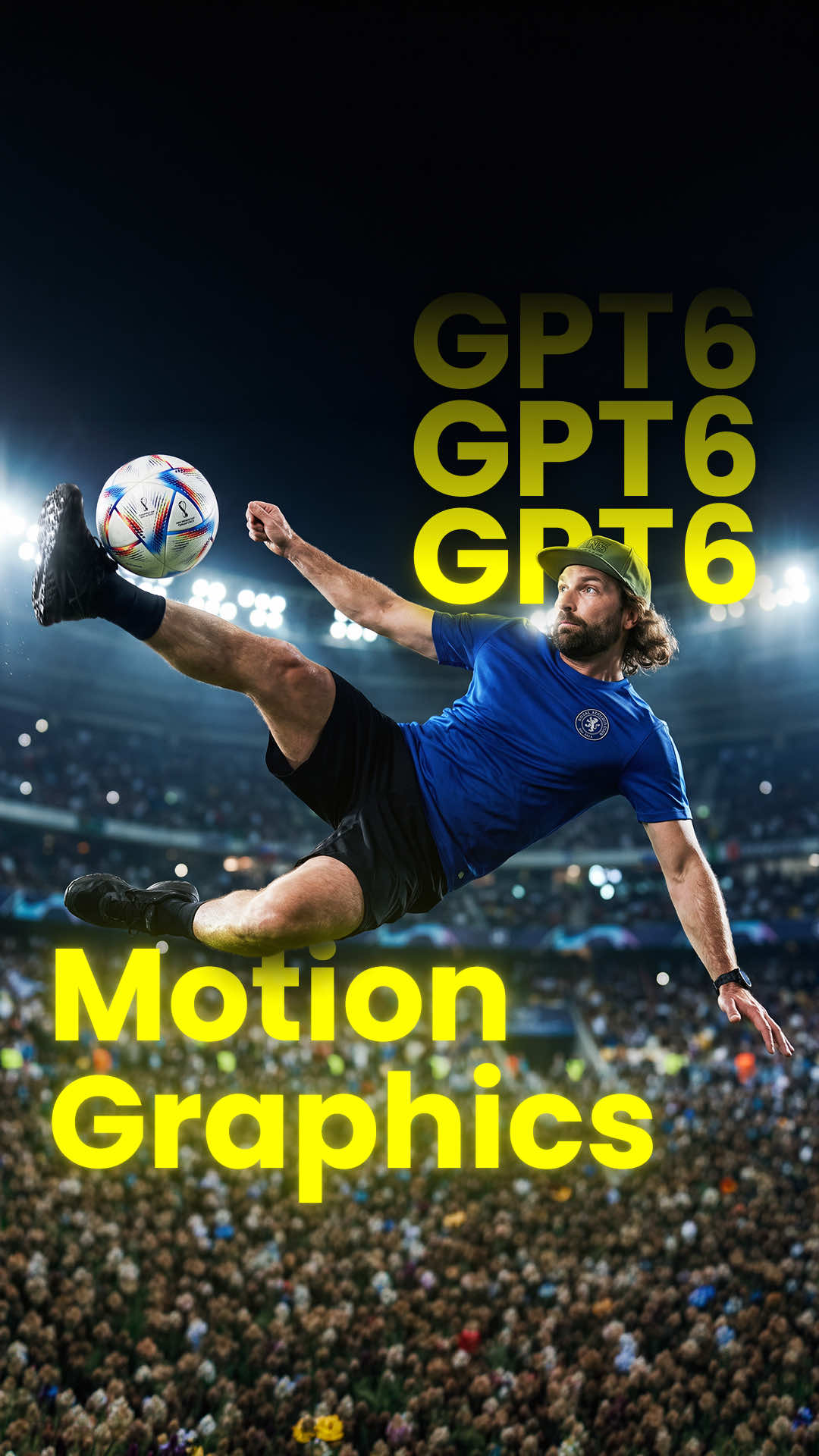
GOALS 24 ASSISTS 11 MATCHES 38 PASS ACCURACY 89%
contextual · middle
START
contextual · middle
FINISH
informational · middle
ELAPSED TIME 02:55:00
title · middle
AVAILABLE NOW
HIGGSFIELD IS NOW INSIDE AFTER EFFECTS
call-to-action · middle
Download
contextual · middle
SUPERCOMPUTER
contextual · middle
GPT 6 Astra
call-to-action · end
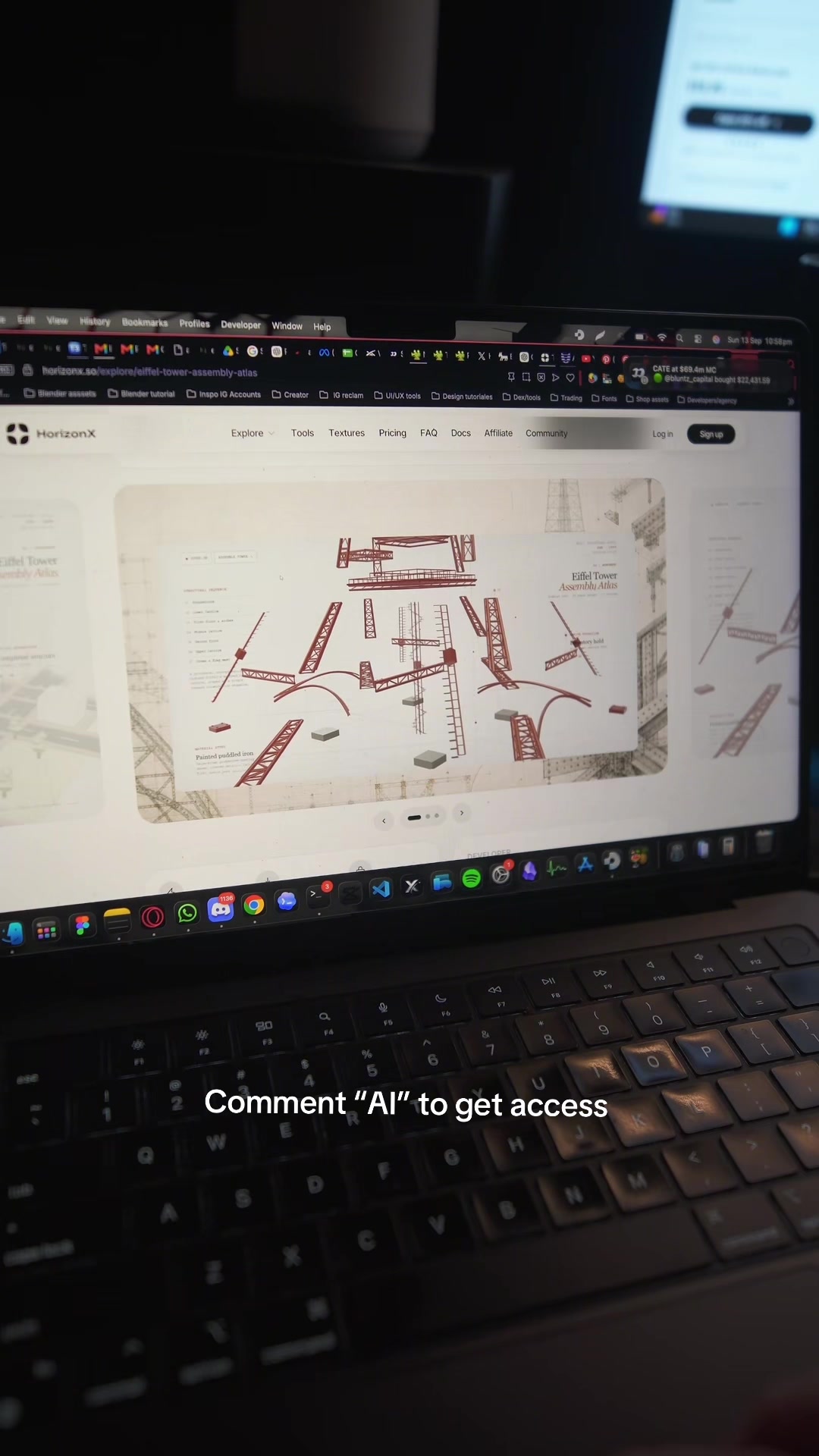
Comment 'AI'
Transcript
ChatGPT now controls After Effects, so anyone can create motion graphics this good, and every layer is editable. No, you can create your own custom animations like this, without any Better Effects experience. You can make custom animations for YouTube like this, and it can best seriously complex animations. So here's how you can do it using Higgs Field and GPT six. Firstly, install tier Higgs Field After Effects plugin. Inside after effects, go to supercomputer and select Astra as your model. Then you can ask it to make your UI elements and then animate them inside of after effects. You can upload reference images of UI elements that you like or design your own ones. Alternatively, you can go to Chat GPT, go to plugins and select Higgs Field and this will connect your accounts better. And just prompt all the same and it will use Astra and Higgs Field to create all your motion graphics inside After Effects. So if you want our exact prompts tier type AI in the comments and I'll send you the link.