Video #33164 · Talking Head Edit
Demonstrating an AI video toolfrom @rourke.heath
The creator demonstrates the capabilities of the Higgsfield AI plugin for Adobe video editing software. He shows how the tool can be used to remove people from a scene, add new objects like a phone booth, create complex visual effects like a giant octopus destroying a pier, change camera perspectives, add floating text, and alter existing text on signs, before concluding with instructions on how to download the plugin and a call-to-action to comment for a link.
- 1State a transformative promise
- 2Demonstrate escalating power
- 3Provide a clear access path
- 4Trigger a direct action
ConceptsProduct DemoTutorial / How To
ElementsVFXB-Roll CutawayDM / Comment-for-Info CTA
[05]
Hook analysis
What stops the scroll in the first 3 seconds
Verbal hook · 45%
Today we're in Santa Monica Pier in Los Angeles and you can now use this AI tool to replace anything you want about your reality.
Visual hook · 55%
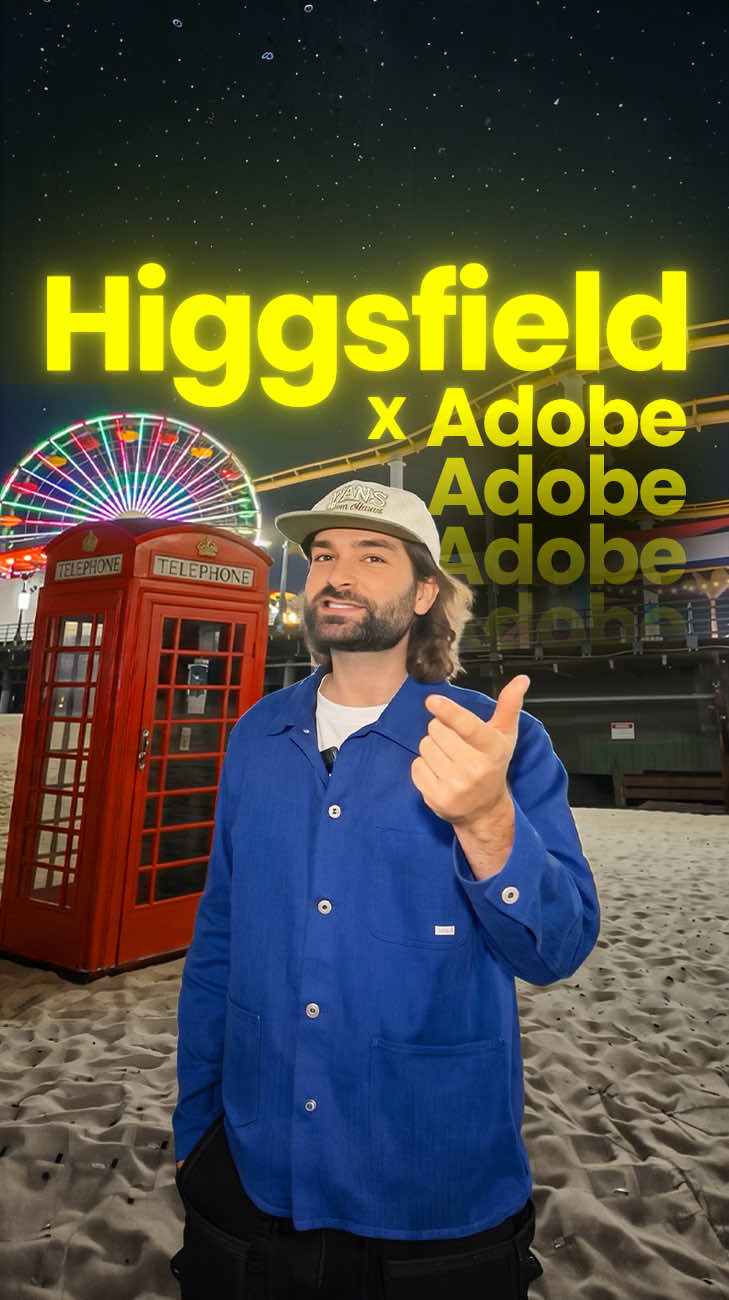
A man stands on a beach with a roller coaster in the background while a bright green, animated shape is drawn over the scene, demonstrating the AI tool's selection feature.
[06]
Hook template
Steal this for your own video
Someone films themselves in [recognizable real-world location] while a [bright visual indicator] is drawn over the scene, instantly revealing an [AI or tech tool]'s power to transform it.
- — A creator films themselves in Times Square while a glowing green shape is drawn over the billboard, instantly revealing an AI tool's power to swap the ad for anything.
- — A real estate agent films themselves inside a dated living room while a bright animated outline traces the furniture, instantly revealing an AI tool's power to stage the entire space digitally.
- — A travel influencer films themselves at the Eiffel Tower while a neon selection box is drawn over the crowd, instantly revealing an AI tool's power to erase every tourist from the shot.
[07]
Hook and payoff
The promise the opener makes, and how the video pays it back
Hook
A bold, high-concept statement of a new, powerful capability ('replace anything you want about your reality'), immediately establishing the video's value proposition and hooking the viewer with a grand promise.
Payoff
A direct and simple engagement trigger ('type AI in the comments') that converts the viewer's built-up interest and excitement into a measurable, low-effort action, boosting the video's metrics.
[08]
Narrative framework
The structural pattern this video runs on
Framework
The Capability Cascade
To demonstrate the power of a tool or concept by presenting a series of escalating use cases, moving from simple and relatable to complex and 'impossible,' culminating in a direct call to action.
- 1
The Foundational Proof
To demonstrate the most basic, understandable application of the tool (object removal), grounding the grand promise in a tangible, practical example that is easy to grasp.
- 2
The Fantastical Escalation
To showcase a high-concept, visually stunning application (a giant kraken destroying a pier) that pushes the boundaries of what the viewer thought was possible, creating a 'wow' moment.
- 3
The Niche Problem-Solver
To address a specific, relatable pain point for the target audience (getting an 'impossible shot'), demonstrating the tool's practical value in solving real-world creative challenges.
- 4
The Rapid-Fire Reality Warp
To present a quick succession of increasingly complex and impressive examples (floating text, changing signs, swapping objects), overwhelming the viewer with the sheer breadth of creative possibilities.
- 5
The Access Point
To transition from demonstration to instruction by clearly explaining how and where to acquire the tool, removing friction for interested viewers.
Themes
- Artificial Intelligence
- Creative Technology
- Video Production
- Content Creation Tools
Techniques
- AI object replacement
- Visual effects
- Direct-to-camera address
Trends
- AI in content creation
- Generative AI video
Post caption
Replace anything in your footage with AI 🔥😳
Tool - Higgsfield.ai
The Higgsfield plugin for Adobe Premiere Pro and After Effects lets you draw around objects in your footage and swap them out entirely using AI. From adding floating text to changing physical objects and creating impossible shots, it gives creators full creative control over their real-world video. It installs for free directly through the Higgsfield plugin section.
#HigsfieldAI #AdobePremierePro #AIVideoEditing #CreativeAI #GenerativeAI
Text overlays
branding · throughout
Higgsfield X Pr Ae
call-to-action · end
Comment "AI"
Transcript
Today we're in Santa Monica Pier in Los Angeles and you can now use this AI tool to replace anything you want about your reality. So you can now draw around specific areas that you want to remove and AI will do all of the heavy lifting inside of Adobe tools. So let's say you wanted to add some crazy visual effects where a rank wraps itself around and destroys everything. Let's say you're recording yourself and you want to try and get an impossible shot. Well you can now use AI to get that exact shot that you want. So now now with the power of AI with Adobe and Higgsfield, you can add things like floating text into scenes. You can even change the text on anything you worst, and you can even change the best in which we were sat on. To install yes, you can go to Higgsfield and go to the Higgsfield plug in section where you can download this plug in for free and then you can install that into Premiere Pro or Better Effects. If you want the link, type AI in the comments and I'll send you the link.