Viral Hooks
Trending short videosTutorial on new Instagram feature
J

@juliabroome

Instagram · Speaker address

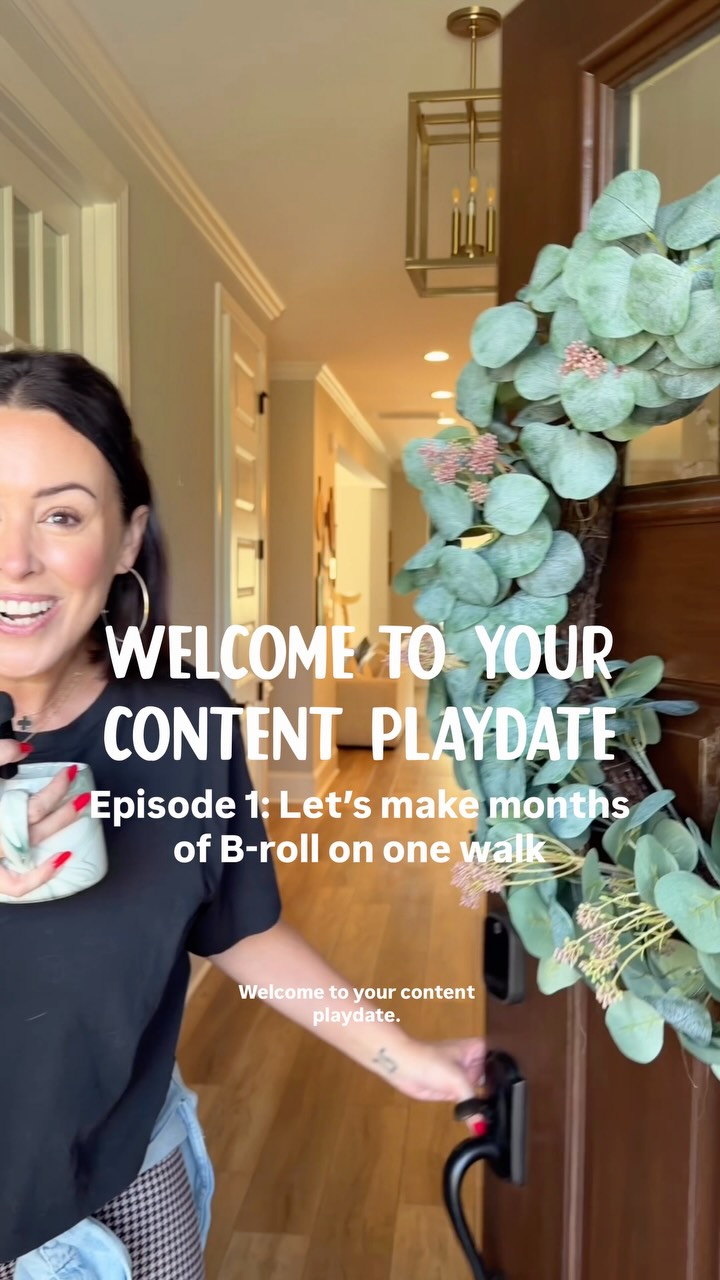
@juliabroome HOW TO USE SERIES TO *GROW* 📈💖🧚🏼‍♀️ use this as your step-by-step to get yourself set up + if you already have this feature: let me know if I can help you take advantage of it!!! & if you’re still waiting, it’s still in the process of being rolled out but now is the *perfect* time to figure out your signature series so LMK if you want help with that 😇

View original on Instagram

The edit1 shot · 9 text
Shots Text1:27

Performance

Views
299.4K
Likes
8.8K
Comments
441
Engagement
3.1%
Outlier
8.4×
Length · 19 Jul 2026
1:27

Video #37122 · Speaker address

Tutorial on new Instagram featurefrom @juliabroome

[01]

Overview

The creator explains Instagram's new 'Series' feature by first showing where to find it in the professional dashboard, then provides a step-by-step tutorial on how to create a series, including adding a strategic cover photo, title, and a compelling description. She differentiates between episodic and non-episodic series, advising on which reels to include for each type, and concludes with a call-to-action for viewers who need more help.

[02]

Simple outline

  1. 1Announce new tool's value
  2. 2Guide user through setup
  3. 3Provide strategic best practices
  4. 4Offer tailored use-case advice
  5. 5Prompt for direct engagement

[03]

Related videos

[04]

Classification

Concepts
Tutorial / How To
Elements
Image OverlayTitle Text HookGraphic OverlayJump Cut

[05]

Hook analysis

What stops the scroll in the first 3 seconds

Title hook · 45%

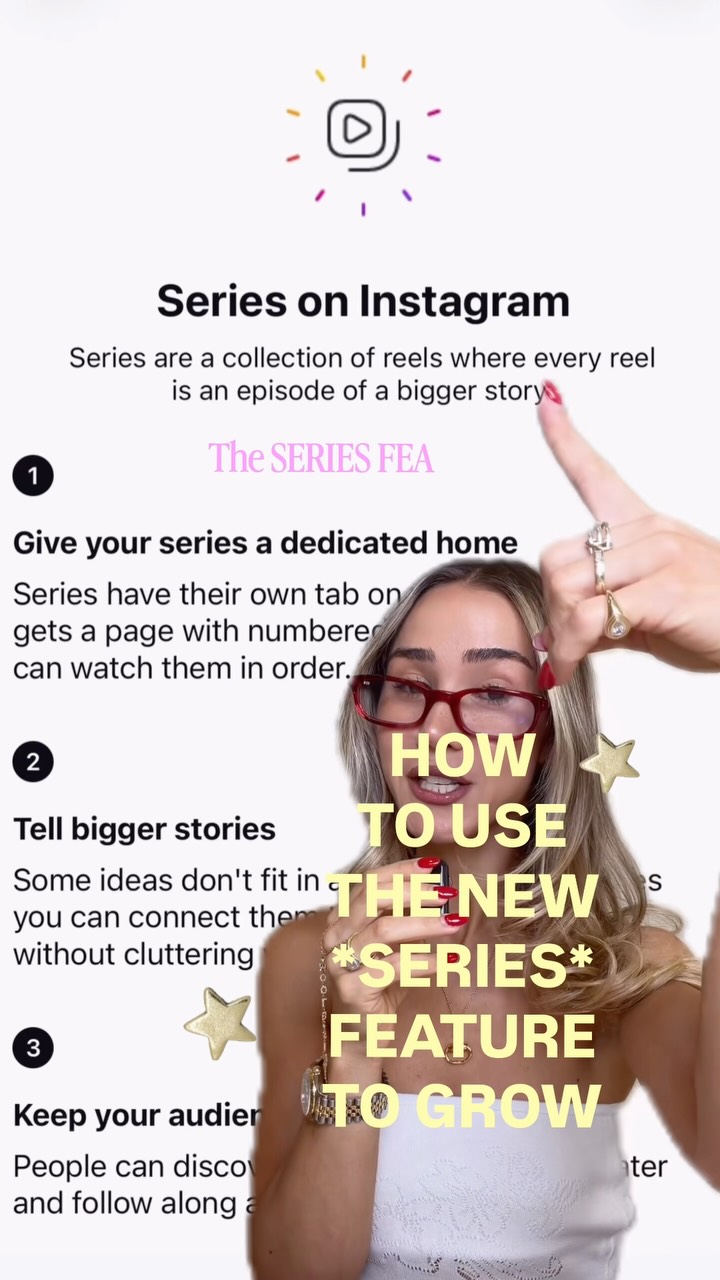
HOW TO USE THE NEW *SERIES* FEATURE TO GROW

Verbal hook · 50%

Instagram just dropped the series feature, and this is exactly how you're going to use it to grow.

Visual hook · 5%

A speaker is positioned next to a large, clear graphic overlay that introduces the 'Series on Instagram' feature, immediately establishing the video's topic and educational value.

[06]

Hook template

Steal this for your own video

[Platform] just dropped [new feature], and here's exactly how to use it to [desired outcome].

  • — YouTube just dropped their new Communities feature, and here's exactly how to use it to build a loyal audience.
  • — Shopify just dropped their AI product description tool, and here's exactly how to use it to increase your conversions.
  • — LinkedIn just dropped their video ads format, and here's exactly how to use it to generate leads for free.

[07]

Hook and payoff

The promise the opener makes, and how the video pays it back

Hook

Announce a new, high-value tool or feature and make a bold promise about its benefit, creating immediate urgency and establishing value.

Payoff

Create an open loop by teasing more advanced information for a future video, then pivot to a direct call to action that prompts for specific comments to drive immediate engagement.

[08]

Narrative framework

The structural pattern this video runs on

Framework

The Feature Masterclass

A step-by-step tutorial that layers strategic advice on top of a basic walkthrough for a new tool or feature, culminating in a tailored strategy split and an engagement-driving call to action.

  1. 1

    The Gatekeeper Beat

    Address common access issues or misconceptions, showing the user exactly where to find or enable the new tool, making them feel like an insider.

  2. 2

    The 'It's Easy' Walkthrough

    Demonstrate the fundamental setup process in a simplified, step-by-step manner to reduce user friction and build confidence.

  3. 3

    The Pro-Tip Layer

    Elevate the tutorial by providing expert-level strategic advice on optimizing the basic setup for maximum impact (e.g., cover photos, titles, descriptions).

  4. 4

    The Conceptual Reframe

    Introduce a powerful, simple analogy that reframes the tool's purpose, making its strategic value intuitive and memorable.

  5. 5

    The Binary Strategy Split

    Segment the audience by presenting two distinct, tailored strategies for different user types or goals, making the advice feel more personal and actionable.

Themes

  • Social Media Strategy
  • Creator Tools
  • Audience Growth

Techniques

  • Direct Instruction
  • Visual Demonstration
  • Strategic Advice

Trends

  • New Feature Rollout
  • Platform Education

Post caption

HOW TO USE SERIES TO *GROW* 📈💖🧚🏼‍♀️ use this as your step-by-step to get yourself set up + if you already have this feature: let me know if I can help you take advantage of it!!! & if you’re still waiting, it’s still in the process of being rolled out but now is the *perfect* time to figure out your signature series so LMK if you want help with that 😇

Text overlays

  • title · beginning

    HOW TO USE THE NEW *SERIES* FEATURE TO GROW

  • informational · beginning

    Series on Instagram Series are a collection of reels where every reel is an episode of a bigger story.

  • contextual · middle

    CLEAR TITLE

  • contextual · middle

    VISUALLY APPEALING

  • contextual · middle

    RECOGNIZABLE

  • informational · middle

    YOUR SERIES = YOUR DIGITAL TV SHOW

  • informational · end

    ONLY THE BEST

  • informational · end

    MOST COMPELLING

  • call-to-action · end

    let me know

Transcript

Instagram just dropped the series feature, and this is exactly how you're going to use it to grow. Some of you think that you haven't gotten this feature yet when really it's hiding in your professional dashboard or at the very top of your profile as a notification. So if you have either of those, you're going to click on it. And if you actually haven't gotten this feature yet, it's in the process of being rolled out. Setting up your series is extremely simple. All you're going to do is hit create a series, and then it's going to ask you to add a cover photo. Ideally, you wanna be strategic here so that your cover photo clearly defines your signature series, and then I will insert the title. In the description, you wanna make it very clear what your series has to offer. Again, think of your series as your own digital TV show. Every great TV show on all of the major platforms has a synopsis that hooks you before you even press play. Then all you're going to do is click create and add all of the episodes to your series. If your series is not episodic, which means viewers don't need prior context, for example, maybe your series is you trying a new skincare product each week or you styling a different outfit each week. Those kinds of series don't require your audience to follow in order. So if that is the case, you're going to wanna select only the best and most compelling reels. If your series is episodic like mine is, which is a step by step, you're going to put every single episode in. No tier are a lot of mini tips and ways to make the most out of this new feature. But before I get into that, I wanna make sure that you are all set up. So if you need help creating a strong title or you need help with your description, let me know below.