@panosliceapp
TikTok · Speaker address
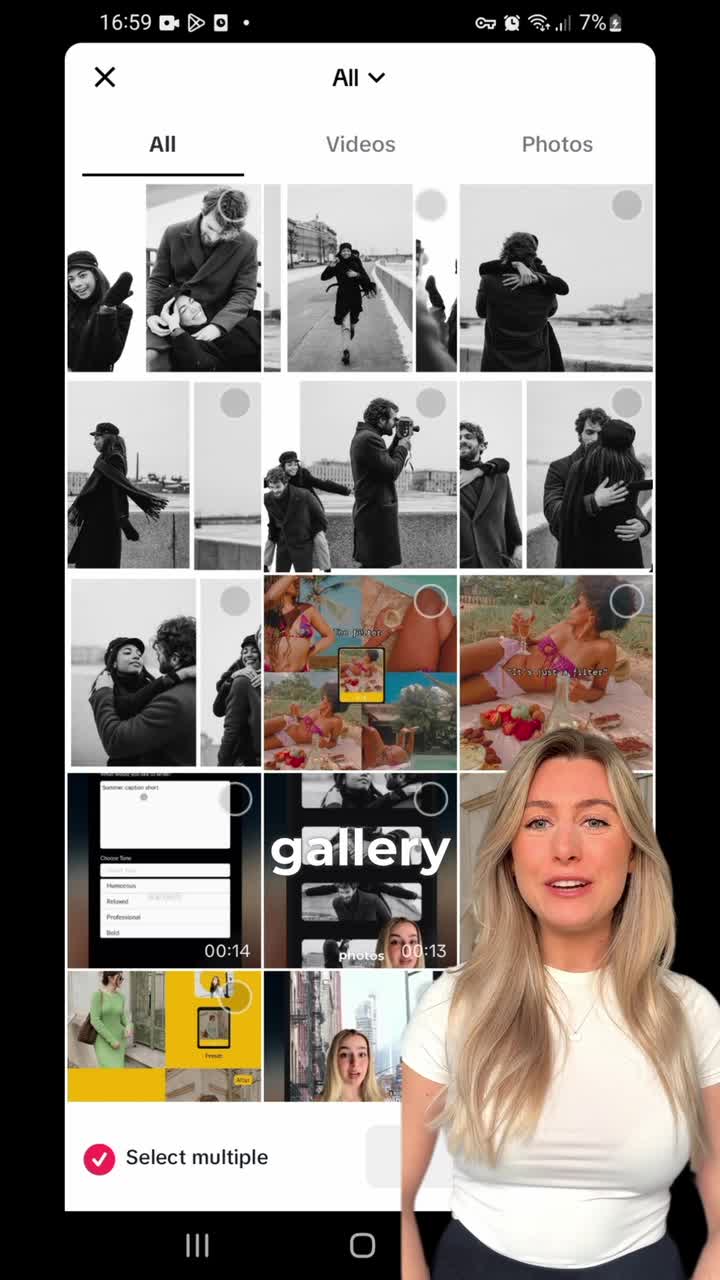
@panosliceapp how to make slideshow on tiktok with photo swipe save for later #mobile #2024 #viral #howto #tutorial #slideshowtrend #creatorsearchinsights #realmeซูมให้ได้ซีน #panoslice #carousel #seamless

@panosliceapp
TikTok · Speaker address
@panosliceapp how to make slideshow on tiktok with photo swipe save for later #mobile #2024 #viral #howto #tutorial #slideshowtrend #creatorsearchinsights #realmeซูมให้ได้ซีน #panoslice #carousel #seamless
Performance
Video #2380 · Speaker address
[01]
The creator provides a step-by-step tutorial on how to create a photo slideshow on TikTok. Using a screen recording of the app, she guides the viewer from the 'create a post' screen, through selecting the 'Photo' mode, uploading multiple images from the gallery, and previewing the slideshow. She highlights interface elements like the navigation dots and concludes by showing the final post screen and asking viewers to like and share.
[02]
[03]
 251K42.9×Step-by-step app feature guide@panosliceapp · Tutorial / How To
 412.8K2.1×Step-by-step TikTok creation guide@misscarolineflett · Tutorial / How To
 876.4K3.2×TikTok tutorial for video replies@misscarolineflett · Tutorial / How To
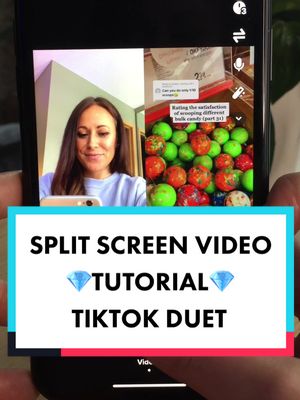 990.9K8.3×TikTok duet tutorial step-by-step@misscarolineflett · Tutorial / How To
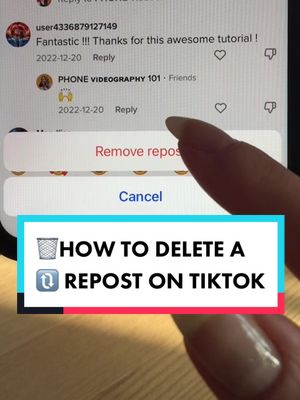 3.6M8.7×Creator shows how to delete reposts@misscarolineflett · Tutorial / How To
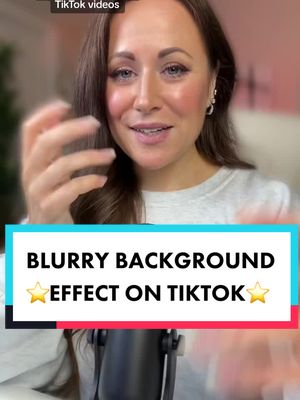 253.3K2.6×Tutorial for TikTok background blur@misscarolineflett · Tutorial / How To
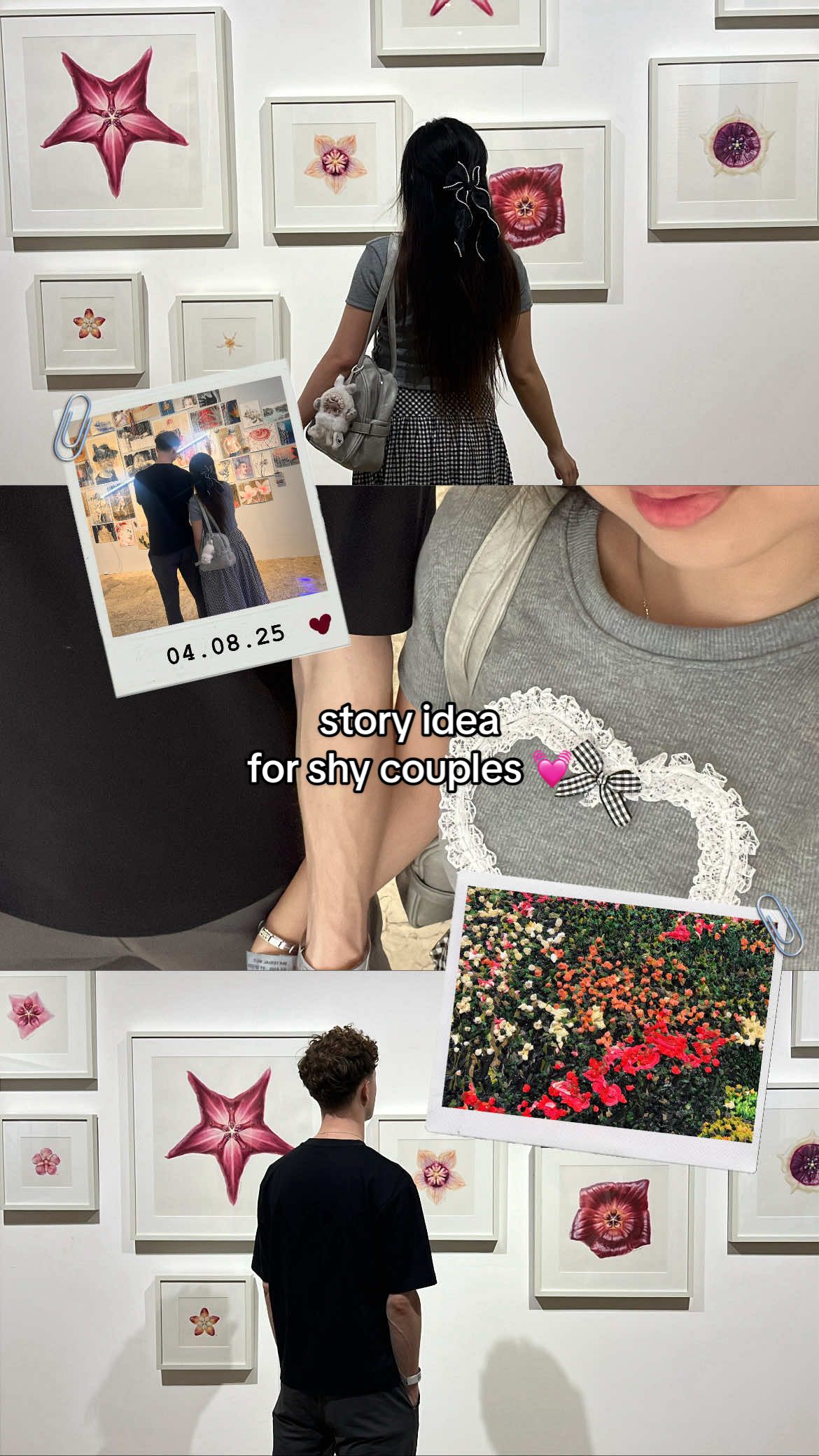 2.4M2.7×Tutorial for making an aesthetic Instagram story for shy couples@mmivia · Tutorial / How To
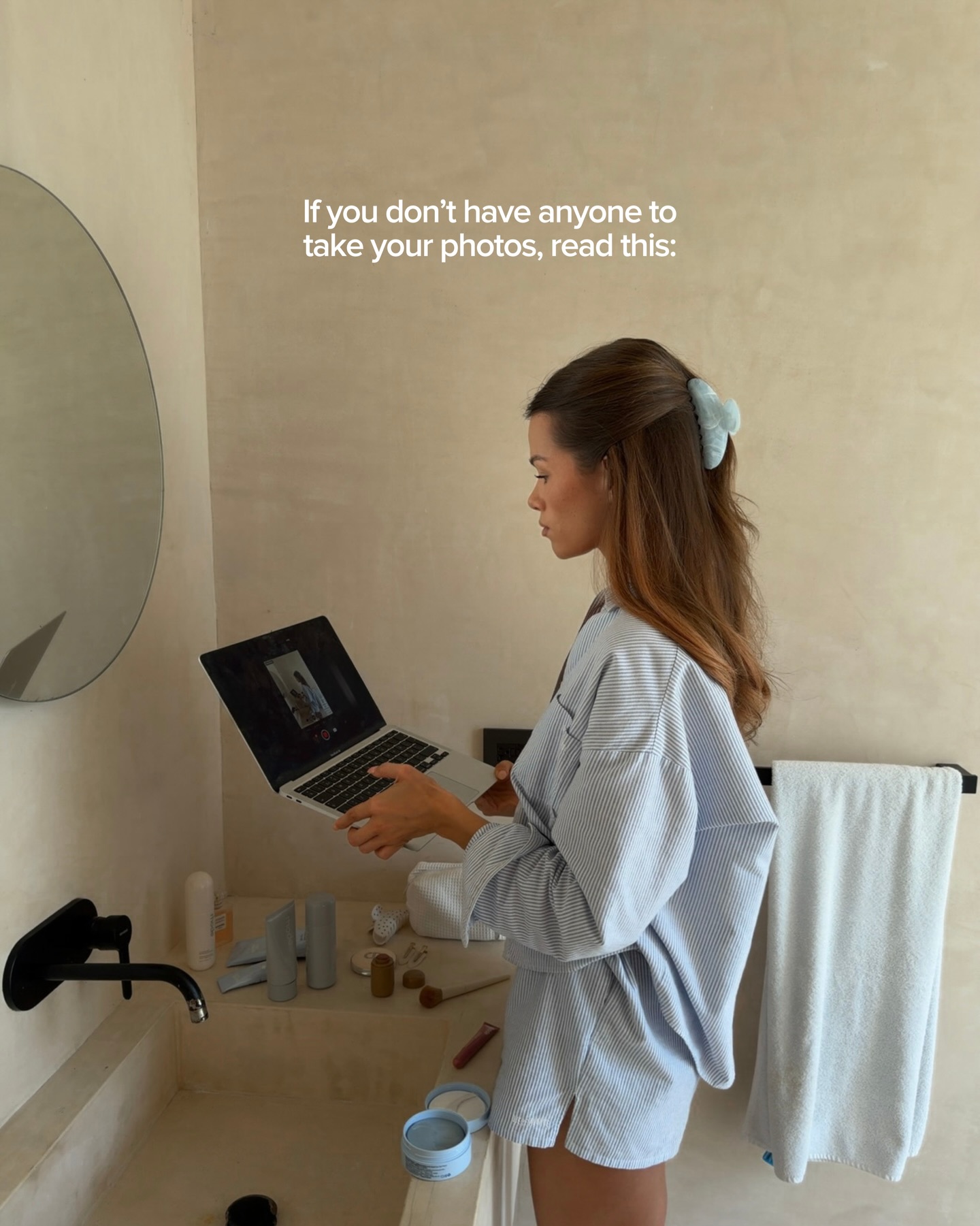 128.9K5.5×Creator's guide to solo photoshoots@by.jasminkaila · Tutorial / How To
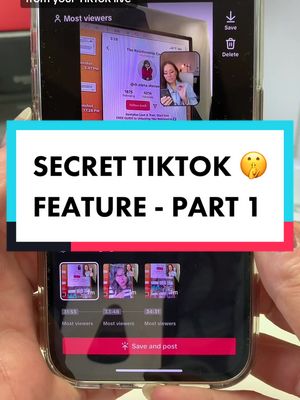 524K5.6×TikTok feature tutorial with screen recording@misscarolineflett · Tutorial / How To
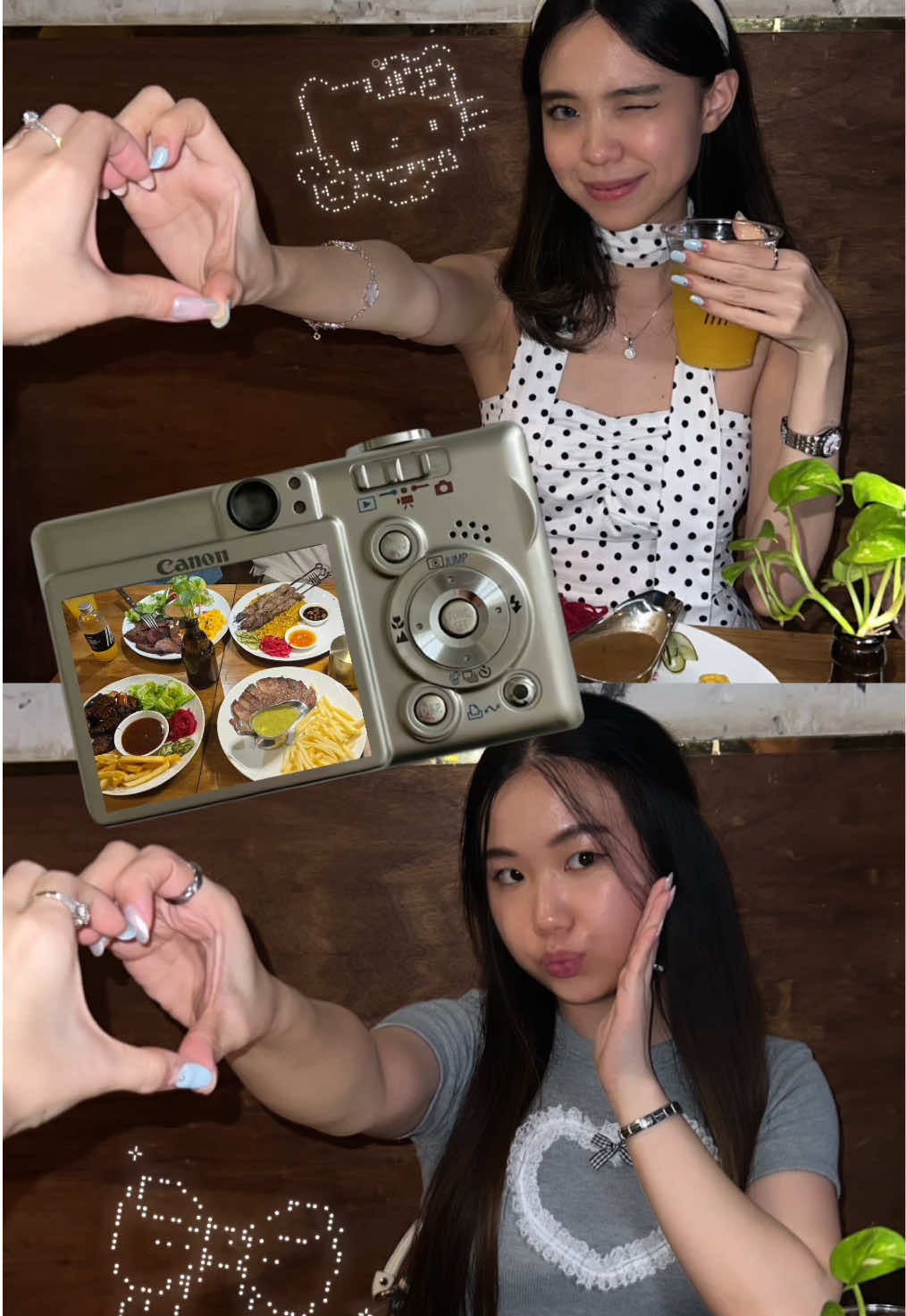 3.2M3.5×Step-by-step aesthetic Instagram story tutorial for best friends@mmivia · Tutorial / How To
 2.9M7×Tutorial for TikTok voice filter@misscarolineflett · Tutorial / How To
 274.6K1.4×How to re-film one clip@misscarolineflett · Tutorial / How To
[04]
[05]
What stops the scroll in the first 3 seconds
Title hook · 45%
Here's how you
Verbal hook · 50%
Here's how you can make a slideshow on TikTok.
Visual hook · 5%
A split-screen view with a smiling creator in the bottom right corner and a screen recording of the TikTok app interface, immediately establishing the video's format as a tutorial.
[06]
Steal this for your own video
Here's how to on in .
[07]
The promise the opener makes, and how the video pays it back
Hook
A direct, declarative statement of the skill the viewer is about to learn, immediately establishing the video's value.
Payoff
A direct call to action that frames engagement (liking, sharing) as a transactional response to the value provided by the tutorial.
[08]
The structural pattern this video runs on
Framework
The Direct Tutorial Blueprint
A rapid, screen-recorded demonstration of a specific digital task, narrated with concise, action-oriented instructions that are visually confirmed in real-time.
The Entry Point
Provides the initial navigational instructions, guiding the user from a neutral starting position to the specific interface where the core action will take place.
The Core Instruction
Focuses on the single most critical action the user must perform to initiate the desired outcome, stripped of all non-essential details.
The Interactive Reveal
Presents the first successful result of the previous actions, confirming the process is working and demonstrating how the user can interact with the newly created element.
The Finalization Preview
Guides the user through the final step to show the completed asset in its last context before publishing, providing a full sense of accomplishment.
how to make slideshow on tiktok with photo swipe save for later #mobile #2024 #viral #howto #tutorial #slideshowtrend #creatorsearchinsights #realmeซูมให้ได้ซีน #panoslice #carousel #seamless
title · beginning
Here's how you
title · beginning
slideshow
informational · beginning
To get started
contextual · middle
Photos
contextual · middle
Next
call-to-action · end
Like and share this video if you find it helpful
Here's how you can make a slideshow on TikTok. To get started, open TikTok and click on create a post. At the bottom, click on upload once you see your gallery. Select multiple photos. Click on next and you can see the slideshow. The little dots below your image will be visible as you swipe through your photos. Click on next again and you can see your slideshow on the top of the screen. Like and share this video if you find it helpful.