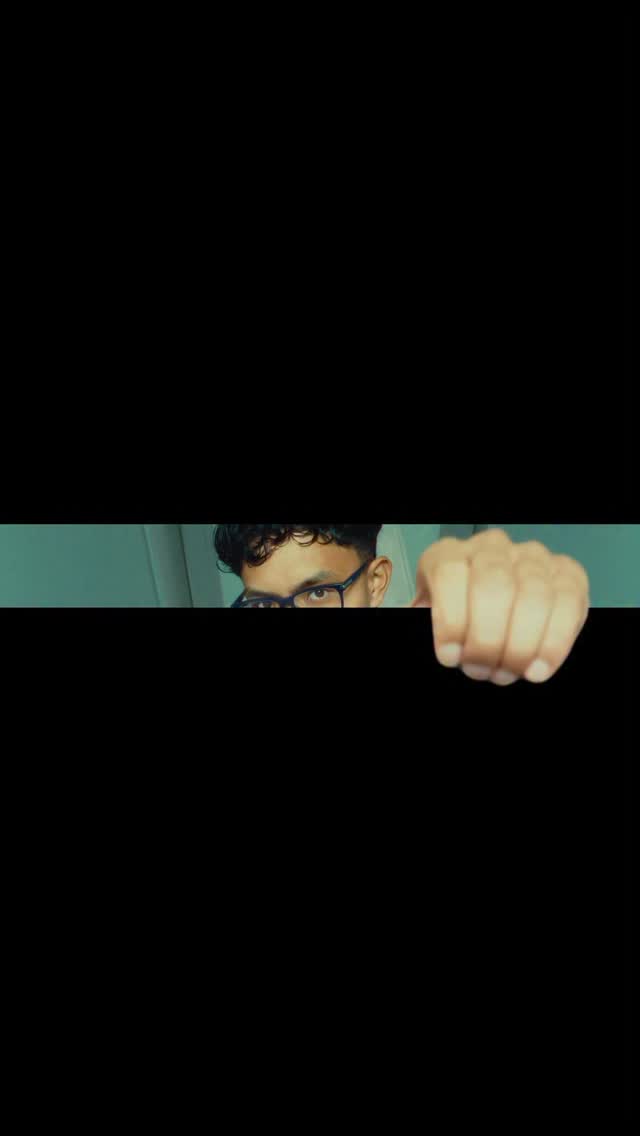
@artzenmedia Comment ‘FORMAT’ for every Reel resolution! 👇🏼 ⠀ Some shots look worse when you force them into 9:16! 🖼️ ⠀ Your Instagram videos don’t always need to fill the entire screen. Square, portrait and horizontal formats can give the same shot a completely different look. ⠀ Just set your actual canvas to the format you want. Don’t export a wide video inside a 9:16 timeline with baked-in black bars. ⠀ Want better titles or sound design? Comment ‘Text’ or ‘SFX’ for my packs 👇🏼 ⠀ Follow @artzenmedia for daily value & share it with your editor friend! ✊🏻 ⠀ #instagramreels #videoediting #aspectratio #premierepro #contentcreation Reel formats, aspect ratio, video resolution, horizontal video, editing tips
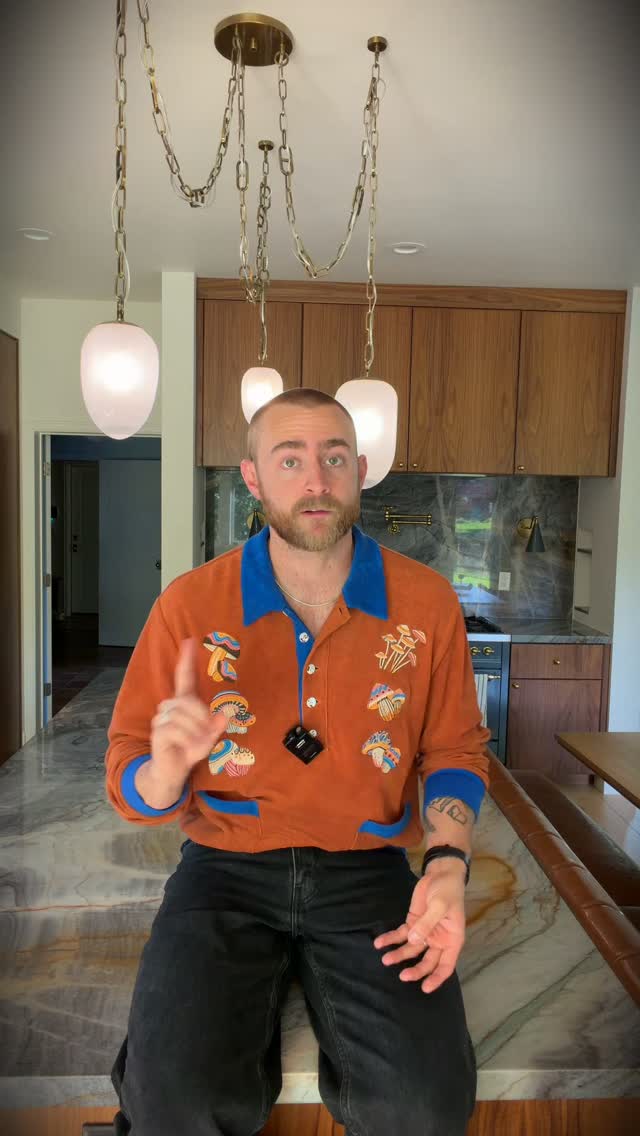
The creator explains that Instagram videos don't always need to be in a 9:16 format by demonstrating how the same shot looks in various aspect ratios like 4:5, 1:1, 4:3, and 16:9. He then provides a tutorial, including a screen recording, on how to correctly set the canvas size in editing software to export these formats without baked-in black bars. The video concludes with a call-to-action to save the post and comment for a full list of Instagram's supported resolutions.
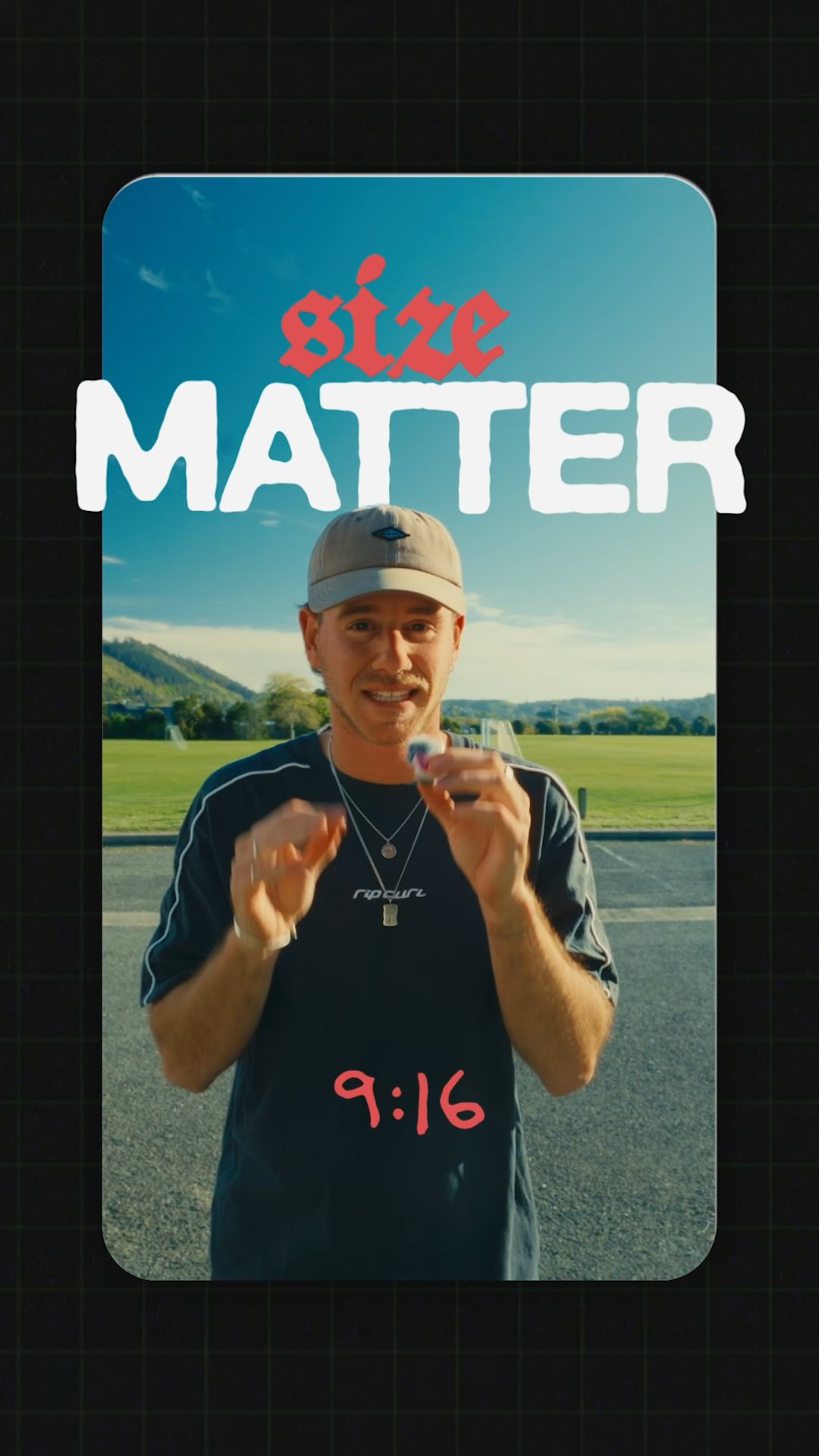
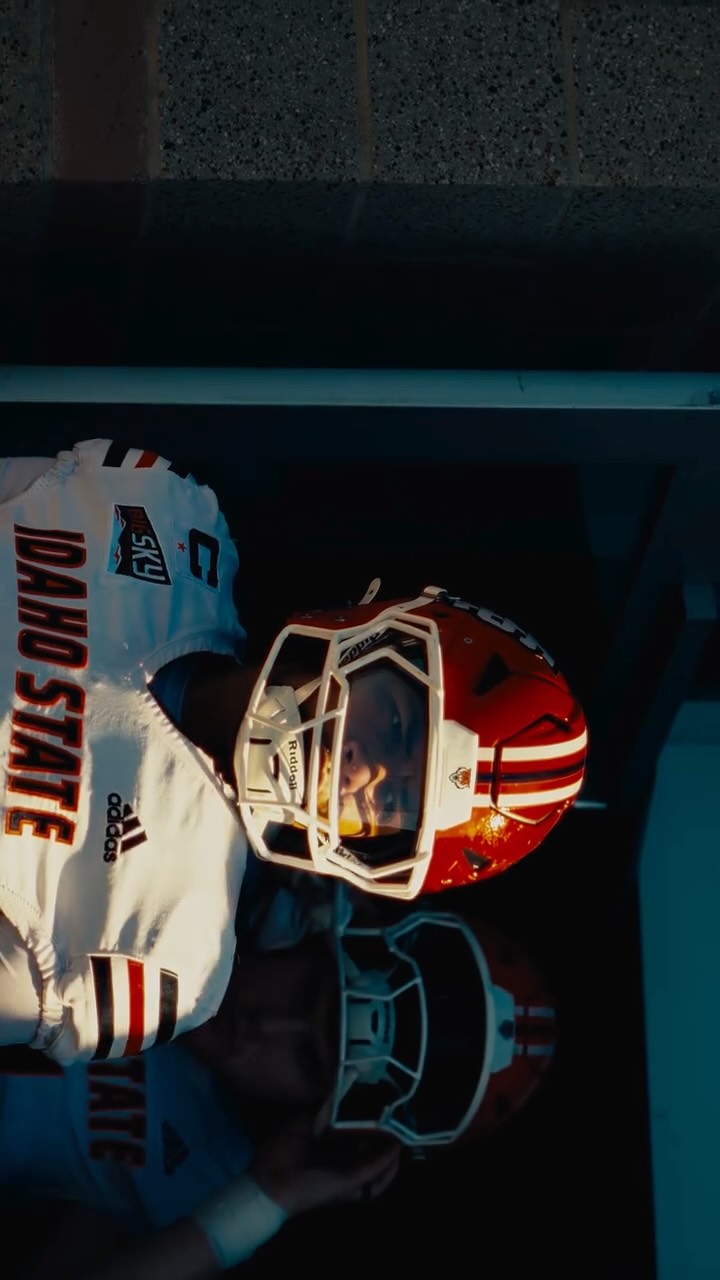
A wide, cinematic shot of a man standing in a parking lot with a large green field and mountains in the background, presented in an unconventional 4:3 aspect ratio which breaks the standard vertical video pattern.
[06]
Hook template
Steal this for your own video
You're watching a [unexpected format or setting][content type] right now, and [surprising reason most people don't realize it's possible].
— You're watching a one-take, no-cut recipe video right now, and almost nobody realizes you can film a full meal this way with just one pan and a phone.
— You're watching a silent, text-only workout right now, and the reason it keeps you hooked has nothing to do with my voice.
— You're watching a pitch deck disguised as a short story right now, and that's exactly why investors read it to the end.
[07]
Hook and payoff
The promise the opener makes, and how the video pays it back
Hook
A self-referential pattern interrupt that immediately demonstrates the video's core thesis, making the viewer aware of a non-standard approach from the first second.
Payoff
A dual-purpose call to action that encourages both saving the video for future utility and commenting to receive an exclusive, high-value resource (a lead magnet), maximizing engagement metrics.
[08]
Narrative framework
The structural pattern this video runs on
Framework
The Contrarian Tutorial
To challenge a common industry practice by demonstrating a series of superior or alternative methods, then revealing the correct technical process to achieve them, and finally offering a resource to drive engagement.
1
The Counter-Narrative Thesis
States a contrarian belief that goes against a widely accepted norm or default setting, establishing the video's core value proposition.
2
The Demonstration Gauntlet
A rapid-fire list showcasing multiple variations of a single subject, with each item visually transforming to illustrate its unique properties and purpose.
3
The Critical Mistake Warning
Transitions from demonstrating 'what' to 'how' by identifying a common, detrimental error that viewers are likely making, creating a sense of urgency and need for a solution.
4
The Corrective Action Protocol
Provides a clear, step-by-step technical solution to the previously identified mistake, using the video itself as a real-time example of the correct implementation.
5
The Result Justification
Explains the positive outcome and benefit of following the correct protocol, confirming the value of the new information.
Themes
Creative flexibility
Technical education
Challenging norms
Techniques
Direct-to-camera address
Visual demonstration
Screen recording tutorial
Trends
Creator education
Editing tutorials
Post caption
Comment ‘FORMAT’ for every Reel resolution! 👇🏼 ⠀ Some shots look worse when you force them into 9:16! 🖼️ ⠀ Your Instagram videos don’t always need to fill the entire screen. Square, portrait and horizontal formats can give the same shot a completely different look. ⠀ Just set your actual canvas to the format you want. Don’t export a wide video inside a 9:16 timeline with baked-in black bars. ⠀ Want better titles or sound design? Comment ‘Text’ or ‘SFX’ for my packs 👇🏼 ⠀ Follow @artzenmedia for daily value & share it with your editor friend! ✊🏻 ⠀ #instagramreels #videoediting #aspectratio #premierepro #contentcreation Reel formats, aspect ratio, video resolution, horizontal video, editing tips
You're watching a four by three reel right now. Yes. Your Instagram videos don't all have to be nine by 16. Some shots just deserve to be horizontal. Watch what happened when I put the same shot in different frames. Nine by 16 is the normal vertical format that fills the entire mobile screen. Three by four and four by five give you two different portrait look. One by one make it a square. Four by three give you that tier, almost nostalgic feeling. And 16 by nine take it even wider. Here is the important part. Don't put your white video inside a vertical timeline rank export the black bars with it. In whatever editing software you use, set the canvas itself to the format that you want. For this reel, mine is four by three or fourteen forty by ten eighty. Export the same size and upload a video as opposed to Instagram. Now those bars aren't baked into your actual video and people on the feed will see it as intended. I made a full list of all the resolutions Instagram lets you upload. So save this video for your next edit rank comment format, and I will send it over. Peace.