@mmivia
TikTok · Vlog
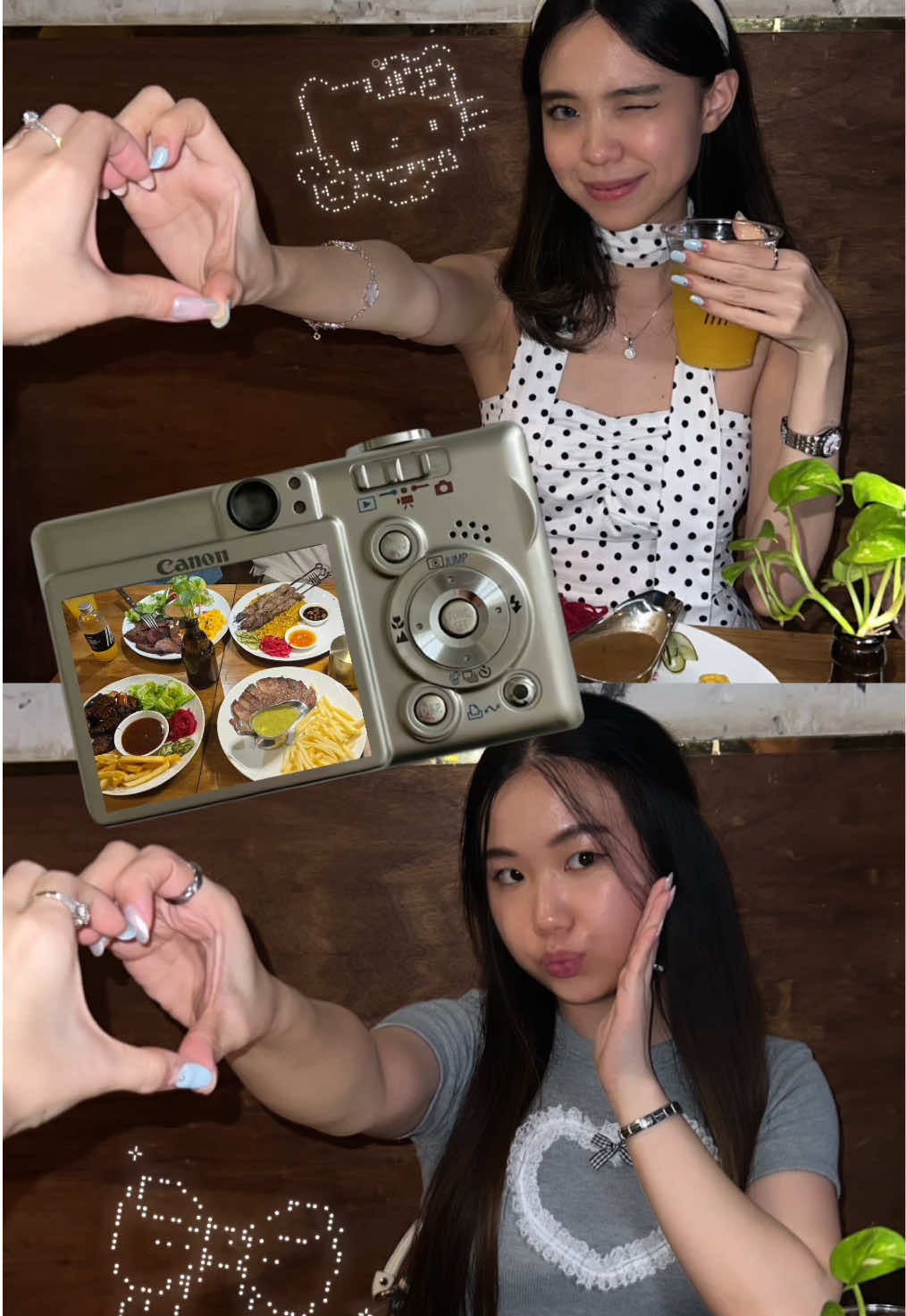
@mmivia save and try this story idea with your bestie next <3 #storyideas #photoideas #howto #edit #couple

@mmivia
TikTok · Vlog
@mmivia save and try this story idea with your bestie next <3 #storyideas #photoideas #howto #edit #couple
Performance
Video #1742 · Vlog
[01]
The creator provides a step-by-step tutorial on how to create an aesthetic Instagram story for best friends. They demonstrate the process using screen recordings, showing how to use the grid layout, take photos, find and add a PNG of a digital camera, layer a food photo onto the camera's screen, and decorate with kaomoji (ASCII art) copied from a website. The video concludes by showing the finished, decorated story and includes a call-to-action to follow for more ideas.
[02]
[03]
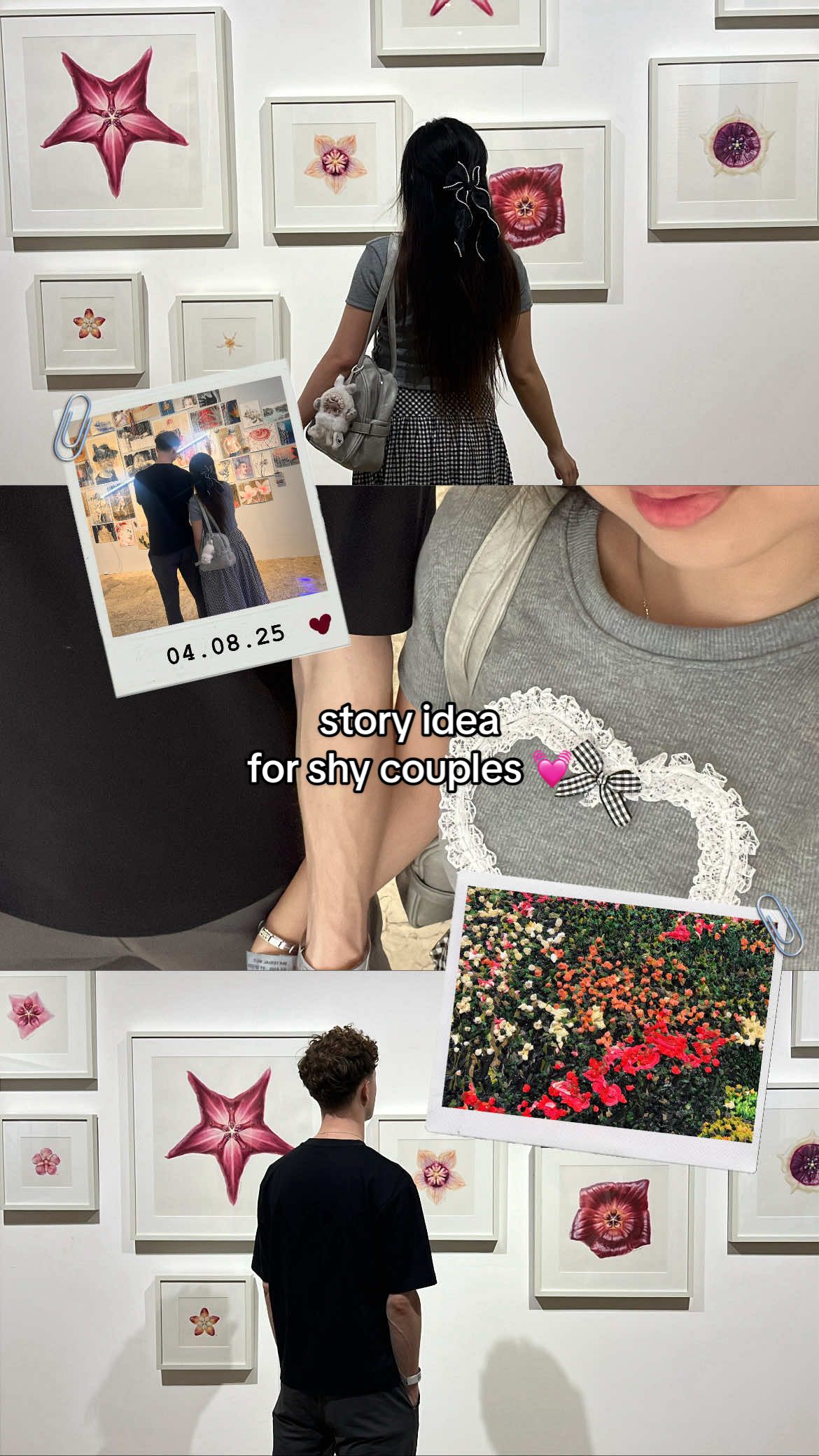 2.4M2.7×Tutorial for making an aesthetic Instagram story for shy couples@mmivia · Tutorial / How To
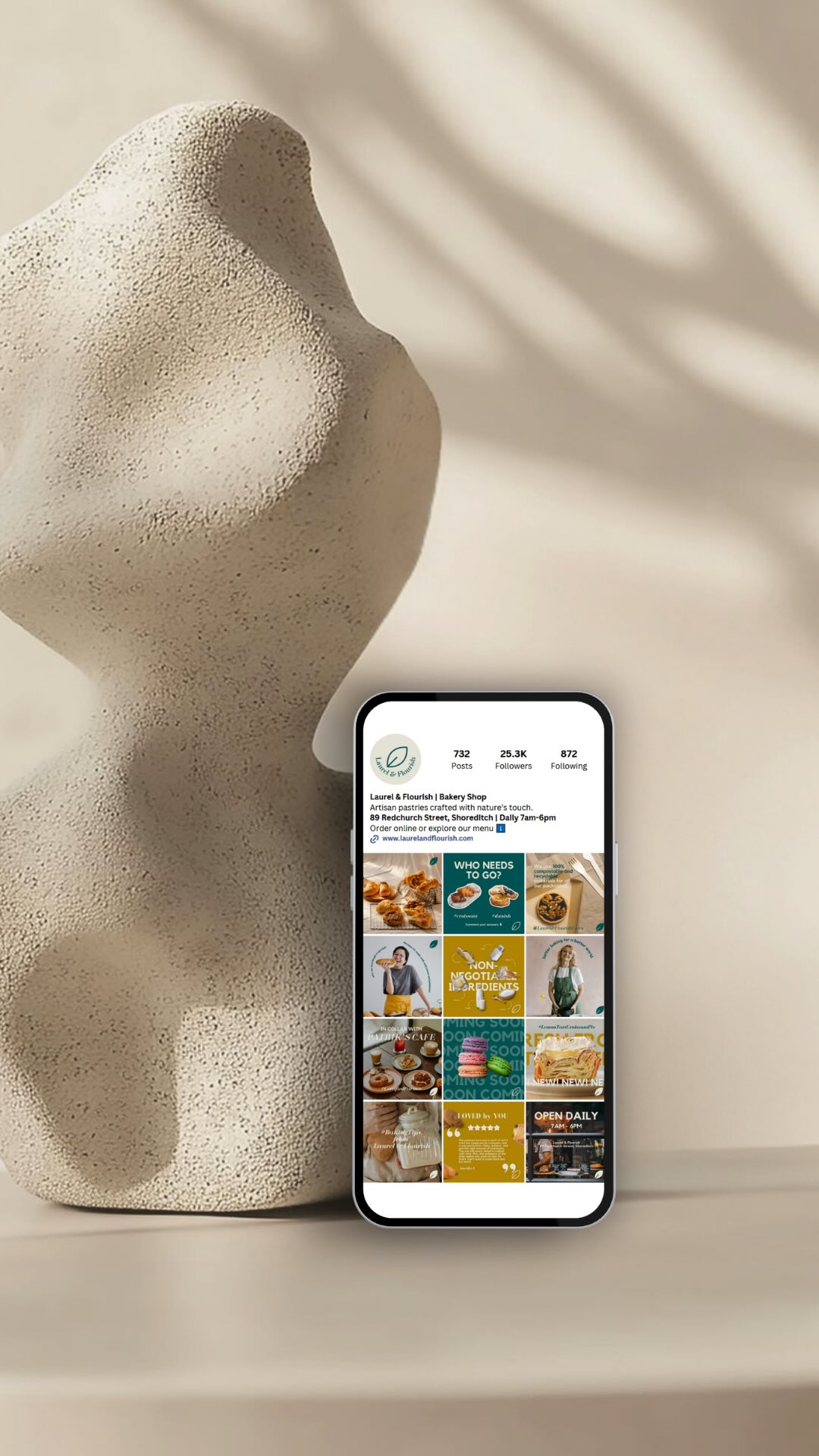 537.2K3.1×Instagram feed strategy visualization@ksmmarketing.co · Playbook
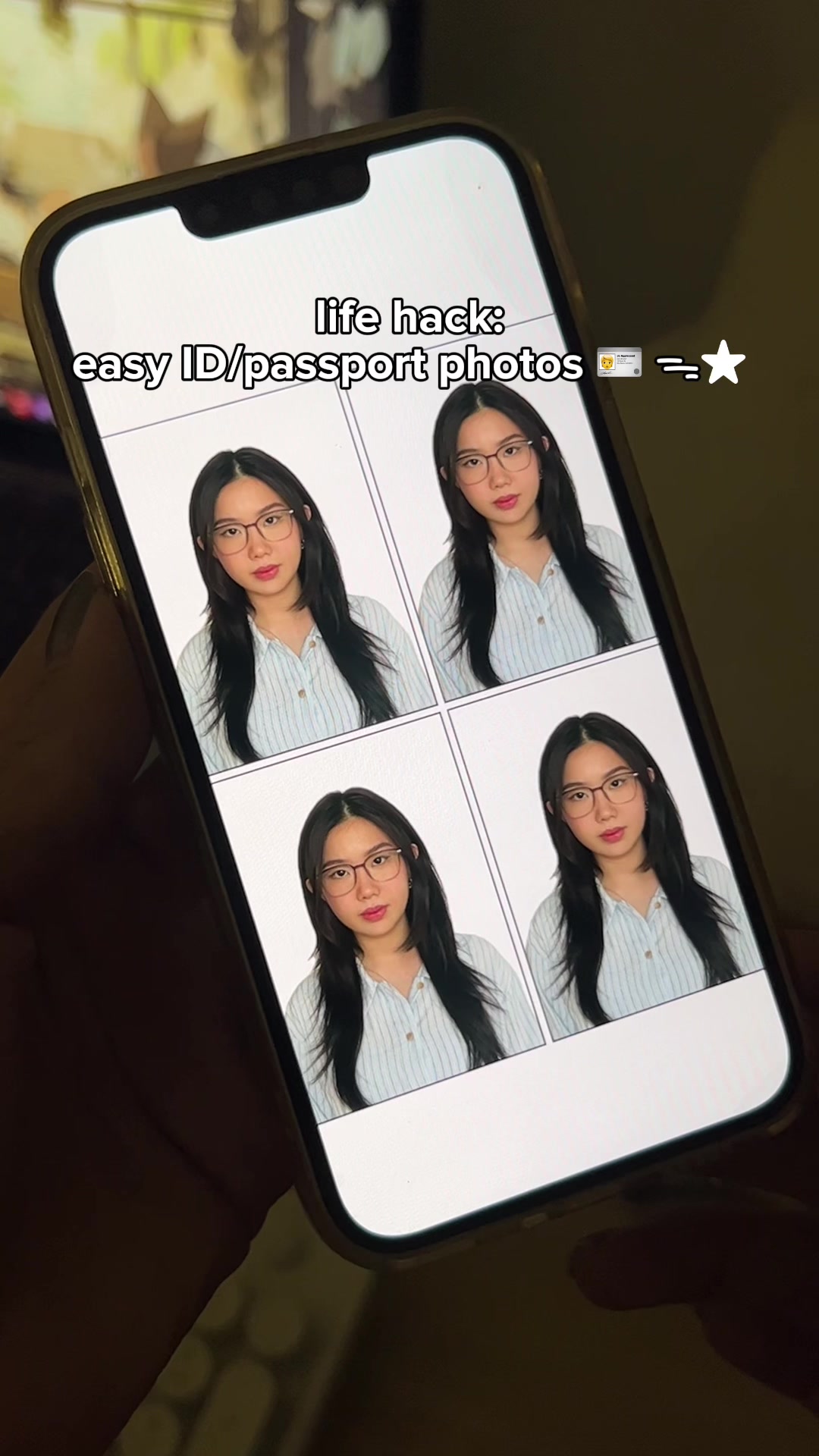 2.1M2.3×How to make ID and passport photos using the Cutout Pro app@mmivia · Tutorial / How To
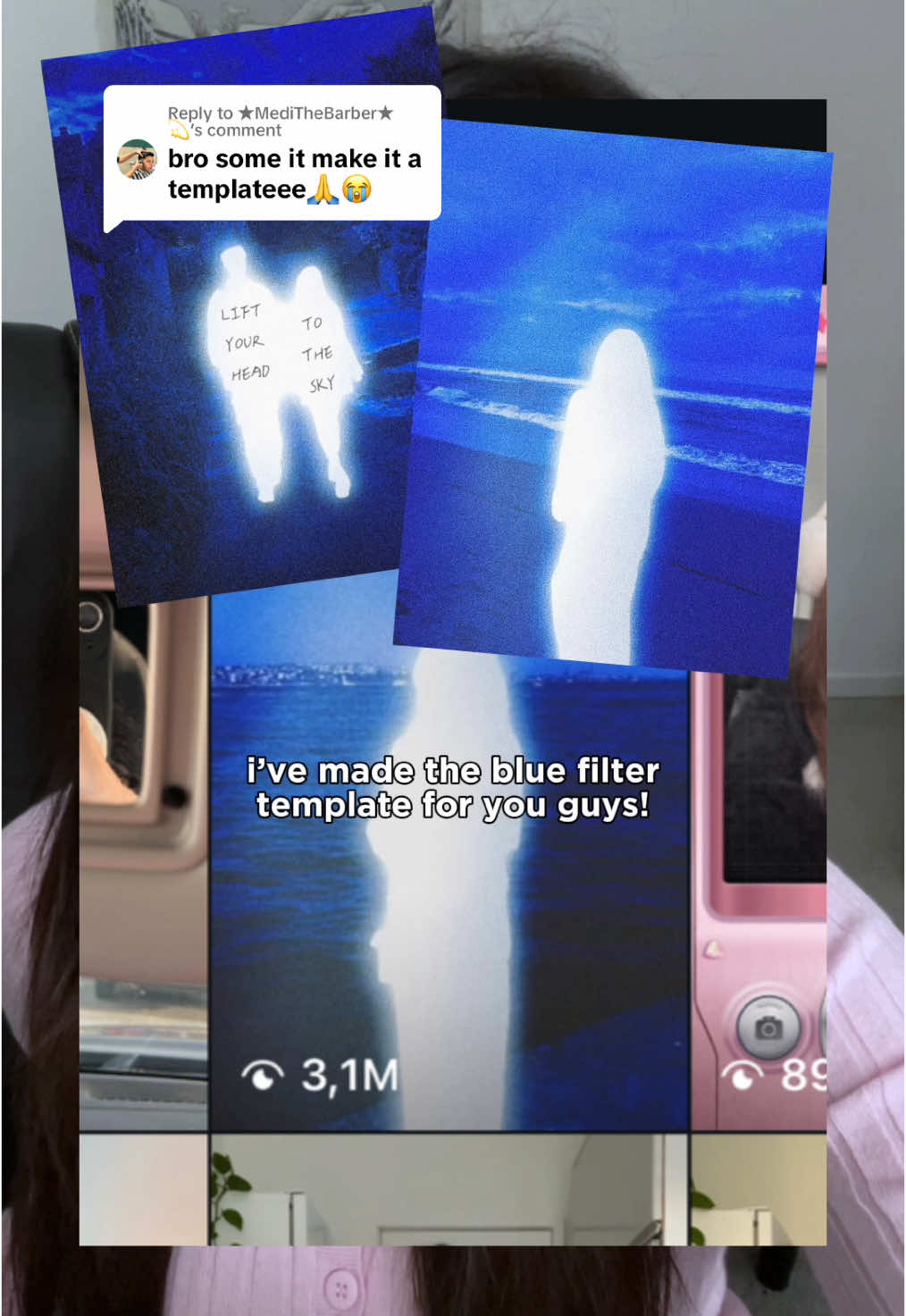 540.4KHow to get the glowing blue filter effect in Meitu@mmivia · Tutorial / How To
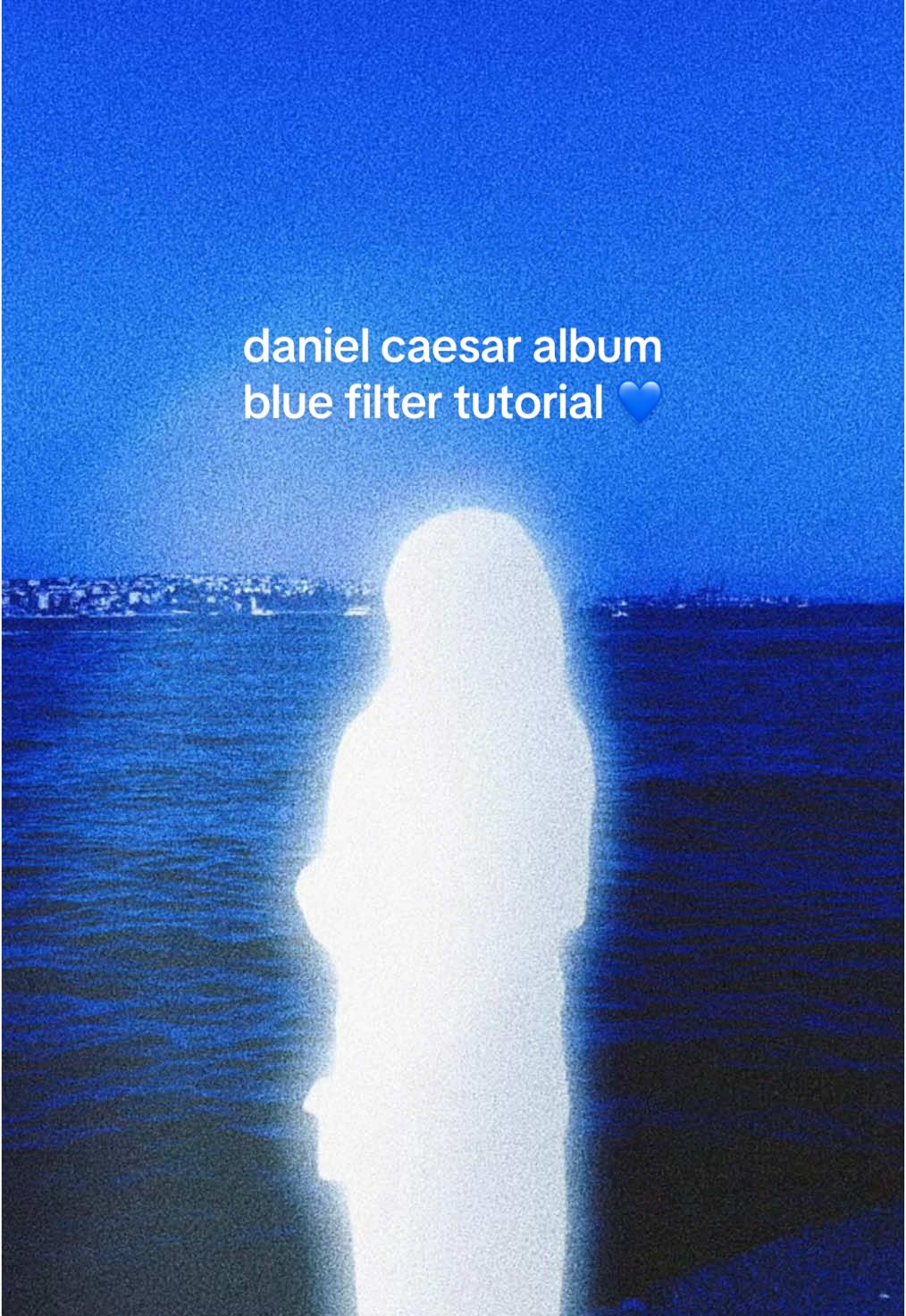 6.4M7.1×Recreating Daniel Caesar album cover aesthetic in Meitu@mmivia · Tutorial / How To
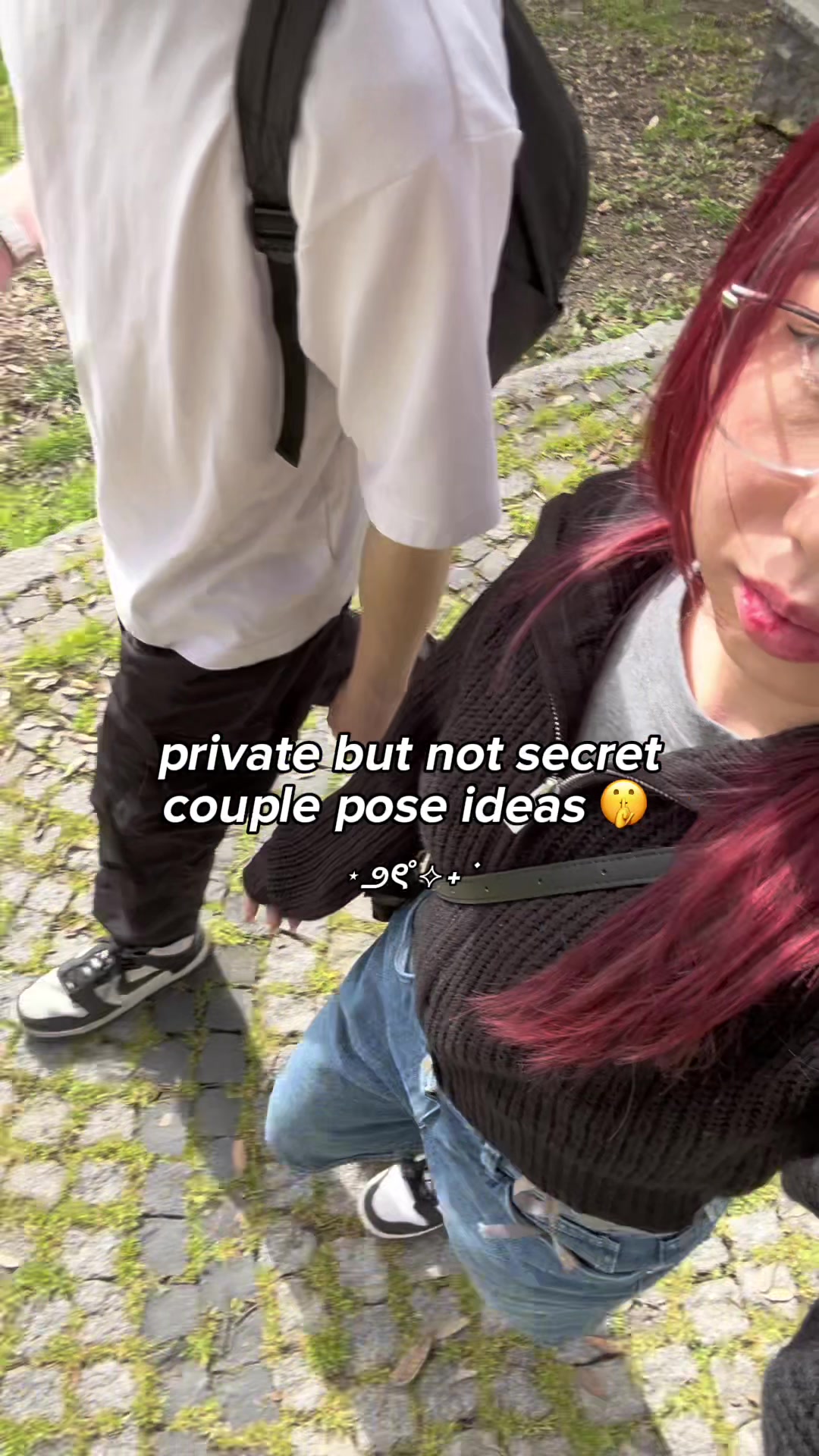 4.8M5.3×Four creative couple photo pose ideas that hide faces@mmivia · Tutorial / How To
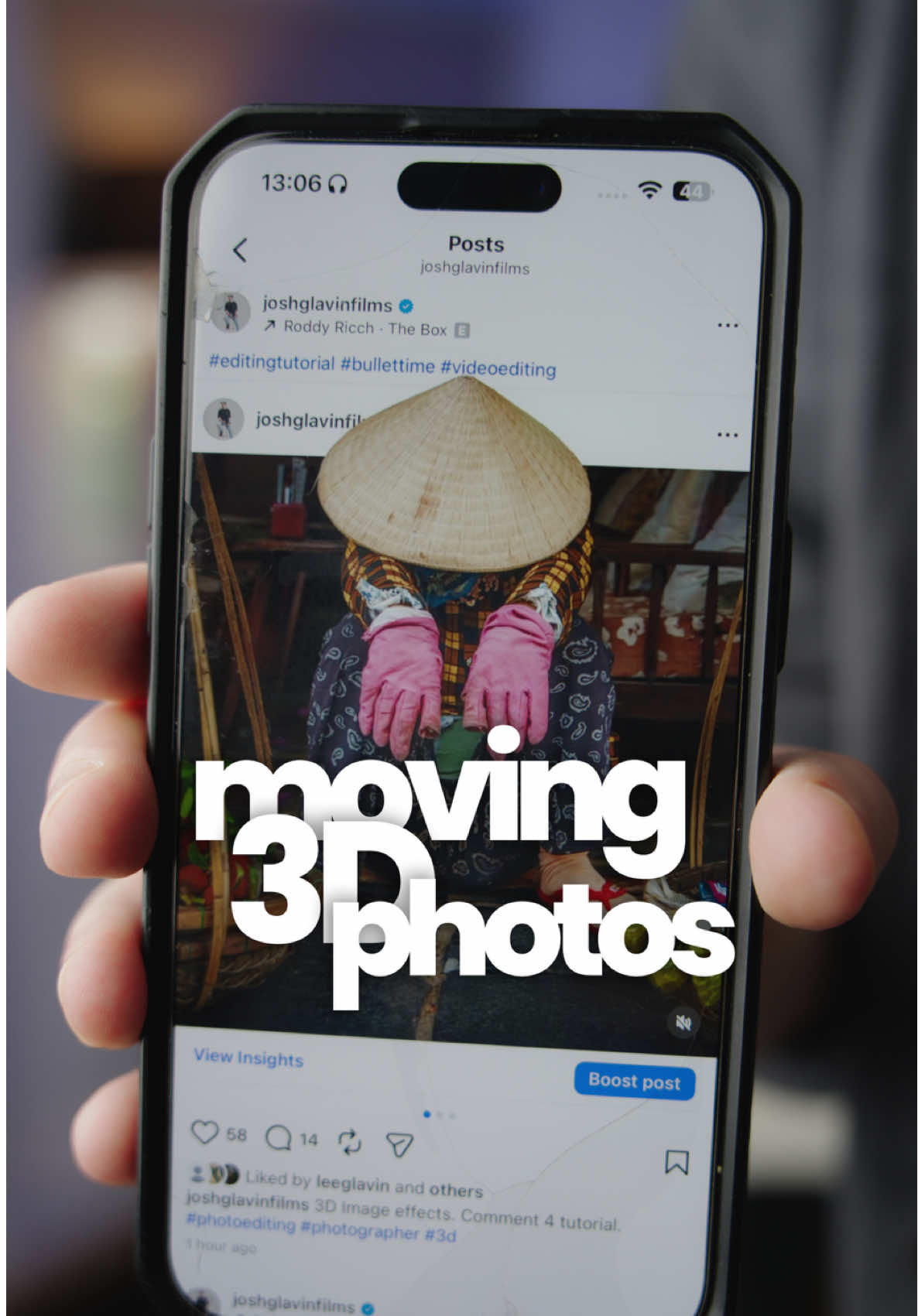 116.9KHow to make 3D photos@joshglavinfilms · Tutorial / How To
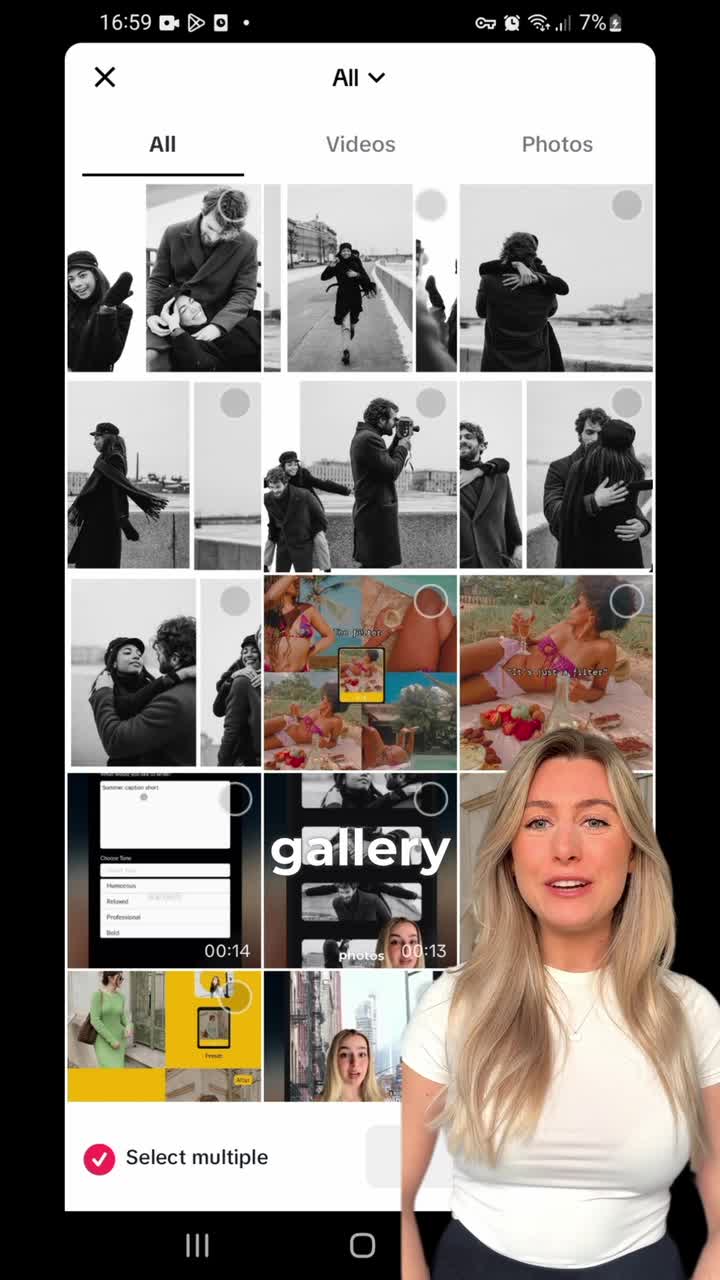 2M454.4×App feature tutorial with speaker@panosliceapp · Tutorial / How To
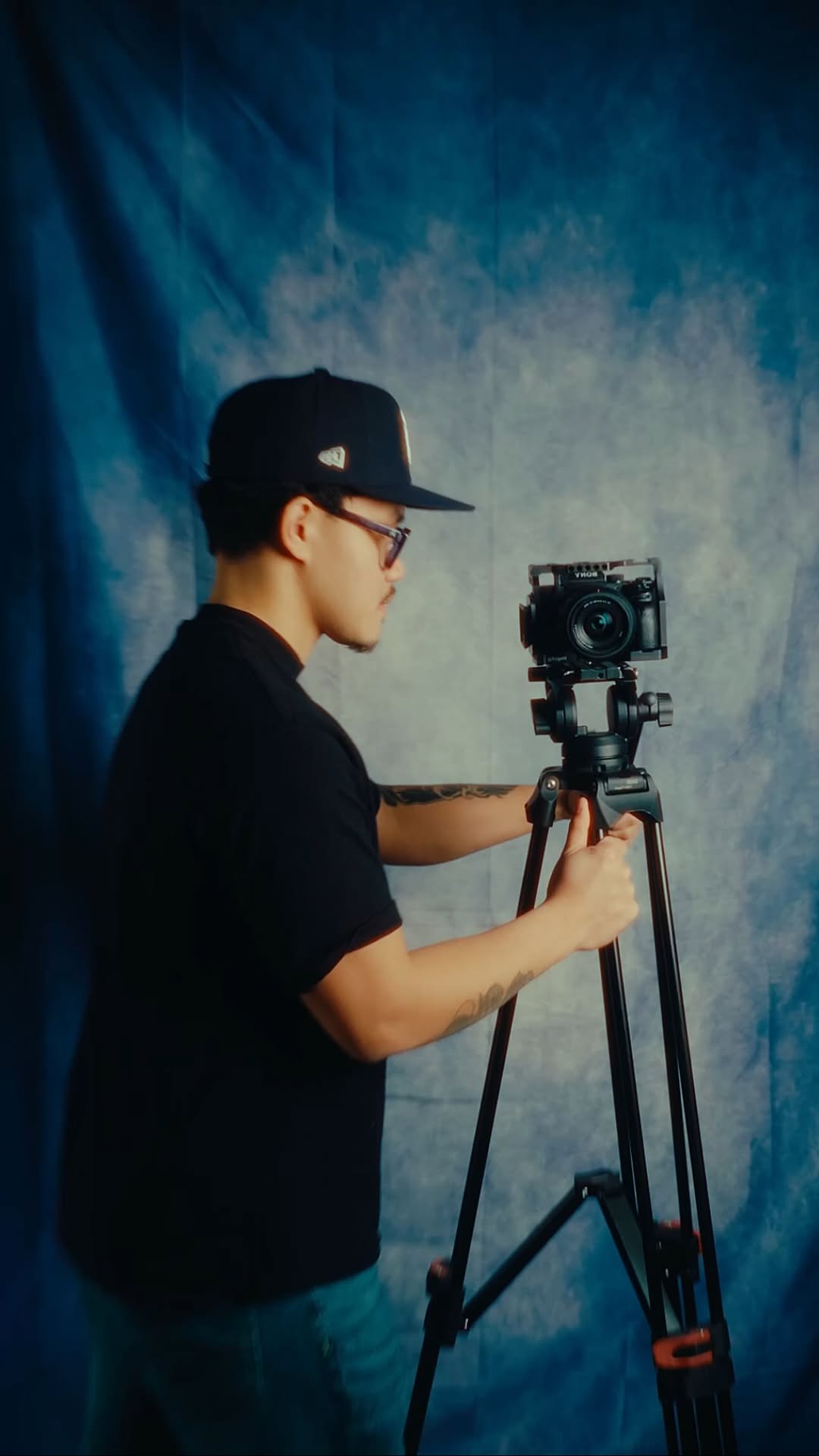 93.6KHow to storyboard video ideas@johnbucog · Playbook
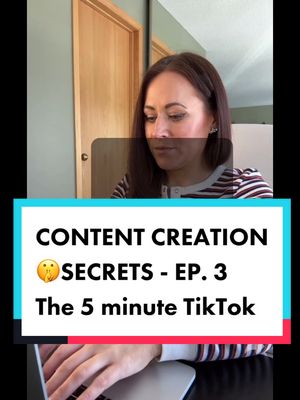 412.8K2.1×Step-by-step TikTok creation guide@misscarolineflett · Tutorial / How To
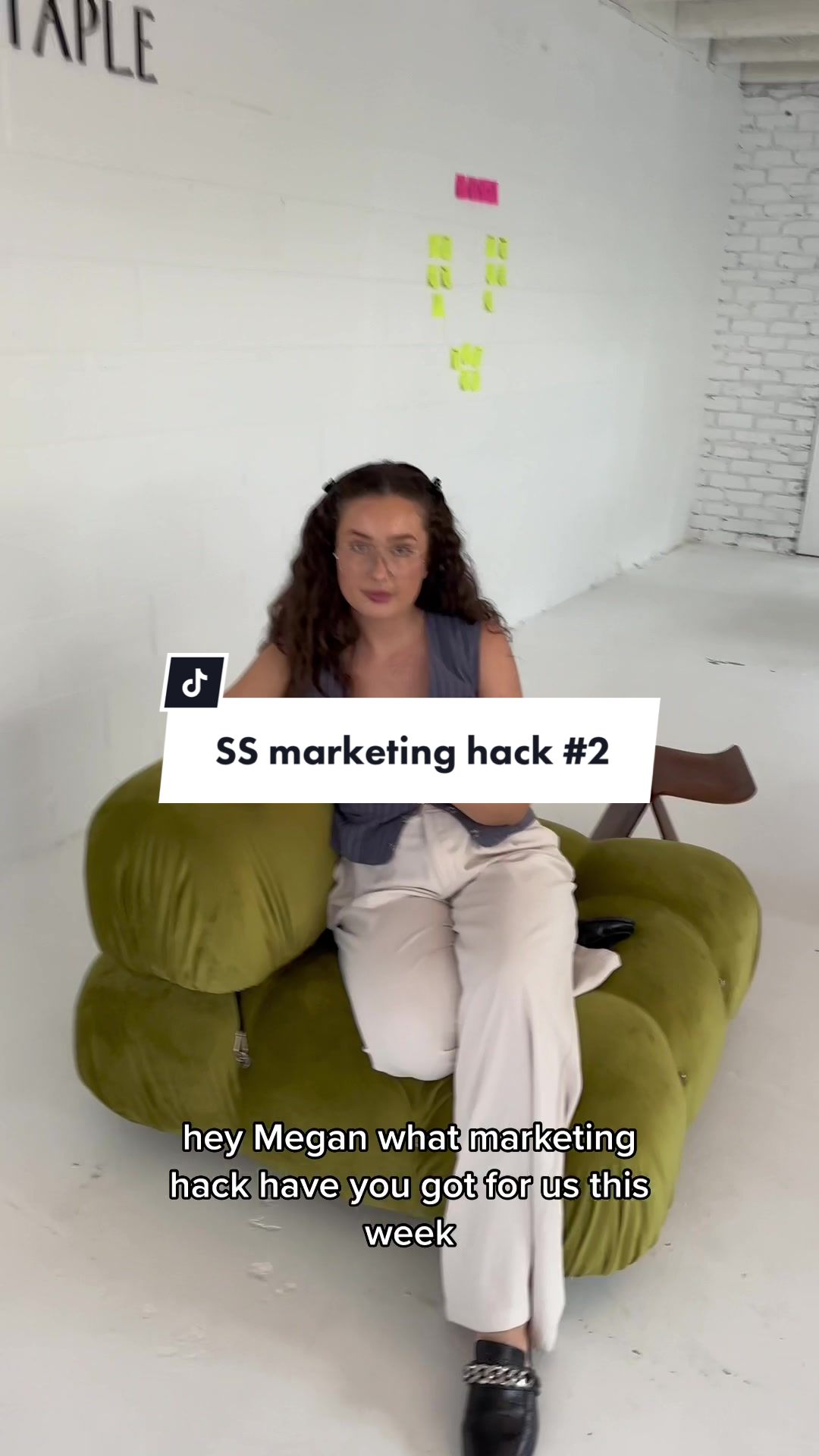 938.1K5.4×Instagram story color branding tutorial@socialandstaple · Tutorial / How To
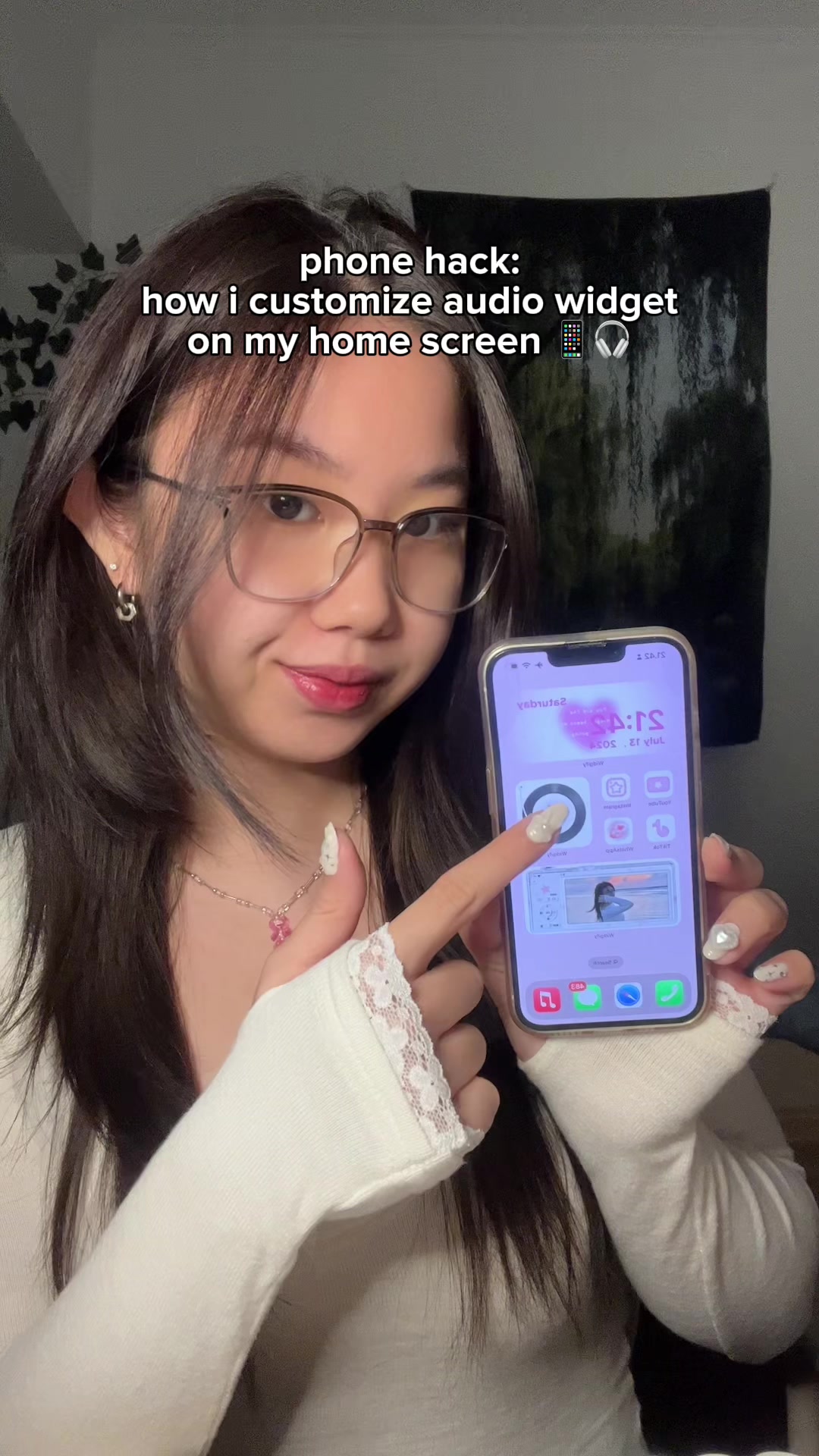 3.3M3.6×How to add a custom audio widget to your iPhone home screen@mmivia · Tutorial / How To
[04]
[05]
What stops the scroll in the first 3 seconds
Title hook · 60%
aesthetic story idea for duo/besties *୨୧˚₊‧⁺
Visual hook · 40%
A top-down shot of two people performing a 'cheers' motion with their drinks over colorful plates of food. The dynamic action of clinking glasses creates immediate movement and a sense of social connection.
[06]
Steal this for your own video
aesthetic idea for ✦
[07]
The promise the opener makes, and how the video pays it back
Hook
A quick, visually appealing shot of the final result (friends toasting over food) is shown, with a text overlay that immediately states the video's value proposition and target audience: 'aesthetic story idea for duo/besties'.
Payoff
The fully assembled, multi-layered, and decorated final product is displayed, followed by a text overlay that confirms completion and includes a call-to-action ('all done! follow for more ideas').
[08]
The structural pattern this video runs on
Framework
The Layered Creation Tutorial
A step-by-step guide that demonstrates how to combine in-app features with external digital assets to create a visually complex and aesthetically pleasing final product.
The Foundational Capture
Demonstrates the first practical step using a native tool within the app (changing the grid layout) to capture the base content.
The External Asset Hunt
Instructs the viewer to navigate to an external source (a web search) to find a specific type of digital element ('camera png') needed for the effect.
The Core Gimmick Integration
Shows the key technique of copying and pasting the external asset onto the primary creation canvas, establishing the visual frame.
The Contextual Layer
Demonstrates adding another piece of content (a photo of the food) on top of the integrated asset, creating a layered, 'picture-in-picture' effect.
The Personalization Flourish
Shows the final step of sourcing another decorative element (a kaomoji) from a different external website and pasting it to add a unique, personalized touch.
save and try this story idea with your bestie next <3 #storyideas #photoideas #howto #edit #couple
title · beginning
aesthetic story idea for duo/besties *୨୧˚₊‧⁺
informational · beginning
change grid layout and take pics of each other🫶🏻
informational · middle
search “camera png”
informational · middle
copy and paste png on story
informational · middle
add food photo on top
informational · middle
go to emojicombos.com and copy your fav kaomoji
informational · end
decorate <3
call-to-action · end
all done! follow for more ideas💖