Viral Hooks
Trending short videosInstagram grid resizing tutorial guide
O

@omgadrian

Instagram · Talking Head Edit

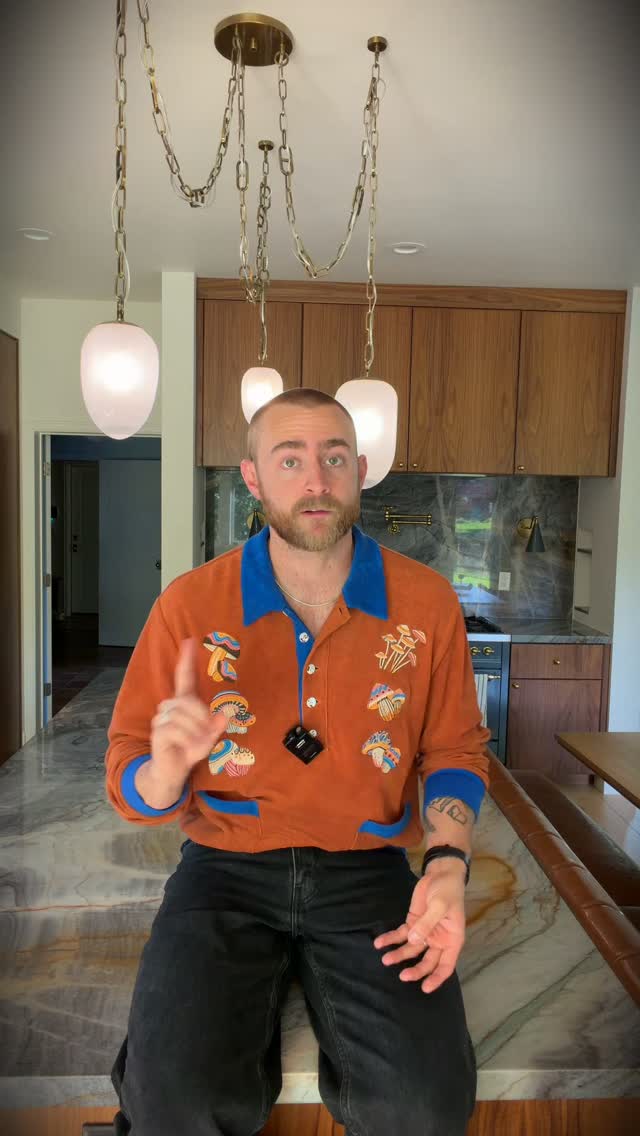
@omgadrian Here’s a guide on how to resize your thumbnails for your reels to fit the new instagram 3:4 aspect ratio main page grid 🤝🏽 And personally, I like the new grid. What do yall think? #shortfilm #filmmaking #tutorial Filmed on Sony ZV-E1 & colored with AP Classic Cinema LUT which you can get with the link in my bio 🙂

View original on Instagram

The edit1 shot · 9 text
Shots Text

Performance

Views
480.8K
Likes
27.7K
Comments
255
Engagement
5.8%
Outlier
1.3×

Video #9542 · Talking Head Edit

Instagram grid resizing tutorial guidefrom @omgadrian

[01]

Overview

The creator explains the new Instagram grid dimensions (3:4 aspect ratio) using a physical paper diagram to visualize the change. He then provides a step-by-step tutorial on how to create a thumbnail that fits the new grid while maintaining the full 9:16 reel size, demonstrating the process with specific pixel dimensions and a screen recording of the upload workflow.

[02]

Simple outline

  1. 1Address trending platform confusion
  2. 2Reveal exact technical specifications
  3. 3Define dual-format constraint
  4. 4Demonstrate visual cropping solution
  5. 5Verify in-app implementation

[03]

Related videos

[04]

Classification

Concepts
BreakdownBuying ListTutorial / How To
Elements
B-Roll CutawayScreen RecordingText OverlayWhiteboard / Drawing

[05]

Hook analysis

What stops the scroll in the first 3 seconds

Title hook · 60%

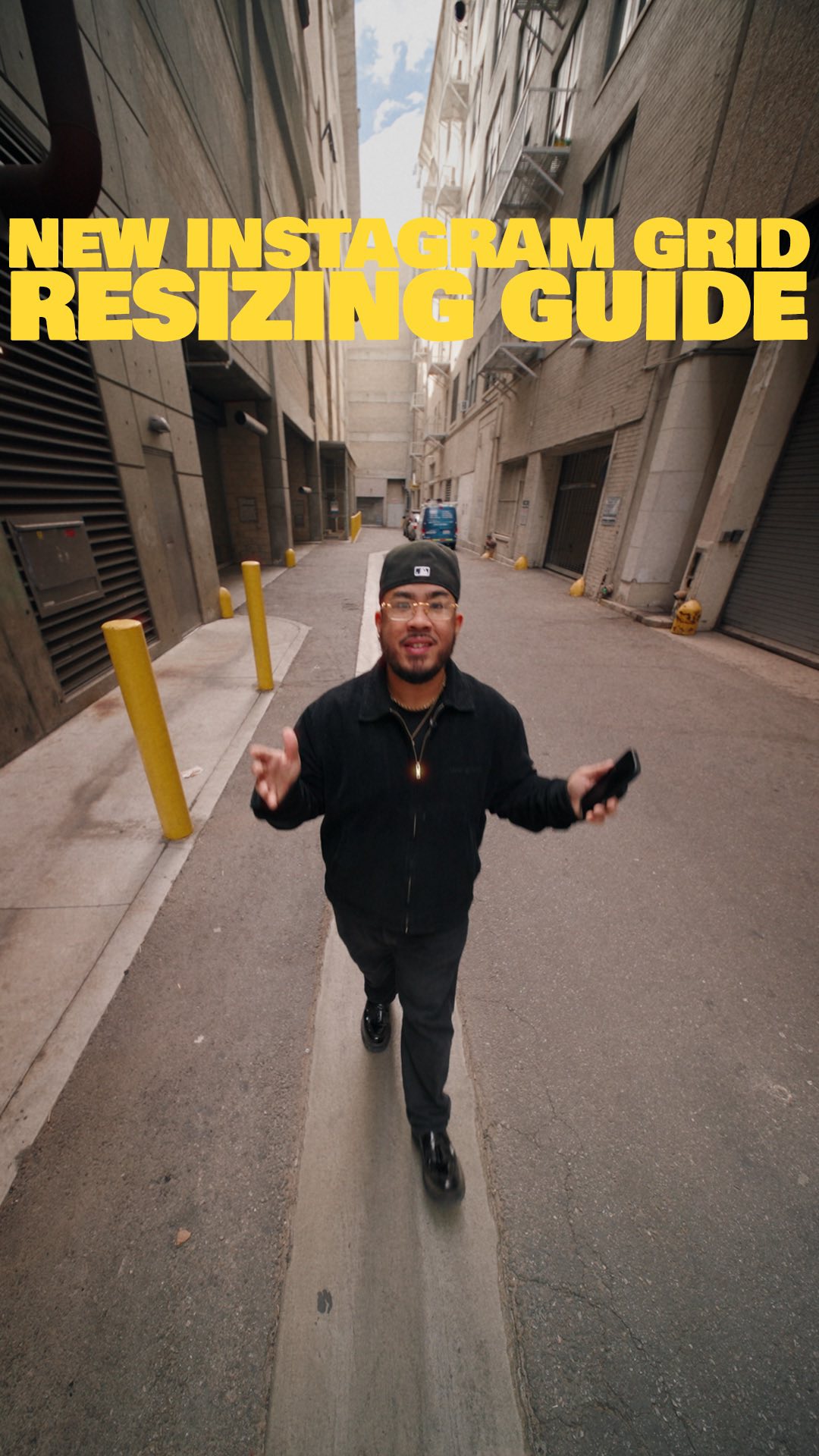
NEW INSTAGRAM GRID RESIZING GUIDE

Verbal hook · 25%

So by now, you all have already seen the new Instagram grid.

Visual hook · 15%

Wide-angle fisheye shot of the creator walking dynamically down a narrow urban alleyway towards the camera.

[06]

Hook template

Steal this for your own video

NEW [platform] [format] RESIZING GUIDE

  • — NEW Instagram grid resizing guide
  • — NEW YouTube Shorts thumbnail resizing guide
  • — NEW Etsy listing-image resizing guide

[07]

Hook and payoff

The promise the opener makes, and how the video pays it back

Hook

The Relevance Anchor: Immediately ties the content to a recent, widespread platform update that is causing user confusion, validating the viewer's struggle.

Payoff

The Proof of Concept: Displays the final result in its native environment, confirming that the method solves the initial problem perfectly.

[08]

Narrative framework

The structural pattern this video runs on

Framework

The Technical Demystification Protocol

Addressing a trending platform change by immediately providing the missing technical data, then using an analog visual aid to simplify the complex digital solution.

  1. 1

    The Data Drop

    Instantly provides the specific metrics or numbers the audience is searching for, establishing immediate value and authority before explaining the 'how'.

  2. 2

    The Constraint Definition

    Clarifies the specific conflict between two opposing requirements (e.g., full-screen view vs. grid view) to set up the necessity of the solution.

  3. 3

    The Analog Visualization

    Uses a physical prop, drawing, or simplified diagram to visually demonstrate the concept, making abstract digital dimensions tangible and easier to understand.

  4. 4

    The Execution Guide

    Translates the conceptual solution into a step-by-step workflow within the actual software or tool.

Themes

  • Education
  • Problem Solving
  • Aesthetics

Techniques

  • Physical analogy
  • Screen recording demonstration
  • Text overlays for data

Trends

  • Instagram updates
  • Grid aesthetic

Post caption

Here’s a guide on how to resize your thumbnails for your reels to fit the new instagram 3:4 aspect ratio main page grid 🤝🏽 And personally, I like the new grid. What do yall think? #shortfilm #filmmaking #tutorial Filmed on Sony ZV-E1 & colored with AP Classic Cinema LUT which you can get with the link in my bio 🙂

Text overlays

  • title · beginning

    NEW INSTAGRAM GRID RESIZING GUIDE

  • informational · middle

    1080 px

  • informational · middle

    1440 px

  • informational · middle

    3:4

  • call-to-action · middle

    FOOTAGE GRADED WITH MY AP CLASSIC CINE LUTS YOU CAN GET IT WITH THE LINK IN BIO

  • informational · middle

    SLOG3 NEUTRAL LUT

  • informational · middle

    9x16

  • informational · middle

    1920 px

  • informational · middle

    Fit within here

Transcript

So by now, you all have already seen the new Instagram good. And whether you love it or hate it, a lot of folks still seem to be confused as to what size it is. So today, I'm gonna break it down for you. It's fourteen forty by ten eighty, which gives us a three by four aspect ratio. So, if you're making reels and you wanna create a thumbnail that fills up the entire space on the reels page, which is nine by 16, while also showing up correctly into your aesthetic liking on your main grid page, do this. Make a ten eighty by nineteen twenty vertical photo in any program of your liking, then make sure you fit what you want to show within the three by four, fourteen forty by ten eighty crop, within this nine by 16 photo. Then, when uploading your Instagram, just resize it to fit however you'd like on your grid. And boom. There you have it. I hope this helps, and if you like tips just like this that are straight to the point, follow for more, and I will catch you all here next time. Peace.