@rourke AI can do all these VFX 🧟🔥
Comment “AI” to try it yourself on Magnific!
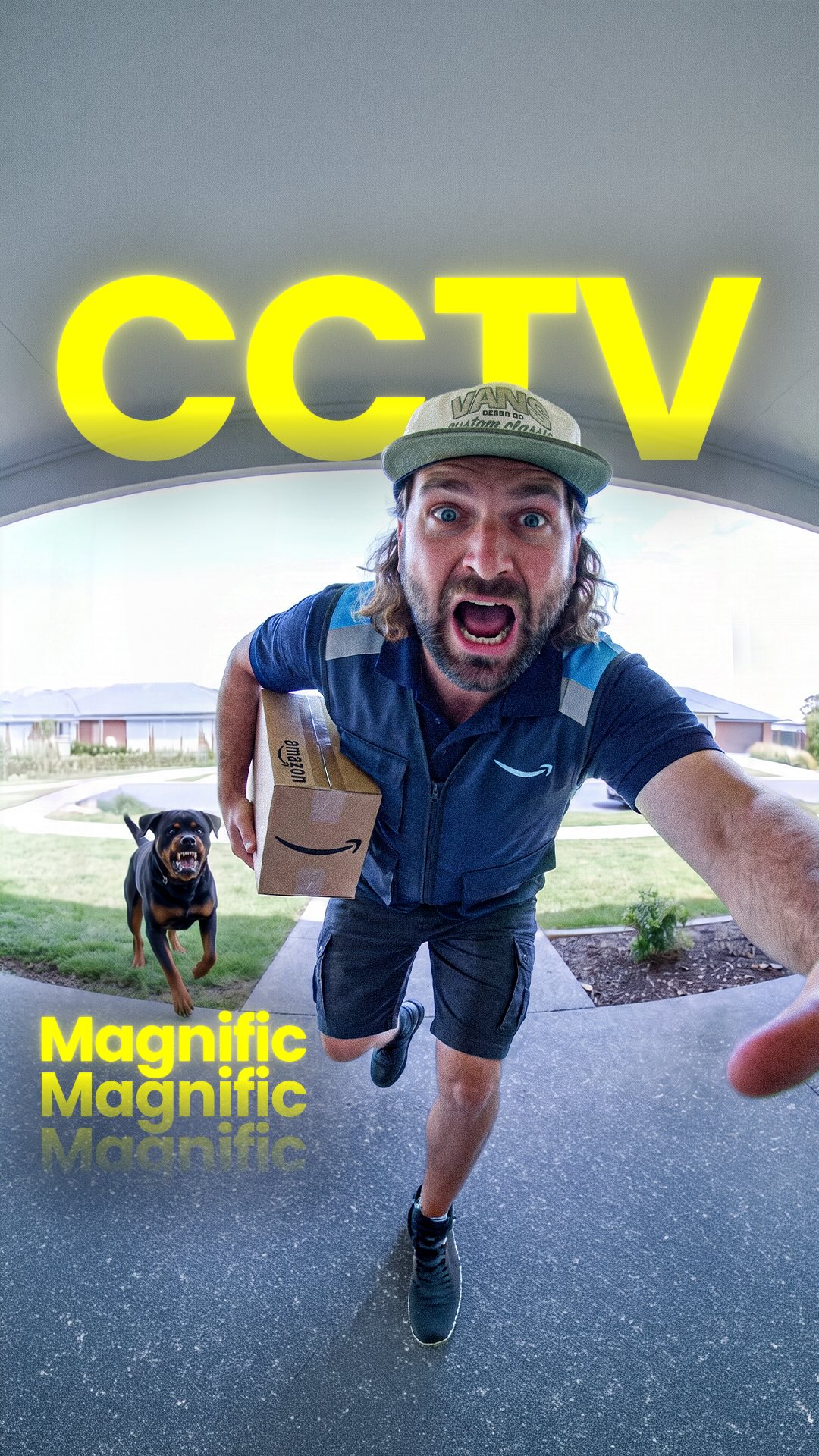
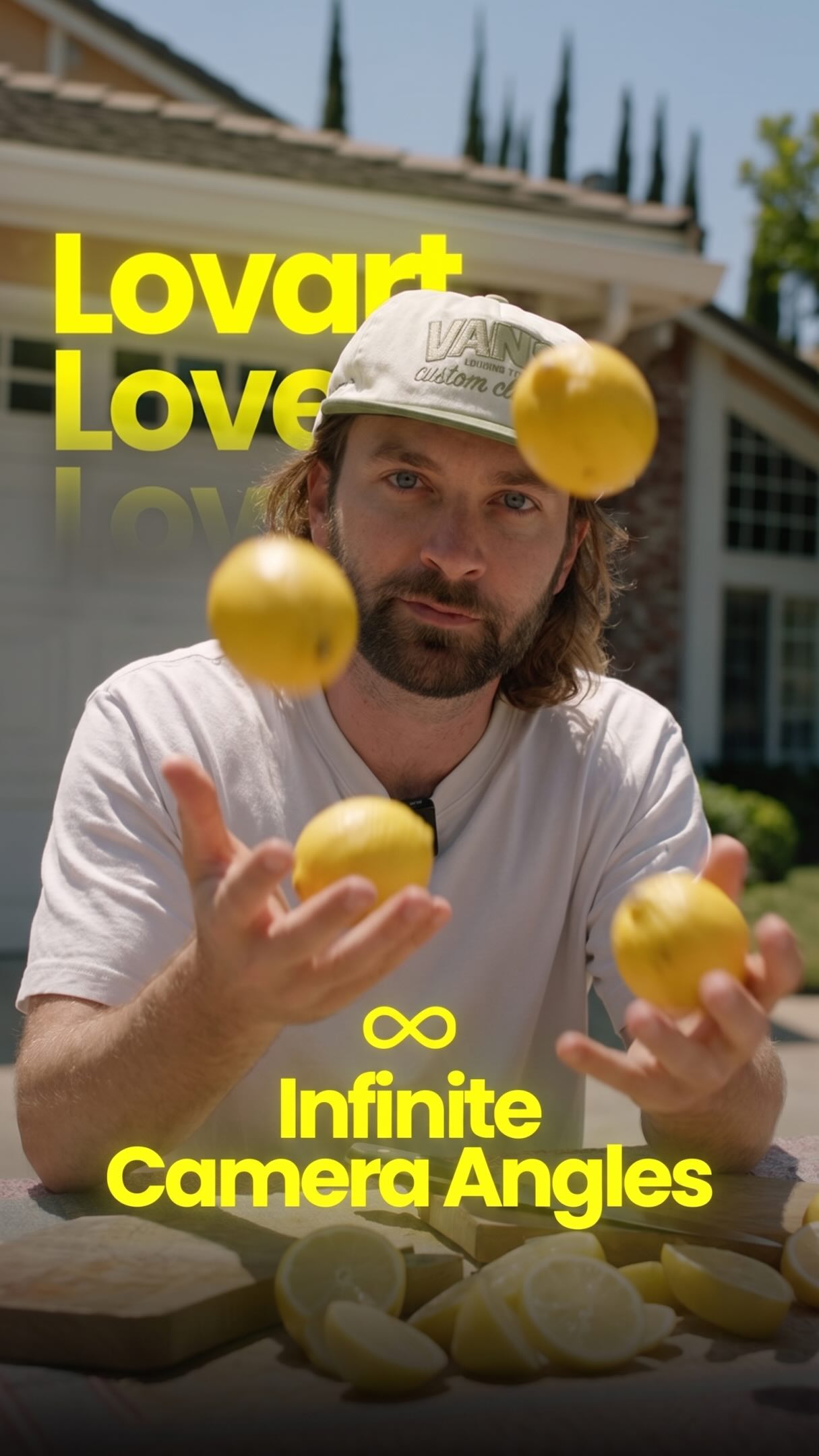
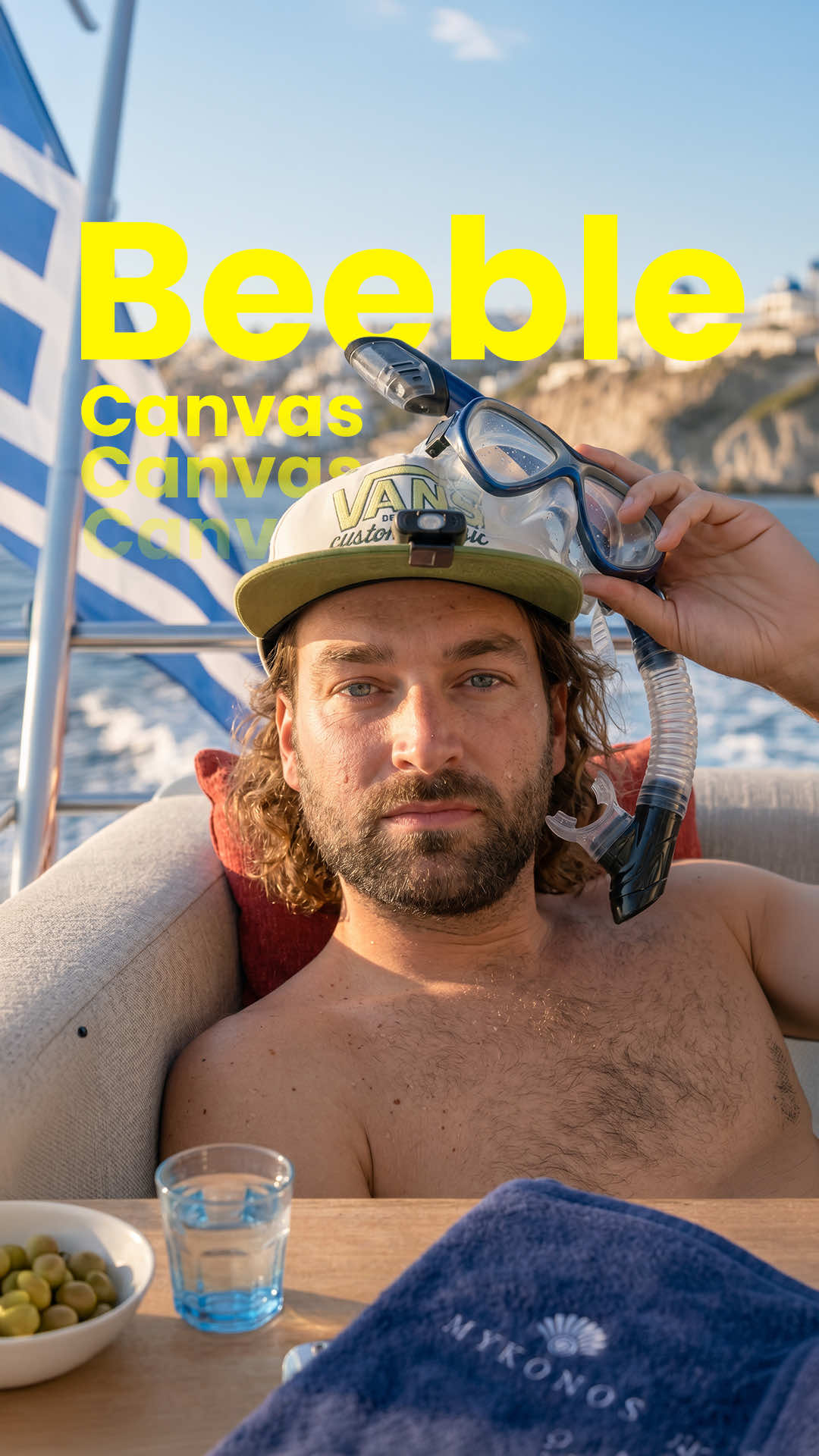
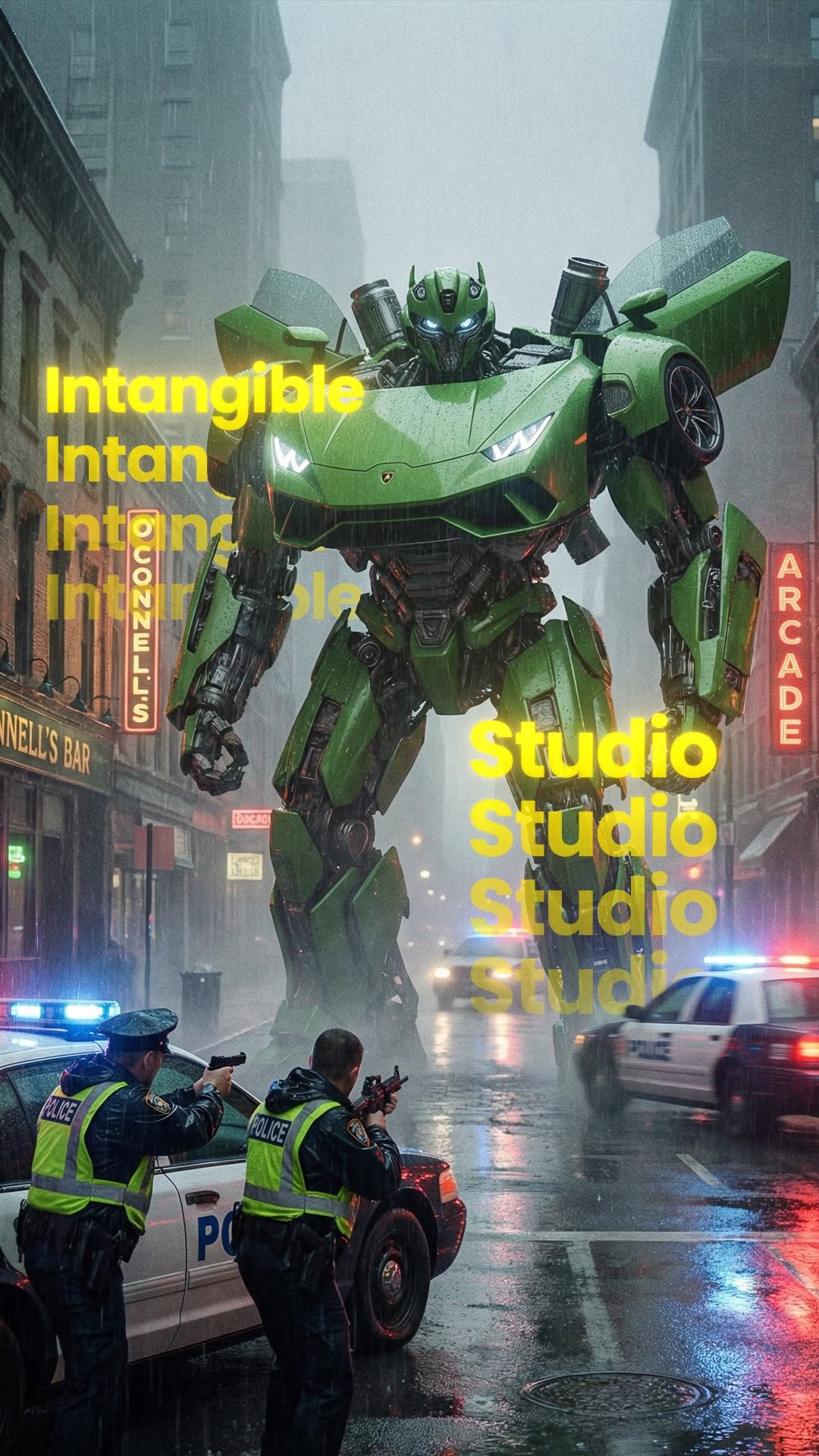
Seedance 2.5 lets you take real filmed footage and change the background, relight the scene, add props, extras and full CGI elements without hiring a crew. Full creative control over the look of a shot after it’s already been captured, right down to the colour grade. Genuinely huge for filmmakers, advertisers and creators making big-budget visuals on small budgets.
#Seedance25 #AIVFX #AIFilmmaking #VFXWithAI #CreativeAI
The creator demonstrates how to use AI tools to transform a simple video into a cinematic zombie apocalypse scene. He presents a side-by-side comparison of the original footage, the AI-generated video, and behind-the-scenes shots, then provides a step-by-step tutorial on the process using Magnific and Claude, and concludes by revealing the total cost and providing a call-to-action.
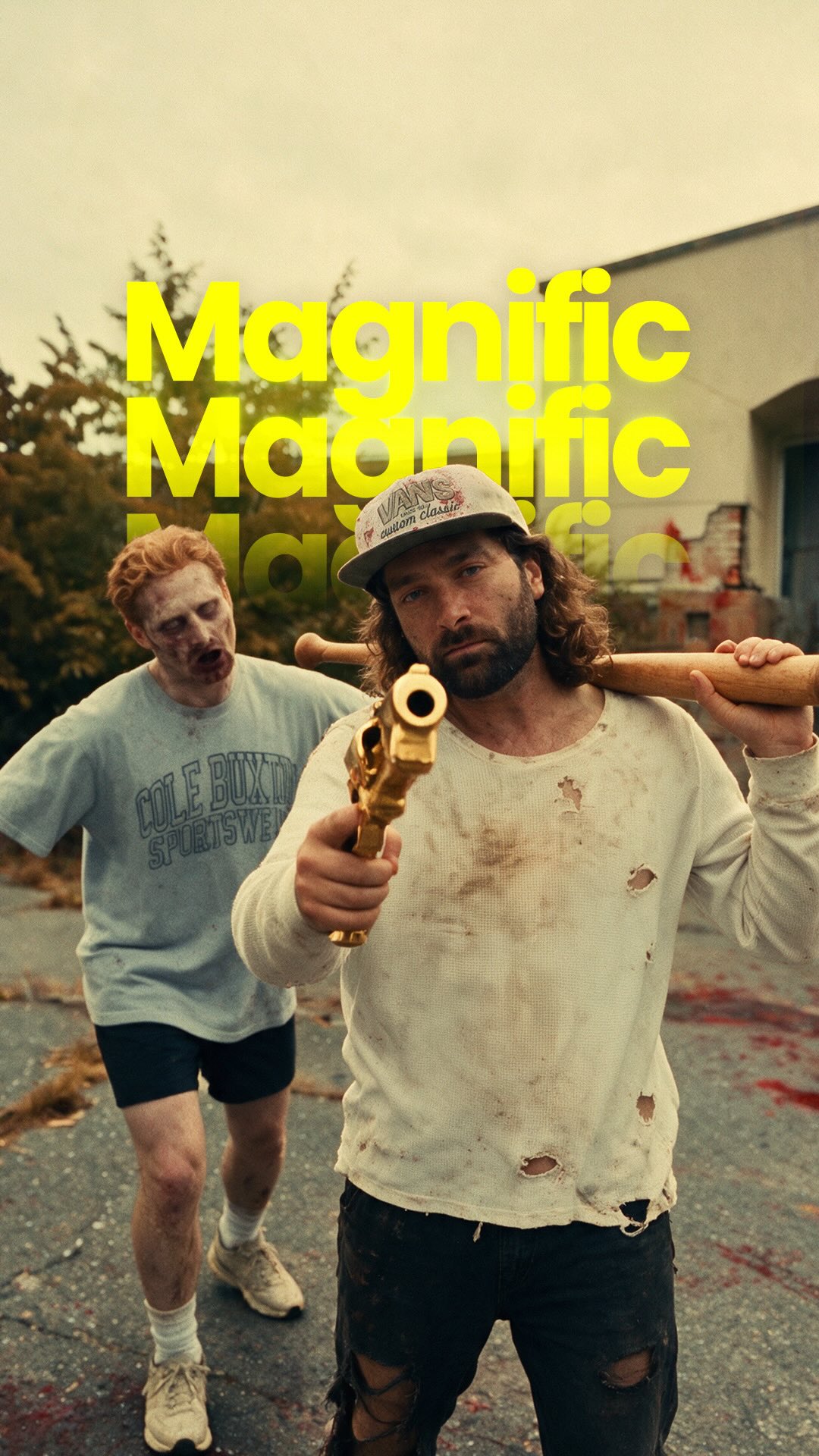
A dramatic split-screen comparison showing a man swinging a baseball bat in a normal parking lot versus a violent, bloody zombie apocalypse scene.
[06]
Hook template
Steal this for your own video
A split-screen showing [ordinary scene] on one side and [dramatic transformation] on the other — no edits explained yet, just the result.
— A split-screen showing a plain living room on one side and a fully staged luxury interior on the other — no explanation yet, just the before and after.
— A split-screen showing a amateur athlete jogging in a parking lot on one side and a cinematic slow-motion Nike ad on the other — no context, just the gap.
— A split-screen showing a raw unedited food photo on one side and a viral-worthy magazine spread on the other — nothing explained, just the contrast.
[07]
Hook and payoff
The promise the opener makes, and how the video pays it back
Hook
A visually arresting 'before and after' comparison paired with a bold, paradigm-shifting statement that declares a traditional method obsolete.
Payoff
Re-showcasing the final, impressive result alongside the total investment (cost/time) and concluding with a low-friction call-to-action that offers the viewer access to the tool or knowledge.
[08]
Narrative framework
The structural pattern this video runs on
Framework
The Aspirational How-To Blueprint
Demonstrating a powerful, almost magical transformation and then breaking down the complex process into an achievable, step-by-step guide, creating a sense of empowerment and driving a specific action.
1
The Knowledge Contract
Explicitly promising to reveal both the secret process and a crucial piece of information (like cost or time), creating two open loops to retain the viewer.
2
The Prerequisite Breakdown
Detailing the initial, foundational steps or 'ingredients' required before the main process can begin, making the complex task feel more structured and manageable.
3
The Core Mechanism Reveal
Explaining the central, often multi-tool, part of the process where the prepared elements are combined to create the transformation. This is the 'secret sauce'.
4
The Reality Check
Introducing a dose of transparent realism by revealing the cost, effort, or potential for failure, which builds trust and manages viewer expectations.
Themes
AI Innovation
Creative Empowerment
Filmmaking Technology
Democratization of VFX
Techniques
Split-screen comparison
Screen recording tutorial
Before-and-after reveal
Trends
AI Video Generation
Post caption
AI can do all these VFX 🧟🔥
Comment “AI” to try it yourself on Magnific!
Seedance 2.5 lets you take real filmed footage and change the background, relight the scene, add props, extras and full CGI elements without hiring a crew. Full creative control over the look of a shot after it’s already been captured, right down to the colour grade. Genuinely huge for filmmakers, advertisers and creators making big-budget visuals on small budgets.
#Seedance25 #AIVFX #AIFilmmaking #VFXWithAI #CreativeAI
Text overlays
contextual · throughout
Original Video
contextual · throughout
AI Video
contextual · throughout
Behind The Scenes
branding · middle
Magnific
contextual · middle
Original Location
contextual · middle
Abandoned Mall
branding · middle
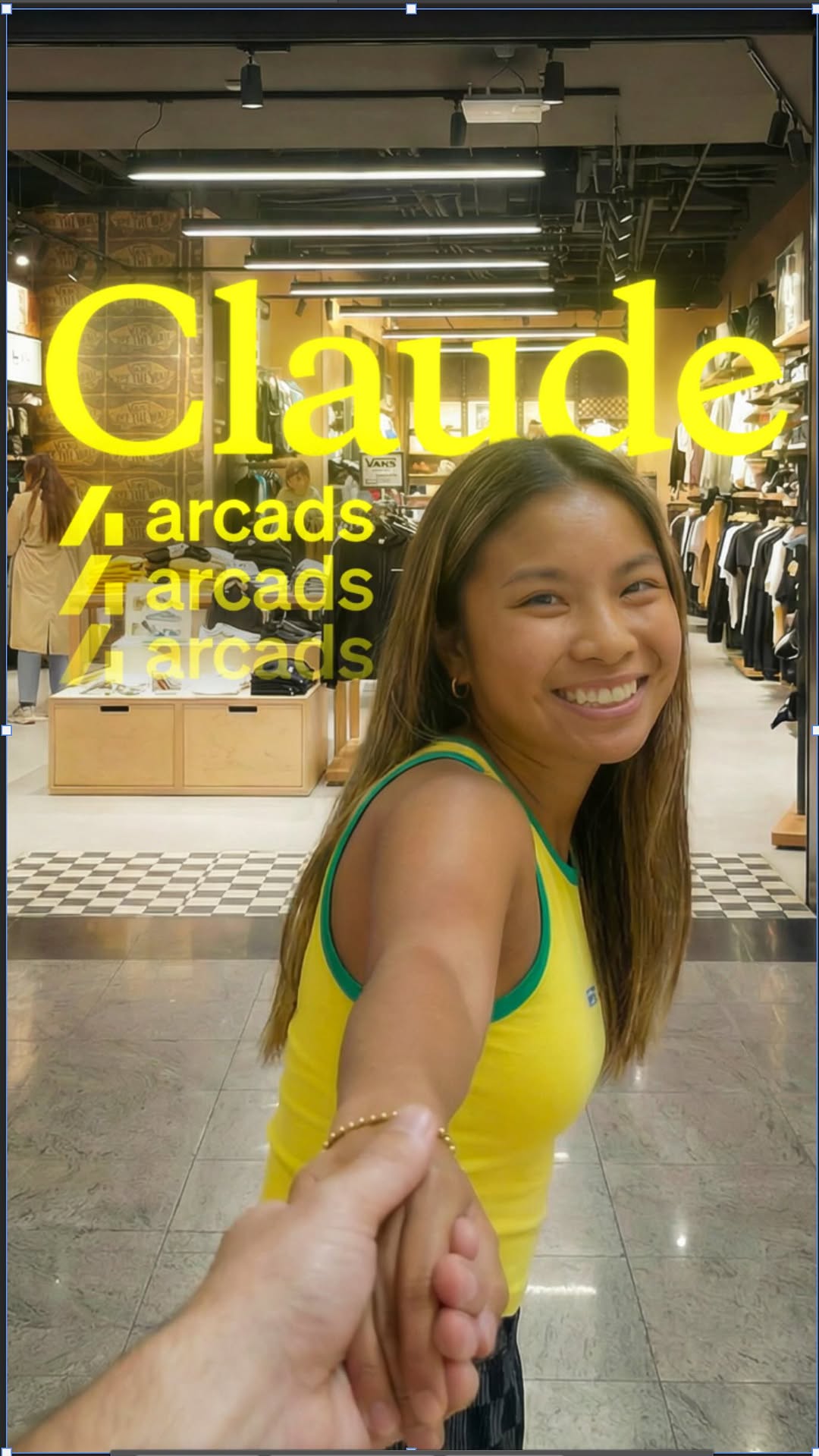
Claude
informational · end
Each Generation Cost $25
informational · end
Total Cost: $400
Transcript
The days of putting makeup on actors are gone. No, if you have an idea, you can make it. Hundreds of extras and VFX artists in a single generation. So here's how you can do this, and I'll tell you how much it costs at the end of the video. First, you need to restyle a background to get the look that you're going for. Then you need to create your character sheets that fit the environment. Upload all of that into Claude including your original video footage and even describe the scene. This will give you a prompt that we can now yes, and we can take all of this to magnific with c dance 2.5 and paste your prompt in tier, and you can adjust the duration of your video to be one second longer than the original video input. You won't get the perfect video straight away, longer than the original video input. You won't get the perfect video straight away. However, after a couple of generations, you'll get something like this. So if you wanna try it out, type AI in the comments, and I'll send you a link.