Video #43152 · Talking Head Edit
Demonstrating AI video transformation toolfrom @rourke
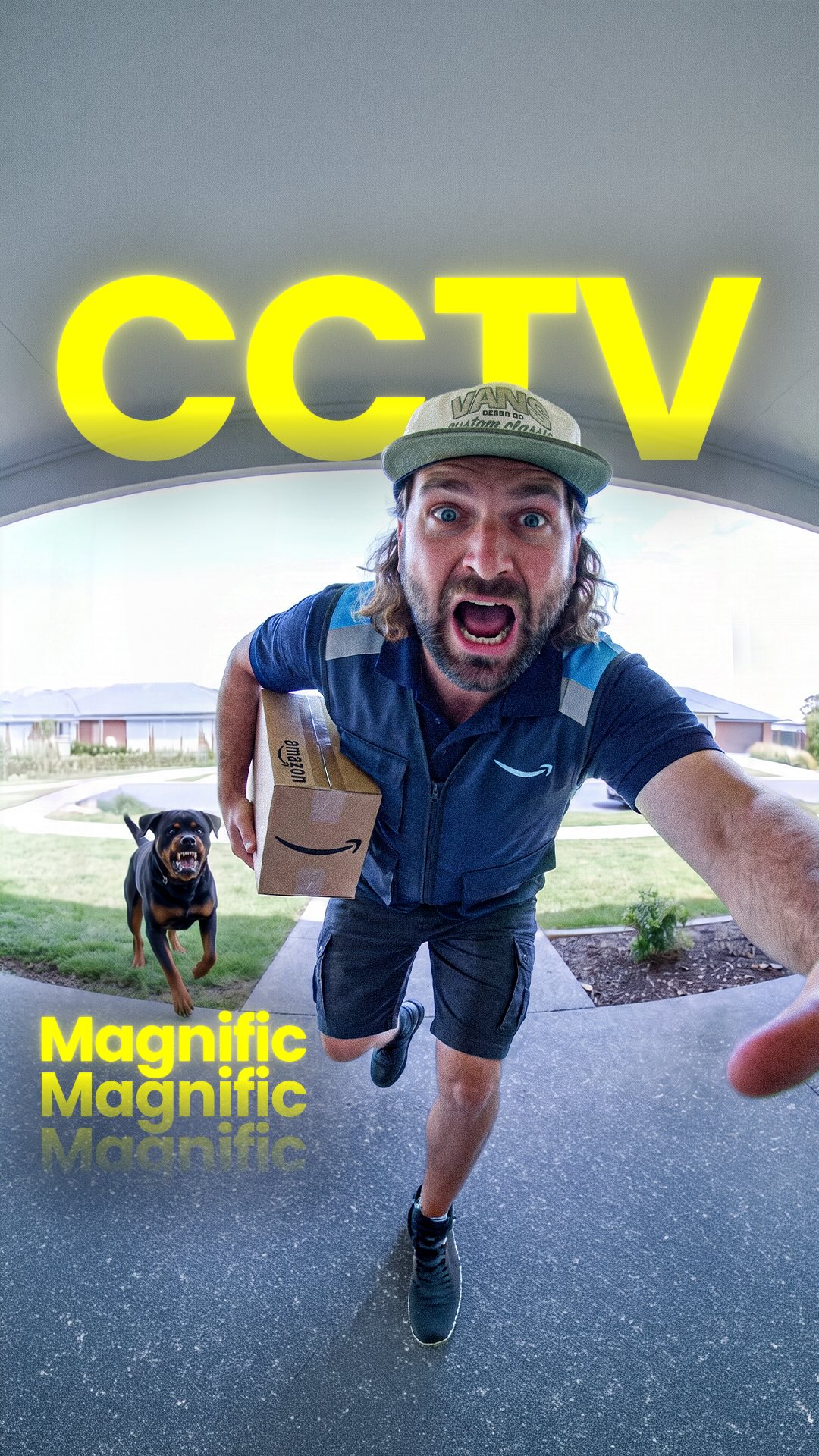
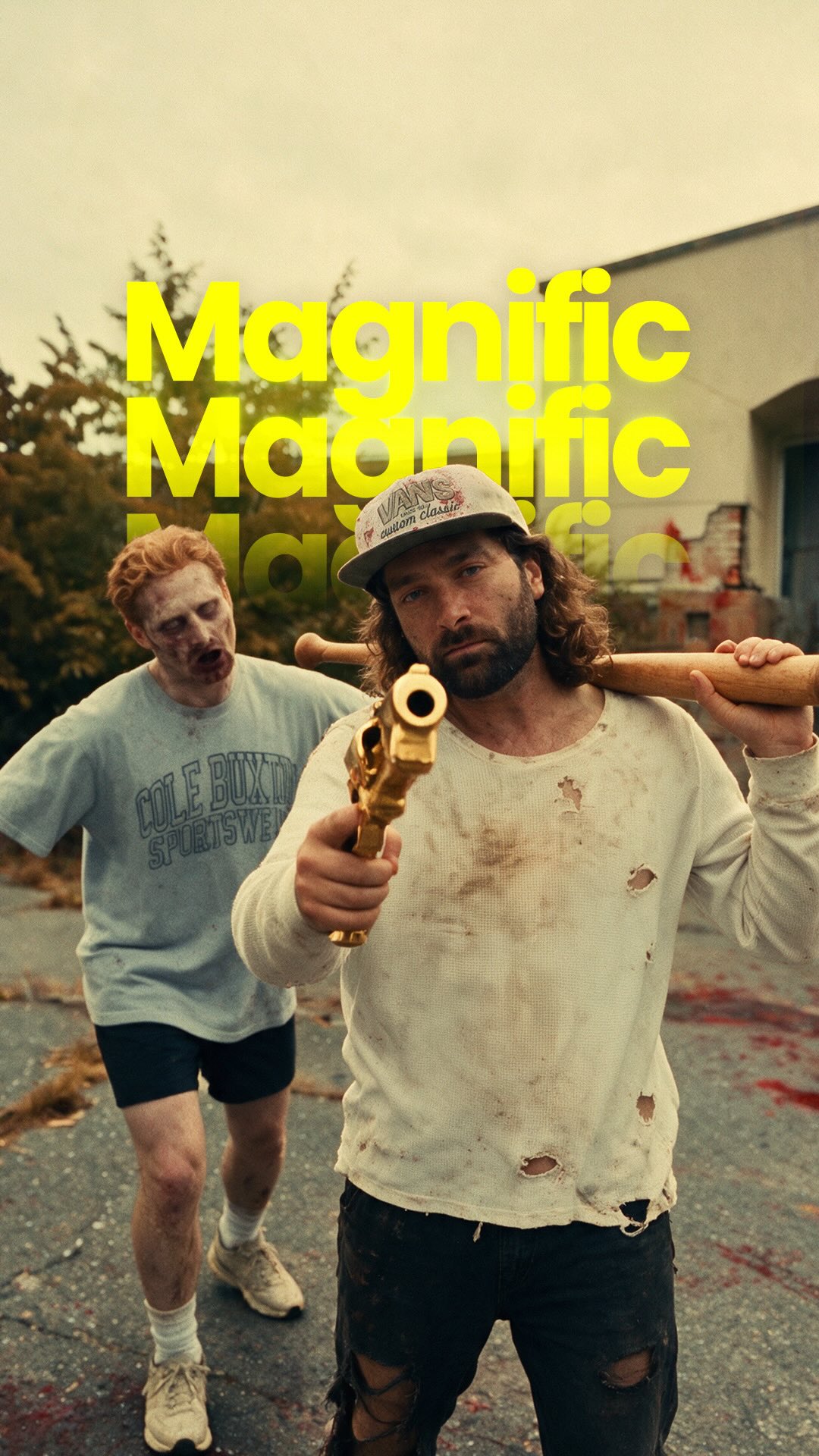
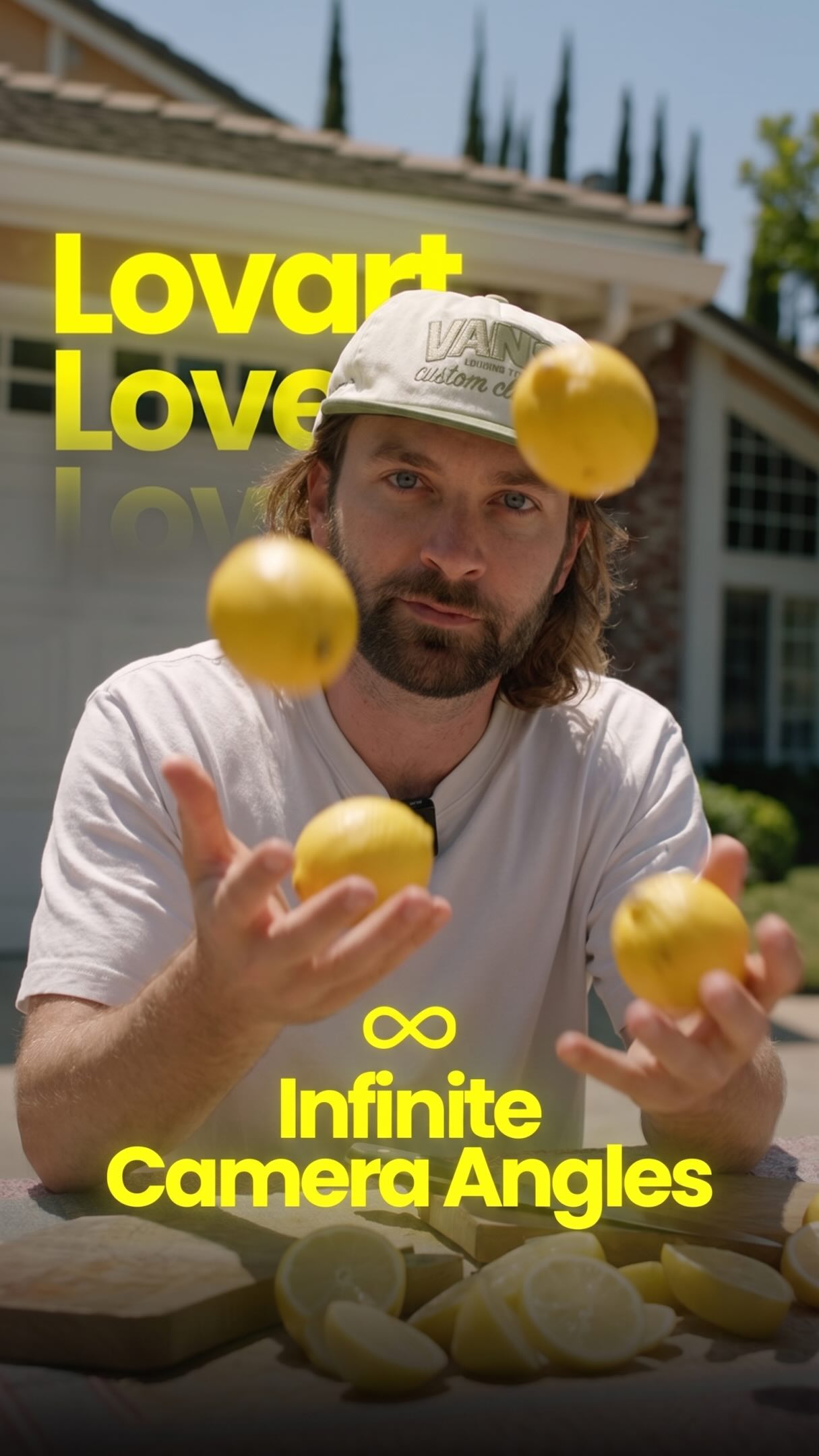
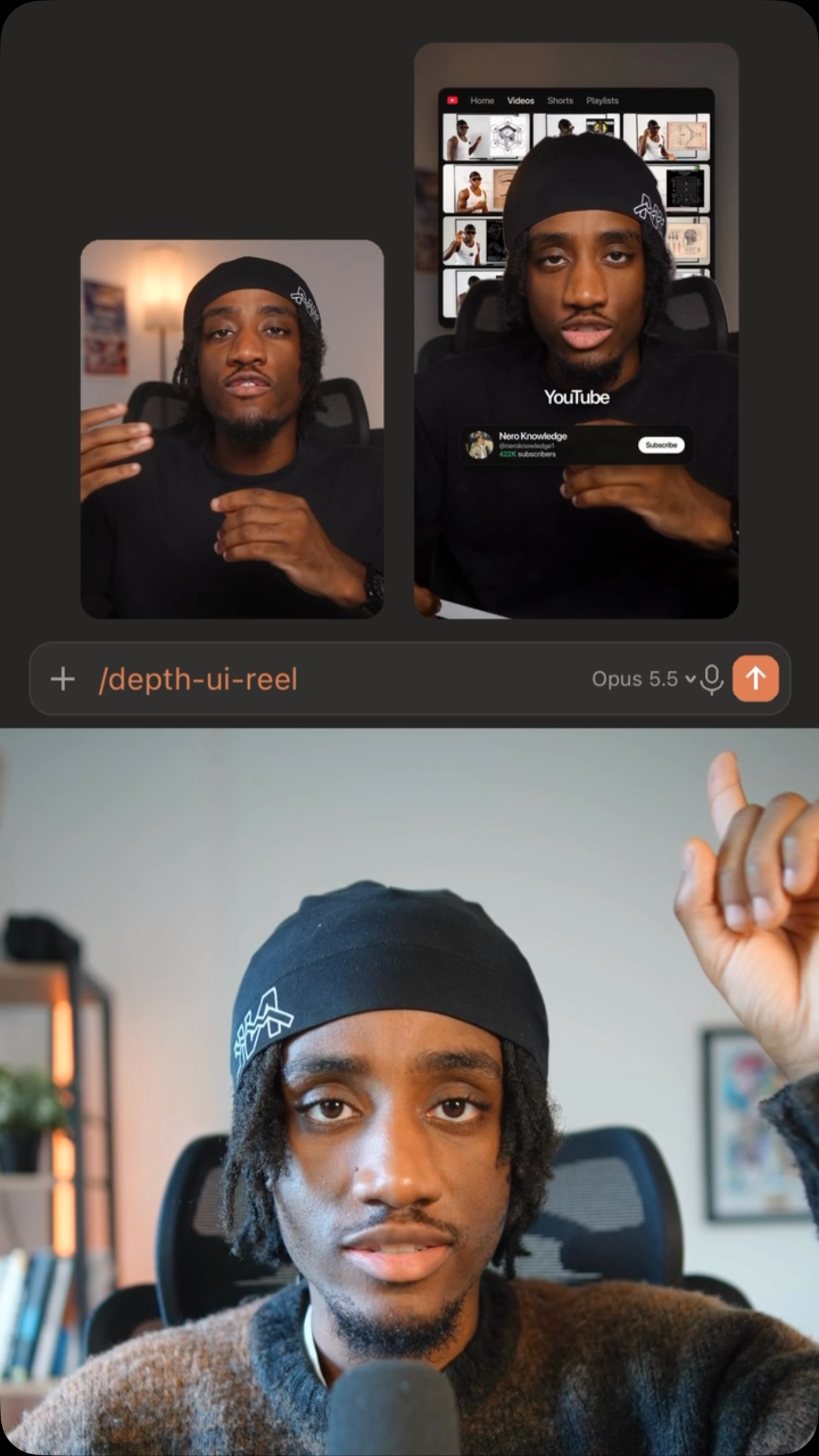
The creator demonstrates how to use a combination of AI tools, Magnific AI and Claude, to transform low-quality CCTV footage into a cinematic movie. He shows 'before and after' examples, then provides a step-by-step tutorial using screen recordings to guide viewers through uploading footage, generating prompts, and creating the final video, concluding with a call-to-action to comment for a link to the tool.
- 1Show dramatic transformation
- 2Reveal multi-step process
- 3Demonstrate key technical step
- 4Provide clear access CTA
ConceptsTutorial / How ToBefore/After TransformationProduct Demo
ElementsSplit ScreenScreen RecordingPicture-in-PictureDM / Comment-for-Info CTA
[05]
Hook analysis
What stops the scroll in the first 3 seconds
Title hook · 40%
Cinema from CCTV
Visual hook · 60%
A dramatic split-screen comparison showing low-quality CCTV footage being transformed into a high-quality, cinematic scene with dynamic camera angles and slow motion.
[06]
Hook template
Steal this for your own video
Open on a split screen: [rough starting material] on one side, [polished final result] on the other; show the rough side transforming into the polished side with a dramatic reveal.
- — Open on a split screen: grainy CCTV footage on one side, a cinematic slow-motion scene on the other; show the grainy footage transforming into the cinematic scene with a dramatic reveal.
- — Open on a split screen: an unedited food photo on one side, a polished menu image on the other; show the unedited photo transforming into the menu image with a dramatic reveal.
- — Open on a split screen: a cluttered room on one side, a neatly organized room on the other; show the cluttered room transforming into the organized room with a dramatic reveal.
[07]
Hook and payoff
The promise the opener makes, and how the video pays it back
Hook
A high-impact 'before and after' comparison that immediately establishes the value proposition and creates a 'how did they do that?' mystery.
Payoff
An empowering Call to Action that offers the viewer a direct path to access the tool and replicate the demonstrated process, converting curiosity into a lead.
[08]
Narrative framework
The structural pattern this video runs on
Framework
The Magical How-To Blueprint
Demonstrating a seemingly impossible transformation by revealing a step-by-step workflow that combines multiple tools, making the complex feel achievable and empowering the viewer to replicate it.
- 1
The Proof of Concept
A rapid montage showcasing the incredible final results on different source materials to solidify the hook and build desire.
- 2
The Tool Reveal
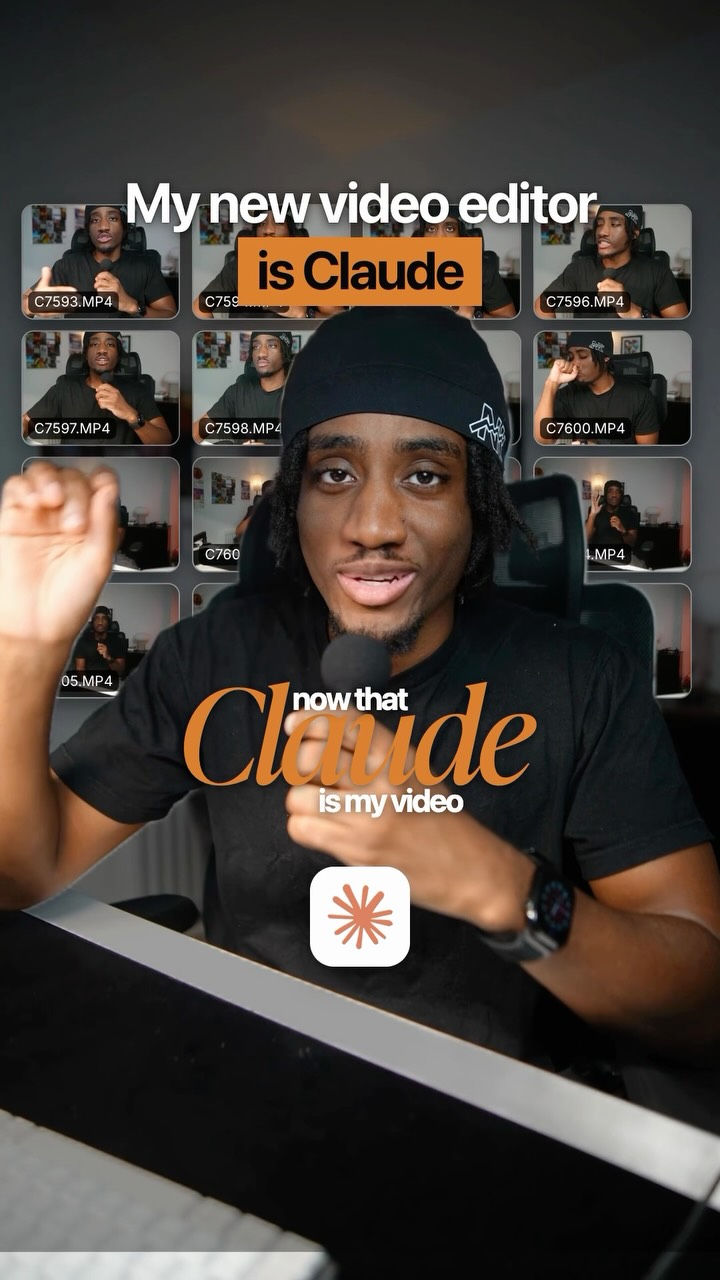
A transition to a human guide who introduces the primary platform, grounding the magical result in a tangible product and building trust.
- 3
The Asset Assembly
A clear, visual demonstration of gathering and uploading all necessary input files (source material, style references, detailed component guides).
- 4
The AI-Assisted Deconstruction
A tutorial on using a secondary tool to analyze the source material and generate a structured plan or script with timestamps.
- 5
The Technical Command Generation
A demonstration of how to use the secondary tool to create a highly specific, technical instruction (prompt) for the primary tool.
- 6
The Final Configuration
The process of combining all assets and the generated instructions into the primary tool and setting the final output parameters.
Themes
- AI technology
- Creative tools
- Filmmaking
Techniques
- Split-screen
- Picture-in-picture
- Screen recording
Trends
- AI content generation
- Comment-for-link CTA
Post caption
Turn any CCTV footage into a cinematic movie 😂🔥
Comment “AI” for a link @magnific_ai
Using Seedance 2.5 inside Magnific Spaces, with Claude helping build out the story and shots, grainy security footage gets rebuilt into a fully cinematic scene. There are so many cool creative opportunities with this for filmmakers, editors and storytellers. What famous moment caught on CCTV would you turn into a movie?
#MagnificAI #Seedance #AIFilmmaking #CCTV #CreativeAI
Text overlays
title · beginning
Cinema from CCTV
branding · beginning
Magnific AI
contextual · beginning
CCTV
branding · middle
Magnific Spaces
branding · middle
Claude
call-to-action · end
Comment "AI"
Transcript
Out the time codes for each part of the scene and write out the new camera angle that you want the camera to cut to. Then you can ask it to write a SeaDance 2.5 prompt. Copy this prompt and bring it back to magnificent spaces. Change of tier video no be one second longer than your original reference video. Then when you hit generate, you'll get your result. If you wanna try it out for yourself, type AI in the comments and I'll send you a link.