Viral Hooks
Trending short videosExplaining AI editing's homogenization problem
S

@solocontent.studio

Instagram · Graphic Yap
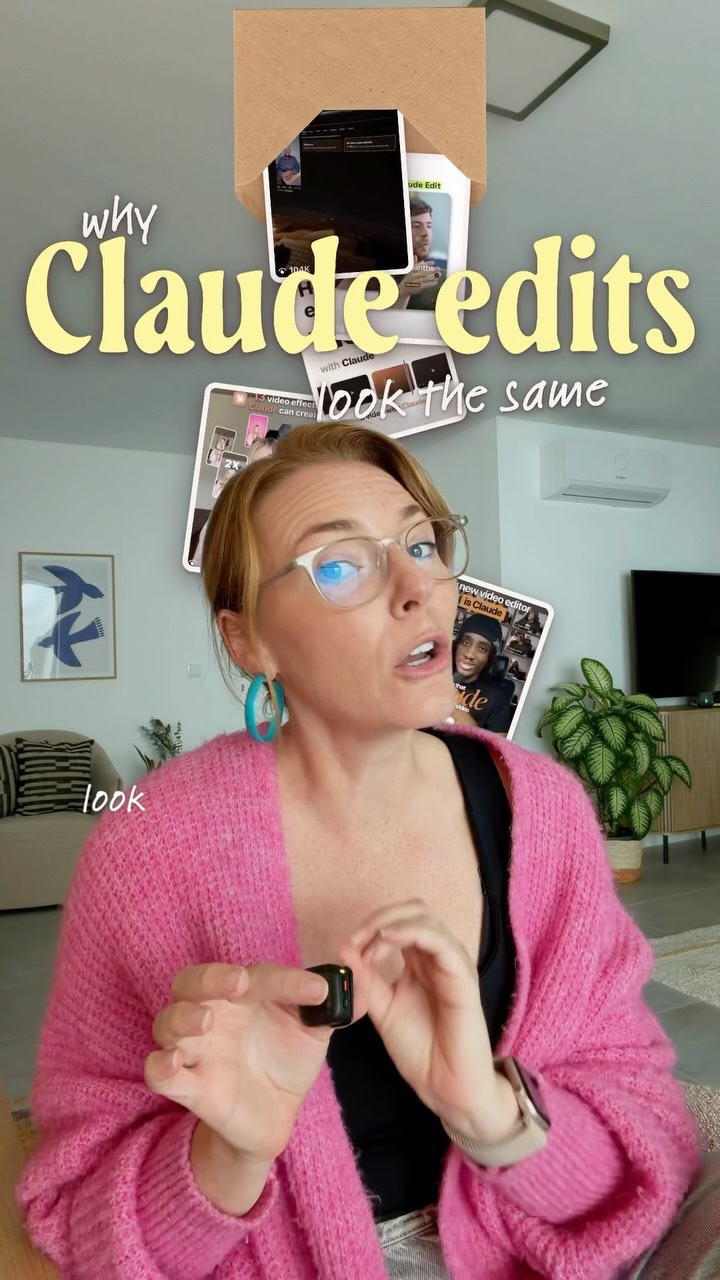
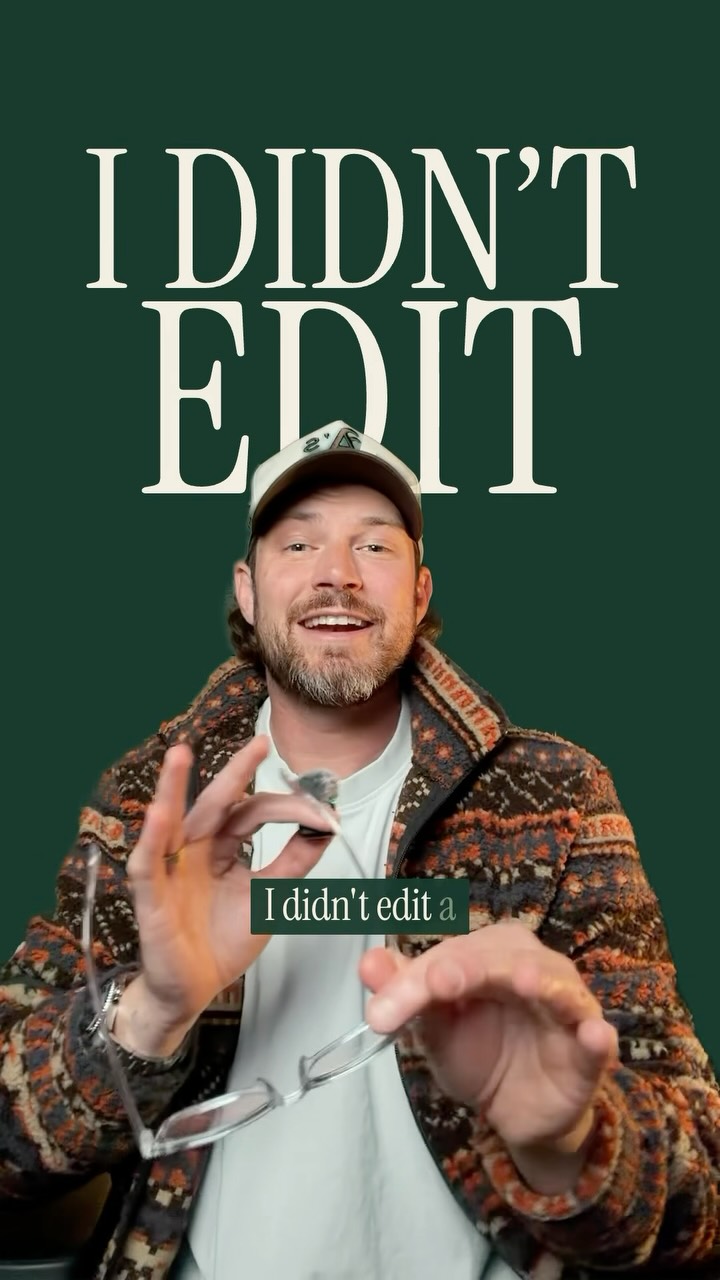
@solocontent.studio Claude edits are flooding the feeds, and believe me this is only the beginning! And absolutely NO SHADE to anyone using AI to edit because I have benefited MASSIVELY from adding this to my workflow. BUT… if everyone’s videos start looking the same, not only is that going to get boring, it’s going to make your content less effective. That’s why I’ve been busy learning how to add that ✂️ handcrafted feel ✂️ to my AI edits, and I’ve landed on a workflow that is working really well for me. I want to share it with you too! So I’m starting a new series called Uncommon Edits with AI, where I’ll show you how I use Claude to edit in a way that feels a little more crafty and a lot less robotic: making my own graphics in Canva and then directing Claude on how to use them. Comment WAITLIST Iif you’re curious how I did it with Claude and want to try it yourself, and I’ll send you the link to get on the waitlist for my Uncommon Edits with AI Setup Guide and Workshop. And tell me your biggest questions about editing with AI, because I’d love to feature them in the series ✂️ — Keywords: AI video editing, editing with Claude, Claude AI editing, Claude Code editing, AI editing workflow, video editing tips, content creation, Canva graphics, creative video editing, Reels editing, AI tools for creators, HyperFrames, solopreneur, solo creator, jjyapchallenge
View original on Instagram

The edit1 shot · 10 text
Shots Text1:43

Performance

Views
67K
Likes
2.5K
Comments
828
Engagement
4.9%
Outlier
5.1×
Length · 21 Oct 2026
1:43

Video #49419 · Graphic Yap

Explaining AI editing's homogenization problemfrom @solocontent.studio

[01]

Overview

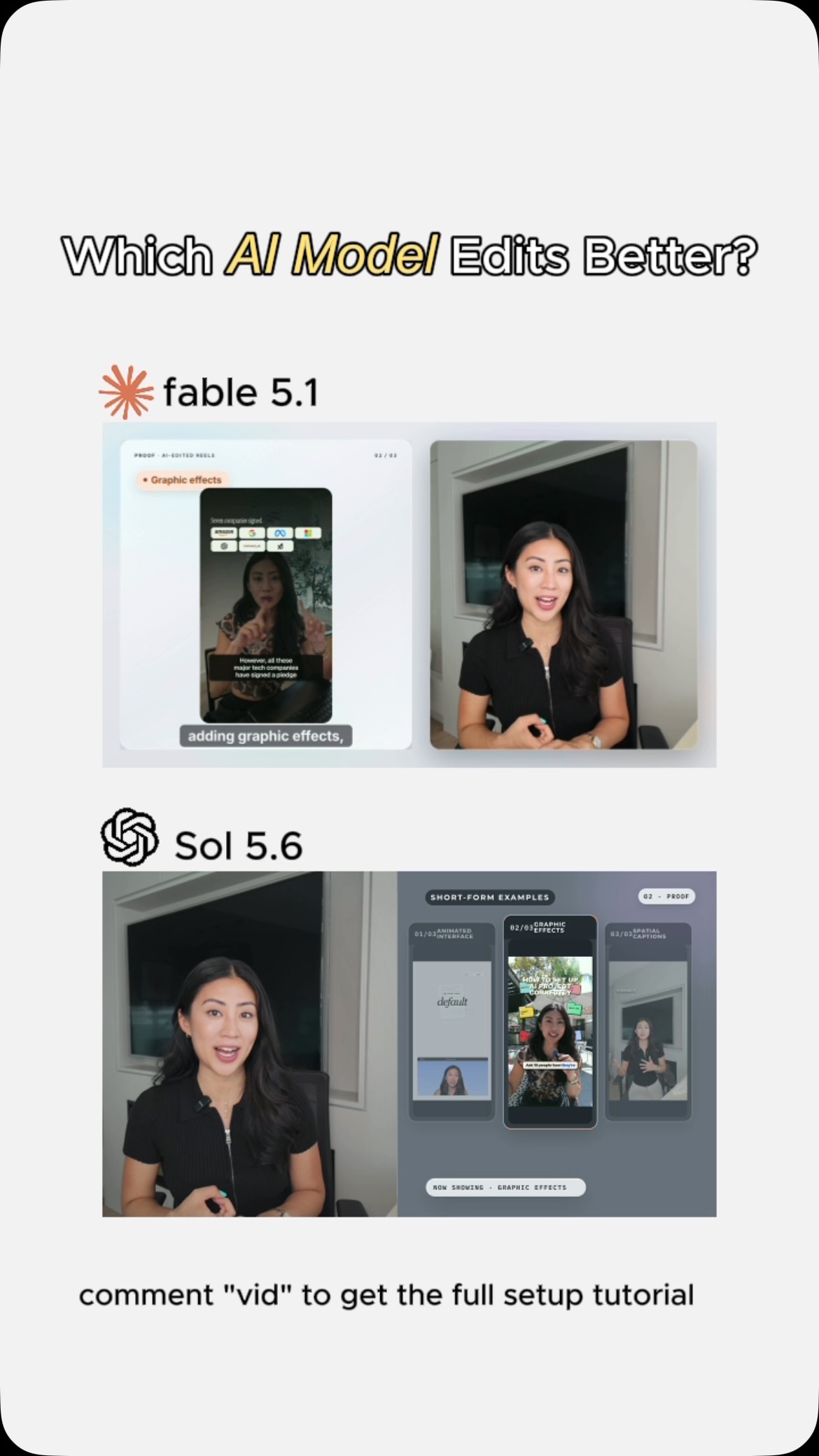
The creator explains that while AI video editing tools like Claude have transformed her content creation process and boosted her growth, they are leading to a homogenization of video styles. She argues against this trend, stating her mission is to use AI to add creativity, not remove it. She provides an example of a complex video she created using her unique workflow: designing custom graphics in Canva and then directing the AI on how to use them to create 'uncommon' edits.

[02]

Simple outline

  1. 1Acknowledge common trend
  2. 2State the hidden problem
  3. 3Declare a mission to solve it
  4. 4Reveal a unique hybrid method

[03]

Related videos

[04]

Classification

Concepts
BreakdownOrigin Story
Elements
Graphic OverlayImage OverlayJump CutText OverlayTitle Text Hook

[05]

Hook analysis

What stops the scroll in the first 3 seconds

Title hook

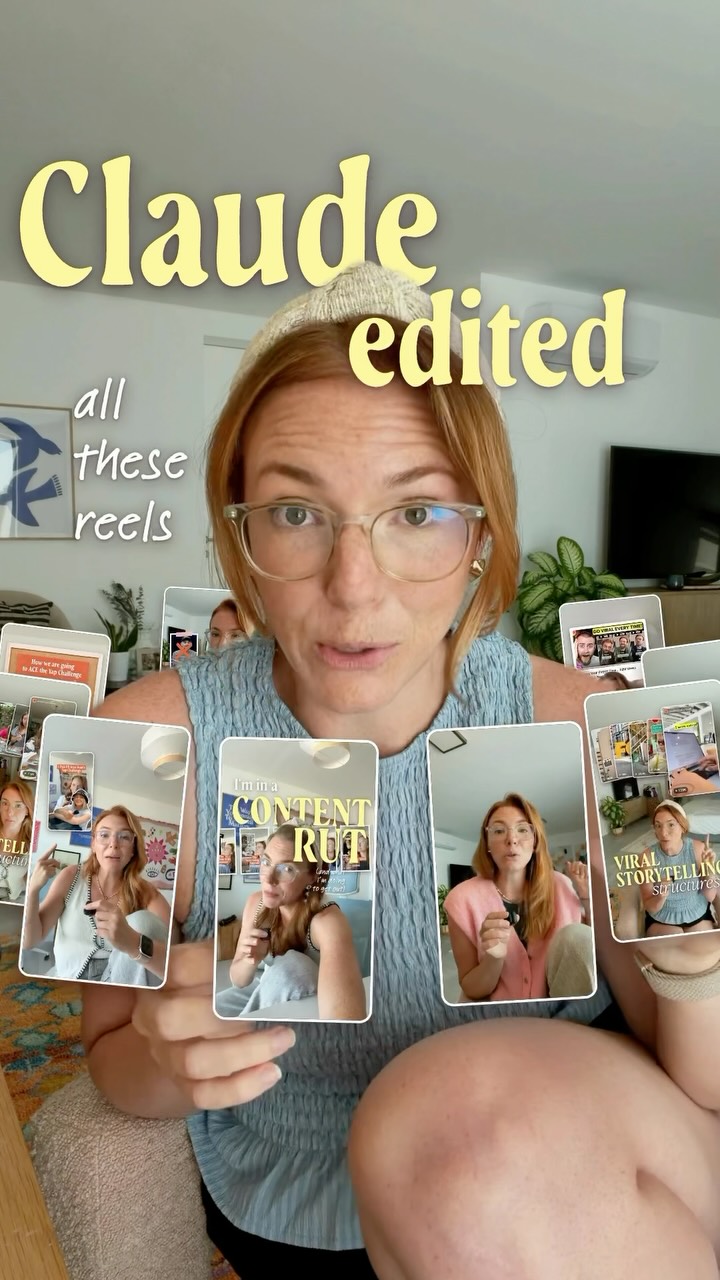
Claude edited

Verbal hook

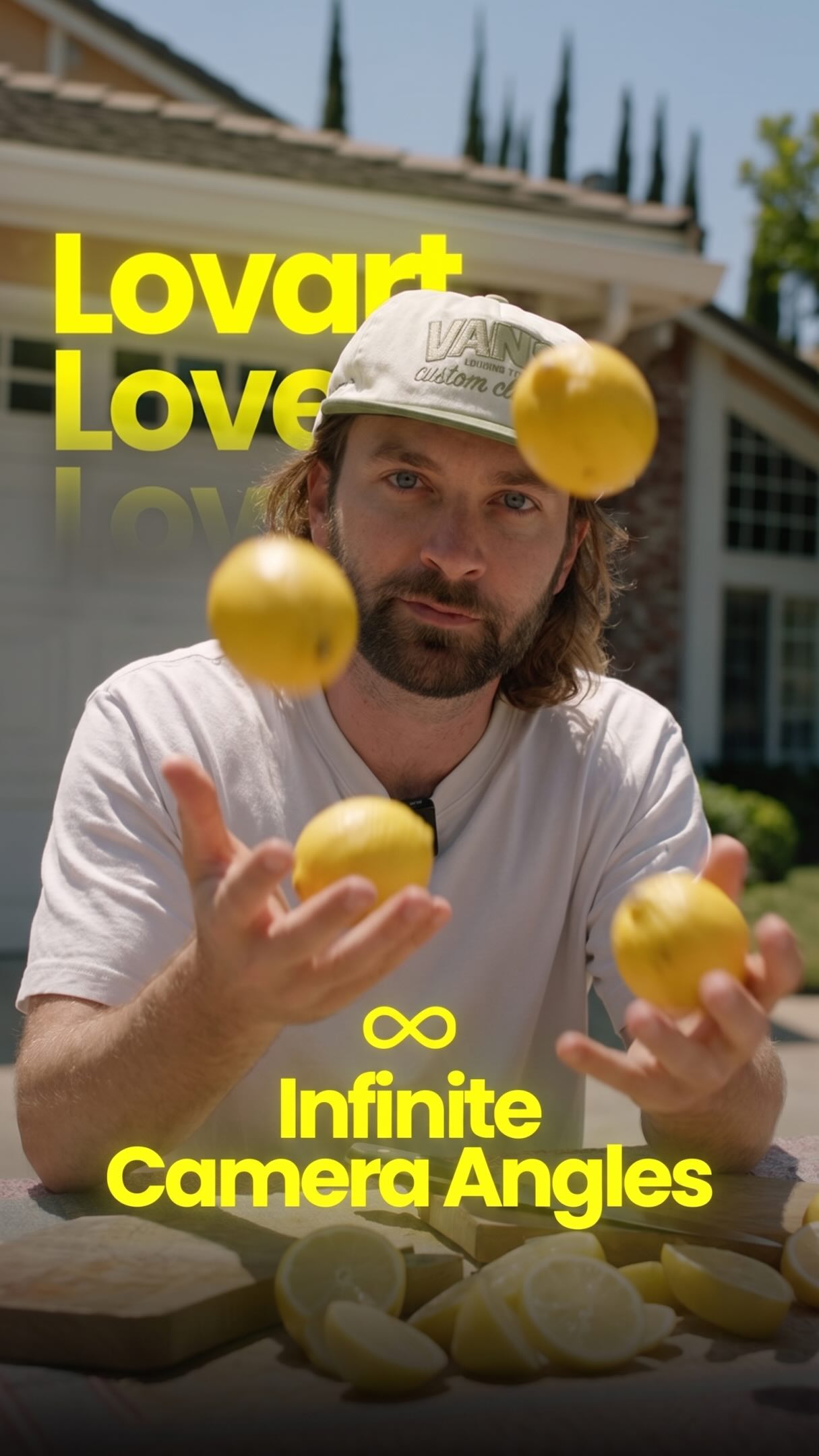
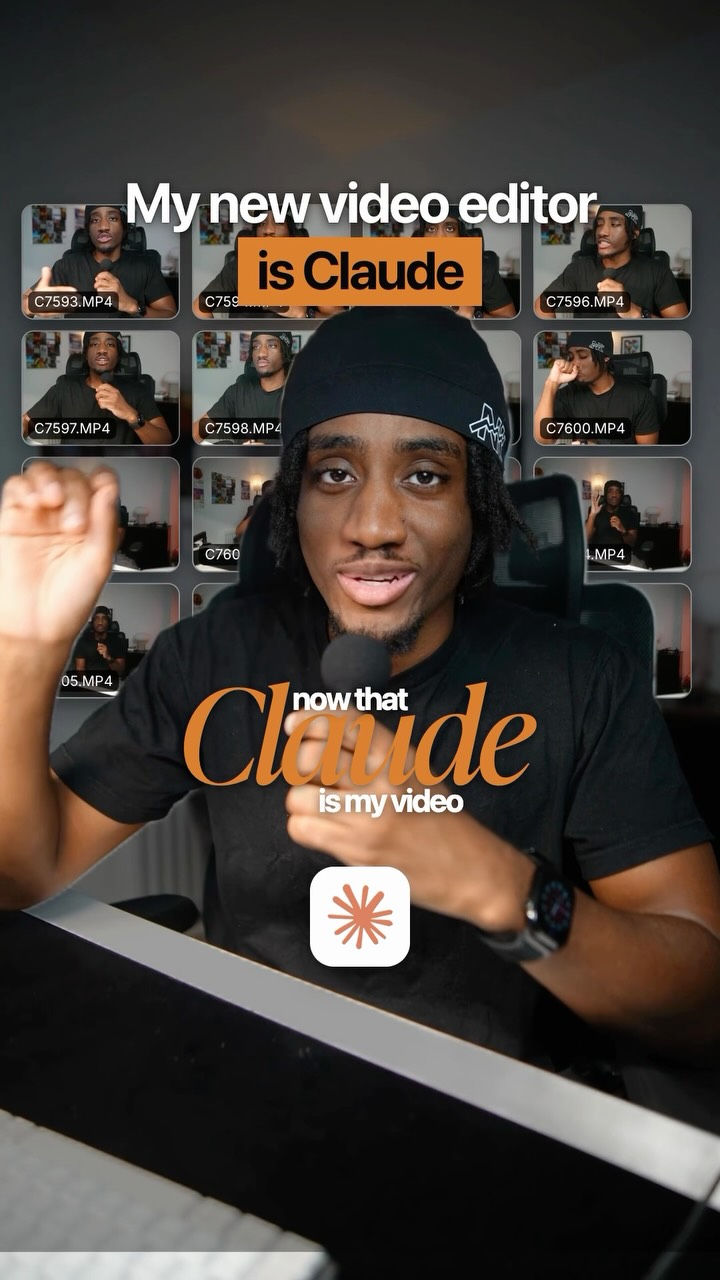
Claude edited all these reels for me, but you already knew that didn't you?

Visual hook

The speaker is surrounded by a dynamic arrangement of multiple floating video thumbnails that move around her as she speaks.

[07]

Hook and payoff

The promise the opener makes, and how the video pays it back

Hook

Acknowledge a widely recognized trend and its obvious tells, creating an 'in-group' feeling with the viewer by suggesting they are already aware of it.

Payoff

The payoff is the reveal of the hybrid workflow, which empowers the viewer with a new, more sophisticated way to use the popular tool, solving the problem of saturation and setting them apart from the crowd.

[08]

Narrative framework

The structural pattern this video runs on

Framework

The Pioneer's Manifesto

Identify a popular new tool or trend, praise its benefits, but then expose its critical flaw (homogenization). Position yourself as a pioneer on a mission to solve this flaw with a unique, hybrid approach that retains the tool's benefits while adding a layer of unique creativity.

  1. 1

    The Justification Pivot

    Validate the trend by showcasing its transformative personal benefits and tangible, data-backed results, countering any initial negative perception.

  2. 2

    The Saturation Warning

    Introduce the core conflict by forecasting the inevitable negative consequence of the trend's mass adoption: homogenization and loss of effectiveness.

  3. 3

    The Mission Declaration

    Frame the solution not as a simple tip, but as a personal 'mission' to overcome the identified problem, establishing authority and a forward-looking perspective.

  4. 4

    The Creative Manifesto

    State the guiding principle of the mission, positioning the new approach as a way to enhance, not replace, human creativity.

  5. 5

    The 'Impossible Feat' Proof

    Present a concrete, visually impressive example of a superior outcome achieved through your unique method, highlighting something that would be unattainable with the standard approach.

  6. 6

    The Relatability Anchor

    Justify the need for this efficient method by sharing personal constraints (e.g., lack of time, competing responsibilities) that the target audience can directly relate to.

  7. 7

    The Hybrid Solution Reveal

    Detail the specific, actionable process that combines the efficiency of the new tool with a layer of personal, manual creativity, presenting it as the ultimate solution.

Themes

  • Creativity
  • Technology
  • Individuality
  • Problem-solving

Techniques

  • Graphic overlays
  • Direct-to-camera
  • Fast-paced editing

Trends

  • AI in content creation
  • Claude AI editing trend

Post caption

Claude edits are flooding the feeds, and believe me this is only the beginning! And absolutely NO SHADE to anyone using AI to edit because I have benefited MASSIVELY from adding this to my workflow. BUT… if everyone’s videos start looking the same, not only is that going to get boring, it’s going to make your content less effective. That’s why I’ve been busy learning how to add that ✂️ handcrafted feel ✂️ to my AI edits, and I’ve landed on a workflow that is working really well for me. I want to share it with you too! So I’m starting a new series called Uncommon Edits with AI, where I’ll show you how I use Claude to edit in a way that feels a little more crafty and a lot less robotic: making my own graphics in Canva and then directing Claude on how to use them. Comment WAITLIST Iif you’re curious how I did it with Claude and want to try it yourself, and I’ll send you the link to get on the waitlist for my Uncommon Edits with AI Setup Guide and Workshop. And tell me your biggest questions about editing with AI, because I’d love to feature them in the series ✂️ — Keywords: AI video editing, editing with Claude, Claude AI editing, Claude Code editing, AI editing workflow, video editing tips, content creation, Canva graphics, creative video editing, Reels editing, AI tools for creators, HyperFrames, solopreneur, solo creator, jjyapchallenge
Text overlays

  • title · beginning

    Claude edited

  • title · beginning

    you already knew that didn't you?

  • title · beginning

    dead GIVEAWAYS

  • title · beginning

    but is that actually a bad thing?

  • title · beginning

    transformed

  • title · middle

    but here's the PROBLEM!!

  • title · middle

    the SAME style

  • title · middle

    more uncommon

  • title · middle

    add CREATIVITY

  • title · middle

    NEVER without AI

Transcript

Claude edited all these reels for me, but you already knew that didn't you? Because this little effect, this one, and this one, they're dead giveaways that a video was edited with AI. But is that actually a bad thing? Here's my take. The reason that AI editing is everywhere right now is because I am not exaggerating when I tell you it has transformed my content creation. My cloud edited reels have increased my average views and brought me over a thousand new followers in just the past week. But here's the problem, and I think it's something that not enough people are talking about. It means that we are about to see a lot more of the same style of AI edits flooding our feet. So I'm on a mission to figure out how I can make AI edits that look a little bit more uncommon because I wanna use this crazy technology to add creativity to my content, not take it away. For example, this video I posted the other day, I never would have been able to make something like this without the help of AI editing. I'm a busy mom. I'm building a software business. I just don't have the time. So instead, I made the graphics myself in Canva, and then I directed Claude on how to use them no that together