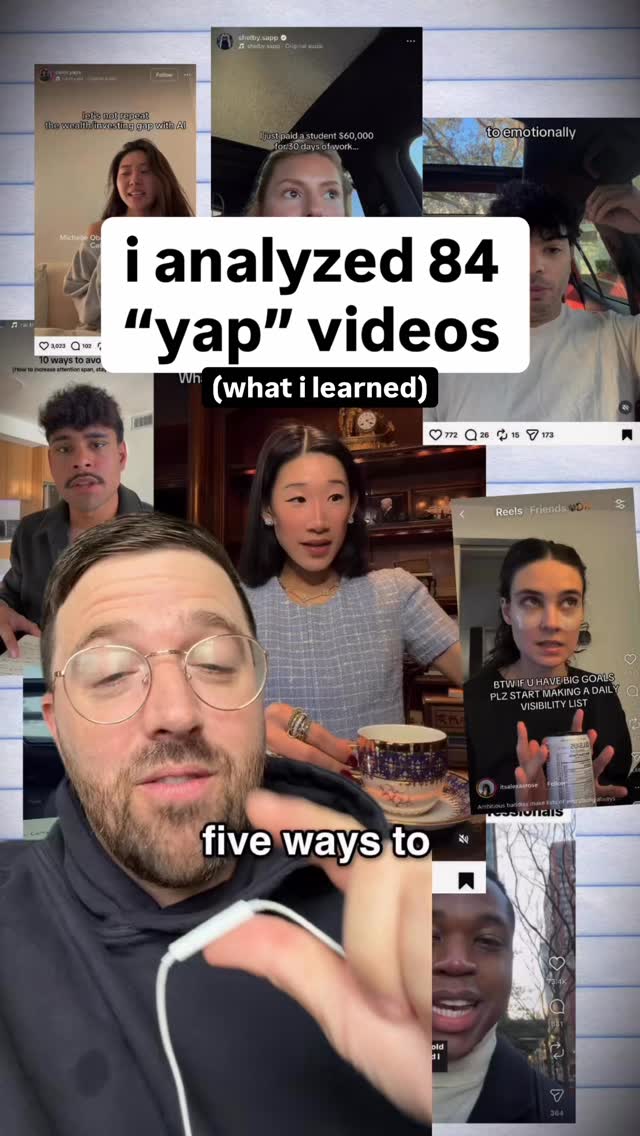
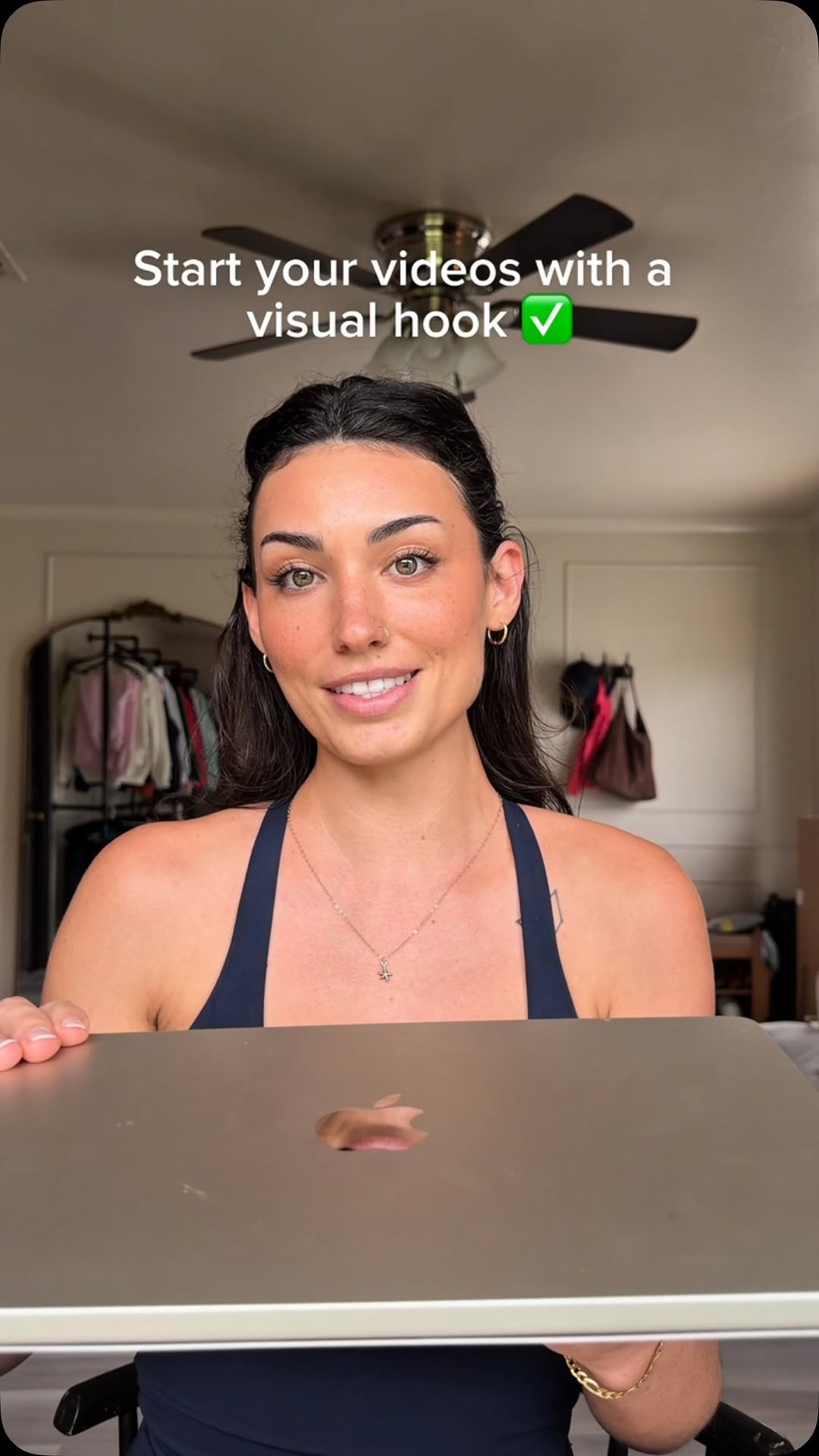
@kristenonatuesday Don’t miss #5 👀 I don’t hear anyone else saying this and it makes my videos feel really natural 🫶
-
If you’re new here, hi! 👋 I’m Kristen, mom of 2 feral boys, on a mission to get to 1000 followers in 30 days with a brand new account. Sharing everything I’m learning as a newbie content creator 🚀
-
#editsapp #yapping
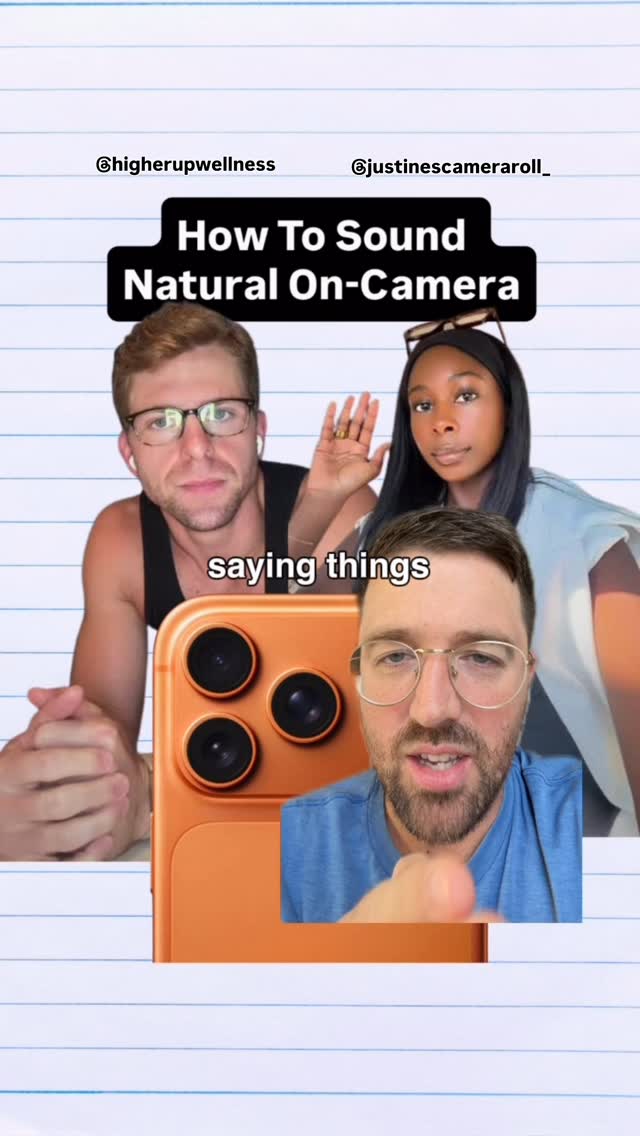
How to yap in camera, yapping tips, filming tips, how to look natural on camera, how to use a teleprompter
Creator gives five video tipsfrom @kristenonatuesday
[01]
Overview
The creator explains her five-step process for 'faking' natural-looking talking-head videos to grow a social media account. She covers scripting, using a teleprompter, recording one line at a time, filming with a wide shot for editing flexibility, and using hand gestures to act natural, illustrating each point with on-screen text, screenshots, and humorous image overlays.
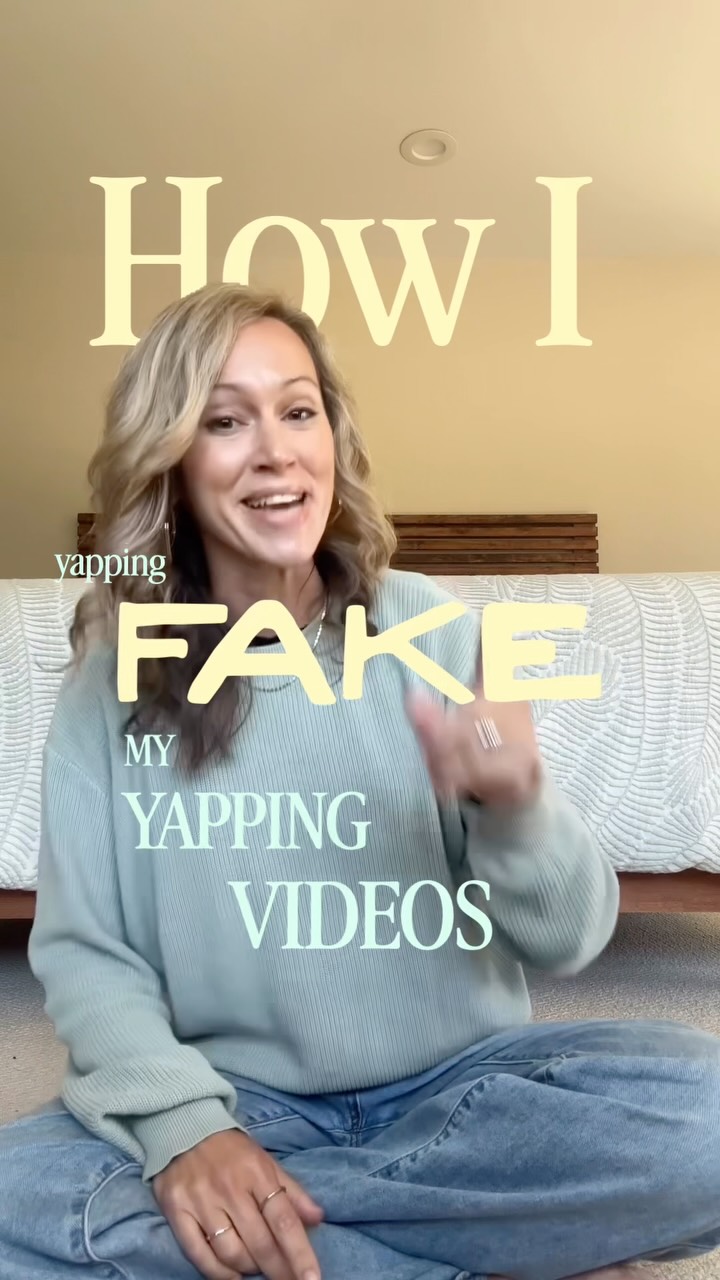
Here's how I fake my yapping videos, and this is what helped me get to over 600 followers in the first ten days of having a brand new channel.
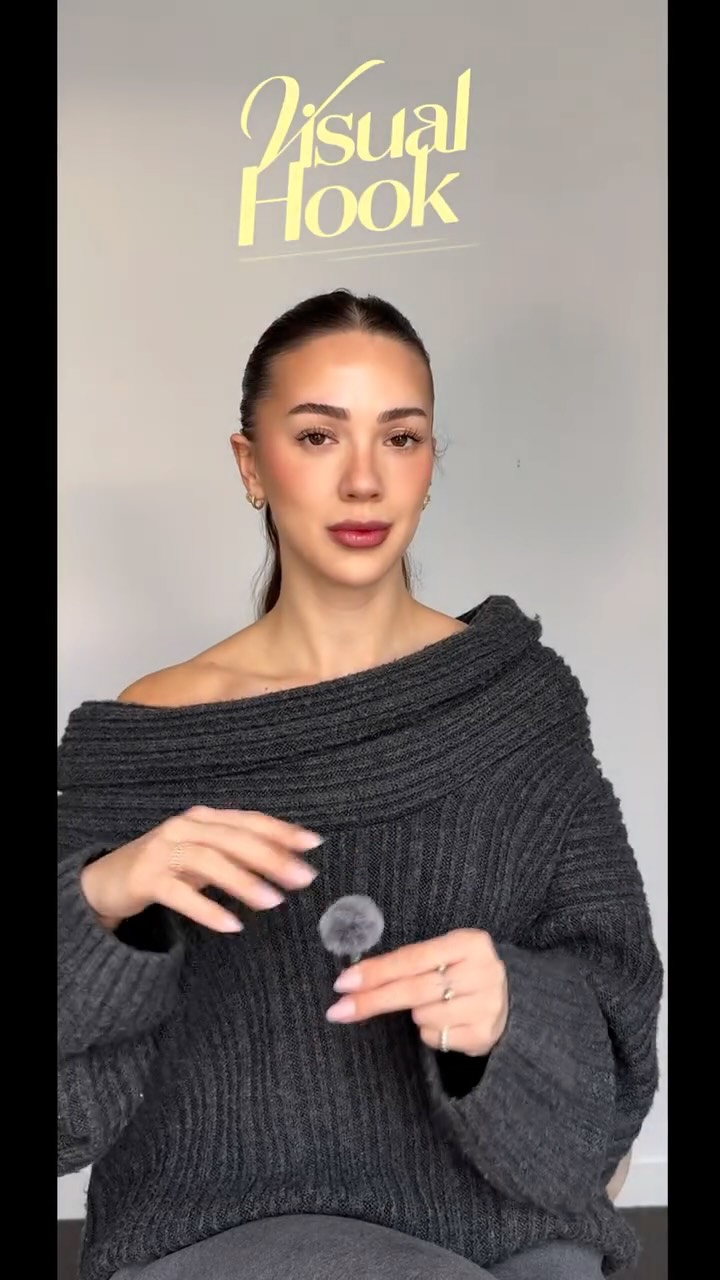
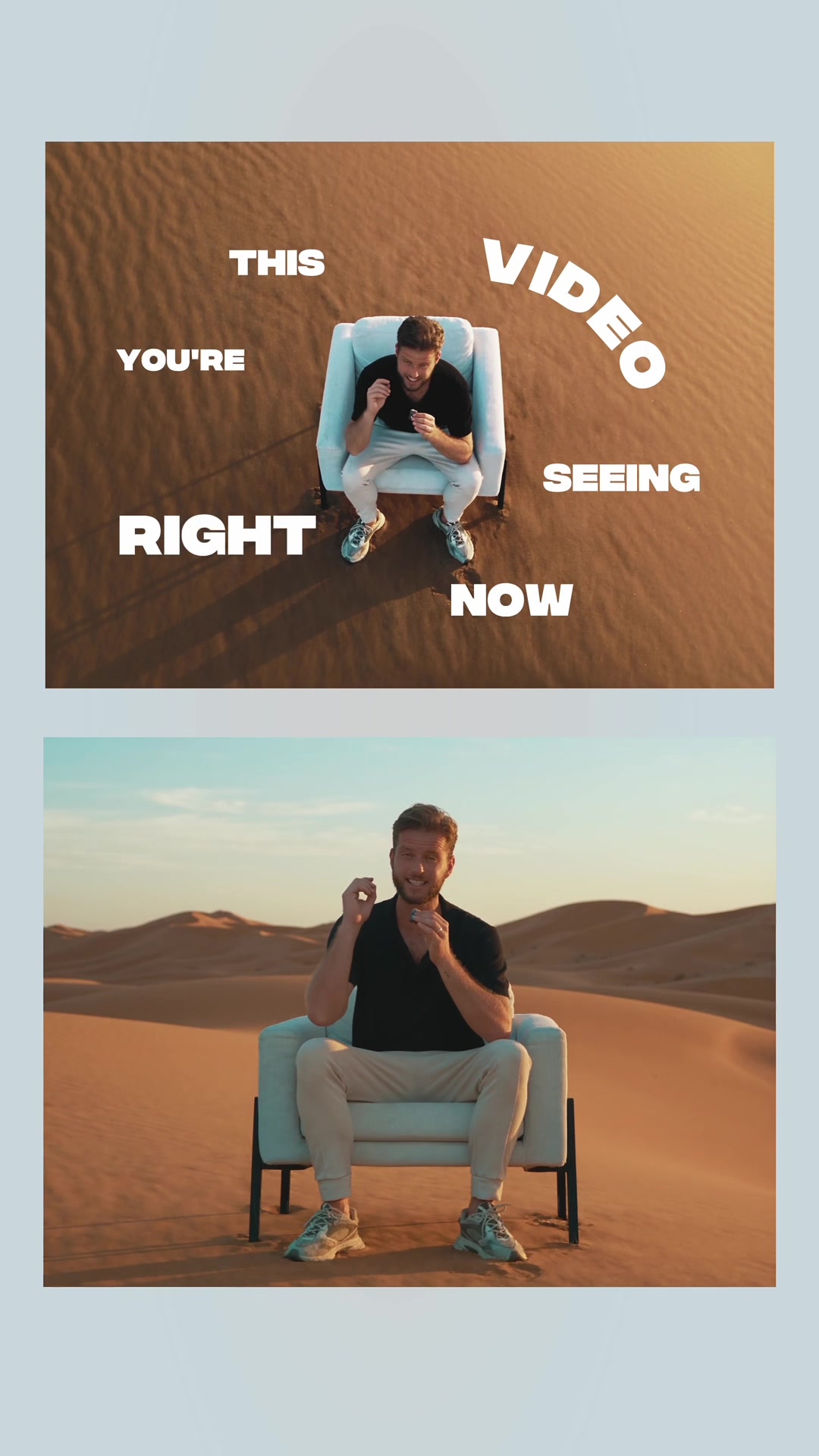
Visual hook · 10%
A woman sits cross-legged on the floor, speaking directly to the camera with open hand gestures. A screenshot of her social media profile with the follower count circled in red is overlaid on the screen as social proof.
[06]
Hook template
Steal this for your own video
How I FAKE [impressive-looking result]
— How I FAKE a 5AM morning routine
— How I FAKE a chef-level dinner party
— How I FAKE being a morning person at work
[07]
Hook and payoff
The promise the opener makes, and how the video pays it back
Hook
A counterintuitive statement that promises to reveal a 'secret' or 'fake' method for achieving a professional outcome, immediately grabbing attention by challenging conventional wisdom.
Payoff
The final item in the list is framed as the most crucial, nuanced, or 'secret' tip, rewarding the viewer for watching until the end and delivering the most impactful piece of advice last.
[08]
Narrative framework
The structural pattern this video runs on
Framework
The Secret Playbook
The creator reveals a set of non-obvious techniques ('faking it') used to achieve a desirable, expert-level result, framed as a numbered guide for beginners who share a specific struggle.
1
The Authority Proof
Immediately follows the hook with a quantifiable result or social proof (e.g., 'This got me X followers/sales/views') to establish credibility and validate the promised method before the explanation begins.
2
The Empathy Bridge
Identifies a common struggle or pain point of the target audience ('If you're not a natural X like me...') to create a relatable connection and frame the creator as a guide who has overcome the same problem.
3
The Numbered Gauntlet
The core of the video, where a series of numbered tips or steps are presented sequentially. Each step is a discrete, actionable piece of the overall 'secret' method, creating a clear path for the viewer to follow.
Themes
Creator Education
Authenticity
Content Strategy
Techniques
Direct-to-camera
Listicle
Visual aids
Social proof
Post caption
Don’t miss #5 👀 I don’t hear anyone else saying this and it makes my videos feel really natural 🫶
-
If you’re new here, hi! 👋 I’m Kristen, mom of 2 feral boys, on a mission to get to 1000 followers in 30 days with a brand new account. Sharing everything I’m learning as a newbie content creator 🚀
-
#editsapp #yapping
How to yap in camera, yapping tips, filming tips, how to look natural on camera, how to use a teleprompter
Text overlays
title · beginning
How I FAKE MY YAPPING VIDEOS
informational · beginning
600 followers
informational · beginning
IN 10 DAYS
contextual · beginning
Brand new acco
informational · beginning
I'm NOT a natural YAPPER
informational · beginning
5 THINGS I DO TO FAKE IT
informational · middle
1. SCRIPT
informational · middle
👉 Say it out loud as you write it
contextual · middle
(& I don't use AI to write in my voice)
informational · middle
2. TELEPROMPTER
informational · middle
Eye contact 👀 build trust
informational · middle
3. 1 line at a time
informational · middle
PAUSE BETWEEN EACH LINE
informational · middle
THE MAGIC of Post-Production
contextual · middle
Like this
informational · middle
Trimming all the silences is much easier when your lines don't run together
informational · middle
4. FILM WIDE
contextual · end
Edits
informational · end
5. Act natural
Transcript
Here's how I fake my yapping videos, and this is what helped me get to over 600 followers in the first ten days of having a brand new channel. If you're not a natural yapper like me, here are five things I do to make my videos look like I know what I'm doing. Number one, start with a script. Write it how you actually talk. Say it out loud before you film. And if it doesn't sound like something you'd actually say, rewrite it. Two, use a teleprompter. This is a non negotiable for me. I shrink the prompter area and put it right next to the camera no it looks like I'm talking to you and not reading. And I still try to look directly into the lens as much as I can. Number three, record one line at a time. Pause between each line. This gives you more flexibility when you edit because you can cut together all your best takes. I even add an extra space between sentences in my script to remind myself to pause. Number four, film wider than you think you need to. Leave plenty of space on top of your head and around you to give yourself room for zooms, graphics, best and overlays later. Number five, fake the natural part. Use your hands to emphasize what you're saying, like counting on your fingers or physically demonstrating a point.