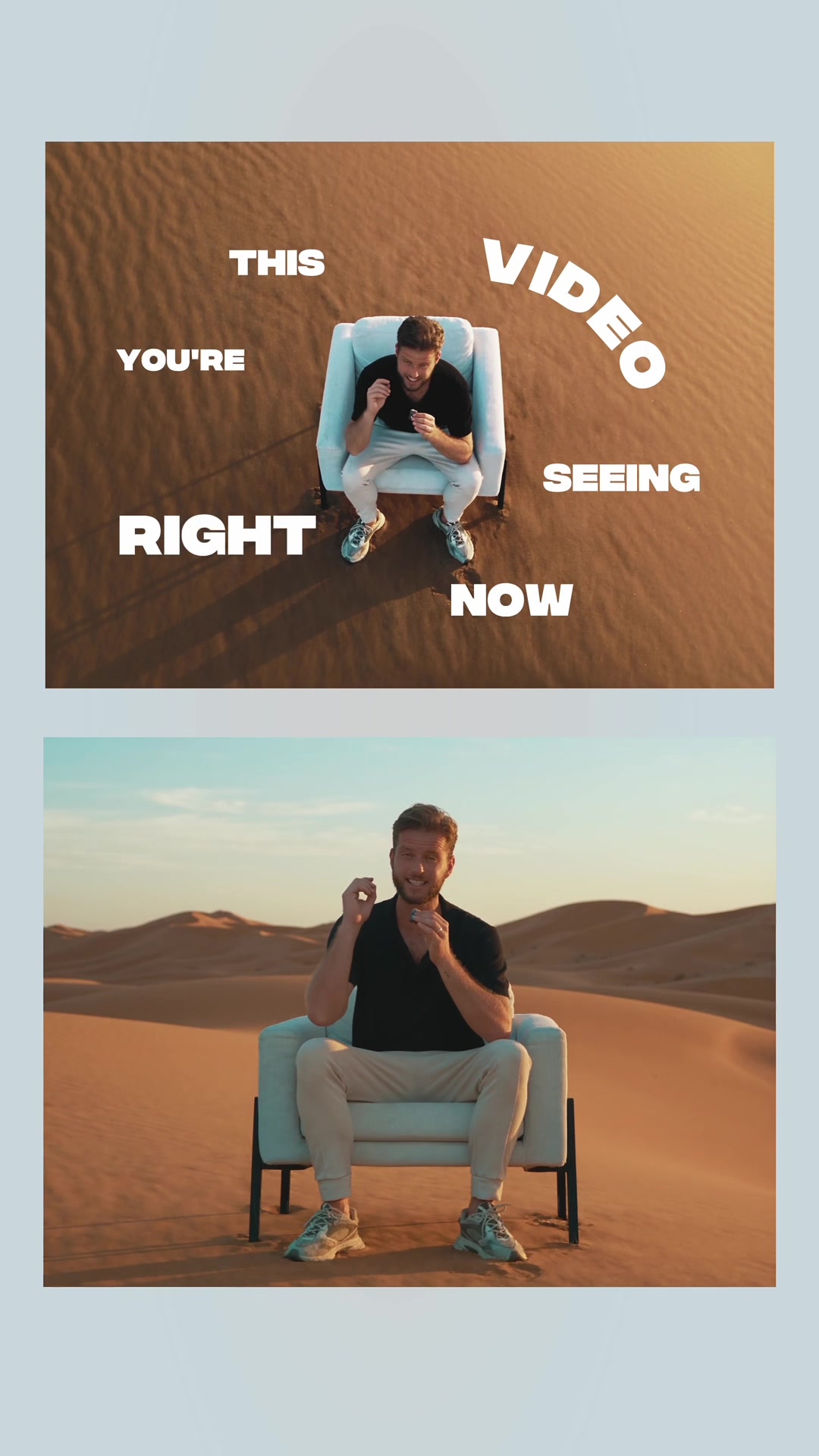
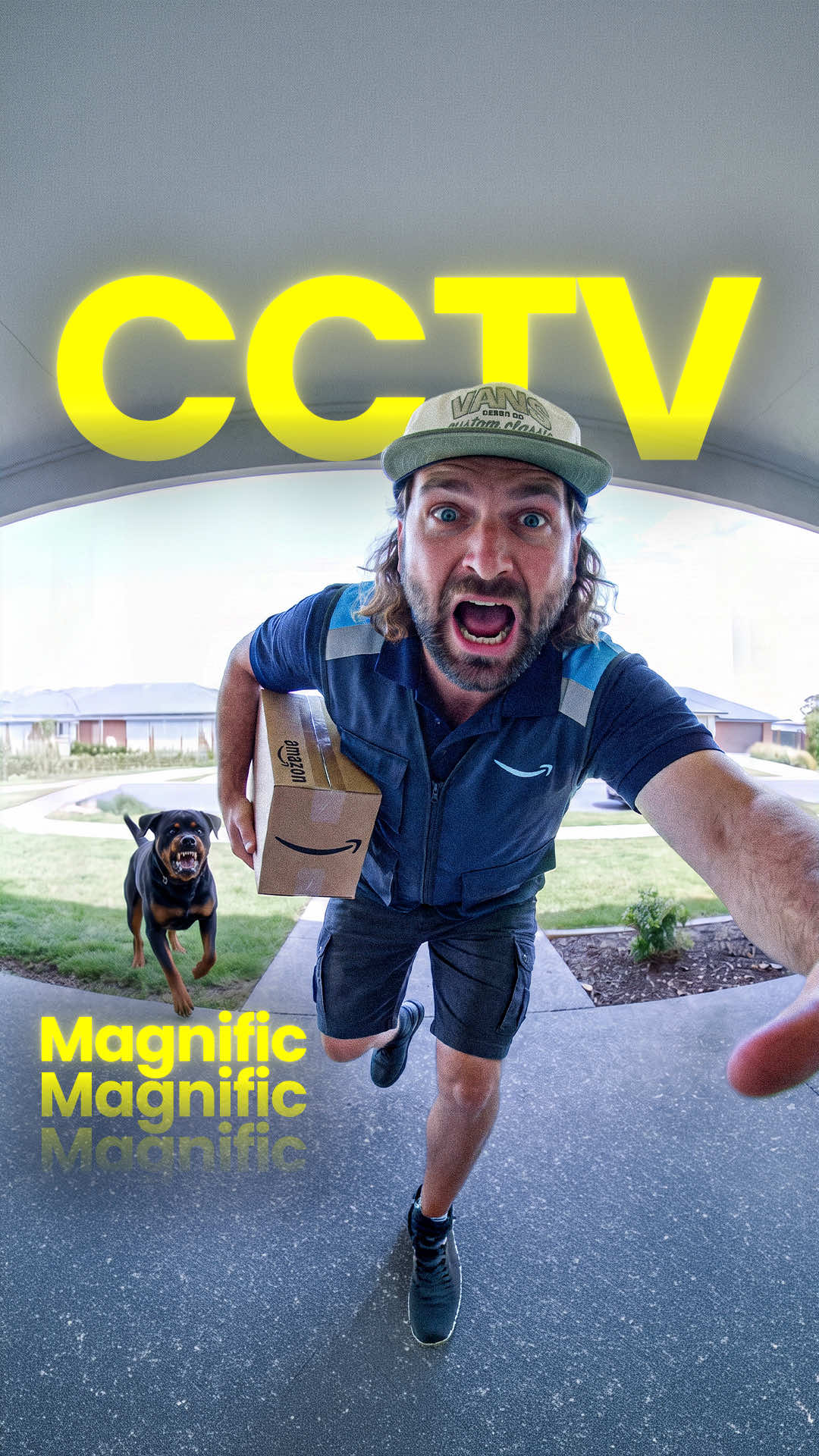
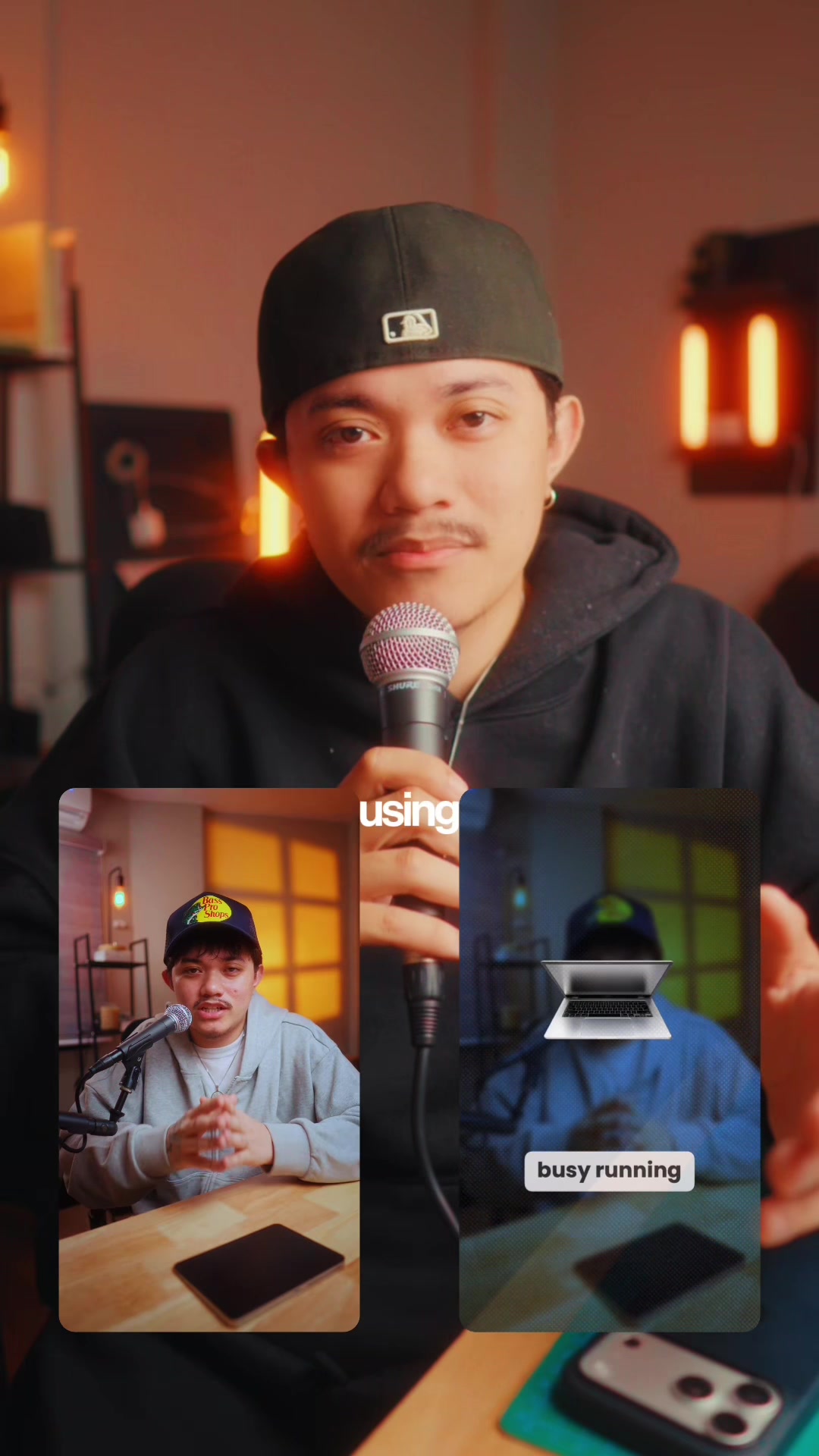
@byrvm_contentcreation This entire multi-camera sequence started with one video, filmed from one angle, with one camera. 🤯
Record a simple talking-head clip, then open CapCut Video Studio and upload your footage.
Select Seedance 2.5, set the quality to 1080p, and use the Multi-Angle Video Generator. Paste in the prompt and CapCut turns that single shot into multiple camera angles automatically.
From there, bring it into the editor, add dynamic captions, finish it with your favorite color grade, and you’re done.
One camera. One angle. Multiple shots. 🎬🔥
#CapCut #CapCutVideoStudio #CapCutDidThat #CapCutAI #CapCutPC
AI video editing tutorial showcasefrom @byrvm_contentcreation
[01]
Overview
The creator demonstrates how to use CapCut's AI Video Studio to transform a single talking-head video clip into a dynamic, multi-angle sequence. He starts by showing the impressive final result, reveals the simple backyard setup of the original shot, and then provides a step-by-step screen-recorded tutorial on uploading the clip, selecting the 'Multi-Angle Video Generator' skill, and using a specific prompt. Finally, he shows how to refine the AI-generated video with captions and color grading before ending with a call-to-action to receive a link to the tool.
This video you're seeing right now is taken once from one angle with one camera and this is the result.
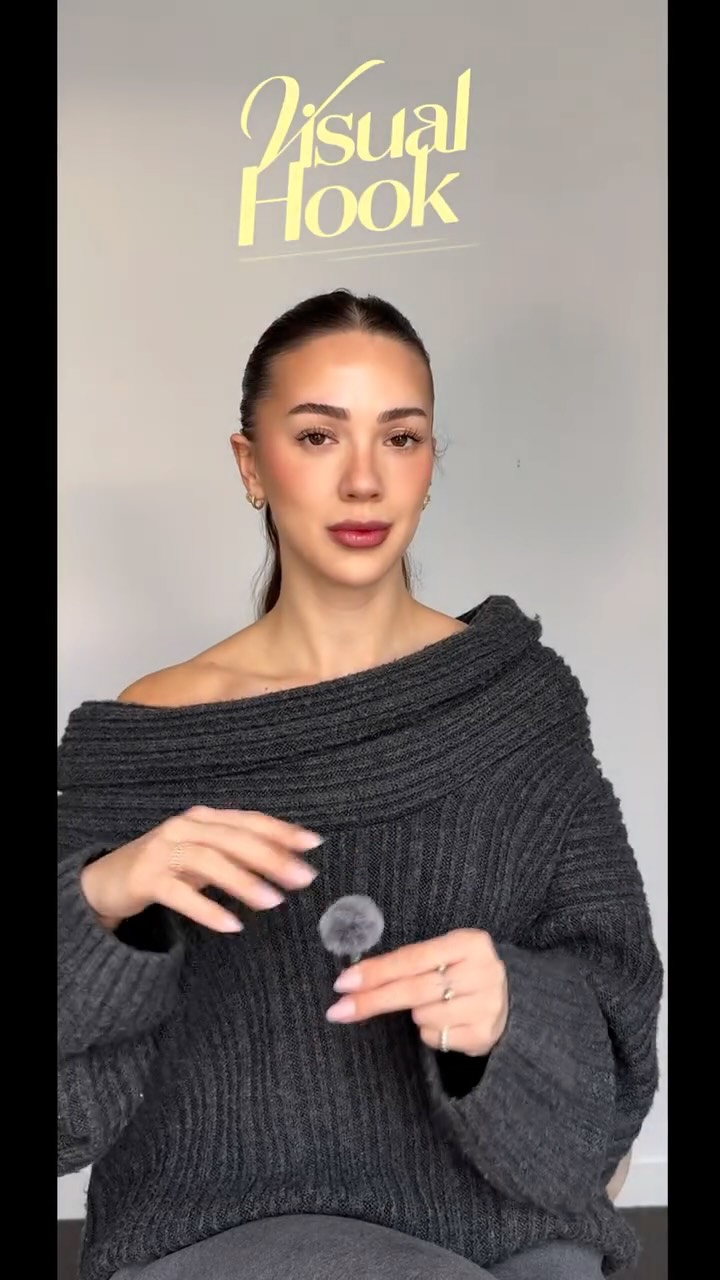
Visual hook
Split-screen layout showing two distinct camera angles simultaneously: a dramatic bird's-eye view from above and a standard eye-level shot, creating immediate visual contrast and intrigue.
[07]
Hook and payoff
The promise the opener makes, and how the video pays it back
Hook
Juxtapose a high-quality, complex-looking final product with a claim of simple, constrained creation, generating a 'how is that possible?' curiosity gap.
Payoff
Conclude with a direct, engagement-gated call to action that offers the viewer the means to replicate the process themselves, converting passive learning into active participation.
[08]
Narrative framework
The structural pattern this video runs on
Framework
The Transformation Tutorial
Demonstrating how to achieve a professional, complex result from a simple, accessible starting point using a specific tool or technique, thereby empowering the viewer.
1
The Paradoxical Premise
Showcase the impressive final result while stating the seemingly impossible conditions under which it was created, establishing a central mystery.
2
The Reality Reveal
Shatter the illusion by revealing the mundane, unpolished 'before' state, creating a stark contrast that emphasizes the power of the transformation to come.
3
The Foundational Step
Introduce the first, simple action the viewer must take, making the overall process feel accessible and achievable from the start.
4
The Tool & Technique Walkthrough
Provide a rapid, step-by-step screen-recorded guide through the necessary software settings and actions, breaking down the technical process into digestible visual instructions.
5
The 'Magic Wand' Moment
Reveal and apply the single key input (a command, a setting, a prompt) that triggers the core transformation, serving as the 'secret' to the entire process.
6
The Polishing Phase
Demonstrate the final value-add steps (e.g., color grading, text overlays) that elevate the raw output to the polished final product shown in the hook.
Themes
AI in creative work
Video editing efficiency
Software tutorials
Techniques
AI video generation
Screen recording
Split-screen editing
Dynamic captions
Trends
AI-powered content creation tools
Post caption
This entire multi-camera sequence started with one video, filmed from one angle, with one camera. 🤯
Record a simple talking-head clip, then open CapCut Video Studio and upload your footage.
Select Seedance 2.5, set the quality to 1080p, and use the Multi-Angle Video Generator. Paste in the prompt and CapCut turns that single shot into multiple camera angles automatically.
From there, bring it into the editor, add dynamic captions, finish it with your favorite color grade, and you’re done.
One camera. One angle. Multiple shots. 🎬🔥
#CapCut #CapCutVideoStudio #CapCutDidThat #CapCutAI #CapCutPC
Text overlays
title · beginning
THIS VIDEO
title · beginning
YOU'RE SEEING RIGHT NOW
title · beginning
IS TAKEN ONCE
title · beginning
FROM ONE ANGLE
title · beginning
WITH ONE CAMERA
title · beginning
AND THIS IS THE RESULT
informational · beginning
LET ME SHOW YOU HOW YOU CAN DO IT YOURSELF
informational · beginning
THE LOCATION IS ACTUALLY THIS
contextual · middle
go to CapCut
call-to-action · middle
COMMENT ANGLES
call-to-action · end
IF YOU WANT TO TRY THIS OUT FOR YOURSELF
call-to-action · end
COMMENT CAPCUT
call-to-action · end
AND I'LL DM YOU THE LINK
Transcript
This video you're seeing right now is taken once from one angle with one camera and this is the result. Let me show you how you can do it yourself. Oh and by the way the location is actually this. So first record a talking head clip of yourself from one angle like this. Next, open CapCut and select video studio. Now hit the plus sign and upload your clip. Best, switch to video, select c dance 2.5, change the quality to 80 p and set the duration to auto. Once done, go to scale and select multi angle video generator. Once done, come with angles and copy and paste this exact prompt for my community. Hit generate and CapCut will summarize what you asked for. Approve this and the video will be created so you get multi angle shots like this. Now input this clip in the capcut editor and play around with caption styles to make it even more dynamic. For the final touch, add your favorite color grade and once happy, export and you will get something like this. If you want to try this out for yourself, comment capcut and I'll DM you the link.