@edwardleefilms I created a free media kit template for you :)
When I was first starting out as a content creator, I'd be spending hours emailing brands with screenshots, links, metrics, etc, whenever they asked for them. Once I found that many creators have media kits that they send to brands, I decided to take some time to make my own. Now I spend way less time emailing back and forth with brands because of this media kit.
I published my media kit as a free template for you to use on Adobe Express (which is also a free). Once you open the template on Adobe Express, you'll be able to change the images, colors, text, and fonts to match your style. Link in bio.
#ad #communityxadobe #creative #branding
Creator explains how to make a media kit.from @edwardleefilms
[01]
Overview
The creator explains the importance of a media kit for content creators seeking brand partnerships. He defines what a media kit is, lists its essential components (bio, rates, metrics, etc.), shares a personal anecdote about how it streamlined his workflow, and then introduces a free, customizable media kit template he created on Adobe Express, showing how to tailor it to one's personal brand.
Alright. If you are a content creator and you wanna work with more brands, one thing you gotta make sure you have is a media kit.
Visual hook
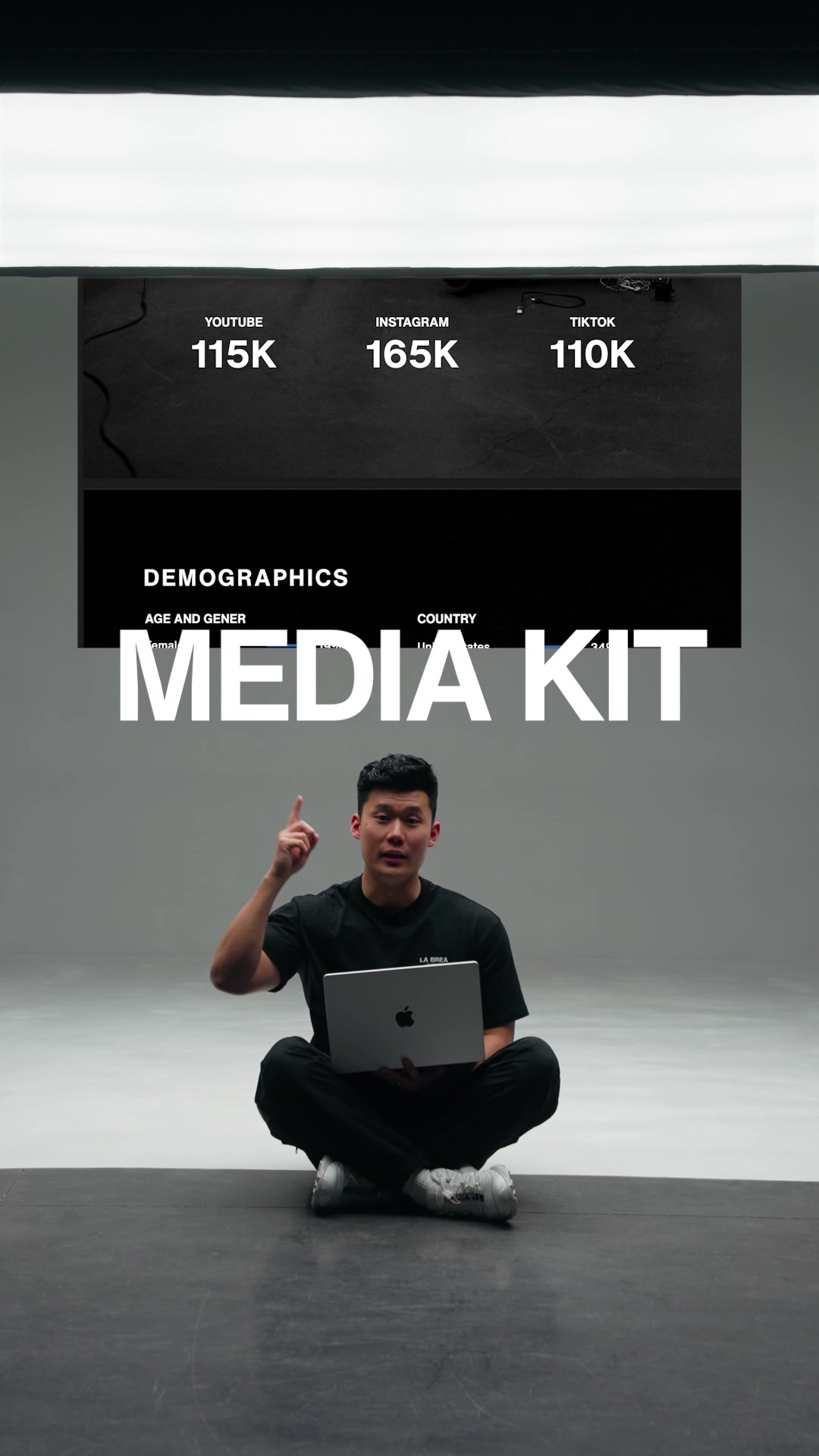
A creator walks into a clean, professional studio frame while holding a laptop, creating immediate movement and establishing a polished aesthetic.
[07]
Hook and payoff
The promise the opener makes, and how the video pays it back
Hook
Directly address a specific audience ('If you're a [identity]...') and state their primary desire ('...and you want to [achieve goal]') to immediately qualify the viewer and establish relevance.
Payoff
A direct and simple Call to Action that tells the viewer exactly where to get the offered resource, completing the value exchange.
[08]
Narrative framework
The structural pattern this video runs on
Framework
The Creator's Gift
Identify a common pain point for a specific audience, present a high-level solution, then offer a tangible, free tool to implement that solution, thereby establishing authority and driving action.
1
The Mandatory Concept
Introduce the non-negotiable tool or concept required to achieve the stated goal, creating a knowledge gap and establishing the video's value proposition.
2
The Component Breakdown
Define the concept and list its essential components to demystify it and make it feel manageable for the viewer.
3
The Relatability Bridge
Share a personal anecdote of struggling with the problem before discovering the solution, building trust and empathy by validating the audience's pain point.
4
The Generous Offer
Transition from the general solution to a specific, tangible, and free resource that the creator has personally made for the audience, presenting it as a gift.
5
The Barrier Removal
Explicitly state that the tool and the platform it's on are free and accessible to remove friction and preemptively handle objections.
6
The Empowerment Step
Explain how the viewer can customize and personalize the tool, giving them a sense of ownership and agency over the final product.
Themes
Creator monetization
Personal branding
Professionalism
Techniques
Direct address
Resource sharing
Personal anecdote
Post caption
I created a free media kit template for you :)
When I was first starting out as a content creator, I'd be spending hours emailing brands with screenshots, links, metrics, etc, whenever they asked for them. Once I found that many creators have media kits that they send to brands, I decided to take some time to make my own. Now I spend way less time emailing back and forth with brands because of this media kit.
I published my media kit as a free template for you to use on Adobe Express (which is also a free). Once you open the template on Adobe Express, you'll be able to change the images, colors, text, and fonts to match your style. Link in bio.
#ad #communityxadobe #creative #branding
Text overlays
title · beginning
MEDIA KIT
contextual · middle
my media kit includes:
informational · middle
bio
informational · middle
rates
informational · middle
metrics
informational · middle
demographics
informational · middle
examples
informational · middle
links
branding · middle
Adobe Express
informational · middle
completely free
informational · middle
mobile
informational · middle
desktop
call-to-action · end
Check the link in my bio
Transcript
Alright. If you are a content creator and you wanna work with more brands, one thing you gotta make sure you have is a media kit. Media kit is a digital doc that gives brands a quick snapshot about you and your brand and the audience that you've built. For my media kit, it includes my bio, rates, metrics, demographics, examples, and links. Early in my career as a content creator, I used to spend so much time on emails, going back and forth with the details that I just mentioned. But once I created a media kit, I realized I didn't have that problem as much anymore. So I created this media kit as a free template that you can use on Adobe Express, which is also completely free on mobile and desktop. And then you'll be able to add your own details and imagery to make your media kit specifically tailored to your brand. Hopefully, it helps. Check the link in my bio or read the details in the caption. Peace.
Creator explains how to make a media kit. | Viral Hooks