@jasoncooperson
Instagram · Split screen
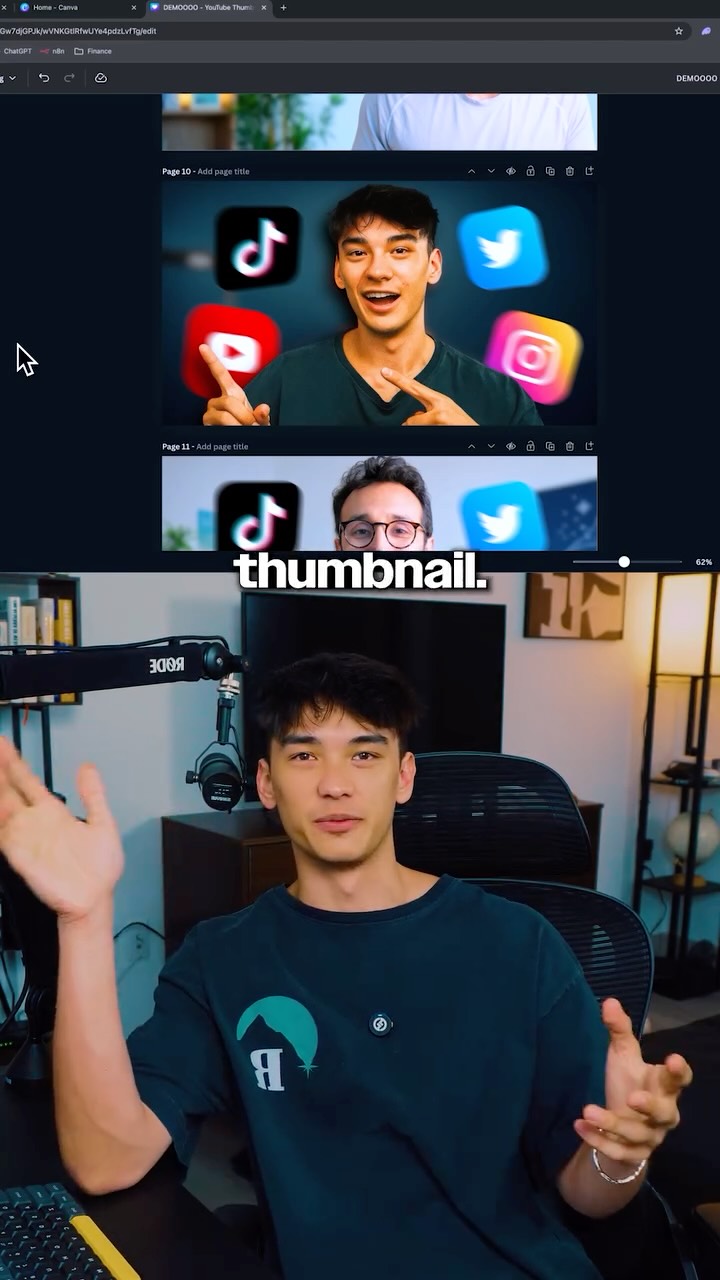
@jasoncooperson ChatGPT + Canva = goated thumbnails 🐐

@jasoncooperson
Instagram · Split screen
@jasoncooperson ChatGPT + Canva = goated thumbnails 🐐
Performance
Video #9245 · Split screen
[01]
The creator demonstrates how he replaced his thumbnail designer by using ChatGPT and Canva to create a professional YouTube thumbnail in five minutes. He walks through the entire process: taking a photo of himself, using ChatGPT's image generator with a detailed prompt to create a stylized version, and then importing that image into a Canva template. He finishes by using Canva's tools to remove the background and integrate his image into a pre-existing design, concluding with a call-to-action for a more detailed tutorial.
[02]
[03]
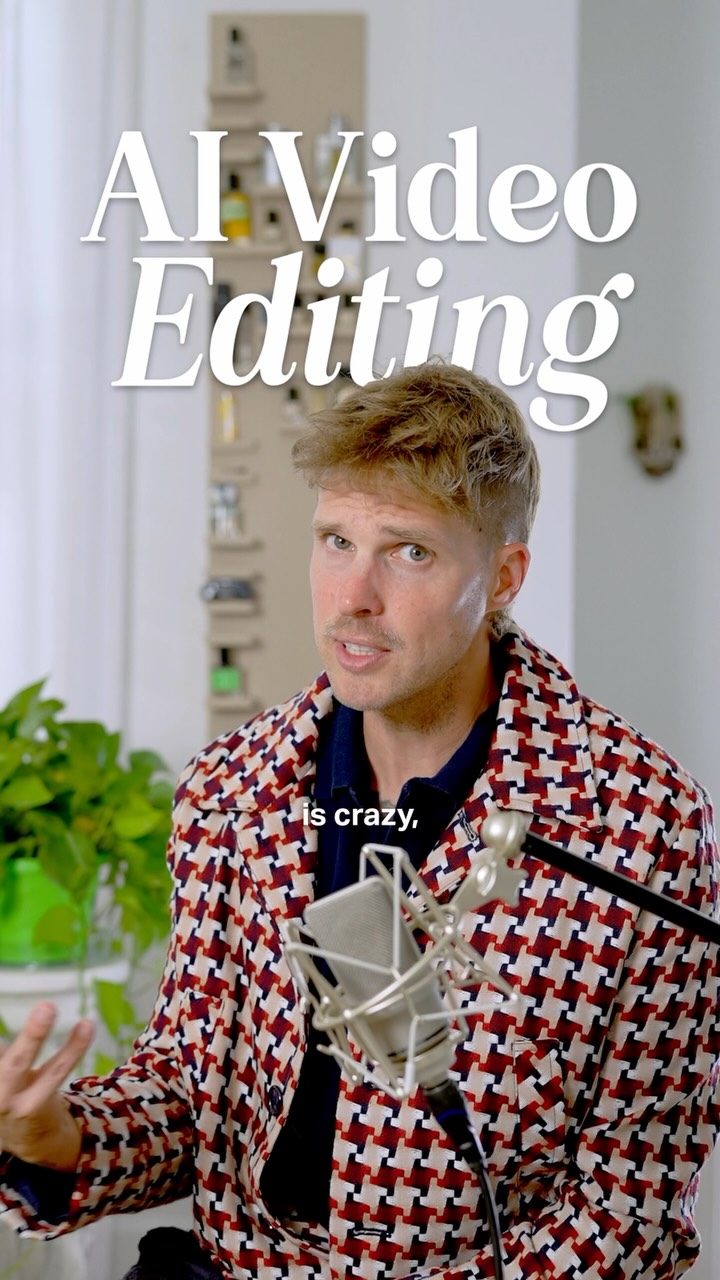 495.1K32×AI video editing tutorial breakdown@orenmeetsworld · Tutorial / How To
 1.2M21.7×Personal story of using AI tool@johnbucog · Origin Story
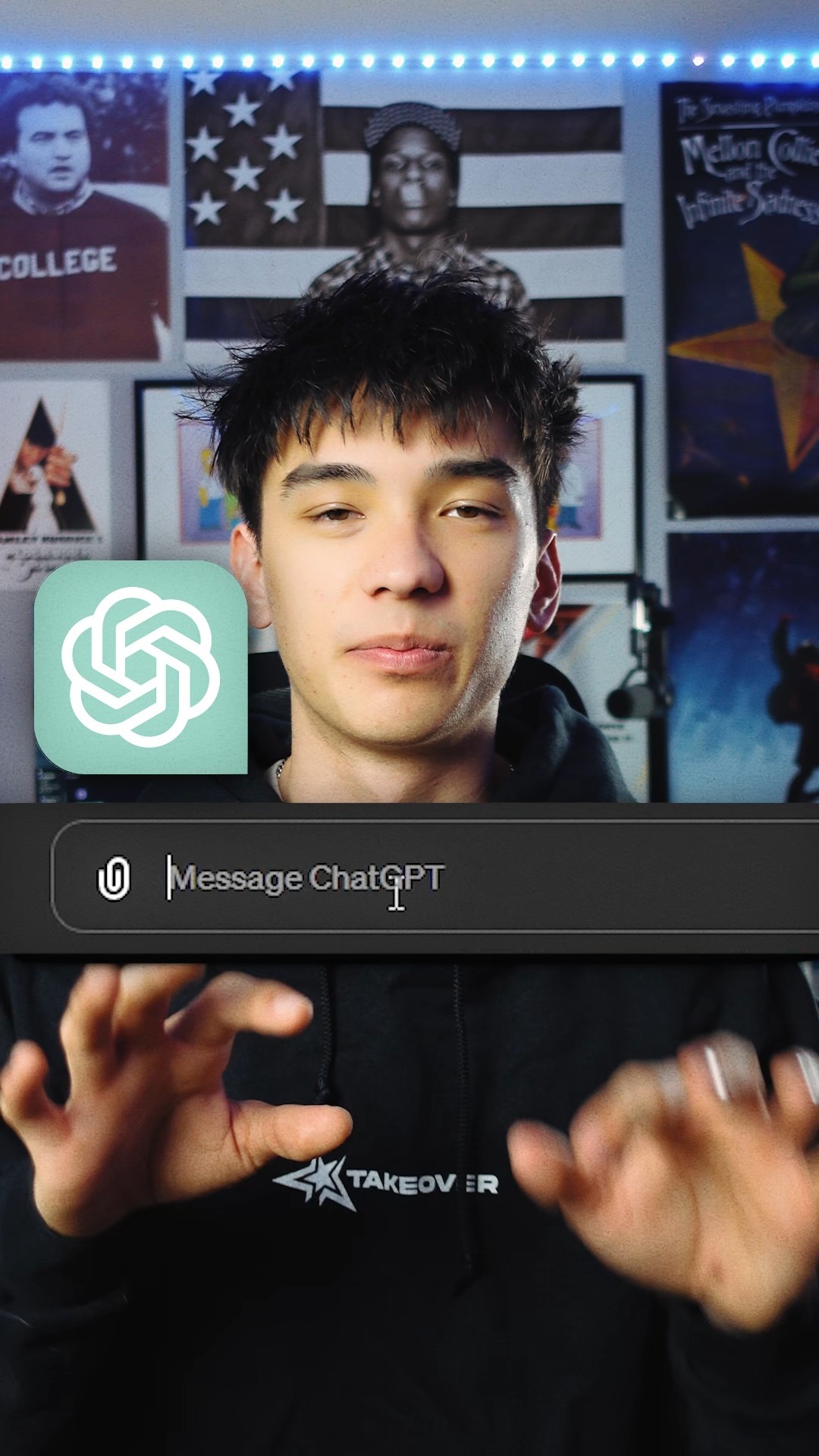 2.1M7.3×ChatGPT tutorial for content ideas@jasoncooperson · Tutorial / How To
 238.9K1.8×Create custom captions in seconds@johnbucog · Tutorial / How To
 1.6M69.7×AI design tool promo video@marcelodesignx · Product Promo
 1M137.7×AI video relighting tool tutorial@rourke.heath · Resource
 53.6M173.1×Talking head AI tool demo@rpn · Resource
 254.9K5.7×AI automates real estate marketing@coffeecontracts · Tutorial / How To
 353.2K47.5×Creator demos new AI tool@wellcopymax · Product Demo
 3.8M150.7×Creator demos custom visual effect tool@johnbucog · Tutorial / How To
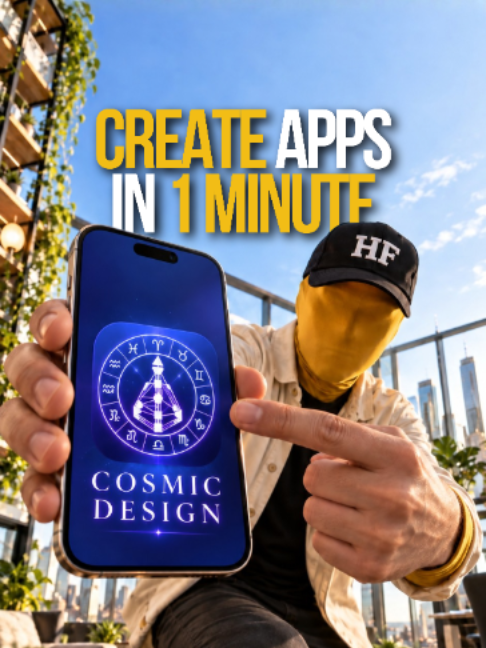 288.2KAI tool for building apps@hustle.faceless · Tutorial / How To
 599.9K7.6×AI video tool before/after tutorial@rourke · Tutorial / How To
[04]
[05]
What stops the scroll in the first 3 seconds
Title hook · 55%
replaced thumbnail ChatGPT in 5 mins...
Verbal hook · 40%
I just replaced my $30 thumbnail editor with ChatJabt in five minutes.
Visual hook · 5%
A direct-to-camera shot of the creator sitting at a professional desk setup, complete with a high-quality microphone and studio lighting, establishing authority.
[07]
The promise the opener makes, and how the video pays it back
Hook
A quantifiable and disruptive claim that promises to replace a costly or time-consuming process with a faster, cheaper alternative, immediately establishing a high-value proposition.
Payoff
A multi-part conclusion that first reveals the final, successfully completed product, then explicitly restates the core benefits (time, cost, convenience) to reinforce the hook's promise, and finally presents a direct call-to-action for deeper engagement.
[08]
The structural pattern this video runs on
Framework
The AI-Accelerated Workflow
Demonstrating how to replace a traditionally slow, expensive, or complex manual task with a rapid, cost-effective workflow that combines AI generation with simple manual refinement.
The Aspiration Gallery
Substantiates the hook's claim by showcasing multiple high-quality examples of the final output, setting a clear standard of quality and building viewer trust.
The Tool Stack Reveal
Clearly states the specific tools or resources required to follow the tutorial, managing viewer expectations and setting the stage for the practical steps.
The Input Capture
Guides the viewer through the first, simplest step of the process: creating the initial raw asset that will be transformed.
The AI Delegation
The core 'magic' moment where a specific prompt is given to an AI tool, which then autonomously performs the most complex part of the task, highlighting the primary efficiency gain.
The Curation Moment
Shows the AI-generated results and the creator making a deliberate choice, demonstrating that the user retains creative control and isn't just passively accepting the output.
The Assembly & Polish
Transitions the AI-generated asset into a manual editing environment, where it's integrated with other elements (like templates) and refined to achieve a polished final product.
ChatGPT + Canva = goated thumbnails 🐐
contextual · beginning
Canva + ChatGPT
call-to-action · end
"THUMB"
I just replaced my $30 thumbnail editor with ChatJabt in five minutes. I've been able to create thumbnails like this one, this one, and this one that come out super professional and we're gonna be doing this with Canva and Chachibuty plus. Alright. So the first thing you're gonna wanna do is open up photo booth. Probably do something like this. And now what we're going to do is just upload that image that we just took. Okay. So then what we're gonna do is we're gonna type out a prompt that is something like this and then we're just gonna hit this remix button. I'm gonna go grab a coffee or something. Alright. What do we got here? I am gonna go with probably this one. Now what we're gonna do is we are going to open up a new tab and go to canva. Alright. I'm gonna use this thumbnail template from Ali Abdaal. I am going to take the chajibiti image that we just generated and paste it in here. I'm gonna do the background remover on the first layer and I'm gonna separate myself from the background and I am going to erase that. And there we have it guys, that is gonna be our finished thumbnail. It took me literally five minutes. I didn't have to hire a designer, I didn't have to pay anyone and I didn't have to wait for anyone to come back with a thumbnail design. If you want to watch me do a live walkthrough of building a thumbnail from scratch to completely finished best like this one, then just comment thumb down below and I'll send you that full walkthrough tutorial video. Hope you guys found this one valuable, I'll see you in the next one. Peace!