Video #42836 · Graphic Yap
AI video editing tutorial breakdownfrom @orenmeetsworld
The creator demonstrates how he used ChatGPT's Astra model to automatically edit a video, breaking the process down into a six-step guide that covers connecting to editing software, providing a brief, cutting pauses, mixing audio, adding captions, color correcting, and placing images, before ending with a call-to-action for a tutorial.
- 1State a shocking outcome
- 2Detail the 'how-to' steps
- 3Articulate the core value
- 4Provide a clear next step
ConceptsTutorial / How ToProduct DemoBreakdown
ElementsB-Roll CutawayGraphic OverlayJump CutImage OverlayVoiceoverText OverlayTitle Text Hook
[05]
Hook analysis
What stops the scroll in the first 3 seconds
Title hook · 47%
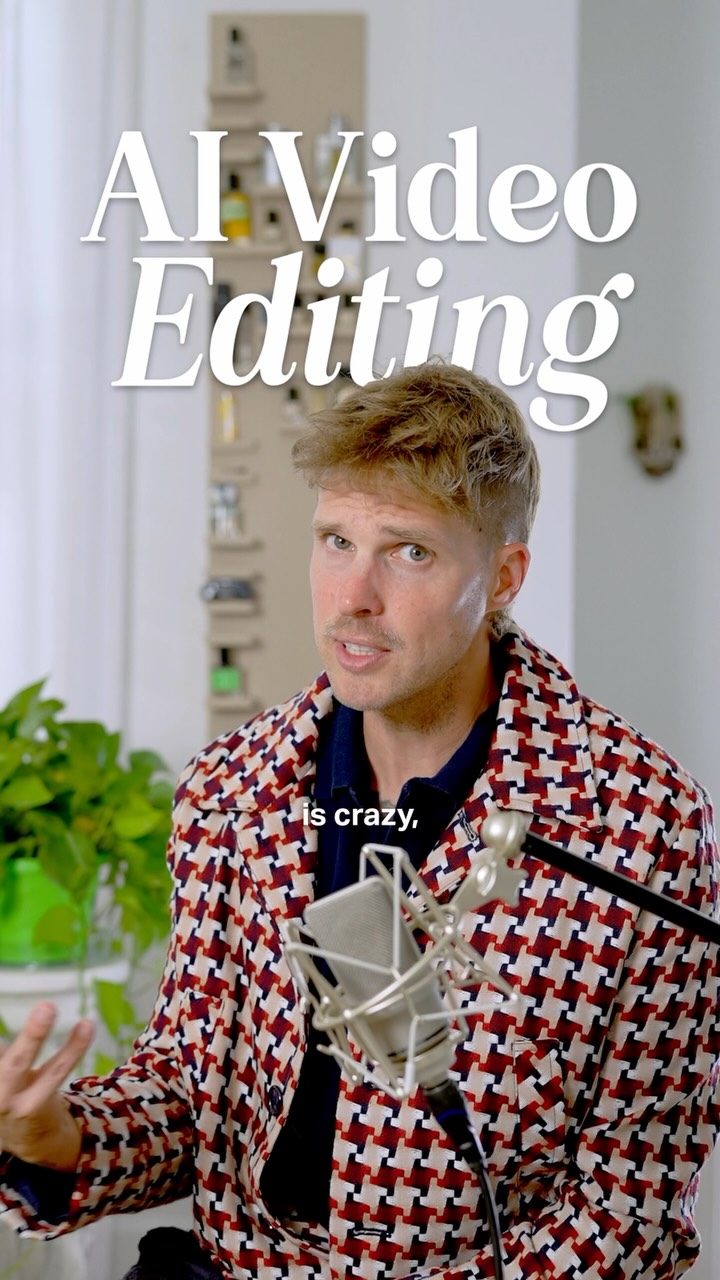
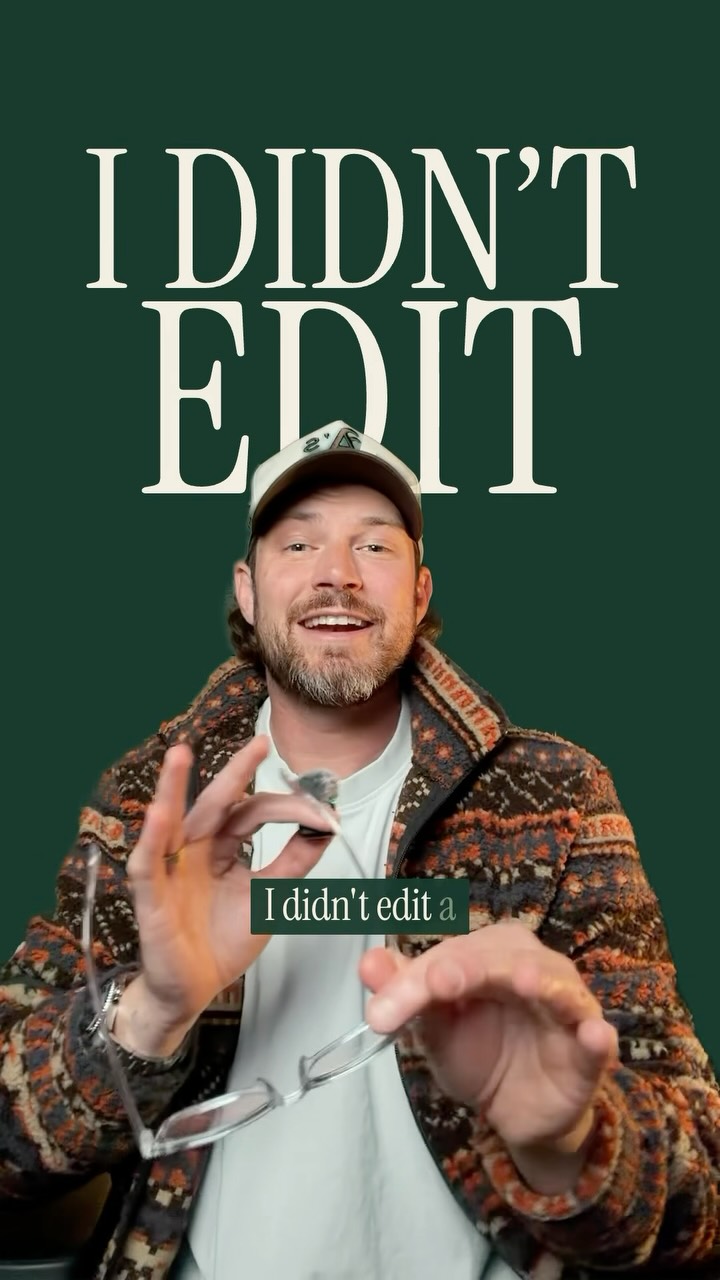
AI Video Editing
Verbal hook · 48%
So this is crazy, but ChatGPT Astro just edited this entire video for me in my style.
Visual hook · 5%
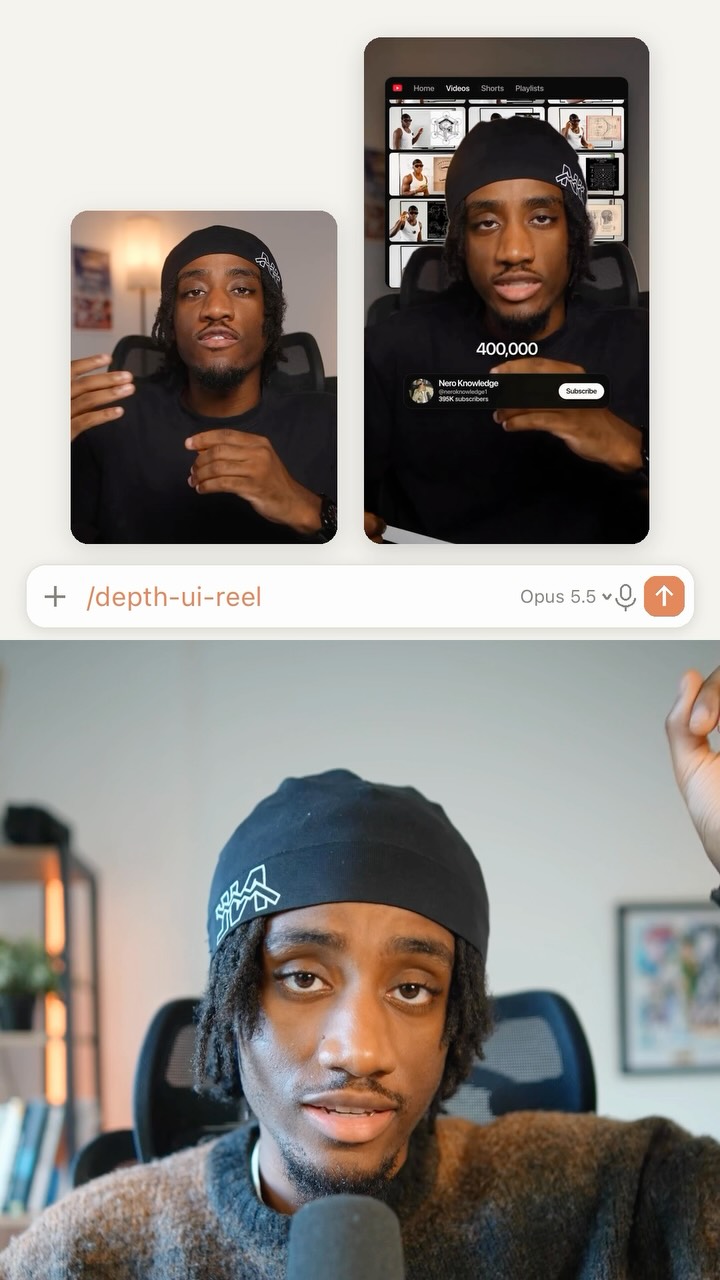
A speaker in a visually interesting red and white patterned jacket gestures expressively in a well-lit, professional setting with a large microphone in the foreground.
[06]
Hook template
Steal this for your own video
So this is crazy, but [tool or method] just [completed task] for me in [personalized way].
- — So this is crazy, but an AI editor just cut my video for me in my style.
- — So this is crazy, but a meal-planning app just built my weekly menu for me around my budget.
- — So this is crazy, but a scheduling tool just planned my workweek for me around my priorities.
[07]
Hook and payoff
The promise the opener makes, and how the video pays it back
Hook
Presenting an almost unbelievable result as a fact (e.g., 'This was created entirely by AI'), creating an immediate 'how is that possible?' curiosity gap.
Payoff
A direct call to action that offers a tangible resource (e.g., a cheat sheet, tutorial, link) to help the viewer replicate the process, driving high-intent engagement.
[08]
Narrative framework
The structural pattern this video runs on
Framework
The 'How-To' Revelation
Demonstrating a revolutionary new process by breaking it down into a simple, step-by-step guide, proving its efficacy, and highlighting the massive benefit it provides.
- 1
The Process Promise
Transitioning from the shocking result to a clear promise to explain the exact method used, setting the expectation for a tutorial.
- 2
The Foundational Steps
Outlining the initial setup and context-giving actions required to begin the process (e.g., connecting tools, providing source material).
- 3
The Execution Gauntlet
A rapid-fire sequence detailing the specific commands or actions performed to achieve the final result. This is the core 'how-to' section, often presented as a numbered or sequential list.
- 4
The Proof of Workflow
Providing visual evidence of the process in action (e.g., showing the user interface or behind-the-scenes work) to build credibility and demystify the technique.
- 5
The Value Proposition
Explicitly stating the primary pain point the process solves and framing it as a revolutionary solution that eliminates a common frustration.
Themes
- Artificial Intelligence
- Automation
- Creator Economy
- Productivity
Techniques
- Step-by-step guide
- Product demonstration
Trends
Post caption
This video was edited COMPLETELY by ChatGPT, I did not touch Resolve. Here’s how to do AI video editing using the new Astra model in ChatGPT work, and you can get a full cheat sheet and tutorial in my profile. #ChatGPT_Partner
Text overlays
title · beginning
AI Video Editing
title · beginning
ChatGPT editing guide
informational · beginning
01 Connect DaVinci Resolve
informational · beginning
Locate files
informational · middle
The brief
informational · middle
02 Cut pauses
informational · middle
03 Mix audio
informational · middle
04 Add captions
informational · middle
05 Color correct
informational · middle
06 Place images
call-to-action · end
THE EDITING KIT
Cheat sheet
Tutorial
Transcript
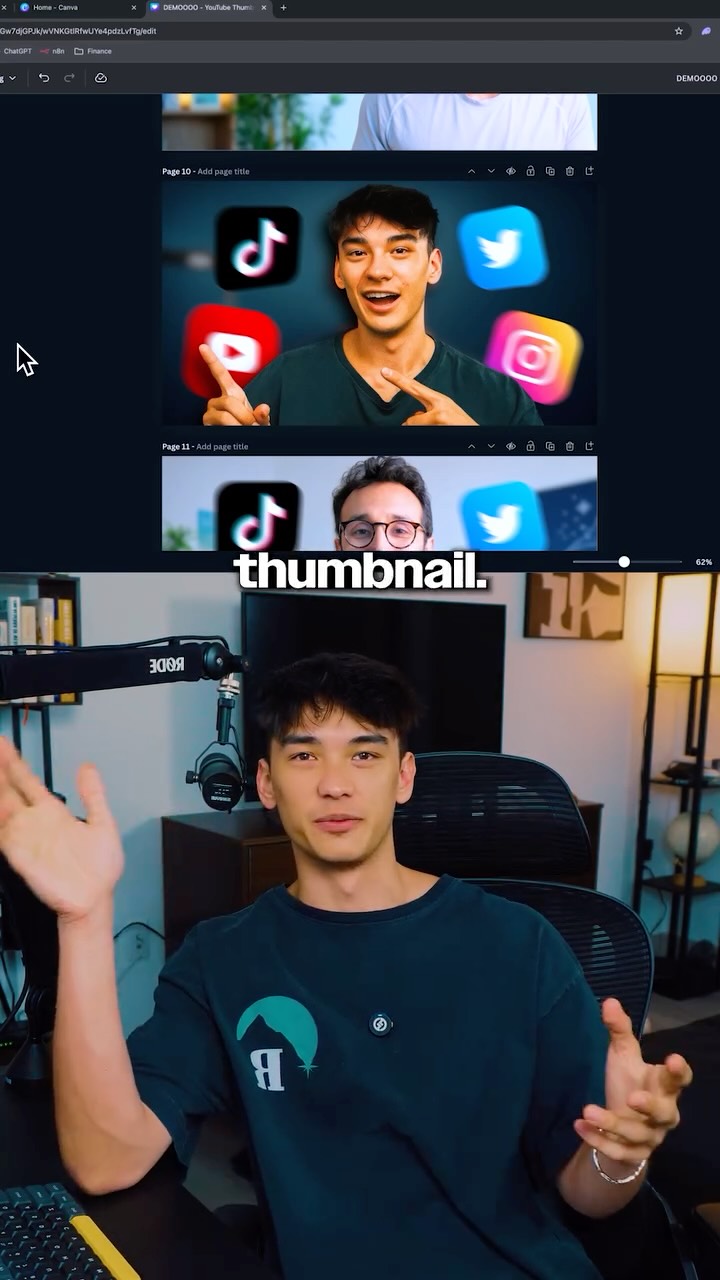
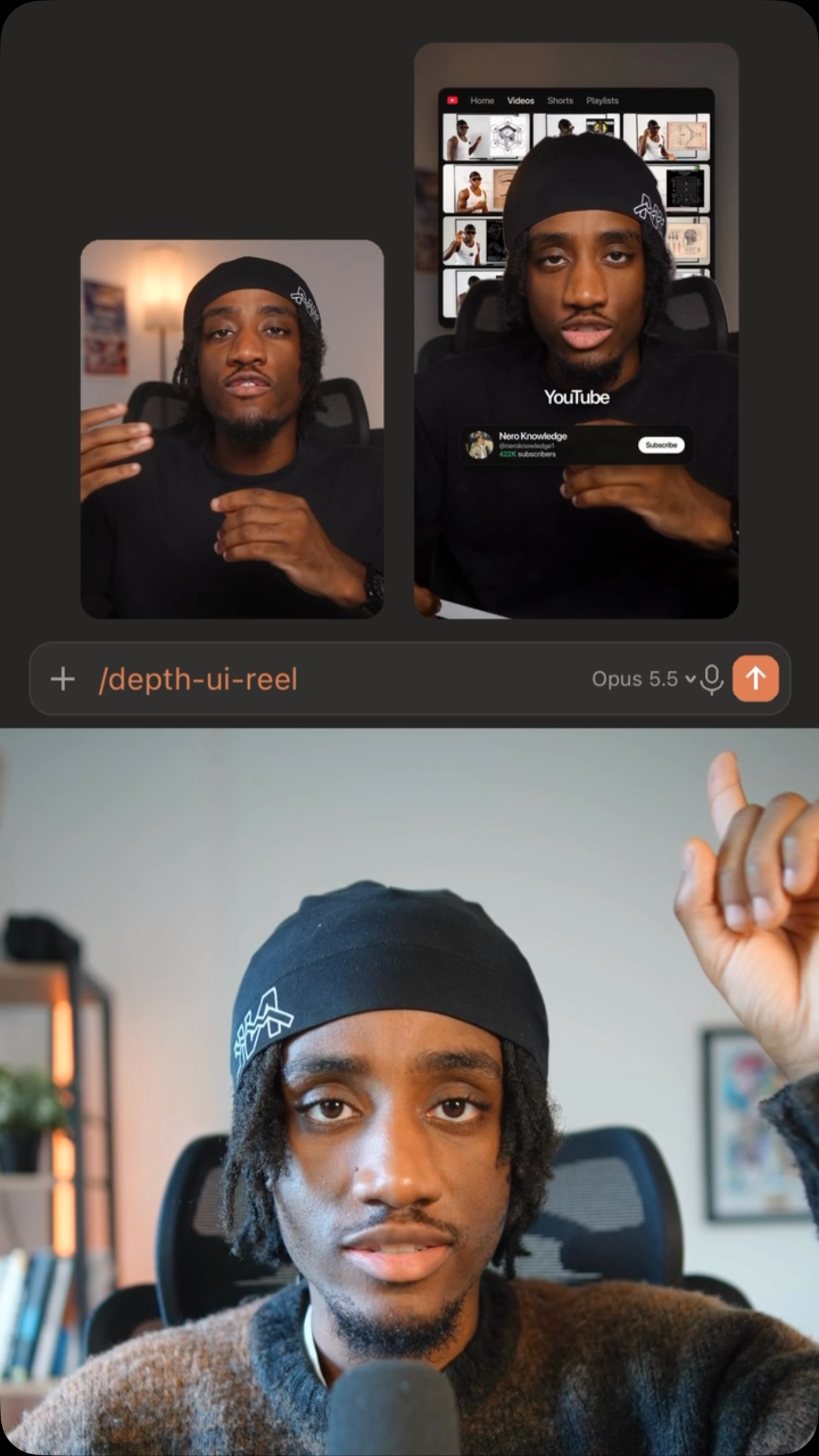
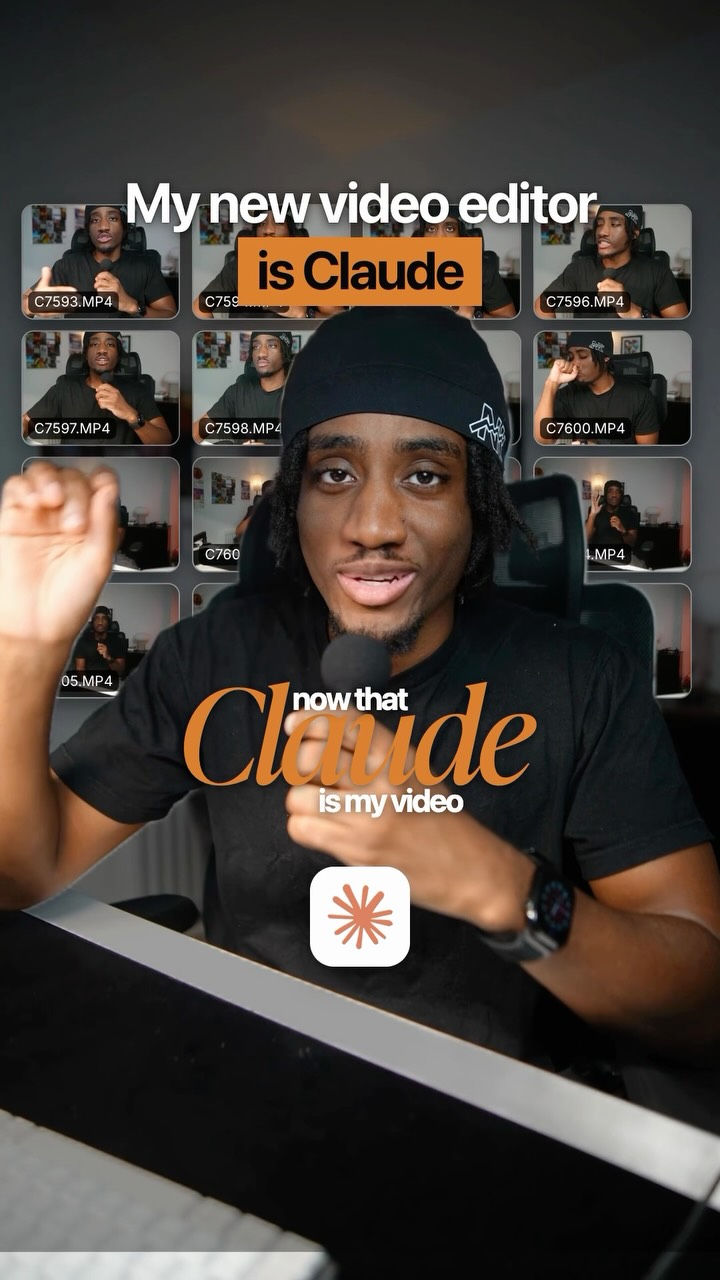
So this is crazy, but ChatCPT Astro just edited this entire video for me in my style. Here's how it works. First, ask ChatCPT worse to connect the DaVinci Resolve MCP. Then tell it where to locate your files, and explain what you want to do. So for me, I gave it four references of my videos it can look at frame by frame to build out my style. I asked it to cut down all the pauses from the clip, fix and normalize my audio and add music lightly beneath it. I had captions in my font and style to match the voice cadence. Color correct the footage based on my other videos and references, and last place the images behind me talking to match my captions. You can even ask it to grab images because Chat Tier worse can access your web browser. This is all just in chat. I can ask it to fix or go in and adjust directly. But for anyone who deals with initial production time suck, that is now just gone forever. Comment edit for my cheat sheet and links to the MCP and chat GBT worse. Lock in.