Viral Hooks
Trending short videosDesign mockup hack and event promo
B

@brandsbyrobin

Instagram · 10 Shot
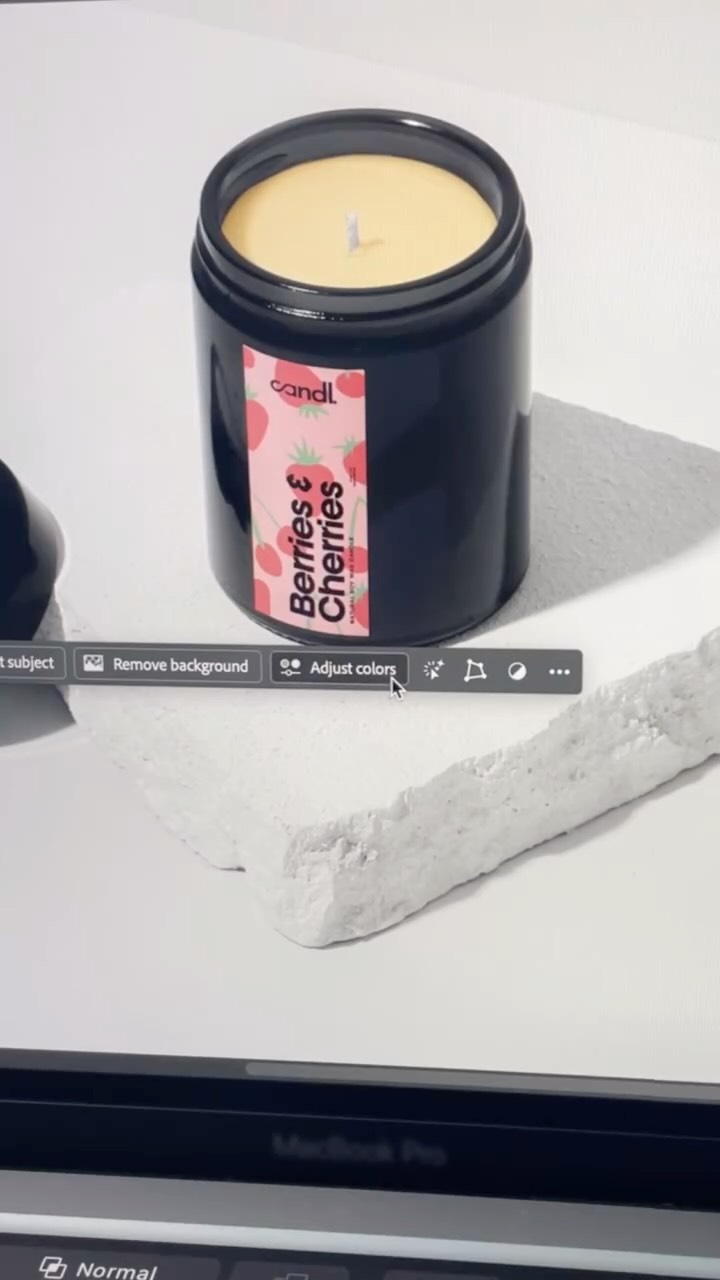
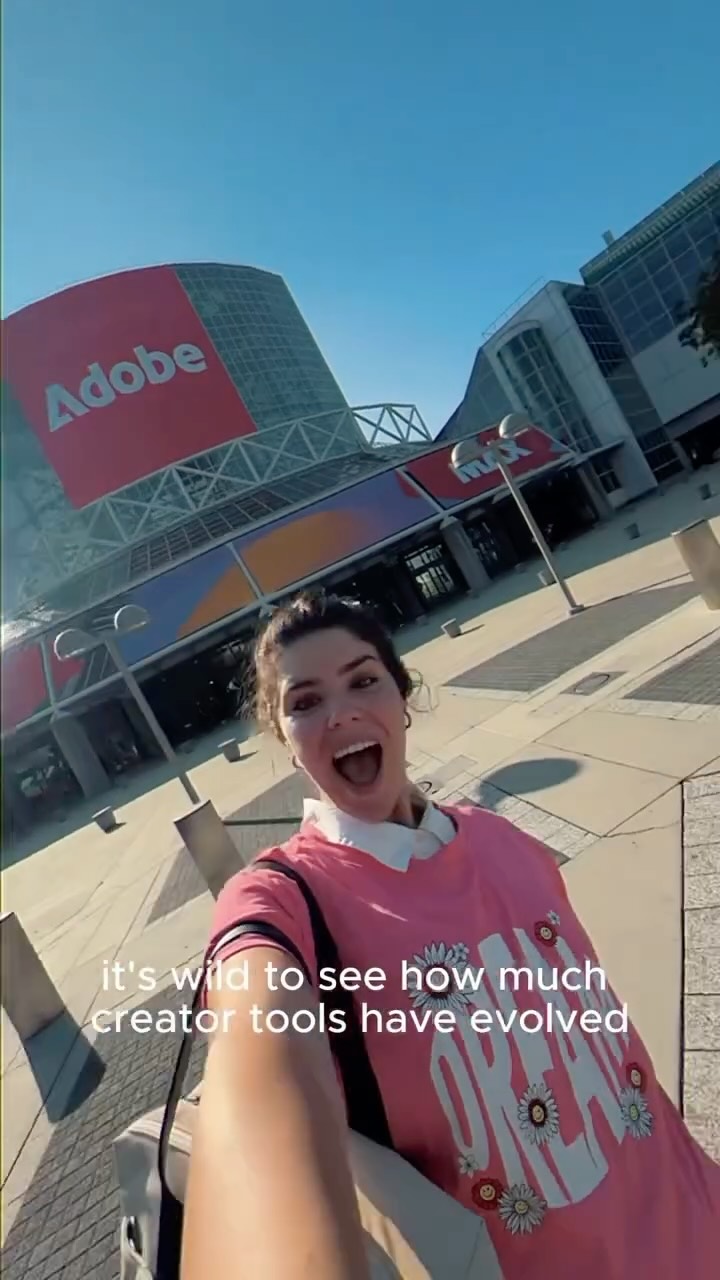
@brandsbyrobin I’m a brand designer not a photo editor so anything that saves me time with mockups is a win to me! I picked up this tip at @Adobe MAX London a few months ago. It’s such a simple little feature but it’s so quick and helpful. It detects the colours in an image and lets you adjust each colour it detects so you don’t have to fiddle around with selection tools and a bunch of layers. This is why I loved attending Adobe MAX London, if I hadn’t seen that keynote, I probably wouldn’t have learned this trick! You can learn even more cool tricks like this (and loads more) at Adobe MAX in Los Angeles on October 28th-30th 2025. There’s also dozens of sessions available online for free. Comment the word ‘MAX’ to receive a link to register to attend Adobe Max Los Angeles virtually for FREE! Or use code ‘M25MFRS’ to save $400 on your in-person pass! #adobepartner #adobemax
View original on Instagram

The edit1 shot · 8 text
Shots Text

Performance

Views
2.5M
Likes
10K
Comments
467
Engagement
0.4%
Outlier
4.3×

Video #11419 · 10 Shot

Design mockup hack and event promofrom @brandsbyrobin

[01]

Overview

The creator addresses a common design pain point by contrasting a slow manual workflow with a faster automated feature in Adobe software using screen recordings. She leverages this value-driven tutorial to transition into a promotion for the Adobe MAX conference, encouraging viewers to comment for registration details.

[02]

Simple outline

  1. 1Call out inefficient habit
  2. 2Show tedious manual process
  3. 3Reveal automated shortcut
  4. 4Credit source of knowledge
  5. 5Drive traffic to source

[03]

Related videos

[04]

Classification

Format
Concepts
Tutorial / How To
Elements
Text OverlayScreen RecordingSpeed Ramping

[05]

Hook analysis

What stops the scroll in the first 3 seconds

Title hook · 75%

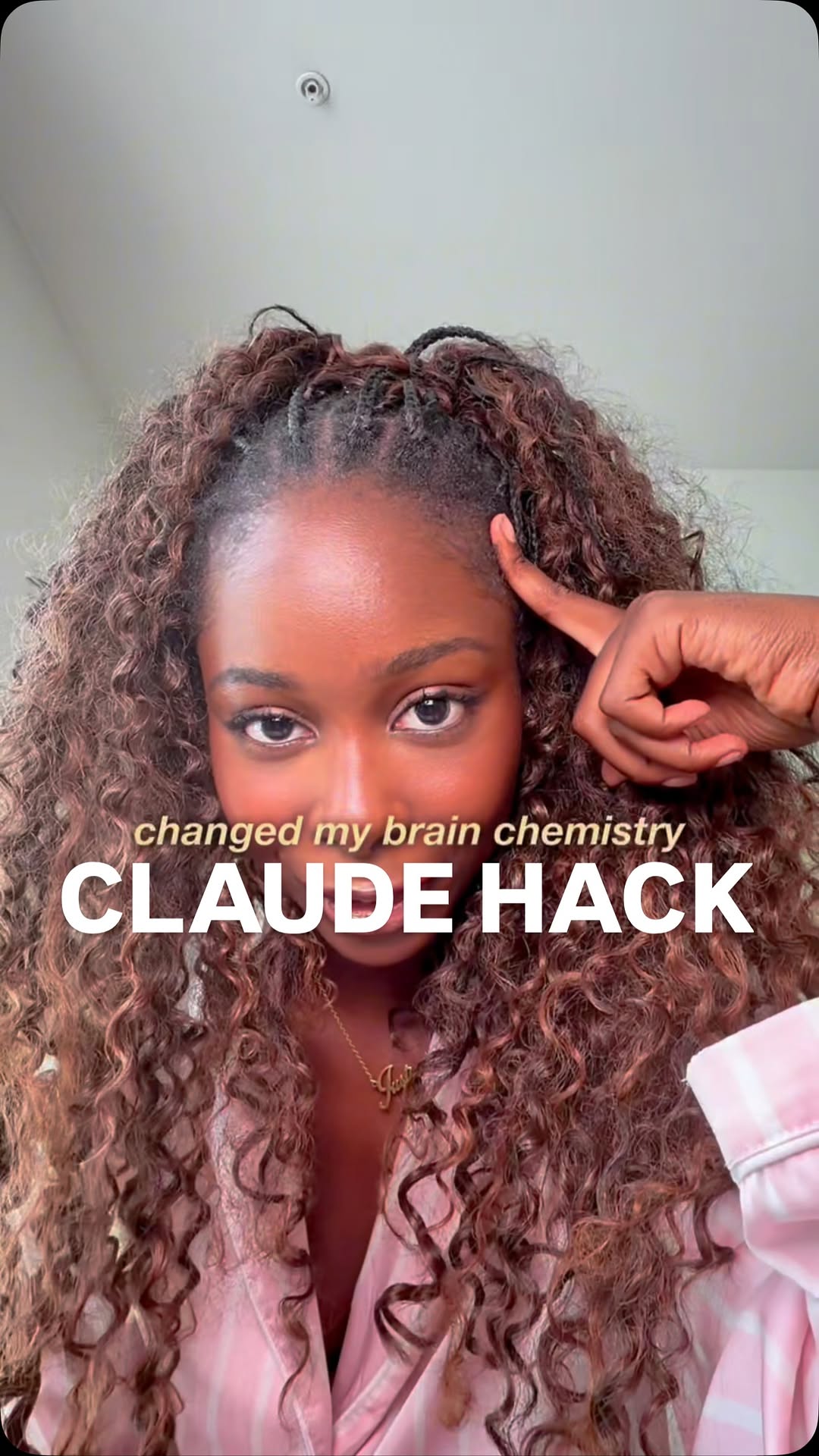
Stop wasting time when creating mockups

Visual hook · 25%

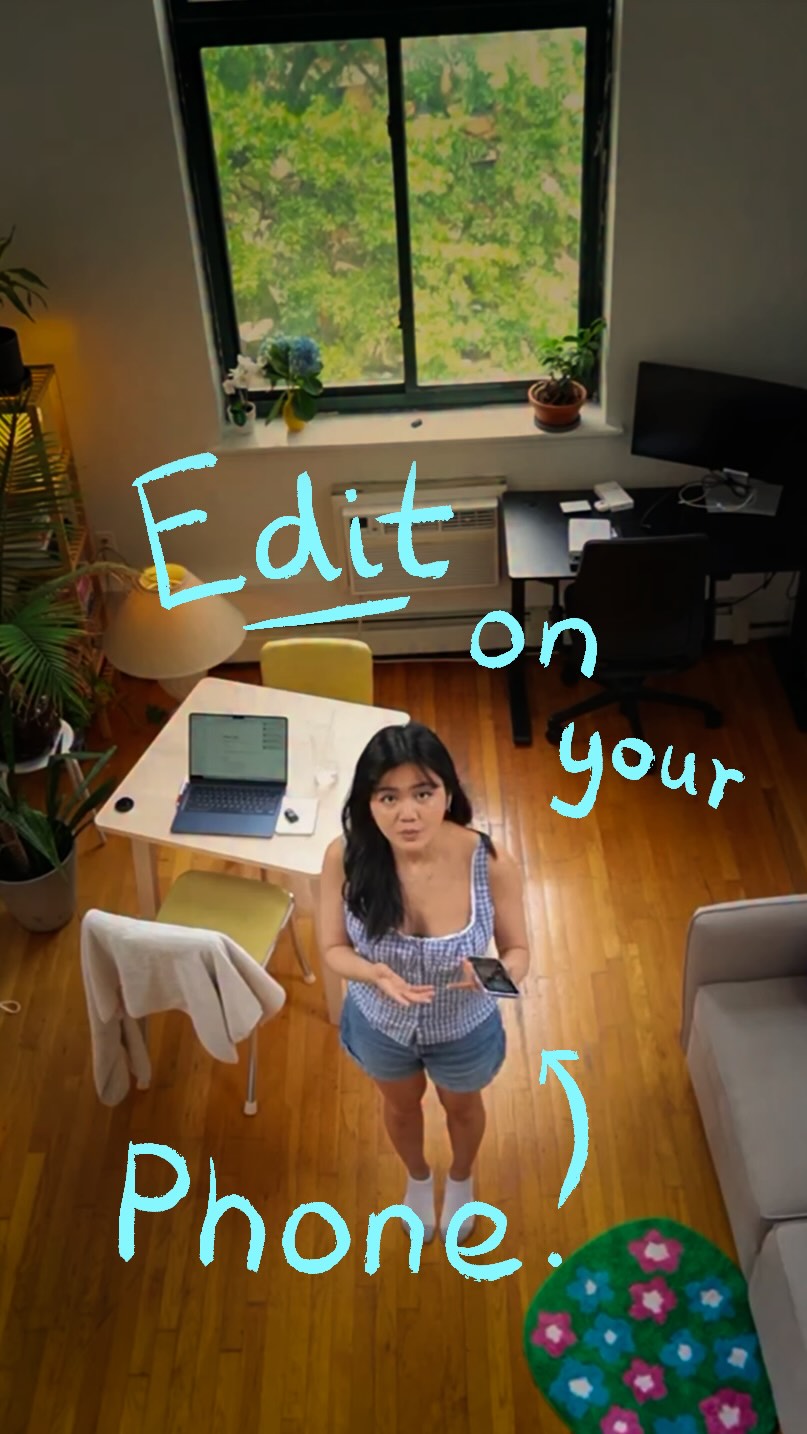
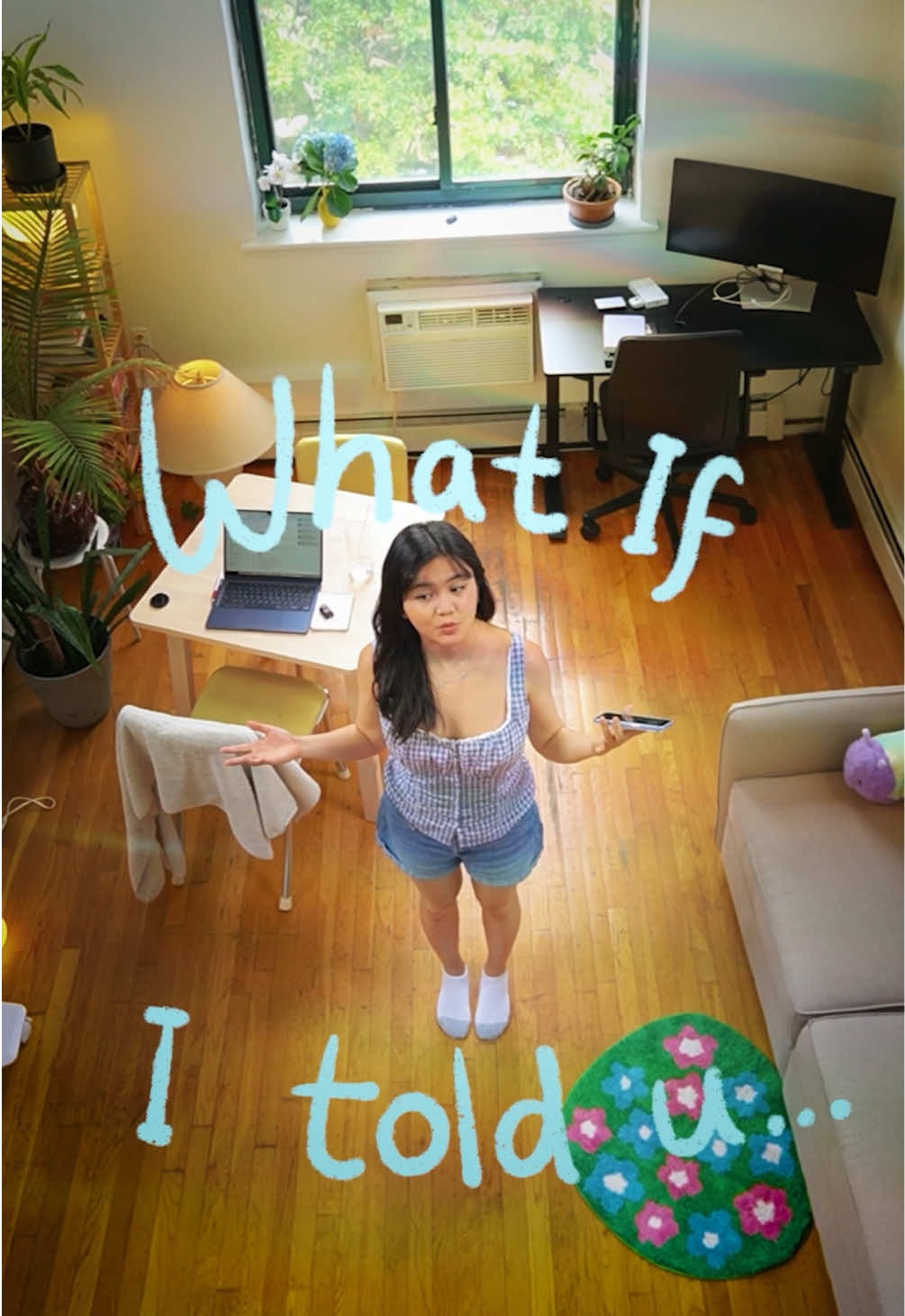
The creator sits at a desk, making direct eye contact and pointing upwards to the text overlay, creating an immediate visual cue for the viewer to read the hook.

[06]

Hook template

Steal this for your own video

Stop wasting time [manual workflow] when you could use [faster method].

  • — Stop wasting time resizing every social post when you could use auto-resize.
  • — Stop wasting time entering every expense when you could use receipt scanning.
  • — Stop wasting time watering on a schedule when you could use a soil-moisture sensor.

[07]

Hook and payoff

The promise the opener makes, and how the video pays it back

Hook

The Negative Command

Payoff

The Value CTA

[08]

Narrative framework

The structural pattern this video runs on

Framework

The Efficiency Pivot Funnel

Uses a specific, high-value workflow shortcut (the 'micro-win') to validate the authority of a larger event or product (the 'macro-source').

  1. 1

    The Manual Slog

    Visually demonstrates the traditional, time-consuming method to establish a relatable pain point.

  2. 2

    The Task Overload

    Displays a list of required variations (e.g., different flavors/colors) to mathematically multiply the pain of the manual method.

  3. 3

    The Magic Switch

    A distinct transition moment that promises a superior alternative, often using a snap or gesture.

  4. 4

    The Rapid Result

    Fast-paced, rhythmic demonstration of the new tool solving the problem instantly, contrasting sharply with the earlier slowness.

  5. 5

    The Authority Bridge

    Reveals the origin of this specific trick to build credibility for the product or event being promoted.

Themes

  • Efficiency
  • Learning
  • Professional Development

Techniques

  • Screen Recording
  • Text Overlays
  • Speed Ramping

Trends

  • Educational Reels
  • Event Promotion

Post caption

I’m a brand designer not a photo editor so anything that saves me time with mockups is a win to me! I picked up this tip at @Adobe MAX London a few months ago. It’s such a simple little feature but it’s so quick and helpful. It detects the colours in an image and lets you adjust each colour it detects so you don’t have to fiddle around with selection tools and a bunch of layers. This is why I loved attending Adobe MAX London, if I hadn’t seen that keynote, I probably wouldn’t have learned this trick! You can learn even more cool tricks like this (and loads more) at Adobe MAX in Los Angeles on October 28th-30th 2025. There’s also dozens of sessions available online for free. Comment the word ‘MAX’ to receive a link to register to attend Adobe Max Los Angeles virtually for FREE! Or use code ‘M25MFRS’ to save $400 on your in-person pass! #adobepartner #adobemax
Text overlays

  • branding · beginning

    #AdobePartner

  • title · beginning

    Stop wasting time when creating mockups

  • informational · middle

    There's now a quicker way

  • contextual · end

    Want to know where I learned this trick?

  • informational · end

    At Adobe MAX London!

  • informational · end

    Learn tips and tricks like this and more at Adobe MAX in Los Angeles, October 28th - 30th

  • call-to-action · end

    Comment the word "MAX" for a link to register to attend MAX online for free

  • informational · end

    And a discount code for $400 off a pass to attend MAX Los Angeles

Transcript

It's gonna get personal. You bad