Viral Hooks
Trending short videosReviewing Canva's new video editor features
S

@sydthecreative

Instagram · Talking Head Edit

@sydthecreative Trying Out Editing Apps So You Don’t Have To EP 3. @Canva Video Editor 2.0 🌱 If you know me, you know I love a good EDIT! And this year, I set out to test the best video apps all year long so you don’t have to. Today’s contender: Canva’s new Video Editor 2.0 👀 They completely rebuilt their editor and it actually feels creator-first. 
 Some standout features:
 • A revamped timeline with multiple tracks
 • Built-in audio enhance
 • A shockingly good background remover
 • In-app voiceover recording
 • 4K exports with no watermark
 • And Magic Video — one click and it recuts your entire edit. Love it. I’ll be honest… I’m impressed. If you’re a creator, @Canva Video Editor 2.0 is definitely worth a test run. Comment below and let me know if you’ve given it a shot.  Chat soon friend! #DesignedWithCanva #CanvaPartner

View original on Instagram

The edit1 shot · 6 text
Shots Text

Performance

Views
685.4K
Likes
20.8K
Comments
109
Engagement
3%
Outlier
8.6×

Video #9906 · Talking Head Edit

Reviewing Canva's new video editor featuresfrom @sydthecreative

[01]

Overview

The creator introduces the third episode of her editing app review series, specifically focusing on Canva's new Video Editor 2.0. She transitions from her personal introduction to a detailed showcase of new features like the multi-track timeline and background remover using screen recordings, before concluding with a recommendation and a call for viewer feedback.

[02]

Simple outline

  1. 1Announce testing mission
  2. 2Admit initial skepticism
  3. 3Reveal surprising utility
  4. 4List standout features
  5. 5Deliver final verdict

[03]

Related videos

[04]

Classification

Concepts
ReviewShowcase
Elements
B-Roll CutawayScreen RecordingSeries Title CardText Overlay

[05]

Hook analysis

What stops the scroll in the first 3 seconds

Title hook · 35%

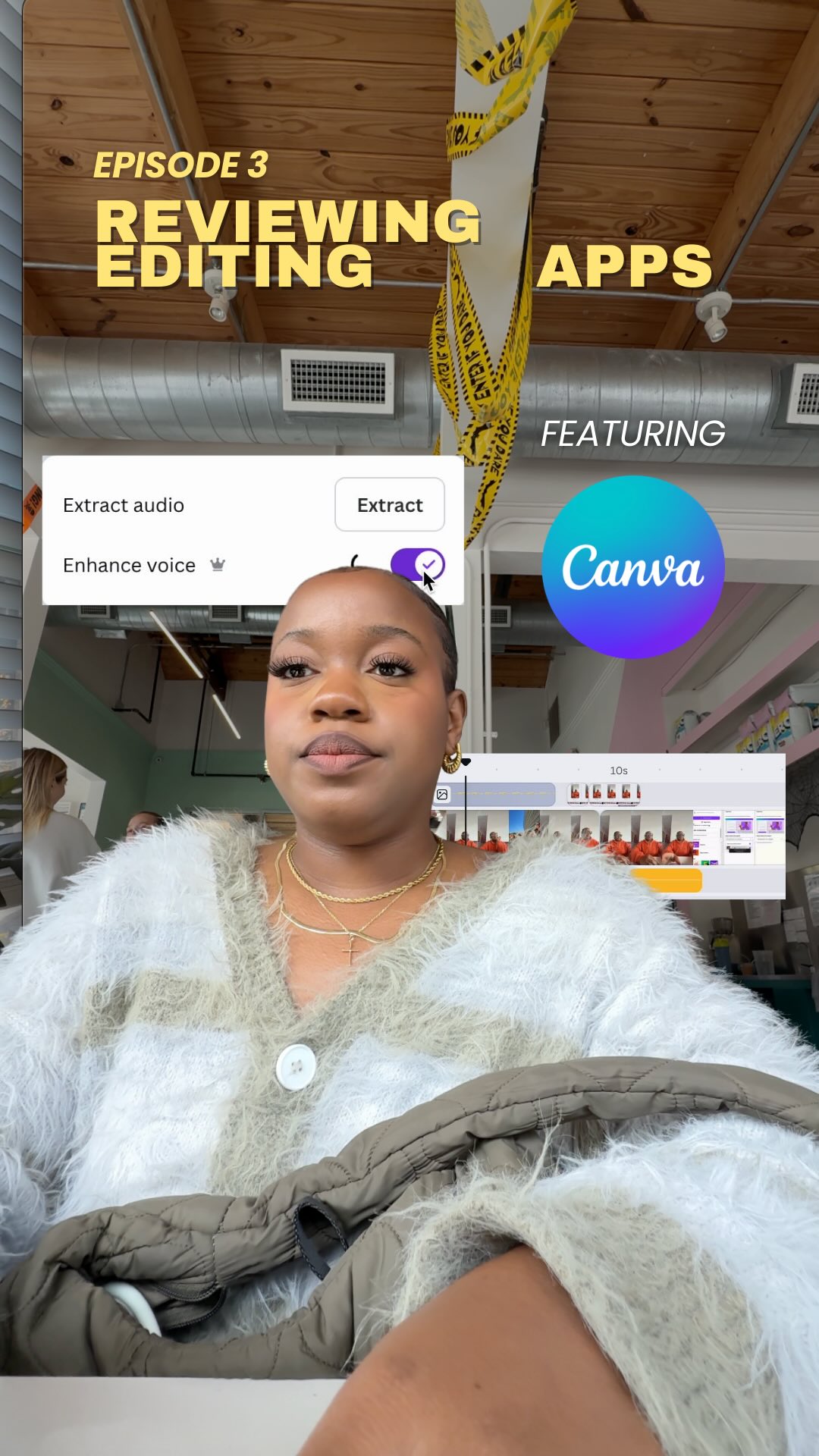
REVIEWING EDITING APPS EPISODE 3 - CANVA

Verbal hook · 40%

It's time for us to choose a new editing app, y'all.

Visual hook · 25%

Creator putting on headphones and adjusting glasses with large, bold yellow series title text overlay appearing on screen.

[06]

Hook template

Steal this for your own video

It's time for us to choose a new [product category], [identity group].

  • — It's time for us to choose a new project management app, freelancers.
  • — It's time for us to choose a new protein powder, gym girls.
  • — It's time for us to choose a new budgeting method, nine-to-fivers.

[07]

Hook and payoff

The promise the opener makes, and how the video pays it back

Hook

The Service Mission Promise: The creator establishes themselves as a proxy for the audience, volunteering to take on the burden of labor (testing everything) so the viewer doesn't have to.

Payoff

The Verified Stamp: A clear, definitive recommendation based on the evidence presented, followed by a loop-opening question that invites audience input for the next installment of the series.

[08]

Narrative framework

The structural pattern this video runs on

Framework

The Skeptic's Conversion Protocol

A trusted expert validates a tool by explicitly moving from admitted skepticism to enthusiastic endorsement through a sequence of undeniable evidence.

  1. 1

    The Brand Paradox

    Acknowledging the subject's dominance in one known category while explicitly voicing doubt about its capability in the new category being tested, validating the viewer's own potential bias.

  2. 2

    The Pivot Point

    The moment of realization where the creator admits their skepticism was wrong, triggered by a specific update or release that fundamentally changes the user experience.

  3. 3

    The Feature Barrage

    A rapid-fire visual demonstration of specific, high-utility capabilities that directly address common creator pain points (timeline, audio, export quality).

  4. 4

    The Magic Differentiator

    Isolating a single, 'wow-factor' feature that separates this tool from competitors and demonstrates effortless results, serving as the peak of the demonstration.

Themes

  • Efficiency
  • Creator tools
  • Software updates

Techniques

  • Screen recording
  • Text overlays
  • Voiceover

Trends

  • Testing apps series
  • Canva updates

Post caption

Trying Out Editing Apps So You Don’t Have To EP 3. @Canva Video Editor 2.0 🌱 If you know me, you know I love a good EDIT! And this year, I set out to test the best video apps all year long so you don’t have to. Today’s contender: Canva’s new Video Editor 2.0 👀 They completely rebuilt their editor and it actually feels creator-first. 
 Some standout features:
 • A revamped timeline with multiple tracks
 • Built-in audio enhance
 • A shockingly good background remover
 • In-app voiceover recording
 • 4K exports with no watermark
 • And Magic Video — one click and it recuts your entire edit. Love it. I’ll be honest… I’m impressed. If you’re a creator, @Canva Video Editor 2.0 is definitely worth a test run. Comment below and let me know if you’ve given it a shot.  Chat soon friend! #DesignedWithCanva #CanvaPartner

Text overlays

  • contextual · beginning

    It's time for

  • title · beginning

    REVIEWING EDITING APPS EPISODE 3 - CANVA

  • informational · middle

    MULTI TRACK TIMELINE

  • informational · middle

    AUDIO ENHANCE

  • informational · middle

    BACKGROUND REMOVER

  • informational · middle

    RECORDING SOUND IN THE APP

Transcript

It's time for us to choose a new editing app, y'all. And for the rest of 2025, I'm testing them all no you don't have to. Today, we're trying Canva's newly released video editor two point o. If Canva has one fan, it's me. And if they have no fans, well, ask them where I went. Now we all know Canva is truly top tier for creating engaging graphics easily, but I never thought to use the app for video. Well, that's until they recently released their new video better, and I can't tier. The features actually surprised me. They completely rebuilt their video editing, and it actually feels creator first. You get a revamped timeline with multiple tracks, built in audio enhanced, a background remover, and you can even record voiceovers directly in the app. But wait. There's more. For the creators that like to show up across platforms, you can now export in four k with no watermark. And with Magic Video, you can change the entire vibe of your edit in just one click. Yeah. The app will literally recut your video in seconds. Overall, I would highly recommend the Canva Video Editor two point o for creators. Tell me if you've tried it yet in the comments below and which editing app you want me to try out next. Bye.

Reviewing Canva's new video editor features | Viral Hooks