Viral Hooks
Trending short videosThree-step guide for faster editing
F

@floofysocials

Instagram · Talking Head Edit

@floofysocials if i had to summarise how to EDIT VIDEOS MORE QUICKLY. this is what i would tell you to do, so that every time to edit a video you’re not starting from scratch💞🍰🦩🪭🍿⭐️ i’m postponing the launch of my updated editing course until the end of 2026, so i’ve made my OG version available again to download. USEFUL INFORMATION because any of you who sign up from now until then, will receive the fully spruced up sexy version of the studio absolutely for free x comment ‘studio’ and will send everything over to you 🐌

View original on Instagram

The edit1 shot · 18 text
Shots Text1:28

Performance

Views
126.4K
Likes
8K
Comments
531
Engagement
6.7%
Outlier
33.6×
Length · 31 Aug 2026
1:28

Video #40737 · Talking Head Edit

Three-step guide for faster editingfrom @floofysocials

[01]

Overview

The creator, an editing agency founder, outlines a three-step process to reduce video editing time. She explains how to build a distinct visual identity, create a systematic planning process using tools like Notion, and organize digital files effectively, concluding with a call-to-action for her editing course.

[02]

Simple outline

  1. 1State relatable problem
  2. 2Present numbered solutions
  3. 3Provide tangible examples
  4. 4Offer next-level resource

[03]

Related videos

[04]

Classification

Concepts
Tutorial / How ToPlaybook
Elements
B-Roll CutawayJump CutDM / Comment-for-Info CTAImage Overlay

[05]

Hook analysis

What stops the scroll in the first 3 seconds

Title hook · 60%

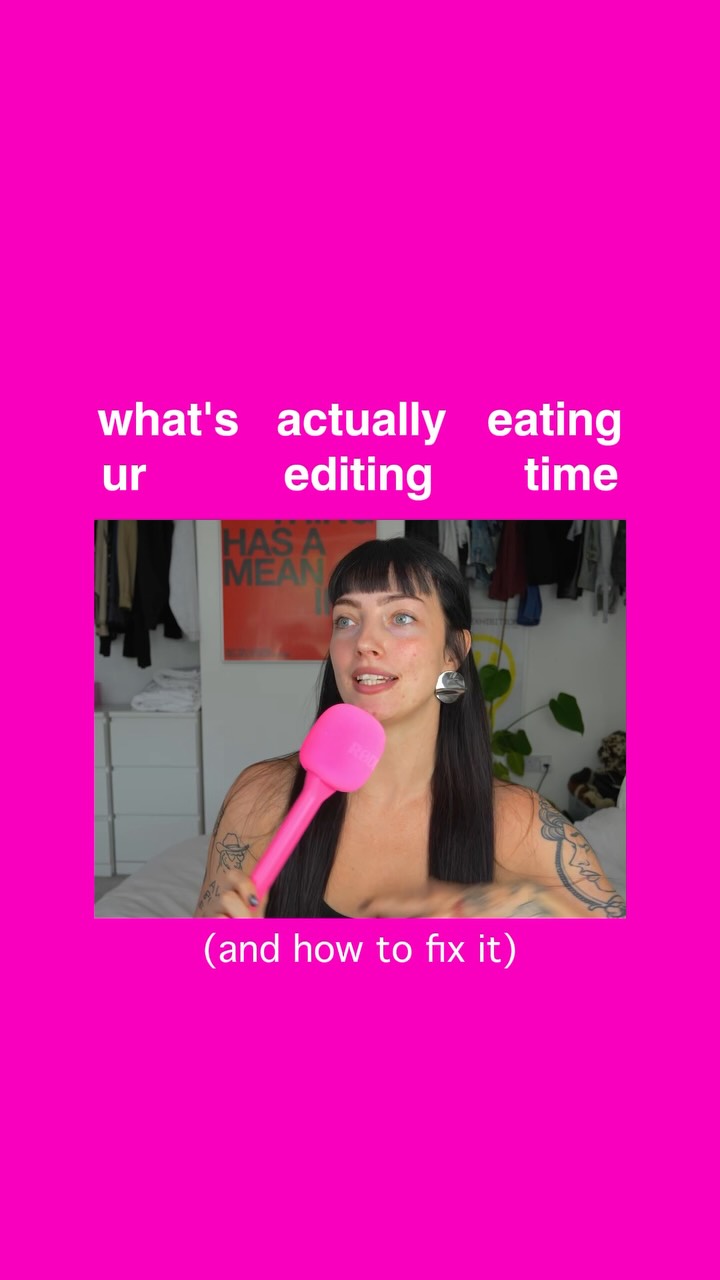
what's actually eating ur editing time (and how to fix it)

Verbal hook · 25%

Editing a video should not be taking you three, four, five, six hours.

Visual hook · 15%

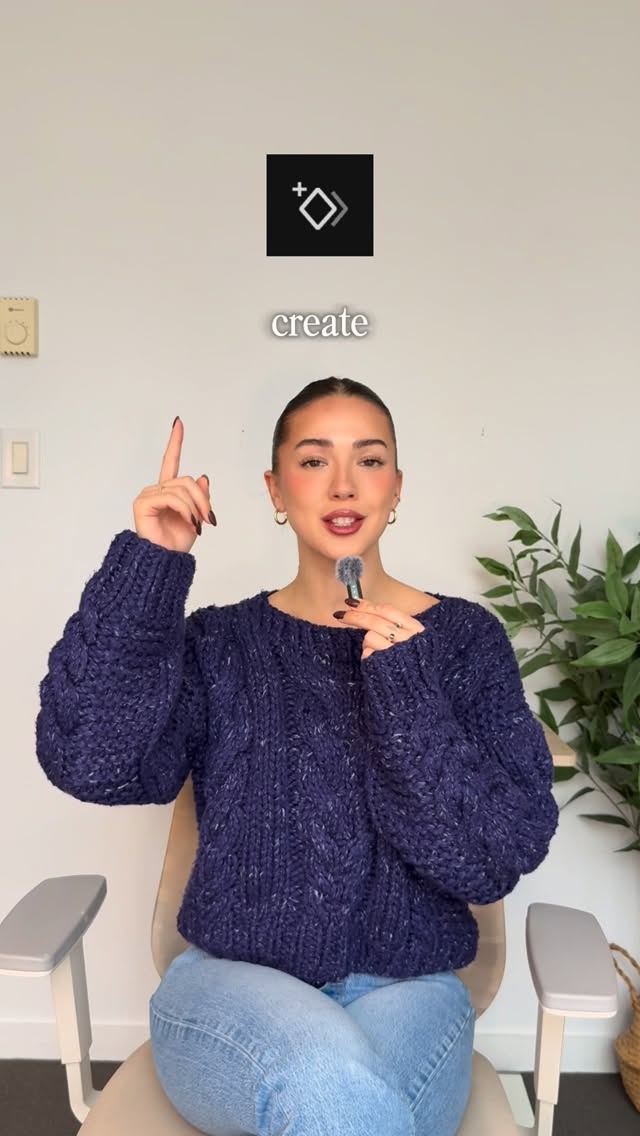
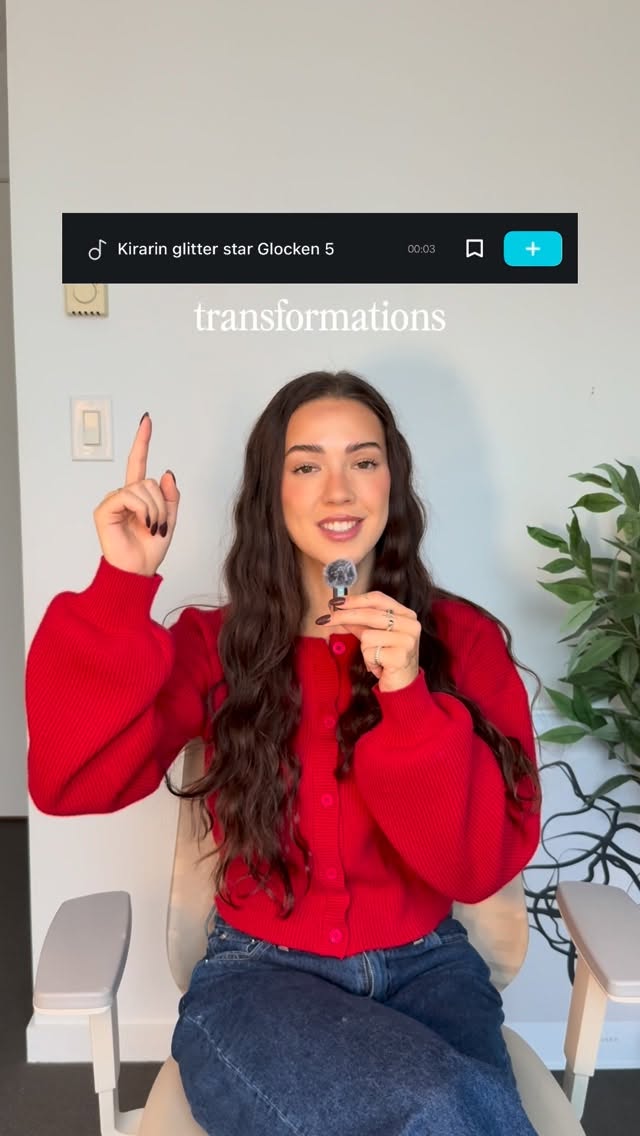
The creator holds a large, bright pink microphone, which serves as a unique and attention-grabbing prop against a vibrant pink background frame.

[06]

Hook template

Steal this for your own video

what's actually [wasting your time] in [your workflow] (and how to fix it)

  • — what's actually eating your morning (and how to fix it)
  • — what's actually killing your sales calls (and how to fix it)
  • — what's actually slowing down your workouts (and how to fix it)

[07]

Hook and payoff

The promise the opener makes, and how the video pays it back

Hook

A direct address of a common audience pain point, immediately followed by a statement of expertise or authority that establishes the creator's credibility to solve it.

Payoff

A value-driven call-to-action that positions a product or service as the next logical step for viewers who want to master the topic. It leverages the goodwill built by the free advice and includes an incentive to act.

[08]

Narrative framework

The structural pattern this video runs on

Framework

The Authority Masterclass

A creator establishes authority on a common problem and then presents a numbered list of actionable solutions, each supported by visual examples, culminating in a value-driven call-to-action for a deeper resource.

  1. 1

    The Foundational Solution (Move 1)

    Introduce the first, most fundamental step in the solution. This beat breaks down a high-level concept into its core components (e.g., fonts, colors, placement), establishing the 'why' before the 'how'.

  2. 2

    The Procedural Solution (Move 2)

    Introduce the second step, focusing on the workflow or process. This beat provides a tangible tool or method (e.g., a Notion database) to implement the solution, showing a real-world example of the system in action.

  3. 3

    The Logistical Solution (Move 3)

    Introduce the final step, focusing on organization and management of assets. This beat addresses the practical, often overlooked, aspects of the problem and offers simple ways to streamline them (e.g., file folders).

Themes

  • productivity
  • efficiency
  • creative workflow
  • systems thinking

Techniques

  • direct-to-camera
  • instructional guide
  • visual aids
  • personal branding

Trends

  • creator education

Post caption

if i had to summarise how to EDIT VIDEOS MORE QUICKLY. this is what i would tell you to do, so that every time to edit a video you’re not starting from scratch💞🍰🦩🪭🍿⭐️ i’m postponing the launch of my updated editing course until the end of 2026, so i’ve made my OG version available again to download. USEFUL INFORMATION because any of you who sign up from now until then, will receive the fully spruced up sexy version of the studio absolutely for free x comment ‘studio’ and will send everything over to you 🐌

Text overlays

  • title · beginning

    what's actually eating ur editing time

  • title · beginning

    (and how to fix it)

  • contextual · beginning

    ogre achiever

  • informational · beginning

    video editor / work

  • informational · beginning

    video editor \ yourself

  • informational · middle

    move #1

  • informational · middle

    fonts

  • informational · middle

    colours

  • informational · middle

    placement

  • informational · middle

    imagery? aesthetic? style? references? placement?

  • informational · middle

    colour fonts placement aesthetics

  • informational · middle

    move #2

  • informational · middle

    actual system

  • informational · middle

    entire script editing notes

  • informational · end

    move #3

  • informational · end

    get organised

  • informational · end

    before / after

  • branding · end

    the studio

Transcript

Editing a video should not be taking you three, four, five, six hours. And you can trust me when I say this because I'm the founder of a creative video editing agency. So for anyone who is a video editor, you do it for worst, or if you just want to learn how to edit your own videos quicker, this is what I would recommend. Move number one, you're gonna build a distinct visual identity. Meaning, what fonts are you using? What are the colors? Where are you placing them on screen? Then what about imagery? What kind of images are you using? What is the aesthetic? What is the style? Where are you pulling your references from? Where are they placed on the screen? So your screen? So your visual identity essentially makes up everything, color, fonts, placement, and aesthetics. This becomes the system that you follow every single tier, step by step, of which you know you're following. Move number two. I need you to keep an actual system of whatever it is that you are making. This could be something that you do on No, and it could look something like this. And this becomes a space where you keep it organized for yourself. Put your entire script editing no, and this then sits there as a reference ready for when you actually start editing instead of you trying to remember it in the moment. Now your next and final move, number three, is where I'm gonna ask you to get your files organized before and after you export. This could either be in Dropbox, in an external hard drive, create folders, and organize them by themes. Anything that is gonna make your life way easier. By the way, I also teach all of this in my editing worse, The Studio. It is relaunching in its sexiest, most gorgeous, brand new format ever. You can join the wait best by commenting the word studio down below. And I will give you a juicy little early bird discount because I'm kind, and I want you to thrive. So I hope this saves you some time. No, you better go back to editing.

Three-step guide for faster editing | Viral Hooks