Viral Hooks
Trending short videosCreator demos new video app
C

@covacut

Instagram · Talking Head Edit

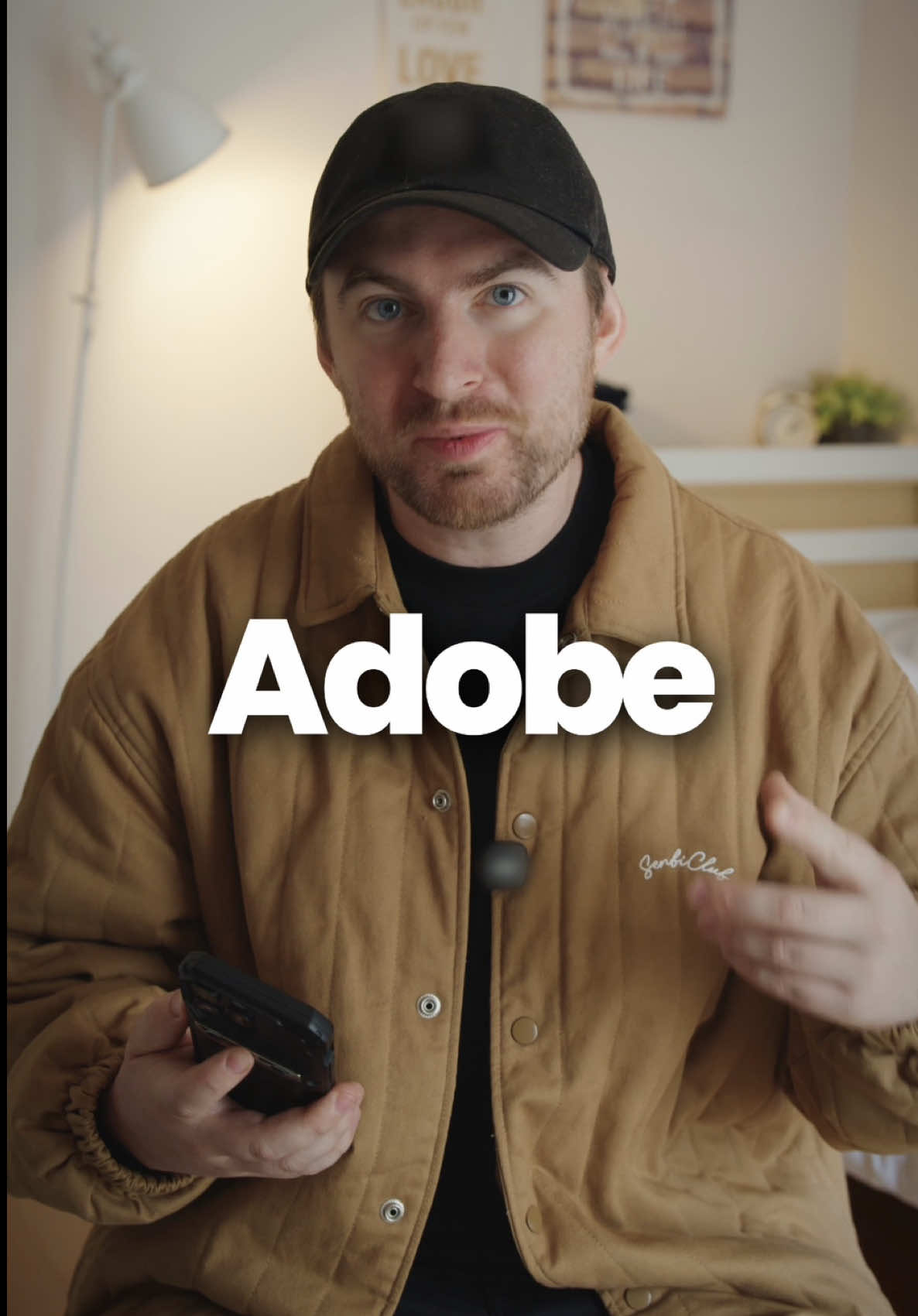
@covacut so... premiere is now on your iphone! 📱 i’ve used premiere since day one for my videos, and I’m so excited to collab with @adobevideo and share this update with you! link in my bio to try it for yourself 🫶 #adobepartner

View original on Instagram

The edit1 shot · 6 text
Shots Text0:41

Performance

Views
5.7M
Likes
76.2K
Comments
270
Engagement
1.4%
Outlier
23.2×
Length · 17 Oct 2025
0:41

Video #30817 · Talking Head Edit

Creator demos new video appfrom @covacut

[01]

Overview

The creator hooks the viewer by revealing the video was edited on an iPhone, then introduces the new Adobe Premiere Pro mobile app. She proceeds to demonstrate three key features: advanced color controls, access to free stock assets, and essential editing tools like speed ramping and audio extraction, using graphic overlays of the app's interface to illustrate each point. She concludes with a call to action for viewers to try the app.

[02]

Simple outline

  1. 1State surprising claim
  2. 2Reveal accessible tool
  3. 3Demonstrate key features
  4. 4Give empowering call to action

[03]

Related videos

[04]

Classification

Concepts
Tutorial / How ToProduct Demo
Elements
Graphic OverlayText OverlayScreen Recording

[05]

Hook analysis

What stops the scroll in the first 3 seconds

Title hook · 55%

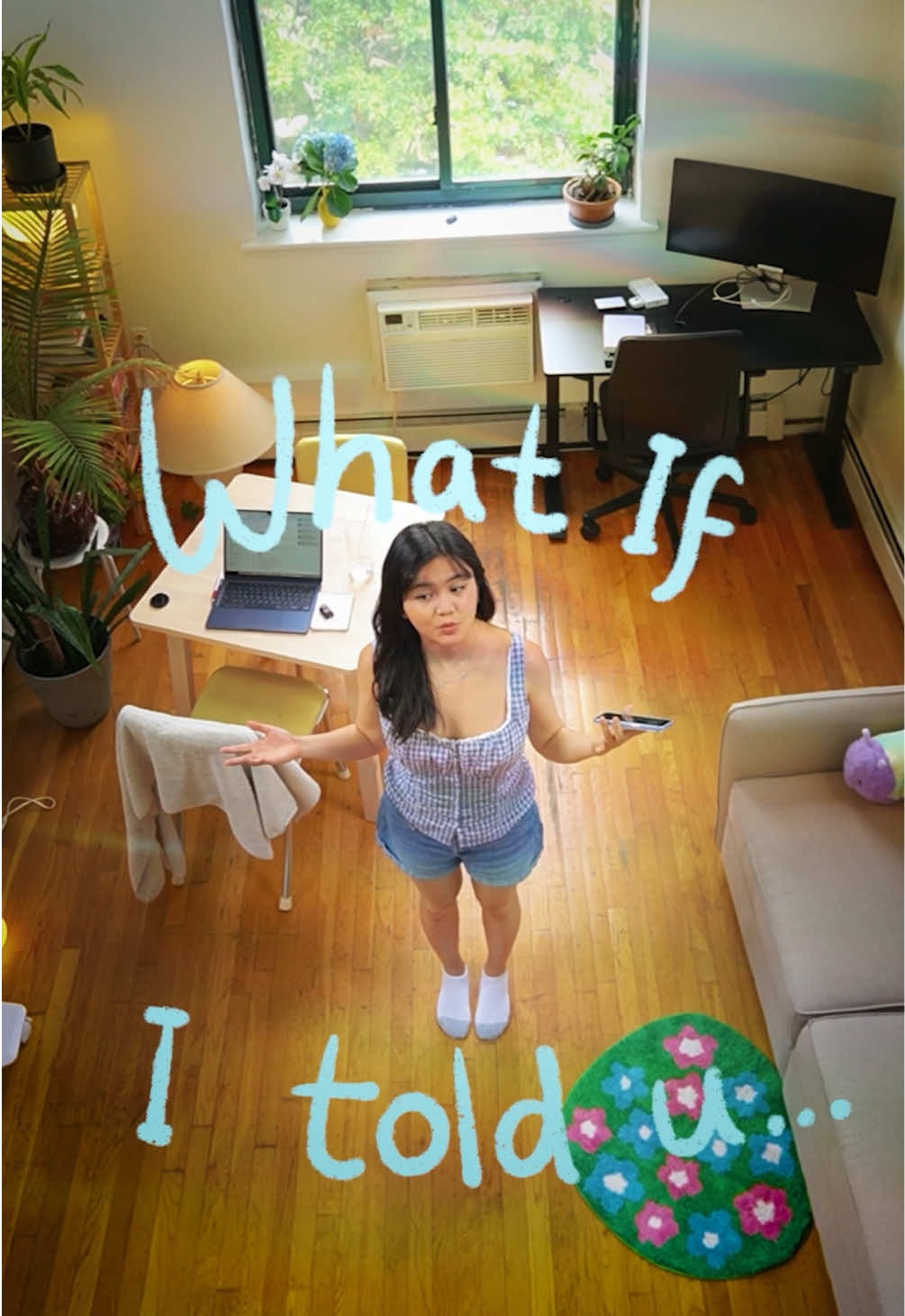
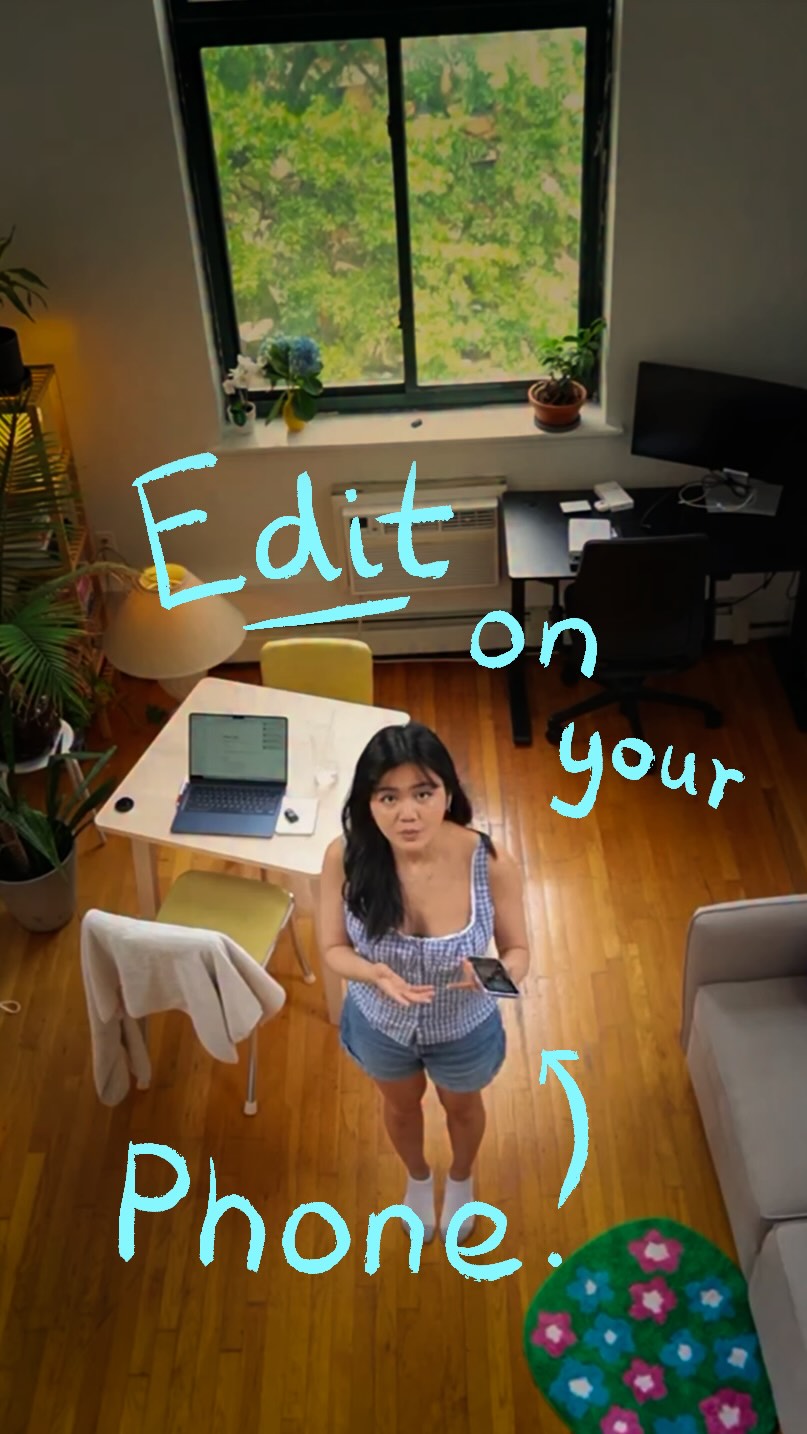
What if this whole video was edited on my iPhone?

Verbal hook · 40%

What if I told you this whole video was edited on my iPhone?

Visual hook · 5%

A high-angle, bird's-eye view shot of the creator standing in the middle of her apartment, which is an unusual and visually interesting perspective.

[06]

Hook template

Steal this for your own video

What if I told you [impressive result] was done on [unexpected tool]?

  • — What if I told you this whole campaign was run on a free app?
  • — What if I told you this meal was cooked in a microwave?
  • — What if I told you this track was produced on a phone?

[07]

Hook and payoff

The promise the opener makes, and how the video pays it back

Hook

A surprising 'what if' question that challenges the viewer's assumptions about how a high-quality outcome was achieved, creating an immediate curiosity gap.

Payoff

An empowering call to action that encourages the viewer to use the newly accessible tool themselves, framing it as a creative enabler.

[08]

Narrative framework

The structural pattern this video runs on

Framework

The Accessible Pro

To demonstrate that a professional-grade tool or result is now surprisingly accessible to the average person by showcasing a short, curated list of its most powerful features.

  1. 1

    The Credibility Bridge

    The creator establishes their experience with a high-barrier, professional standard, then reveals that this standard is now available in a low-barrier, accessible format.

  2. 2

    The Agenda Setter

    A clear, numbered promise of value (e.g., 'Let me show you three things') that structures the rest of the video and manages viewer expectations.

  3. 3

    The Feature Showcase Gauntlet

    A series of 2-3 distinct segments, each dedicated to a specific feature and following a consistent micro-pattern to prove the tool's value.

Themes

  • Technology
  • Creativity
  • Accessibility
  • Creator Economy

Techniques

  • Direct-to-camera presentation
  • Listicle format
  • Product demonstration

Trends

  • Mobile-first content creation
  • Sponsored content

Post caption

so... premiere is now on your iphone! 📱 i’ve used premiere since day one for my videos, and I’m so excited to collab with @adobevideo and share this update with you! link in my bio to try it for yourself 🫶 #adobepartner

Text overlays

  • title · beginning

    What if this whole video was edited on my iPhone?

  • branding · beginning

    #adobepartner

  • informational · middle

    1. Color Controls

  • informational · middle

    2. Assets (from Adobe Stock)

  • informational · middle

    3. Essentials

  • call-to-action · end

    Happy Creating!

Transcript

What if I told you this whole video was edited on my iPhone? Ever since I started making videos, I yes Premiere Pro. So Premiere Pro is now on your iPhone. Let me show you three really cool things. First, I love the color controls. For videos like mine, you want to turn up the vibrance, make the shadows a little bit blue, and the highlights a little bit orange. But you can play around and see what you good. Second thing I find amazing is that you can get free assets directly on the app. For example, I want to add this kind of rainbow overlaying to make things look a bit more dynamic and interesting. It just has all the essentials you need. You can reverse, flip, speed up, extract, and clean audio. Happy creating. Let me know what you think.

Creator demos new video app | Viral Hooks