Viral Hooks
Trending short videosExplaining new Lightroom software features
Z

@zacsopak

Instagram · Talking Head Edit

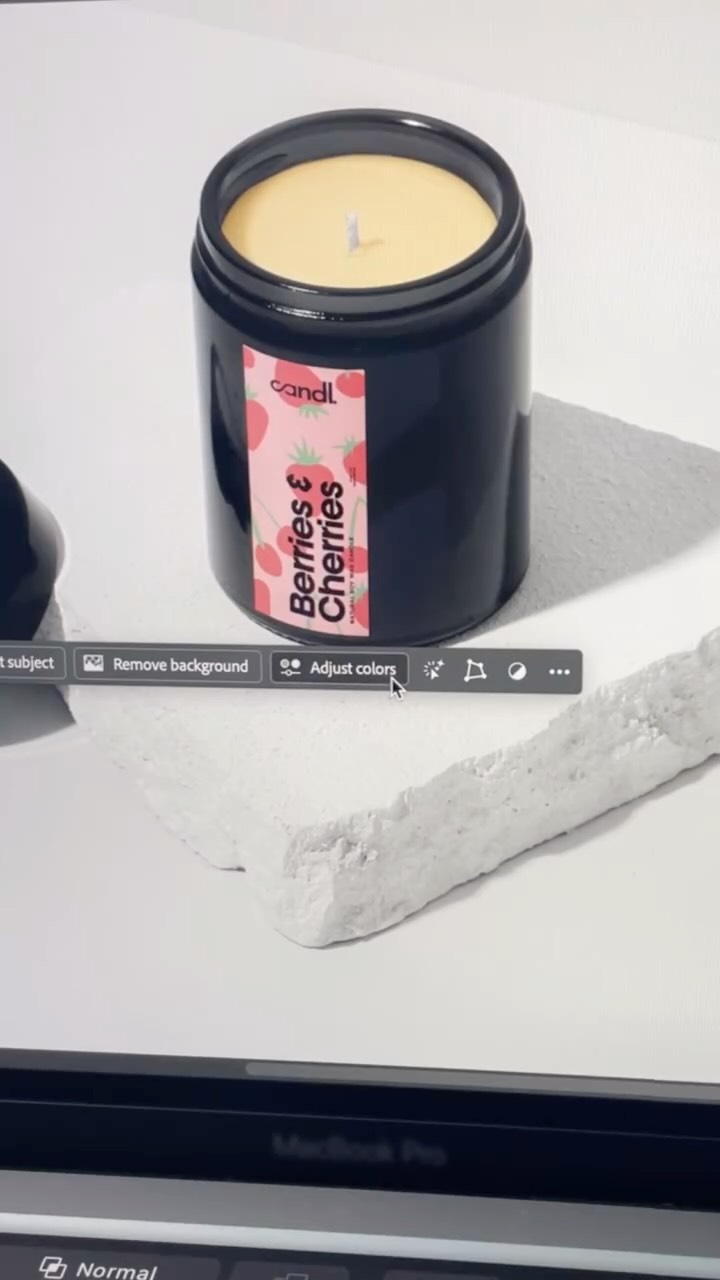
@zacsopak Adobe just added four Lightroom updates designed to give creators more time back. Assisted Culling helps narrow down a full shoot. Improved Search lets you find photos using natural language. Select Subject creates cleaner selections from the first click. And customizable Color Labels let you organize Lightroom around your own workflow. These are the kinds of practical updates that can make a real difference when you’re working through a large gallery. You Asked, and Adobe Answered. Save this for your next editing session and check out what’s new in Lightroom through the link in my bio. #AdobePartner @adobecreativecloud #AdobeLightroom #Lightroom #PhotoEditing #PhotographyTips CreatorWorkflow

View original on Instagram

The edit1 shot · 8 text
Shots Text0:44

Performance

Views
149K
Likes
713
Comments
66
Engagement
0.5%
Outlier
12.7×
Length · 10 Aug 2026
0:44

Video #49337 · Talking Head Edit

Explaining new Lightroom software featuresfrom @zacsopak

[01]

Overview

The creator, an Adobe partner, introduces and demonstrates four new features in Adobe Lightroom designed to save time. He explains and shows screen recordings of 'Assisted Culling' for photo selection, 'Improved Search' using natural language, enhanced 'Select Subject' for masking, and 'Customizable Color Labels' for workflow organization, concluding that these updates give creators more time to be creative.

[02]

Simple outline

  1. 1State community-driven problem
  2. 2Showcase rapid-fire solutions
  3. 3Demonstrate each solution's value
  4. 4Conclude with empowering summary

[03]

Related videos

[04]

Classification

Concepts
Product DemoTutorial / How ToBreakdown
Elements
Screen RecordingB-Roll CutawayText OverlayJump CutVoiceoverTitle Text Hook

[05]

Hook analysis

What stops the scroll in the first 3 seconds

Title hook

LIGHTROOM UPDATES

Verbal hook

Adobe just launched four new Lightroom features, and they all came straight from feedback from photographers and video editors like us.

Visual hook

The creator makes a distinct hand gesture, waving or signaling 'stop' to the camera, creating immediate movement and breaking a static pattern.

[07]

Hook and payoff

The promise the opener makes, and how the video pays it back

Hook

Announce a series of new updates and immediately establish that they are a direct result of community feedback, creating instant relatability and relevance for the target audience.

Payoff

Summarize the overarching benefit and re-state the 'You Asked, We Answered' premise, ending on an empowering note that reinforces the value delivered to the user.

[08]

Narrative framework

The structural pattern this video runs on

Framework

The 'You Asked, We Answered' Showcase

Systematically presenting a list of new features or updates by framing them as direct solutions to problems voiced by a specific community, thereby delivering value while building brand affinity.

  1. 1

    The Universal Benefit

    Frame the upcoming list of features around a single, highly desirable core benefit (e.g., saving time, increasing efficiency) to anchor the viewer's attention.

  2. 2

    The Rapid-Fire Showcase

    Execute a fast-paced, high-density presentation of each new item, applying a consistent micro-pattern to each one to create a satisfying, predictable rhythm.

  3. 3

    The Feedback Loop Confirmation

    After presenting the solutions, explicitly state that these are the exact improvements the target audience has been requesting, reinforcing the 'we listened' narrative.

Themes

  • Productivity
  • Workflow Improvement
  • Creator Tools

Techniques

  • Screen Recording
  • Direct-to-camera address
  • Product Demonstration

Post caption

Adobe just added four Lightroom updates designed to give creators more time back. Assisted Culling helps narrow down a full shoot. Improved Search lets you find photos using natural language. Select Subject creates cleaner selections from the first click. And customizable Color Labels let you organize Lightroom around your own workflow. These are the kinds of practical updates that can make a real difference when you’re working through a large gallery. You Asked, and Adobe Answered. Save this for your next editing session and check out what’s new in Lightroom through the link in my bio. #AdobePartner @adobecreativecloud #AdobeLightroom #Lightroom #PhotoEditing #PhotographyTips CreatorWorkflow

Text overlays

  • title · beginning

    LIGHTROOM UPDATES

  • branding · beginning

    Lr

  • branding · middle

    #adobepartner

  • branding · middle

    Adobe Creative Cloud Pro

  • informational · middle

    Assisted Culling

  • informational · middle

    Improved Search

  • contextual · middle

    While Select Subject

  • contextual · middle

    And customizable Color Labels

Transcript

Adobe just launched four new Lightroom features, and they all came straight from feedback from photographers and video editors like us. Time is one of the most valuable parts of any workflow, and these updates are designed to give you more of it. I've partnered with Adobe Creative Cloud to show you what's new. Assisted culling can analyze a full shoot, group similar photos, and help you build your first selections based on things like focus, exposure, composition, closed, or blurry eyes. Improved search lets you describe the photo you're looking for in natural language, while select subject now creates cleaner, more accurate selections from the first click. And customizable color labels best you rename and organize all five labels around your own workflow instead of adapting your workflow around Lightroom. These are the kind of practical improvements that creators have been asking for. You rank, and Adobe answered. You can do less repetitive work and more time to create.


Explaining new Lightroom software features | Viral Hooks