@mmivia
TikTok · Vlog
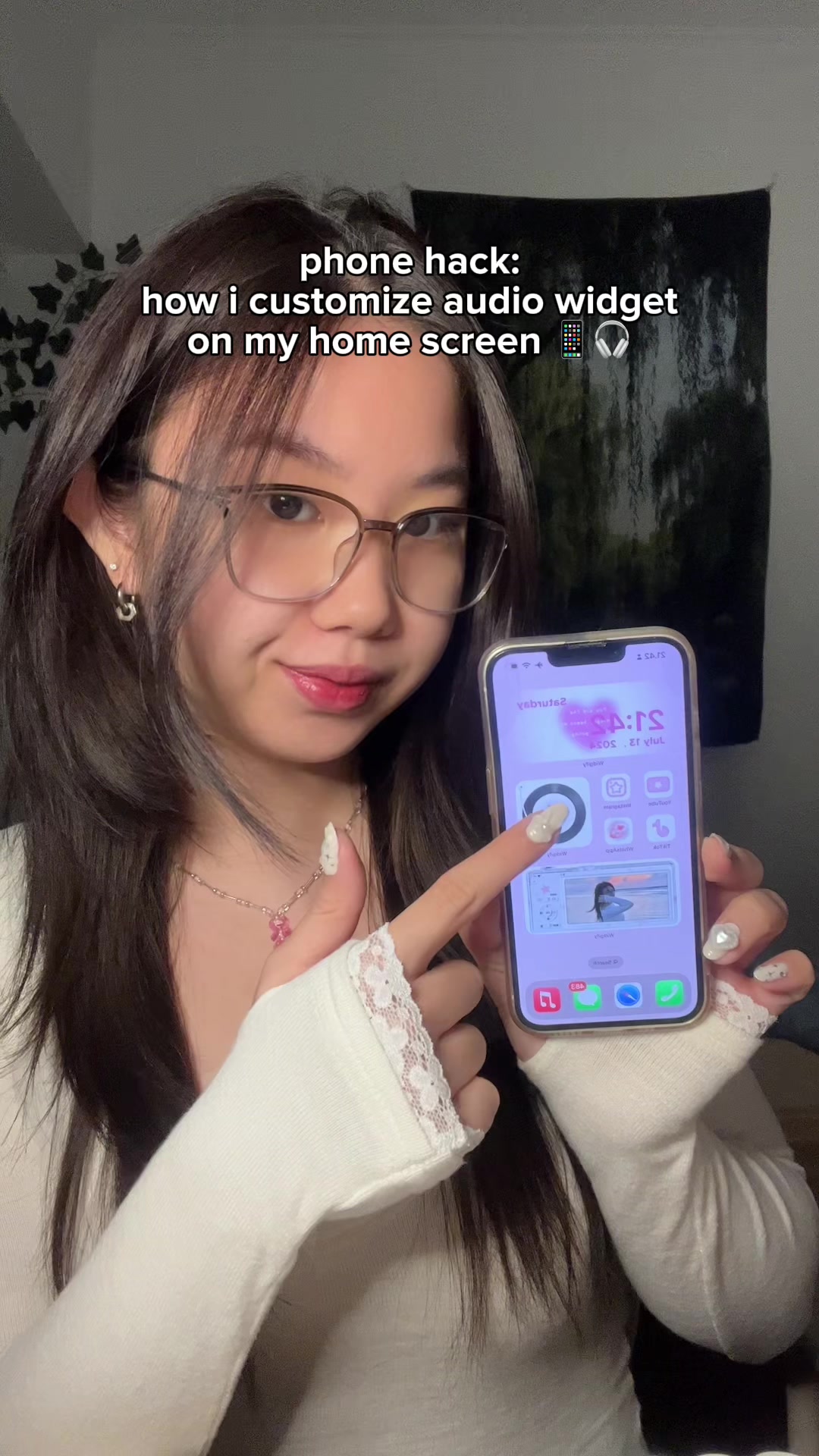
@mmivia save & try this on your phone!! 😳🫶🏻 #Widgifyapp #Widgify #trending #aesthetichomescreen #widgets #widgetapp #pinkaesthetic #cuteiphone #iphonetips #iphonetricks #phone

@mmivia
TikTok · Vlog
@mmivia save & try this on your phone!! 😳🫶🏻 #Widgifyapp #Widgify #trending #aesthetichomescreen #widgets #widgetapp #pinkaesthetic #cuteiphone #iphonetips #iphonetricks #phone
Performance
Video #1858 · Vlog
[01]
The creator demonstrates a step-by-step process for customizing an audio widget on an iPhone home screen. She starts by showing the final result, then guides the viewer to download the 'Widgify' app, select and customize a widget icon with a personal photo, enable audio settings to upload a custom song or video clip, edit the notification text, and finally, add and configure the newly created widget on the home screen.
[02]
[03]
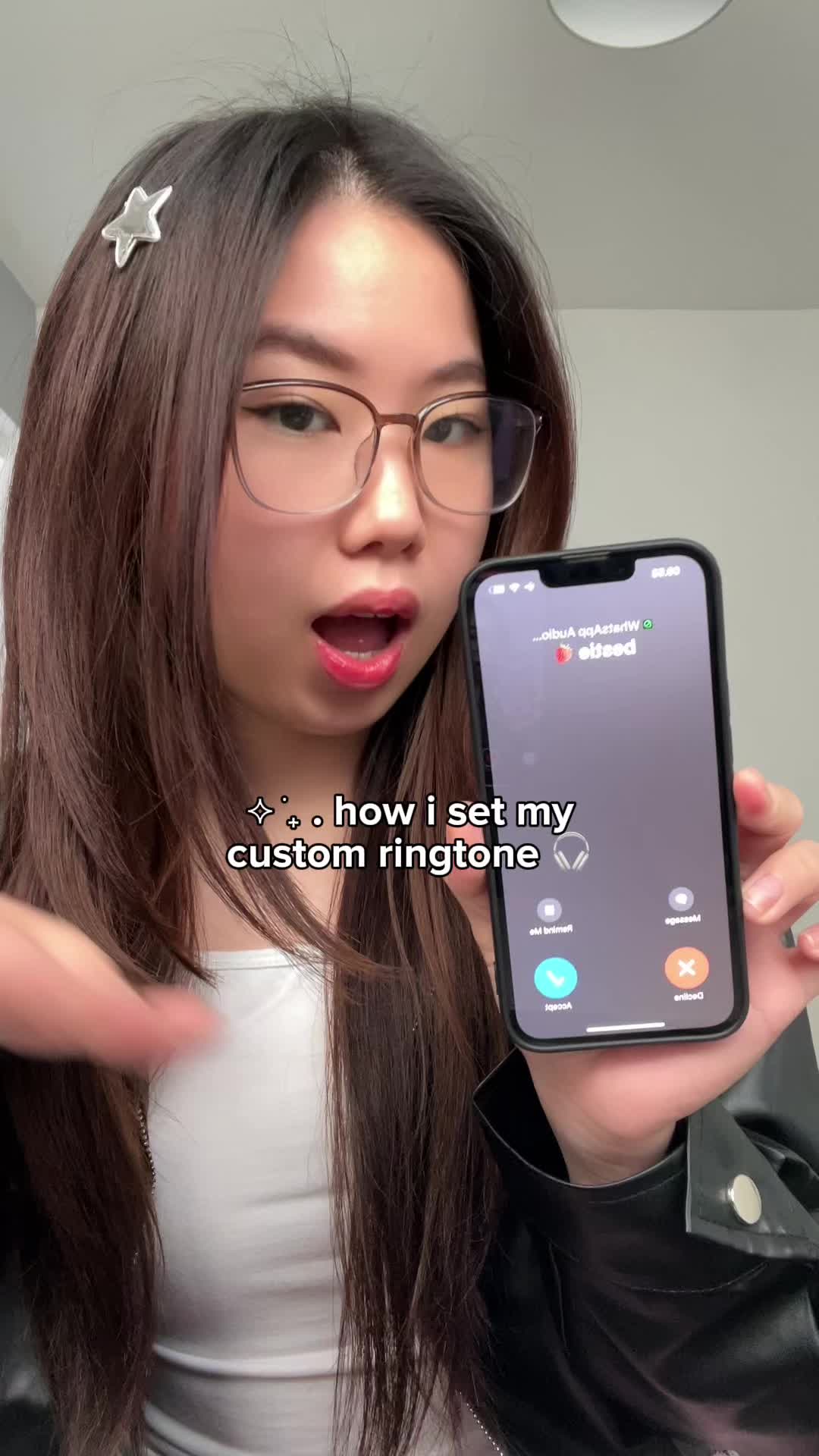 3.8M4.2×How to set a custom ringtone on iPhone from a TikTok sound@mmivia · Tutorial / How To
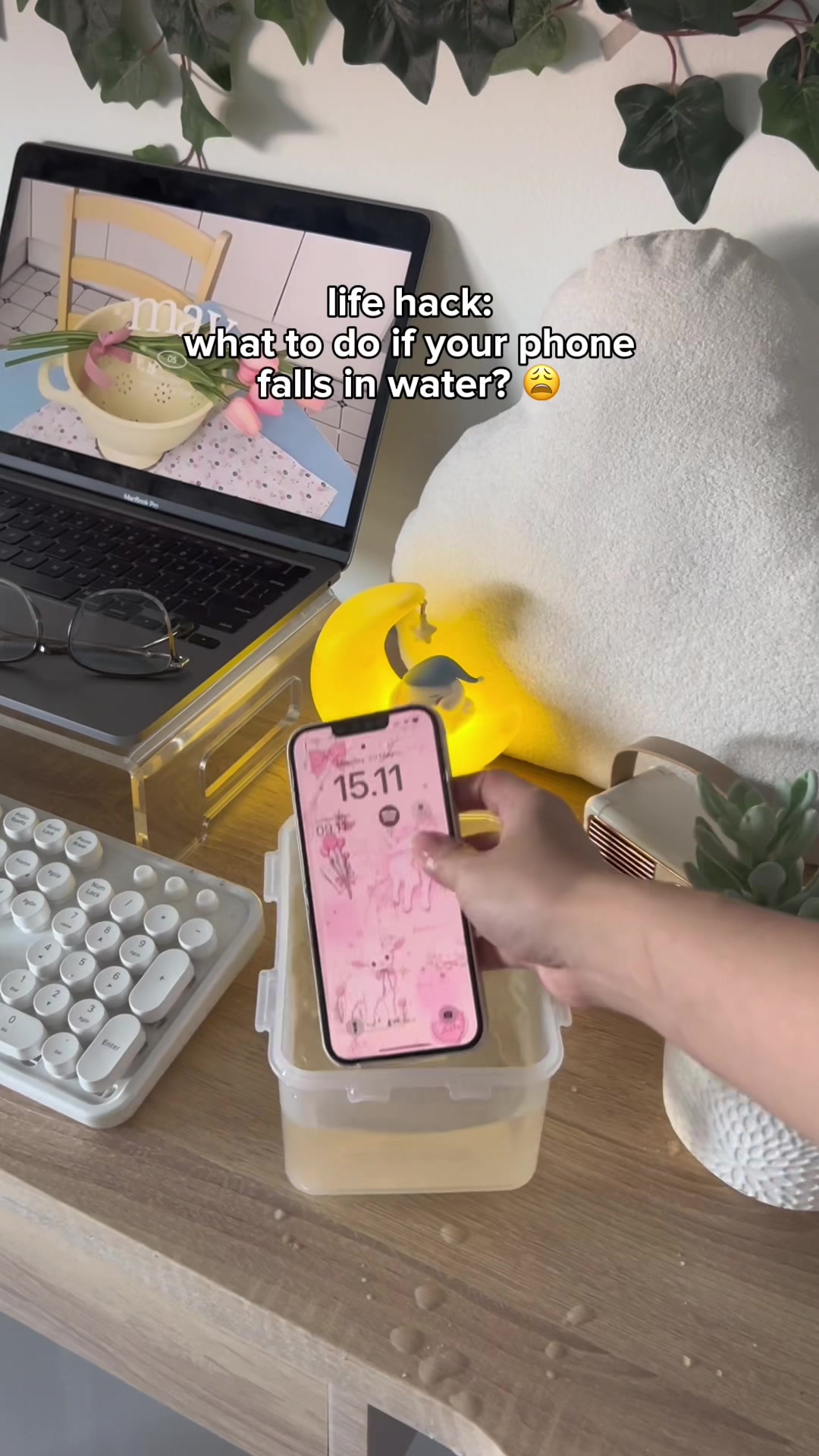 3M3.4×App that ejects water from your phone speakers after it gets wet@mmivia · Tutorial / How To
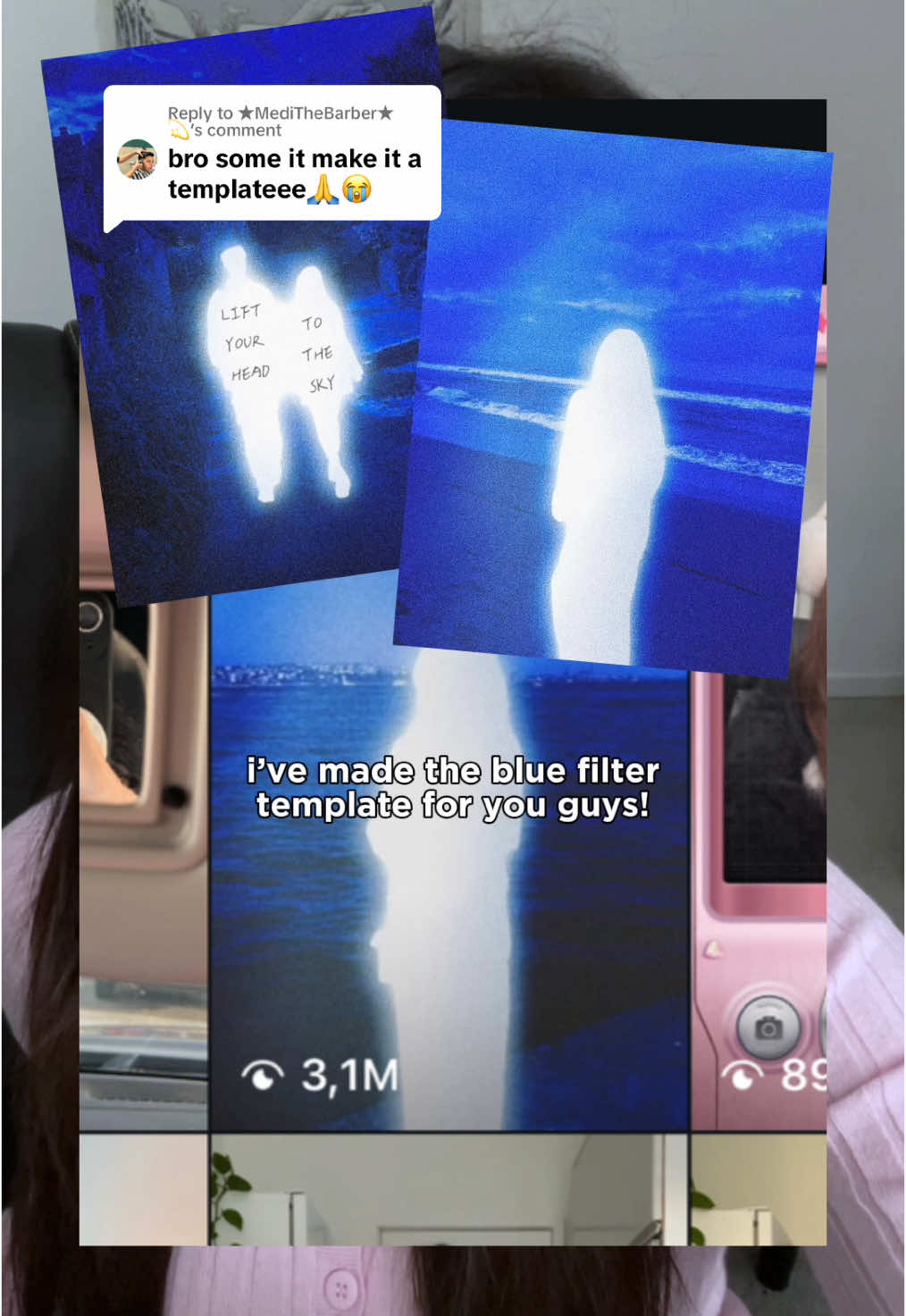 540.4KHow to get the glowing blue filter effect in Meitu@mmivia · Tutorial / How To
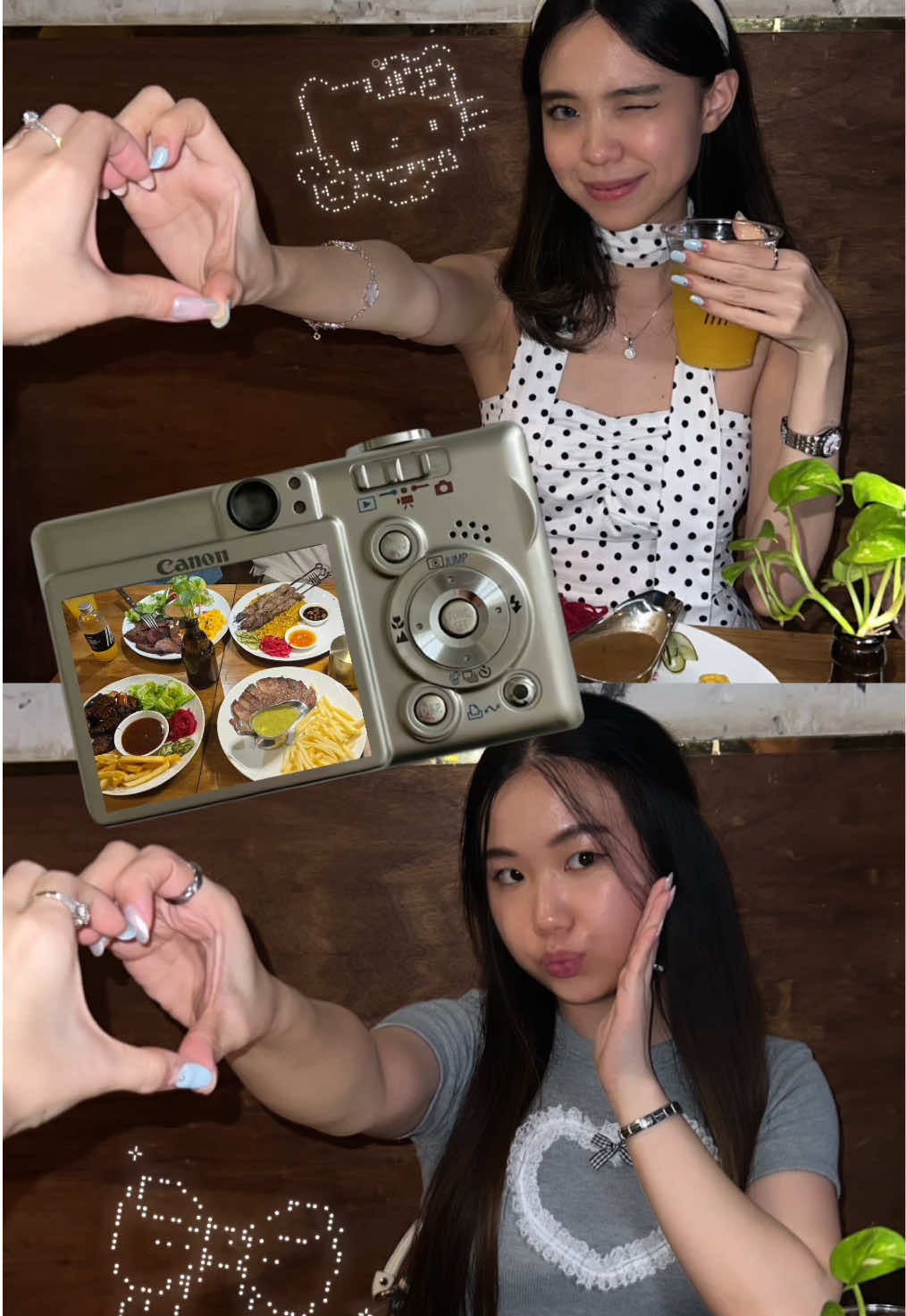 3.2M3.5×Step-by-step aesthetic Instagram story tutorial for best friends@mmivia · Tutorial / How To
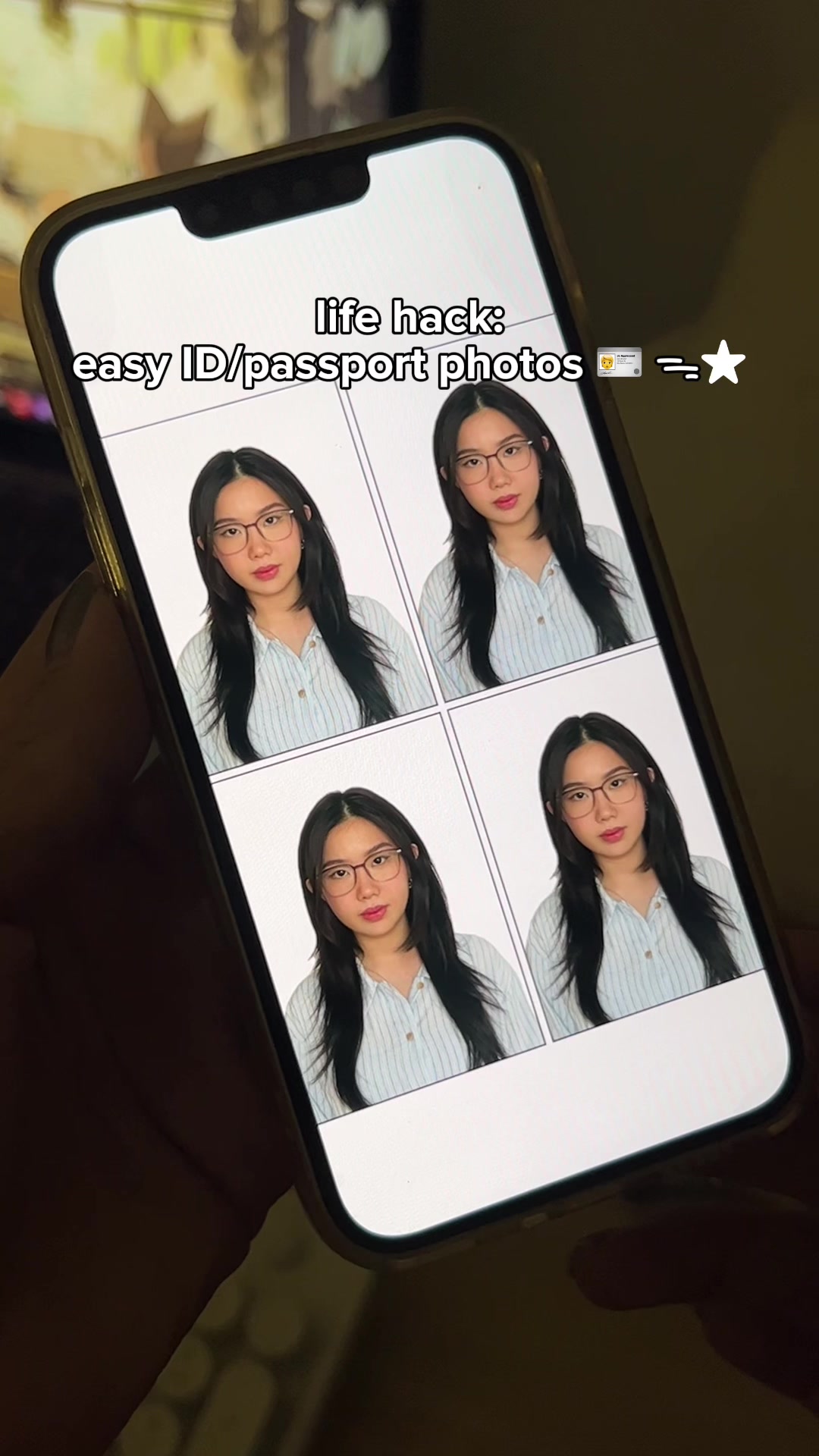 2.1M2.3×How to make ID and passport photos using the Cutout Pro app@mmivia · Tutorial / How To
 2.9M7×Tutorial for TikTok voice filter@misscarolineflett · Tutorial / How To
 86.8K19.1×Rapid fire sound effect tips@itsashleyboston · Rapid Fire Listicle
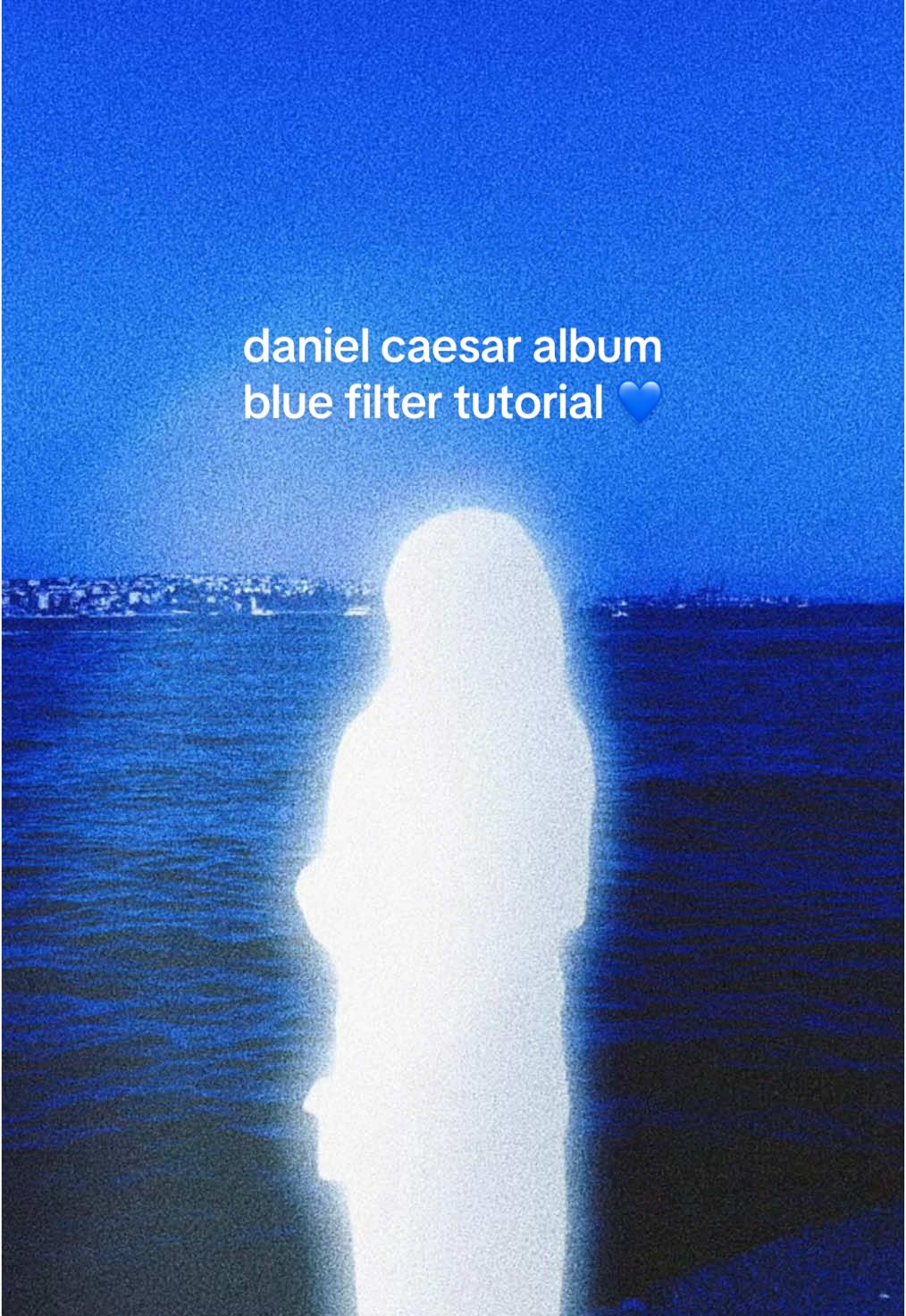 6.4M7.1×Recreating Daniel Caesar album cover aesthetic in Meitu@mmivia · Tutorial / How To
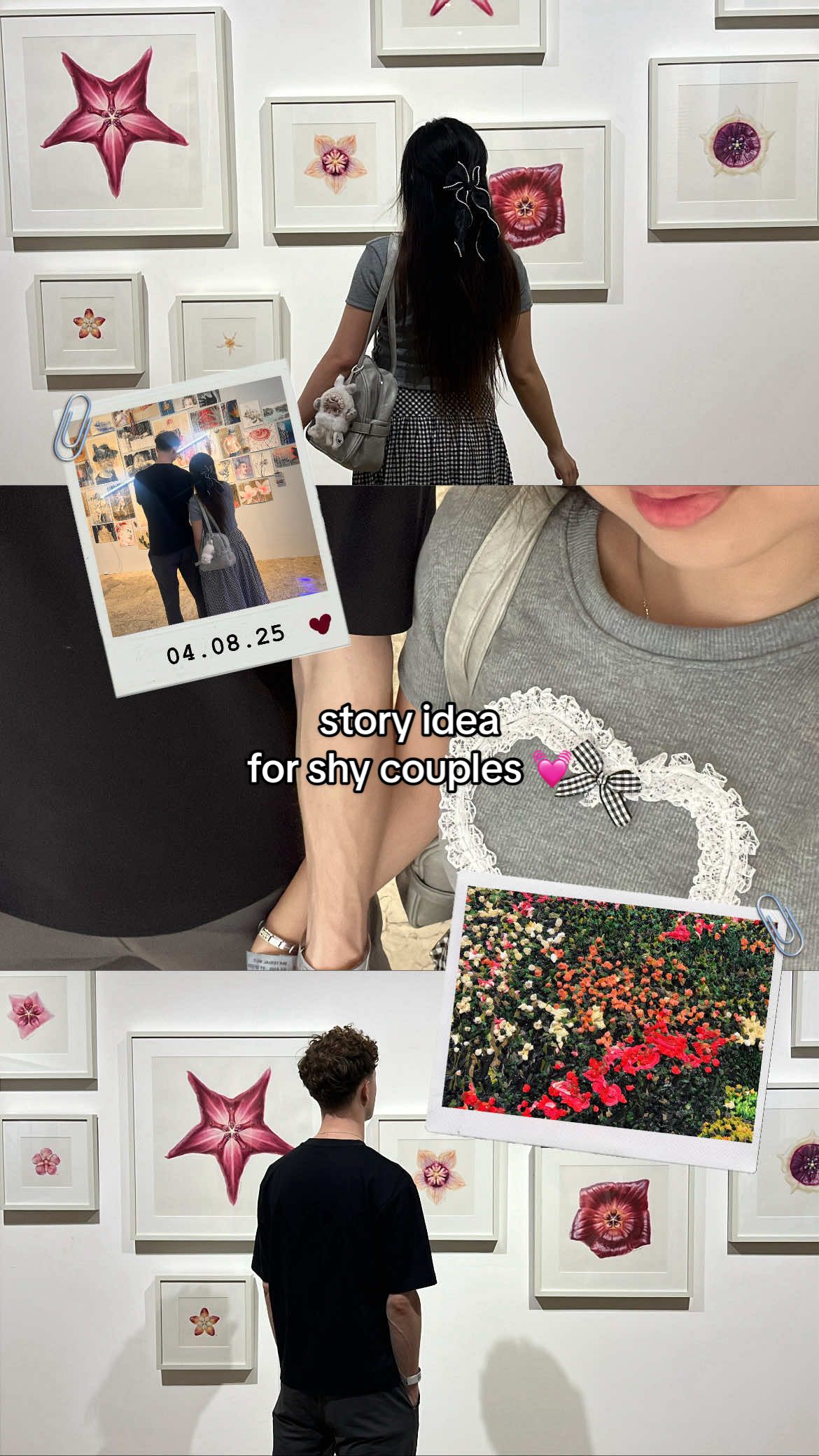 2.4M2.7×Tutorial for making an aesthetic Instagram story for shy couples@mmivia · Tutorial / How To
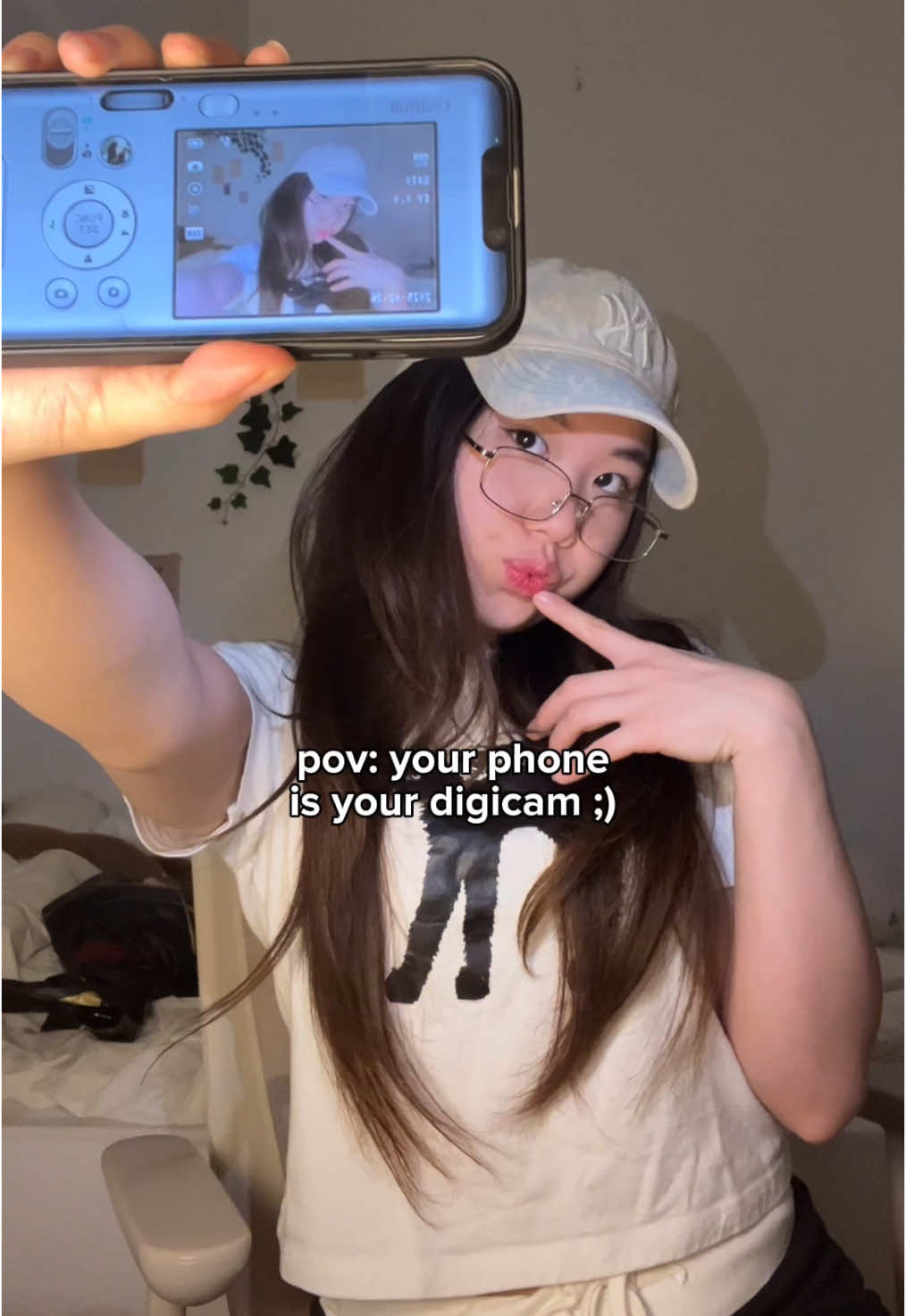 234.7KApp tutorial for digicam photos@mmivia · Tutorial / How To
 67.8KRecreating a cool video effect@byrvm_contentcreation · Tutorial / How To
 3.5M2.5×Phone camera trick tutorial result@citizen_theartist · Behind The Scenes
[04]
[05]
What stops the scroll in the first 3 seconds
Title hook · 75%
phone hack: how i customize audio widget on my home screen
Visual hook · 25%
The creator holds up a phone displaying a highly customized and aesthetically pleasing pink-themed home screen with animated widgets, immediately creating visual interest and curiosity.
[06]
Steal this for your own video
phone hack: how to on your
[07]
The promise the opener makes, and how the video pays it back
Hook
Visually present the highly desirable, dynamic end-state of a process, immediately establishing the video's value and goal with a clear text overlay.
Payoff
Display the completed result in its functional context, mirroring the hook to provide a satisfying sense of closure, and pair it with a direct call to action to save and replicate the process.
[08]
The structural pattern this video runs on
Framework
The Aspirational Tutorial
A rapid, step-by-step guide that demonstrates how to achieve a visually appealing and unique digital customization, moving from the final result to the process and back to the result.
The Prerequisite
Instruct the viewer on the essential tool or application required to begin the process.
The Foundation Selection
Guide the user through the initial navigation and selection of a base template or starting point within the tool.
The Visual Customization
Demonstrate the first layer of personalization by altering a key visual element of the template.
The Core Feature Activation
Reveal and demonstrate the unique, central function of the tutorial that delivers the primary value proposition (e.g., adding audio, a special effect, etc.).
The Detail Refinement
Show how to fine-tune secondary elements (like text or color) for a more polished and personalized outcome.
The Final Deployment
Walk through the technical steps of implementing the newly created element into its final environment.
save & try this on your phone!! 😳🫶🏻 #Widgifyapp #Widgify #trending #aesthetichomescreen #widgets #widgetapp #pinkaesthetic #cuteiphone #iphonetips #iphonetricks #phone
title · beginning
phone hack: how i customize audio widget on my home screen
informational · middle
download Widgify on app store/play store
informational · middle
select the widget icon you want to add
informational · middle
easily customize your own pic for the icon!!
informational · middle
turn on audio setting!!
informational · middle
upload your own audio/video
informational · middle
customize your notification text
informational · middle
add widget -> edit widget -> select patern!!
call-to-action · end
done 🤗 save & try with your favorite songs!