@mmivia
TikTok · Vlog
@mmivia omg so cool 💙 save & try!! #danielcaesar #album #bluefilter #tutorial #howto #editing #howtoedit #meitu #trend #fyp #foryou

@mmivia
TikTok · Vlog
@mmivia omg so cool 💙 save & try!! #danielcaesar #album #bluefilter #tutorial #howto #editing #howtoedit #meitu #trend #fyp #foryou
Performance
Video #1755 · Vlog
[01]
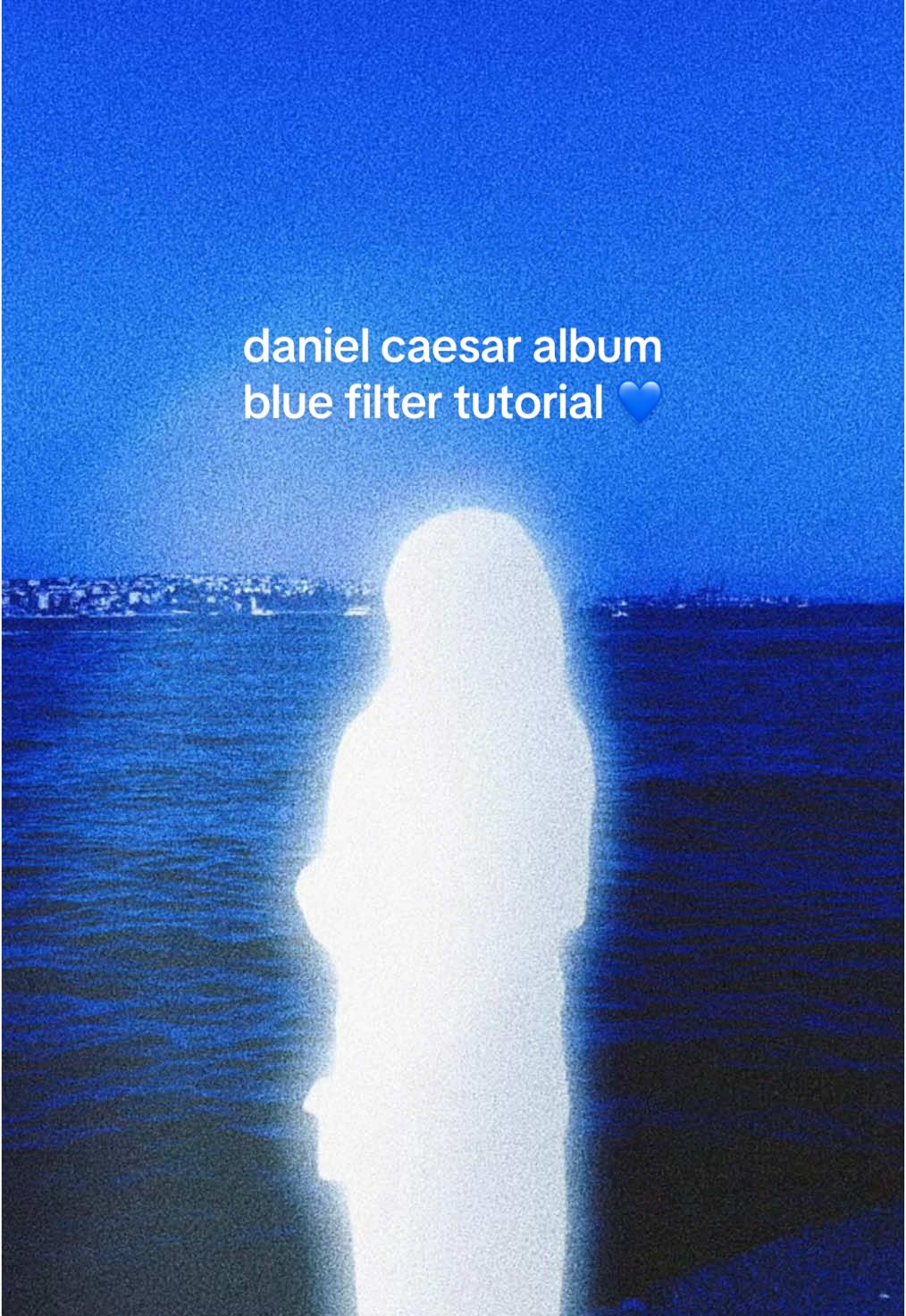
The creator provides a step-by-step screen-recorded tutorial on how to replicate the blue, grainy, and glowing aesthetic of Daniel Caesar's 'NEVER ENOUGH' album cover using the Meitu photo editing app. They guide the viewer through selecting a photo, applying and adjusting a blue filter, using AI art effects like 'Glowing' and 'Long Exposure,' and finally fine-tuning the image with saturation and grain adjustments to achieve the final look.
[02]
[03]
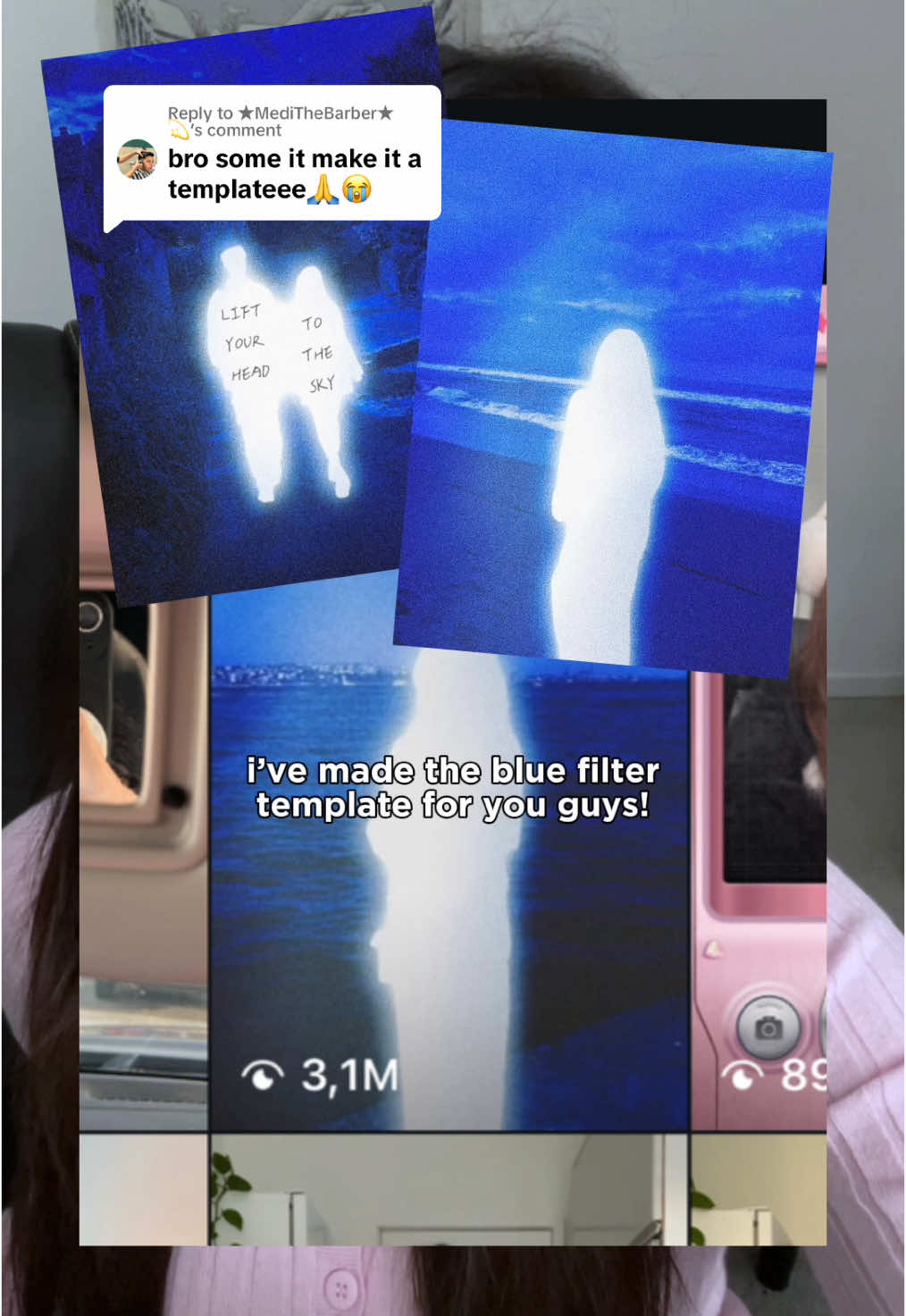 540.4KHow to get the glowing blue filter effect in Meitu@mmivia · Tutorial / How To
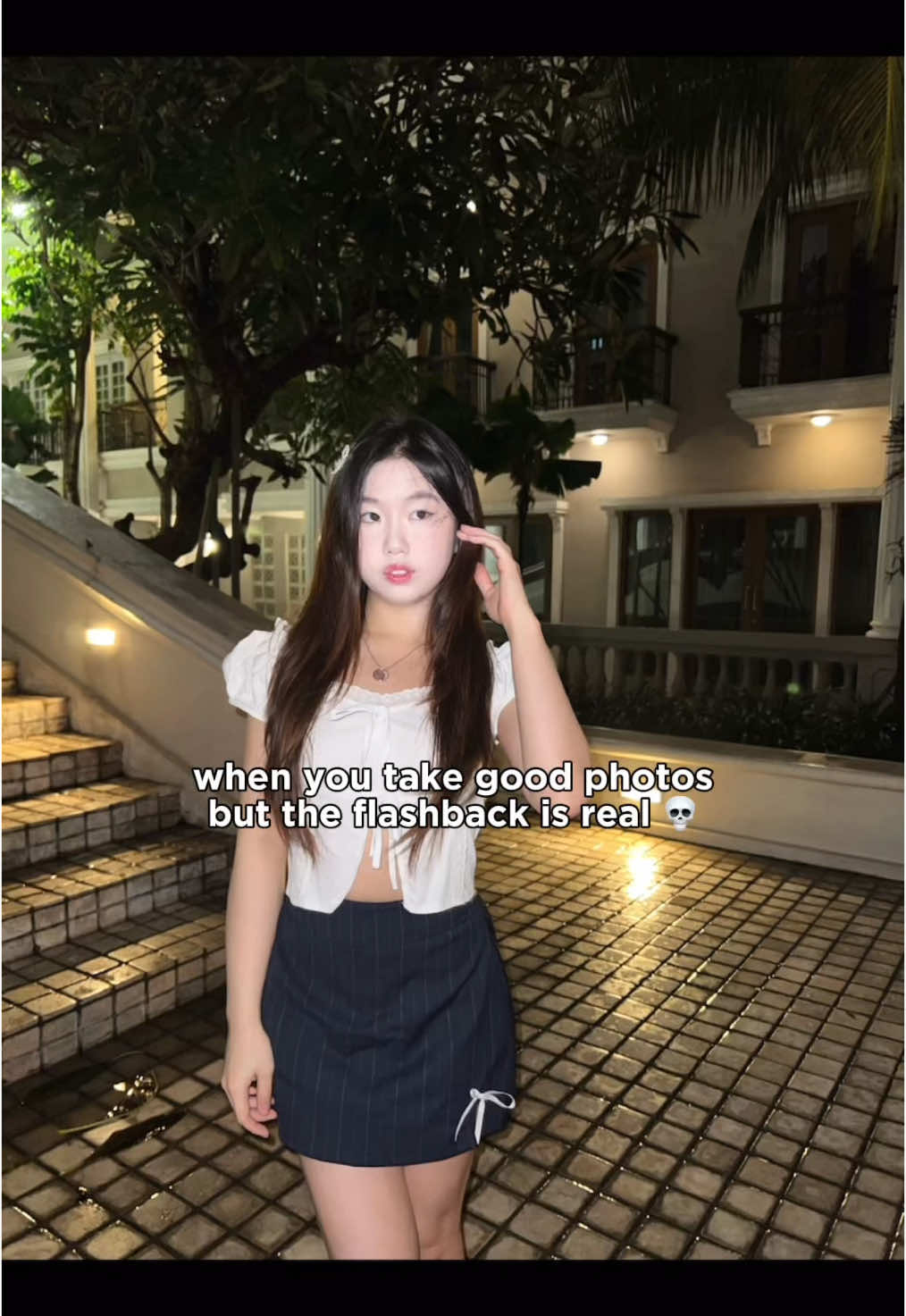 2.9M3.3×Tutorial to fix harsh flashback in photos using Meitu app@mmivia · Tutorial / How To
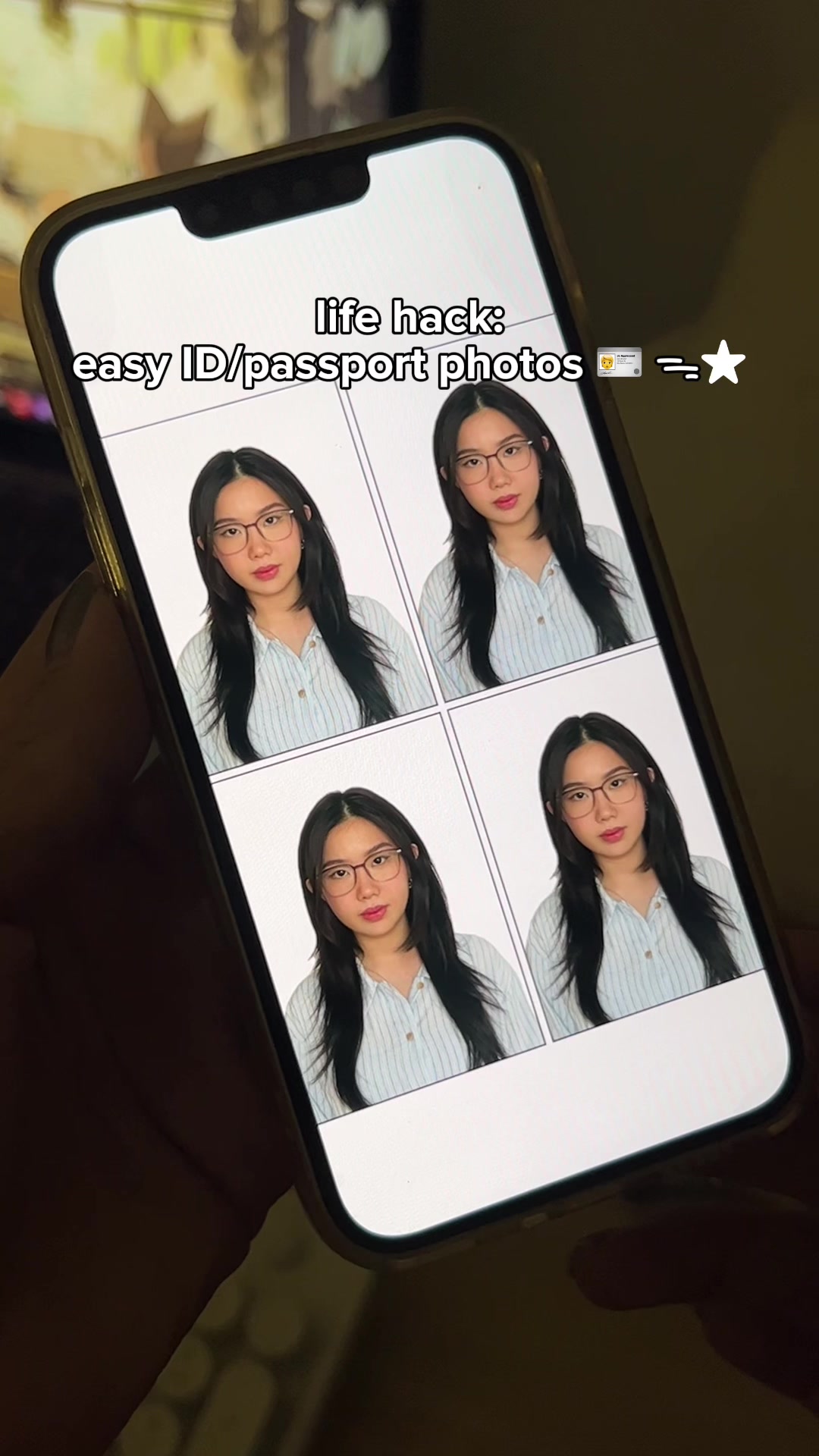 2.1M2.3×How to make ID and passport photos using the Cutout Pro app@mmivia · Tutorial / How To
 3.2M3.5×Step-by-step aesthetic Instagram story tutorial for best friends@mmivia · Tutorial / How To
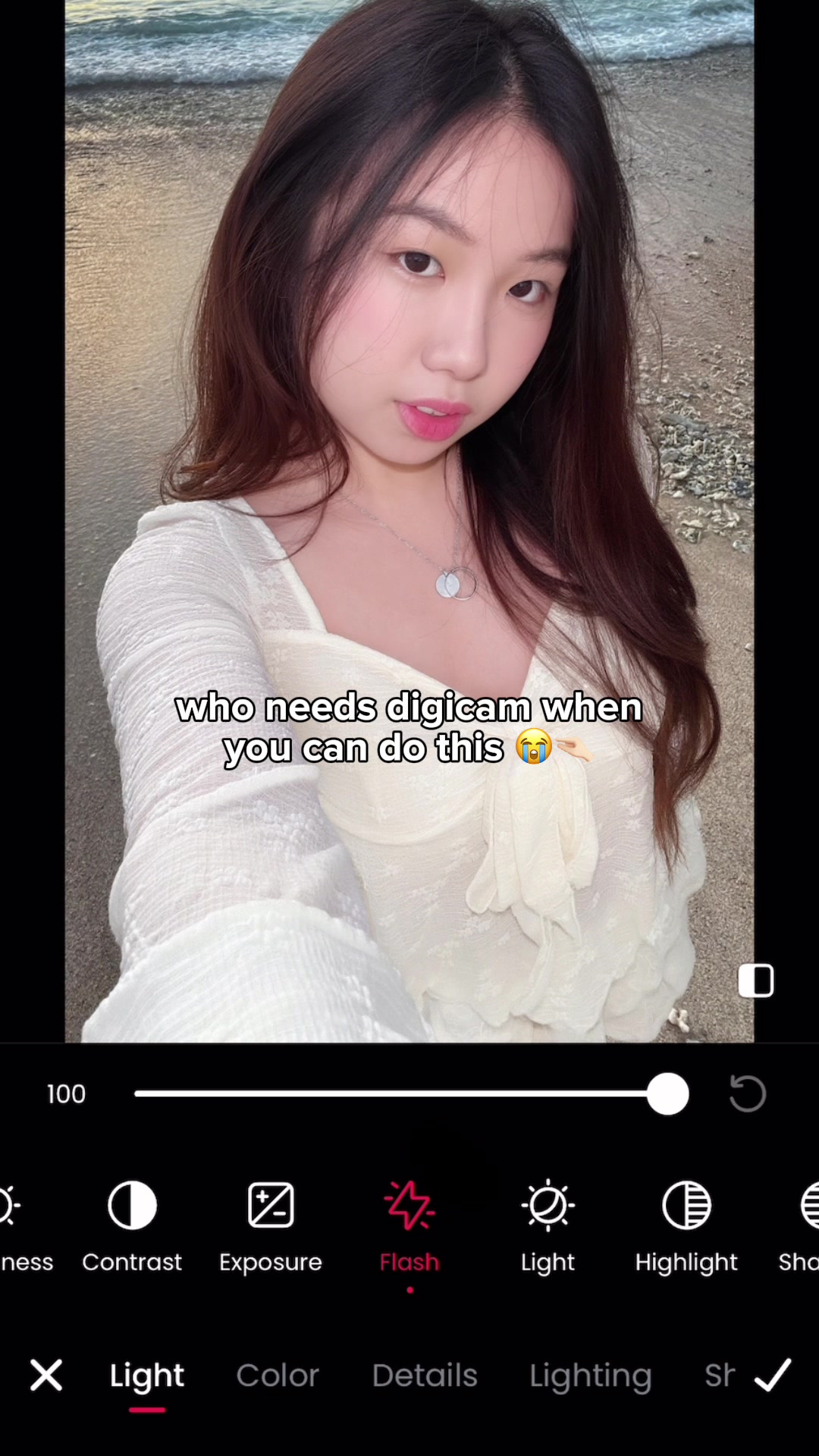 11.1M205.8×Photo editing app digicam hack@mmivia · Tutorial / How To
 2.4M2.7×Tutorial for making an aesthetic Instagram story for shy couples@mmivia · Tutorial / How To
 409.7K16.1×AI video tool tutorial showcase@rourke.heath · Tutorial / How To
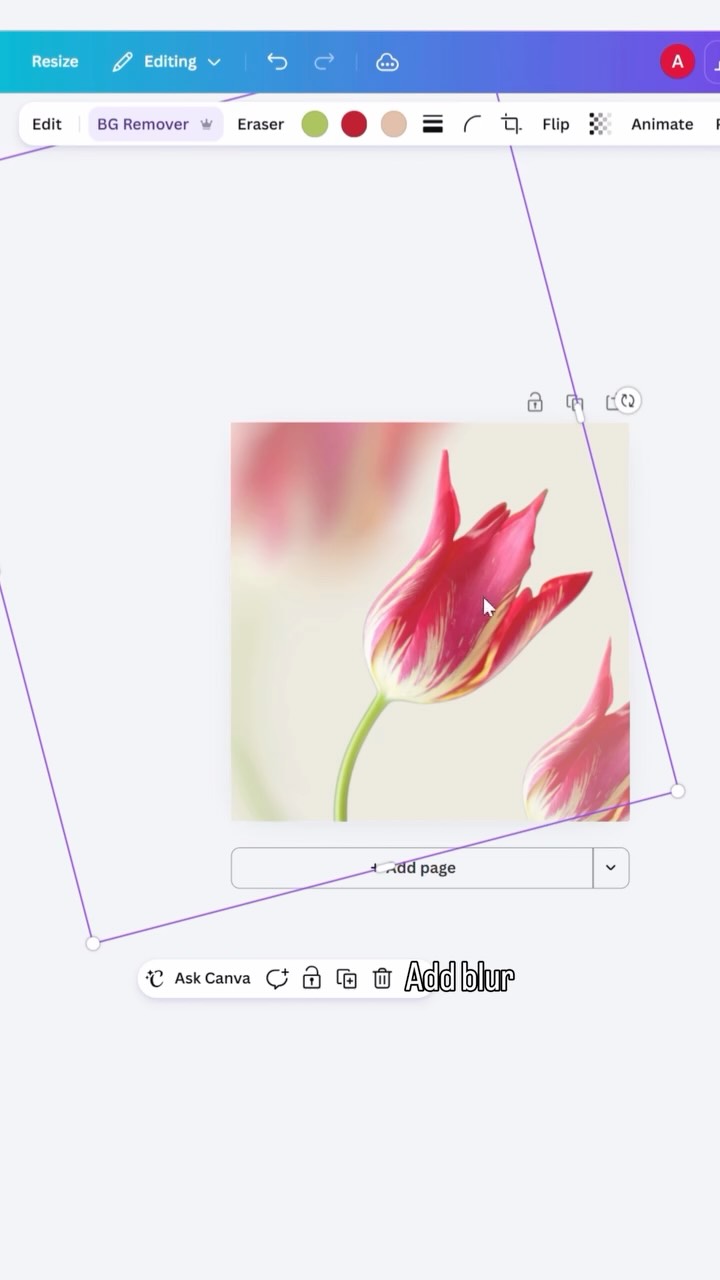 433.9K1.8×Step-by-step graphic design tutorial@createwithalena · Tutorial / How To
 67.8KRecreating a cool video effect@byrvm_contentcreation · Tutorial / How To
 58.1KCinematic video production step-by-step@johnbucog · Breakdown
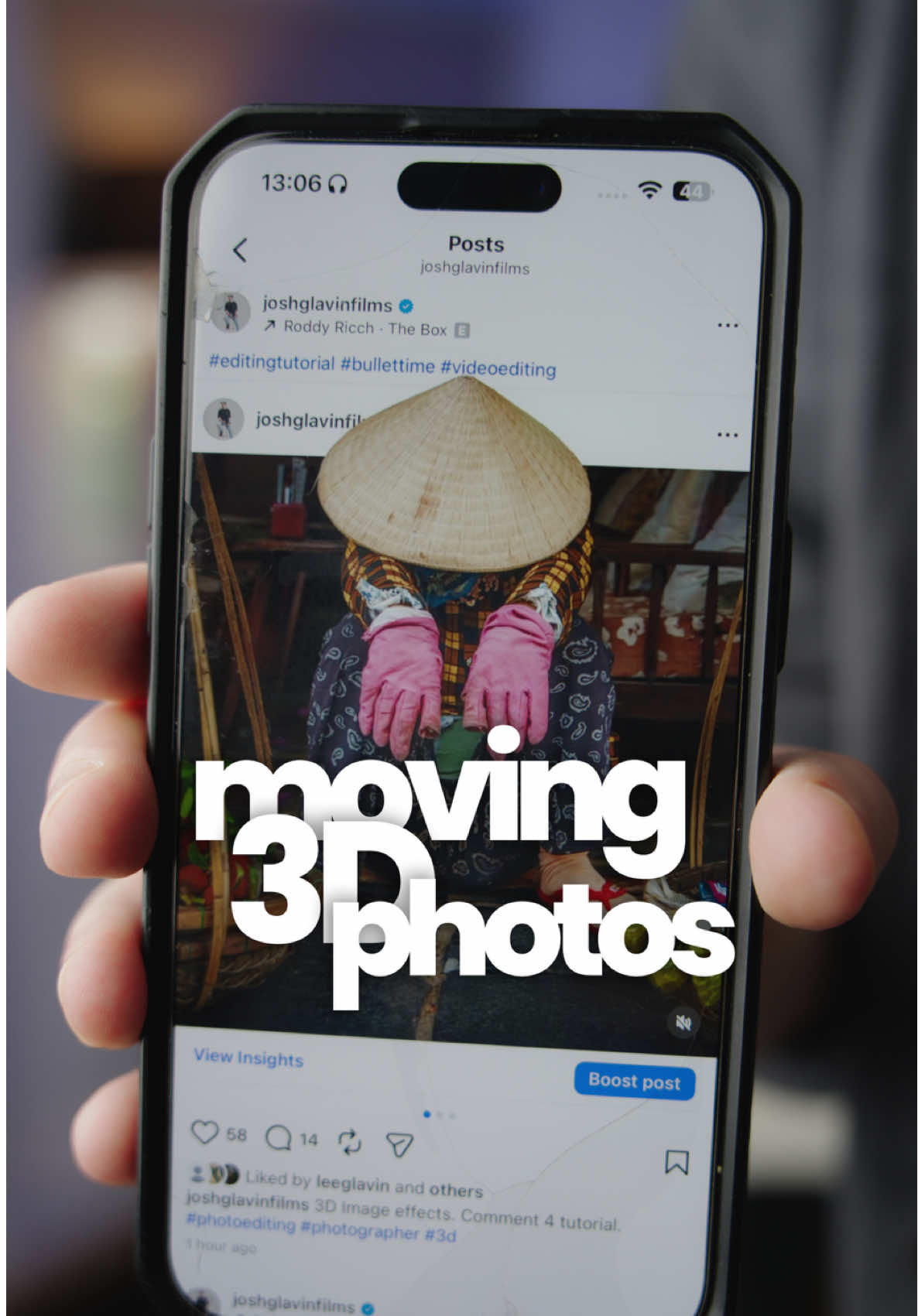 116.9KHow to make 3D photos@joshglavinfilms · Tutorial / How To
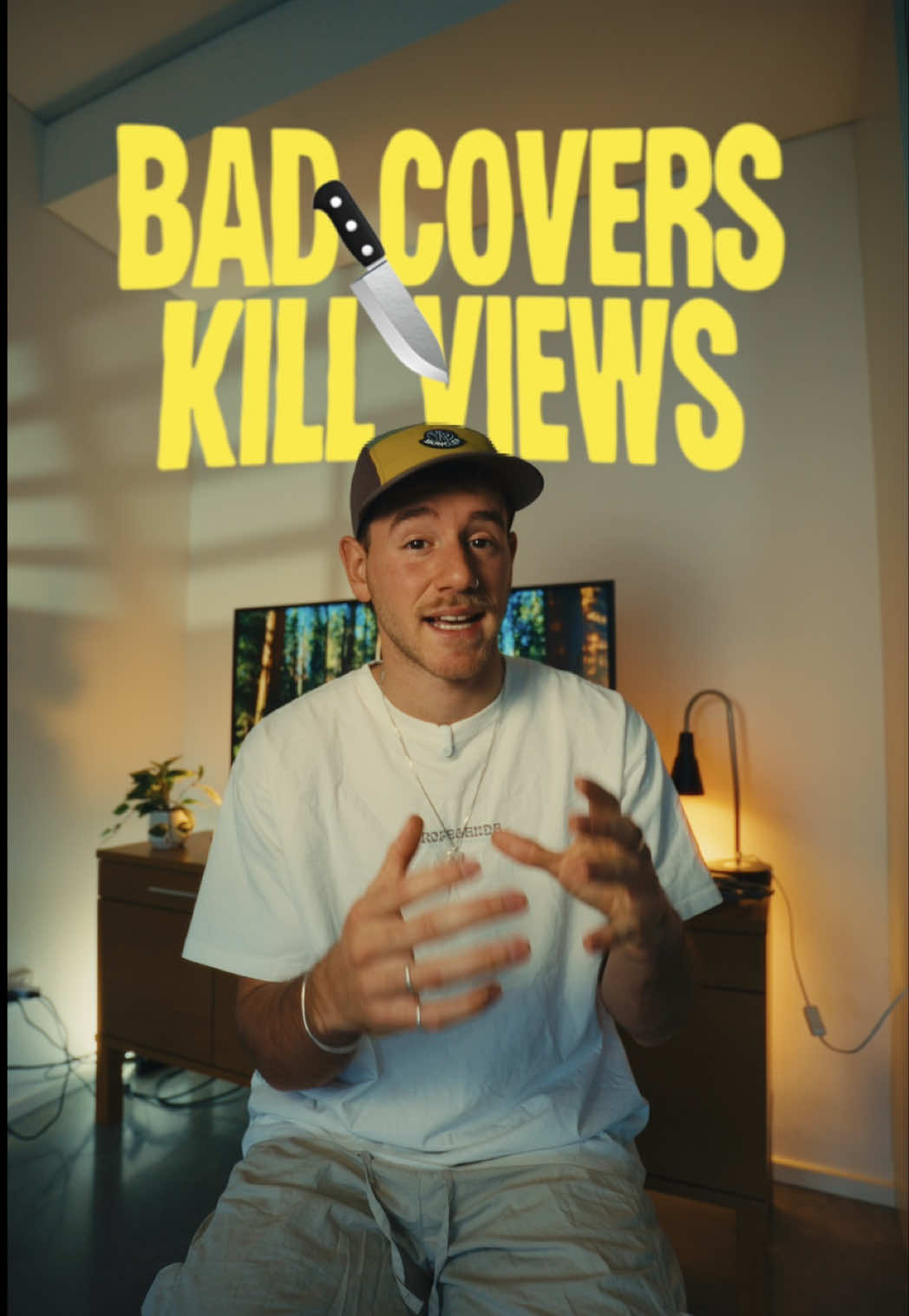 444.2KFixing bad Instagram video covers@artzenmedia · Good vs Bad
[04]
[05]
What stops the scroll in the first 3 seconds
Title hook · 60%
Daniel Caesar album blue filter tutorial 💙
Visual hook · 40%
The video opens with the creator holding up a phone displaying the distinctive, vibrant blue album art for Daniel Caesar's 'NEVER ENOUGH', immediately establishing the video's aesthetic goal and appealing to fans of the artist.
[06]
Steal this for your own video
How to get the look using just
[07]
The promise the opener makes, and how the video pays it back
Hook
The Aesthetic Promise: Immediately showcases the desirable, trendy final result, creating instant aspiration and clearly stating the video's purpose.
Payoff
The Replicated Masterpiece: Displays the completed transformation, confirming the tutorial's success, and provides a direct call to action for the viewer to save the content and replicate the process themselves.
[08]
The structural pattern this video runs on
Framework
The Aspirational Tutorial
A fast-paced, visual guide that deconstructs a complex or trendy aesthetic into simple, replicable steps using a specific tool, making a desirable outcome feel accessible to the average user.
The Tool Reveal
Explicitly names and shows the specific application or tool required to begin the process, removing the first barrier to entry.
The Foundational Layer
Guides the user through the first, most basic step of the process (e.g., selecting a photo and applying a base filter), establishing a starting point.
The Signature Effect
Reveals the key, non-obvious technique or combination of settings that creates the core, defining feature of the desired look. This is the 'secret sauce' of the tutorial.
The Atmospheric Polish
Demonstrates a secondary, enhancing step that refines or adds nuance to the signature effect, layering complexity.
The Pro-Level Tweak
Shows the final, subtle adjustments (e.g., saturation, grain) that perfect the overall result, adding a professional touch and completing the transformation.
omg so cool 💙 save & try!! #danielcaesar #album #bluefilter #tutorial #howto #editing #howtoedit #meitu #trend #fyp #foryou
title · beginning
Daniel Caesar album blue filter tutorial 💙
informational · beginning
open Meitu
informational · beginning
select Photo & choose your pic
informational · middle
go to Filter -> search for “Blue”
informational · middle
apply filter & adjust
informational · middle
select AI Art -> Effects -> Pattern -> Glowing
informational · middle
AI Art -> Effects -> Blur -> add Long Exposure effect
informational · middle
freely change effect settings
informational · middle
Adjust settings: -Saturation +90-100 -Grain +100
contextual · end
and you’re done! 💙
call-to-action · end
so cool 💙 save & try now!