@mmivia
TikTok · Vlog
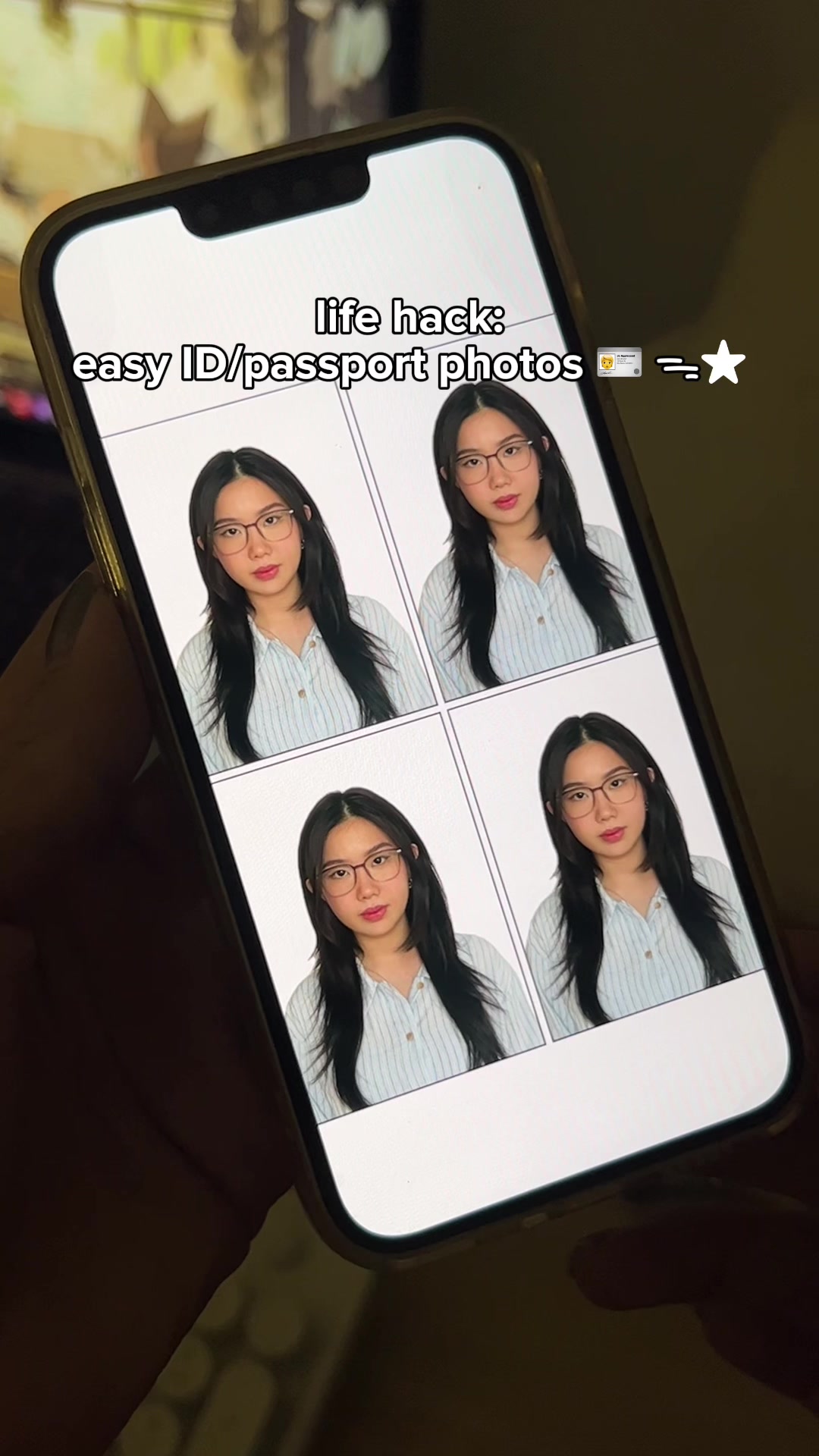
@mmivia save & try this hack 🫶🏻 #cutoutpro #LifeHack #iphonehack #iphonetips #iphonetricks #phonehack #tipsandtricks #style #photography #howto #photo

@mmivia
TikTok · Vlog
@mmivia save & try this hack 🫶🏻 #cutoutpro #LifeHack #iphonehack #iphonetips #iphonetricks #phonehack #tipsandtricks #style #photography #howto #photo
Performance
Video #1757 · Vlog
[01]
The creator provides a tutorial on how to create ID and passport photos using the 'Cutout Pro' app. Through a series of screen recordings, they demonstrate searching for the app, uploading a photo, adjusting the size and background color, selecting the number of photos, and preparing the final image sheet to be shared, printed, or emailed.
[02]
[03]
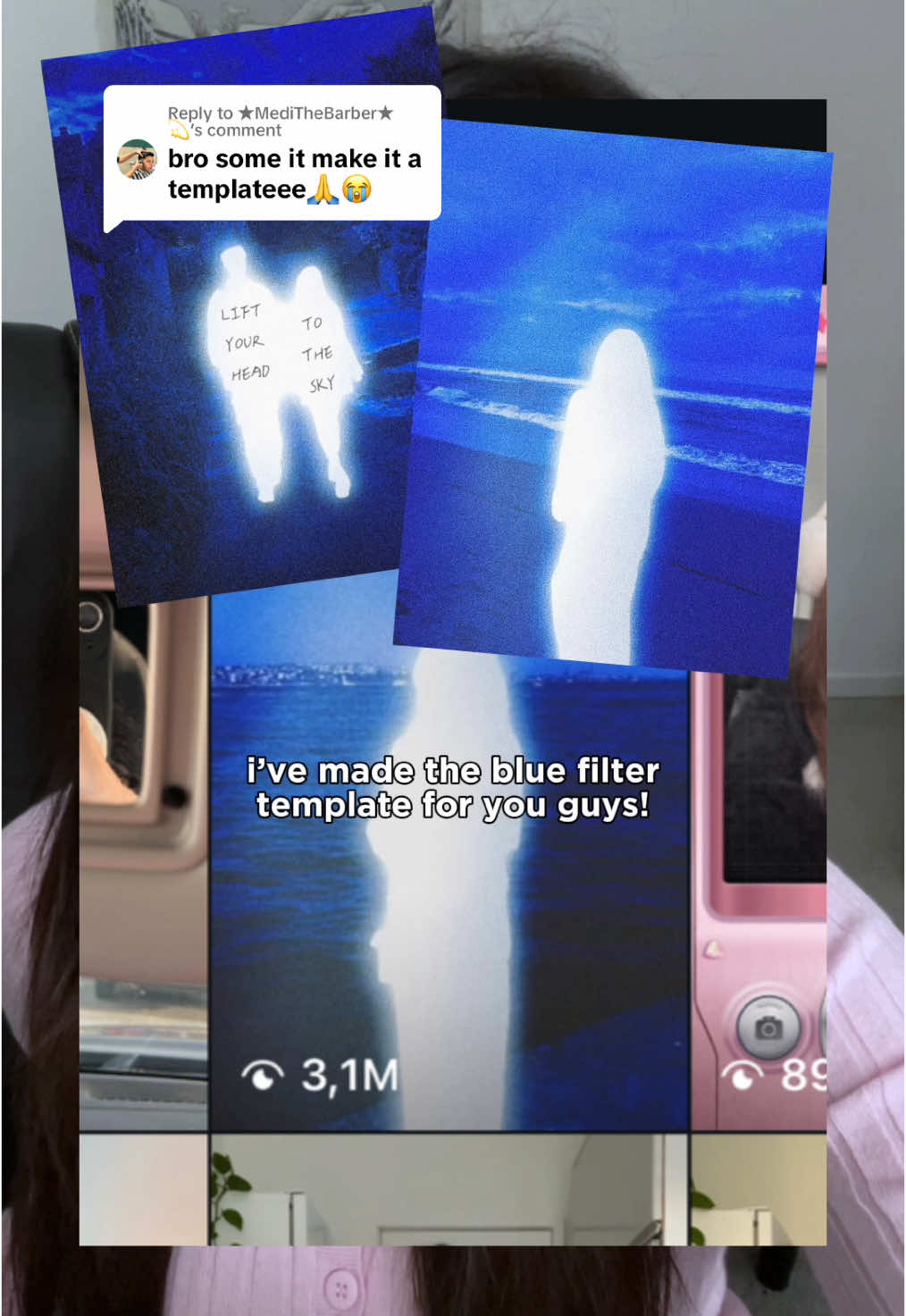 540.4KHow to get the glowing blue filter effect in Meitu@mmivia · Tutorial / How To
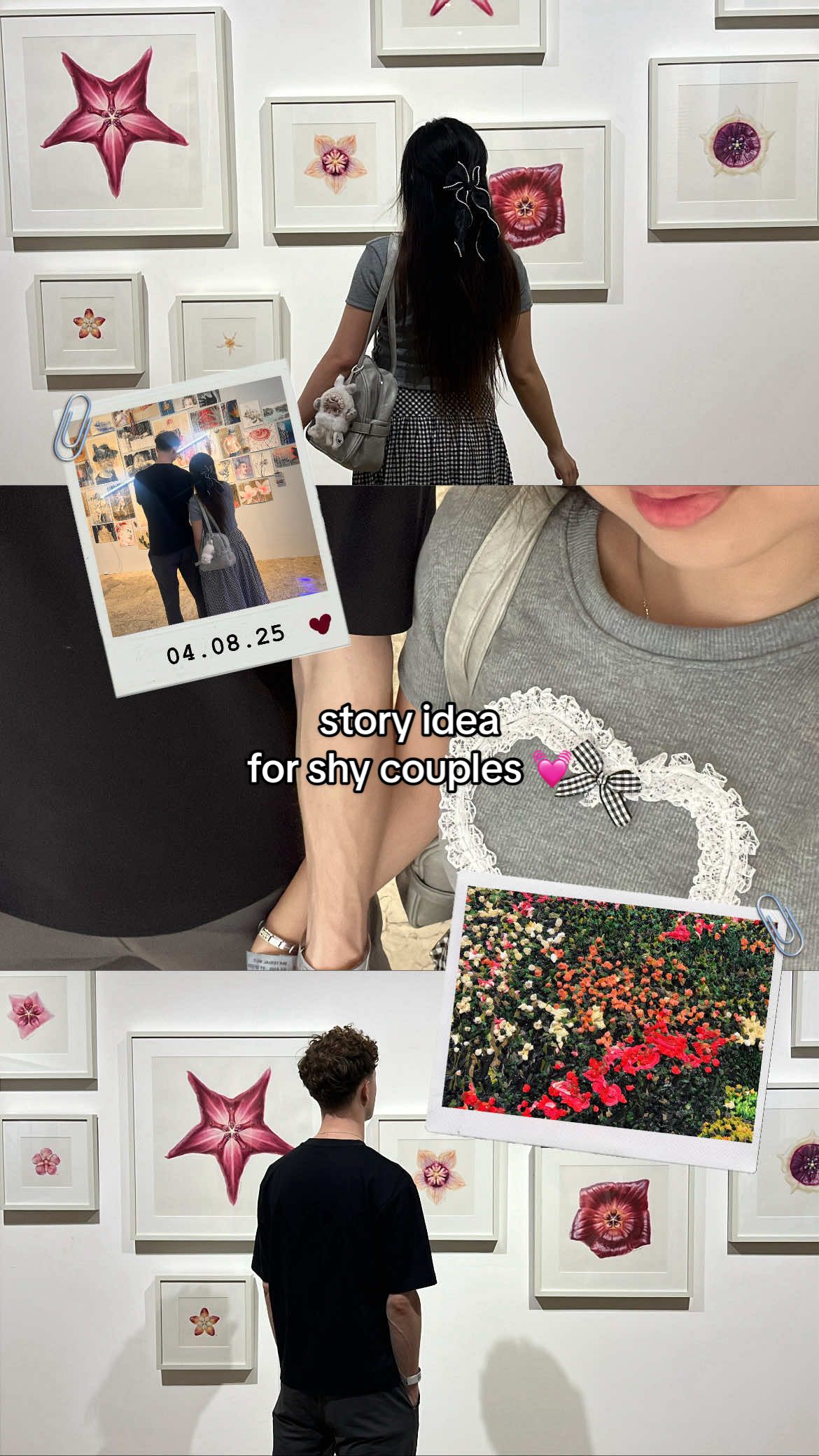 2.4M2.7×Tutorial for making an aesthetic Instagram story for shy couples@mmivia · Tutorial / How To
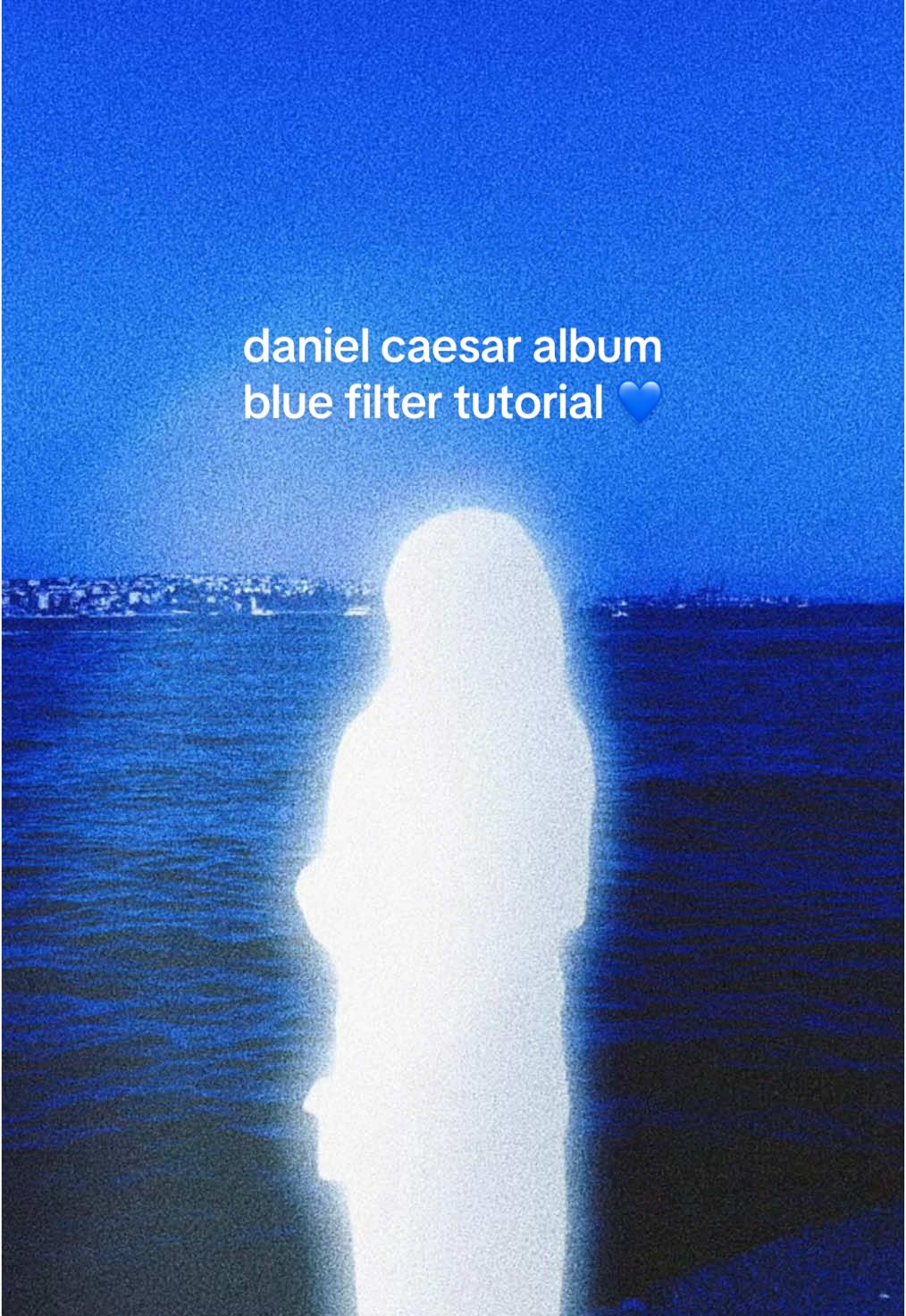 6.4M7.1×Recreating Daniel Caesar album cover aesthetic in Meitu@mmivia · Tutorial / How To
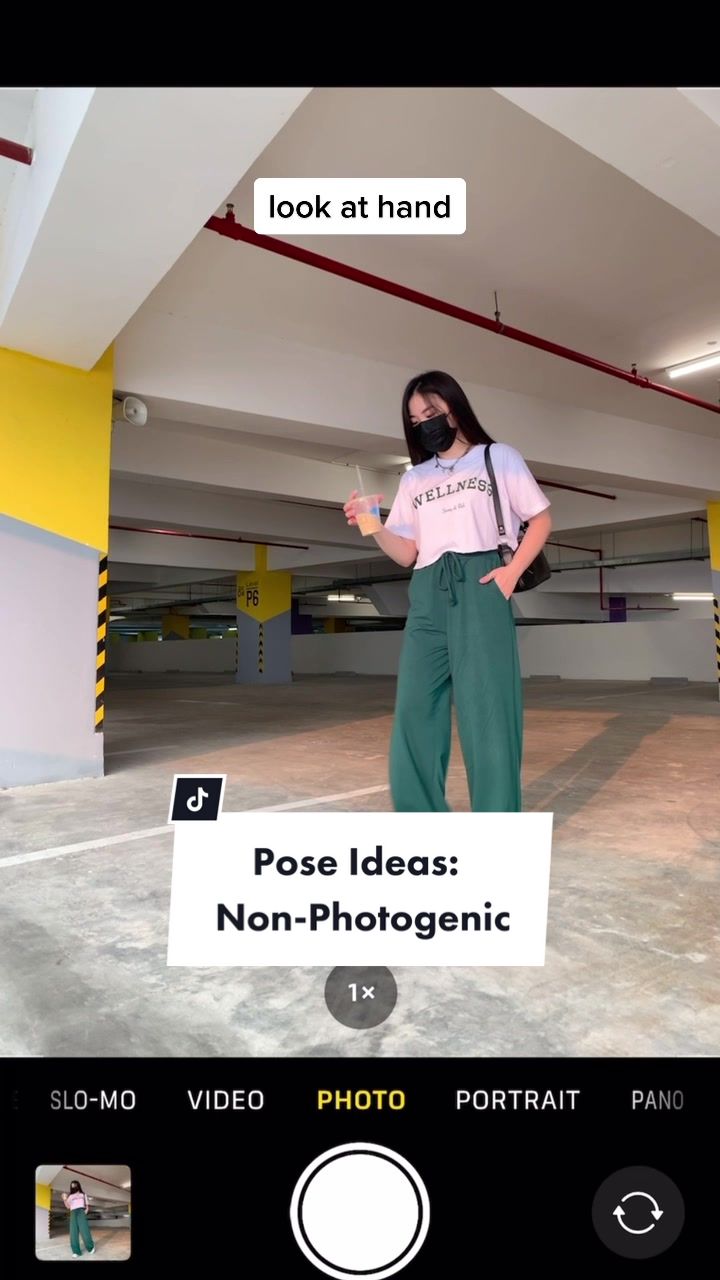 55.2M61.1×Four solo photo poses for people who feel non-photogenic@mmivia · Tutorial / How To
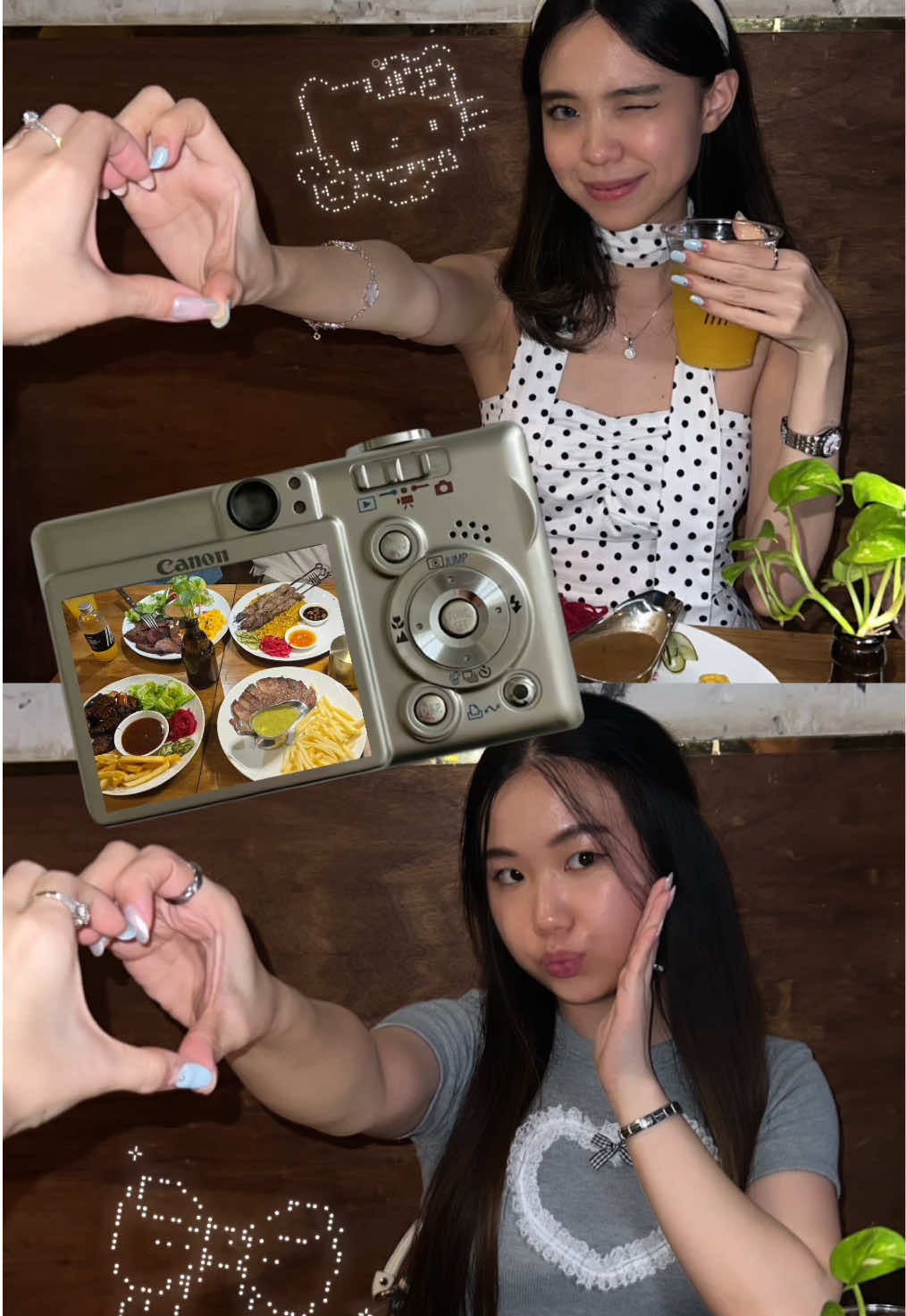 3.2M3.5×Step-by-step aesthetic Instagram story tutorial for best friends@mmivia · Tutorial / How To
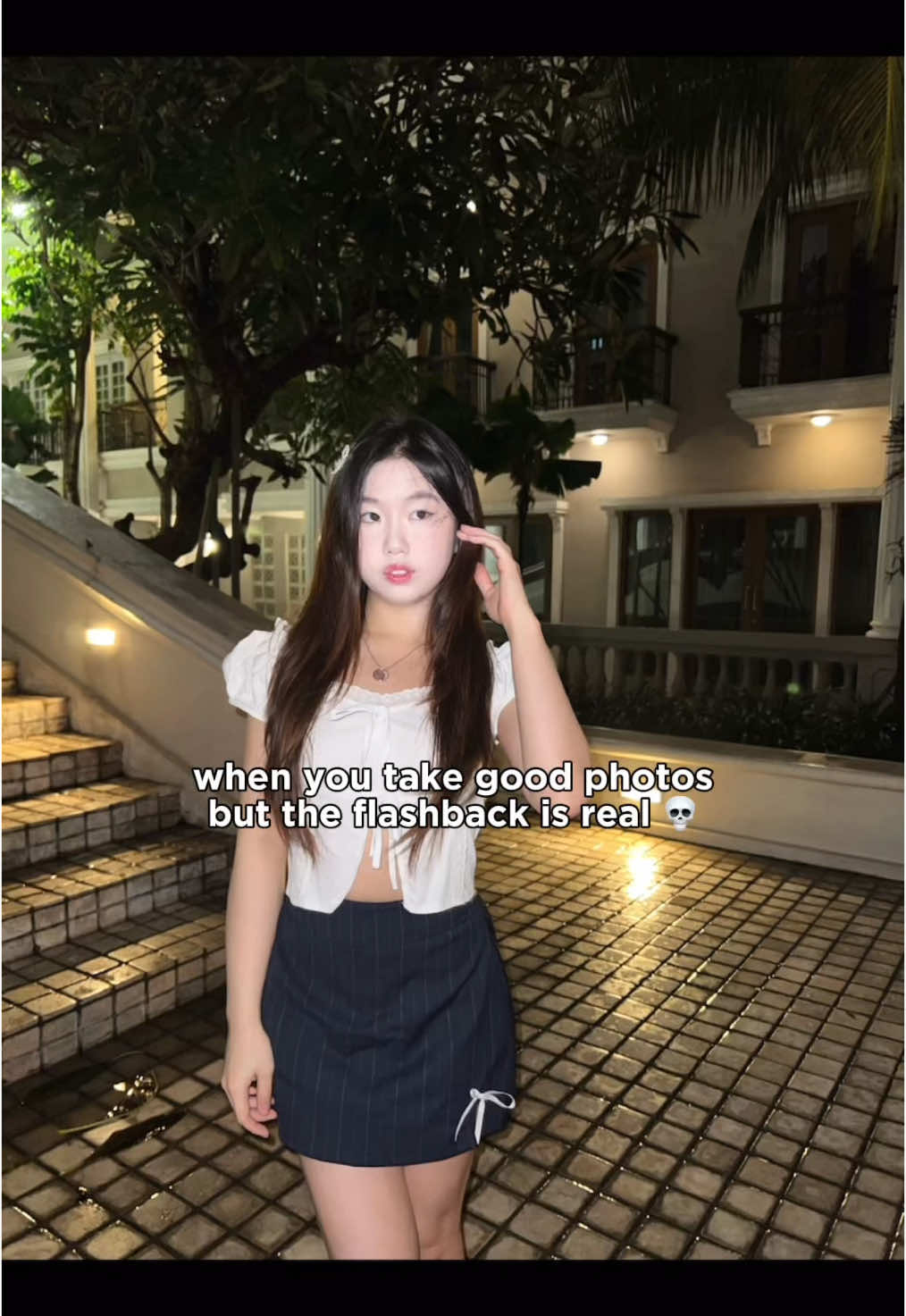 2.9M3.3×Tutorial to fix harsh flashback in photos using Meitu app@mmivia · Tutorial / How To
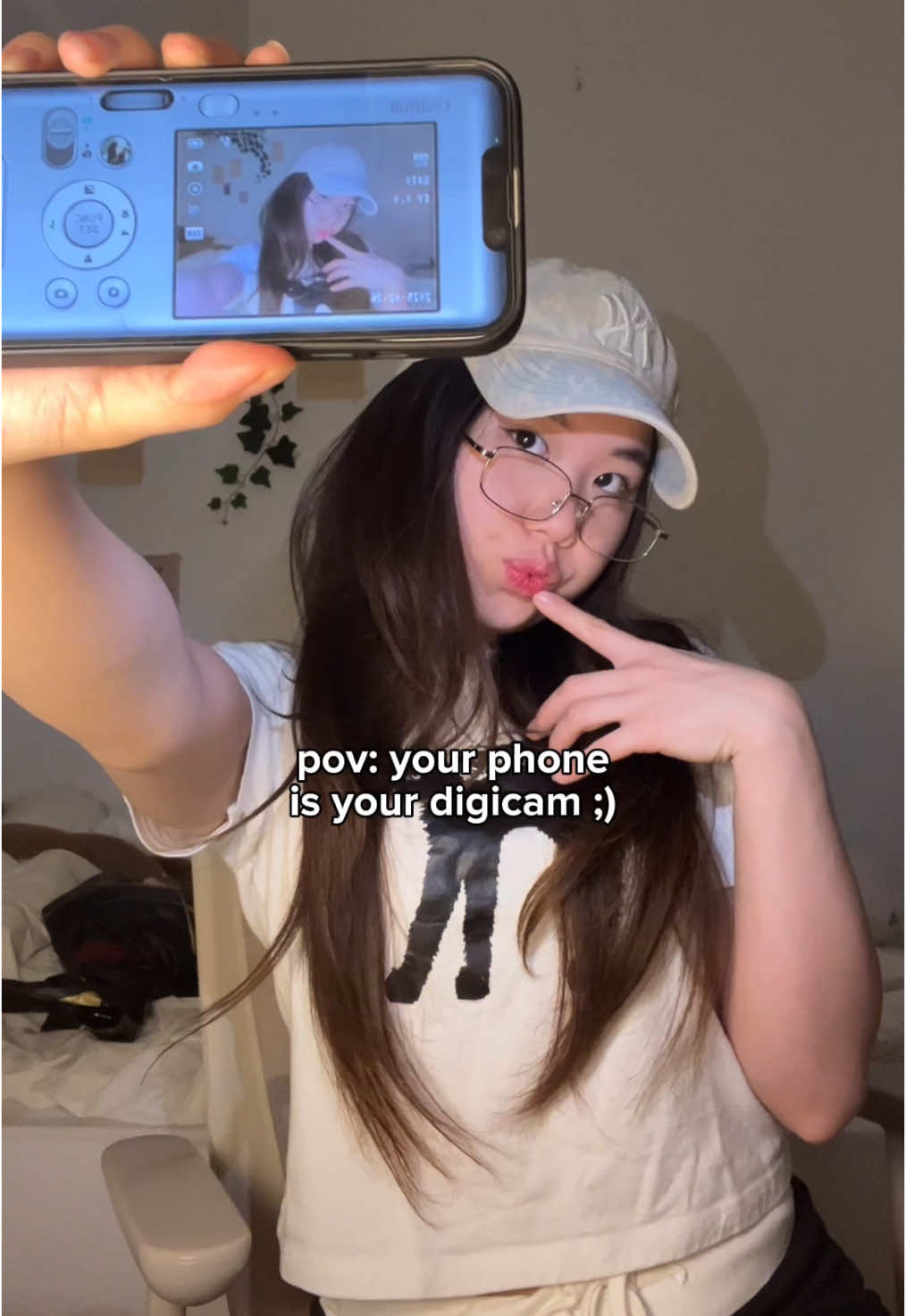 234.7KApp tutorial for digicam photos@mmivia · Tutorial / How To
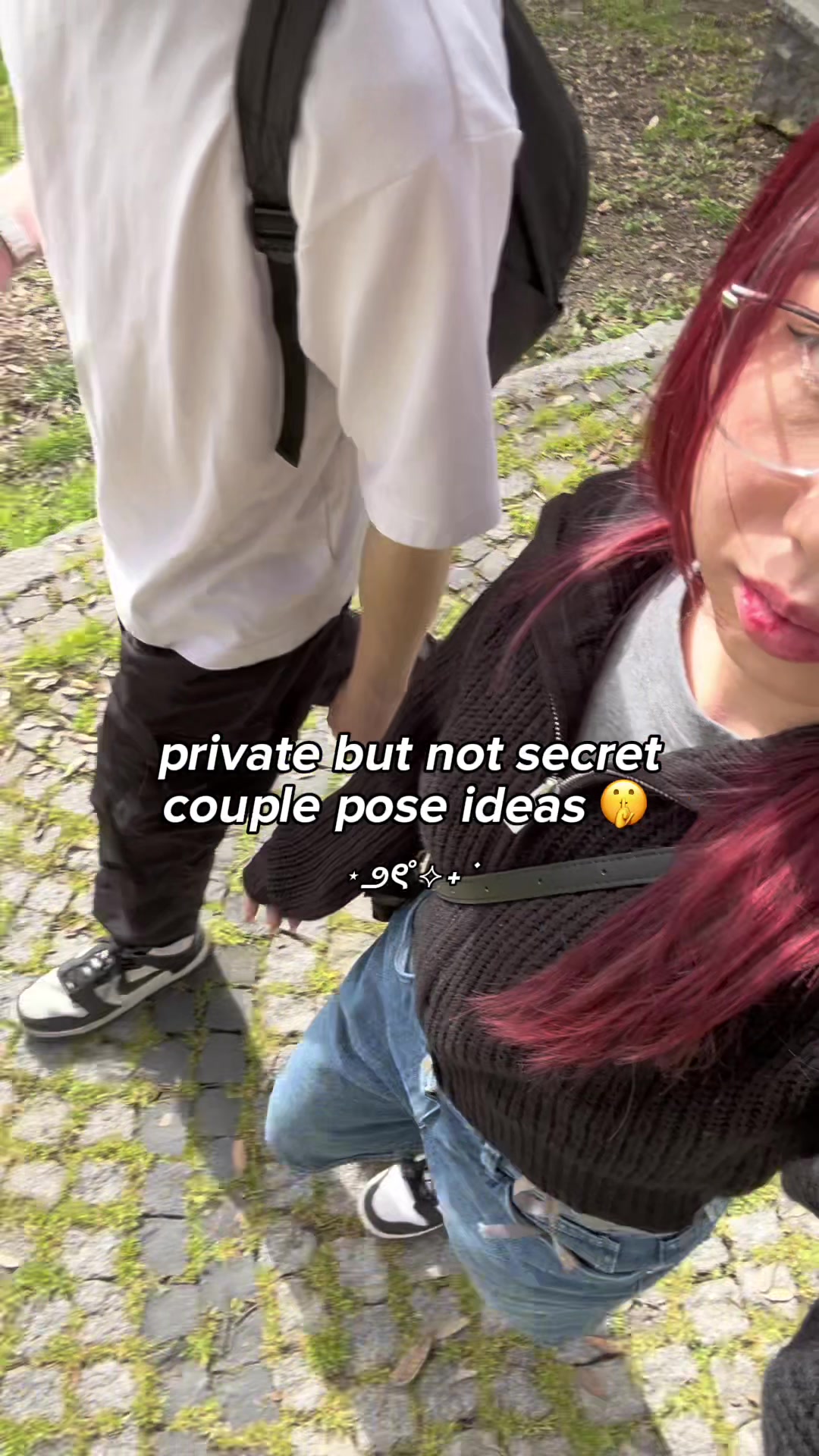 4.8M5.3×Four creative couple photo pose ideas that hide faces@mmivia · Tutorial / How To
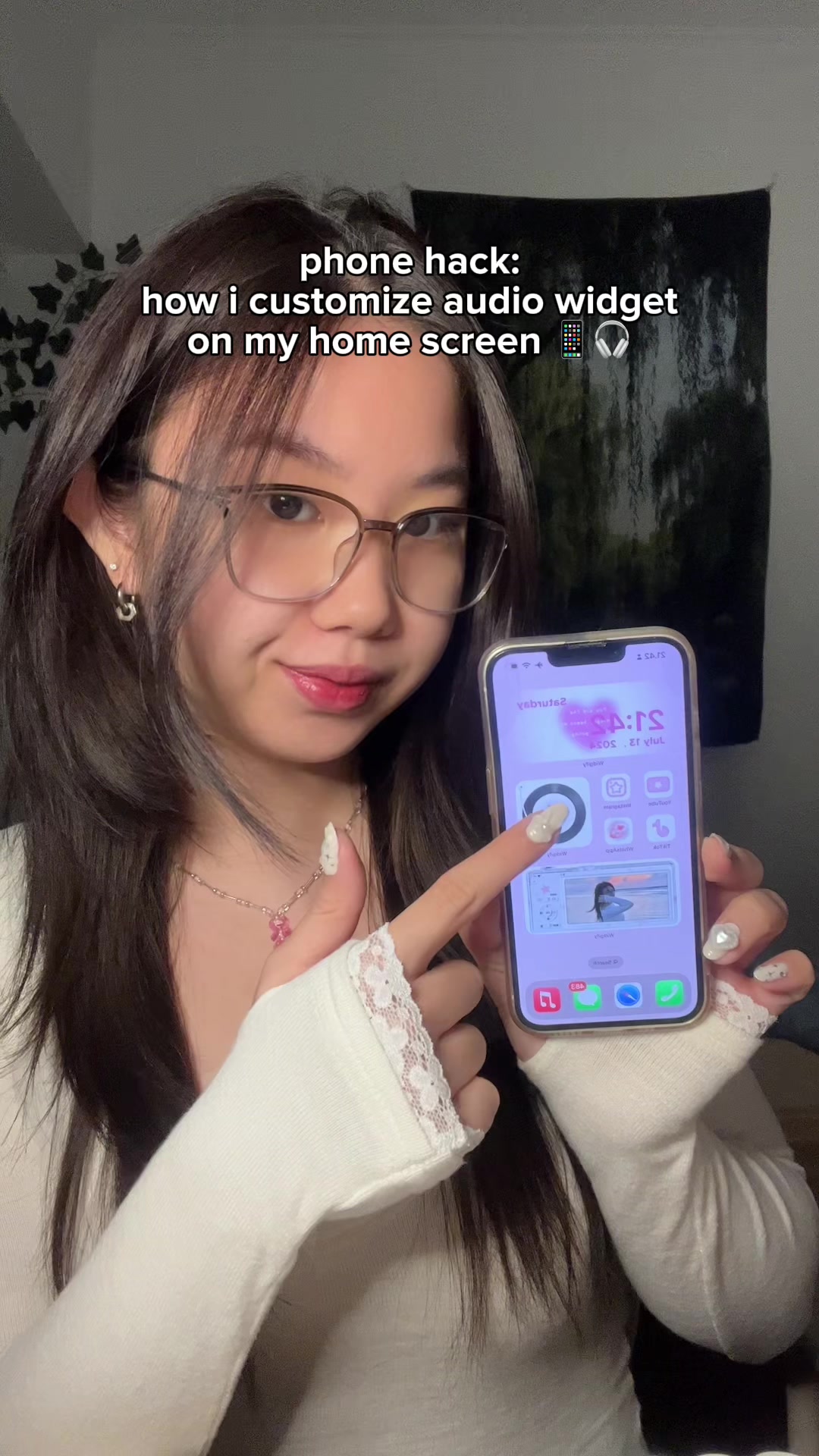 3.3M3.6×How to add a custom audio widget to your iPhone home screen@mmivia · Tutorial / How To
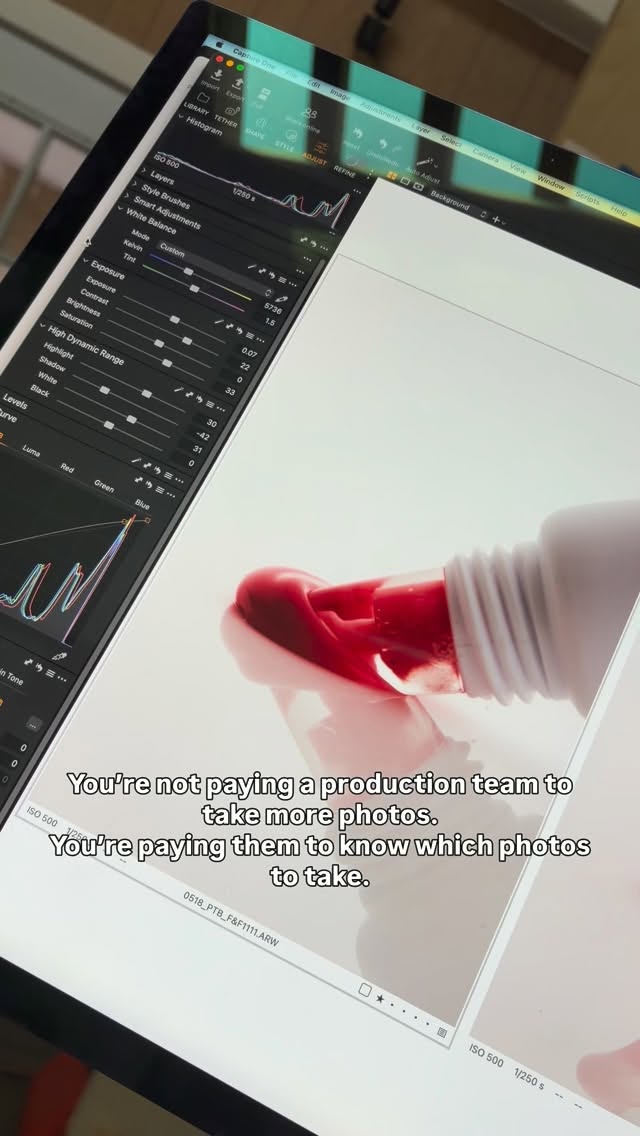 120.7K5×Explaining value of professional photography@karen.rosalie · Behind The Scenes
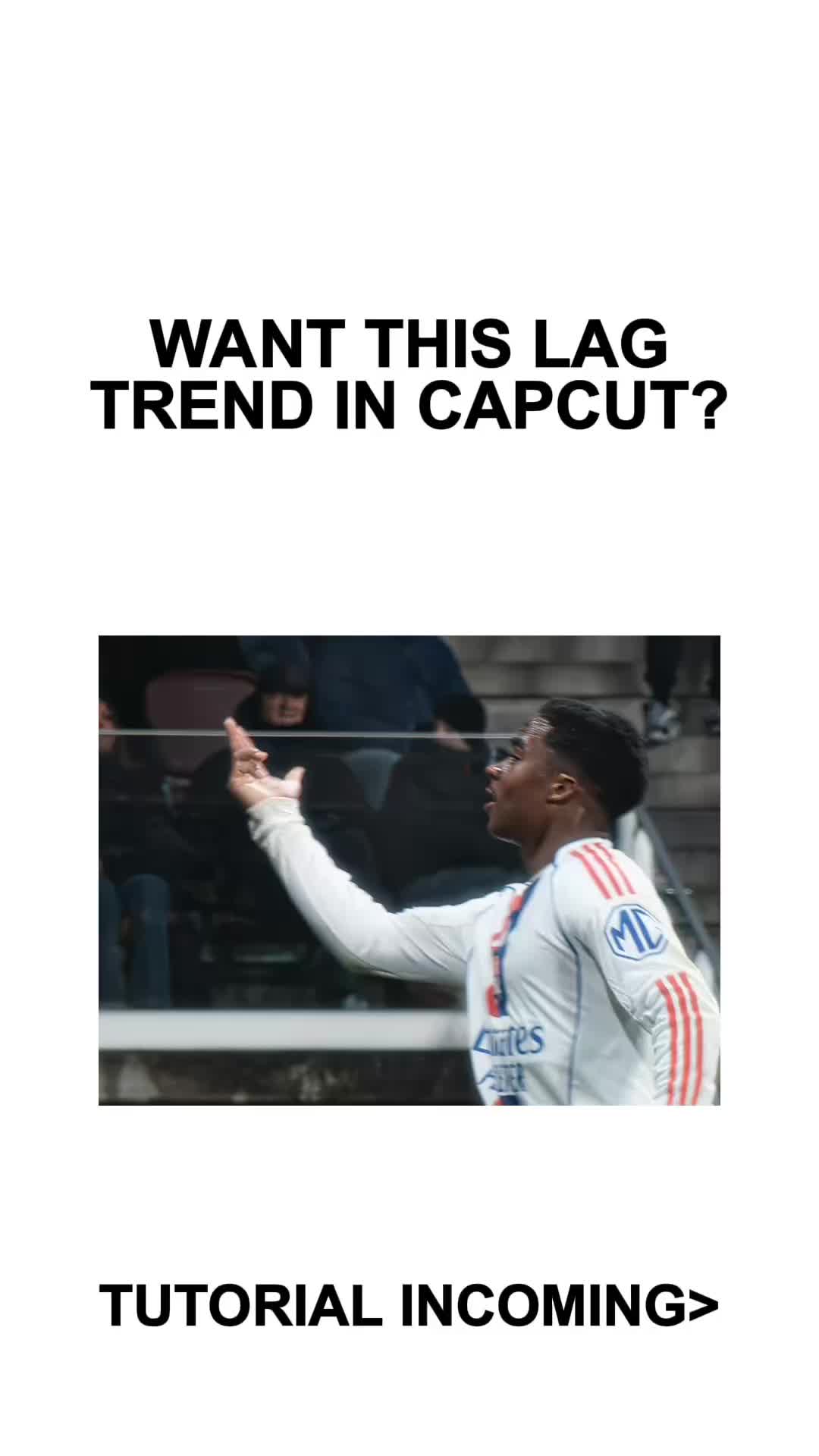 410.3KCapCut lag trend editing tutorial@mxtstutorials · Tutorial / How To
 278.4KiPhone camera settings tutorial carousel@by.jasminkaila · Guide Carousel
[04]
[05]
What stops the scroll in the first 3 seconds
Title hook · 75%
life hack: easy ID/passport photos 💳 = ⭐️
Visual hook · 25%
A close-up shot of a smartphone screen displaying a finished, perfectly formatted sheet of four professional-looking passport photos, immediately showing the valuable end result of the hack.
[06]
Steal this for your own video
Life hack: using 💡
[07]
The promise the opener makes, and how the video pays it back
Hook
The Aspirational Result: A visual presentation of the finished product, paired with a text overlay that clearly states the value proposition and frames it as a 'hack' or easy solution.
Payoff
The Replicated Success & CTA: Re-displays the final product, mirroring the hook to create a satisfying loop, and provides a direct call to action for the viewer to save the information and try the method themselves.
[08]
The structural pattern this video runs on
Framework
The Show-and-Solve Tutorial
Hook the viewer by showing a desirable final result, then rapidly walk through the exact steps and tools required to replicate that result, ending with a satisfying confirmation and call to action.
The Tool Reveal
Visually identifies the specific application or tool required to achieve the outcome by showing it being searched for and located in a marketplace (e.g., App Store).
The Input Method
Demonstrates the primary ways to provide the raw material for the process, such as capturing new data directly or importing existing files.
The Core Customization
Walks through the most critical and essential settings that must be adjusted to transform the input into the desired output, focusing on primary parameters like size and background.
The Output Refinement
Showcases secondary features that allow for fine-tuning the final product, such as quantity, layout, and format, adding a layer of 'pro-tip' value.
The Distribution Hub
Displays the final actions available to the user, showing how to easily save, export, or share the completed result from within the tool.
save & try this hack 🫶🏻 #cutoutpro #LifeHack #iphonehack #iphonetips #iphonetricks #phonehack #tipsandtricks #style #photography #howto #photo
title · beginning
life hack: easy ID/passport photos 💳 = ⭐️
informational · beginning
search app: Cutout Pro (on app store/play store)
informational · middle
you can take a picture directly from the app
informational · middle
or upload from gallery! 🖼️
informational · middle
free to adjust the size, background color
informational · middle
also amount, format, and position!
informational · middle
share, print, or email your pics easily 🥰
call-to-action · end
done!! save & try 🙌🏻
Oh, I'm asking, baby.