@mmivia
TikTok · Vlog
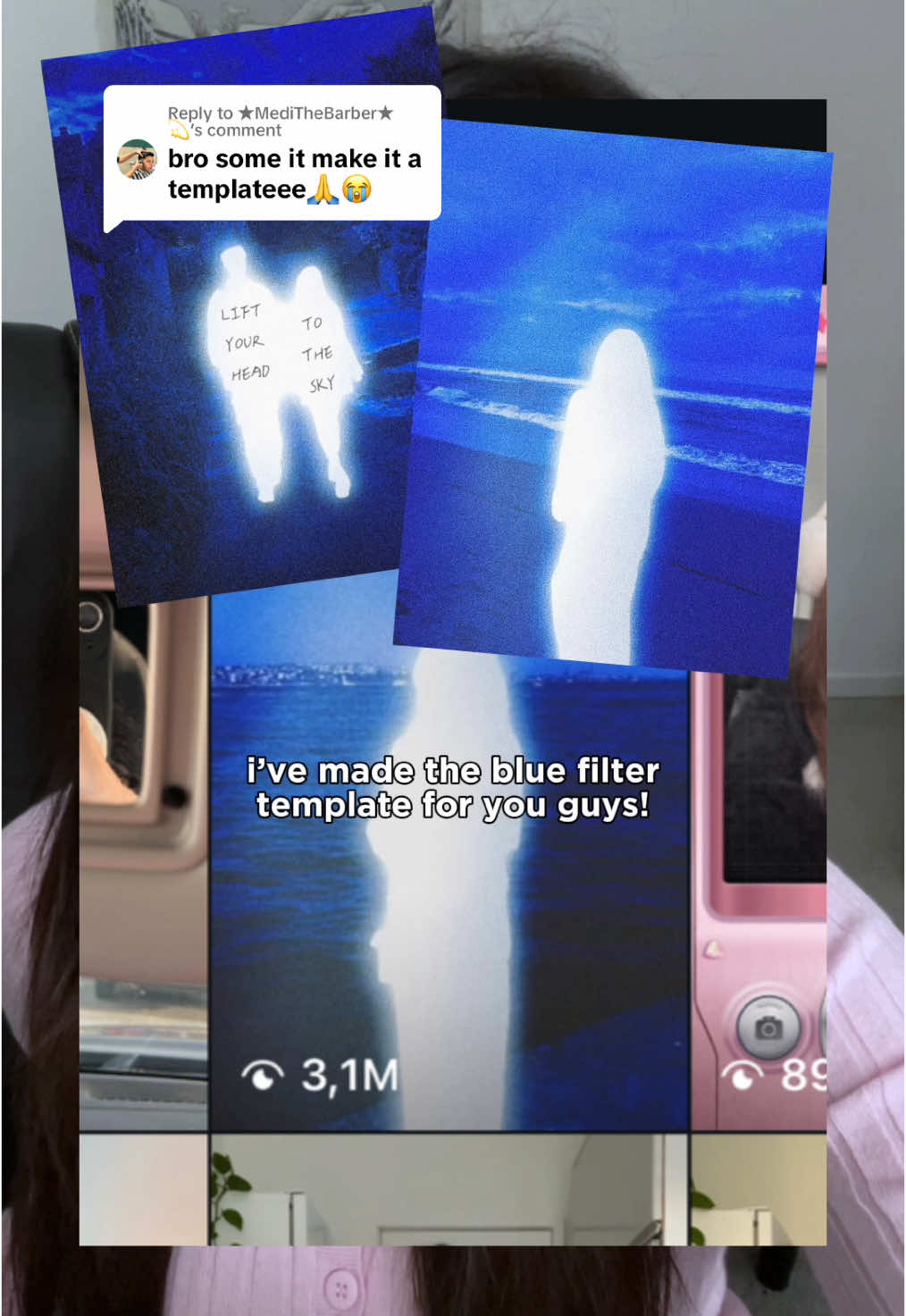
@mmivia Replying to @★MediTheBarber★💫 blue filter template tutorial!! 💙 one click and done 🫶🏻 #danielcaesar #album #blue #filter #edit #howtoedit #photoidea #howto #editing #trend #meitu #fyp #foryou

@mmivia
TikTok · Vlog
@mmivia Replying to @★MediTheBarber★💫 blue filter template tutorial!! 💙 one click and done 🫶🏻 #danielcaesar #album #blue #filter #edit #howtoedit #photoidea #howto #editing #trend #meitu #fyp #foryou
Performance
Video #1754 · Vlog
[01]
The creator responds to a user's comment by providing a tutorial on how to achieve a trendy 'glowing blue filter' photo effect. Using screen recordings, she guides viewers step-by-step through the Meitu app, from selecting the specific filter to applying it to a photo. The video concludes by showing the final result and a call-to-action to save the tutorial.
[02]
[03]
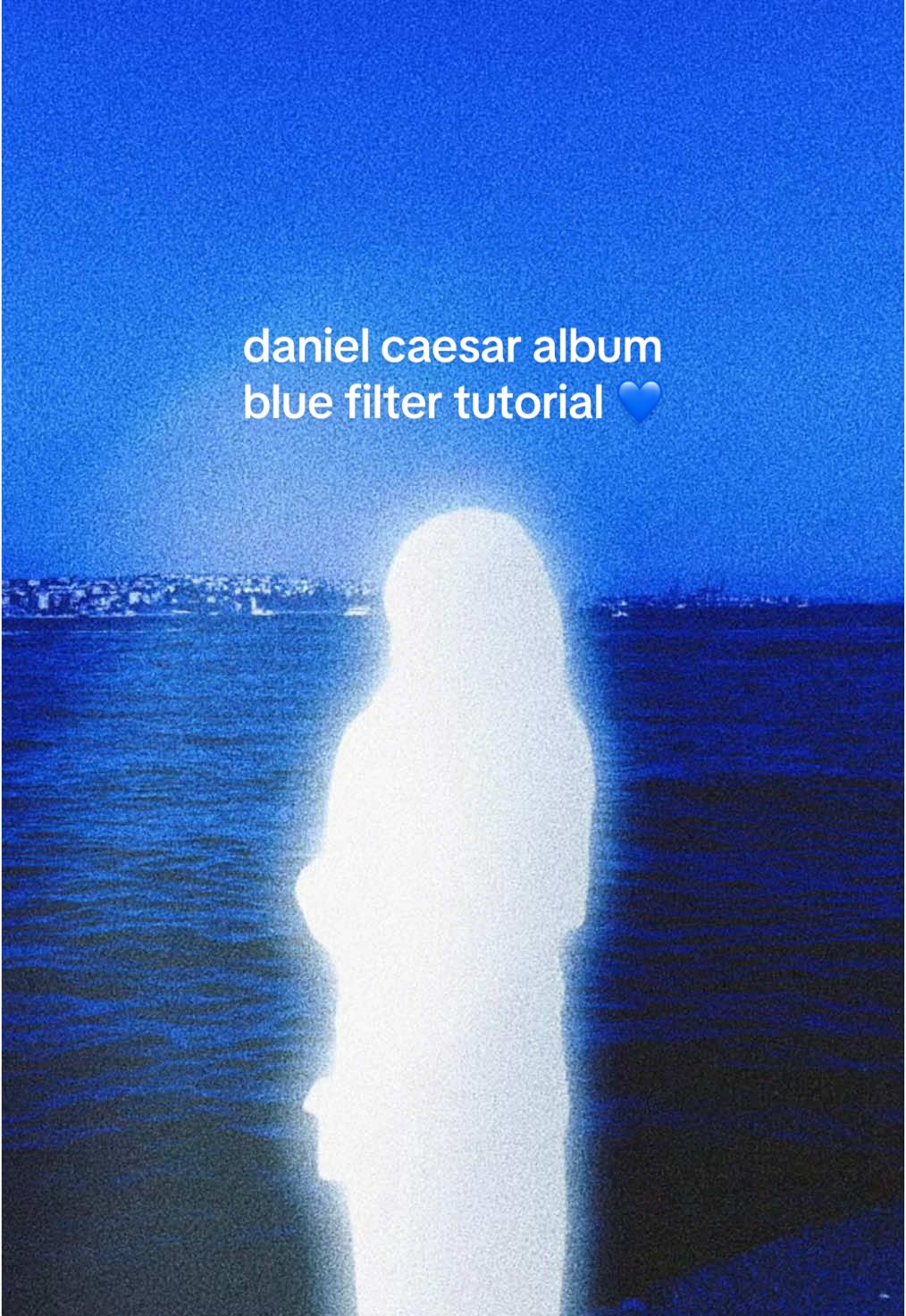 6.4M7.1×Recreating Daniel Caesar album cover aesthetic in Meitu@mmivia · Tutorial / How To
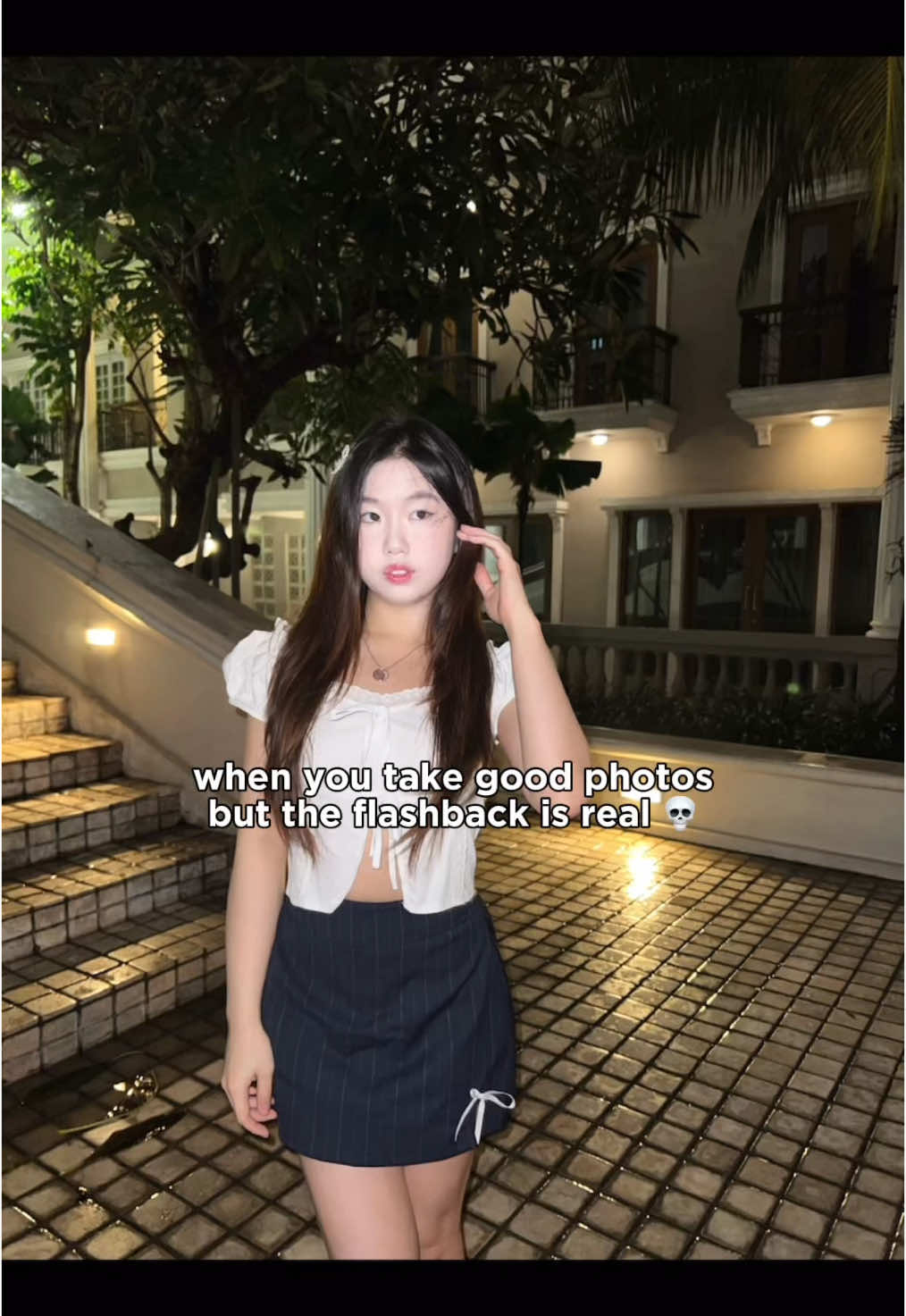 2.9M3.3×Tutorial to fix harsh flashback in photos using Meitu app@mmivia · Tutorial / How To
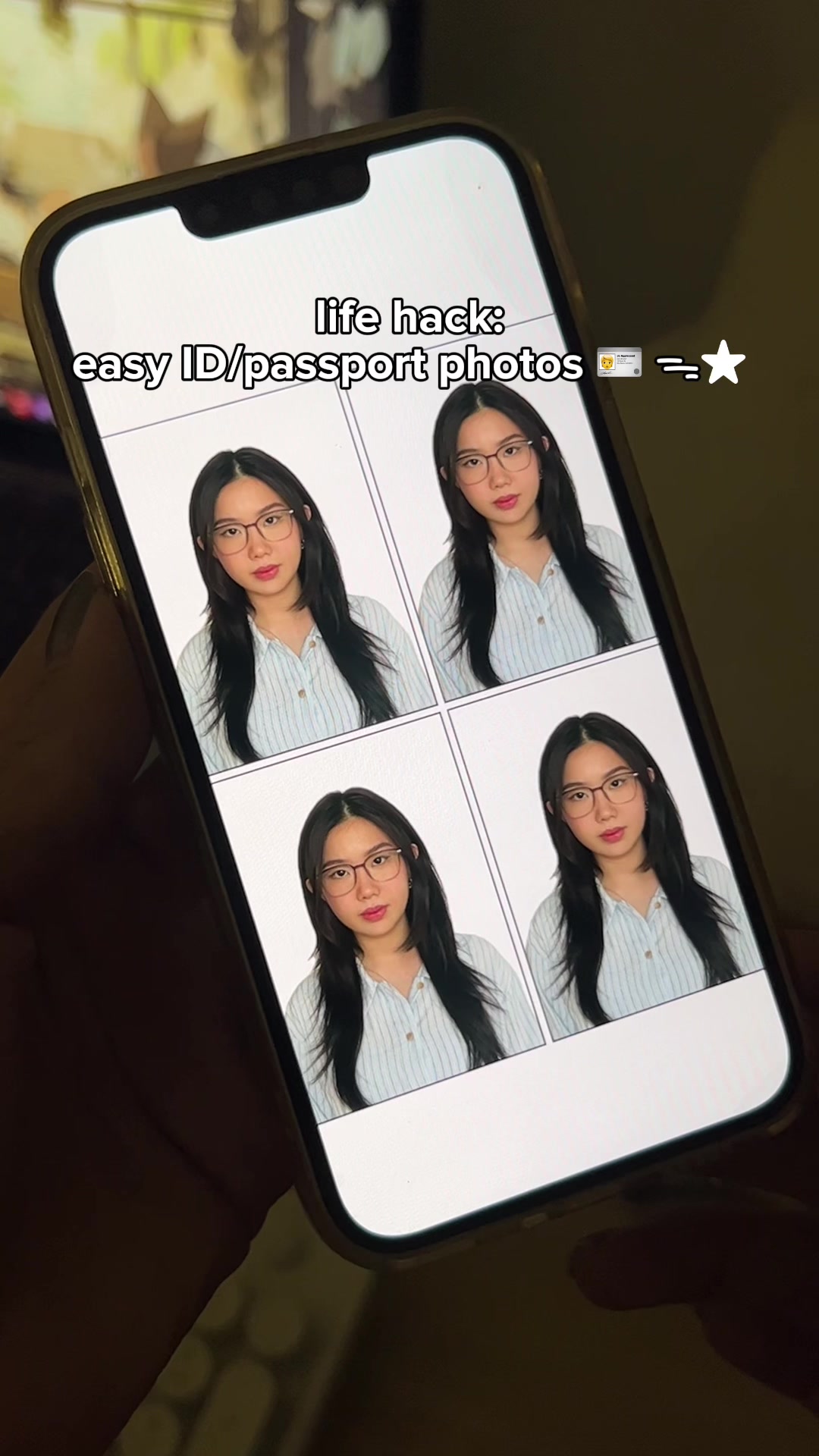 2.1M2.3×How to make ID and passport photos using the Cutout Pro app@mmivia · Tutorial / How To
 2.9M7×Tutorial for TikTok voice filter@misscarolineflett · Tutorial / How To
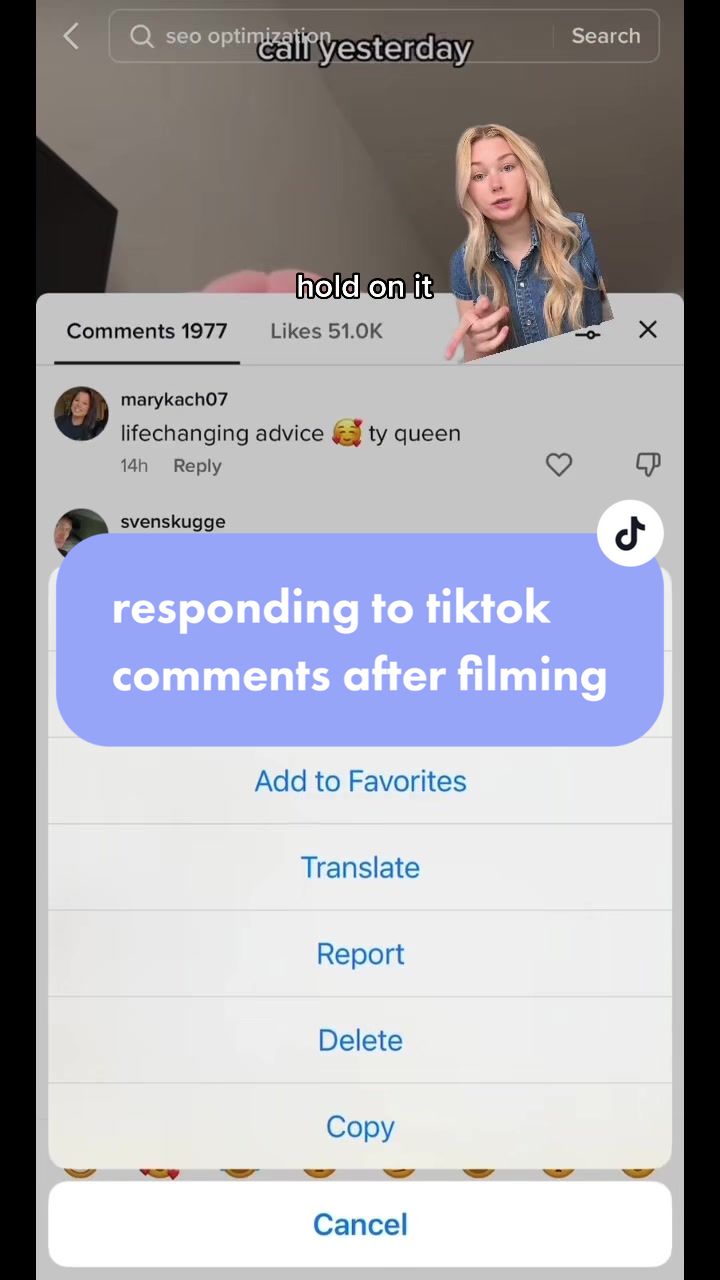 533.2K4.5×Creator explains TikTok comment hack@claireliz_ · Tutorial / How To
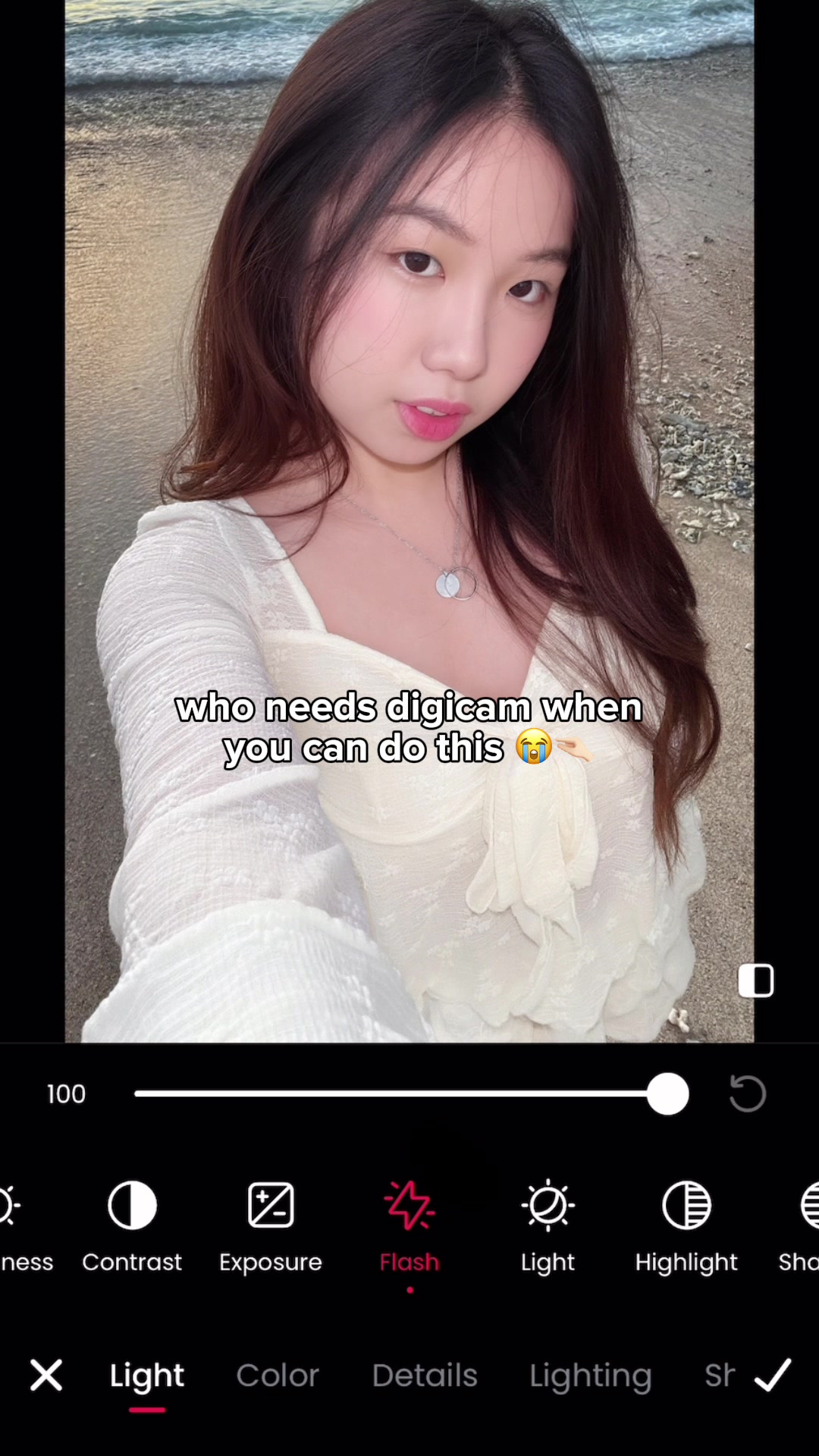 11.1M205.8×Photo editing app digicam hack@mmivia · Tutorial / How To
 396.7K3.1×Text hook drives to caption@ugc.withrach · Read Caption
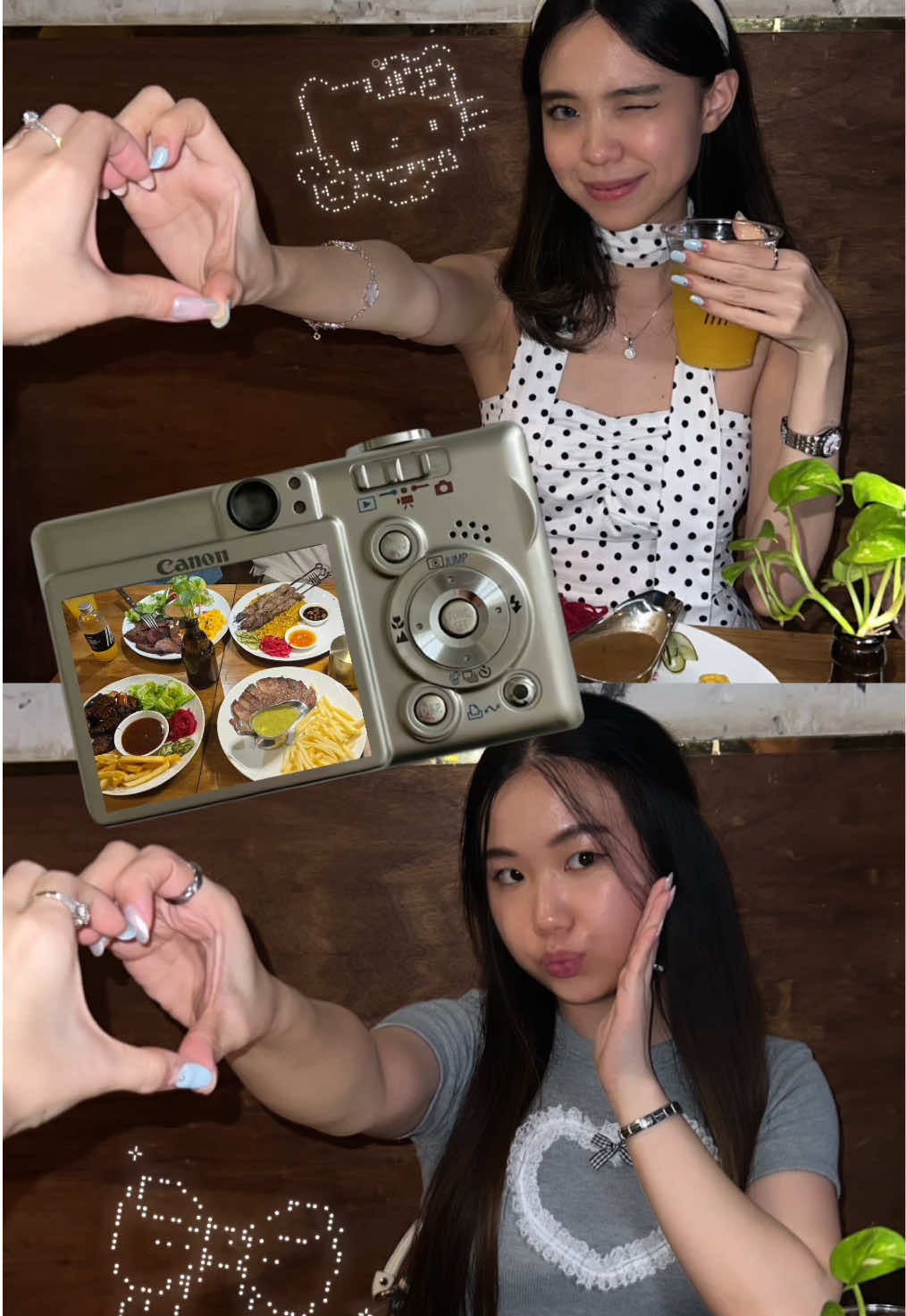 3.2M3.5×Step-by-step aesthetic Instagram story tutorial for best friends@mmivia · Tutorial / How To
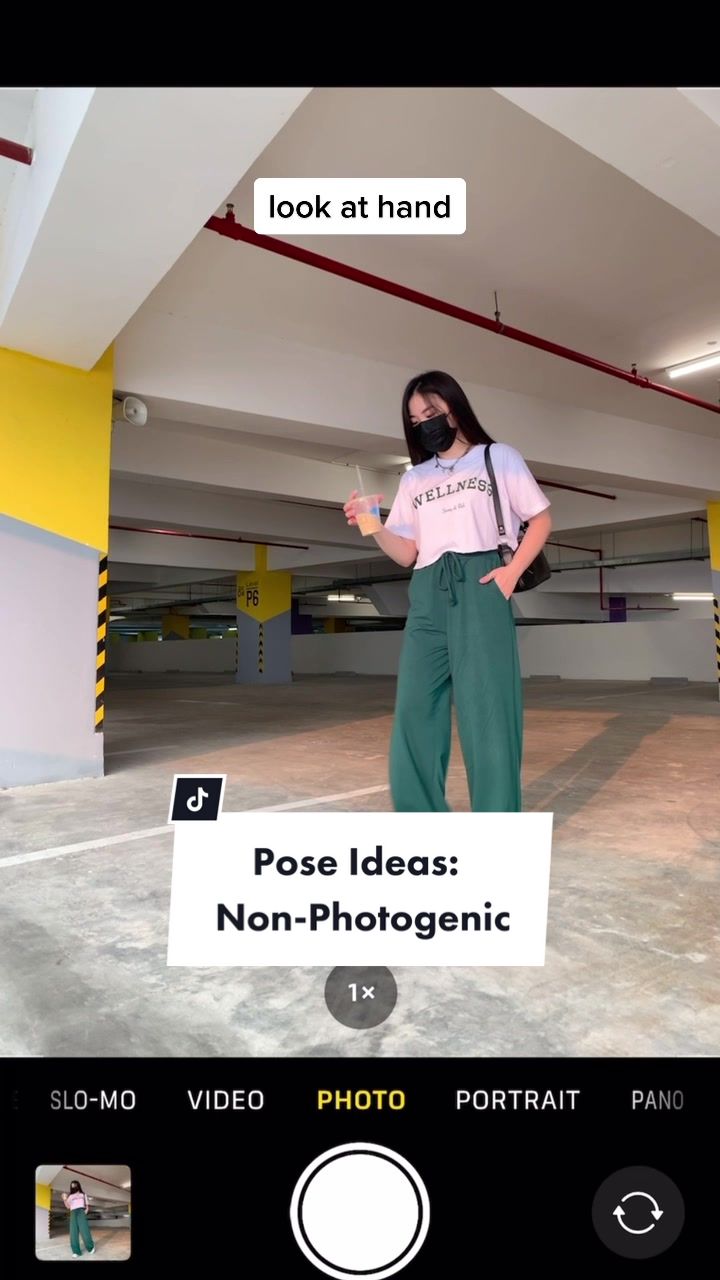 55.2M61.1×Four solo photo poses for people who feel non-photogenic@mmivia · Tutorial / How To
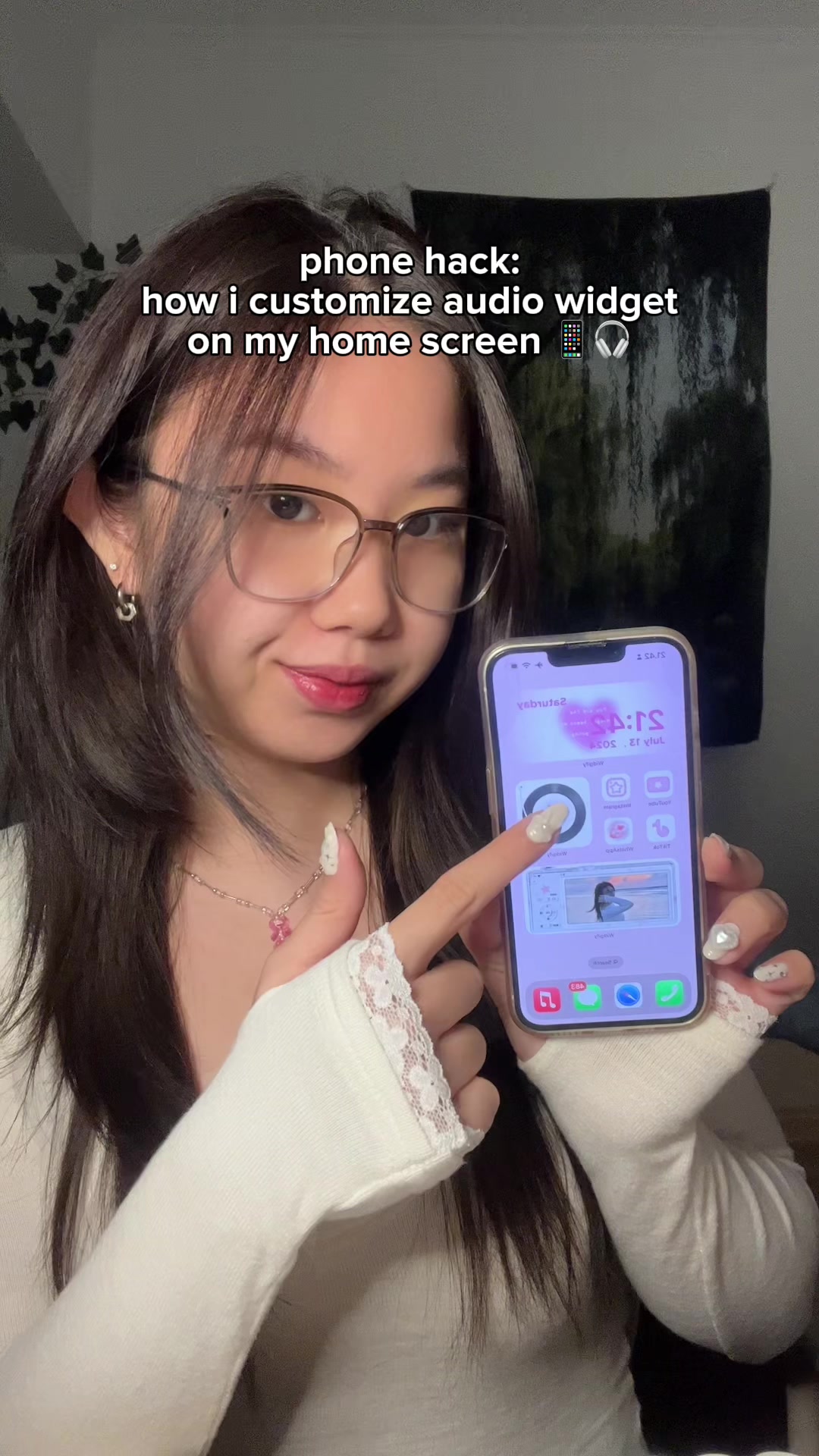 3.3M3.6×How to add a custom audio widget to your iPhone home screen@mmivia · Tutorial / How To
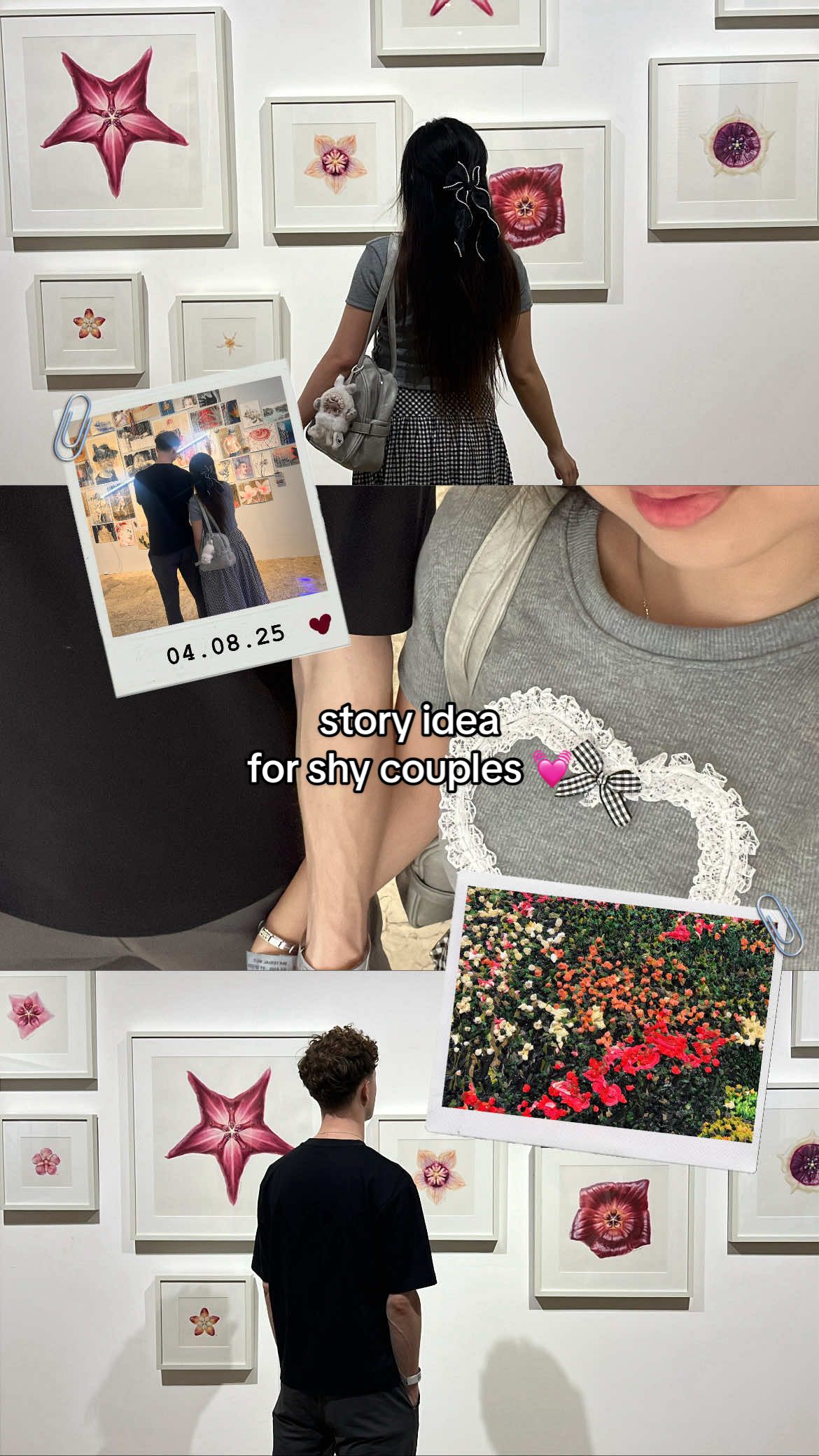 2.4M2.7×Tutorial for making an aesthetic Instagram story for shy couples@mmivia · Tutorial / How To
 478K9.8×How to make frame jump effect@artzenmedia · Tutorial / How To
[04]
[05]
What stops the scroll in the first 3 seconds
Title hook · 85%
i've made the blue filter template for you guys!
Visual hook · 15%
The video opens with a direct-to-camera shot of the creator holding up her phone, which is overlaid with a screenshot of a user's comment, immediately establishing a direct response and tutorial context.
[06]
Steal this for your own video
I made the template so you don't have to figure it out yourself.
[07]
The promise the opener makes, and how the video pays it back
Hook
The Community Mandate: The video opens by referencing a user's request, immediately establishing that the content is in-demand and valuable. This is paired with a quick flash of the desirable end result to hook the viewer.
Payoff
The Empowerment CTA: The video concludes with the final polished result and a direct call to action that encourages the viewer to save the tutorial and try it themselves, framing the new skill as easily attainable.
[08]
The structural pattern this video runs on
Framework
The Quick-Win Tutorial
To demonstrate a simple, step-by-step process for achieving a desirable and trendy outcome, positioning it as an easily accessible 'template' or 'hack' for the viewer.
The Tool Reveal
The specific application or tool needed to achieve the result is explicitly named and shown, removing ambiguity and setting the stage for the instructions.
The Guided Path
A rapid sequence of screen-recorded actions, each clearly labeled with text overlays and visual highlights (circles, cursors), breaks down the process into simple, non-intimidating steps.
The First Transformation
The tutorial culminates by applying the process to a sample piece of content, providing the first satisfying payoff and proving the method works as advertised.
The Value-Add Reveal
After the initial solution is provided, the creator reveals where to find more variations or options, exceeding the viewer's expectations and adding bonus value.
The Versatility Proof
A second, different example is quickly demonstrated, reinforcing the technique's utility and showing its application across various scenarios to broaden its appeal.
Replying to @★MediTheBarber★💫 blue filter template tutorial!! 💙 one click and done 🫶🏻 #danielcaesar #album #blue #filter #edit #howtoedit #photoidea #howto #editing #trend #meitu #fyp #foryou
contextual · beginning
Reply to ★MediTheBarber★💫's comment bro some it make it a templateee🙏🙏
title · beginning
i've made the blue filter template for you guys!
informational · beginning
open Meitu
informational · beginning
select “Blue Filter”
informational · middle
scroll down and click “Glow Now”
informational · middle
select your photo
contextual · middle
all done! 💙
informational · end
find more templates here! 💙
call-to-action · end
save this tutorial & try now! 💙