@mmivia
TikTok · Vlog
@mmivia custom ringtone tutorial!! save & try 🎧🎵 #garageringtones @Garage Ringtones #iphonetips #iphonetricks #ringtonetutorial #tutorial #howto #iphone #fyp

@mmivia
TikTok · Vlog
@mmivia custom ringtone tutorial!! save & try 🎧🎵 #garageringtones @Garage Ringtones #iphonetips #iphonetricks #ringtonetutorial #tutorial #howto #iphone #fyp
Performance
Video #1753 · Vlog
[01]
The creator provides a step-by-step visual tutorial on how to set a custom ringtone on an iPhone using a sound from a TikTok video. She demonstrates the entire process through screen recordings: saving a favorite video, opening the 'Garage Ringtones' app to import and edit the audio, sharing the clip to the GarageBand app, and then exporting it as a ringtone. The video concludes by showing how to select the newly created sound as the standard ringtone in the iPhone's settings.
[02]
[03]
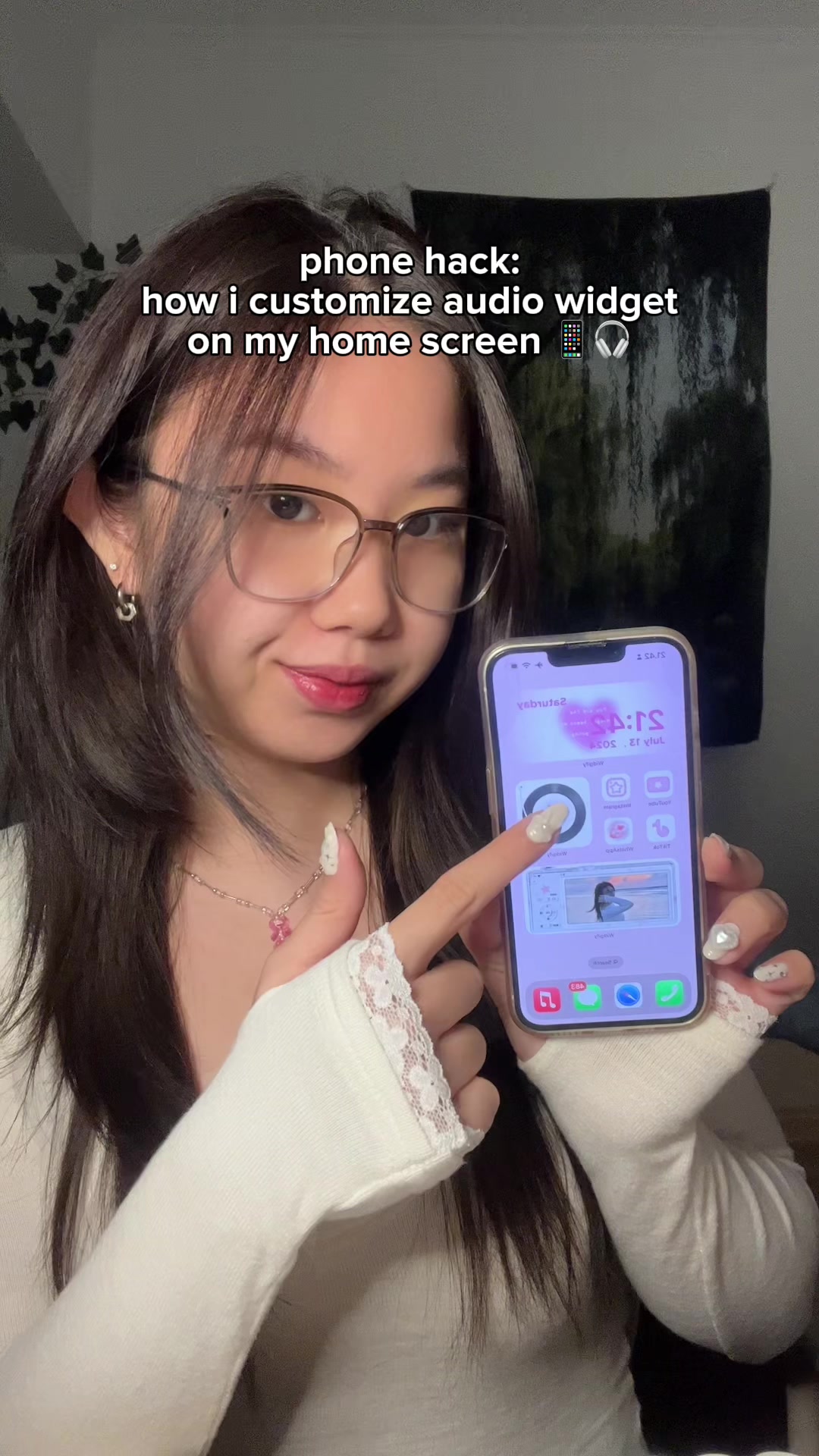 3.3M3.6×How to add a custom audio widget to your iPhone home screen@mmivia · Tutorial / How To
 91.8K1.9×Creator explains viral video formula@viralclubhouse_ · Tutorial / How To
 2.9M7×Tutorial for TikTok voice filter@misscarolineflett · Tutorial / How To
 412.8K2.1×Step-by-step TikTok creation guide@misscarolineflett · Tutorial / How To
 2.9M7.1×Tutorial for watermark-free TikTok downloads@misscarolineflett · Tutorial / How To
 540.4KHow to get the glowing blue filter effect in Meitu@mmivia · Tutorial / How To
 3M3.4×App that ejects water from your phone speakers after it gets wet@mmivia · Tutorial / How To
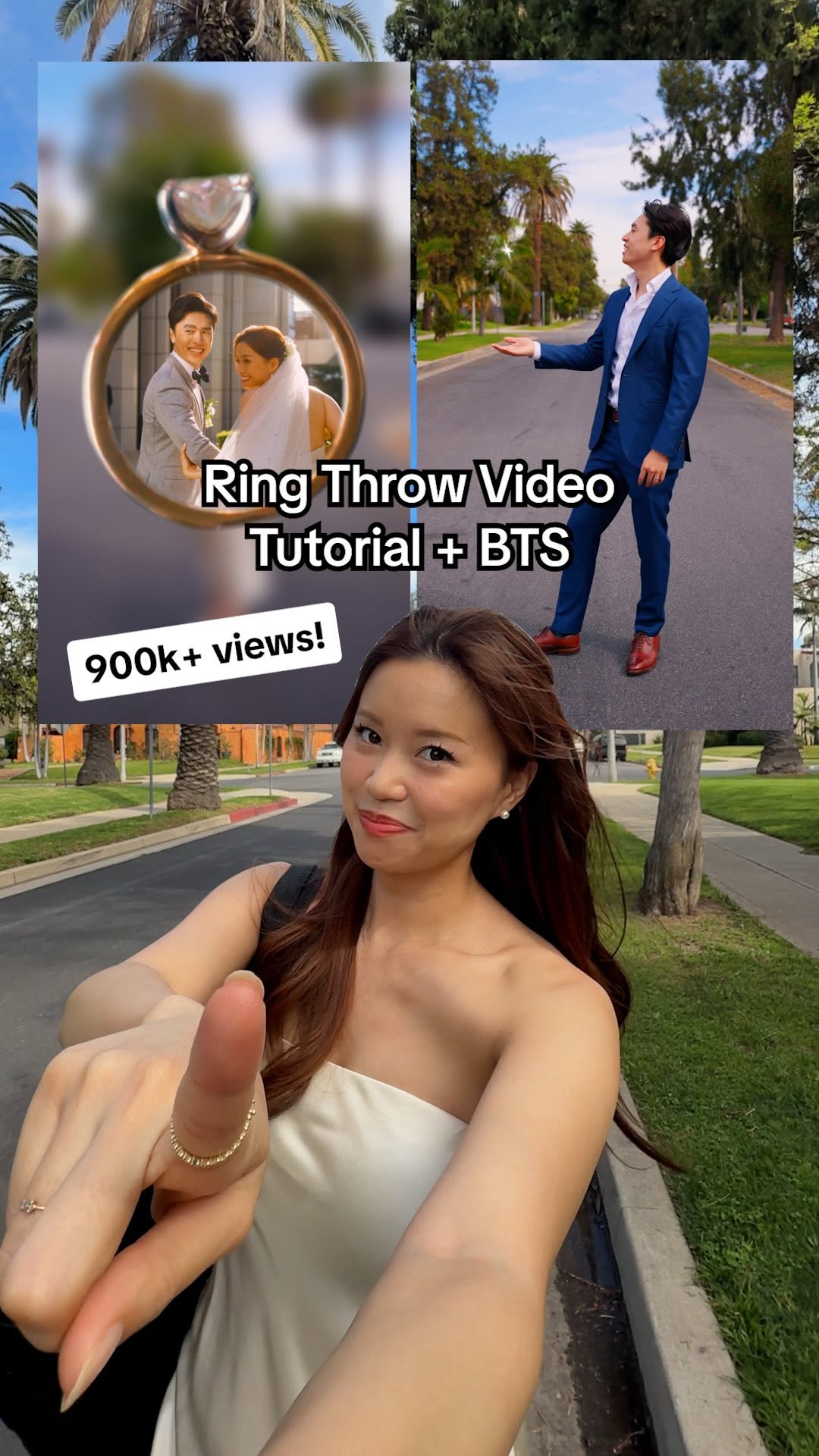 889.1K4.2×Creator explains video editing trick@chloe.shih · Tutorial / How To
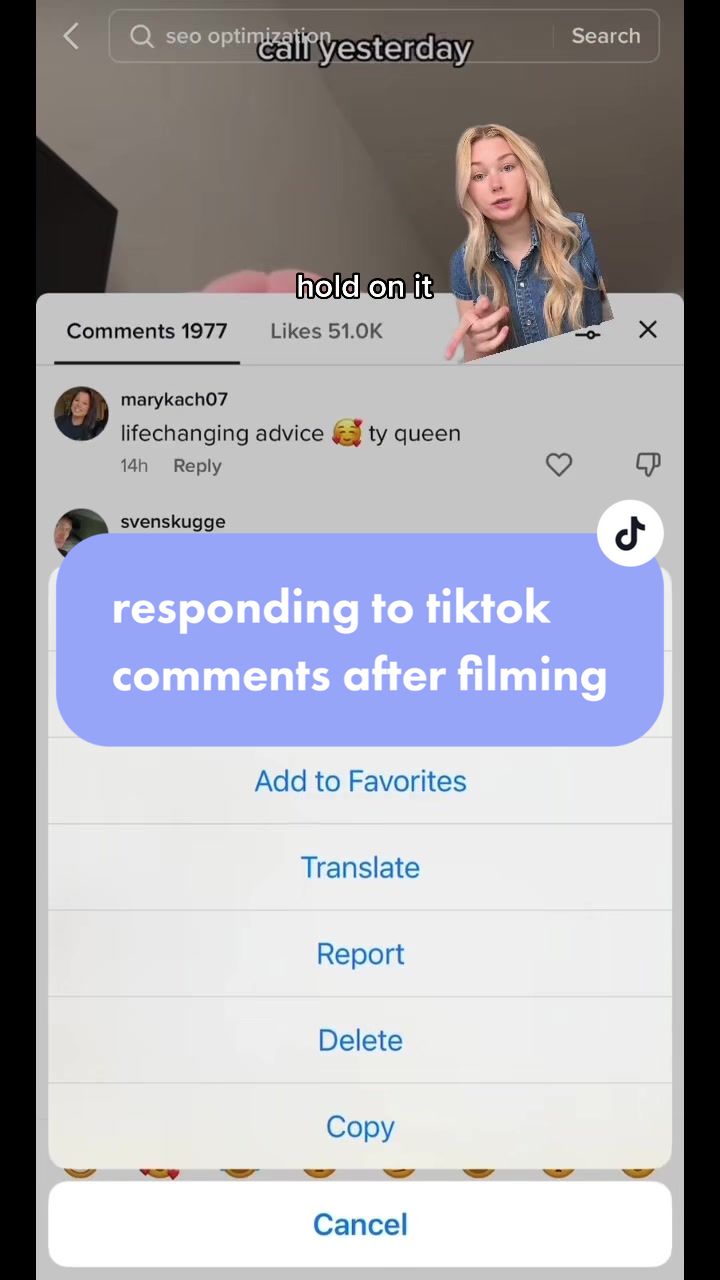 533.2K4.5×Creator explains TikTok comment hack@claireliz_ · Tutorial / How To
 876.4K3.2×TikTok tutorial for video replies@misscarolineflett · Tutorial / How To
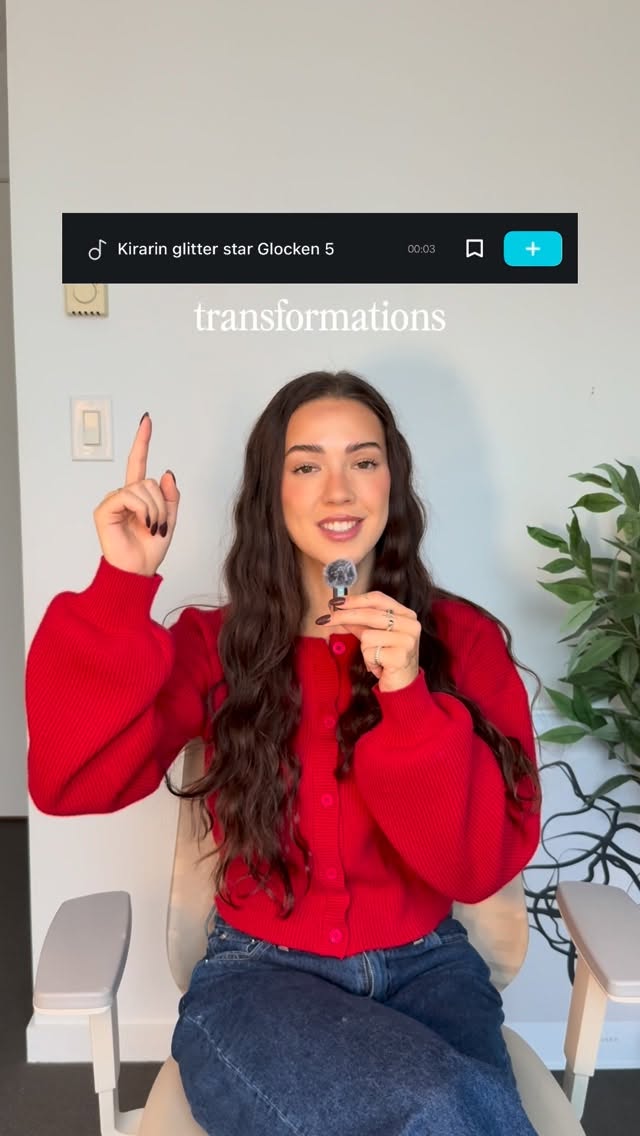 86.8K19.1×Rapid fire sound effect tips@itsashleyboston · Rapid Fire Listicle
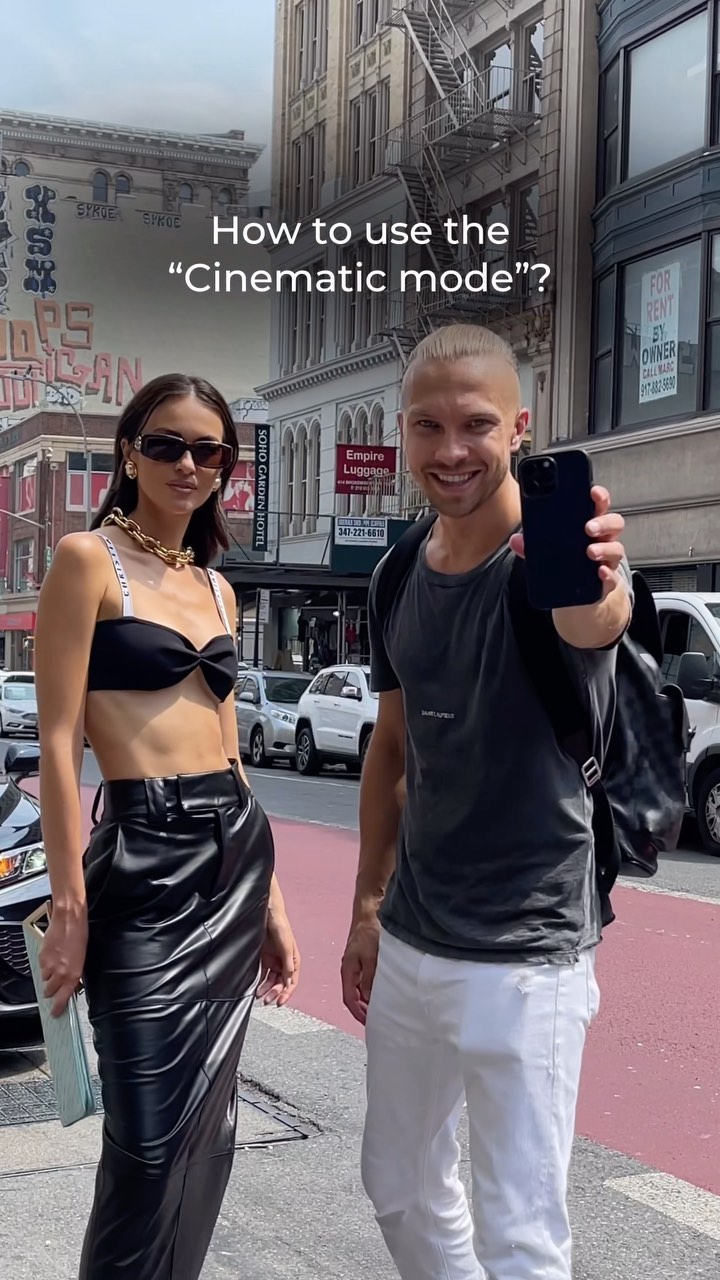 965.6KTutorial for phone cinematic mode@gosha_kamaev · Tutorial / How To
[04]
[05]
What stops the scroll in the first 3 seconds
Title hook · 35%
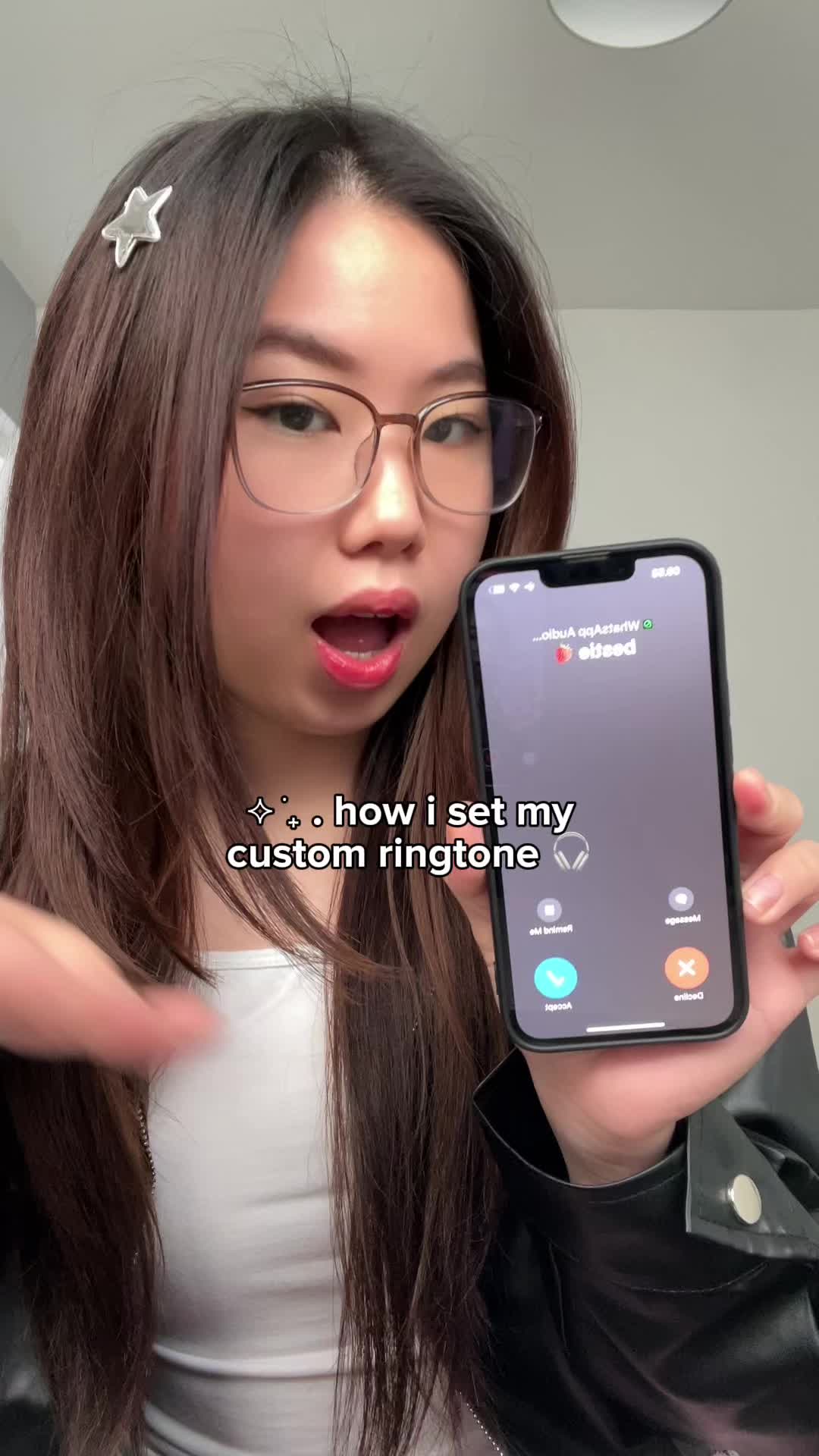
✨∴ how i set my custom ringtone
Verbal hook · 15%
Kissy face. Kissy face. Sent to your phone, but
Visual hook · 50%
The creator holds up an iPhone displaying an active incoming call screen with a custom contact name ('bestie 🍓'). This immediately establishes the video's topic and shows the desirable end result, creating a strong visual hook.
[06]
Steal this for your own video
Hold up your phone showing — let the screen do the talking before you say a word.
[07]
The promise the opener makes, and how the video pays it back
Hook
The 'How-To' Hook: Immediately presents the final, desirable result of the process (a custom ringtone playing), creating an instant question of 'How did you do that?' and establishing the video's value proposition.
Payoff
System Integration & Confirmation: The final step shows the newly created asset being successfully located and activated within the device's native settings, confirming the process is complete and effective, followed by a call to action.
[08]
The structural pattern this video runs on
Framework
The Rapid Result Tutorial
Demonstrating a desirable, non-obvious outcome first, then rapidly walking through the exact, multi-step process required to achieve it, creating a high-utility, saveable guide.
Source Acquisition
The process begins by showing how to obtain the necessary raw material or input for the task (saving a video from a social media app).
Tool Introduction & Import
The specific third-party application needed for the initial transformation is identified, opened, and used to import the raw material.
Material Refinement
The imported material is manipulated within the tool (e.g., edited, trimmed) to prepare it for the next stage.
The Critical Handoff
A crucial, often non-intuitive step is shown where the processed material is transferred from the third-party app to a native system application (GarageBand).
Final Conversion
The material is processed through the native system app to finalize its format and export it for system integration.
custom ringtone tutorial!! save & try 🎧🎵 #garageringtones @Garage Ringtones #iphonetips #iphonetricks #ringtonetutorial #tutorial #howto #iphone #fyp
title · beginning
✨∴ how i set my custom ringtone
informational · beginning
save your favorite sound/video 💿
informational · middle
open Garage Ringtone 🎵
informational · middle
choose the video that you want to use
informational · middle
select Garage Band 🎸
informational · middle
share -> ringtone -> export -> ok
informational · end
use sound as standard ringtone and you're done! ✨🫶
call-to-action · end
save & try now! 💓
Kissy face. Kissy face. Sent to your phone, but I'm trying to kiss your lips for real. Red