@misscarolineflett
TikTok · Speaker address
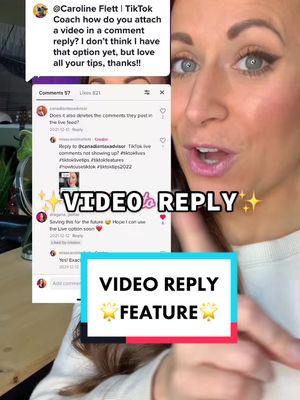
@misscarolineflett Replying to @kickstand_wendell How to create a video reply on TikTok #tiktoktips #tiktokgrowth #socialmediatips #tiktokgrowthtips #tiktoktutorial

@misscarolineflett
TikTok · Speaker address
@misscarolineflett Replying to @kickstand_wendell How to create a video reply on TikTok #tiktoktips #tiktokgrowth #socialmediatips #tiktokgrowthtips #tiktoktutorial
Performance
Video #2740 · Speaker address
[01]
The creator explains and demonstrates how to create a video reply to a comment on TikTok. She uses a screen recording overlay to walk through the process step-by-step: finding a comment, long-pressing it to open a menu, and selecting the 'reply with video' option. She concludes by asking viewers to comment with their questions and to follow her for more tutorials.
[02]
[03]
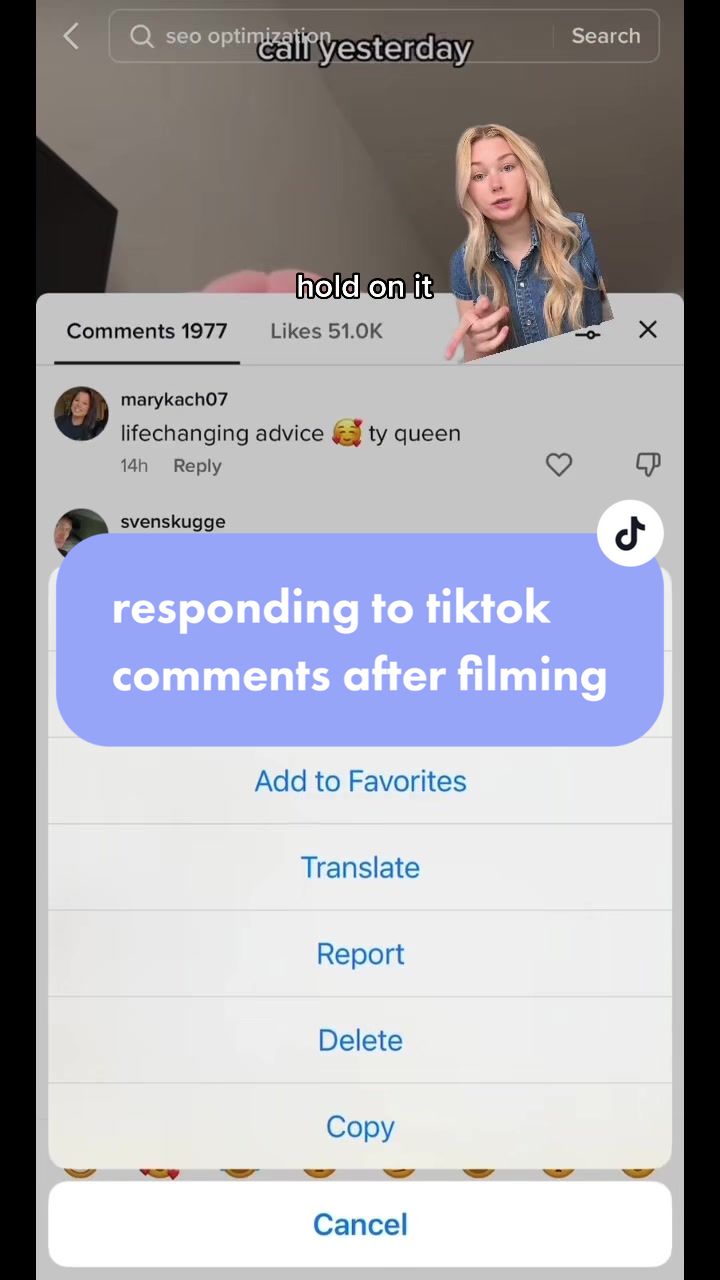 533.2K4.5×Creator explains TikTok comment hack@claireliz_ · Tutorial / How To
 412.8K2.1×Step-by-step TikTok creation guide@misscarolineflett · Tutorial / How To
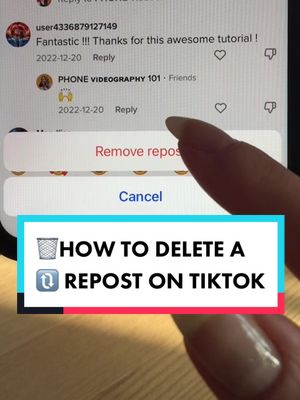 3.6M8.7×Creator shows how to delete reposts@misscarolineflett · Tutorial / How To
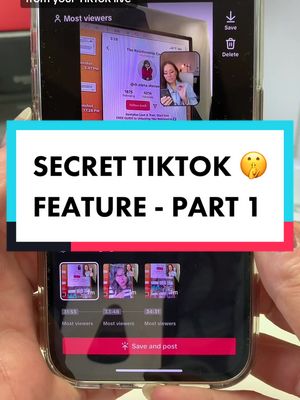 524K5.6×TikTok feature tutorial with screen recording@misscarolineflett · Tutorial / How To
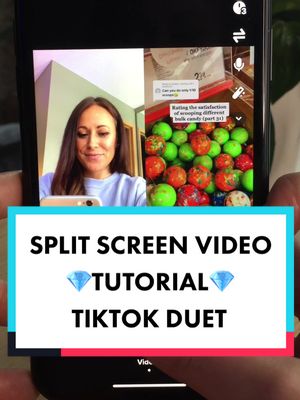 990.9K8.3×TikTok duet tutorial step-by-step@misscarolineflett · Tutorial / How To
 274.6K1.4×How to re-film one clip@misscarolineflett · Tutorial / How To
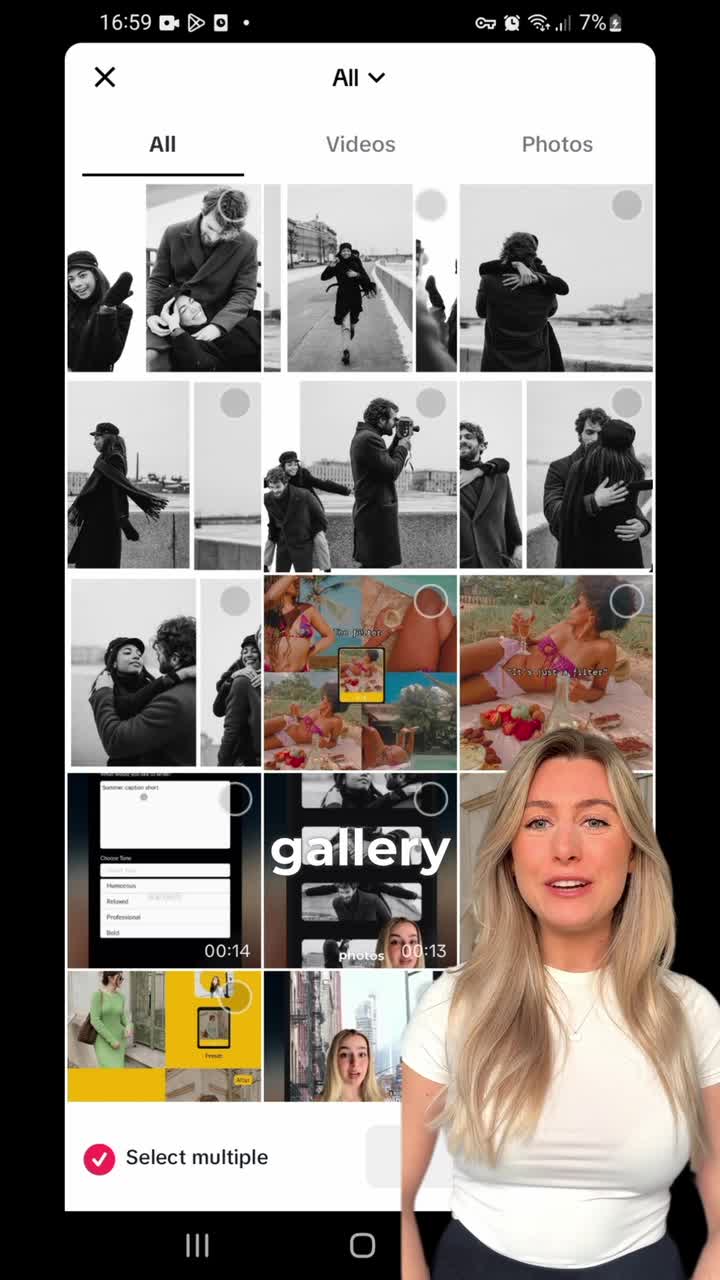 2M454.4×App feature tutorial with speaker@panosliceapp · Tutorial / How To
 2.9M7×Tutorial for TikTok voice filter@misscarolineflett · Tutorial / How To
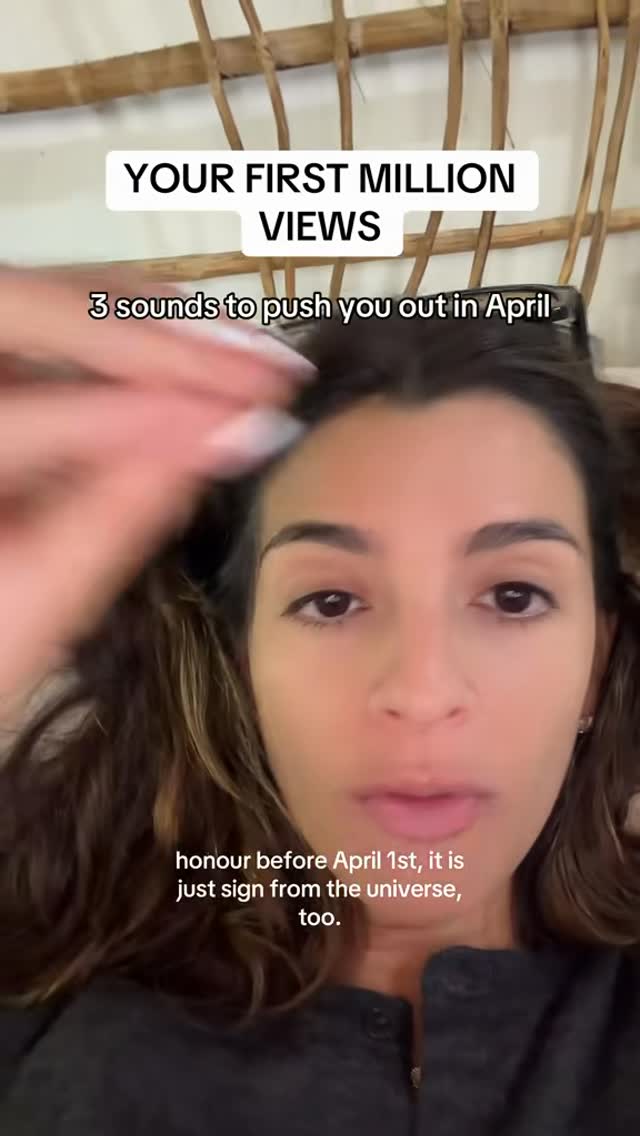 91.8K1.9×Creator explains viral video formula@viralclubhouse_ · Tutorial / How To
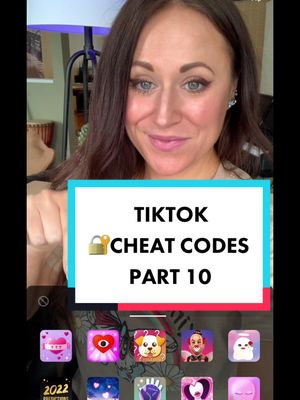 464.4K2.4×Tutorial for fixing backwards text@misscarolineflett · Tutorial / How To
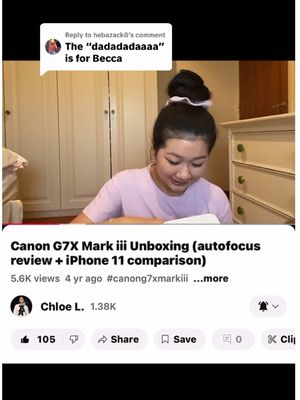 1.3M1.7×Repurposed unboxing video for reply@chloeabeth4545 · Q&A Response
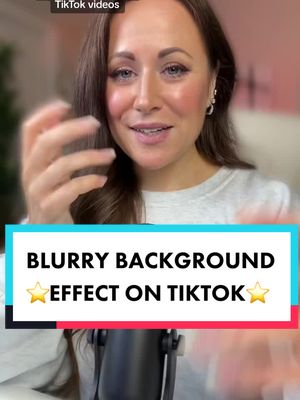 253.3K2.6×Tutorial for TikTok background blur@misscarolineflett · Tutorial / How To
[04]
[05]
What stops the scroll in the first 3 seconds
Title hook
How to add a VIDEO REPLY
Verbal hook
Here's how to add a video reply in your own comment section just like this.
Visual hook
A speaker is shown next to a large, overlaid screenshot of a TikTok comment, immediately establishing the video's topic and context.
[07]
The promise the opener makes, and how the video pays it back
Hook
The 'Here's How' Promise: Immediately states the tutorial's purpose and shows a visual of the final, desired outcome to establish value and hook viewers seeking that specific solution.
Payoff
The Content Loop: A direct call to action that asks viewers for their own questions, creating a feedback loop for future content while simultaneously prompting them to follow for more solutions.
[08]
The structural pattern this video runs on
Framework
The Rapid How-To
A direct, screen-capture-based tutorial that visually walks the viewer through a specific digital task, culminating in a call for future content ideas.
The Starting Point
Instructs the user on the first necessary action and location, establishing the context for the tutorial (e.g., 'Find the comment').
The Action Trigger
Guides the user through the specific physical input required to reveal a hidden set of options or functions (e.g., 'Hold it down').
The Strategic Choice
Presents the user with multiple paths or options that have appeared, explaining the utility of each choice to add value (e.g., immediate action vs. delayed action).
The Success Confirmation
Visually confirms the process is complete by showing the final screen or state the user will achieve, providing a clear and satisfying conclusion to the instruction.
Replying to @kickstand_wendell How to create a video reply on TikTok #tiktoktips #tiktokgrowth #socialmediatips #tiktokgrowthtips #tiktoktutorial
title · beginning
How to add a VIDEO REPLY
informational · beginning
1. ... Find a comment you want to reply to your comment section.
informational · middle
2. 👉 Hold down the comment until the menu appears
informational · middle
3. 👇 Tap add to favourites (to use for later) or...
informational · middle
3. Tap “reply with video” 🎥
informational · middle
4. ✅ Record and post your video
call-to-action · end
What do you want to know about TikTok? 🔥
branding · end
💎TIKTOK TUTORIALS💎
Here's how to add a video reply in your own comment section just like this. Worst, find the comment you wanna reply to, then hold it down until a menu appears. You can add it to your favorites to make a video for better, or make a video right now by long pressing and tapping reply with video. And this will set you up in the TikTok recording screen with the video reply ready to go. But let me know in the comments what other questions you have about TikTok and follow-up for more tutorials.