Video #7034 · Speaker address
Tutorial for TikTok voice filterfrom @misscarolineflett
The creator first demonstrates the popular 'Trickster' voice-changing filter on TikTok, then provides a step-by-step tutorial using a screen recording of her phone to show viewers exactly how to access the 'Audio editing' menu and apply the effect to their own videos, concluding with a call-to-action.
- 1State common user problem
- 2Guide through visual steps
- 3Offer a critical tip
- 4Demonstrate the final outcome
ConceptsTutorial / How To
ElementsScreen RecordingTitle Text HookFollow / Subscribe CTA
[05]
Hook analysis
What stops the scroll in the first 3 seconds
Title hook · 35%
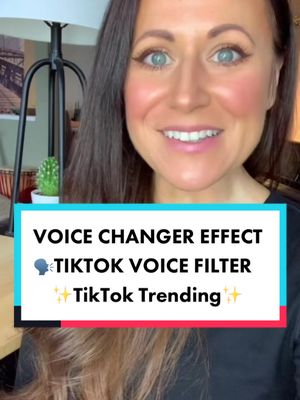
✨VOICE CHANGING✨ TikTok Filter
Verbal hook · 50%
How were people getting this voice changing filter on TikTok?
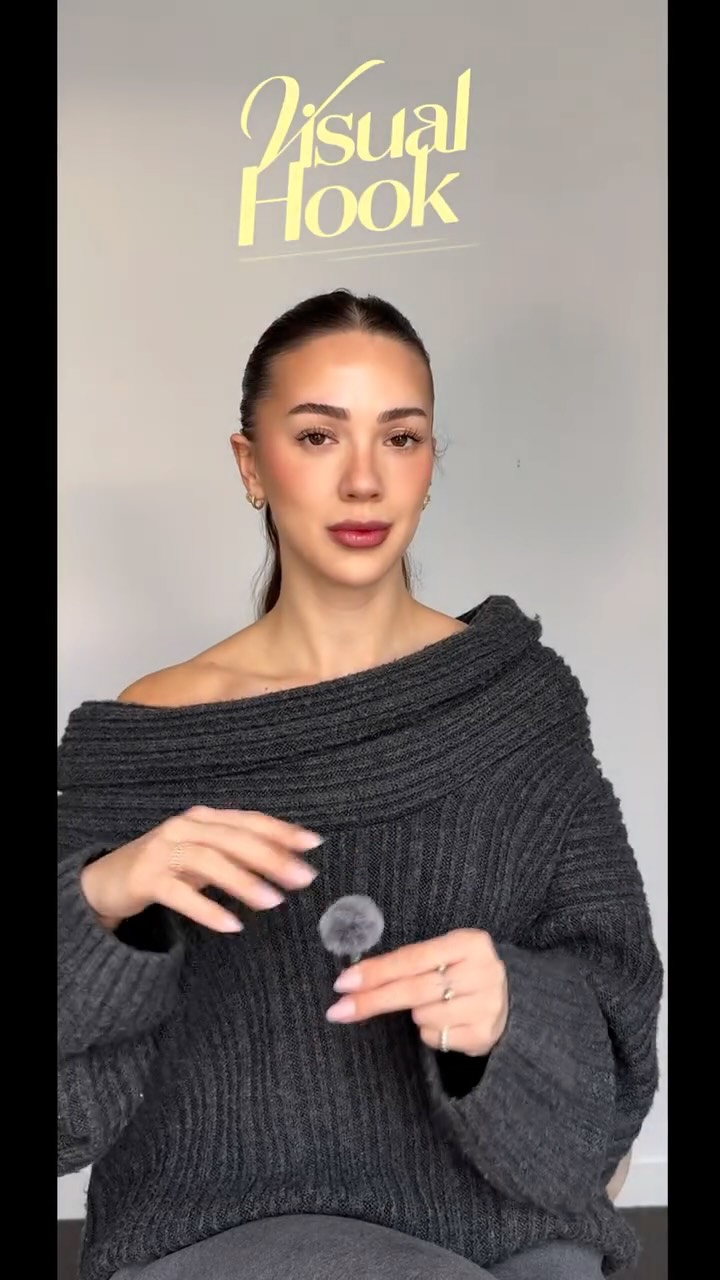
Visual hook · 15%
The creator is speaking directly to the camera with an engaging expression while using the voice-changing filter she is about to teach, creating immediate auditory and visual curiosity.
[07]
Hook and payoff
The promise the opener makes, and how the video pays it back
Hook
Posing a highly relevant question that many viewers have, while simultaneously demonstrating the desirable end result that the video will teach.
Payoff
A final, concise instruction on how to complete the process (e.g., 'save your work') paired with a direct call to action for engagement (like, follow, comment).
[08]
Narrative framework
The structural pattern this video runs on
Framework
The Quick-Solve Tutorial
A rapid, screen-recorded tutorial that solves a common user problem by guiding them through a series of simple, visual steps, culminating in a demonstration of the successful outcome.
- 1
The Expert's Promise
Asserting the video's purpose is to provide a solution and establishing the creator's credibility on the topic, often paired with a call to follow.
- 2
The Action Sequence
A series of rapid, distinct instructions where the creator visually points to and names each necessary action (e.g., 'tap this button,' 'select this menu').
- 3
The Obstacle Bypass
A crucial, often overlooked tip that helps the user avoid a common point of failure or frustration, adding significant value and building trust.
- 4
The Sensory Confirmation
A clear demonstration of the final result, allowing the viewer to see or hear that the process works as promised, providing instant gratification.
Themes
- Education
- Social Media Growth
- Content Creation
Techniques
- Screen Recording
- Direct Address
Trends
Post caption
Need daily TikTok trends and content ideas? Get them in my bio 👉🔥🔗. If you’ve been trying to figure out: how do you get the voice changer on TikTok? Or how do I get the TikTok voice filter? This TikTok tutorial is for you! But first, if you want to use the voice, changing effect, make sure you updated your TikTok app. Are you going to use this trending TikTok effect? #Socialmediatips #tiktoktips #voicechanger #voiceeffect #voicefilter #tiktokgrowthtips #tiktoktutorial #tiktokgrowth
Text overlays
Transcript
How were people getting this voice changing filter on TikTok? Let me show you how and follow for the best TikTok tips. After you've recorded your TikTok clips, hit the downward arrow on the right hand menu, then you're gonna tap on audio editing. This will bring up all of the different voice filters at the bottom. You're gonna scroll through the voice filters until you find trickster and tap on it. I had to update my app to get these options. It should sound like this. How are people getting this voice changing effect and filter on TikTok? Make sure you hit save and double tap if this is helpful.