Viral Hooks
Trending short videosiPhone camera settings tutorial carousel
B

@by.jasminkaila

Instagram · Carousel
@by.jasminkaila Save this post for later! I use the iPhone 17 Pro Max, but you can apply these settings to any of the newest iPhones. I hope this helps!! Do you use these settings?? 🤍 Or do you have some other tips I forgot to mention? Lmk!! Comment “guide” and I’ll send you the link to grab my 150+ page e-book on becoming a creator and building a personal brand 🤍 Follow @jasminsarakatariina for lifestyle & @by.jasminkaila to learn how to become a creator 🤍 #contentcreators #contentcreatortips #contenttips
View original on Instagram

The edit1 shot · 9 text
Shots Text

Performance

Views
278.4K
Likes
26.4K
Comments
244
Engagement
9.6%

Video #18598 · Carousel

iPhone camera settings tutorial carouselfrom @by.jasminkaila

[01]

Overview

A 9-slide Instagram carousel post providing a step-by-step guide on how to optimize iPhone camera settings for high-quality content creation. The post uses a combination of personal photos and annotated screenshots to deliver actionable tips, and concludes with a call-to-action to comment for a more detailed e-book.

[02]

Simple outline

  1. 1Hook with 'steal my system'
  2. 2Deliver rapid-fire actionable steps
  3. 3Provide one detailed rationale
  4. 4Overdeliver with bonus list
  5. 5Close with lead magnet CTA

[03]

Related videos

[04]

Classification

Format
Concepts
Guide CarouselTutorial / How To
Elements
DM / Comment-for-Info CTAImage OverlayText Overlay

[05]

Hook analysis

What stops the scroll in the first 3 seconds

Title hook · 65%

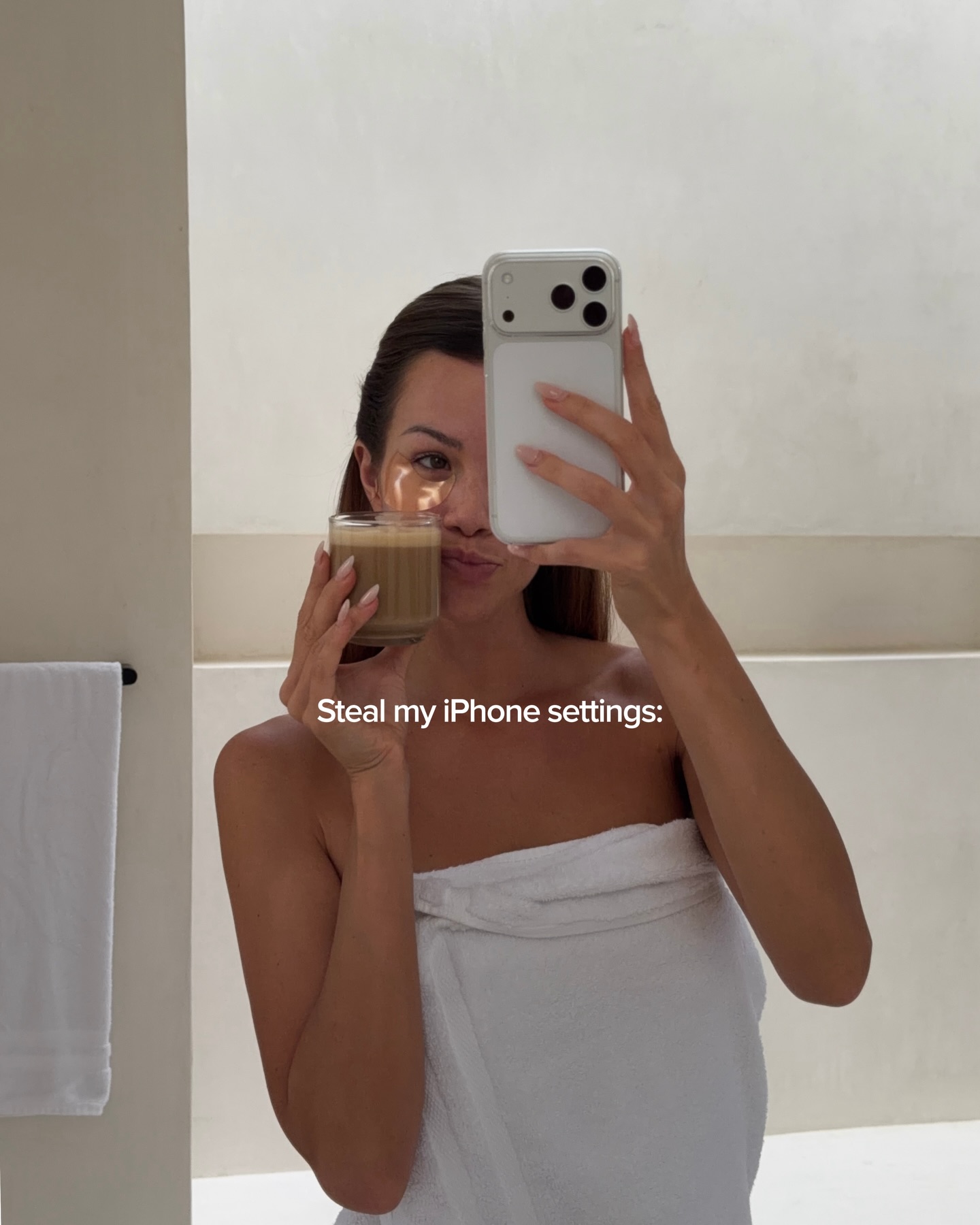
Steal my iPhone settings:

Verbal hook · 15%

Save this post for later!

Visual hook · 20%

An aesthetic mirror selfie of the creator holding a coffee and her phone, establishing a personal and aspirational lifestyle visual to draw the viewer in before the tutorial begins.

[06]

Hook template

Steal this for your own video

Steal my [device/tool] settings for [desired outcome]:

  • — Steal my Lightroom settings for cinematic travel photos:
  • — Steal my ring light settings for flawless skin on camera:
  • — Steal my TikTok editor settings for faster content output:

[07]

Hook and payoff

The promise the opener makes, and how the video pays it back

Hook

A direct, irresistible invitation to copy the creator's exact backend system, tools, or settings.

Payoff

A direct Call-To-Action offering a comprehensive guide or resource in exchange for a specific comment, capturing leads from a highly primed audience.

[08]

Narrative framework

The structural pattern this video runs on

Framework

The 'Steal My Setup' Blueprint

Leverages the audience's desire for a 'magic bullet' by offering a proven, step-by-step technical configuration. It uses extreme brevity to maintain swipe momentum, drops a dense value-bomb near the end to trigger saves, and monetizes the high-intent audience with a comment-driven lead magnet.

  1. 1

    The Rapid-Fire Directives

    A sequence of slides delivering single, highly specific, and easily executable commands to build swipe momentum.

  2. 2

    The Authority Anchor

    A slide that breaks the rapid-fire pattern to explain the 'why' behind a specific rule, establishing deep expertise and preventing the content from feeling superficial.

  3. 3

    The Ecosystem Bridge

    A step connecting the internal setup to the external platform or final output, ensuring the user knows how to apply the setup.

  4. 4

    The Value Dump

    A condensed, numbered list of rapid-fire bonus tips designed to overwhelm the user with utility and guarantee a 'Save' interaction.

Themes

  • Content Quality
  • Creator Education
  • Tech Optimization
  • Personal Branding

Techniques

  • Text Overlay
  • Screenshot Integration
  • Minimalist Design

Trends

  • Creator Education Content
  • Value-Driven Carousel
  • Comment-to-DM Lead Magnet

Post caption

Save this post for later! I use the iPhone 17 Pro Max, but you can apply these settings to any of the newest iPhones. I hope this helps!! Do you use these settings?? 🤍 Or do you have some other tips I forgot to mention? Lmk!! Comment “guide” and I’ll send you the link to grab my 150+ page e-book on becoming a creator and building a personal brand 🤍 Follow @jasminsarakatariina for lifestyle & @by.jasminkaila to learn how to become a creator 🤍 #contentcreators #contentcreatortips #contenttips
Text overlays

  • title · photo_0

    Steal my iPhone settings:

  • informational · photo_1

    Pick “High efficiency”

  • informational · photo_2

    Turn OFF the “HDR” (super important)

  • informational · photo_3

    Film videos with 4k at 60 fps Turn off “PAL”

  • informational · photo_4

    Turn OFF the flower icon

  • informational · photo_5

    Always tap one of the zoom buttons on your iPhone before you start recording: 1x, 2x, 3x, or 5x Avoid filming on in between numbers like 1.9 or 2.3. That’s digital zoom and it makes the footage look worse. Stick to the preset zoom options to keep the quality sharp

  • informational · photo_6

    Tap “Upload high quality” before posting on IG

  • informational · photo_7

    A few more tips: 1. Clean your camera lense (yes, EVERY SINGLE TIME) 2.Film all with back camera 3.Film everything (TikTok videos, Instagram Reels, Instagram photos, stories etc) with iPhone camera, NOT in Apps. 4.Use “burst” mode to keep the original colors in photos 5.Always lower the expose a bit

  • call-to-action · photo_8

    Comment “guide” and I’ll send you the link to grab my 150+ page e-book on becoming a creator + building a personal brand

iPhone camera settings tutorial carousel | Viral Hooks